
.png&w=1920&q=75)
목차
- 1. Creating a Kitchenware Detail Page Starts with Understanding the Product
- 2. Showcasing Features and Benefits Through Detail Page Design
- 3. Creating a Detail Page That Clearly Lays Out Buying Conditions
- 4. How to Structure Info on Your Detail Page to Drive Sales Decisions
- 5. Create Kitchenware Product Detail Pages at Once with AI - Draph Art
- 💡 Frequently Asked Questions (FAQ)

In a market filled with similar kitchenware like frying pans, pots, and food storage containers, why should shoppers pick your product? Even if you manage to get them to click on your product, it won't lead to a sale if they can't quickly see why it's great and right for them on the detail page. That's why the key to creating a kitchenware product detail page is helping customers find the essential info they need to decide in just a few seconds, turning those clicks into actual purchases.

Draph Art is an AI product detail page generator that takes a single photo of your kitchen item and expands it into styled product shots, real cooking and usage scenes, detailed close-ups, feature-focused images, copy, and a fully structured kitchenware detail page. By automatically placing content into kitchenware detail page templates built with the latest e-commerce design trends, you can quickly build a practical, informative detail page without any extra photoshoots or design work.
💡 Quick 3-Line Summary for Busy Folks (TLDR)
|
1. Creating a Kitchenware Detail Page Starts with Understanding the Product
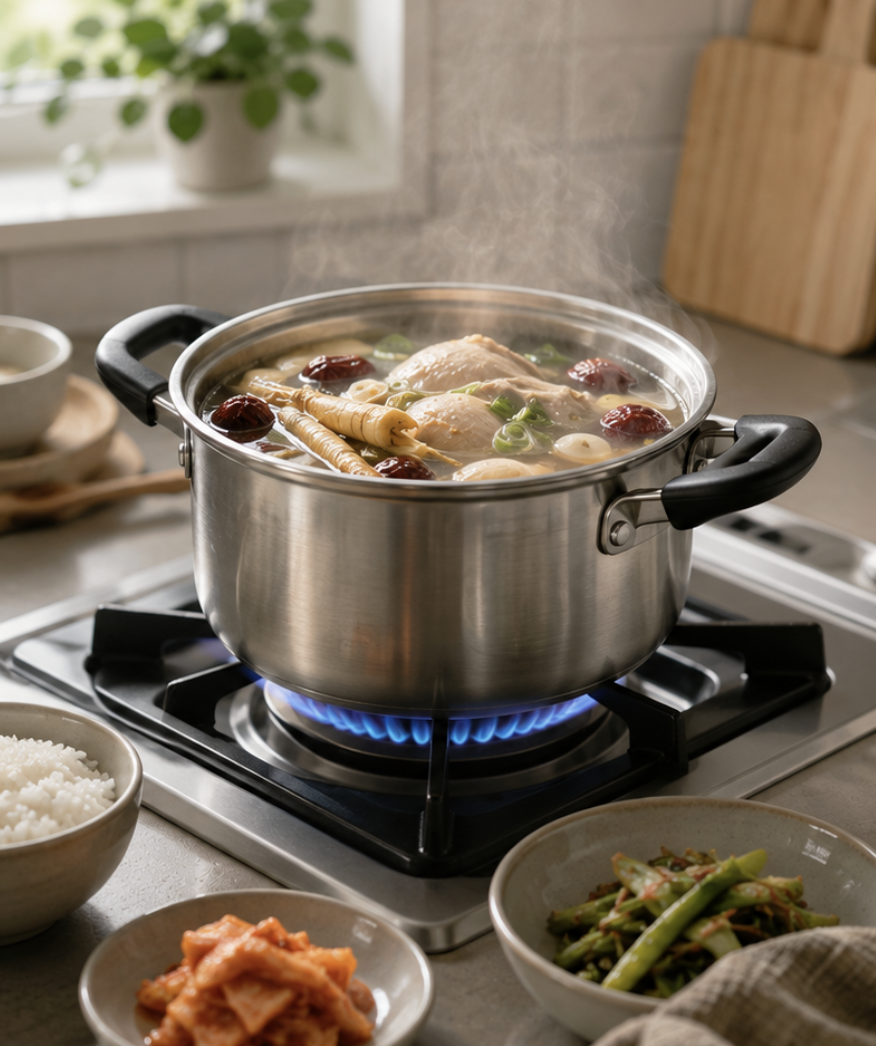
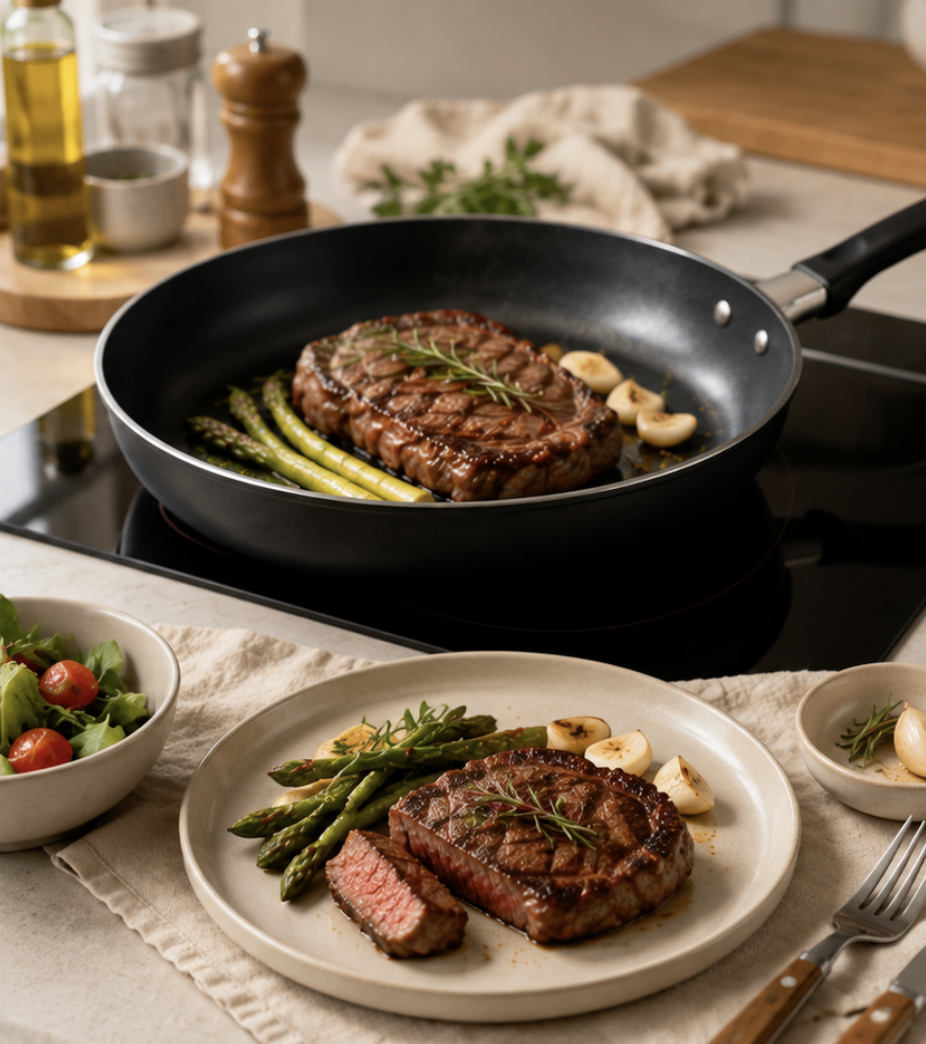
When shoppers land on a detail page for kitchenware, the first thing they check is whether the item fits their specific needs and goals. For instance, with frying pans, they look at size and main use; for pots, capacity and heat source compatibility; for food containers, storage method and size—what buyers prioritize varies from product to product.
That's why when making a kitchenware detail page, it's super important to clearly present the product type, main uses, and key features right at the top. Shoppers should be able to tell if it's what they're looking for just from the images and main text, guiding them naturally to check out features, materials, and usage details next.
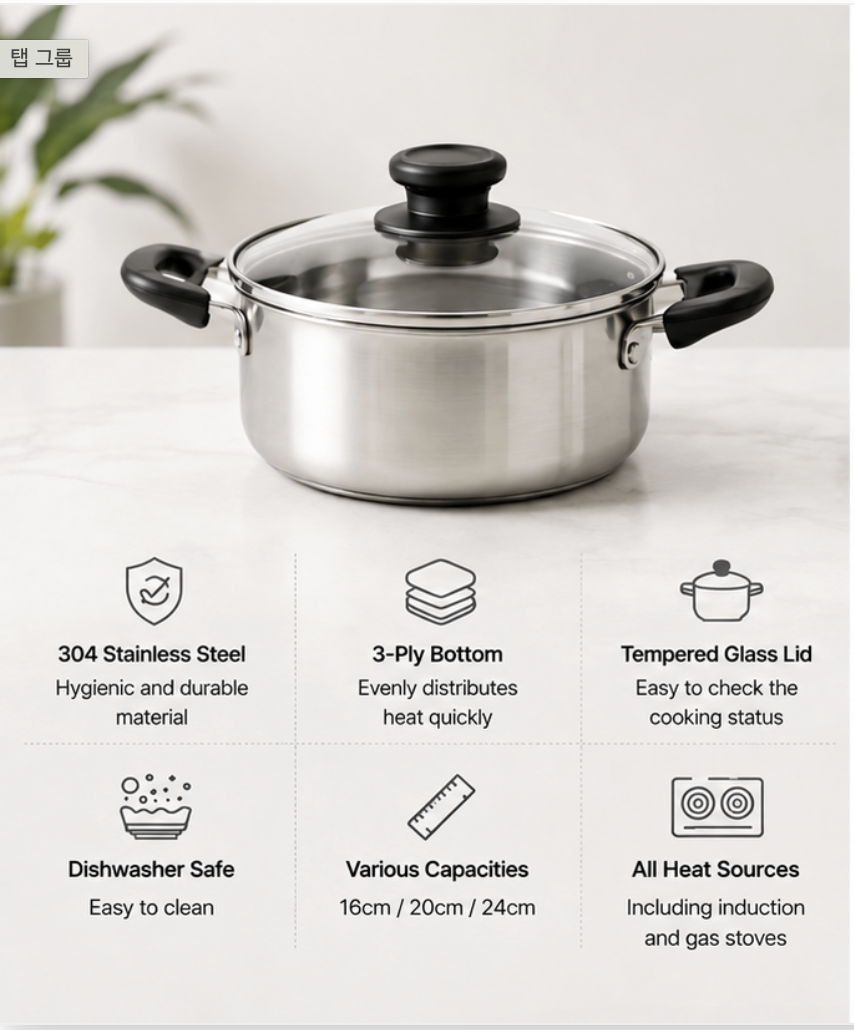
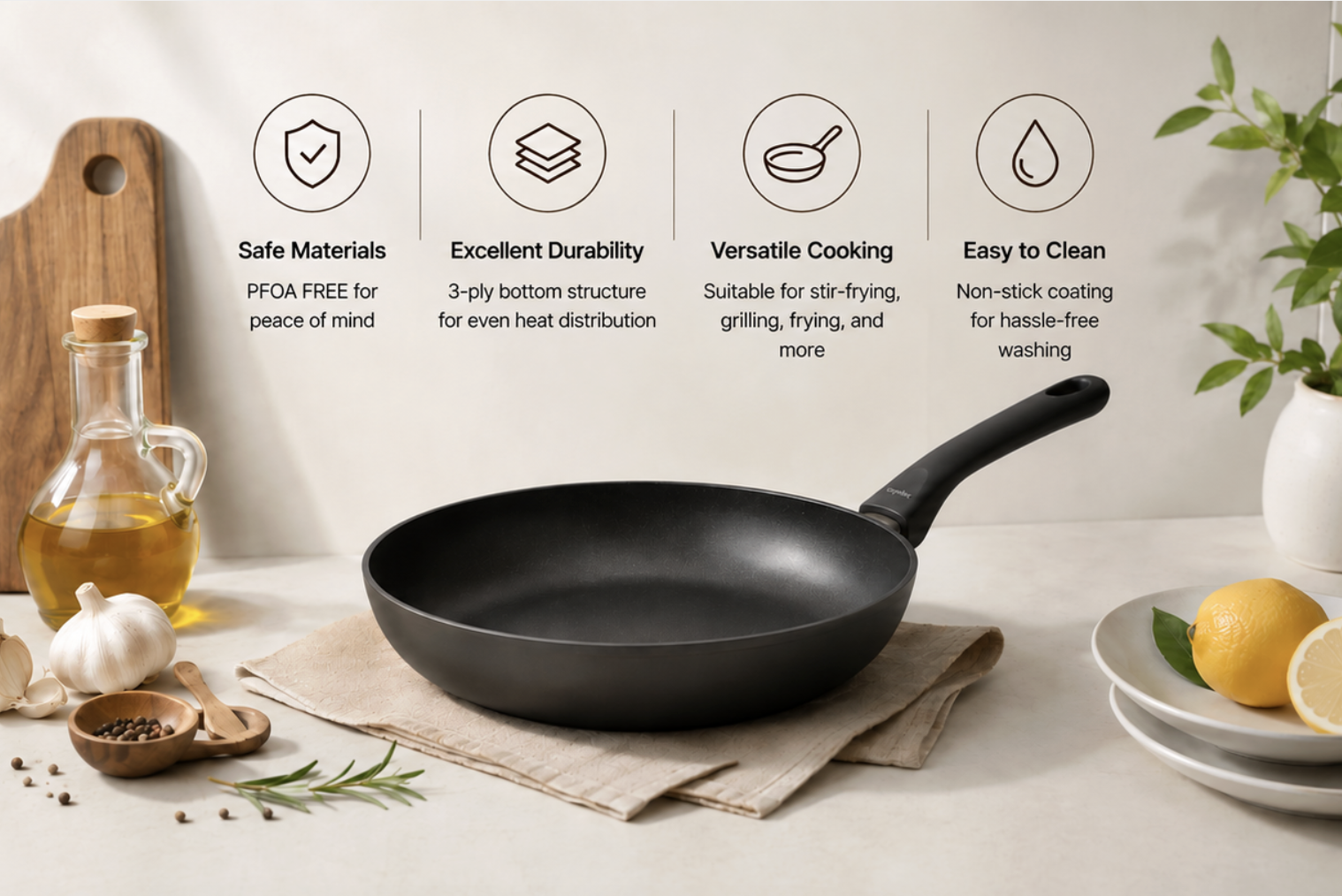
When designing your detail page, prioritize key info that drives buying decisions instead of overwhelming visitors with everything at once. Starting out isn't about fancy presentations—it's about helping shoppers instantly grasp what the item is for and what makes it special. Once they feel, "Yep, this is what I need," they'll move on to check if its real-world performance meets their expectations.
2. Showcasing Features and Benefits Through Detail Page Design
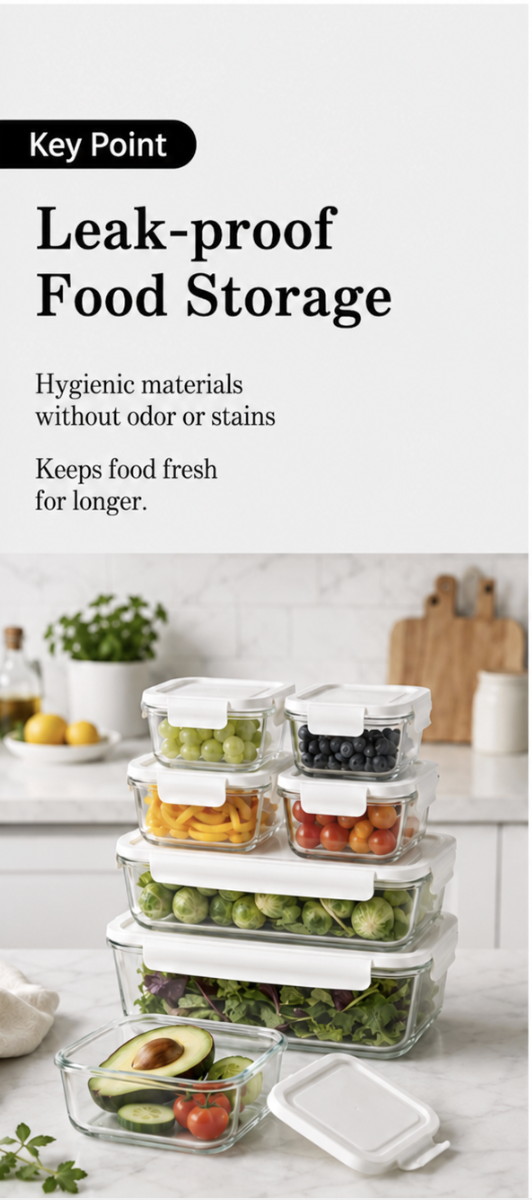
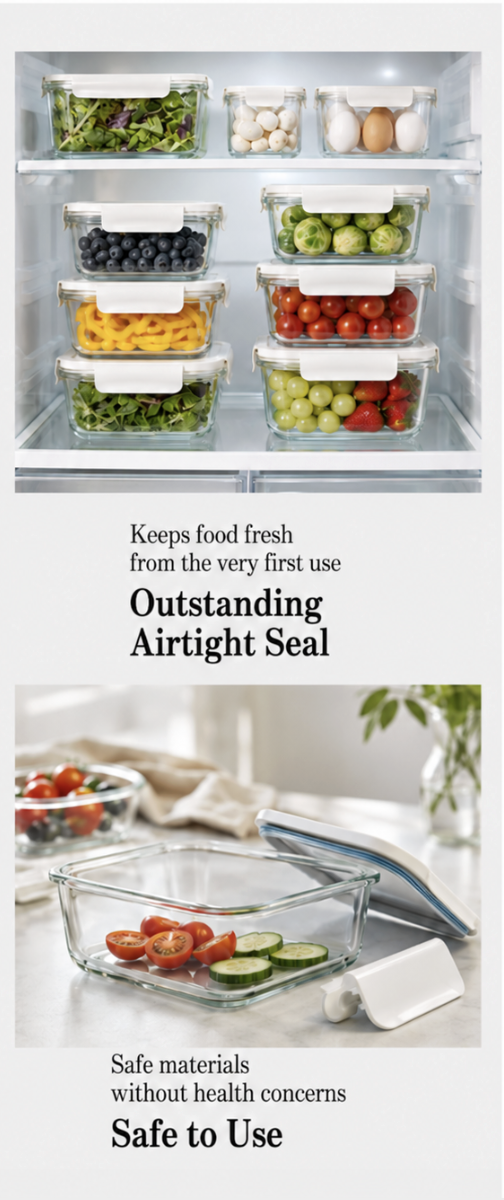
With kitchen products, practical functionality often drives the buying decision. Key factors include whether a pan is non-stick, whether a container seals tightly, if a pot is easy to clean, or if storage gear truly saves space. Just explaining these in text makes it hard for shoppers to quickly see the real difference between products.
So when building your kitchenware detail page, don't just list key features—show actual results customers can see for themselves. Using real cooking shots, step-by-step photos, before-and-afters, or detailed close-ups helps shoppers easily grasp the product's features and perks without reading walls of text.

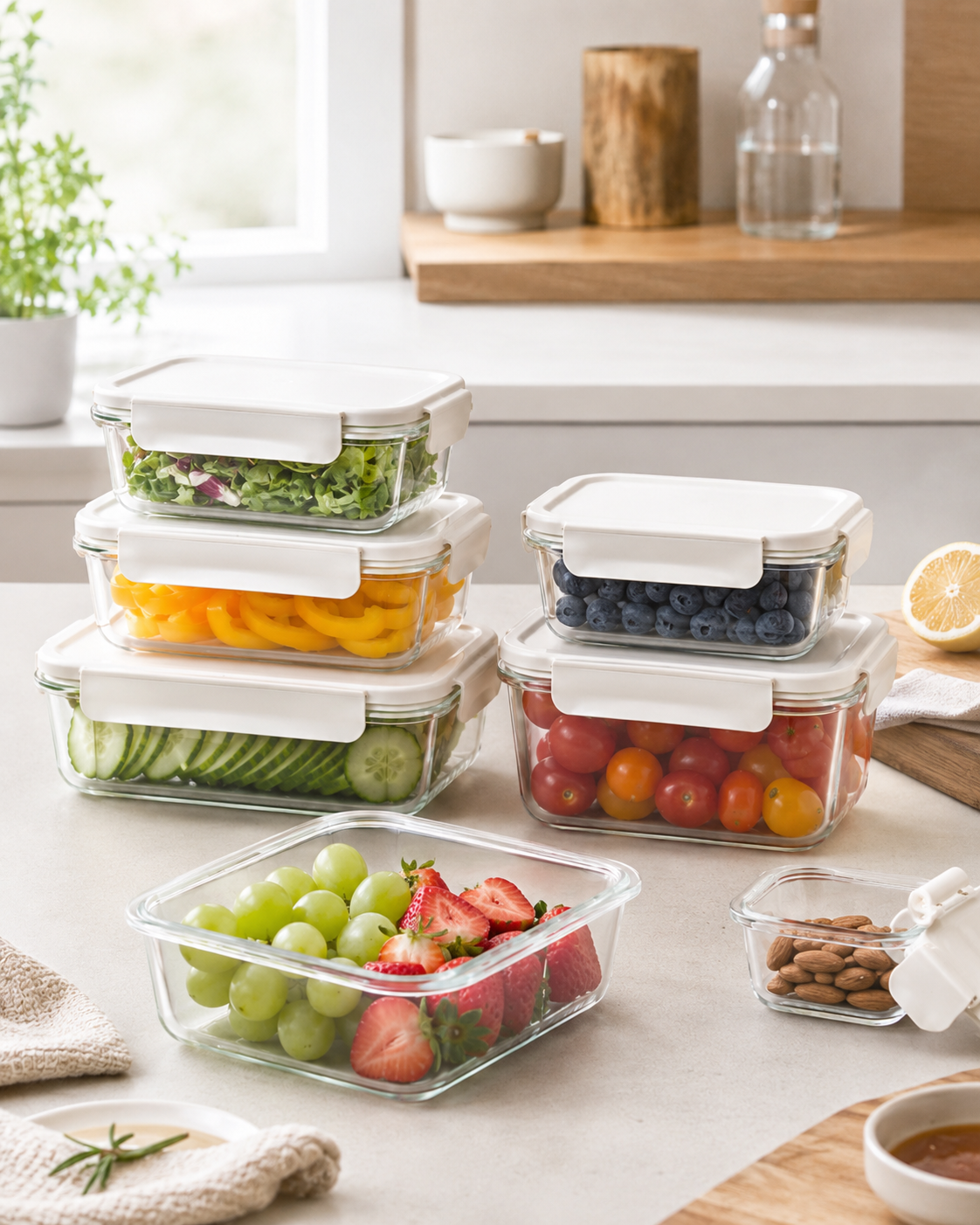
In detail page design, pairing feature descriptions directly with real-world results works wonders. For example, when highlighting non-stick coating, show food cooking smoothly; when describing an airtight seal, display actual food stored inside. This approach makes decisions much easier for shoppers compared to plain spec lists, and it pairs perfectly with AI detail page generation tools to produce a variety of realistic usage scenes. But even if the features look great, that doesn't mean it fits everyone. After checking features, buyers will still compare size, capacity, and compatibility with their own home setup.
3. Creating a Detail Page That Clearly Lays Out Buying Conditions
Even if a product works great, shoppers won't buy it if the size, capacity, material, or compatibility don't match their kitchen set-up. Factors like whether a pan size fits their household, if a pot works on induction stovetops, or if food storage containers are fridge- and dishwasher-safe directly impact day-to-day use.
That's why in kitchenware detail page creation, you need to clearly organize essential details—like size, capacity, weight, material, recommended serving size, heat source compatibility, and washing instructions. Make sure shoppers can compare their needs with product specs at a glance without hunting all over the page.

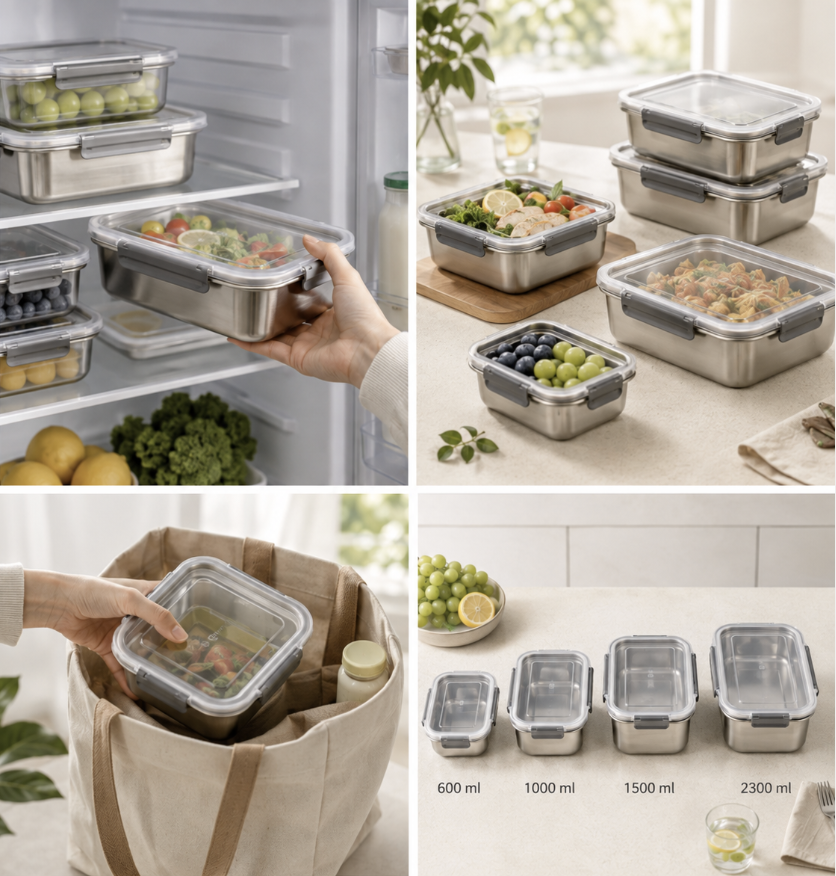
In your detail page design, layout size guides, capacity comparisons, stovetop compatibility, and spec charts so buyers can check these details instantly. This approach removes pre-purchase hesitation and helps shoppers confirm if the product actually fits their daily lives.
If key selling points, real-world benefits, and specs are scattered all over the detail page, shoppers will waste time searching for what matters—even if you've provided plenty of info. So besides offering thorough info, placing key details right where shoppers can easily spot them is essential in kitchenware detail page design.
4. How to Structure Info on Your Detail Page to Drive Sales Decisions
Got Plenty of Info? Now the Order of Presentation Matters
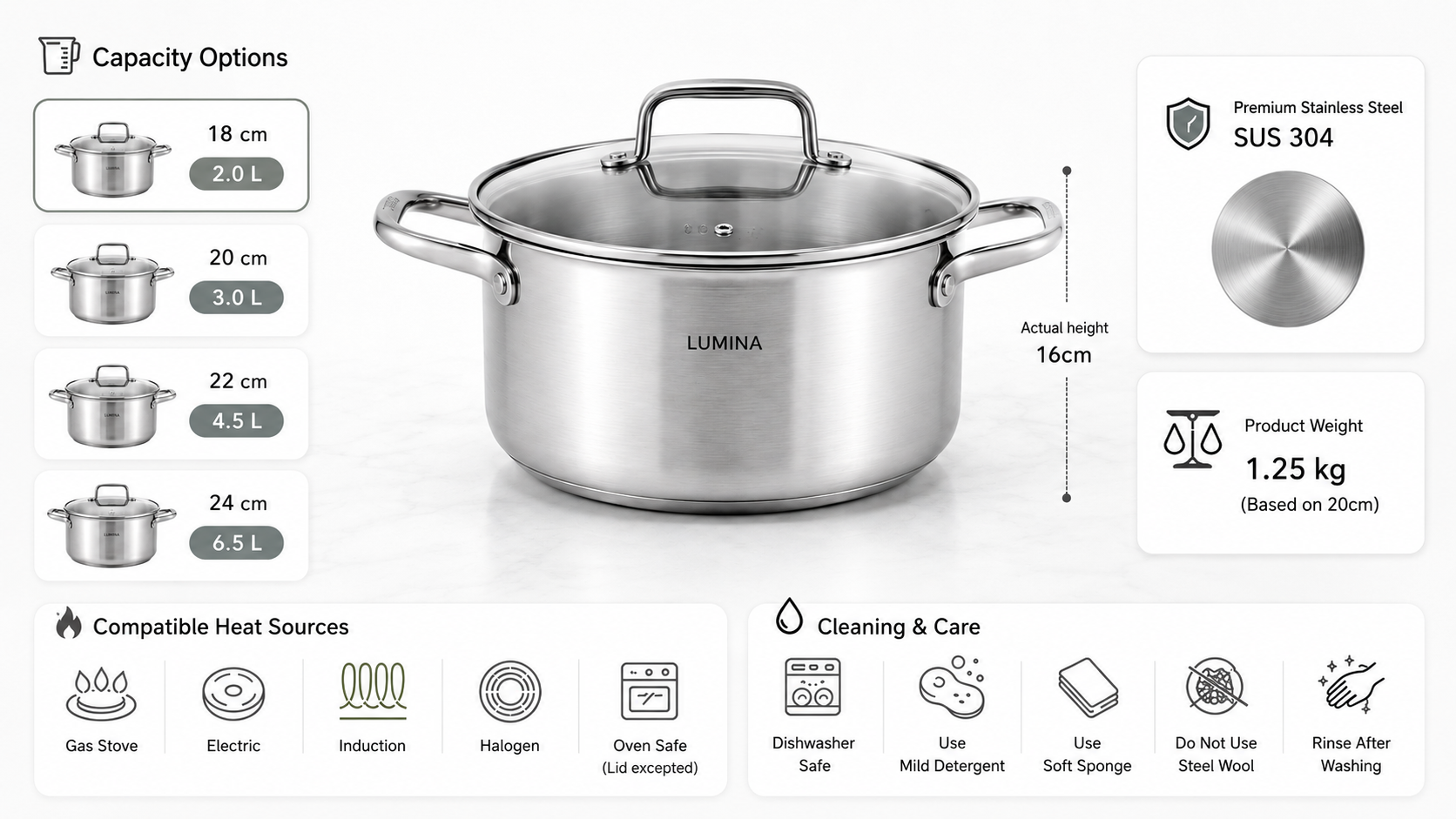
Kitchenware products carry tons of info—features, materials, dimensions, design structure, usage guides, and care instructions. Without a clear flow, shoppers struggle to get the main points quickly, no matter how detailed your content is.
So when creating a kitchenware detail page, arrange content based on how crucial it is to a purchase decision. Start by highlighting key selling points and real benefits, then move into usage requirements, materials, and tech specs. This lets shoppers naturally follow the page flow and find what they need step-by-step.
The real secret to detail page design isn't giving everything equal weight, but creating a clear info hierarchy through a well-structured page layout. If the previous three sections were about "what to show," now it's time to decide "what to show first and what comes later."
Info-Listing Detail Page vs. Decision-Driving Detail Page
| Comparison Point | Simple Info-Listing Type | Decision-Driving Detail Page |
| First Screen | Product image, brand name, and multiple selling points displayed all at once | First explain what the product is and what needs it meets |
| Feature Presentation | Focused on feature copy, specs, and numbers | Help users understand features through actual usage results |
| Product Specifications | Listing lots of specs all at once | Prioritizing conditions that actually impact buying decisions |
| Page Layout Order | Arranging images and info simply in the order they were prepared | Structuring content to match the shopper's buying decision process |
| How It's Read | Shoppers have to search for key info themselves | Designing the page to show key info right away |
The raw product information used on both product detail pages might not be that different. What really makes a difference is which info you highlight first and how quickly shoppers can grasp it. When the key features, actual usage results, and conditions of kitchenware are clearly presented in line with how shoppers make decisions, customers can easily see if the product meets their needs. This cuts down on hesitation and helps boost conversion rates.
As your product line grows, you have to organize images, sales copy, and page layouts for every single item, which balloons your detail page creation workload. Using automated product detail page generation and AI creation features lets you quickly assemble core content for each Product, cutting down on repetitive work and letting you build detail pages much more efficiently.
5. Create Kitchenware Product Detail Pages at Once with AI - Draph Art
In the previous four sections, we looked at what to show and how to show it on a kitchenware product detail page. But to actually make a detail page, you need to separately prepare product photos, in-use shots, selling points copy, and the full page layout. Based on product photos and basic item info, Draph Art uses its detail page AI generation feature to automatically organize product highlights and generate the images, usage shots, sales copy, and page content you need.
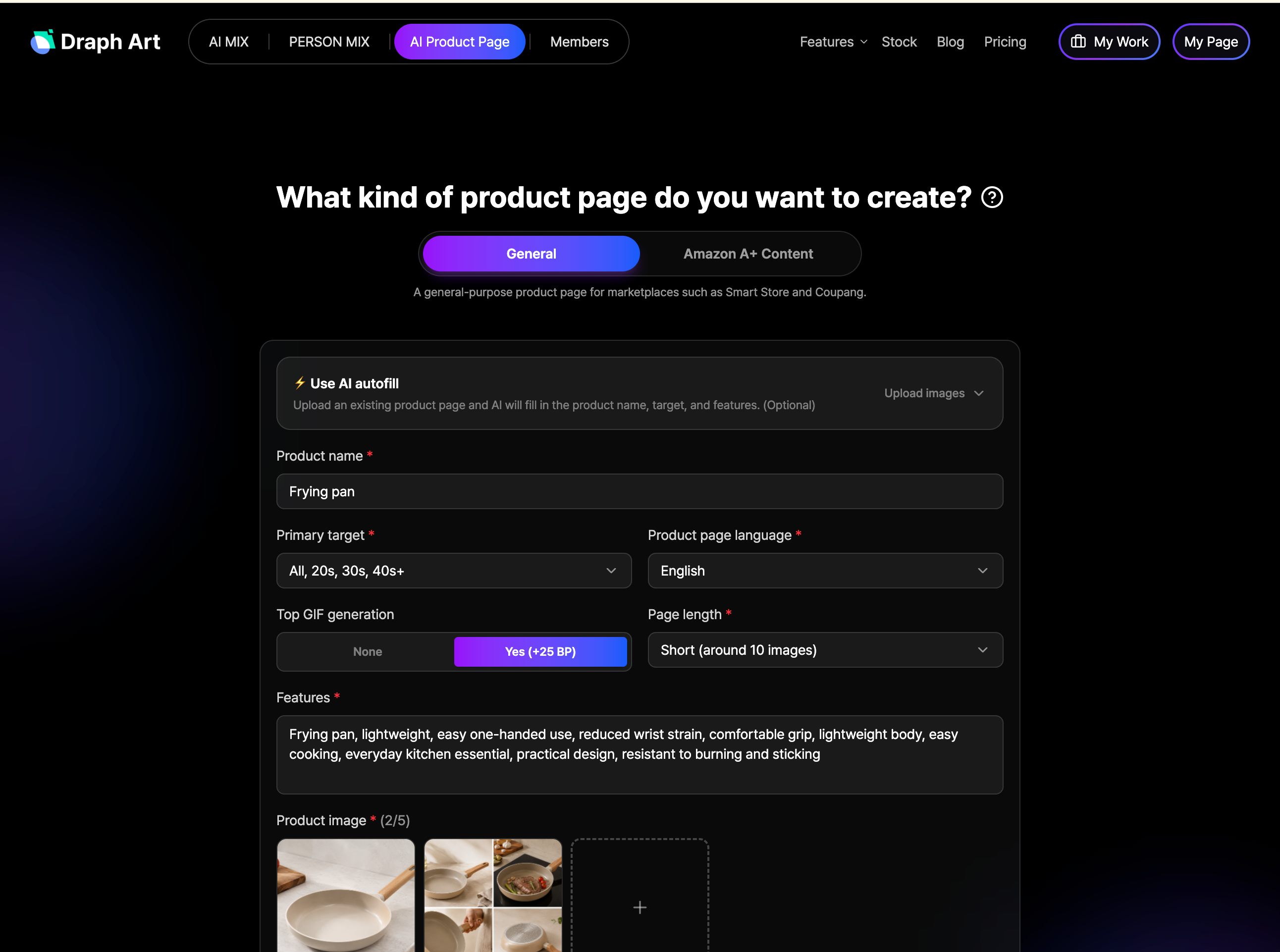
STEP 1|Enter product photos and basic info
First, upload your kitchenware product photos and enter basic details like product name, key features, material, size, and capacity. Draph Art analyzes the entered info to grasp the product features and organizes everything needed for detail page creation.
STEP 2|AI automatically generates detail page content
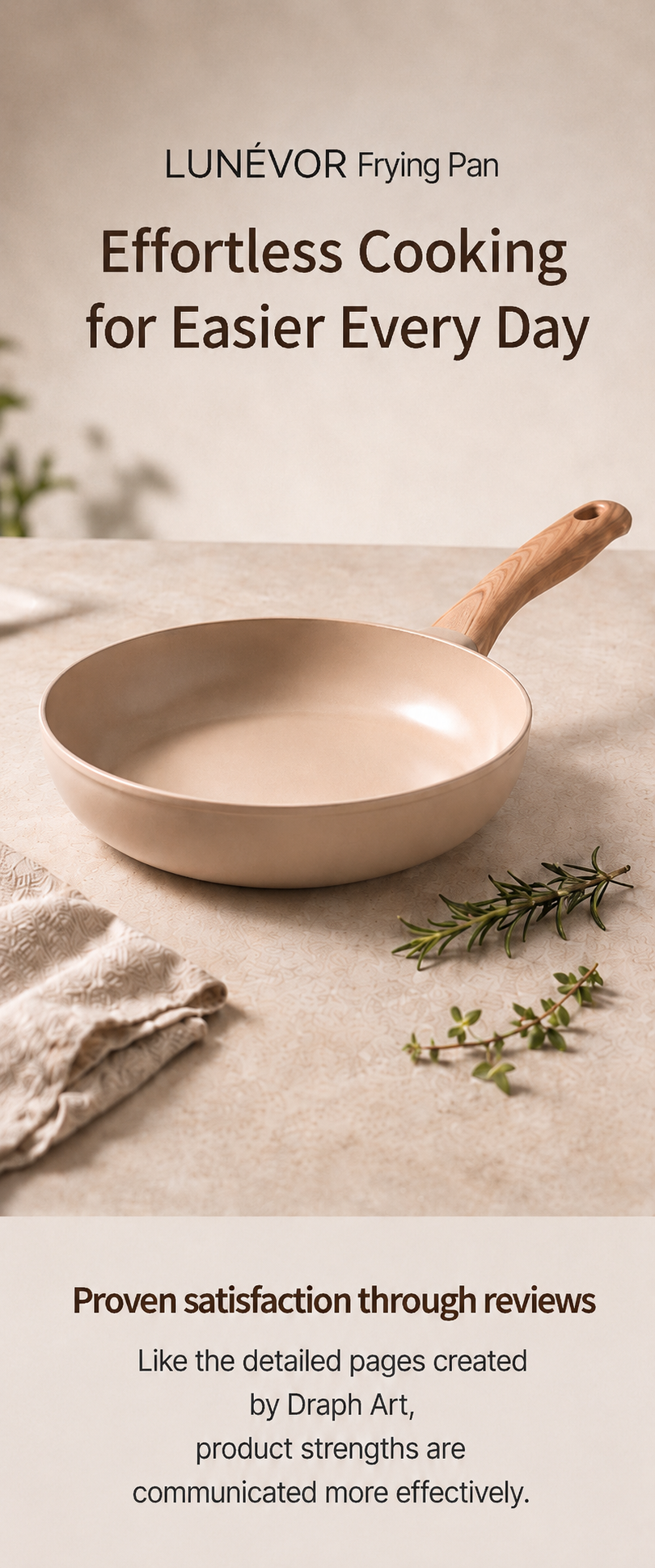
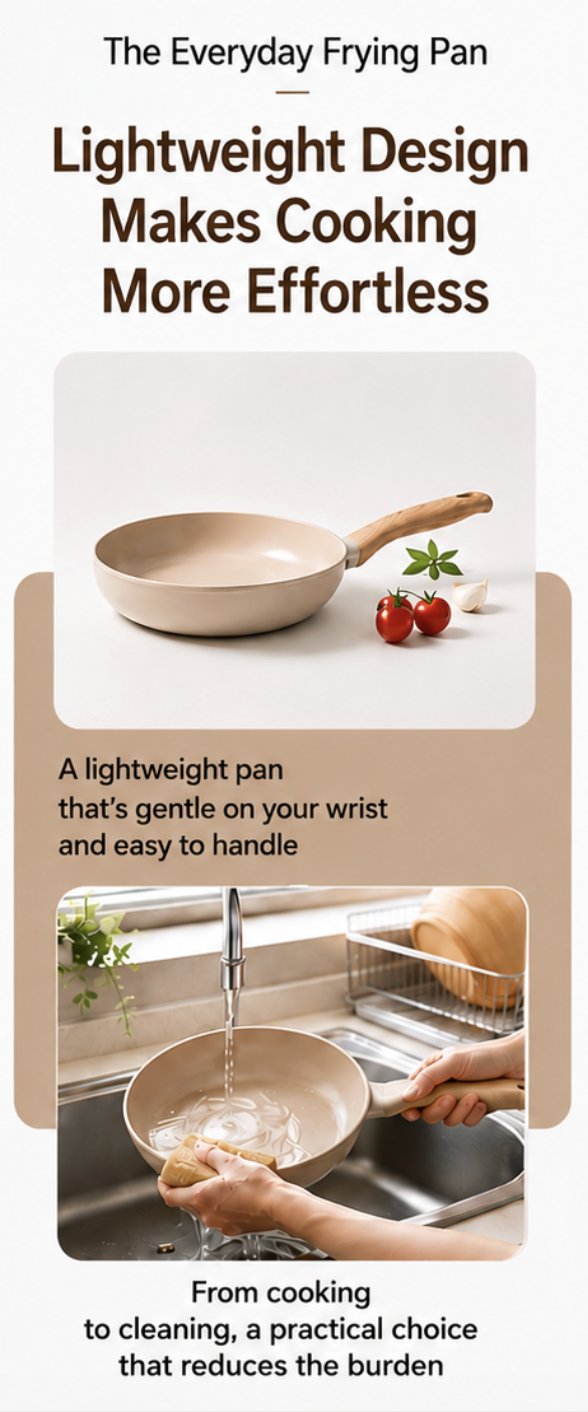
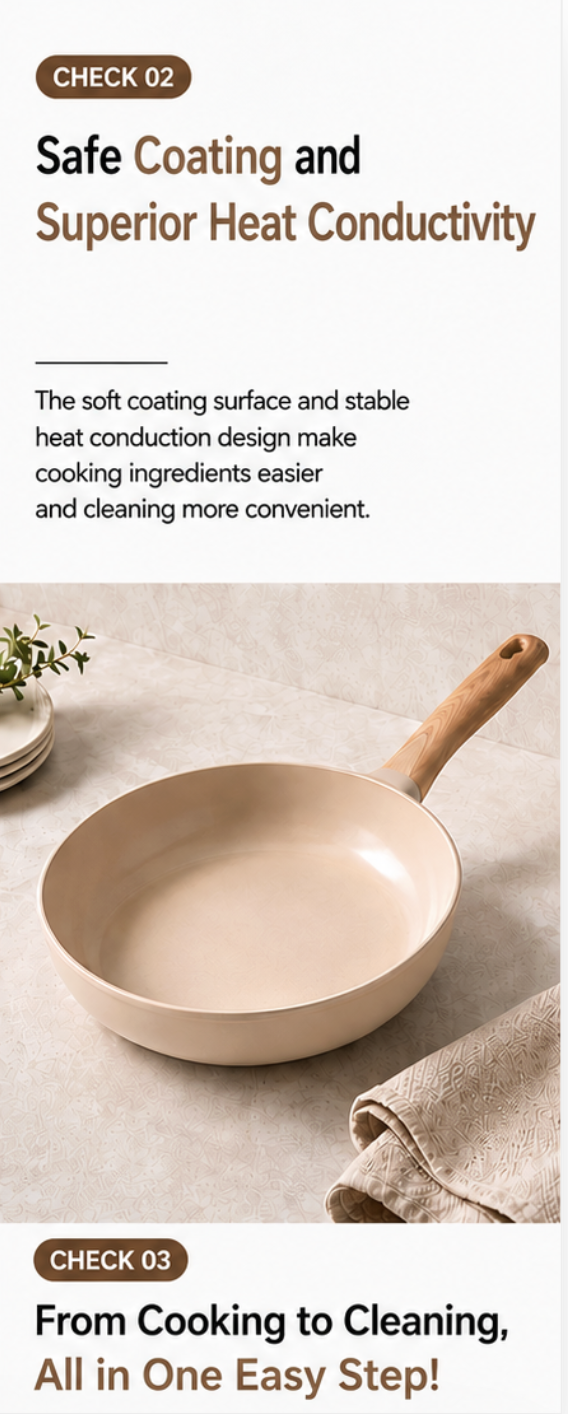
With the detail page AI generation feature, Draph Art automatically creates hero images, usage shots, selling point copy, and product descriptions, while organizing what content to prioritize based on product features. Sellers don't need to prepare images, copy, and detail page design separately.
STEP 3|Edit as needed to finish
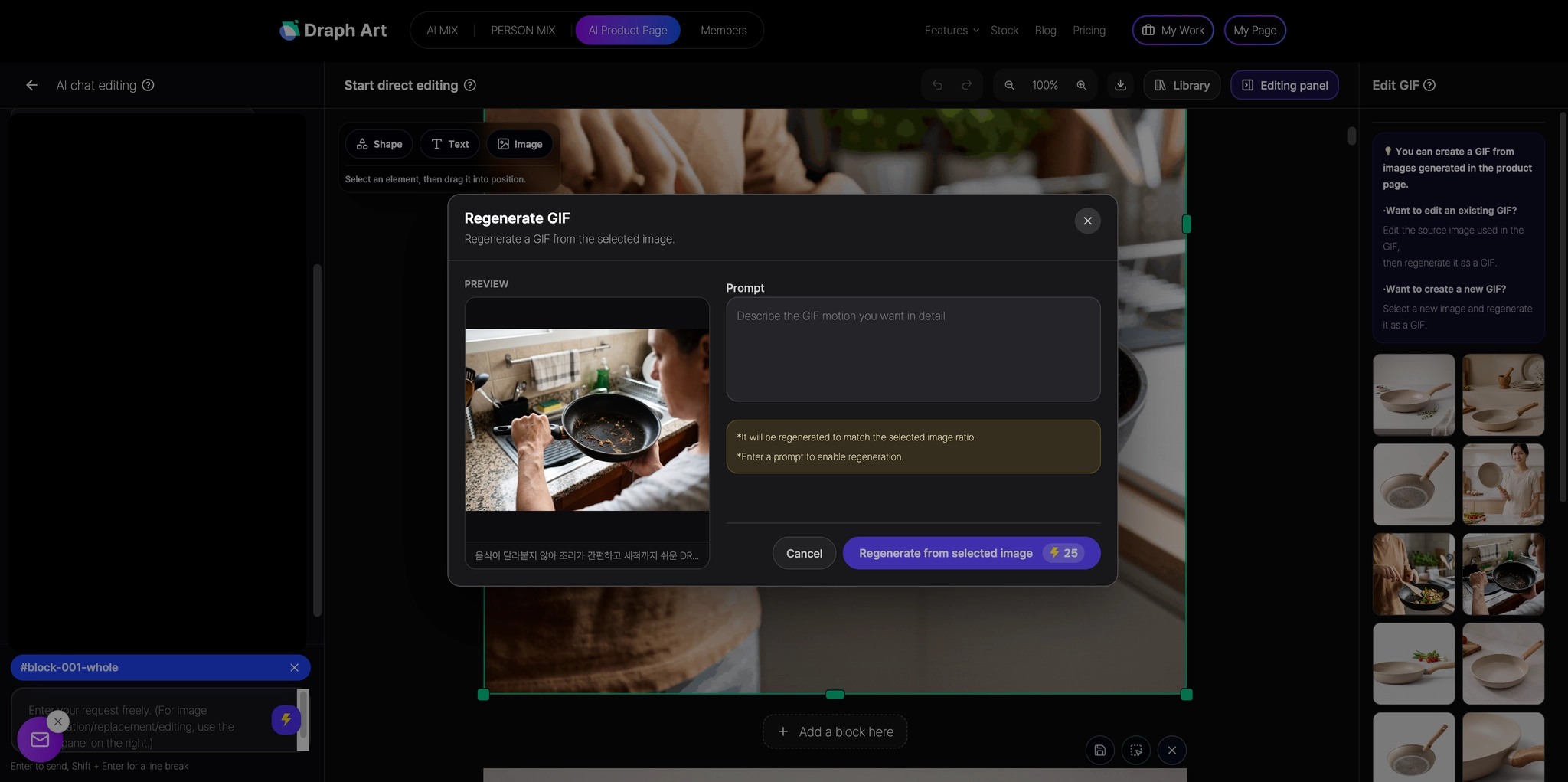
You can easily edit images, copy, and page content in the generated output to match your brand style or product characteristics. By creating a draft with automated detail page generation and adjusting only what's necessary, you can speed up detail page creation for various kitchenware items while keeping visuals and content tone consistent.
💡 Frequently Asked Questions (FAQ)
Q1. Where do I start when creating a kitchenware product detail page with AI?
A1. All you need are basic product details like photos, product name, key features, material, size, and capacity. Simply enter this info into Draph Art's kitchenware detail page AI generation feature, and it automatically generates product intros, sales copy, images, and content layouts. So even sellers who are new to making kitchenware detail pages with AI or trying to create detail pages without a designer can get started with ease.
Q2. Are kitchenware product detail page templates applied differently for each product?
A2. Yes, that's right! Content layouts adapt based on the unique features and key selling points of each Product. The detail page AI generation feature adjusts key copy, image selection, and content ordering based on your input info to prioritize essential details. This means using automated detail page generation lets you craft kitchenware detail pages with tailored detail page design and content flow for every item.
Q3. How long does it take to make a kitchenware detail page for an online store?
A3. Once you enter product photos and basic info, you can usually check out a draft kitchenware detail page in just 3 to 10 minutes. While actual generation time varies based on the input info, number of images, and edits, using automated detail page generation and detail page AI generation features saves you from preparing images, sales copy, and layouts separately—dramatically cutting down on kitchenware detail page creation time.

.png&w=1920&q=75)
.png&w=1920&q=75)