

목차

Are you looking for a way to automate your Product Detail Page (PDP) creation, which is often the biggest bottleneck when launching a new product? What used to take weeks—planning, product photography, and outsourced design—can now be done in minutes thanks to AI solutions.
By using an AI product page generator, you can cut creation time by over 90%, secure your perfect launch timing, and maintain your brand’s desired tone and manner without the heavy burden of outsourcing costs. In this post, we’ll share a practical tutorial on how to build a professional, high-converting e-commerce product page using just a single photo.
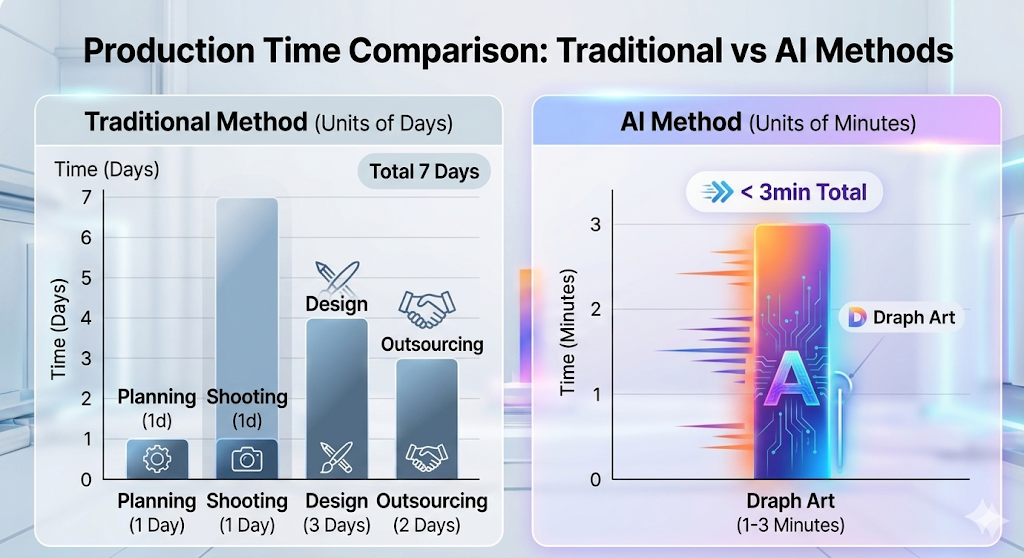
Why Automating Product Detail Pages is a Must
Using AI to automate your product pages is more than just saving time; it's a strategic choice to secure "launch speed," which is everything in the e-commerce market. It reduces the opportunity costs that come from endless back-and-forth communication with design agencies, allowing sellers to quickly test market reactions on their own. In fact, e-commerce veterans with 5+ years of experience say the biggest advantage of automation is being able to shift their energy from photo shoots and design to what truly matters: convincing customers and planning marketing strategies.
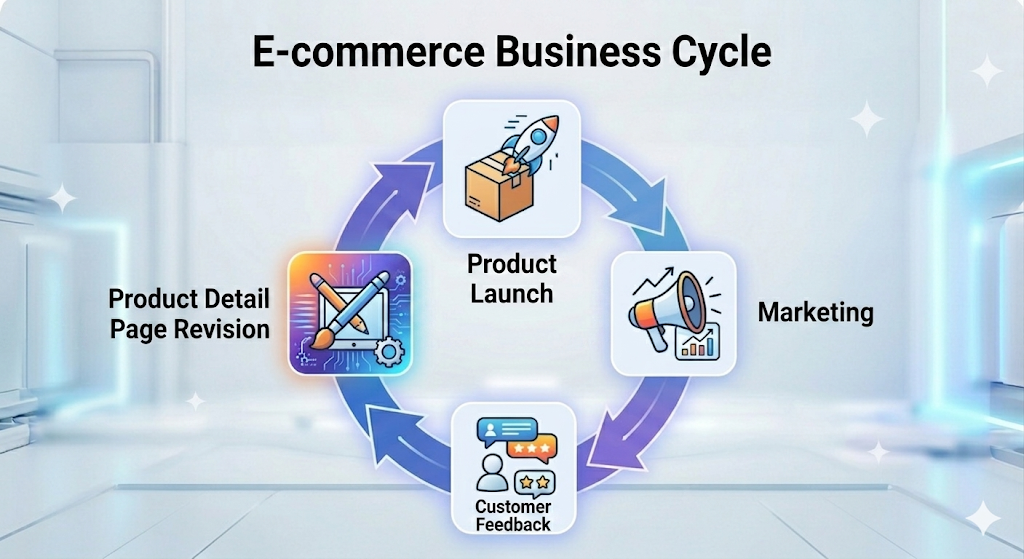
E-commerce: Where Launch Speed is Everything
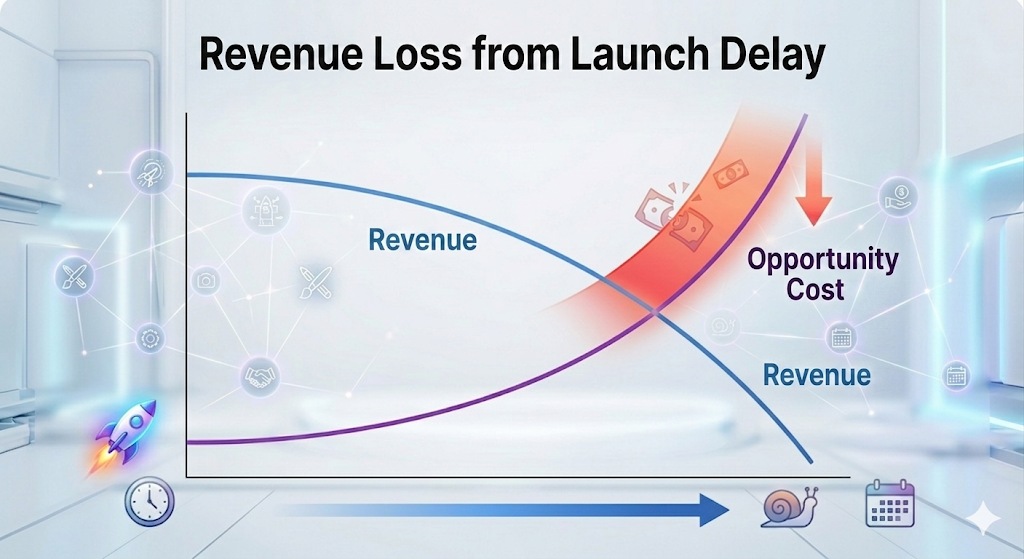
In an e-commerce landscape where consumer trends change in the blink of an eye, a delayed product page directly leads to lost sales. Tools like Draph Art, an automated AI product page builder, can generate a complete draft just by typing in the product name. This drastically cuts down the time it takes to go from the idea stage to the actual selling stage.
Breaking Free from Outsourcing Costs and Endless Revisions
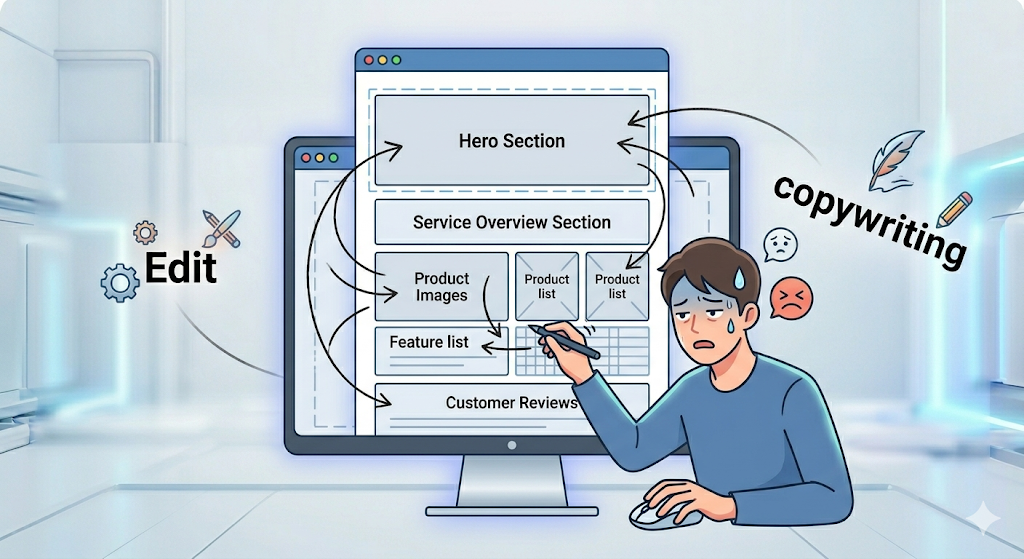
The feedback and revision loop with outsourced agencies is a major cause of launch delays. When you use AI auto-generation tools, you can apply edits instantly yourself. This gives you full control over the final quality while keeping your brand identity perfectly intact.
Comparing 3 Key Ways to Auto-Generate Product Pages
There's a massive difference between simply laying out pretty images and using an automated AI image generator based on real purchase conversion data. Experts point out that while simple template methods only solve the visual aspect, a data-driven AI engine designs everything—including the layout and copy—to match the customer's buying journey.
1. Simple Design Automation Tools (Canva, MiriCanvas)
These tools let you place photos and text into pre-made templates. They are incredibly useful for design beginners, but they come with a catch: you have to manually map out the logical structure to persuade your customers (Attract → Persuade → Buy).
2. All-in-One AI Engines for Planning and Design (Draph Art, etc.)
Services like Draph Art have learned from millions of e-commerce data points. Instead of just making things look pretty, they automatically suggest layouts and copy that actually make customers click the "Buy" button.
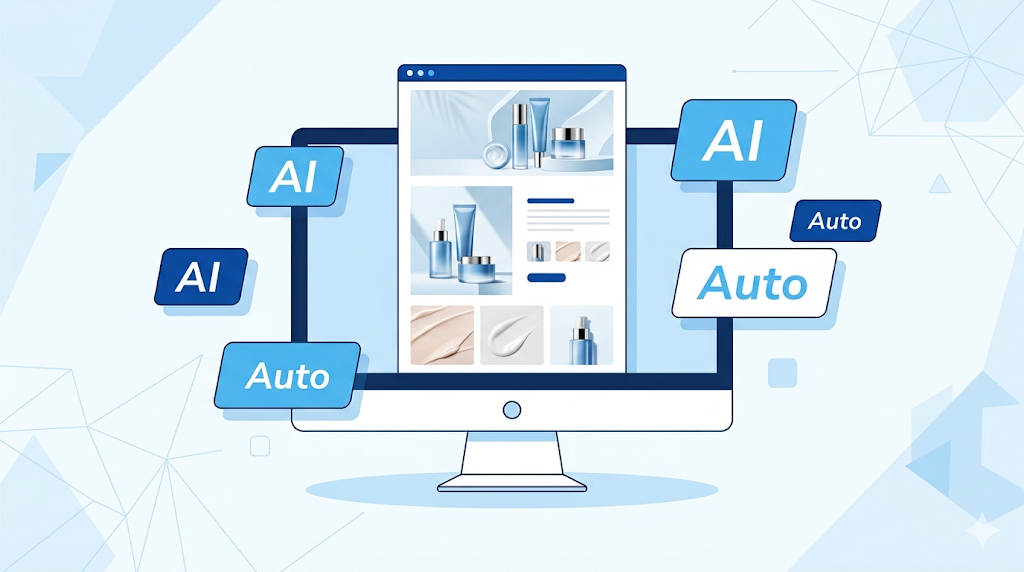
Which Tool Should You Choose?
If you're not fully comfortable with design tools, or if you've never planned a product page from scratch, we highly recommend Draph Art—an AI e-commerce product page generator that handles the entire creation process for you.
| Category | Design Template Tools | AI E-commerce Product Page Generator |
| Recommended Tools | Canva, MiriCanvas | Draph Art |
| Key Benefits | Free design customization | Saves time, super easy, high conversion rates |
| Workload | Must write copy and plan manually | Auto-completes based on Product info and photos |
Creating a Product Page with Just One Photo: A 4-Step Guide
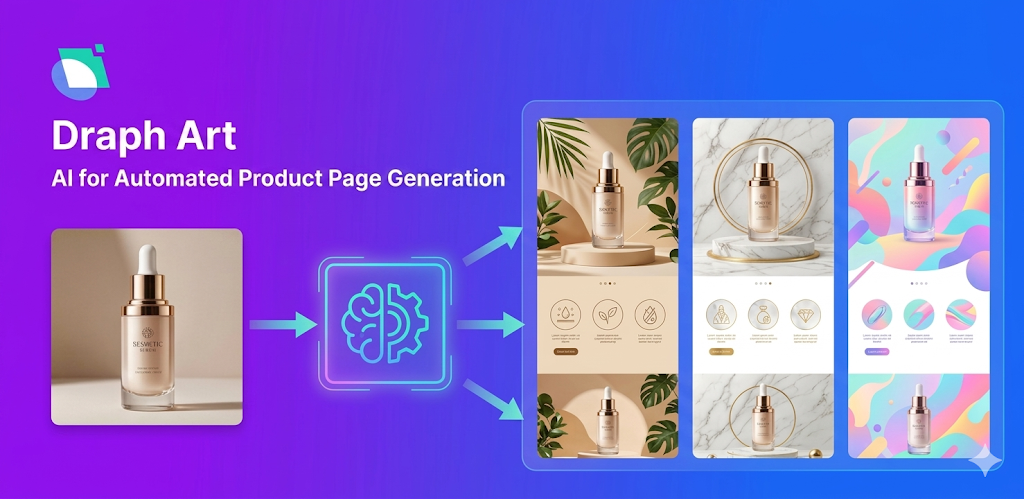
Now, let's walk through the exact steps to build an entire product page from a single photo using Draph Art. This process is designed so that anyone with a product photo can create a professional e-commerce page, even with zero design skills.
Step 1: Upload Your Product Photo and Enter Details
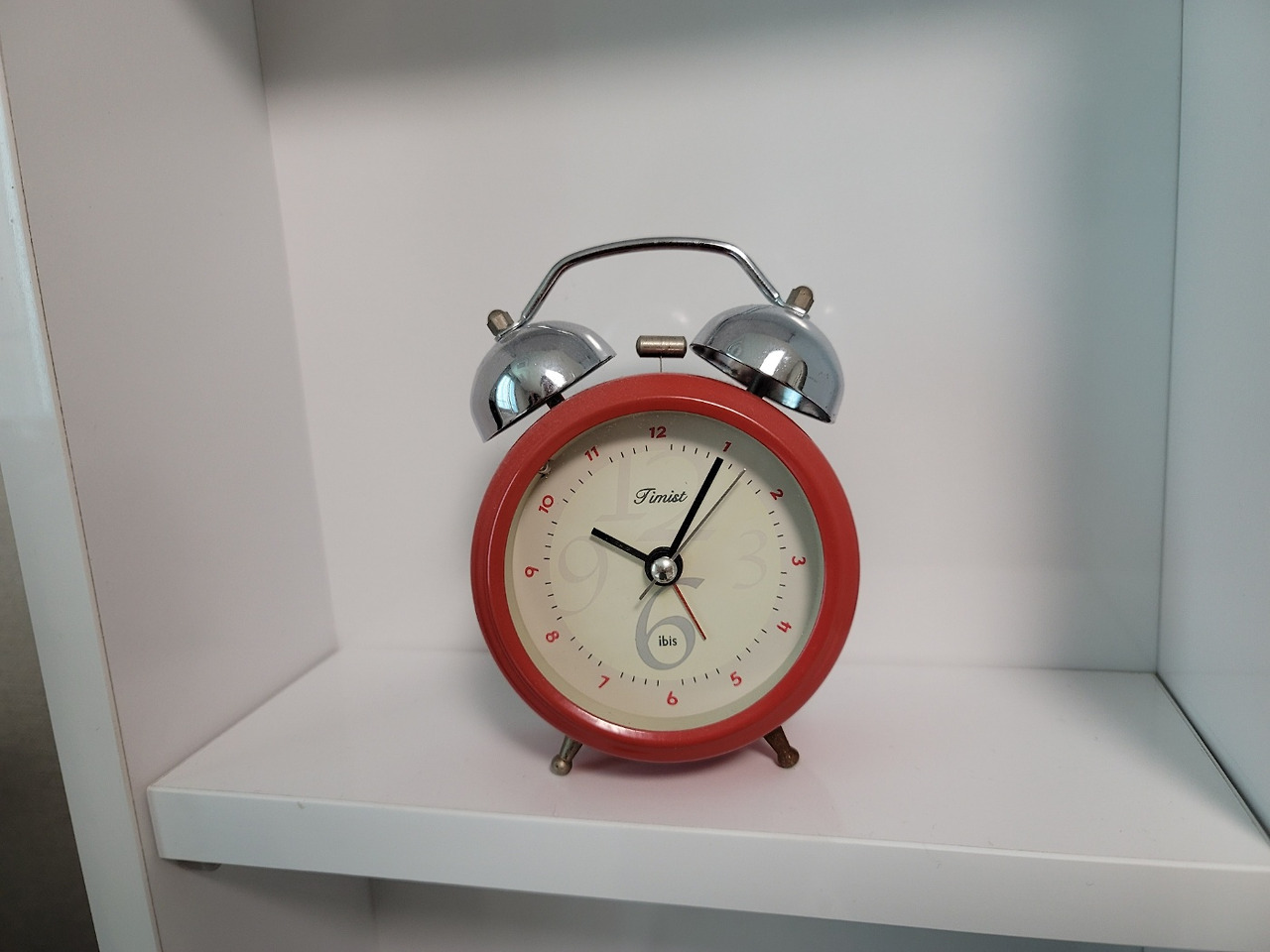
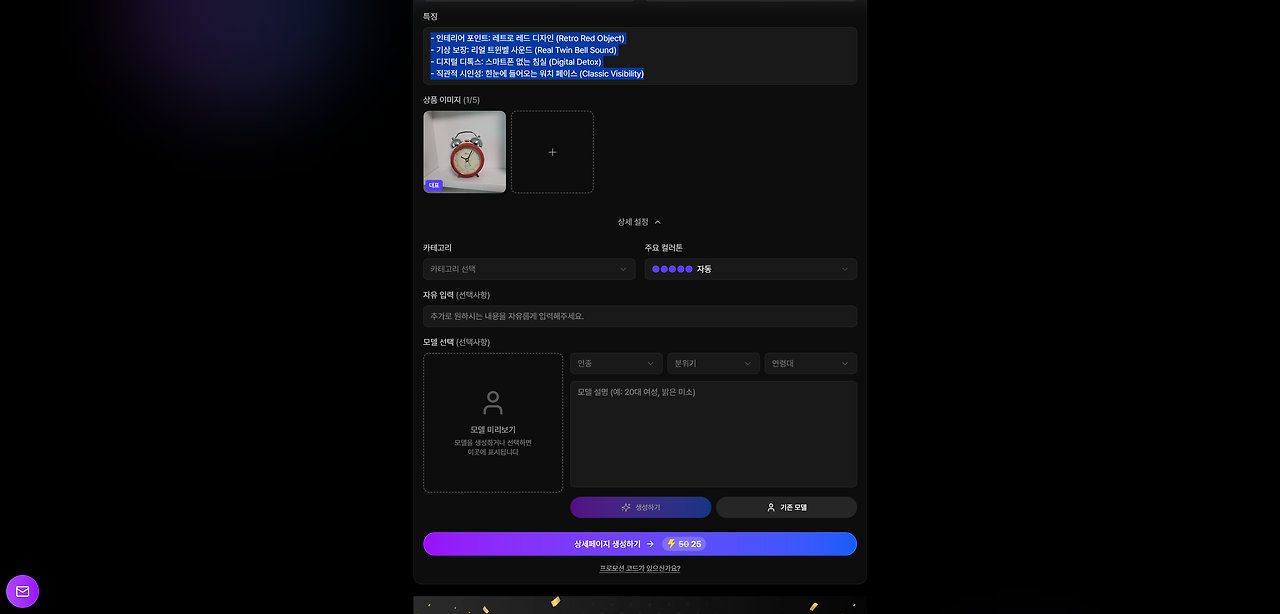
Log into Draph Art and upload one product photo you’ve taken. (It doesn’t even need BG Removal yet!). At this stage, simply type in key details like the product name, main features, and target audience. Draph Art's AI engine recognizes the product in the photo and automatically decides the best background and mood for it, using over 4.6 million pieces of e-commerce data.
Step 2: Generate a Draft with the Draph Art AI Engine
This isn't just simple BG Generation. The Draph Art AI engine creates high-quality lifestyle shots that maximize your product's appeal while automatically arranging a conversion-focused layout to catch the customer's eye. Within minutes, it builds a persuasive storyboard tailored to your product, flowing naturally from 'Problem → Solution → Social Proof → Call to Action (CTA)'.
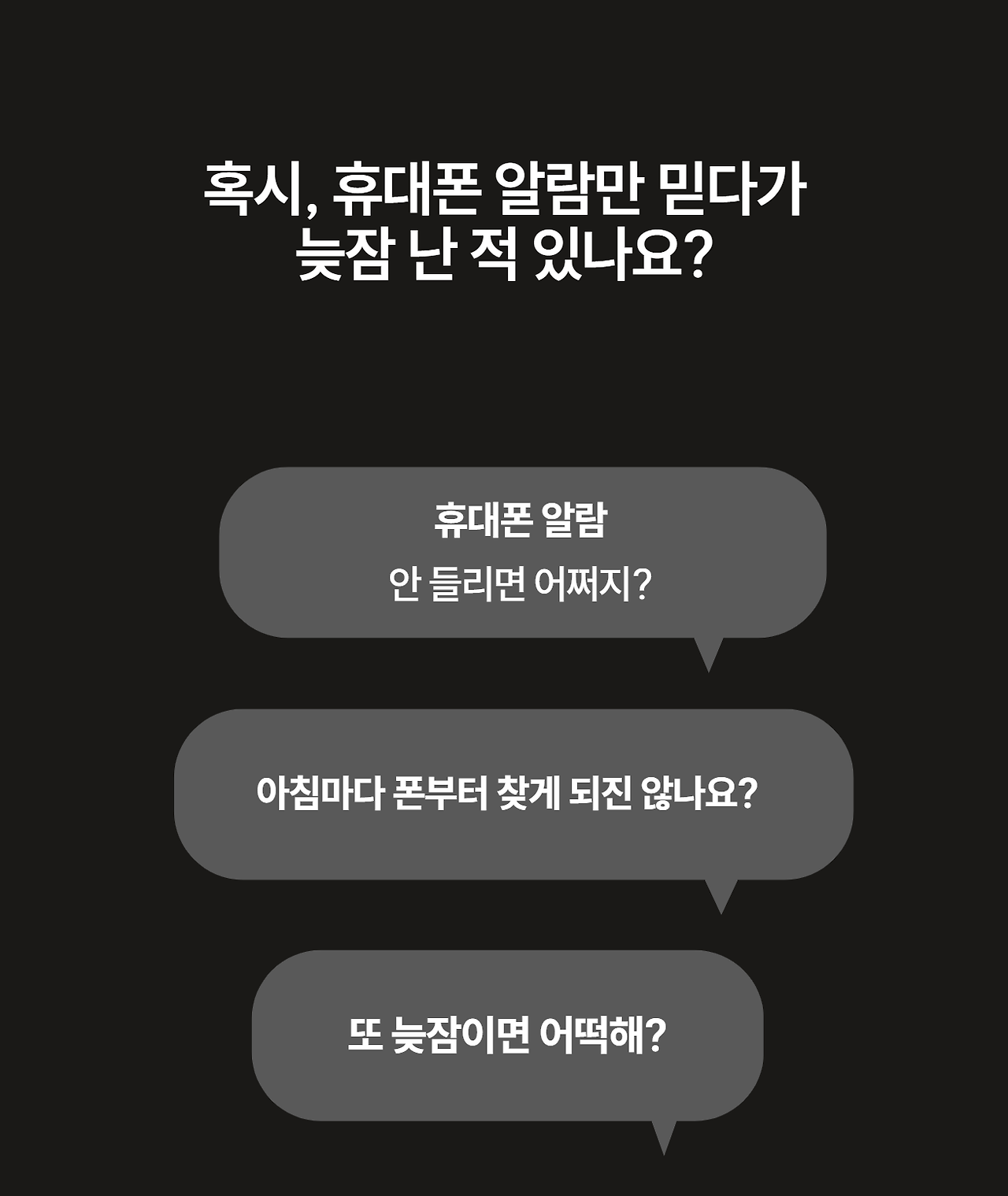



Step 3: Optimize Your Brand Tone with Conversational Edits
You don't have to use the first draft exactly as is. Use the built-in Draph Art editor to apply your brand's unique tone and manner. Just type in your requests like you're chatting with a friend: "Make this text sound friendlier," or "Give this image a warmer vibe." The AI adjusts the copy and design in real-time, optimizing it into custom content that perfectly reflects your brand identity.

Step 4: Export HTML/Images and Upload Instantly
Once all edits are done, export it as image files or HTML code perfectly sized for e-commerce platforms. You can upload it straight to SmartStore, Coupang, or your own website without touching Photoshop or any other design tools. This process cuts your production resources by over 90% compared to outsourcing, while delivering high conversion rates backed by solid data.

Can I Use AI Product Pages Directly on Selling Platforms?
The AI-generated result is a fantastic 'first draft,' but to really boost your conversion rate, you might want to tweak a few specific details. Strategically placing actual customer reviews or repositioning Call to Action (CTA) buttons can maximize its business value.
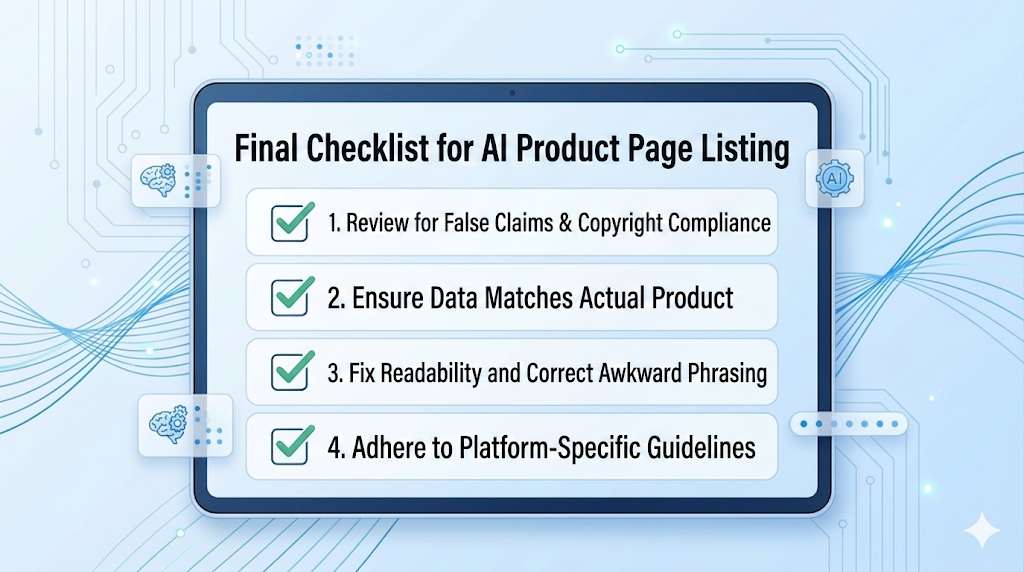
Things to Note When Uploading (SmartStore/Coupang)
As of April 2026, depending on the platform's policy, you might be required to disclose that the content is AI-generated. Always check the latest guidelines. Also, be sure to double-check all facts (like product specs) before publishing.
Pro Tips for Keeping Your Brand's Personality
Try adding one extra line—a catchy hook unique to your brand or a personal connection with your customers—to the AI result. This tiny detail is what turns a simple generated image into a true brand asset.
Draph Art AI Product Page Generator: FAQ
Q: How do I choose between AI tools for beginners vs. experts?
A: If you already know how to use design tools like Photoshop, template-based tools work great. However, if you lack design skills, have short product launch cycles, or need to handle a large volume of products, we strongly recommend an automated AI generator like Draph Art.
Q: I'm worried the AI product page will look different from my actual product.
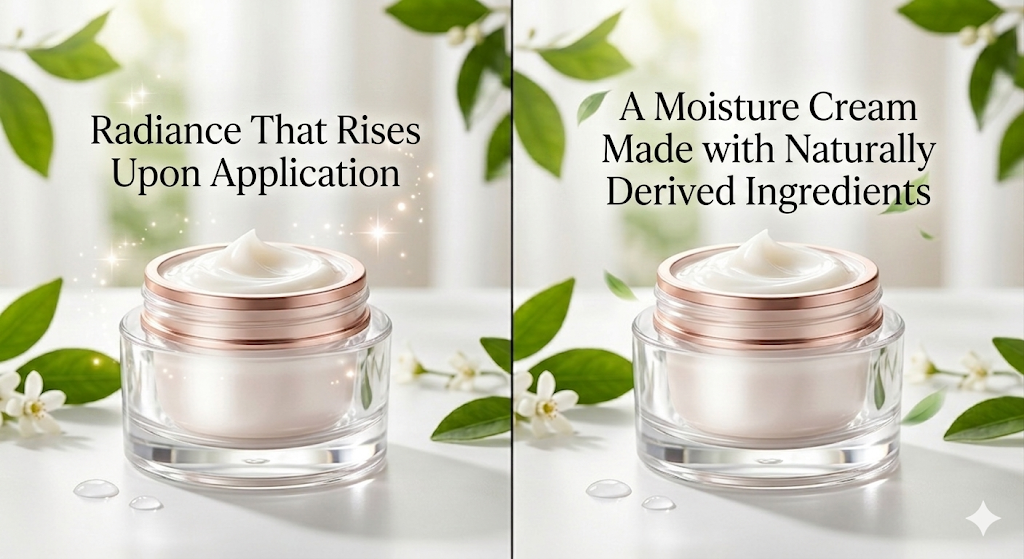
A: With Draph Art, we recommend using the conversational edit feature to naturally blend your real photos with the generated lifestyle shots, or focusing on editing the actual product photos you took.
Q: Are there any copyright issues with the generated designs?
A: Product pages created in Draph Art are completely free from both copyright and portrait rights issues, so you can safely use them for any commercial purposes.
Key Takeaways
- Save Time: AI product page generators cut creation time from days to mere minutes, maximizing your launch timing.
- Choose the Right Tool: Use Canva for simple designs, but choose Draph Art if you need conversion optimization that handles both planning and copy.
- Draph Art Pro Tips: Start with one photo, use conversational edits to match your brand tone, and polish the CTA text yourself to skyrocket sales.
- Maximize Efficiency: Cut manual design resources by over 90%. It's a strategic management move that minimizes opportunity costs and creates an environment where you can focus entirely on core marketing.
.png&w=1920&q=75)
