Enter product photos and details, and AI builds room scenes and sales copy tailored to sofas, beds, dining tables, and chairs. Start creating furniture product pages without a complex photoshoot.
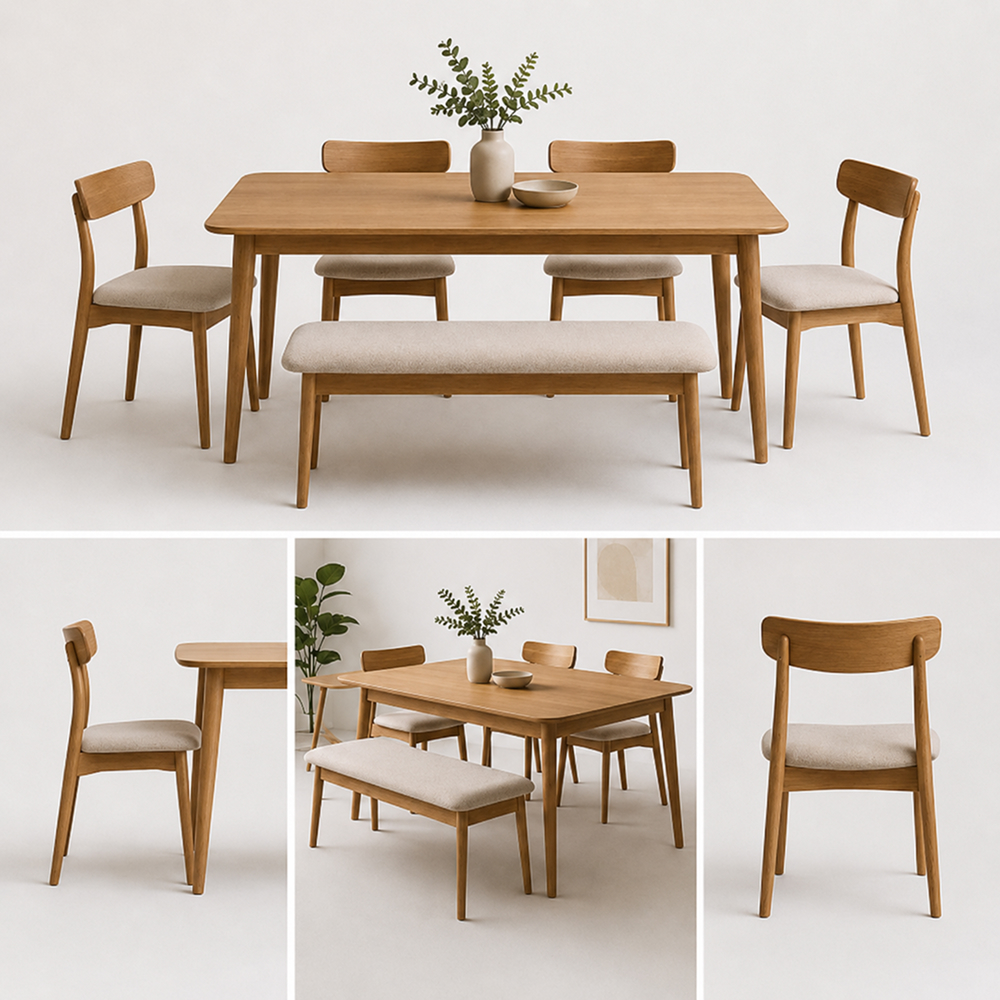
Show the product shape, size, and structure clearly with front, side, and angled views designed for furniture product pages.
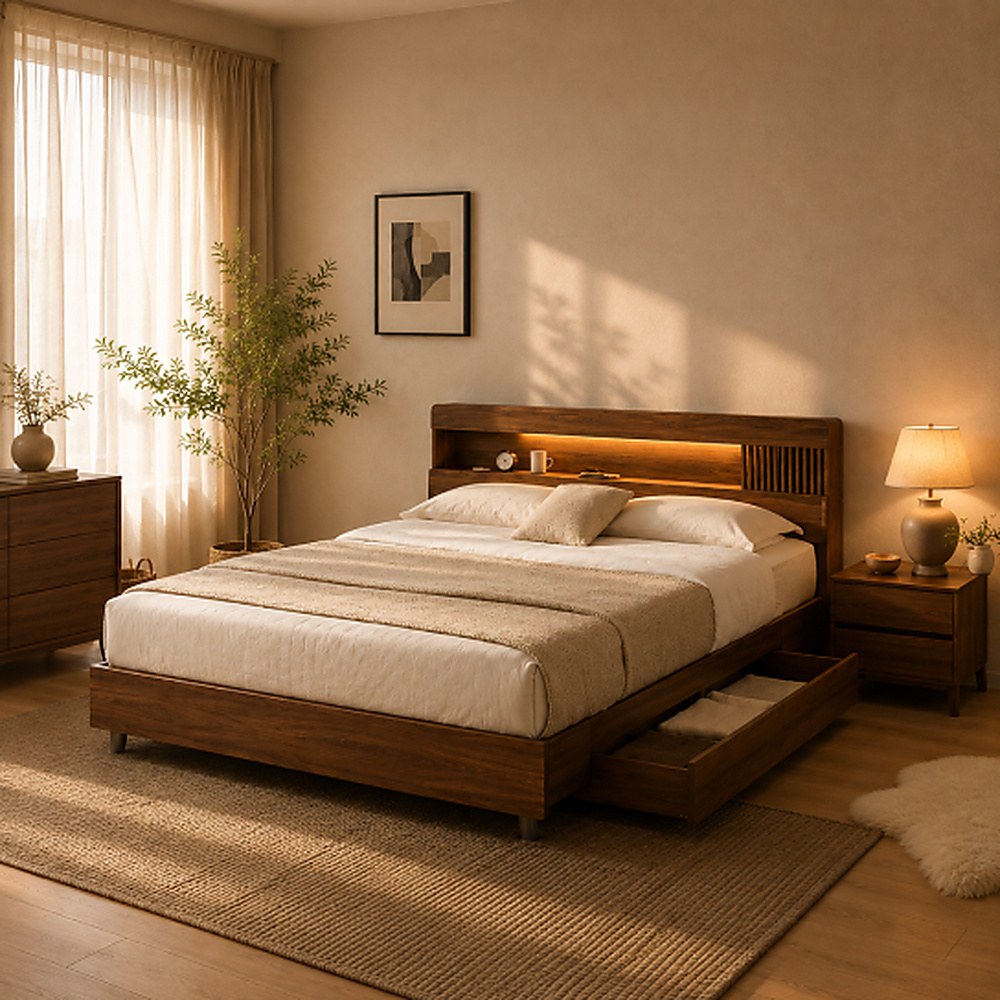
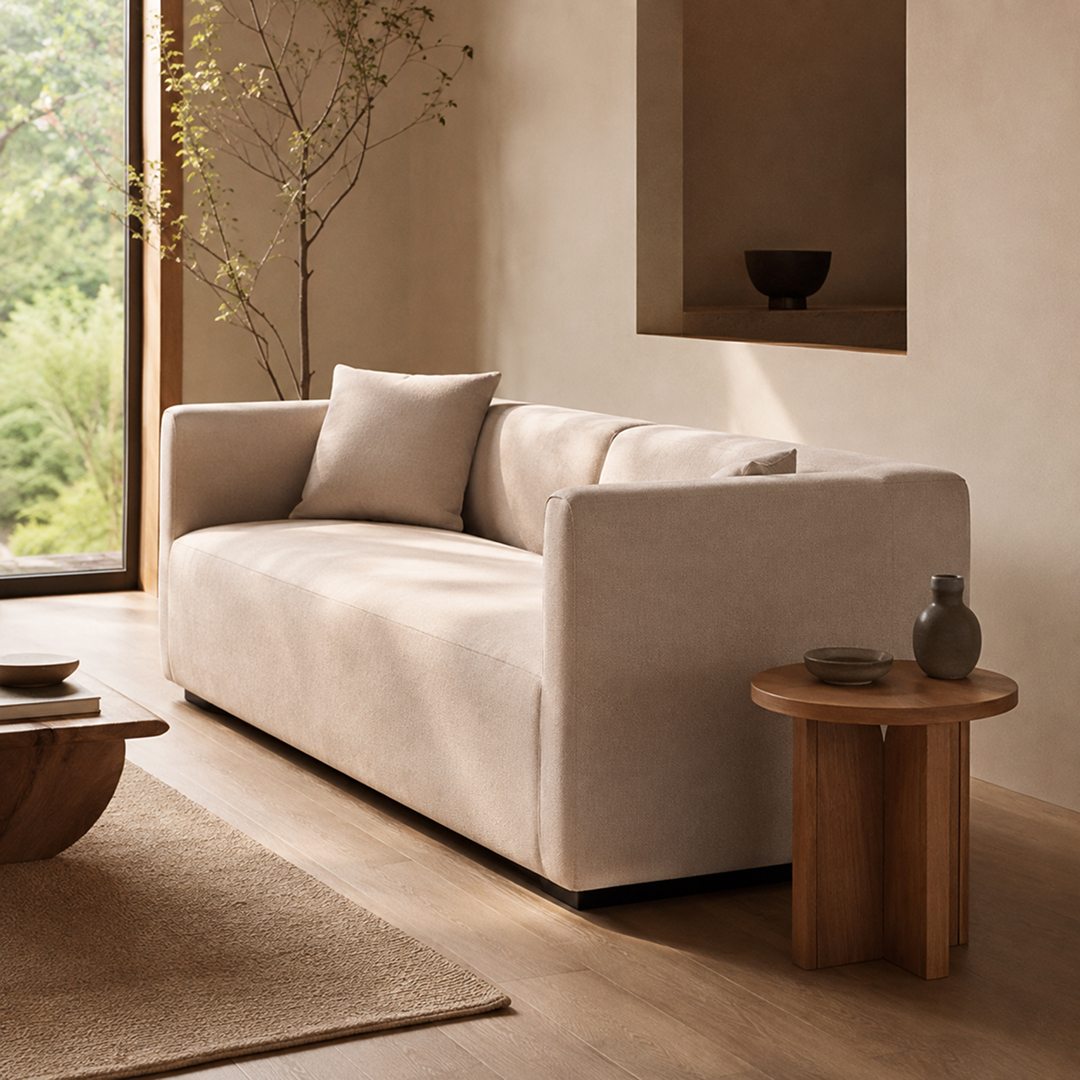
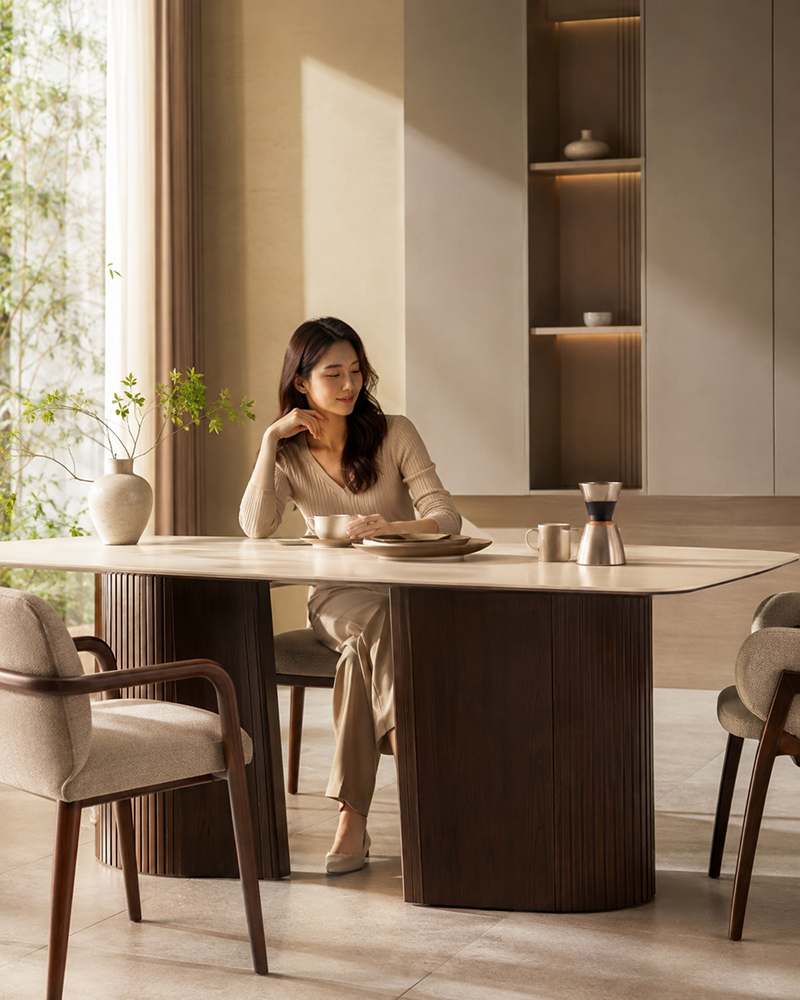
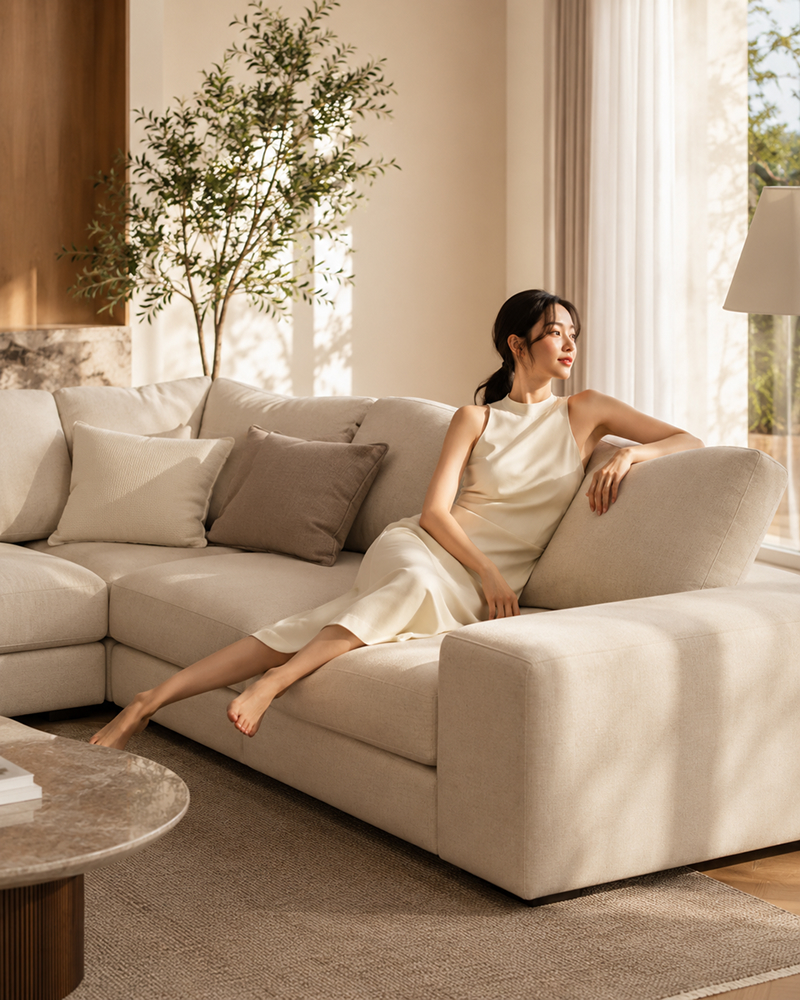
Place sofas, beds, and dining tables naturally in realistic interiors with AI-powered furniture product page creation.
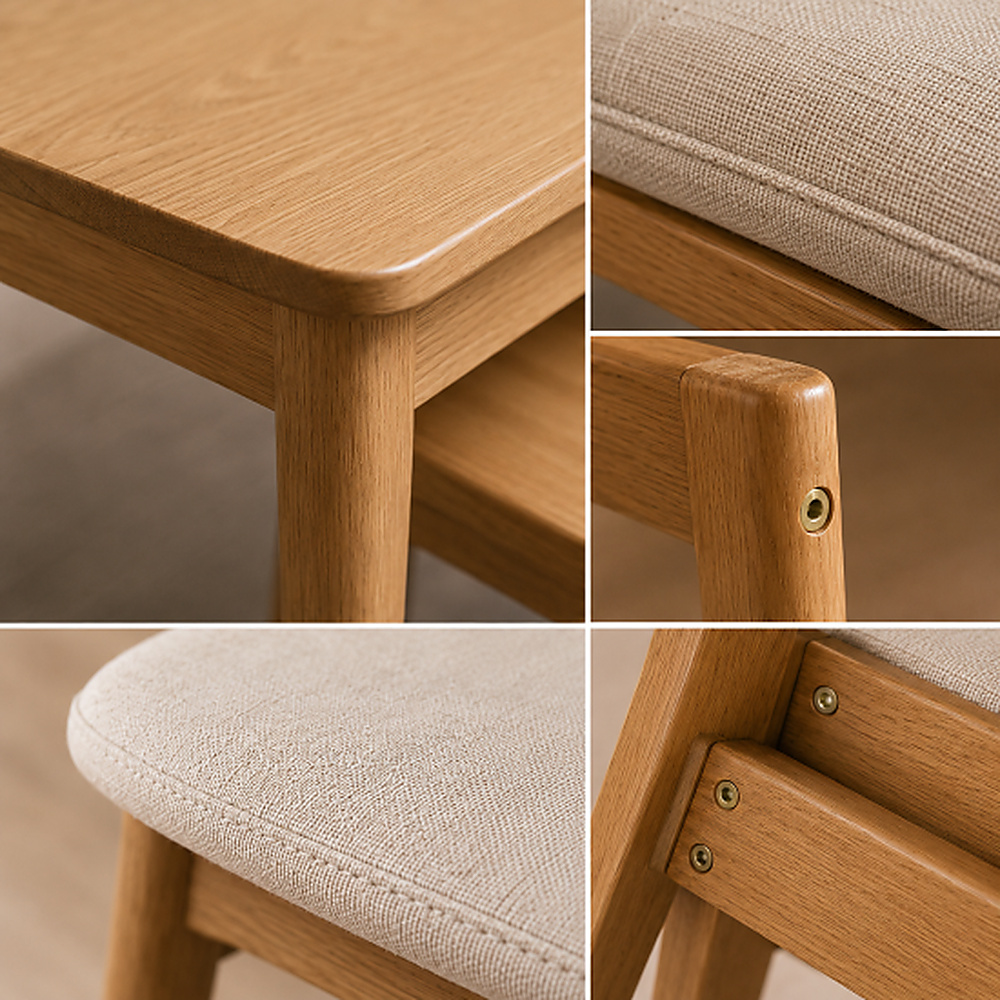
Use close-ups of wood grain, fabric, stitching, and storage details to help shoppers evaluate quality before buying.
Switch from time-consuming traditional methods to Draph Art AI for furniture product pages.
| Type | Design Agency | DIY Design Tools | BESTDraph Art |
|---|---|---|---|
| Creation time | At least 1 week | At least 3 hours | Avg. 3 minutes |
| Cost per page | ~$250+ per page | ~$25 per page | ~$0.60 per page |
| Workflow | Collect references, write design briefs | Requires design skills and learning software | Just upload photos and product info |
| Revisions | Extra fees and slow back-and-forth | Manual edits by yourself | Chat-based instant revisions |
| Final output | Flattened images with uneditable text | Image files | Images plus ready-to-copy HTML code |
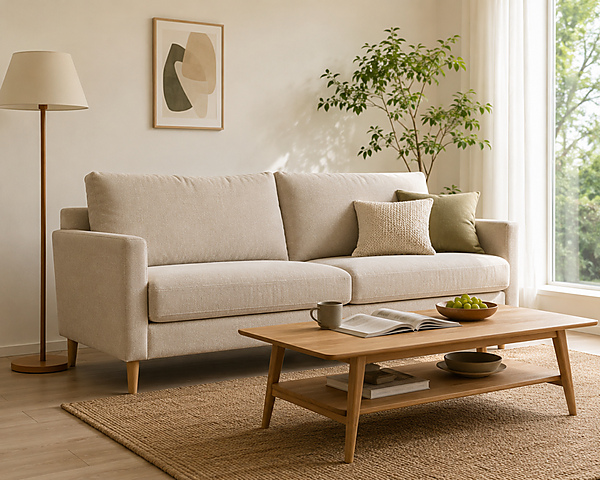
Automatically place sofas, beds, dining tables, and chairs in realistic rooms so shoppers can picture their size and interior mood.
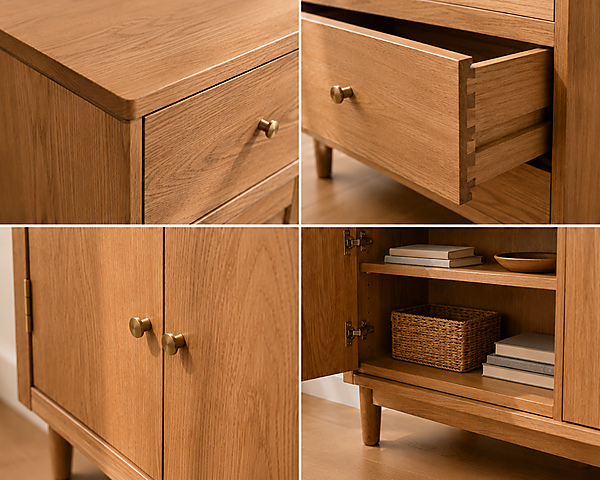
Show wood grain, fabric and leather texture, cabinet handles, and chair joints in detail to communicate material quality and craftsmanship.
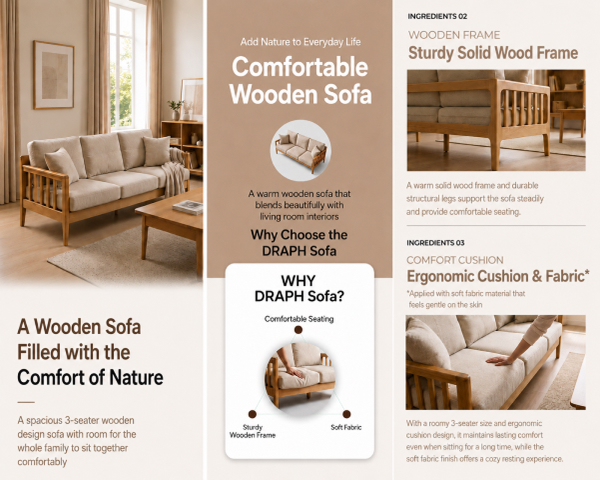
Adapt the content to what matters for each product, from sofa comfort and bed-frame structure to table dimensions and cabinet storage.
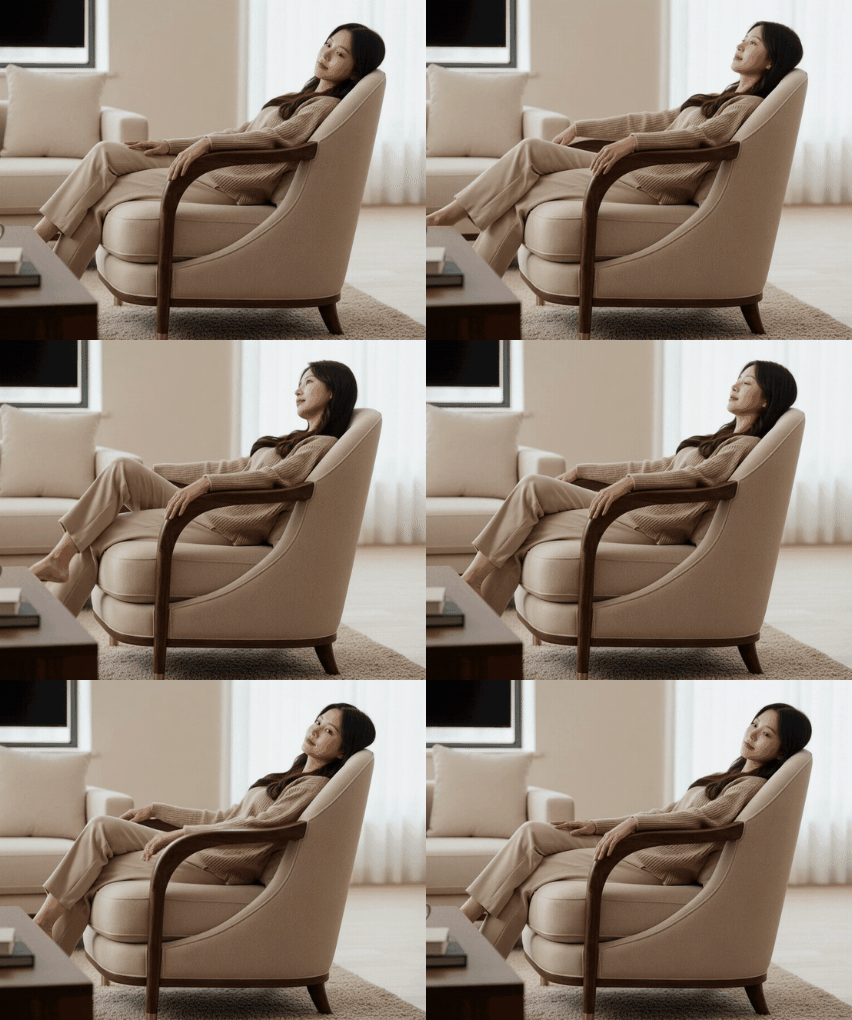
Turn sofa cushioning, smooth drawer movement, and expandable table transformations into GIFs that make function and usability instantly clear.
Just upload your images and let AI build the complete furniture product page.
Step 01
Upload images of your sofa, bed, table, or chair and enter the product name, materials, dimensions, and key features.
Step 02
AI automatically creates room scenes, material close-ups, and persuasive sales copy.
Step 03
Review and edit the finished furniture page, then export it as images or HTML for your store.
Explore product and model visuals created by AI across beauty, fashion, living, food, and more.


From product photography to complete pages, get every tool in one place.
See how furniture brands dramatically reduced production time and costs with Draph Art AI.
Home Furnishing Brand D · Furniture
“We uploaded a dining table photo and received room scenes plus material copy, so the listing was ready much faster.”
about
Furniture Design Studio E · Furniture
“We could change only a sofa color or bed size while keeping the rest of the design intact.”
faster
Proprietary eCommerce AI trained on over 4.6 million commerce assets.
80K+ Active Sellers
4.6M+ Generated Images
4 Core AI Patents
Certified Government Recognition
Explore easy and powerful AI photo tools designed for eCommerce.

Generate design, copy, and model visuals from product info.

Create studio-quality product photos and videos.

Generate AI model lifestyle photos and videos.

Swap model faces for diverse creative assets.

Convert mannequin photos into model shots.

Remove backgrounds quickly and cleanly.
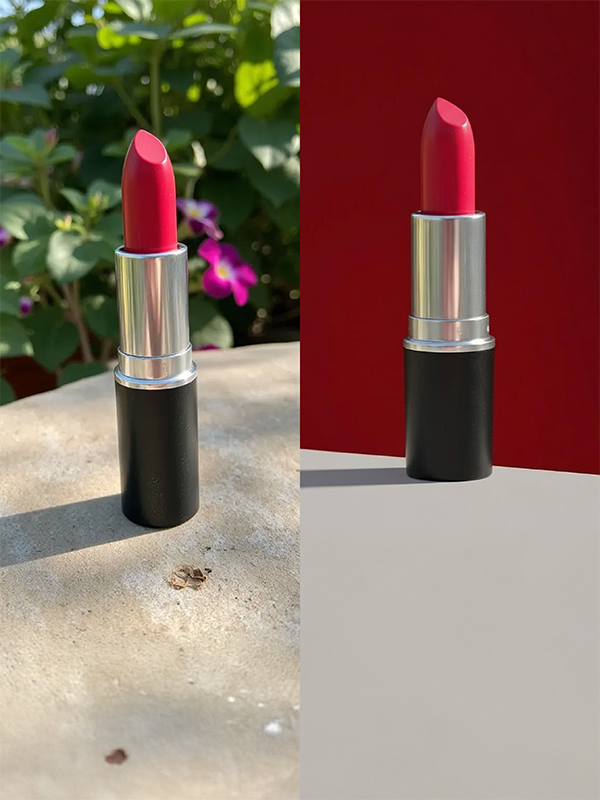
Change product backgrounds to any scene or mood.

Extend backgrounds for ads and thumbnails.

Create multipack images with 2 to 80 products.
Check out optimized tips and detailed guides tailored to your industry, platform, and business scale.
Q1. What shopper concerns can furniture product page AI reduce?
Online, shoppers cannot easily judge dimensions, textures, or how furnishings will look together. AI combines room scenes with material details so they can understand size, color, and mood more confidently.
Q2. Does the page layout change by furniture type?
Yes. Beds, sofas, chairs, tables, and cabinets each need different information. AI adjusts the layout around dimensions, materials, use scenes, and the product’s key selling points.
Q3. Can I edit the generated furniture product page?
Yes. You can edit generated images, sales copy, product descriptions, and section layouts, changing only the parts you need.
Q4. Can I create a furniture product page from one photo?
Yes. Start with one clear product photo plus basic details such as the name, material, color, and dimensions. AI can then build the hero image, room scenes, close-ups, and product copy.
Q5. Can I create room-scene images too?
Yes. AI can place sofas in living rooms, beds in bedrooms, and tables in dining spaces so shoppers can imagine the furniture in use.
Q6. Which furniture products work well with this feature?
Use it for sofas, beds, chairs, tables, desks, cabinets, drawers, wardrobes, media consoles, and many other furniture products.
Q7. Can I change the room mood to match the furniture style?
Yes. Adjust the background, lighting, and room mood for wood, modern, Scandinavian, natural, and other furniture styles to keep product visuals aligned with your brand.
Start for Free Now

