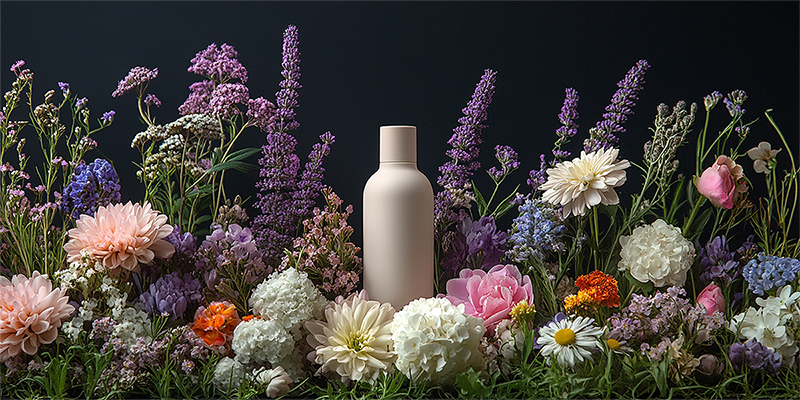
Enter product photos and basic details, and AI automatically creates images and sales copy that clearly show the materials, functions, and real use of pans, pots, tableware, containers, and more.
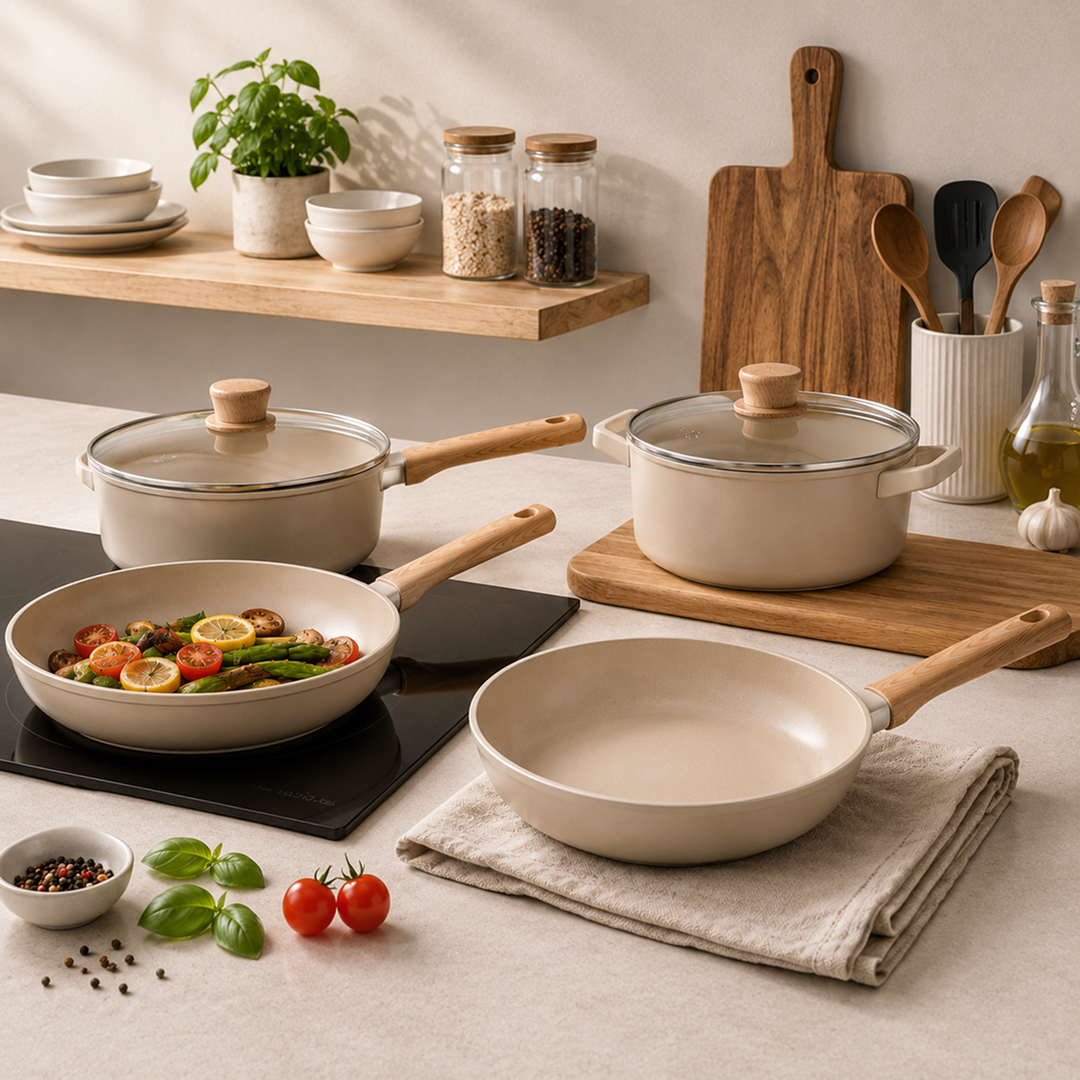
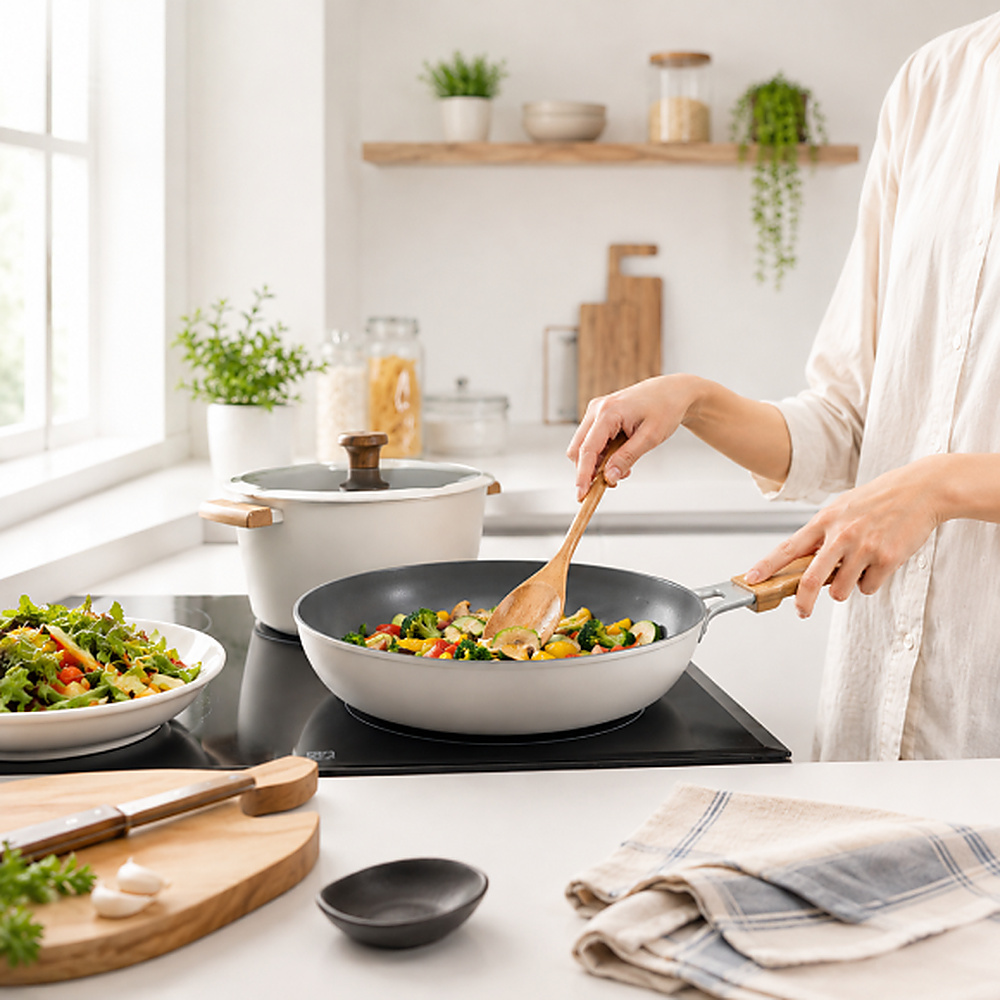
Quickly create realistic cooking and usage scenes for frying pans, pots, and other kitchenware with AI.
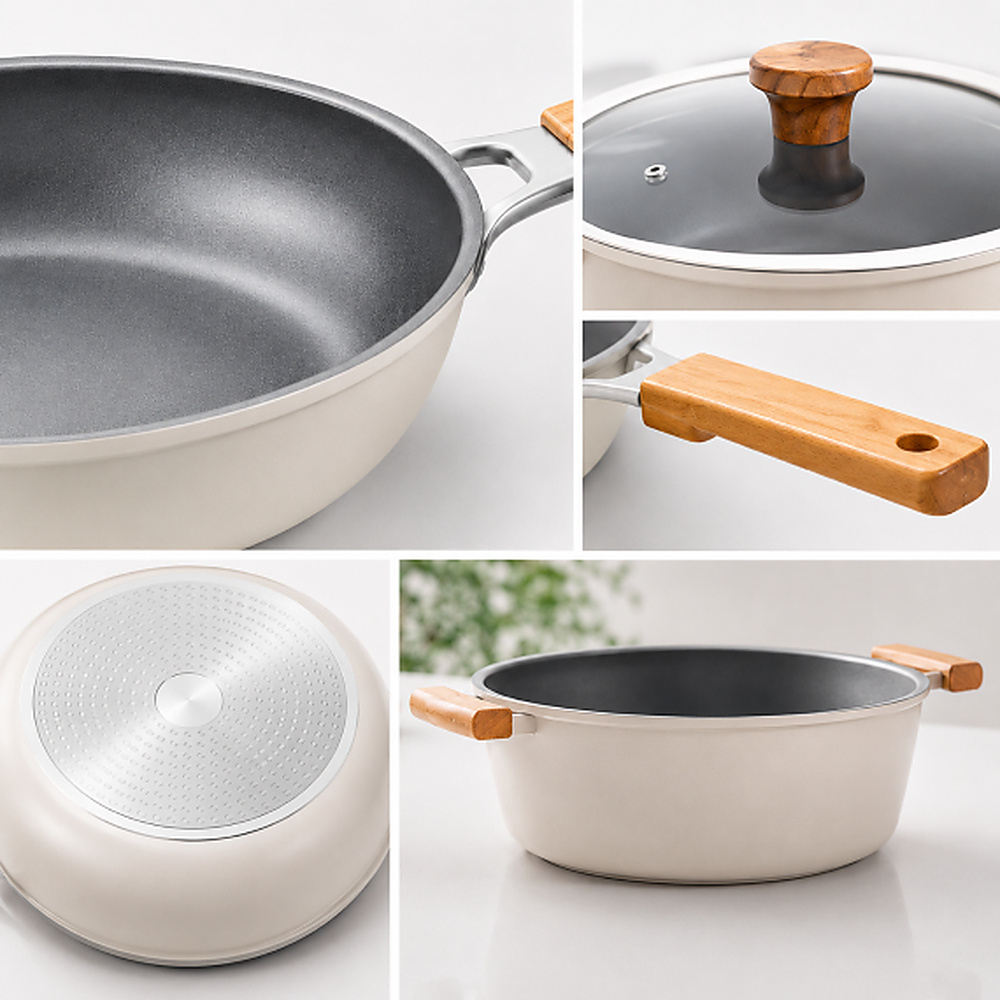
Clearly show essential details such as coatings, stainless-steel surfaces, handles, and functional construction.
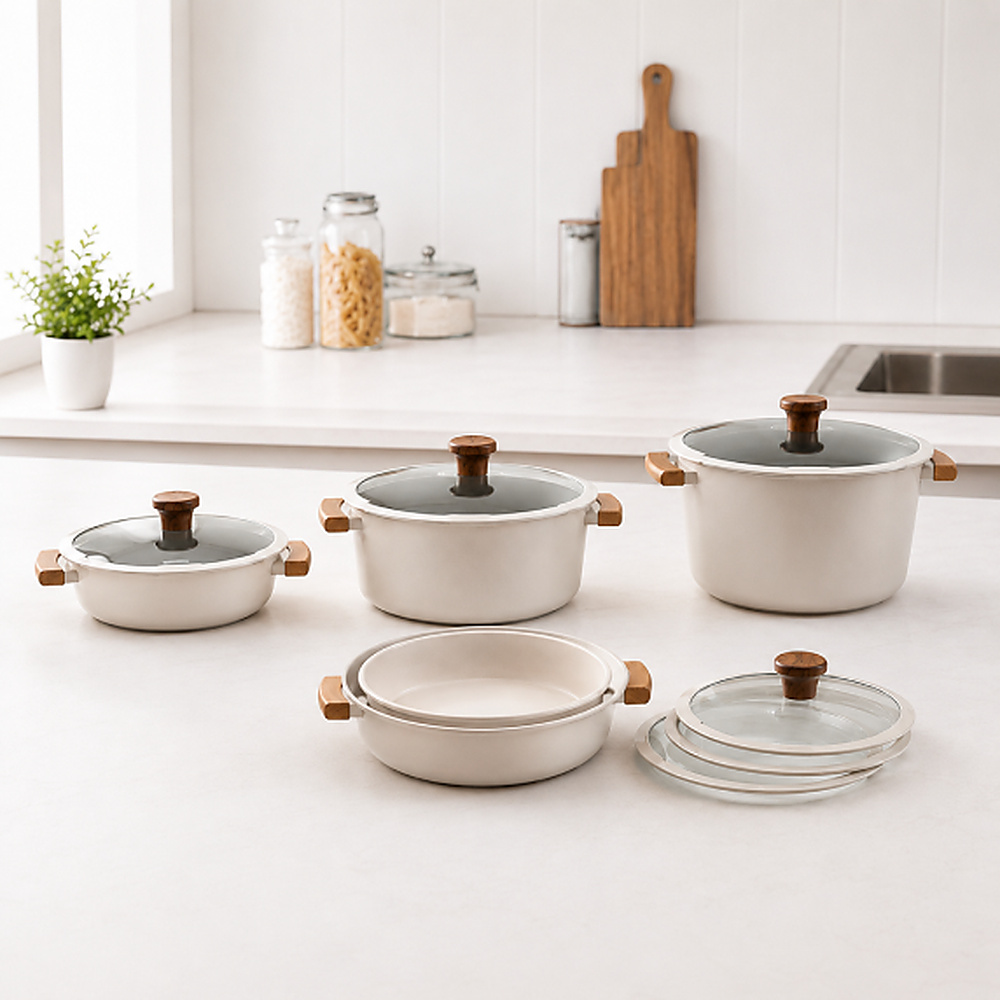
Organize size, capacity, storage, and other purchase information into an easy-to-scan product page.
Switch from time-consuming traditional methods to Draph Art AI for kitchenware product pages.
| Type | Design Agency | DIY Design Tools | BESTDraph Art |
|---|---|---|---|
| Creation Time | At least 1 week | At least 3 hours | 3 minutes on average |
| Cost per Page | About $250+ per page | About $25 per page | About $0.60 per page |
| Workflow | Collect references and write design briefs | Requires design skills and software training | Just upload photos and product information |
| Revisions and Feedback | Extra fees and slow communication | Manual edits by yourself | Chat-based real-time revisions |
| Final Output | Flattened images with uneditable text | Image files | Images plus ready-to-copy HTML |
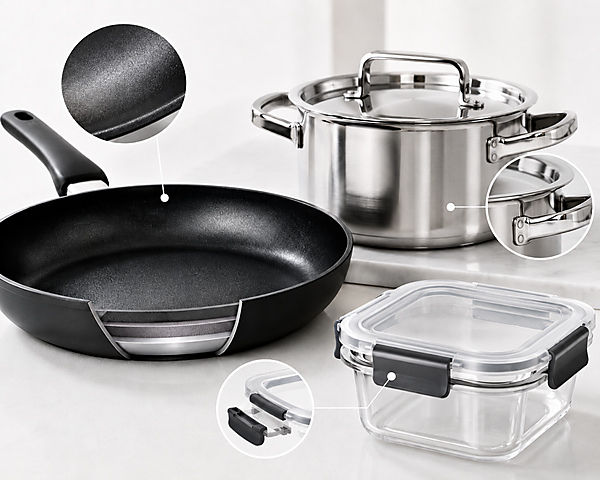
Show the details shoppers want to check before buying, from frying-pan coatings and stainless-steel pot surfaces to locking mechanisms on food containers.
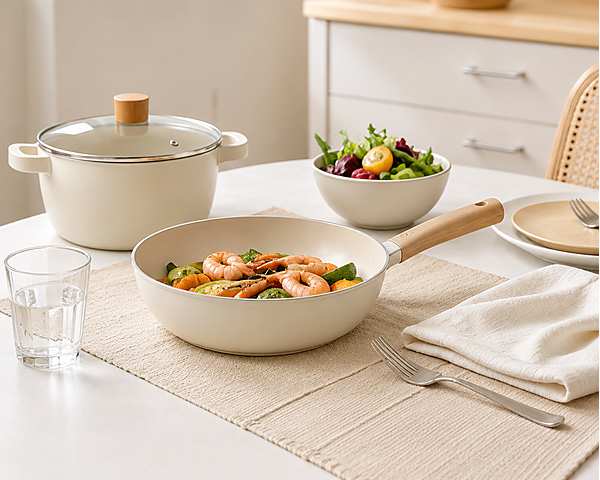
Create natural scenes of cooking with a frying pan, serving food in a pot, and styling tables with dishes and cups.
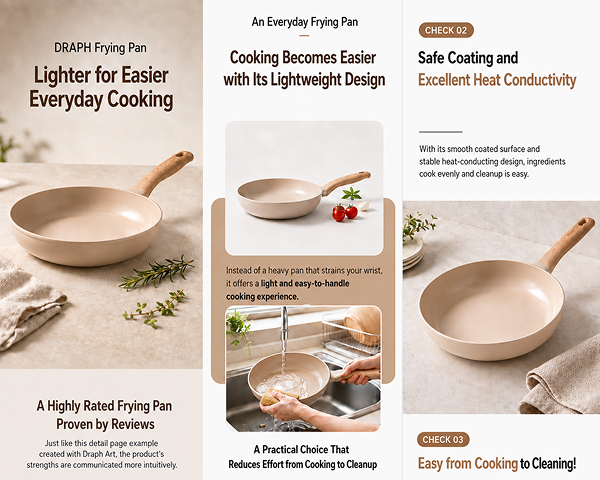
AI automatically orders images and descriptions for frying pans, pots, tableware, food containers, and other products based on their unique features.
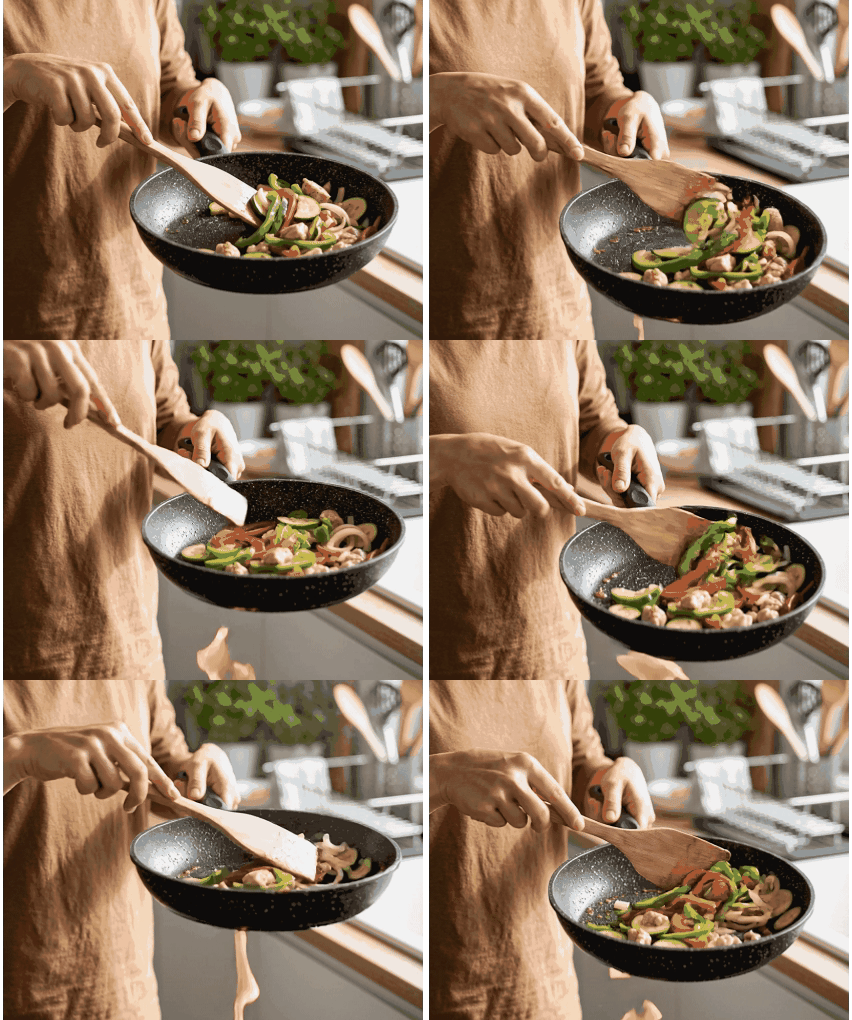
Use GIFs to clearly demonstrate motion-based functions such as locking container lids or opening drawer-style organizers.
Just upload your image and AI creates the kitchenware product page for you.
Step 01
Upload photos and enter the product name, material, size, and key functions for pans, pots, tableware, containers, and more.
Step 02
AI creates usage scenes, detail images, and sales copy tailored to the kitchenware product.
Step 03
Save the completed result as images or HTML and use it directly in your online store.
Explore product and model visuals created by AI across beauty, fashion, living, food, and more.

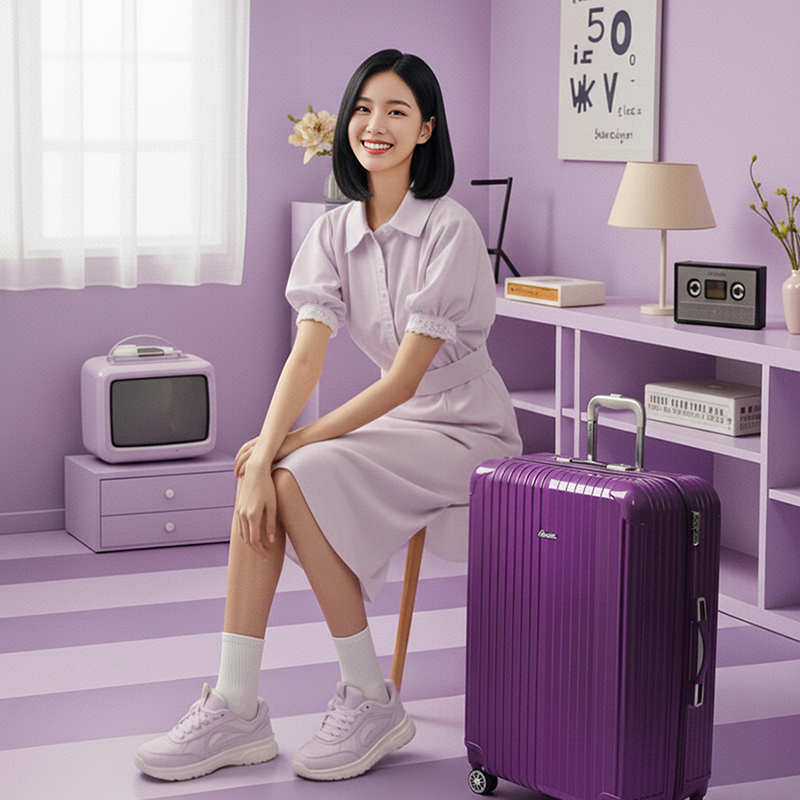


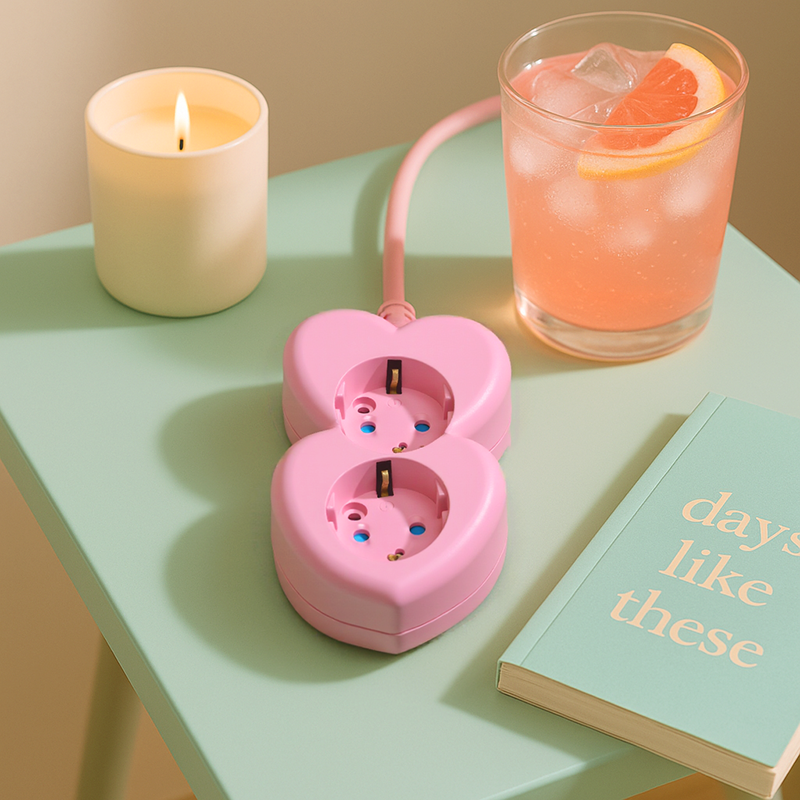
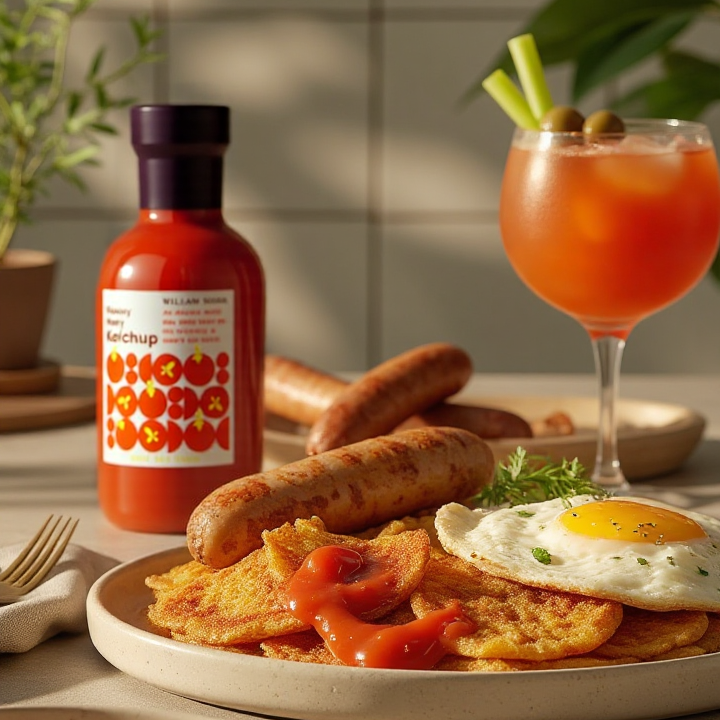
From product photography to complete product pages—everything in one place.
See how kitchenware brands dramatically reduced product page production time and cost with Draph Art AI.
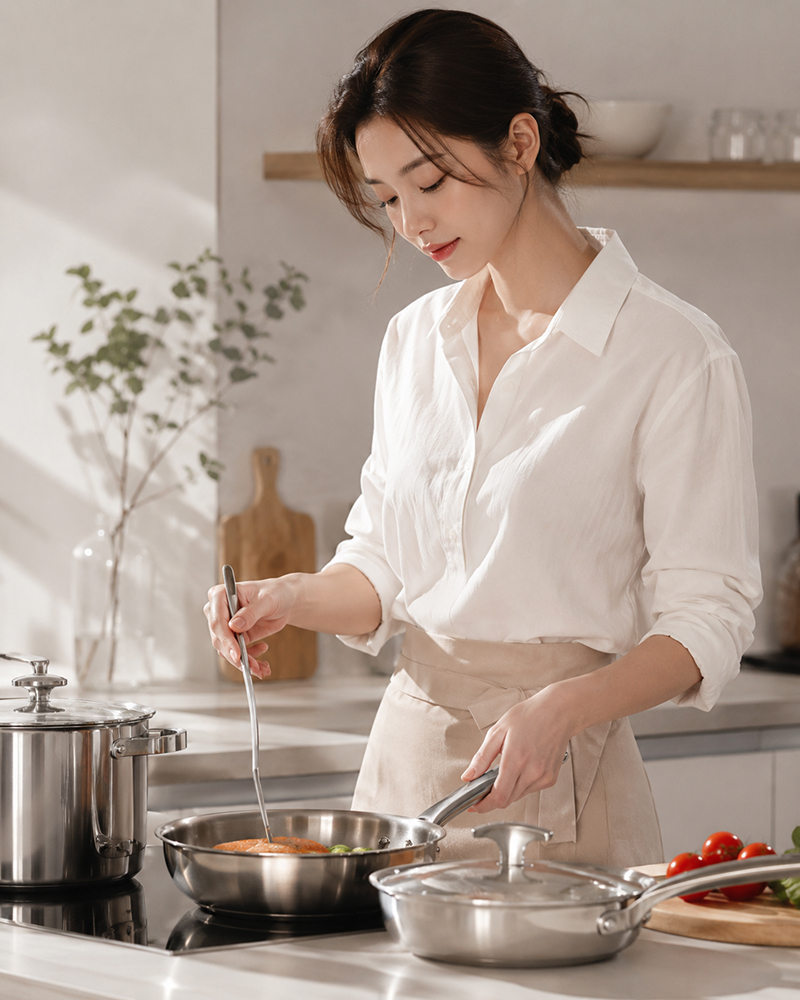
Kitchenware Brand H · Kitchenware
Preparing usage shoots for pans and pots required too much setup. With just product photos and details, AI organized the images and copy together, and even as a first-time user I only had to adjust a few areas.
on average

Kitchenware Brand I · Kitchenware
Preparing separate images and copy for every pan, tableware item, and container was the hardest part. AI produced the drafts first, so we only edited what was needed and prepared many products efficiently.
on average
faster than manual work
Proprietary eCommerce AI trained on over 4.6 million commerce assets.
80K+ Active Sellers
4.6M+ Generated Images
4 Core AI Patents
Certified Government Recognition
Explore easy and powerful AI photo tools designed for eCommerce.
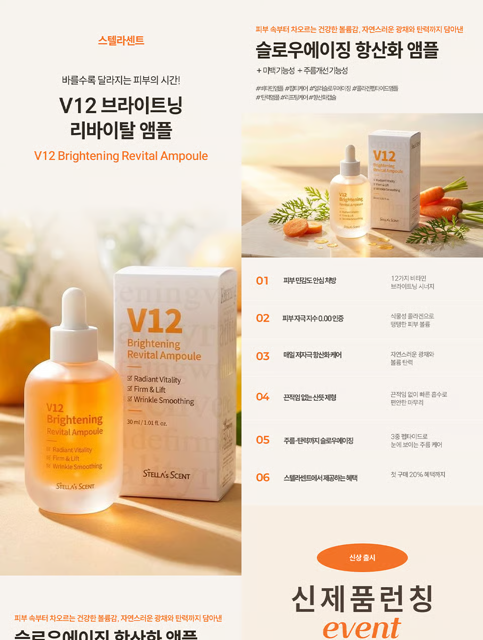
Generate design, copy, and model visuals from product info.

Create studio-quality product photos and videos.

Generate AI model lifestyle photos and videos.
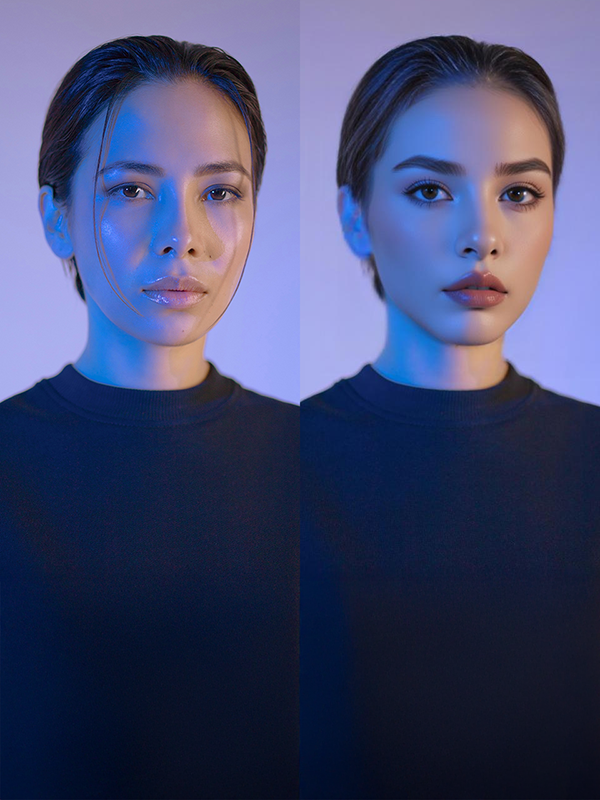
Swap model faces for diverse creative assets.
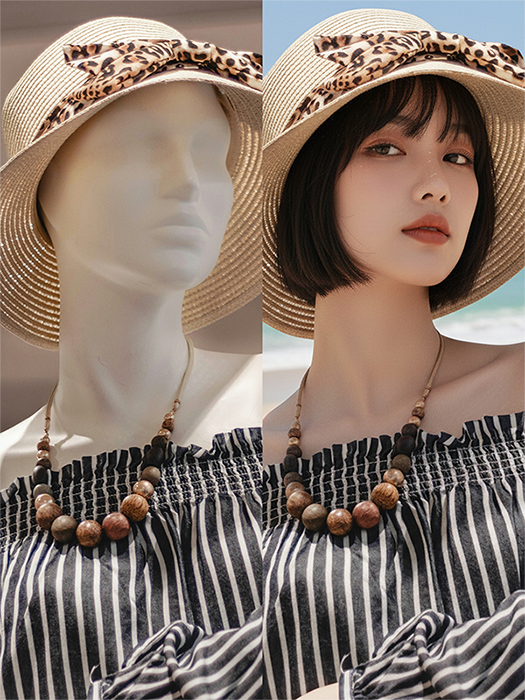
Convert mannequin photos into model shots.
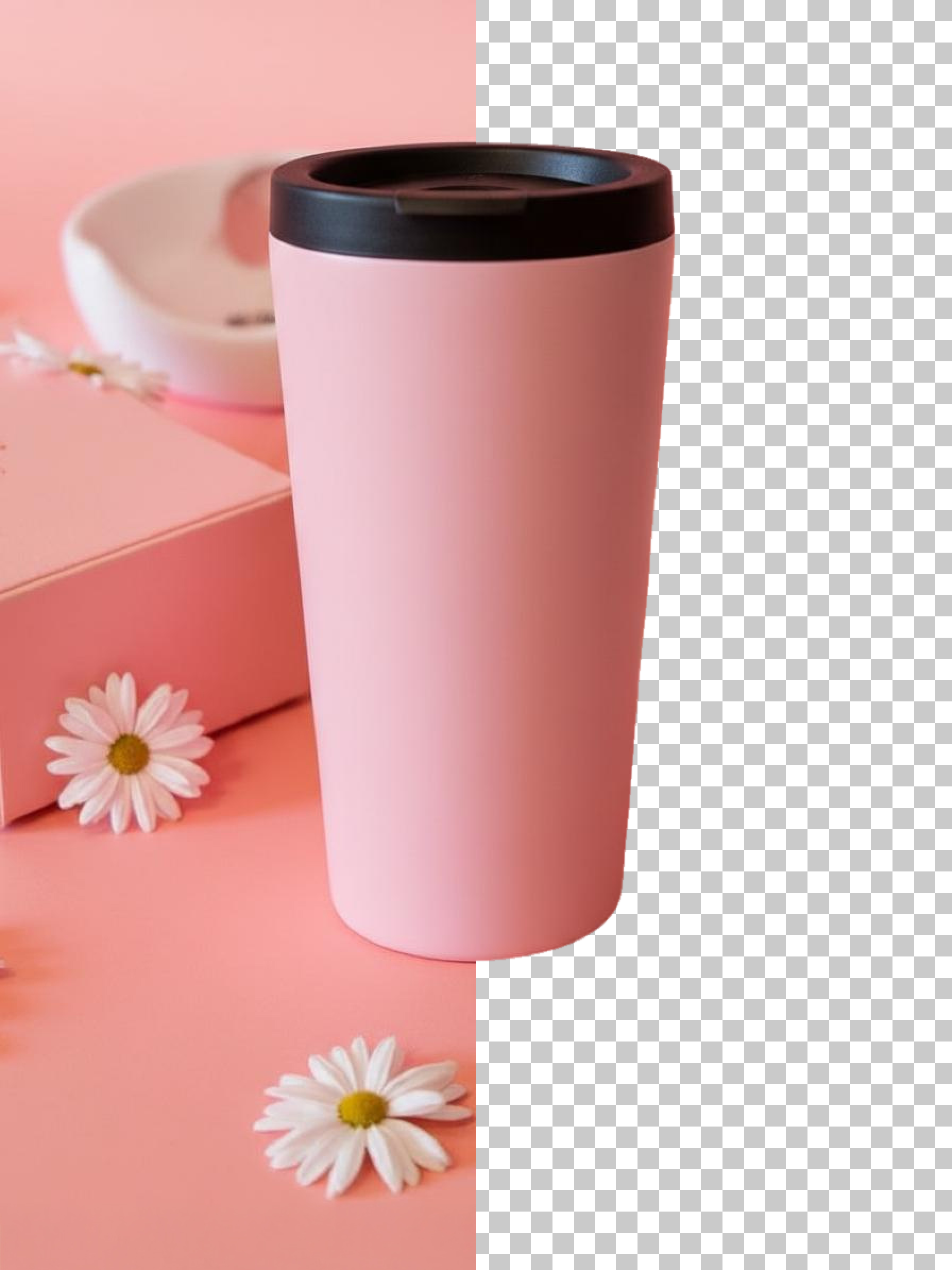
Remove backgrounds quickly and cleanly.
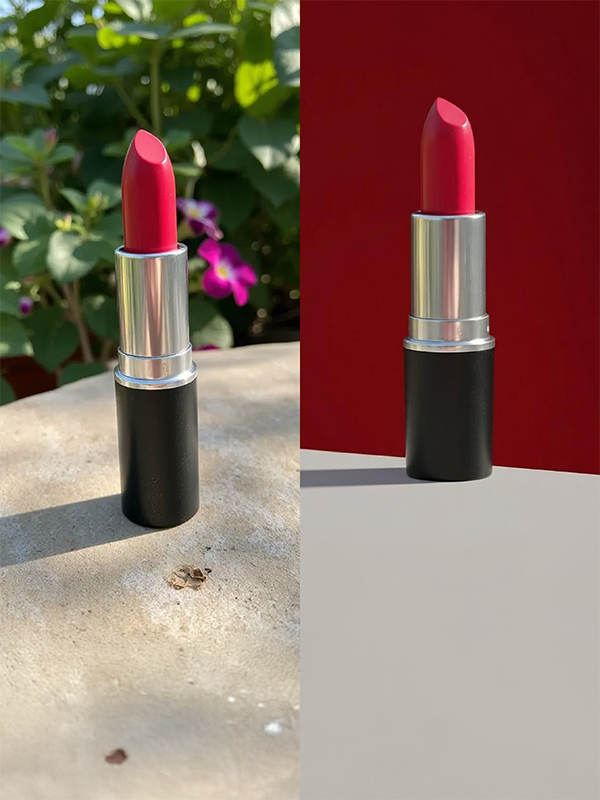
Change product backgrounds to any scene or mood.
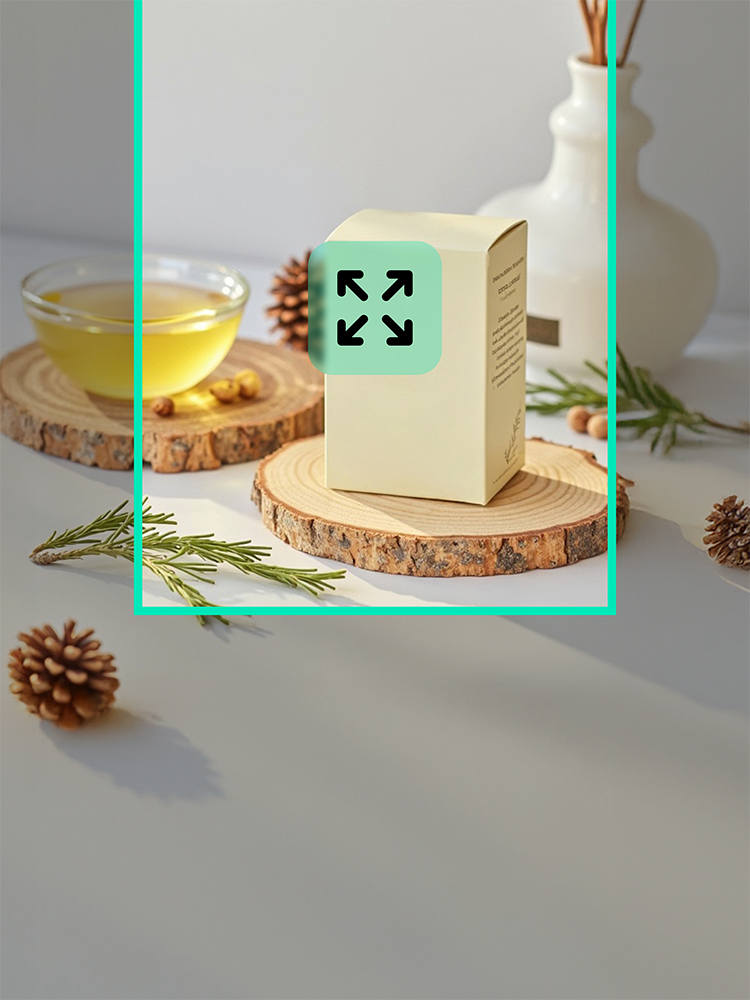
Extend backgrounds for ads and thumbnails.
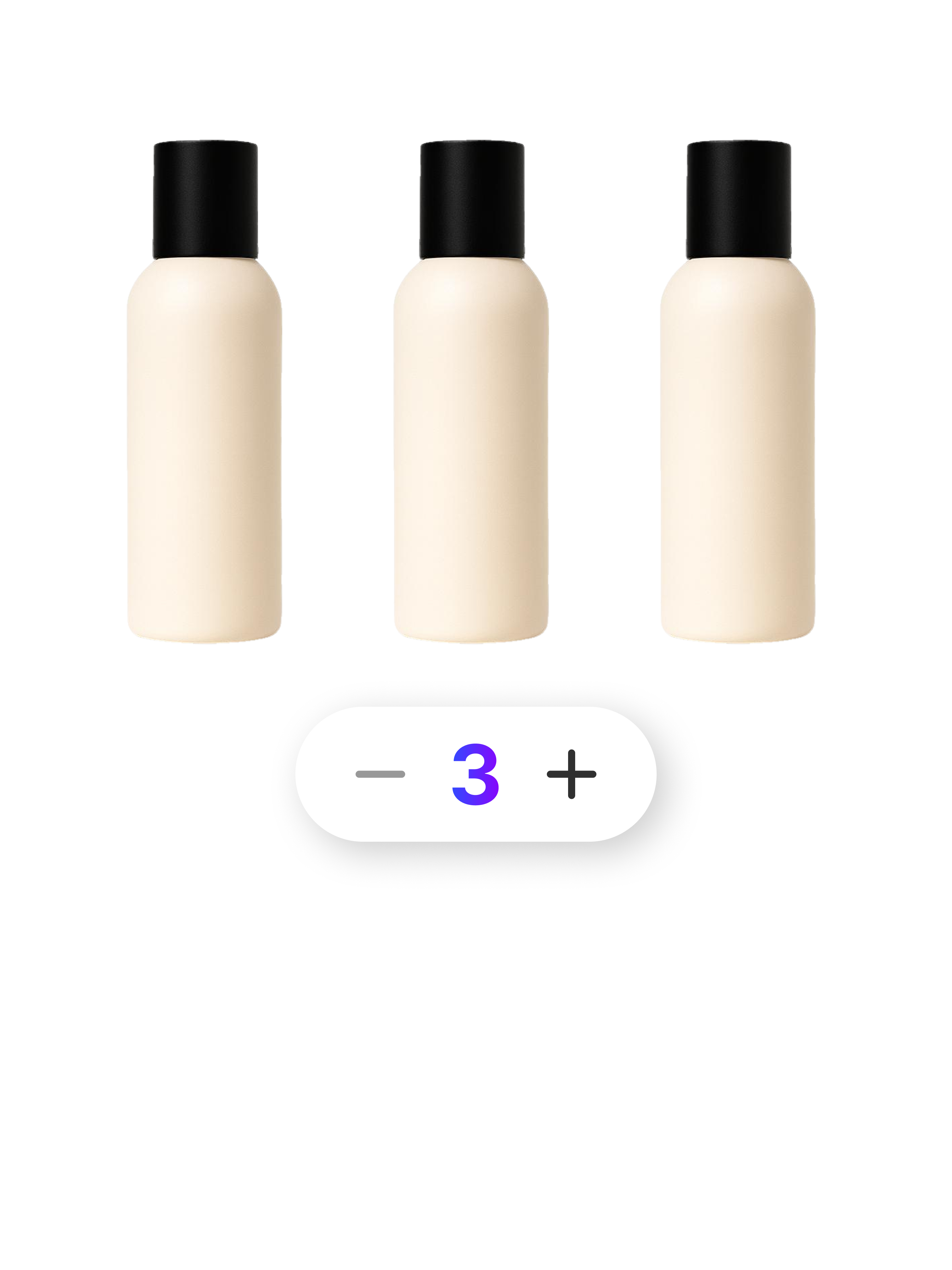
Create multipack images with 2 to 80 products.
Check out optimized tips and detailed guides tailored to your industry, platform, and business scale.
Q1. What shopper concerns does kitchenware product page AI address?
It turns product photos and details into hero images, usage scenes, close-ups, sales copy, and GIF content, helping shoppers understand the features of pans, pots, containers, and cooking tools.
Q2. Does the page layout change for pans, pots, and tableware?
Yes. Frying pans emphasize coatings and cooking scenes, pots focus on materials and capacity, and tableware highlights design and table styling. AI adapts the layout to each product.
Q3. Can I edit the generated images and copy?
Yes. Review the generated result and adjust only the images, sales copy, or sections that need changes without starting over.
Q4. Can the page match my kitchenware brand’s visual style?
Yes. Apply your brand colors and preferred image mood to create consistent content across multiple kitchenware products.
Q5. Can I create seasonal or promotional kitchenware images?
Yes. Create scenes for home parties, newlywed kitchens, holiday tables, and other campaigns, giving existing products fresh visual uses.
Q6. Can I use it without writing prompts?
Yes. Upload a product photo and basic details, and AI creates the visuals without requiring complex prompts.
Q7. Which kitchenware products can use AI product page creation?
Use it for frying pans, pots, knives, cutting boards, tableware, cups, food containers, cooking tools, and other products—especially when many pages must be created repeatedly.
Start for Free Now