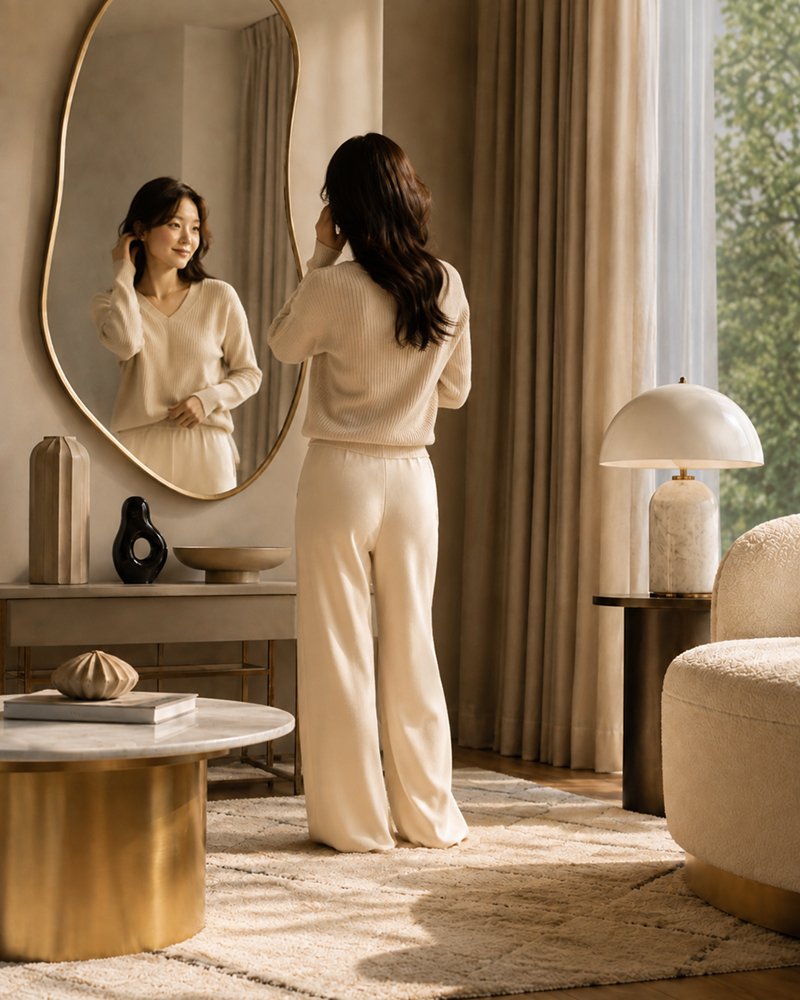
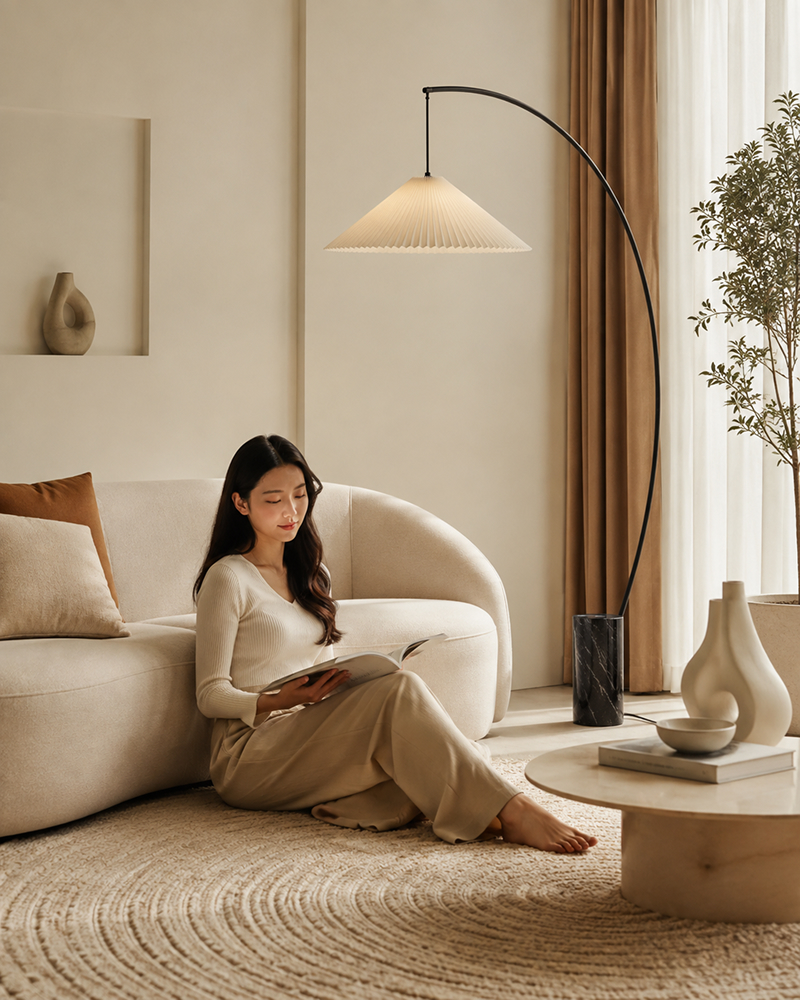
Enter product photos and basic details, and AI creates room scenes and product descriptions that naturally show the size, materials, and placement mood of lighting, rugs, curtains, mirrors, and décor.
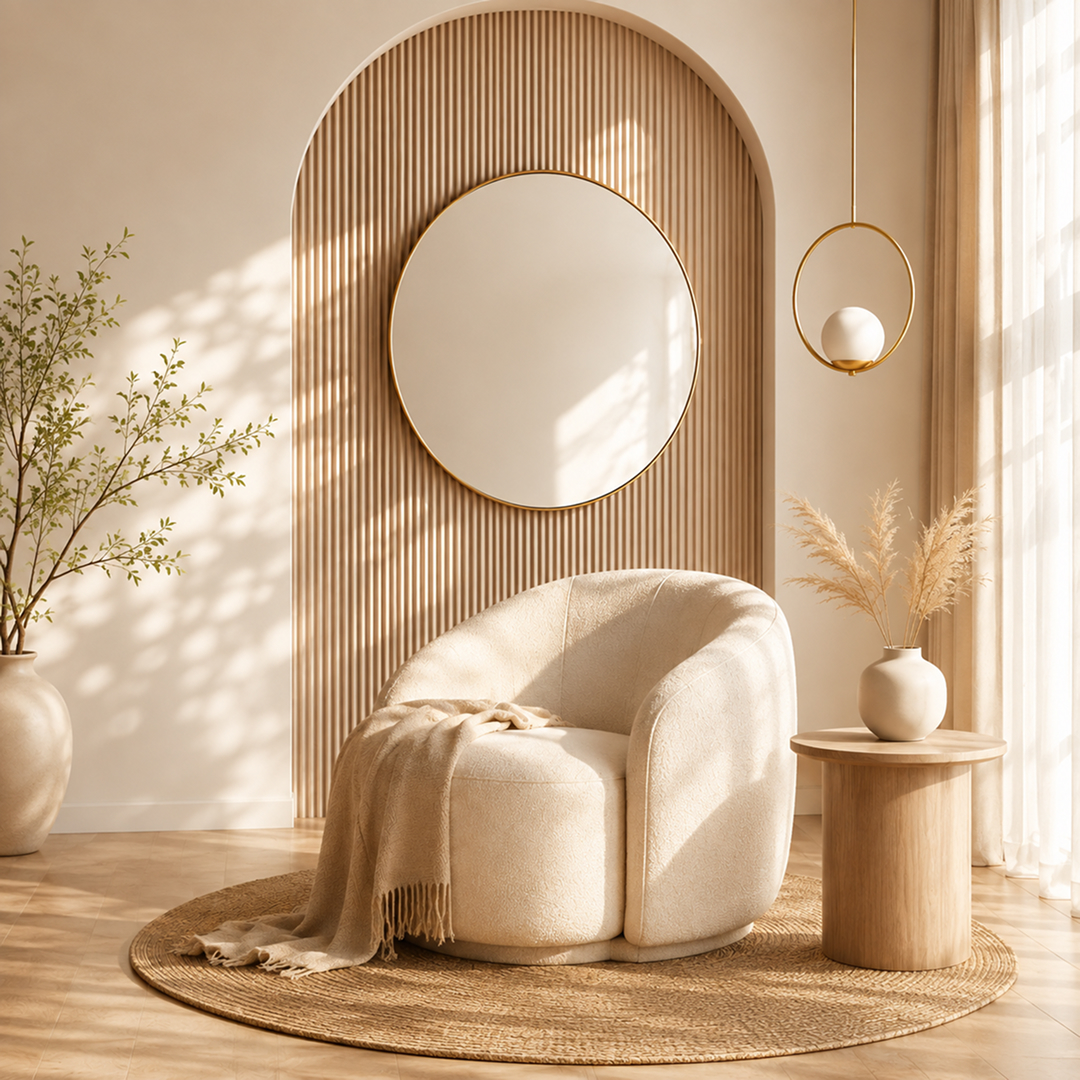
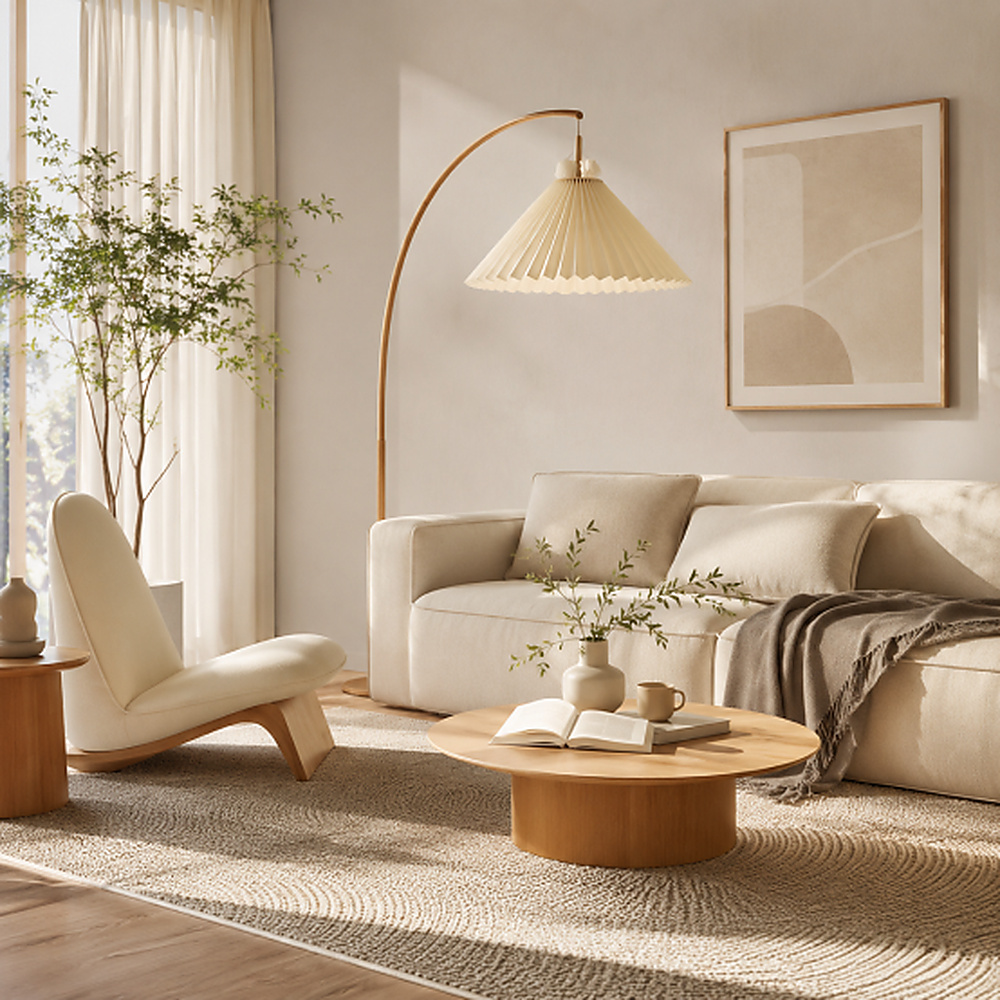
Show products placed in living rooms, bedrooms, and entryways so shoppers can understand their scale and harmony within a space.
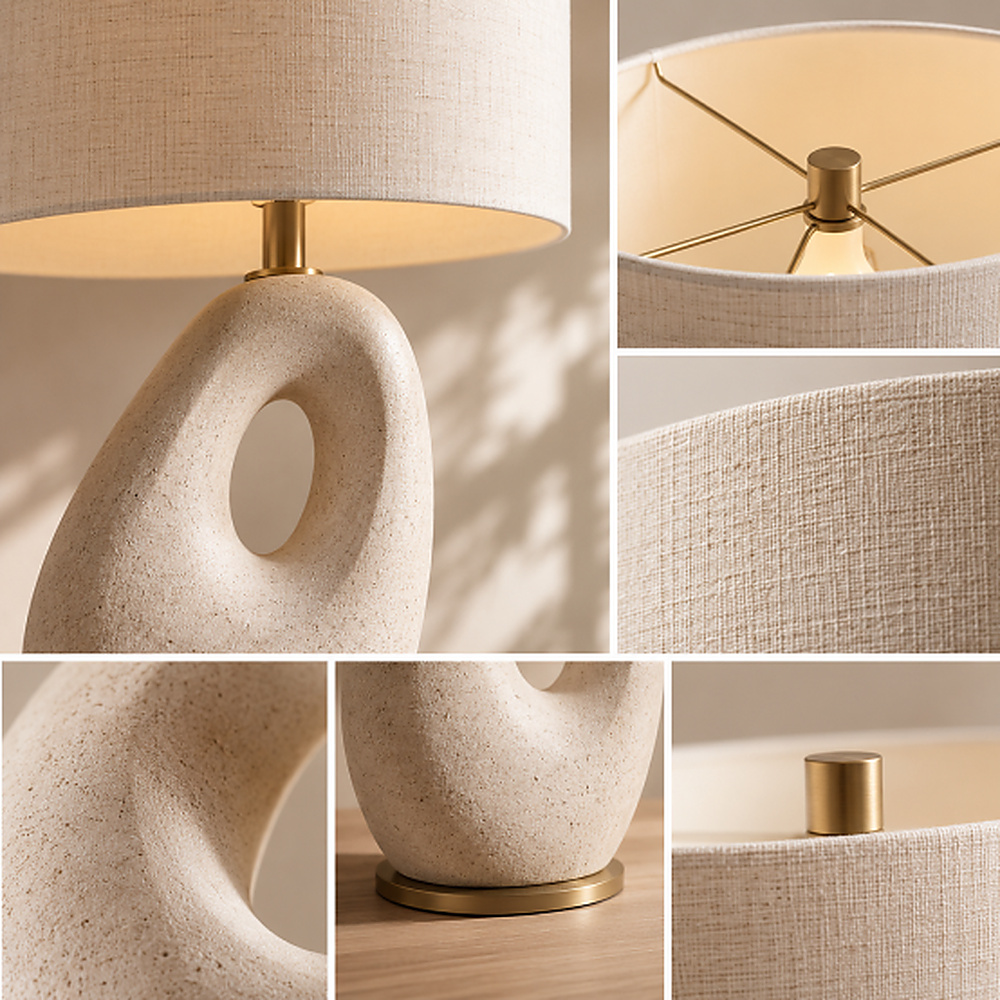
Use AI to show fabric weaves, glass reflections, wood grain, patterns, and surface finishes with clarity.
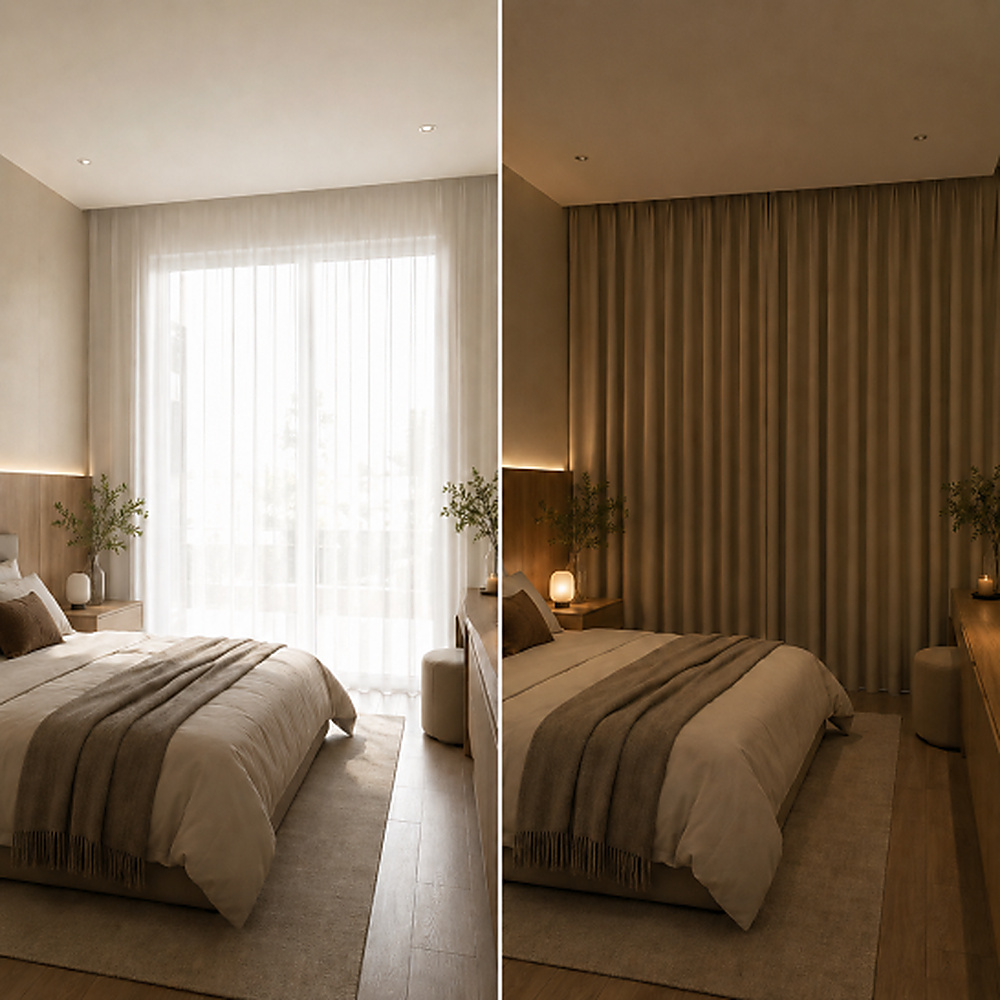
Demonstrate lighting, curtain movement, blind adjustment, and other product functions in an intuitive way.
Switch from time-consuming traditional methods to Draph Art AI for interior product pages.
| Type | Design Agency | DIY Design Tools | BESTDraph Art |
|---|---|---|---|
| Creation time | At least 1 week | At least 3 hours | Avg. 3 minutes |
| Cost per page | ~$250+ per page | ~$25 per page | ~$0.60 per page |
| Workflow | Collect references, write design briefs | Requires design skills and learning software | Just upload photos and product info |
| Revisions | Extra fees and slow back-and-forth | Manual edits by yourself | Chat-based instant revisions |
| Final output | Flattened images with uneditable text | Image files | Images plus ready-to-copy HTML code |
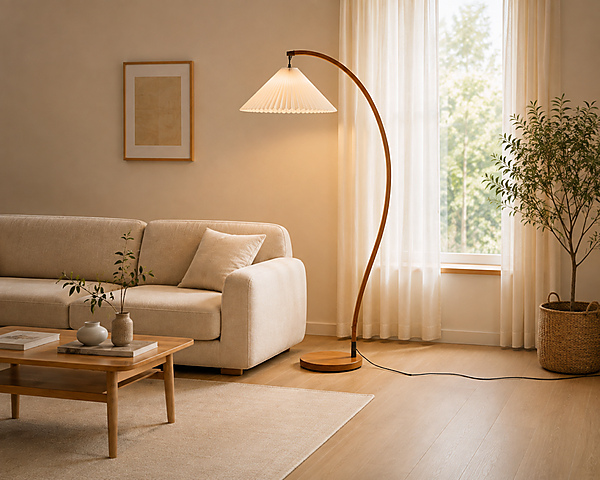
Generate living-room and bedroom scenes featuring lighting, rugs, curtains, and home décor so shoppers can understand real scale and spatial harmony.
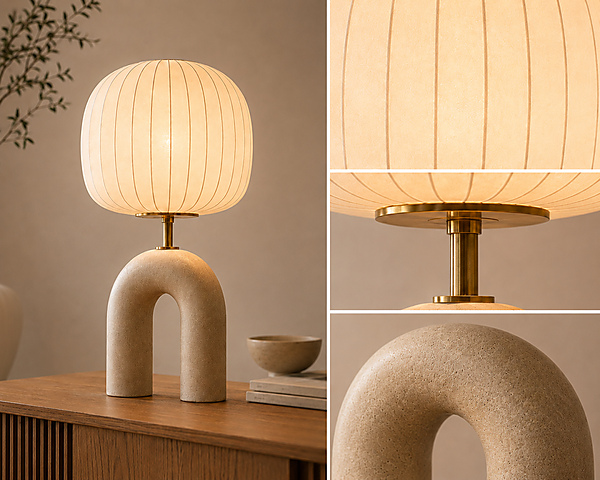
Reveal fabric weaves, glass reflections, wood grain, and frame finishes that ordinary product photos often miss, highlighting the design of lighting, rugs, curtains, and mirrors.
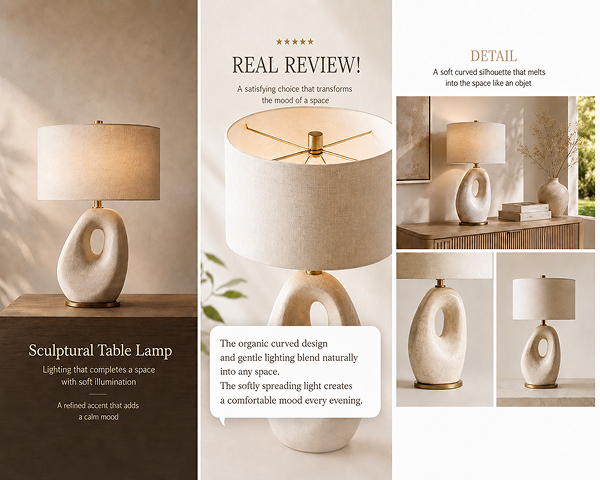
Highlight the right details for each product—brightness and color temperature for lighting, size and pattern for rugs, and material and light blocking for curtains.
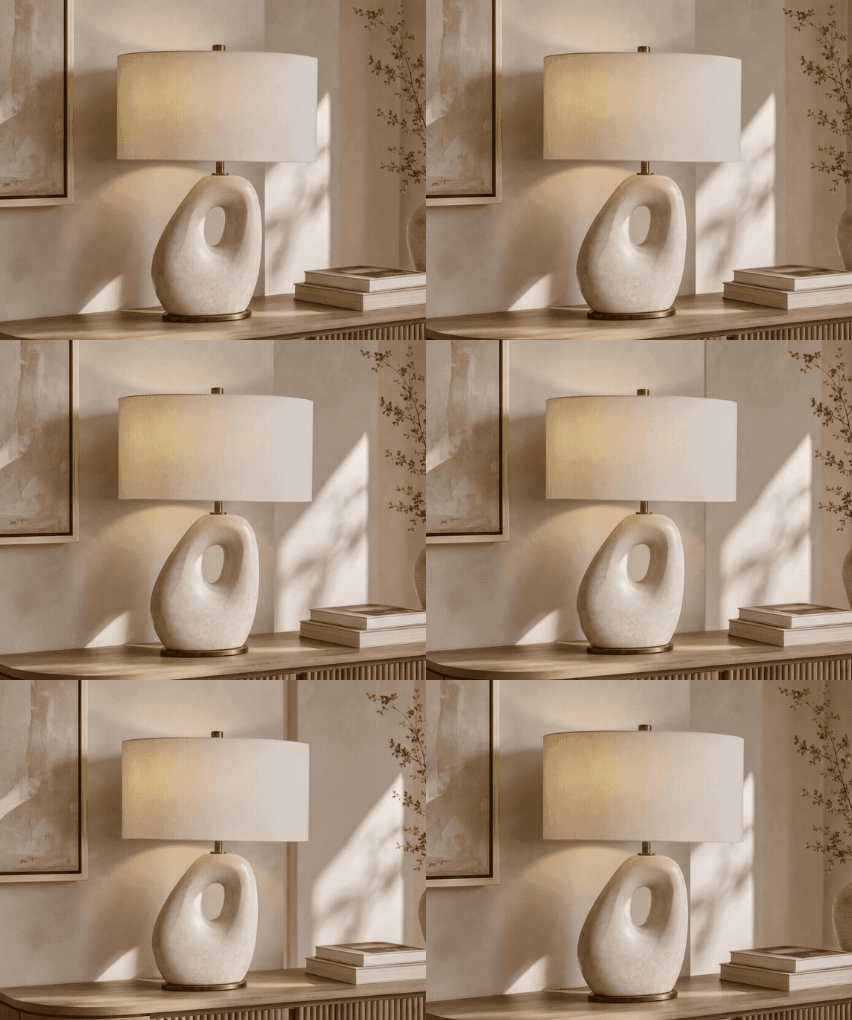
Use GIFs to show lighting changes, curtain movement, and blind-angle adjustment so shoppers understand how each product works.
Just upload your images and let AI build the complete interior product page.
Step 01
Upload images of lighting, rugs, curtains, mirrors, or décor and enter the product name, material, and color.
Step 02
Review the generated room scenes, material details, and sales copy, then edit only what needs changing.
Step 03
Export the finished interior product page as images or HTML and use it in your store immediately.
Explore product and model visuals created by AI across beauty, fashion, living, food, and more.


From product photography to complete pages, get every tool in one place.
Home Interior Brand F · Interior
“We entered product photos and basic details for lighting, rugs, curtains, and mirrors, and AI created room scenes, material details, and sales copy together.”
on average
faster than manual work
Living Design Brand G · Interior
“AI let us highlight different information for lighting, rugs, and curtains while keeping the overall page mood consistent.”
faster
lower than outsourcing
Proprietary eCommerce AI trained on over 4.6 million commerce assets.
80K+ Active Sellers
4.6M+ Generated Images
4 Core AI Patents
Certified Government Recognition
Explore easy and powerful AI photo tools designed for eCommerce.

Generate design, copy, and model visuals from product info.

Create studio-quality product photos and videos.

Generate AI model lifestyle photos and videos.

Swap model faces for diverse creative assets.

Convert mannequin photos into model shots.

Remove backgrounds quickly and cleanly.
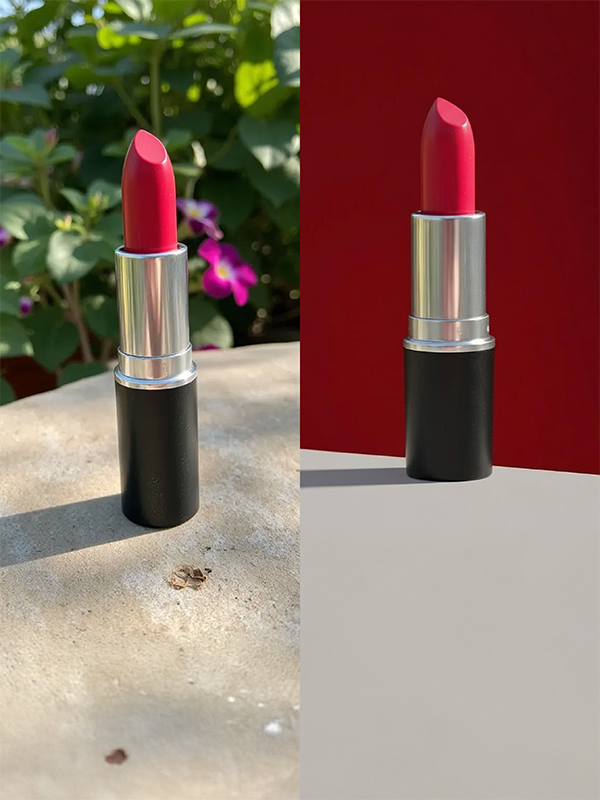
Change product backgrounds to any scene or mood.

Extend backgrounds for ads and thumbnails.

Create multipack images with 2 to 80 products.
Check out optimized tips and detailed guides tailored to your industry, platform, and business scale.
Q1. Does the interior product page template change by product type?
Yes. Lighting, rugs, curtains, blinds, mirrors, and décor each need different information, so AI adjusts the page flow to the product type and its selling points.
Q2. What shopper concerns can interior product page AI reduce?
Online, shoppers cannot easily judge lighting dimensions, rug texture, curtain length, or mirror placement. AI combines room scenes and material close-ups so they can understand size, color, and mood with confidence.
Q3. Can I regenerate only selected images or copy?
Yes. You can edit or regenerate only the images or copy you need without rebuilding the entire page, which is useful when adding new products or options.
Q4. Can I create an interior product page from one photo?
Yes. Start with one clear product photo plus the name, material, and color. AI can then build the hero visual, room scenes, detail images, and sales copy together.
Q5. Can I create GIFs for an interior product page?
Yes. Turn lighting changes, curtain movement, and blind-angle adjustment into GIFs without another program, making real product behavior easier to understand.
Q6. Can I finish an interior product page without design experience?
Yes. Enter product photos and details, and AI automatically organizes the visuals, copy, and page flow, so no design experience is required.
Q7. Which sellers benefit most from an interior product page AI tool?
It is ideal for interior stores, small brands, and sellers who frequently add new products but cannot spend heavily on photography or design.
Start for Free Now

