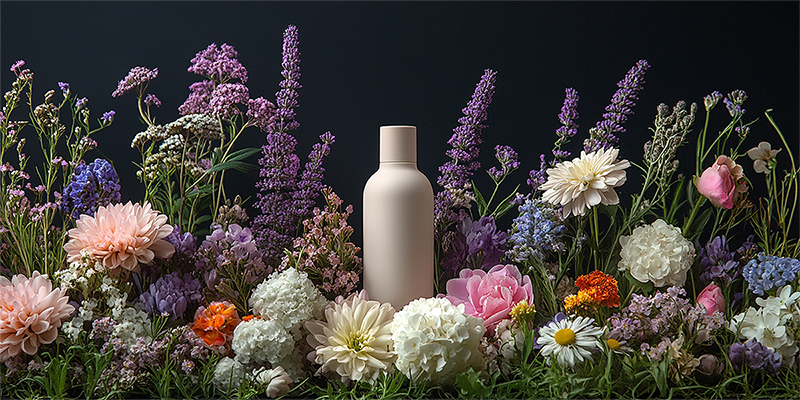
Add product photos and basic information, and AI organizes fit, fabric, detail, and styling visuals into a complete clothing product page—no designer required.
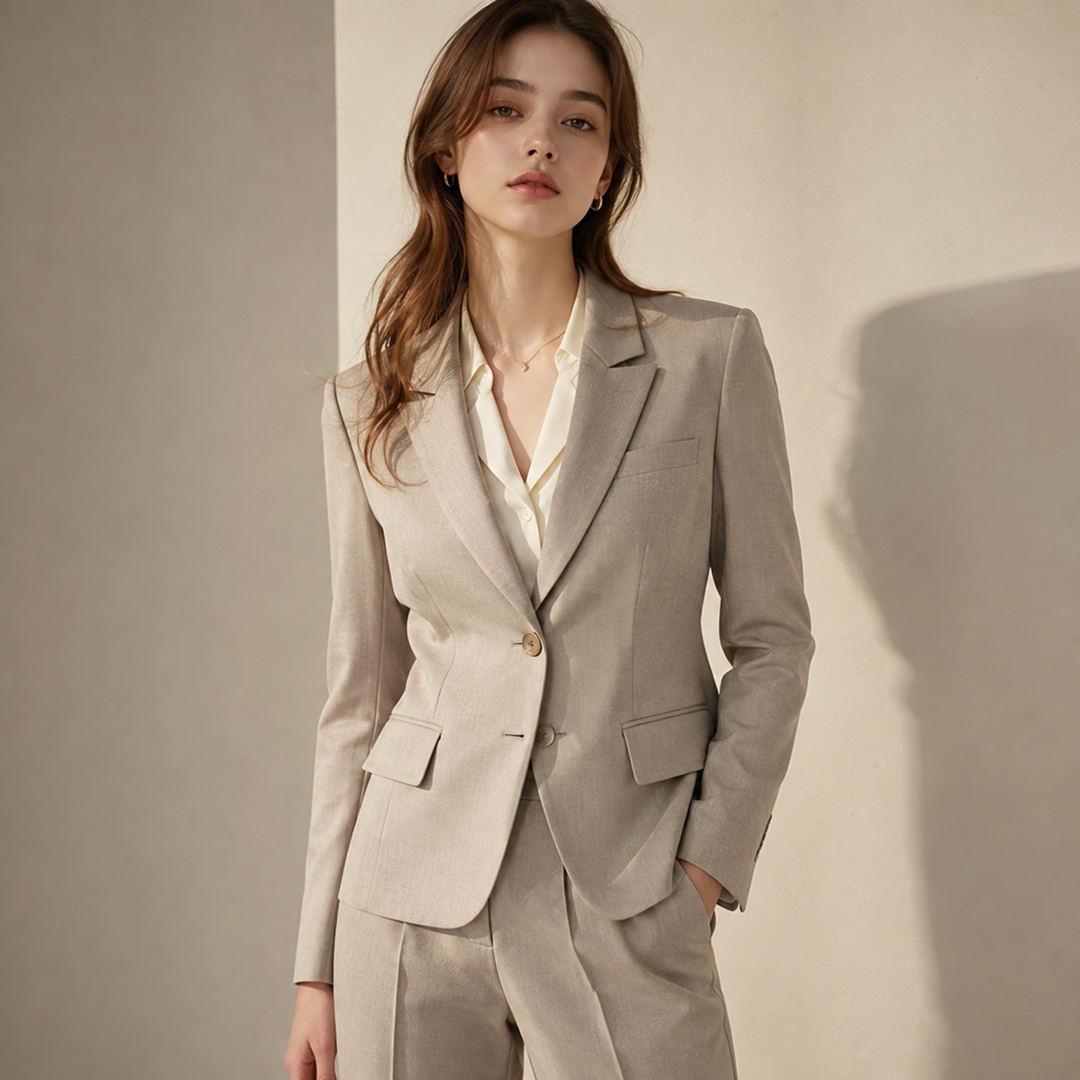
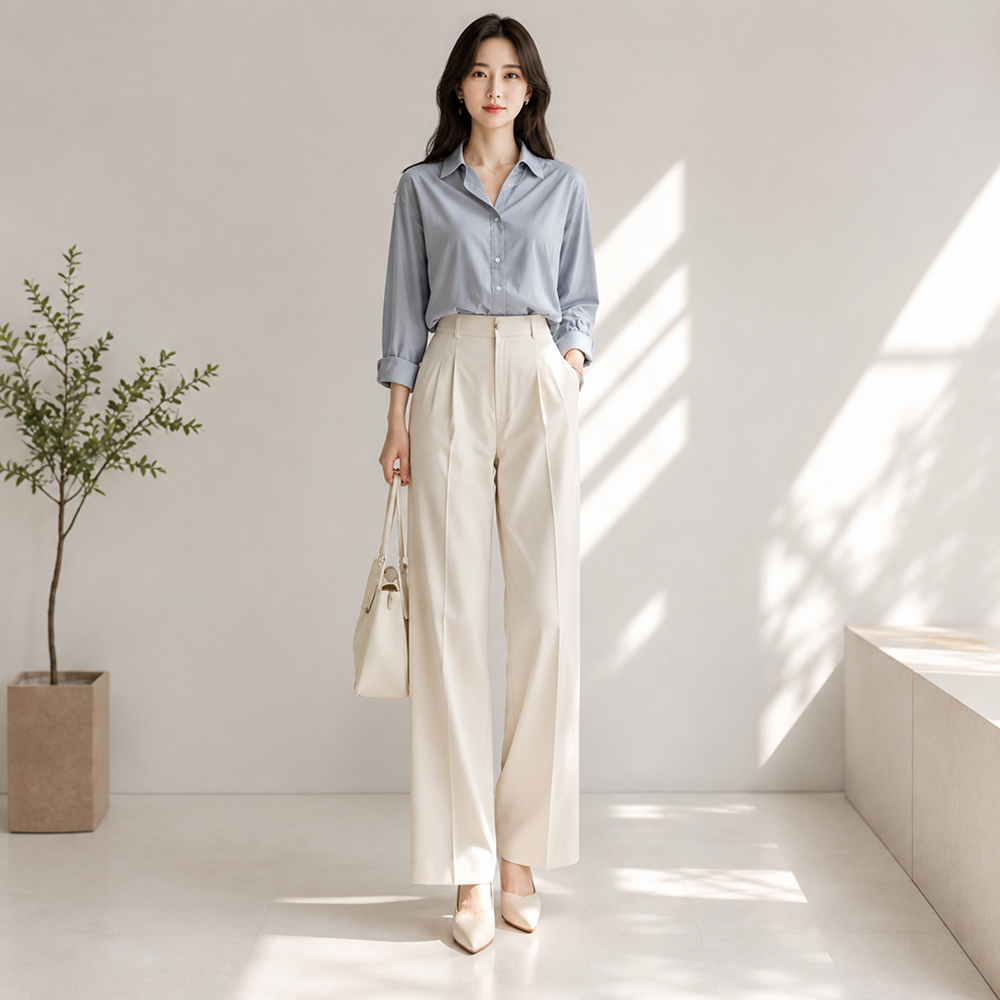
Use try-on images and clear proportions to show length, fit, and silhouette so shoppers can quickly decide whether an item suits them.
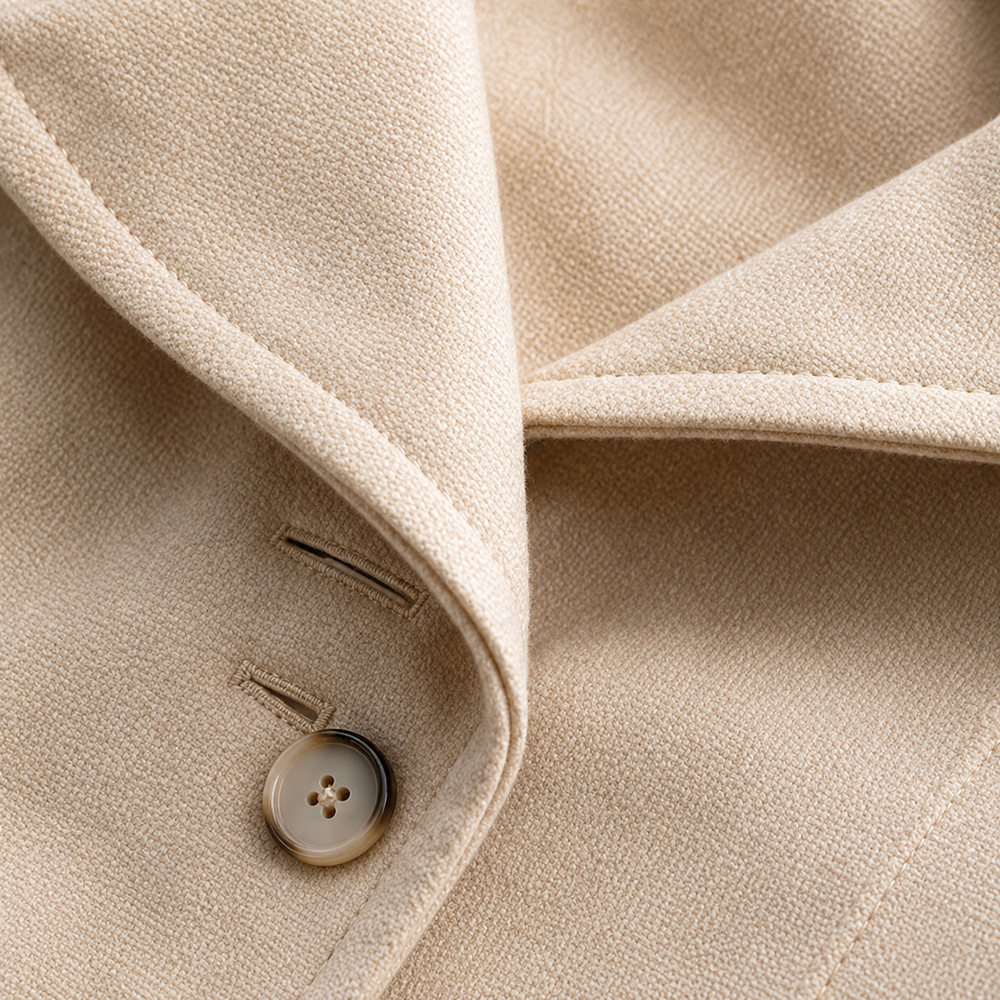
Show fabric texture, thickness, drape, and finishing details clearly within an easy-to-scan clothing product page.
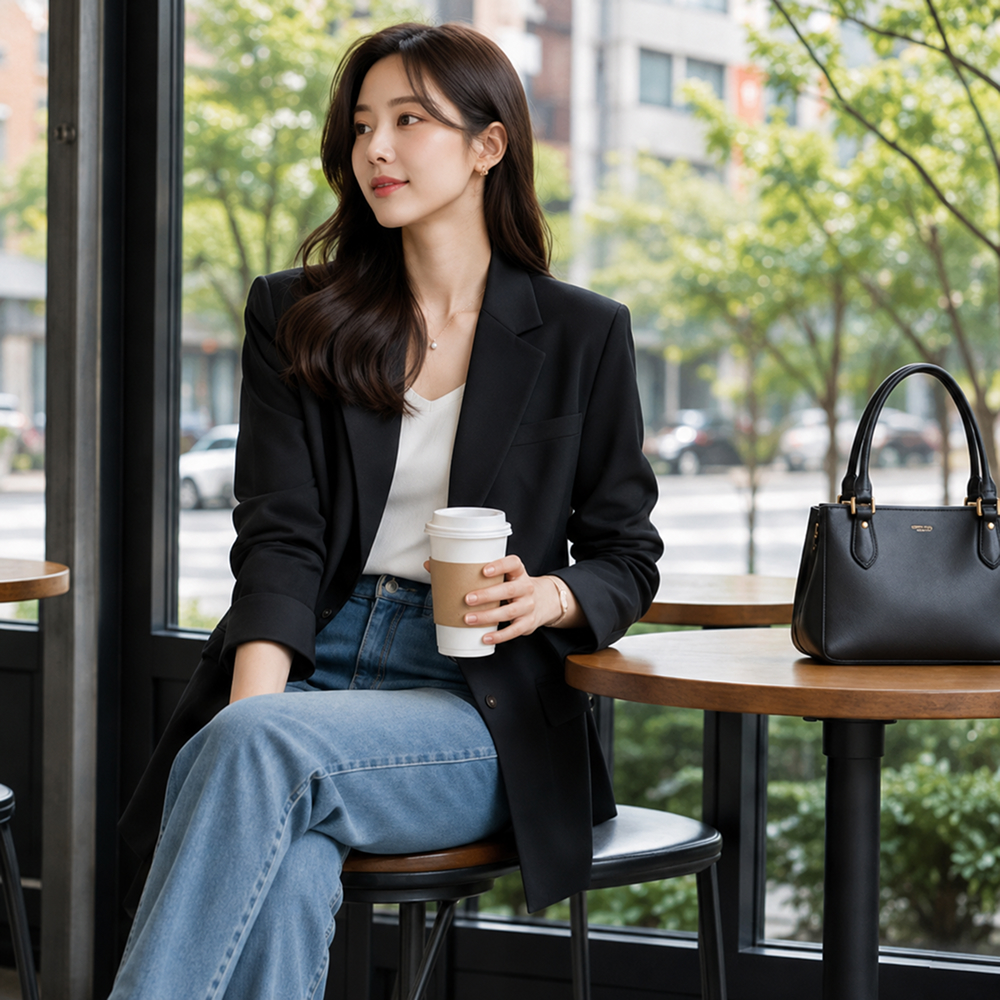
Create outfit scenes for everyday wear, work, travel, and more so shoppers can easily imagine how they would style the product.
Switch from time-consuming traditional methods to Draph Art AI for clothing product pages.
| Type | Design Agency | DIY Design Tools | BESTDraph Art |
|---|---|---|---|
| Creation Time | At least 1 week | At least 3 hours | 3 minutes on average |
| Cost per Page | About $250+ per page | About $25 per page | About $0.60 per page |
| Workflow | Collect references and write design briefs | Requires design skills and software training | Just upload photos and product information |
| Revisions and Feedback | Extra fees and slow communication | Manual edits by yourself | Chat-based real-time revisions |
| Final Output | Flattened images with uneditable text | Image files | Images plus ready-to-copy HTML |
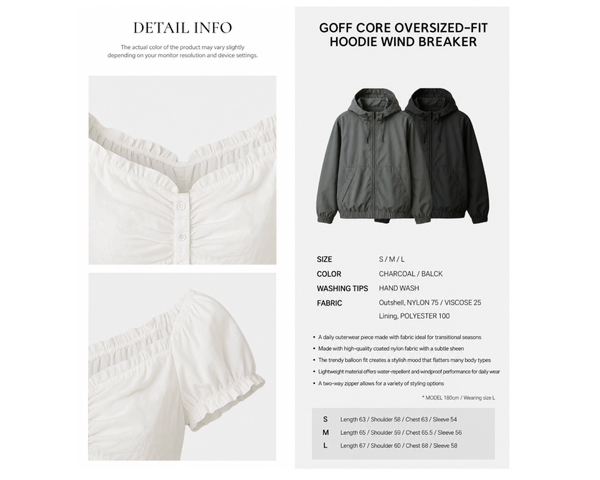
AI organizes product details into clear sections so shoppers can quickly review fit, size, material, and color information and make confident purchase decisions.
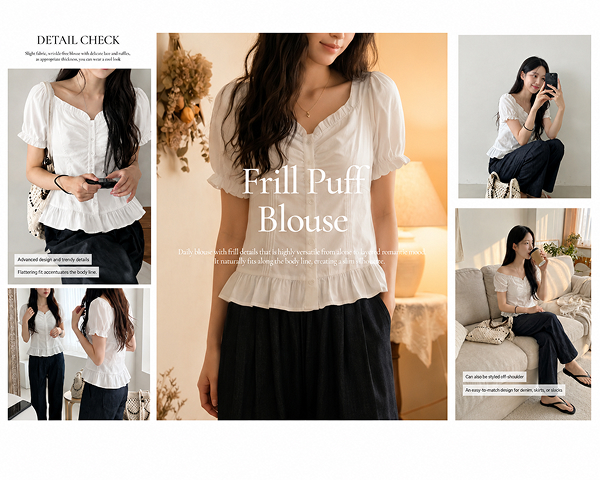
Generate front, side, back, and styled outfit images from one product photo so shoppers can understand length, proportion, and silhouette without trying the item on.
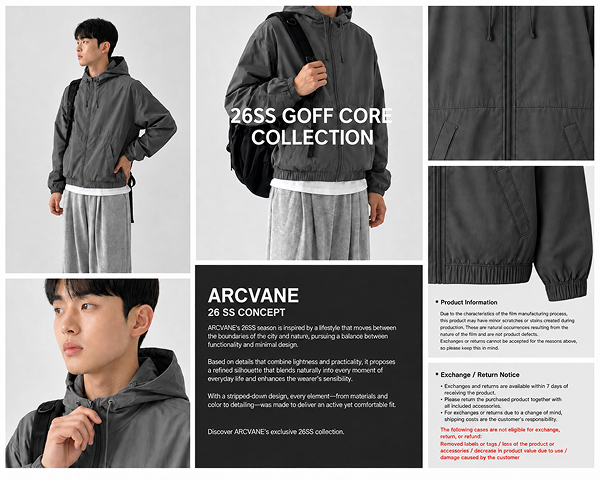
Draph Art analyzes whether the item is a shirt, pants, dress, or outerwear, then applies the right template and automatically orders images and descriptions for that product type.
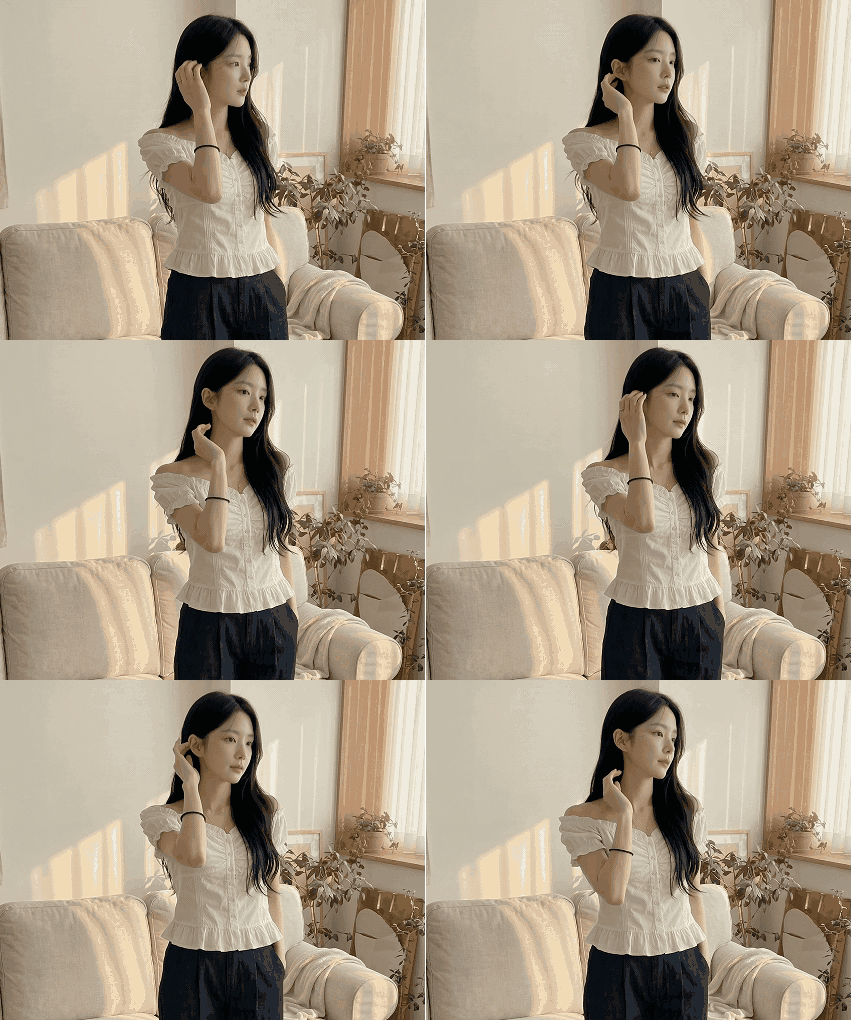
Show walking motion, fabric flow, drape, and texture in animated GIFs to make clothing product pages more vivid and immersive.
Just upload your image and AI creates the clothing product page for you.
Step 01
Upload product photos and enter the product name, material, color, size, fit, and other basic details.
Step 02
AI builds try-on images, material details, and a clothing page template. Edit only the images and copy that need adjustment.
Step 03
Save the completed clothing product page as images or HTML and use it directly in your online store.
Explore product and model visuals created by AI across beauty, fashion, living, food, and more.
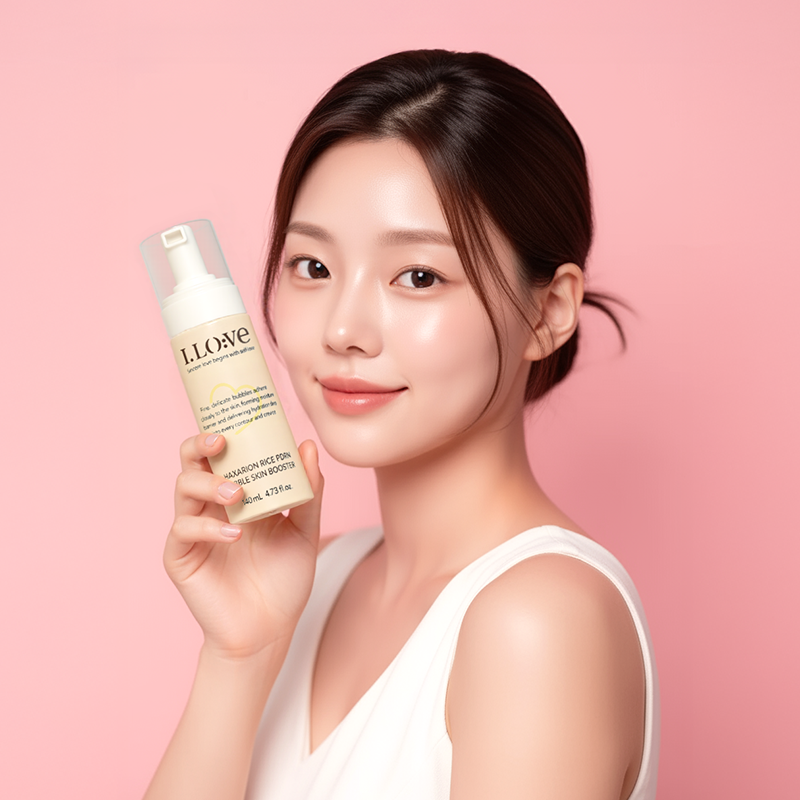
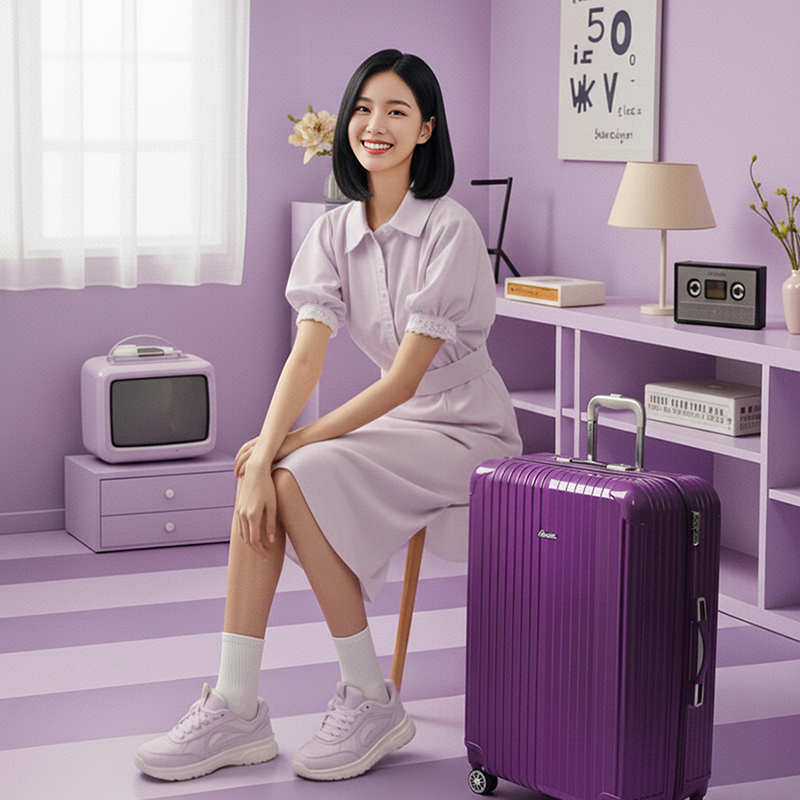
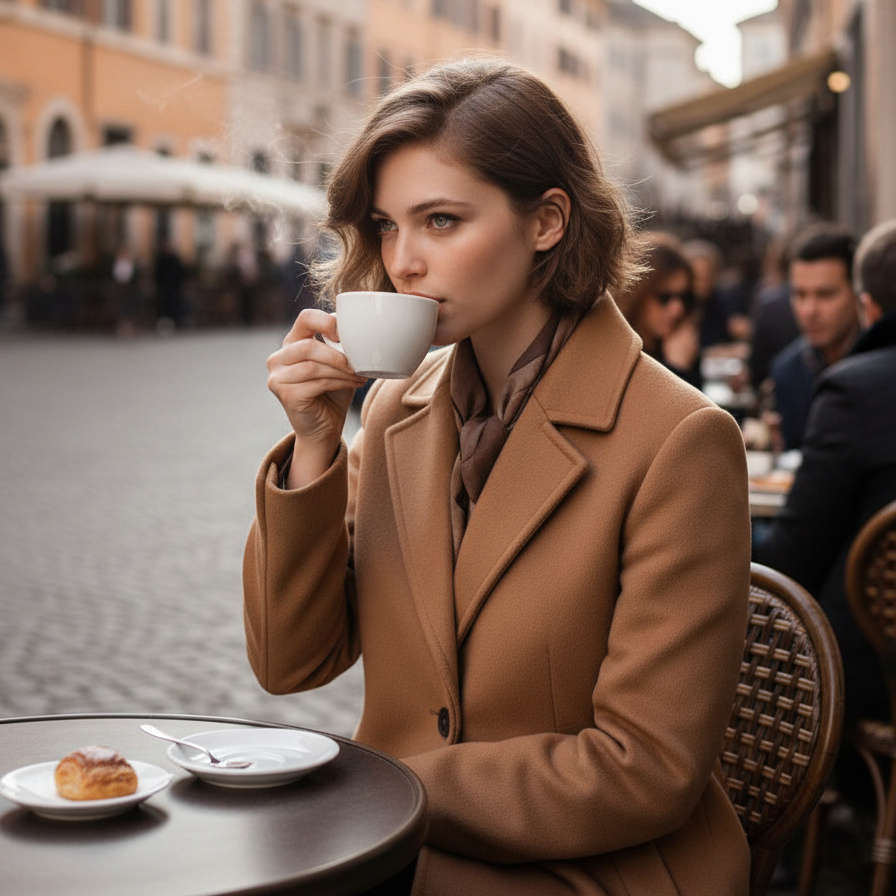
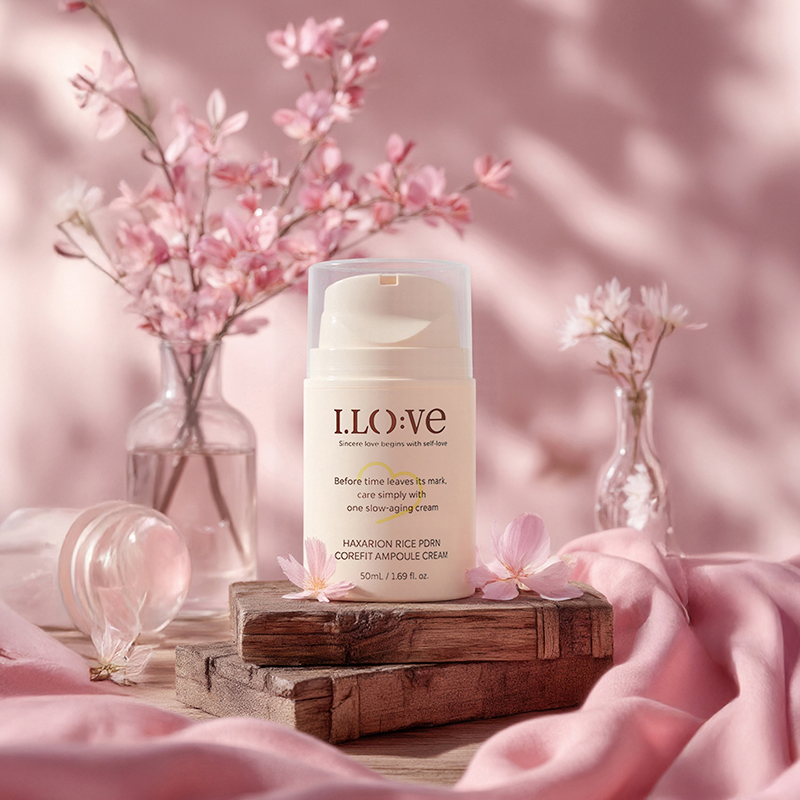
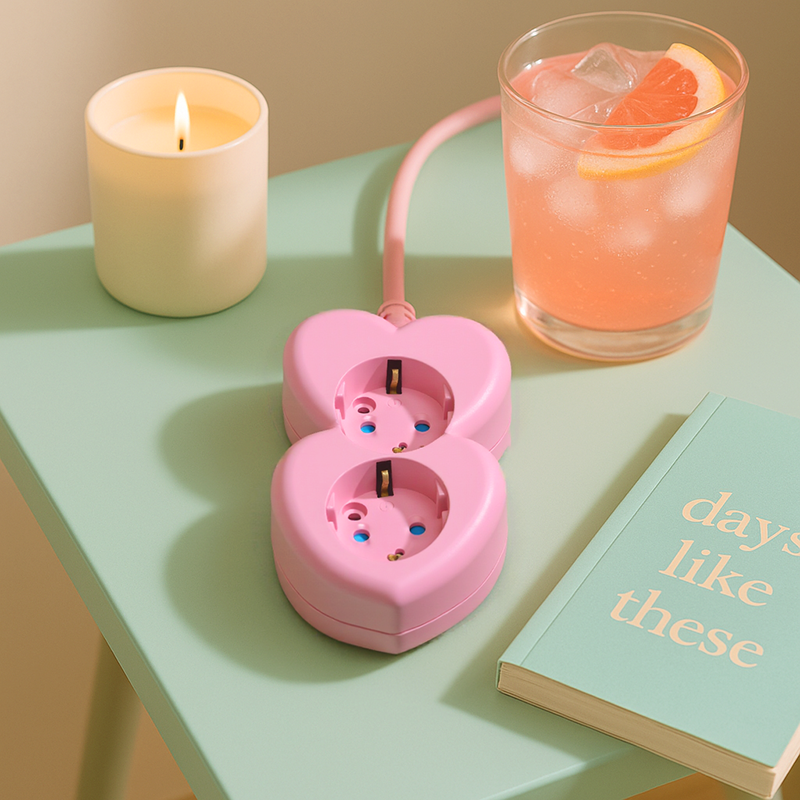
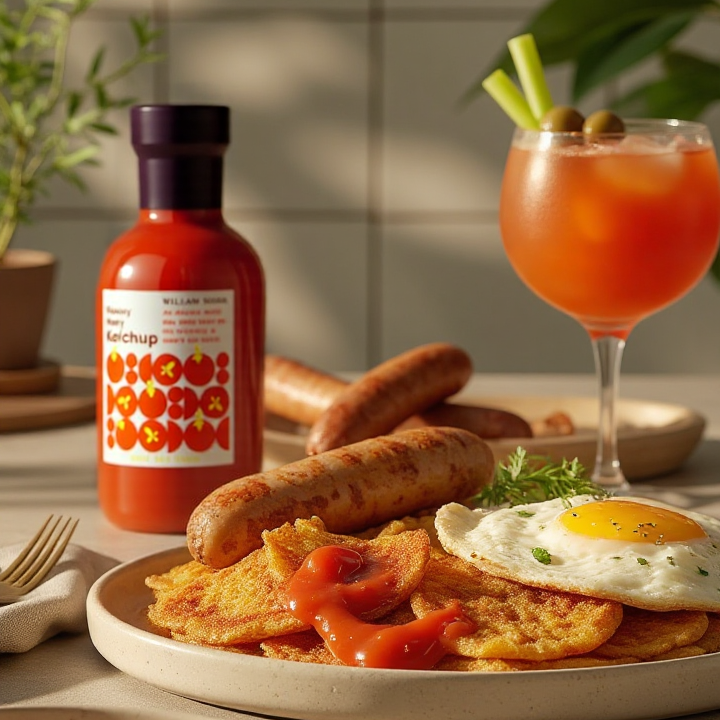
From product photography to complete product pages—everything in one place.
See how clothing brands dramatically reduced product page production time and cost with Draph Art AI.
Women’s Fashion Store A · Fashion Apparel
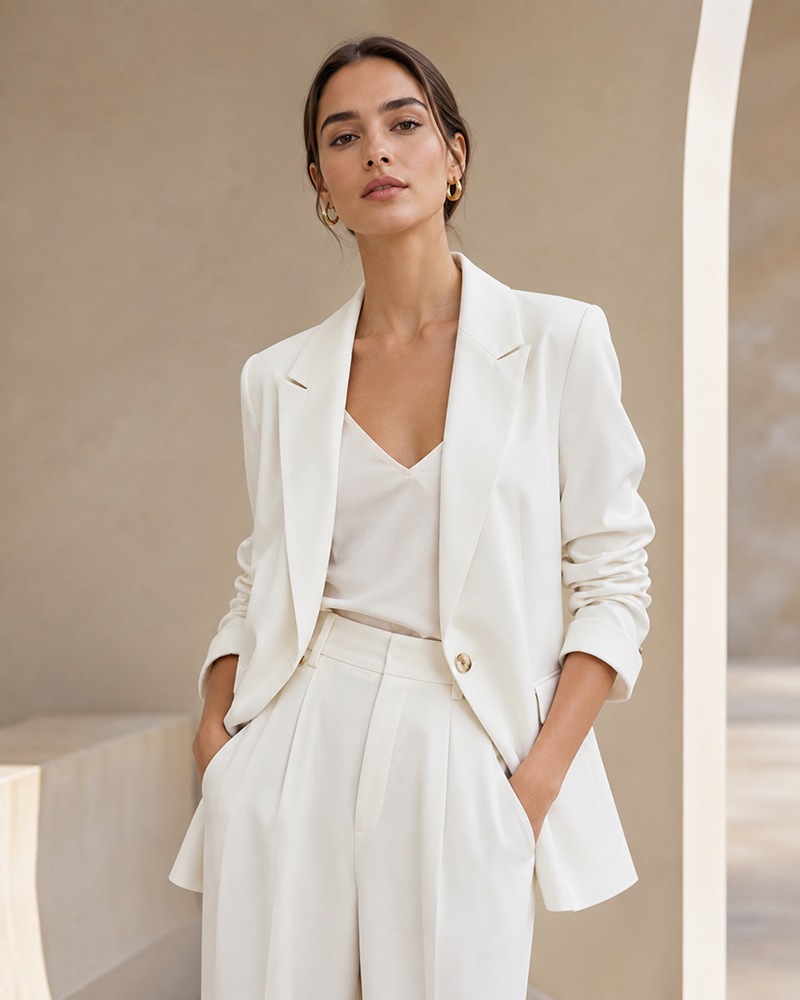
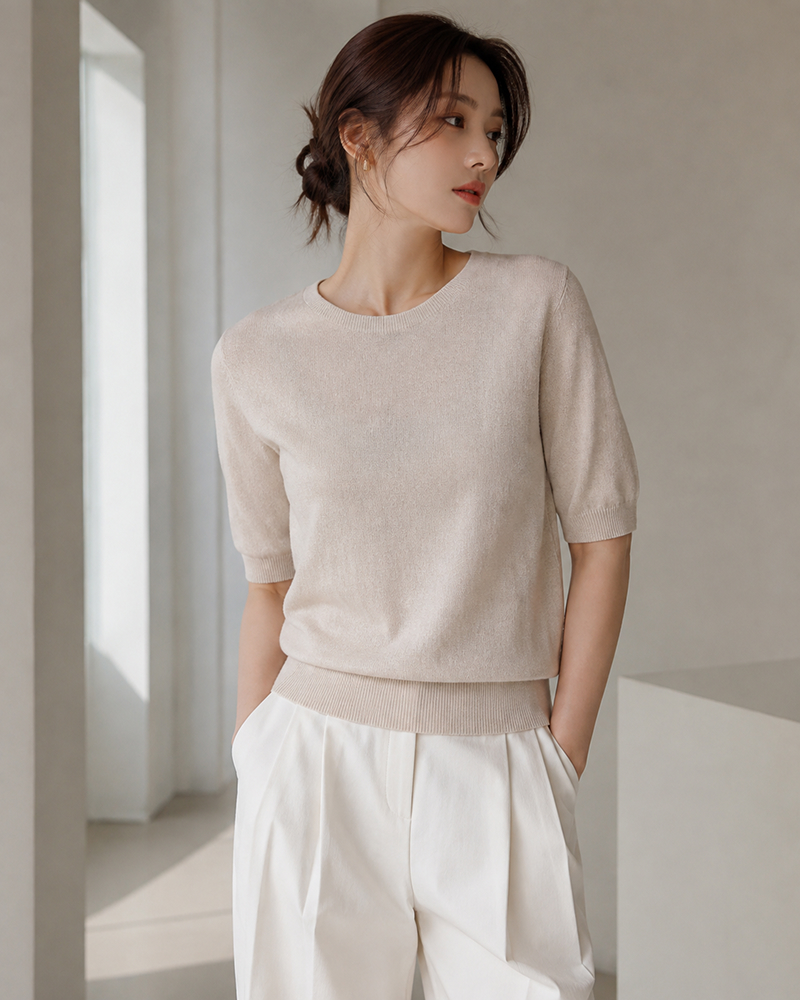
Our launch date was approaching, but we had no model or location ready. After entering product photos and details, Draph Art generated model try-on images, front, side, and back views, and sales copy so we could publish on time without a photoshoot.
increase
reduction
Women’s Fashion Store B · Fashion Apparel
A large seasonal launch made product images and sales copy time-consuming. Draph Art quickly completed hero images, try-on scenes, copy, and layouts, shortening the schedule across many products.
reduction
Proprietary eCommerce AI trained on over 4.6 million commerce assets.
80K+ Active Sellers
4.6M+ Generated Images
4 Core AI Patents
Certified Government Recognition
Explore easy and powerful AI photo tools designed for eCommerce.
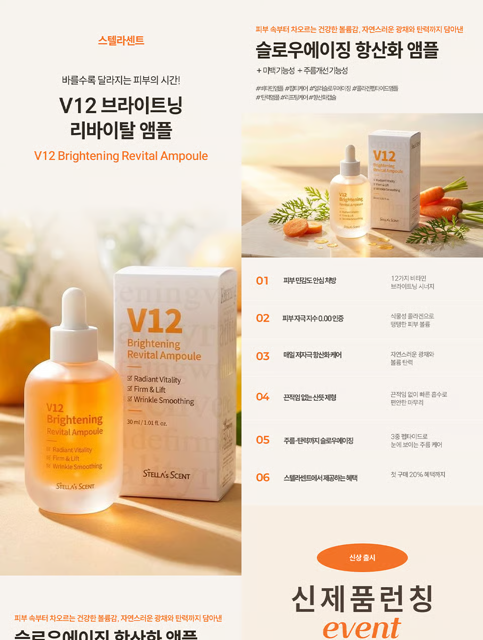
Enter product information and AI automatically generates the design, sales copy, and model visuals.
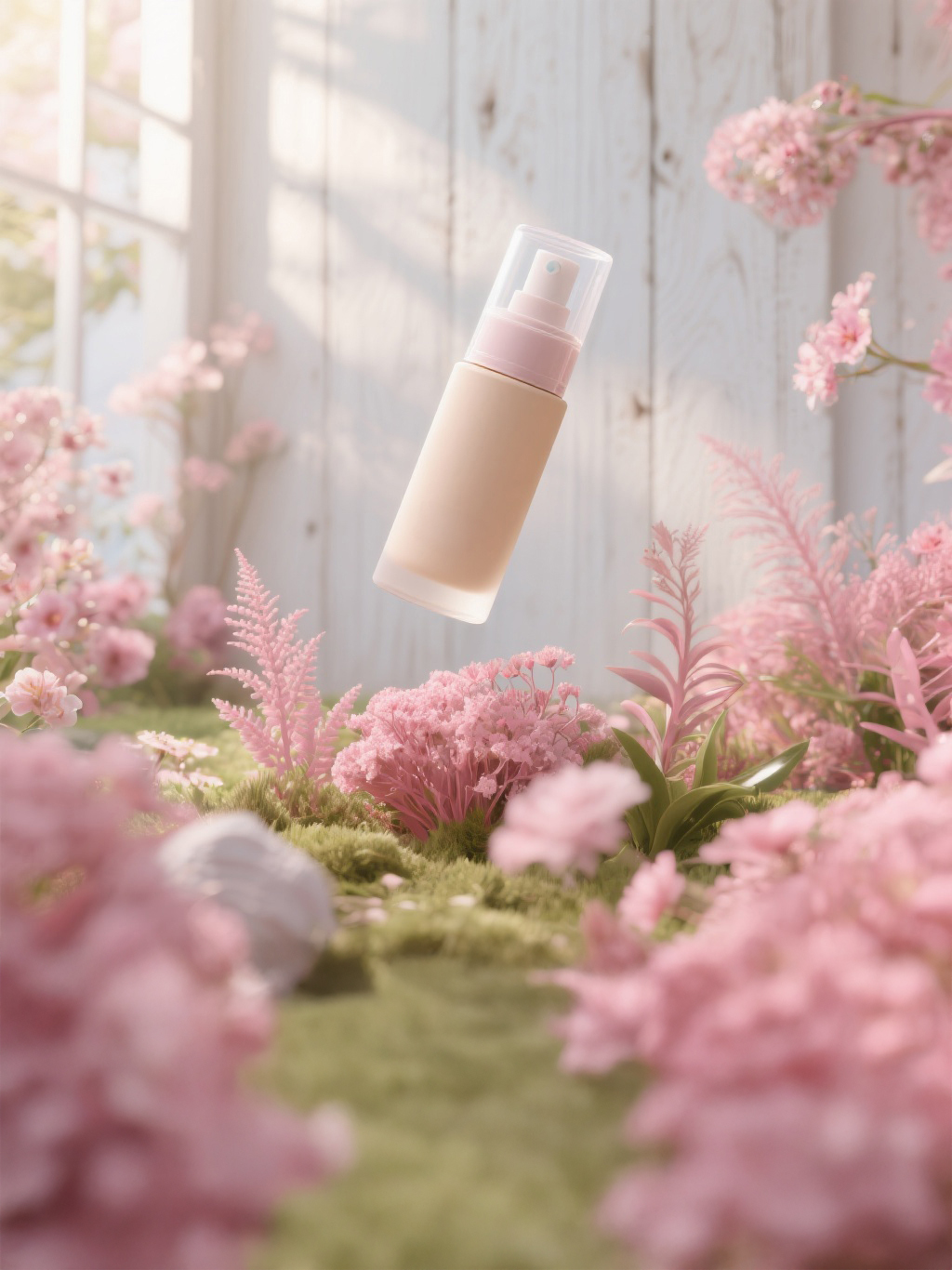
Create studio-quality product photos and promotional videos at the same time.
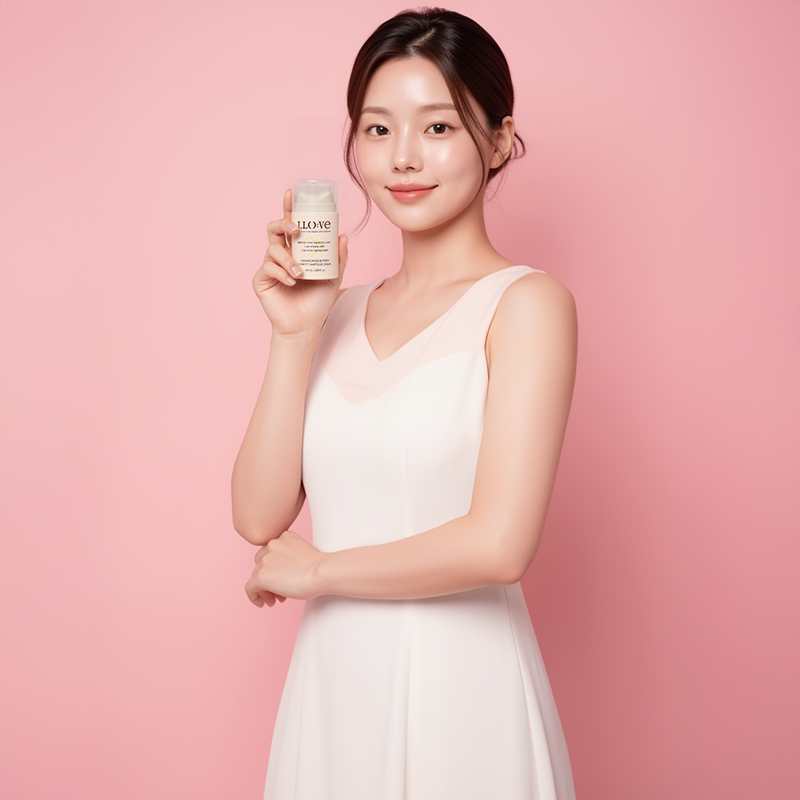
Generate try-on scenes, usage shots, model photos, and videos all at once.
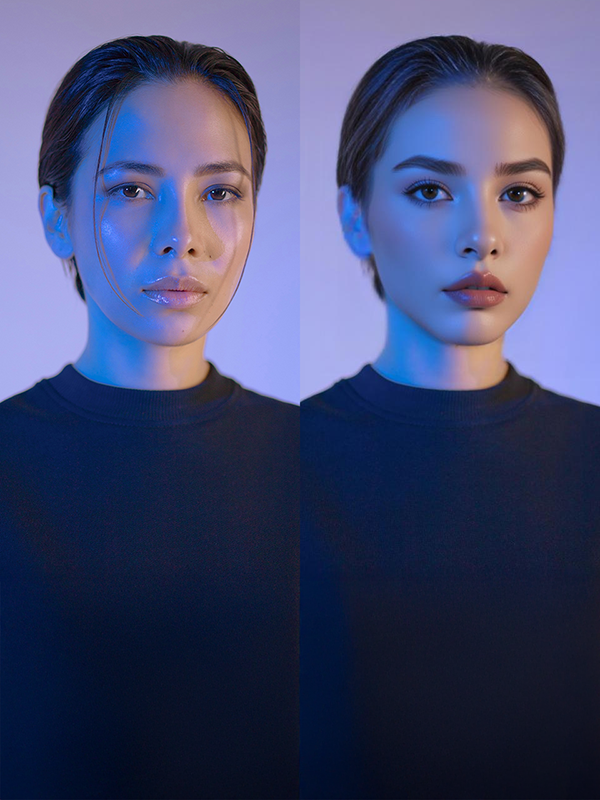
Swap faces in existing model photos to quickly create diverse images and videos.
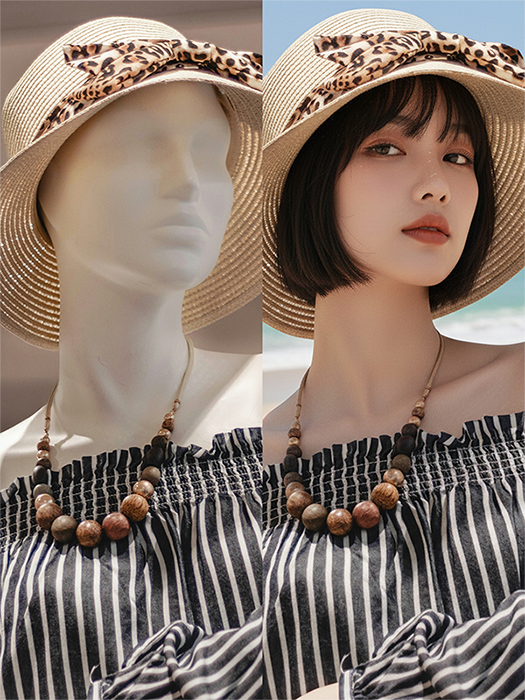
Convert mannequin photos into realistic model try-on images and videos.
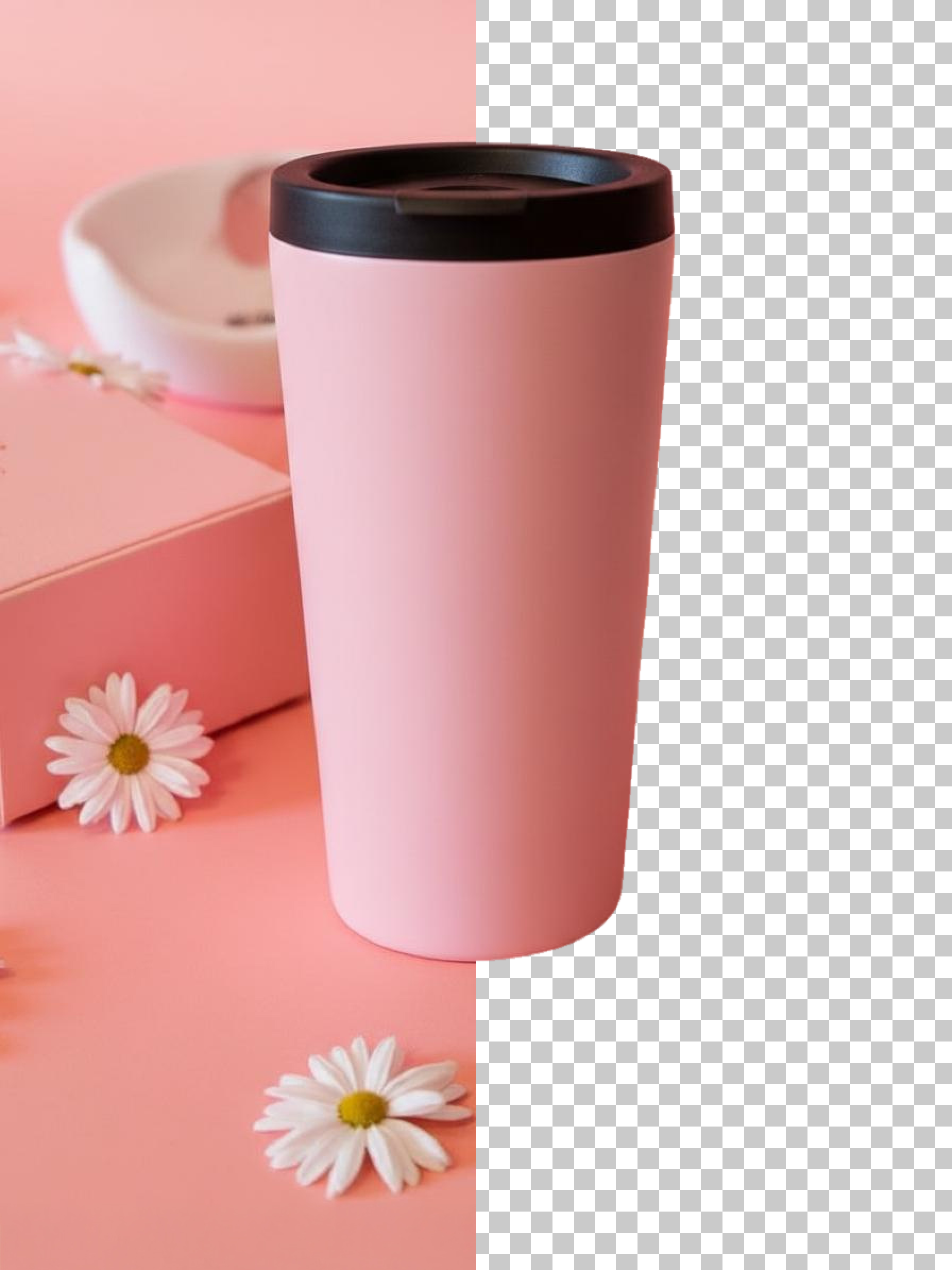
Save time and budget with fast background removal for high-volume product uploads.
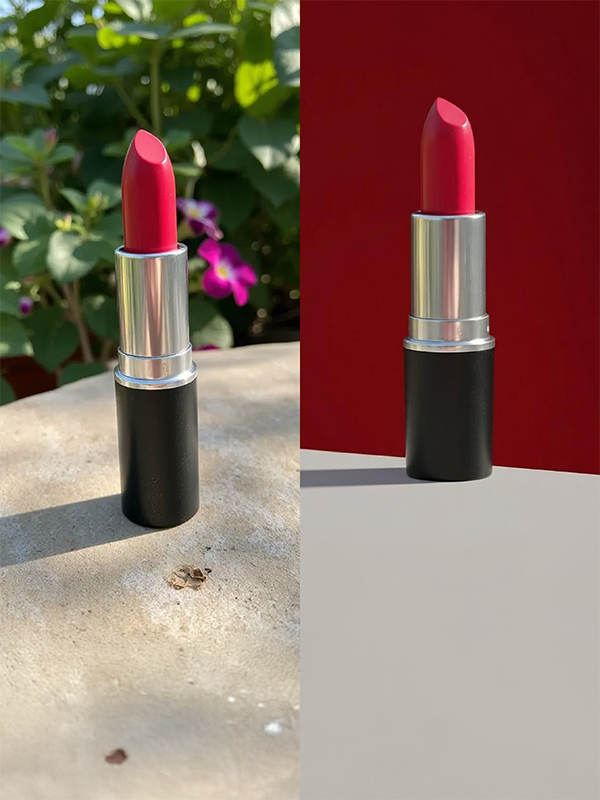
Enter the scene you want and change product backgrounds without an on-location shoot.
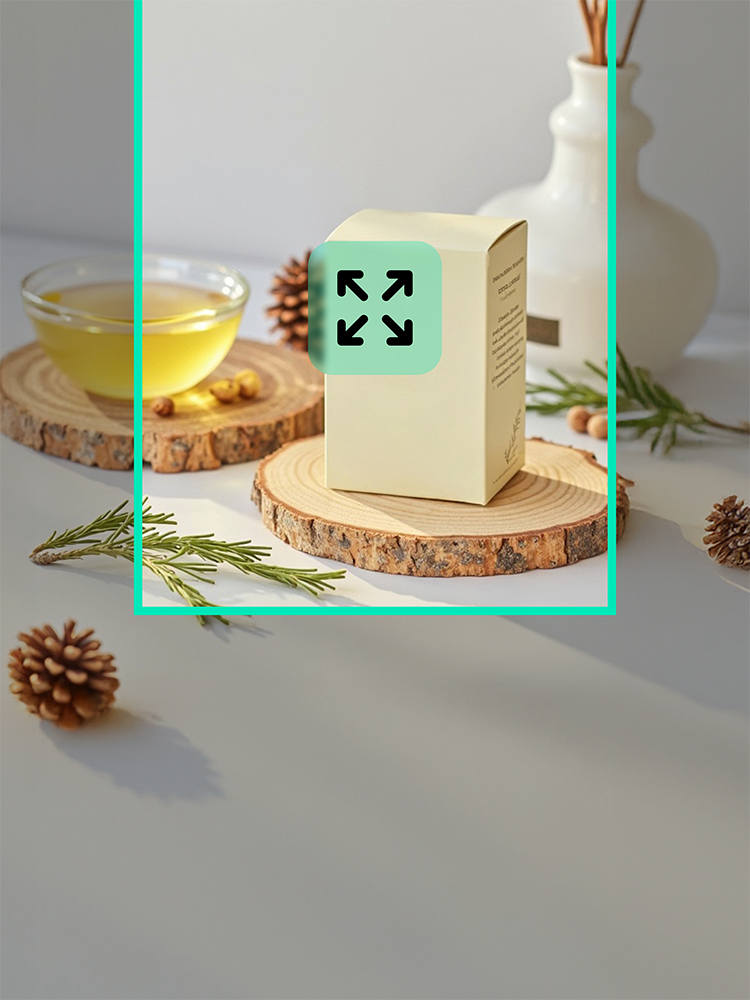
Extend cropped backgrounds naturally for ads, thumbnails, and product pages.
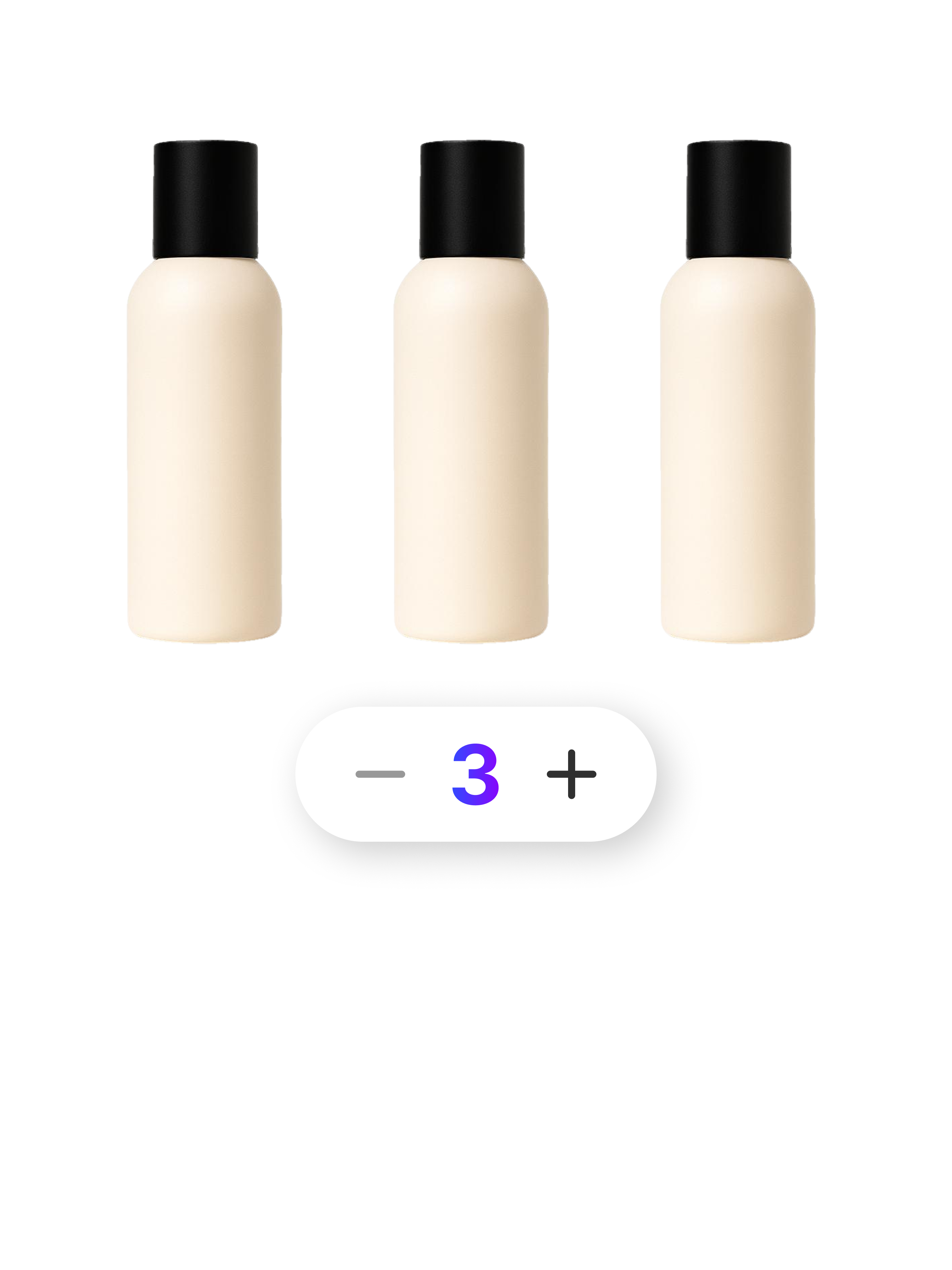
Combine 2 to 80 products into one multipack image in seconds.
Check out optimized tips and detailed guides tailored to your industry, platform, and business scale.
Q1. Can I create a clothing product page from flat-lay or hanger photos?
Yes. A clear photo that shows the item’s shape and color can be used to generate model try-on images and styled product scenes without a professional photoshoot or designer.
Q2. Can shoppers easily check the fit and silhouette?
Yes. Front, side, back, and natural-motion try-on images can show garment length, overall proportion, silhouette, and fit even when shoppers cannot try the item on.
Q3. Can the page show fabric thickness and texture?
Yes. Close-up images and concise copy can explain surface texture, wrinkles, thickness, transparency, stretch, and other details shoppers need before purchasing.
Q4. Does the same clothing product page template apply to every item?
No. Tops, bottoms, dresses, and outerwear require different information and image orders, so the template adapts try-on, material, sizing, and styling sections to each product.
Q5. How should a beginner start creating clothing product pages with AI?
Prepare a product photo and basic details such as name, material, color, size, and fit. AI organizes the images, copy, and page order; then review, edit only what is needed, and export as images or HTML.
Q6. Can I edit only part of the generated clothing product page?
Yes. You can edit or regenerate selected images, sales copy, or individual sections without rebuilding the entire page.
Q7. Are the product design and color preserved in AI model images?
A clear source photo helps AI reflect the product’s shape, design, and color. Compare the generated result with the actual item and selectively edit or regenerate any areas that need adjustment.
Start for Free Now