Enter product photos and basic details, and AI organizes fit, styling scenes, materials, and product details into clear content without a separate model shoot or design process.
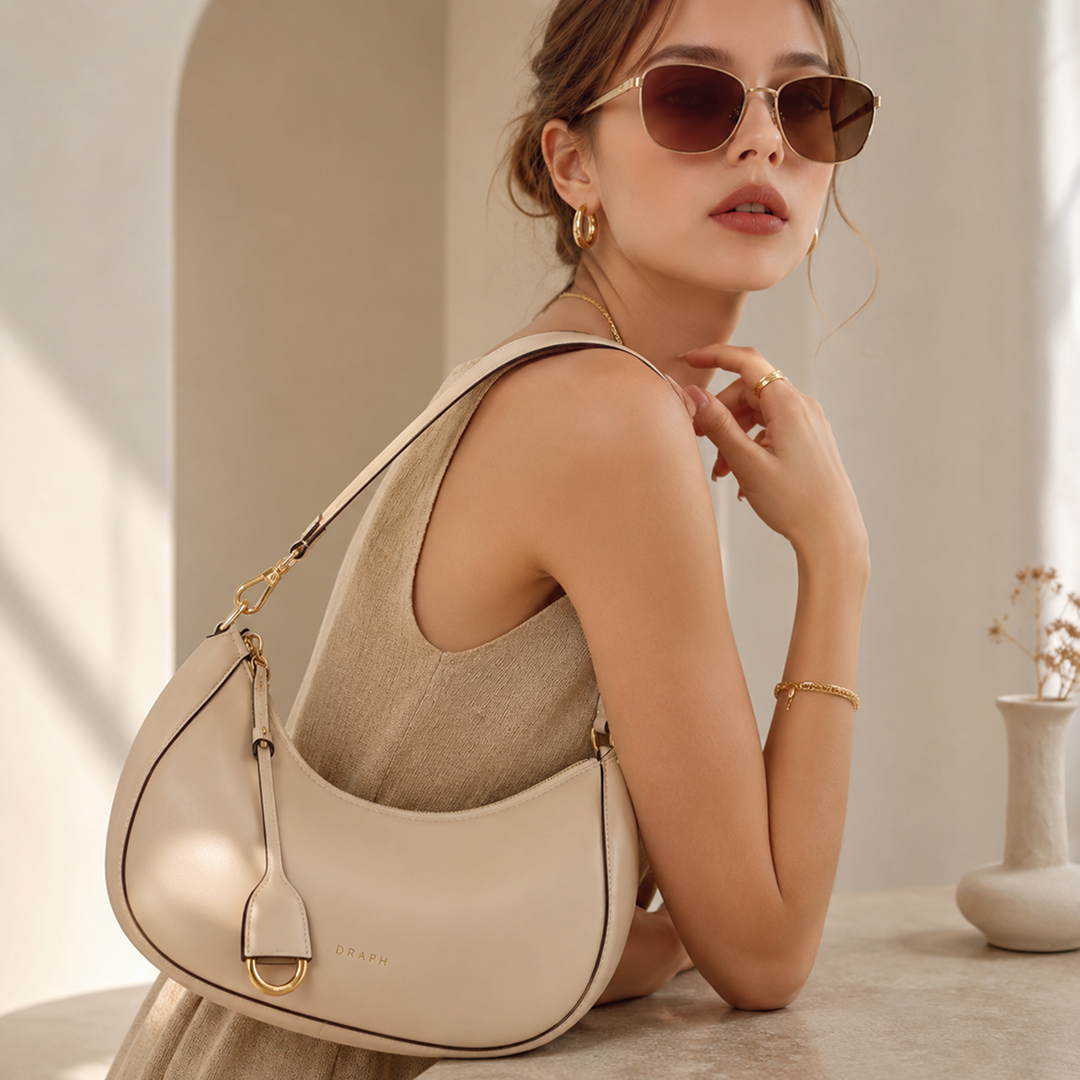
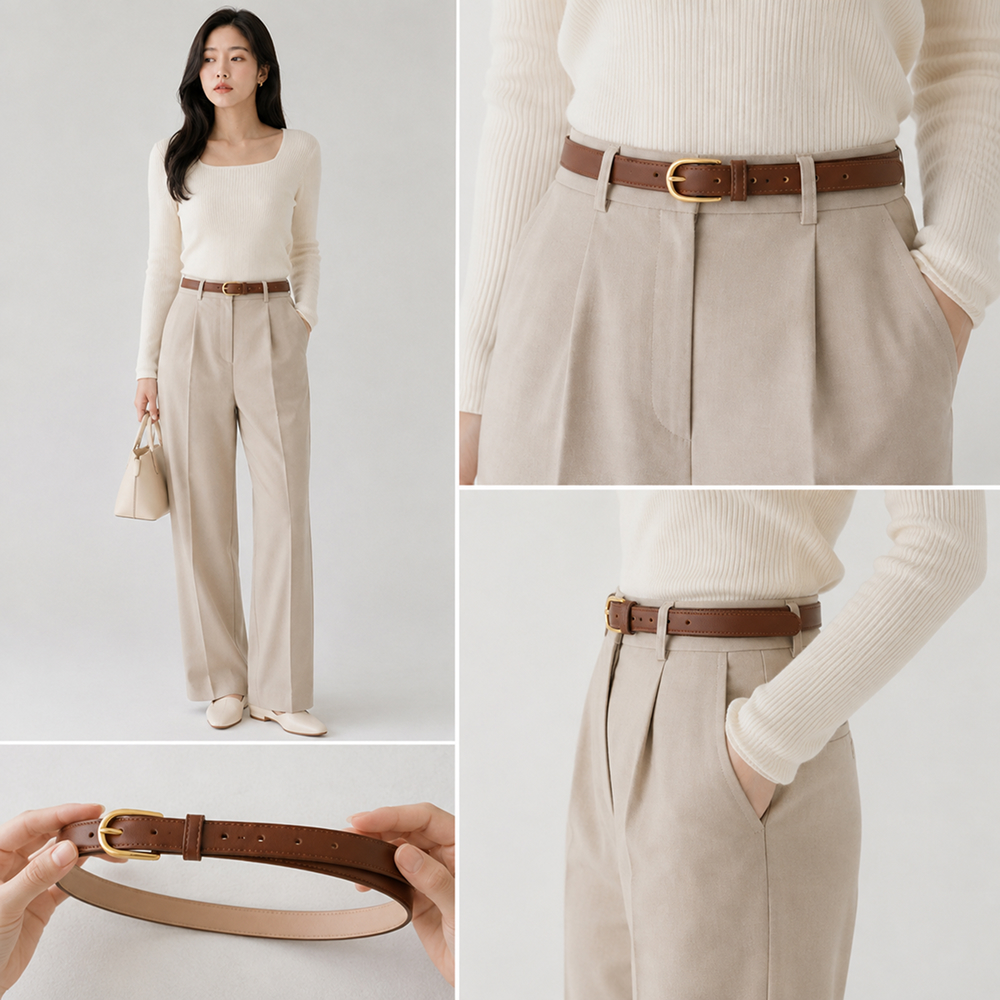
Show bag size when carried, belt placement, sunglasses-to-face proportion, and other real-use details with AI-generated scenes.
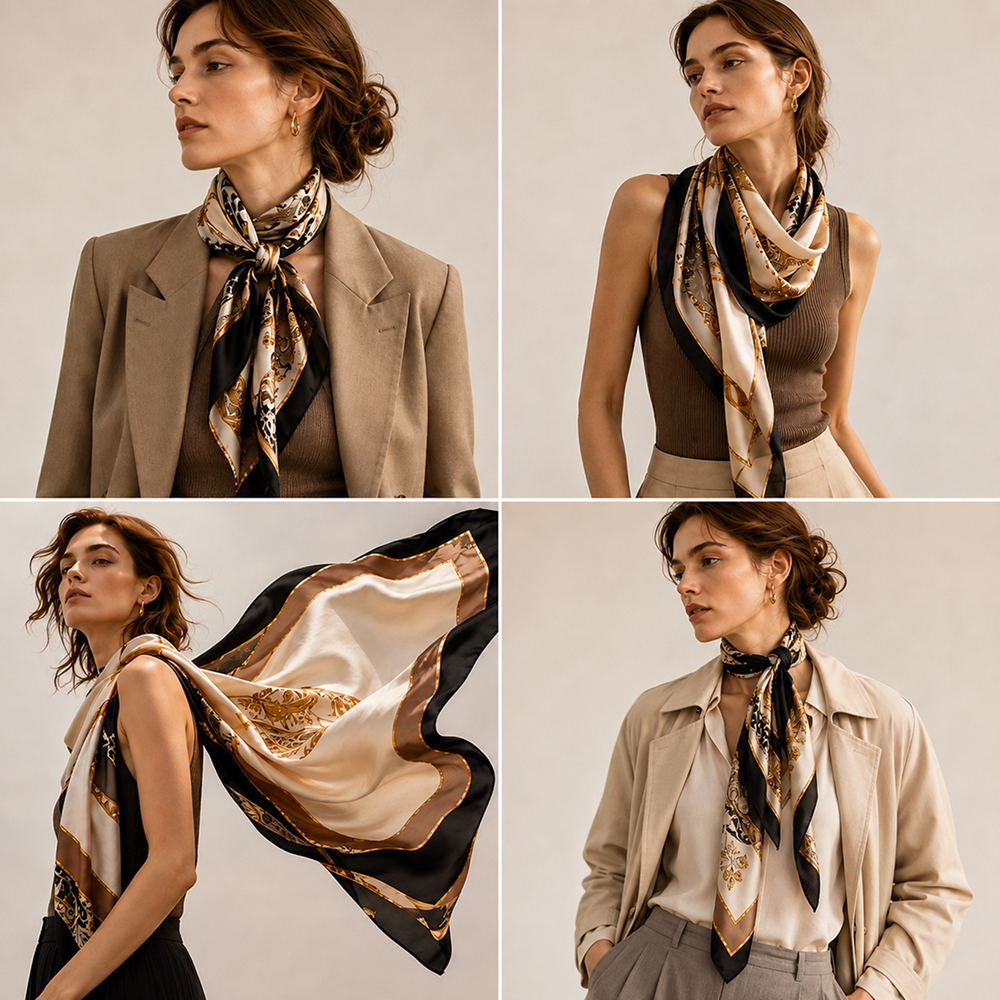
Show how accessories pair with different outfits so shoppers can imagine more ways to wear and use them.
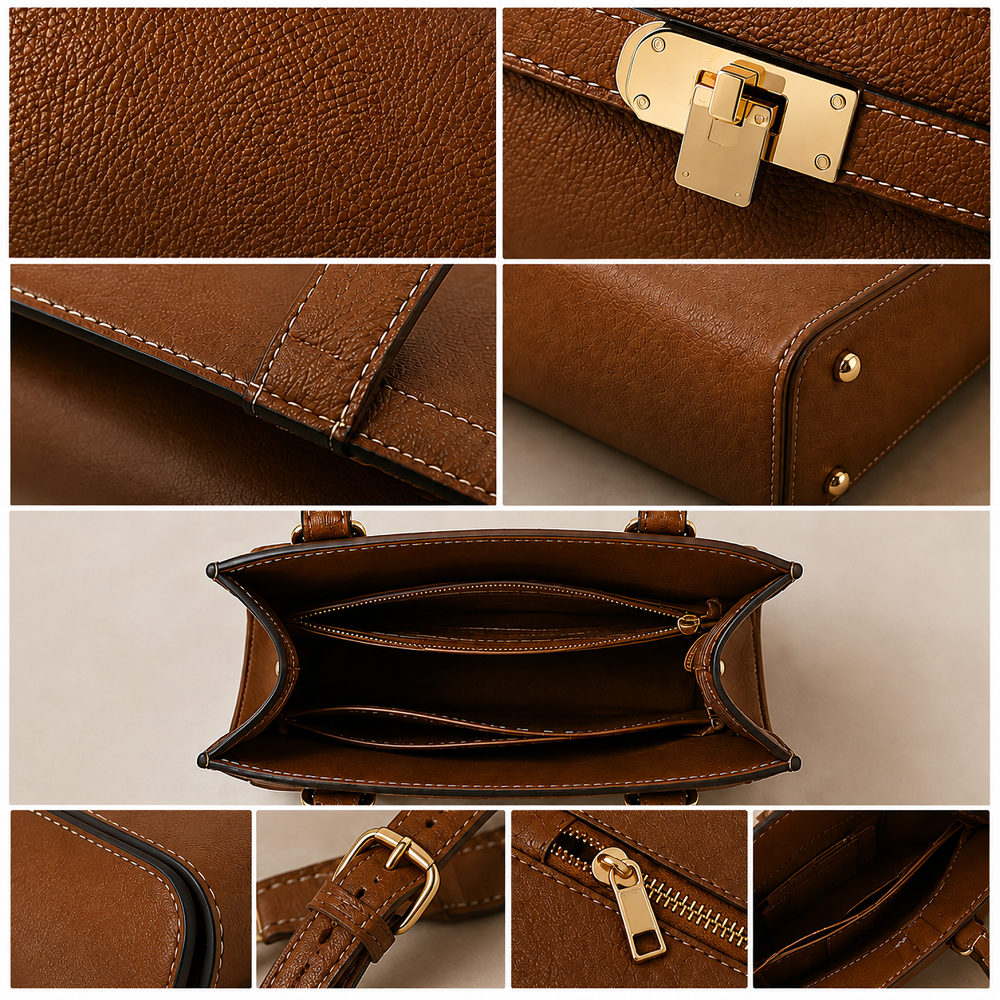
Organize close-up images and explanations for wallet storage, card slots, keyring hardware, and other product details.
Switch from time-consuming traditional methods to Draph Art AI for fashion accessory product pages.
| Type | Design Agency | DIY Design Tools | BESTDraph Art |
|---|---|---|---|
| Creation time | At least 1 week | At least 3 hours | Avg. 3 minutes |
| Cost per page | ~$250+ per page | ~$25 per page | ~$0.60 per page |
| Workflow | Collect references, write design briefs | Requires design skills and learning software | Just upload photos and product info |
| Revisions | Extra fees and slow back-and-forth | Manual edits by yourself | Chat-based instant revisions |
| Final output | Flattened images with uneditable text | Image files | Images plus ready-to-copy HTML code |
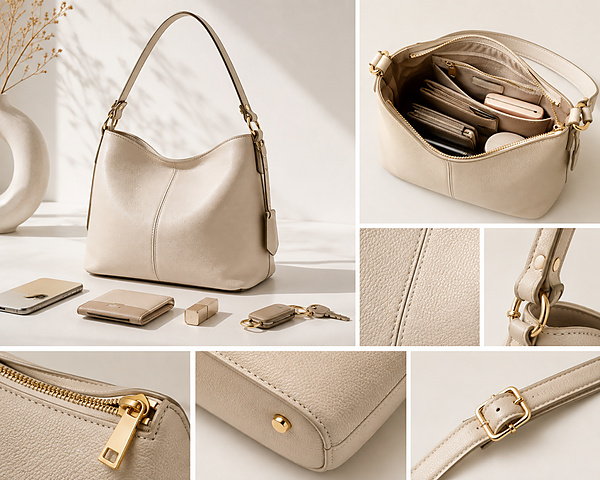
Present bag dimensions and storage, hat circumference and brim shape, keyring size and attachment, and other essential details in a clear structure.
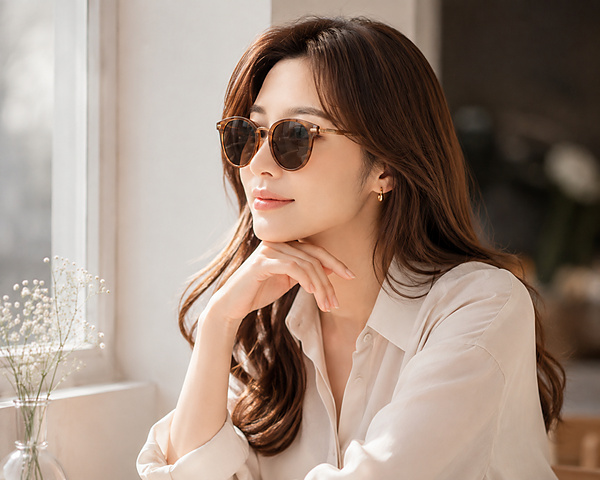
Create scenes showing bag size, sunglasses-to-face proportion, belt placement, and varied outfits so shoppers can judge fit and styling.
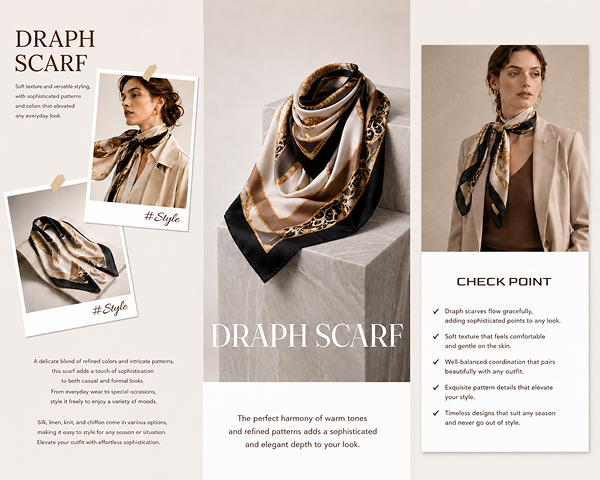
AI adapts the layout by product type—storage and construction for bags, fit and frames for sunglasses, and material and styling for scarves.
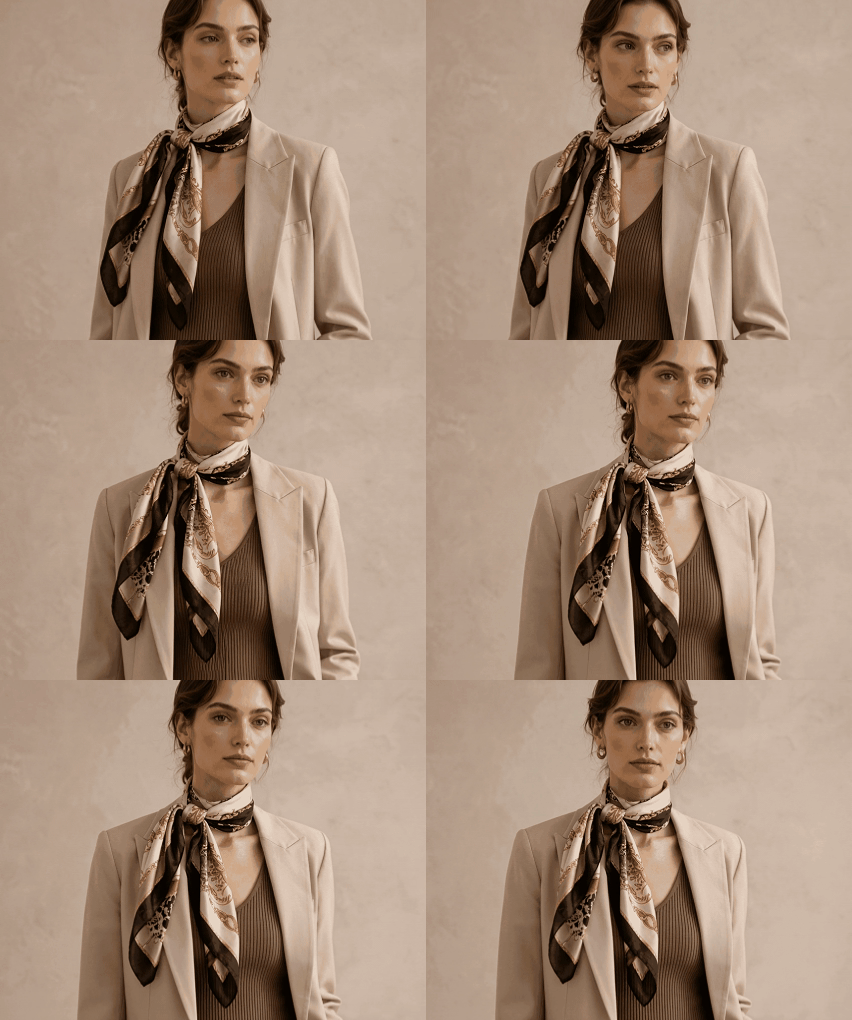
Use GIFs to demonstrate bag storage, strap adjustment, and multiple ways to wear a product without separate video editing.
Just upload your images and let AI build the complete fashion accessory product page.
Step 01
Upload product photos and enter the name, material, color, and other key features.
Step 02
AI generates hero visuals, try-on scenes, and material details, then lets you edit only the images and copy you need.
Step 03
Export the finished fashion accessory product page as images or HTML and use it in your store immediately.
Explore product and model visuals created by AI across beauty, fashion, living, food, and more.


From product photography to complete pages, get every tool in one place.
See how fashion accessory brands reduced production time and costs with Draph Art AI.
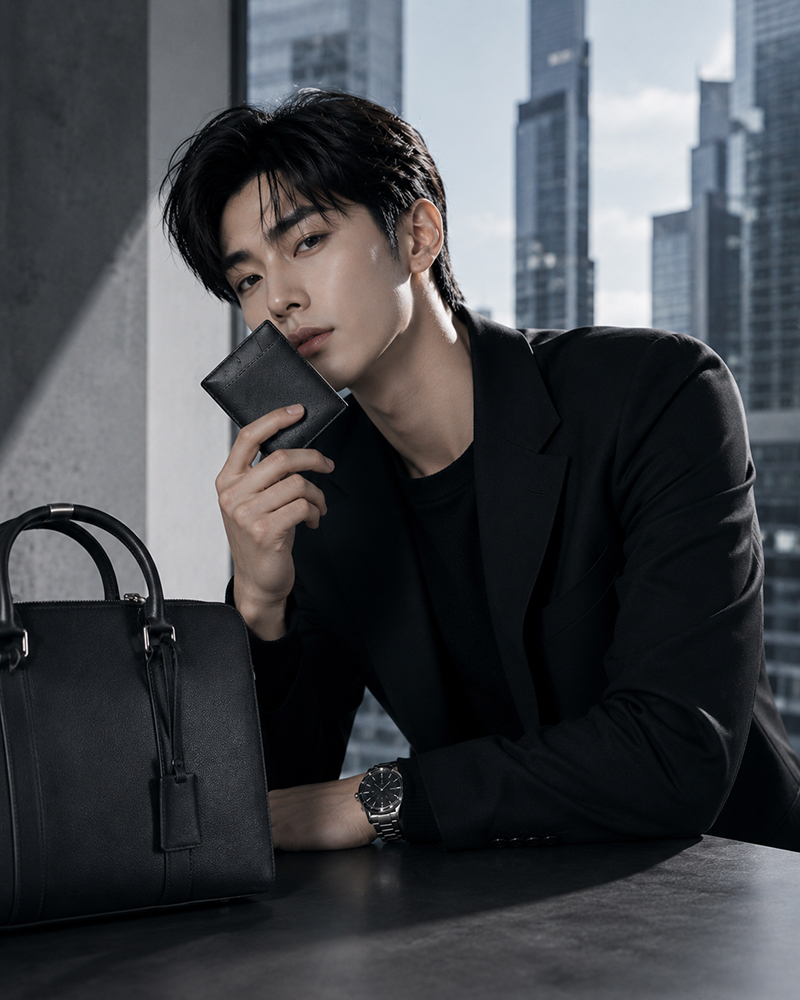
Men’s Fashion Accessory Brand A · Fashion Accessories
“We entered photos and details for scarves, wallets, and gloves, and AI quickly completed hero images, wearing scenes, and sales copy.”
on average
faster than manual work
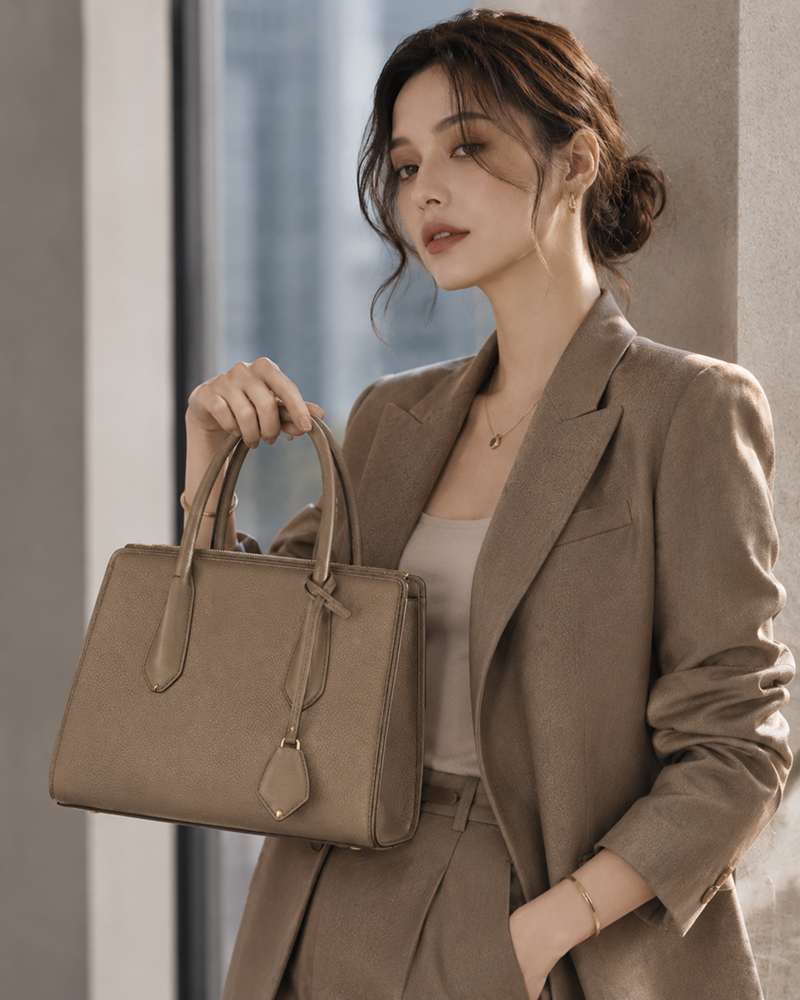
Women’s Fashion Accessory Brand A · Fashion Accessories
“AI made it easy to prepare try-on images and content for bags, hats, card wallets, and keyrings, reducing our schedule across many products.”
on average
vs. the previous month
Proprietary eCommerce AI trained on over 4.6 million commerce assets.
80K+ Active Sellers
4.6M+ Generated Images
4 Core AI Patents
Certified Government Recognition
Explore easy and powerful AI photo tools designed for eCommerce.
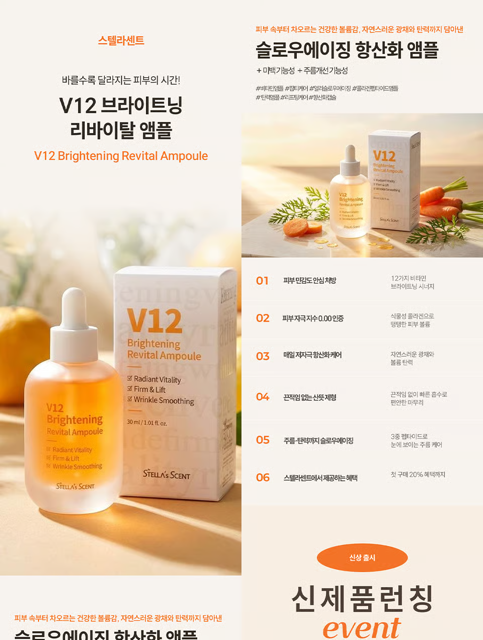
Generate design, copy, and model visuals from product info.

Create studio-quality product photos and videos.

Generate AI model lifestyle photos and videos.

Swap model faces for diverse creative assets.

Convert mannequin photos into model shots.

Remove backgrounds quickly and cleanly.
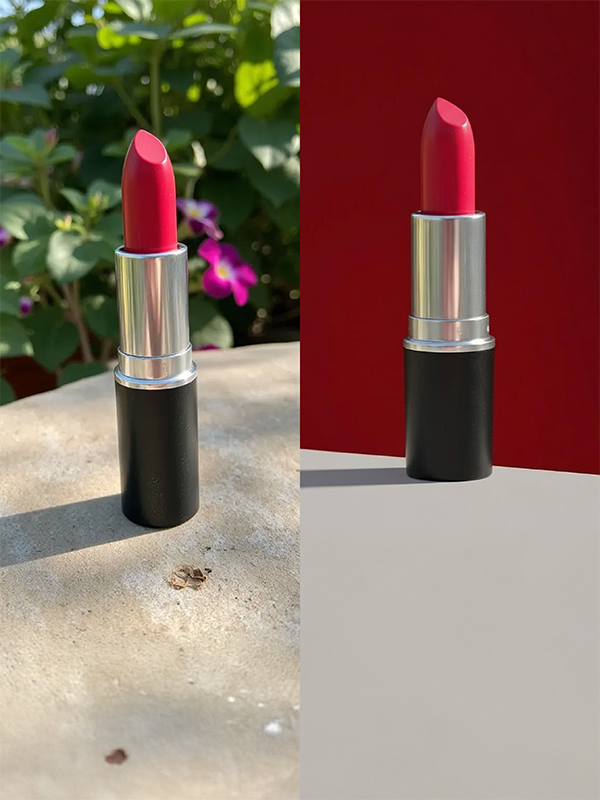
Change product backgrounds to any scene or mood.

Extend backgrounds for ads and thumbnails.

Create multipack images with 2 to 80 products.
Check out optimized tips and detailed guides tailored to your industry, platform, and business scale.
Q1. What makes a high-performing fashion accessory product page?
Show not only the product itself but also real proportions, outfit combinations, use scenes, and material details so shoppers can imagine owning and using it.
Q2. Can I create a fashion accessory page without design experience?
Yes. Product photos and basic details are enough for AI to organize images, sales copy, and page order automatically.
Q3. Can I edit only selected parts of the generated page?
Yes. Edit or regenerate only selected images, copy, or sections, such as bag storage, sunglasses try-on scenes, belt buckles, hat angles, or scarf styling.
Q4. Can I preserve my brand mood across accessory pages?
Yes. Apply brand colors, target audience, and visual mood across products while preserving each item’s individuality.
Q5. What information should a new seller prepare first?
Prepare product photos plus the name, dimensions, material, color, wearing method, and key features.
Q6. How long does automatic fashion accessory page creation take?
After entering product photos and details, you can usually review a first draft in about 3 to 10 minutes, including try-on scenes, styling content, and sales copy.
Q7. What should I look for in a fashion accessory page AI tool?
Look for generation of model try-on images, use scenes, material details, and sales copy, plus the ability to edit or regenerate selected content.
Start for Free Now

