

목차
Summary
- Product page design is all about the first 3 seconds—structure drives conversion rates
- Guide customer attention through a 5-step layout from hero section to CTA
- Different product categories need different information priorities and layouts
- Draph Art's AI features make it easy to create images and copy for each section
- Draph Art plans to launch its 'Auto Product Page Creator' feature in December

Product Page Design: 3 Seconds Changes Everything
What's the most important thing when creating a product page? Pretty design? Detailed descriptions? Sure, those matter, but there's something you need to think about first: structure.
Studies show that online shoppers decide within 3 seconds whether to keep scrolling or bounce. If they don't find what they're looking for on that first screen, they're gone. Even the best product photos and copy won't save you if your structure is a mess.
So today, let's break down the product page design structure that naturally guides customers toward checkout, step by step.
5-Step Product Page Design Structure
1. Hero Section: Deliver Your Core Message Above the Fold
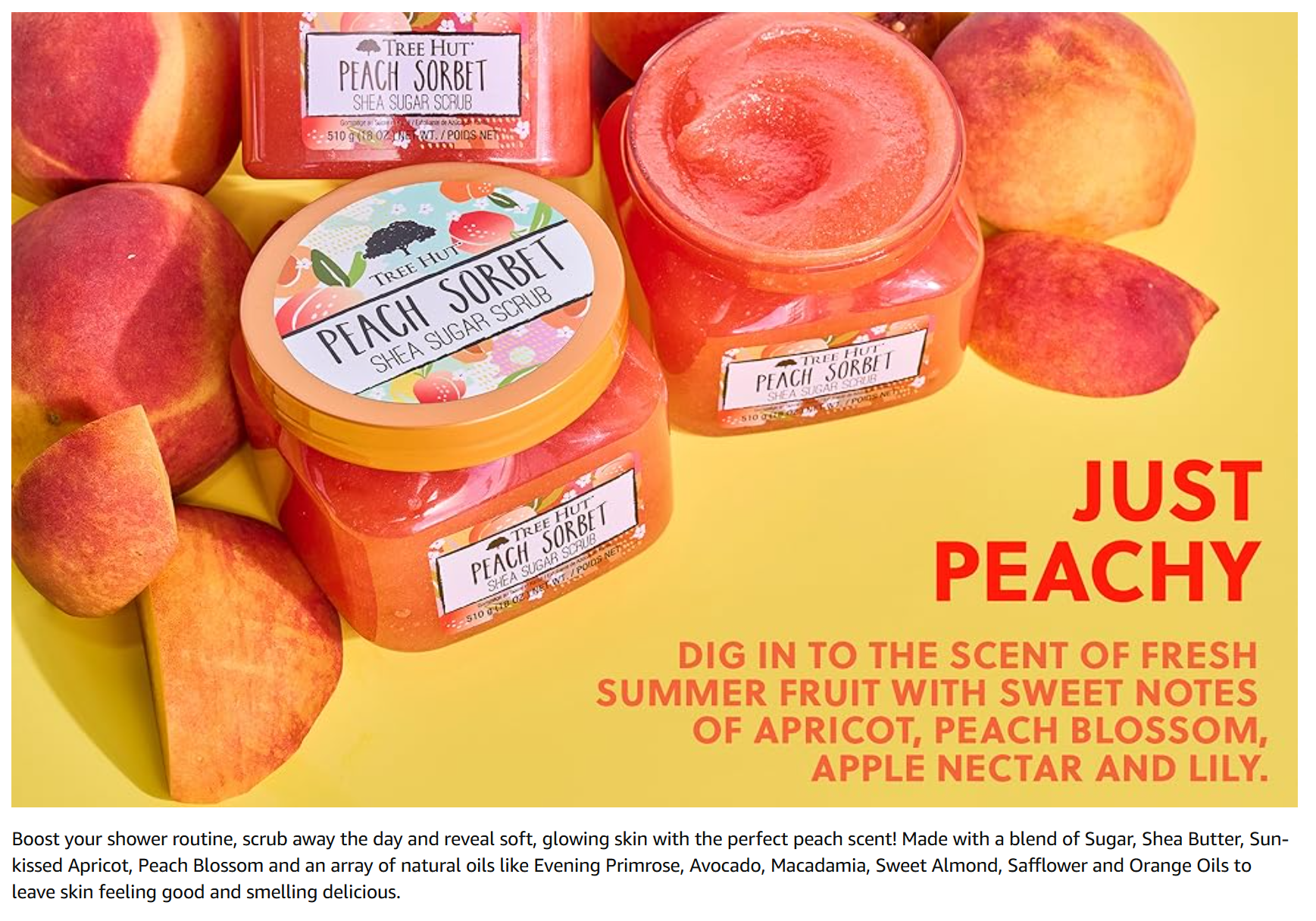
The hero section is your product page's first screen—what customers see without scrolling. The key here is showing "what this product is and why they need it" at a glance.
Must-have elements:
- Main product image (high-quality product photo)
- Short, powerful headline
- One-line benefit summary
- Price and buy button
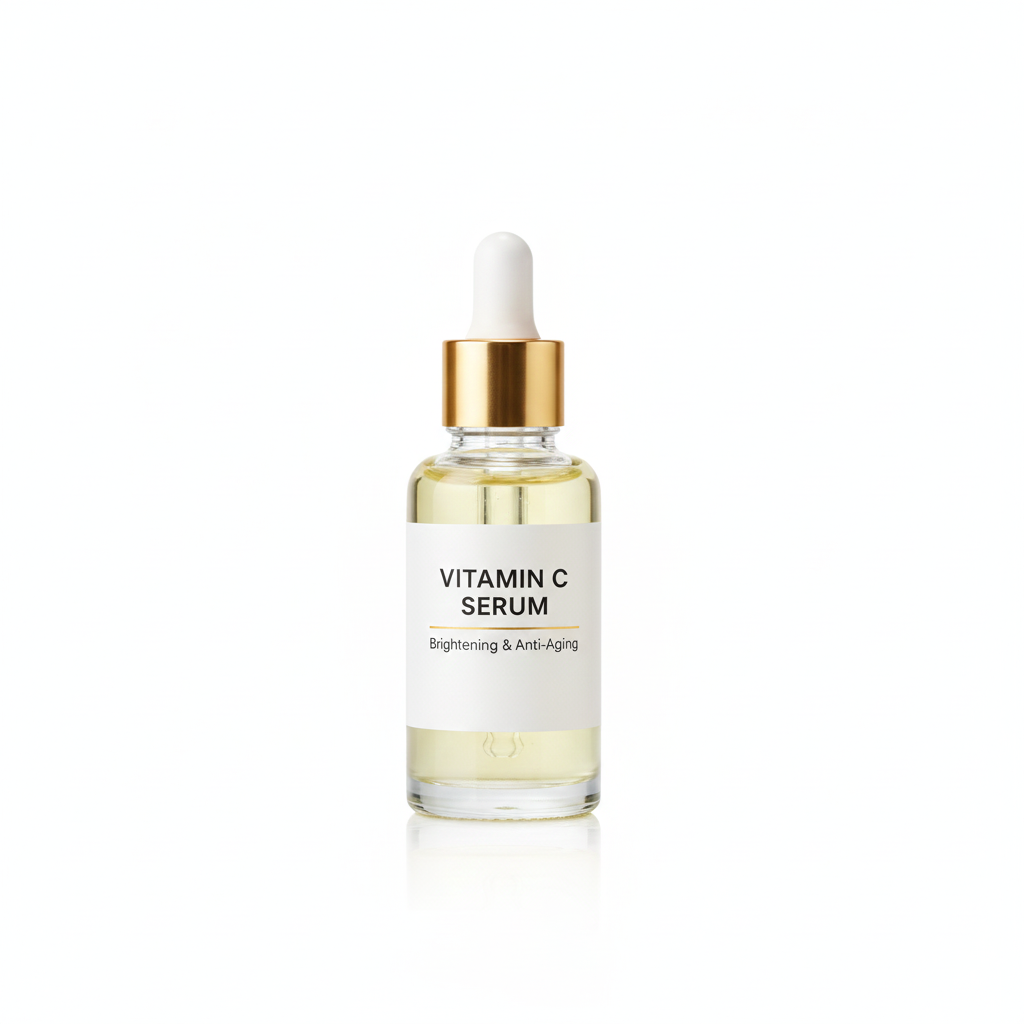
For example, if you're selling skincare, something like "Gentle Serum Even Sensitive Skin Can Trust" instantly shows who it's for and what it does. When checking out product page templates, always look at how the hero section is structured first.
2. Product USP: 3 Reasons to Buy
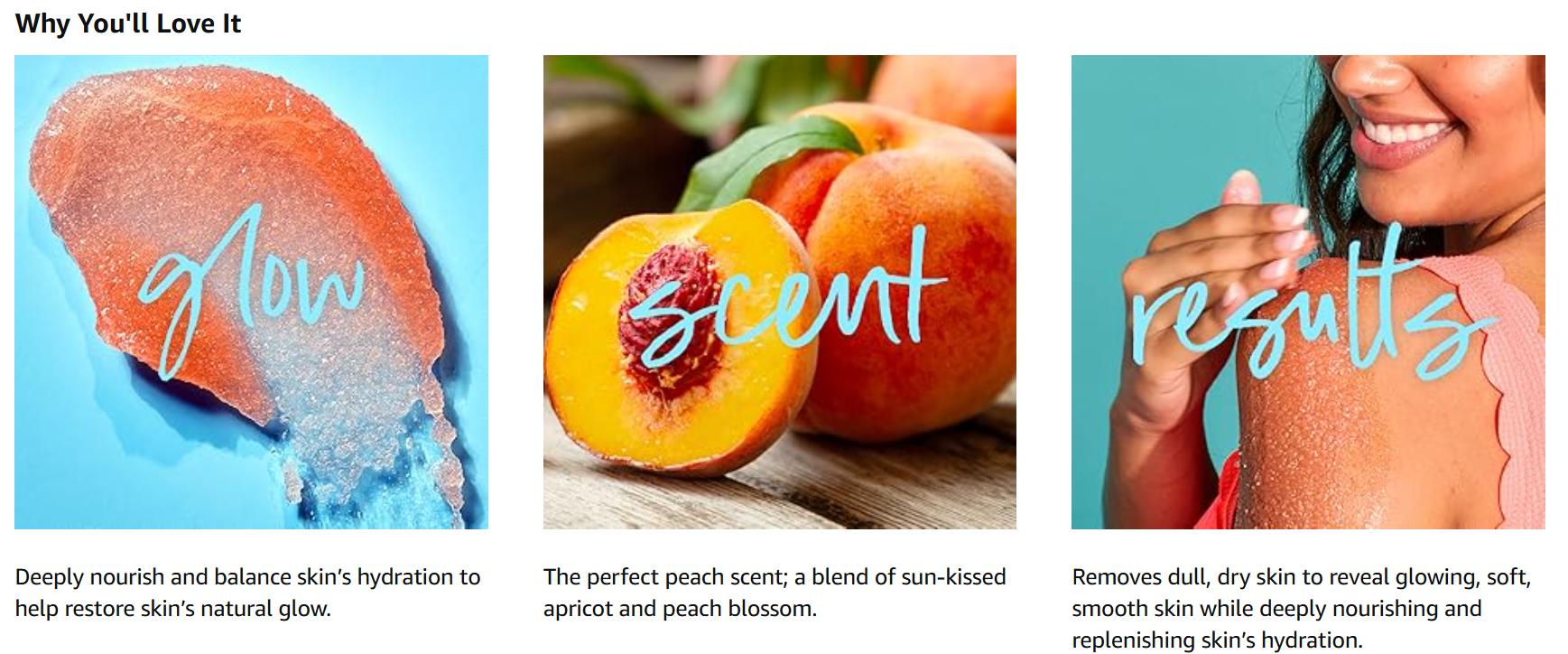
Right after the hero section, show your product's USP (Unique Selling Point). This section clearly explains what makes your product different and why customers should choose you over competitors.
Effective structure:
- 3 core features (more than that kills focus)
- Visual icons or images
- Brief copy (keep it to one line)
Write specific benefits like "24-Hour Moisture Lock," "Dermatologist Tested," or "Fragrance-Free Formula." When creating your product page, use AI image generation here to keep your visuals consistent.
3. Detailed Specs: Layer Your Product Information
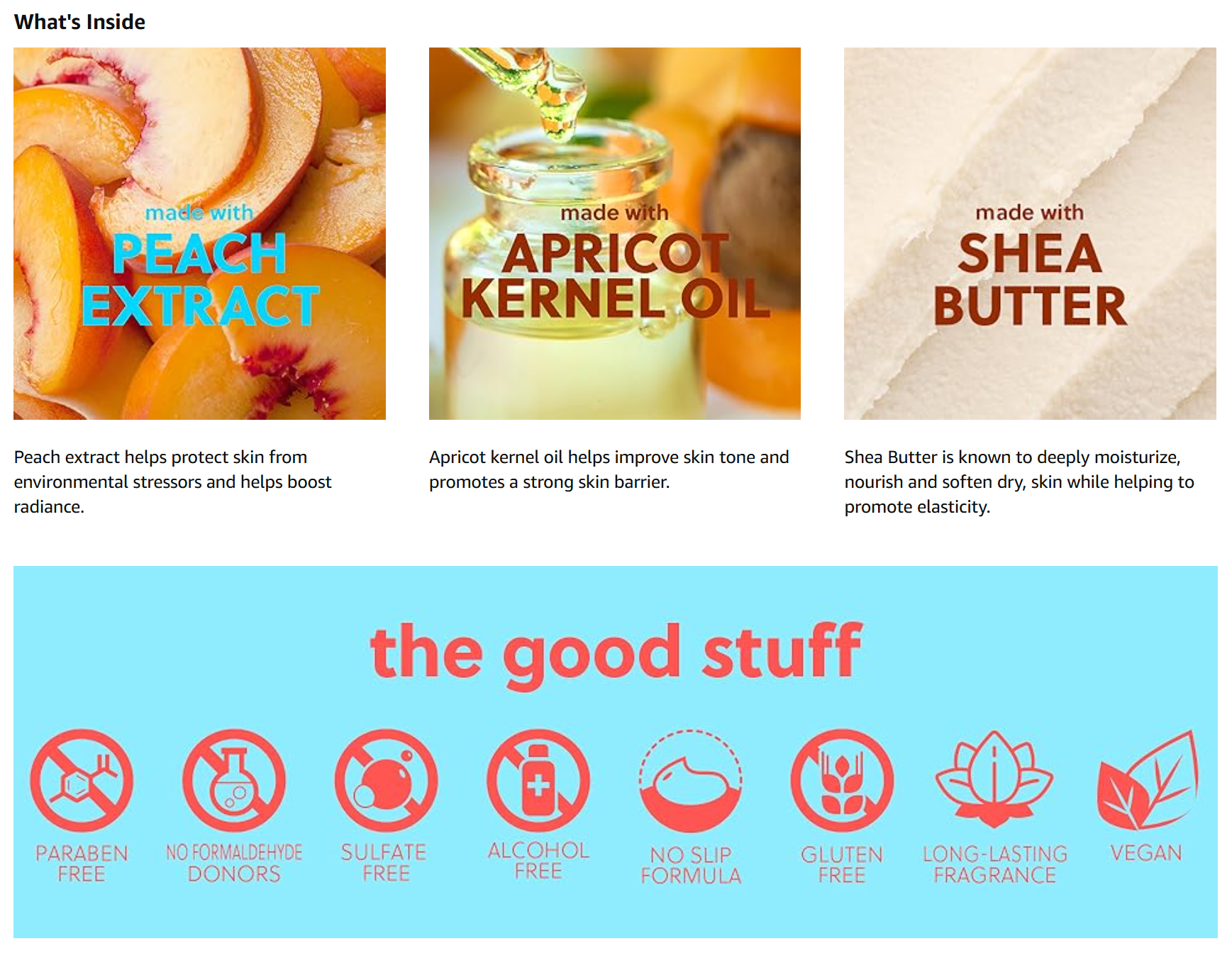
This section is for customers who want to dig deeper. The key word here is "layering"—dumping all your info at once makes it unreadable.
Effective information delivery:
- Put important details at the top
- Break long text into paragraphs
- Use tables or lists for readability
- Mix in product photos to keep it interesting
Ingredients, volume, and usage instructions work great in table format. In product page design, walls of text are a total no-go.
4. Social Proof: Reviews and Certifications
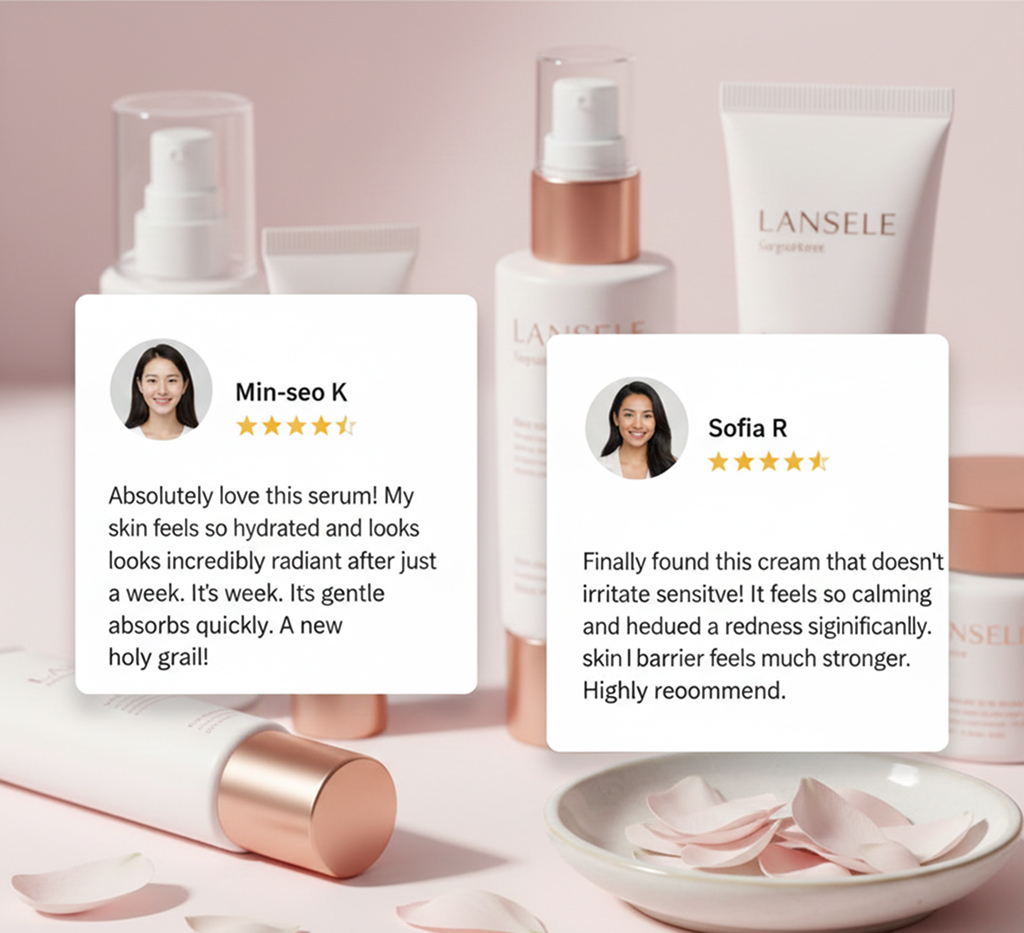
Customers trust other people's opinions more than your product descriptions. That's why reviews and certification badges are must-haves when creating product pages.
Great elements to include:
- Real customer reviews (stars and text)
- Before and after photos
- Certification badges (FDA, dermatologist tested, etc.)
- Sales numbers or repurchase rates
Numbers like "20,000 Customers Love This" or "85% Repurchase Rate" build trust. Don't overload on reviews—pick 3-5 representative ones.
5. CTA: Optimal Button Placement
CTA (Call To Action) means action buttons like "Buy Now." Where you place these seriously impacts conversion rates.
Optimal CTA placement:
- One in the hero section (first screen)
- One in each middle section (visible while scrolling)
- One in the final section (for final decisions)
Use a button color that contrasts with your page's main colors so it pops. Instead of just "Buy Now," try benefit-focused copy like "Start 24-Hour Moisture" for better results.

Product Page Design Differences by Category
Even with the same 5-step structure, what you emphasize changes by product category. You need to understand these differences when choosing product page templates.
Clothing
Fit shots are everything. Multiple angles, detail shots, and styling suggestions are essential. Put size info and fit reviews up top.

Beauty
Ingredients and proven results are key. Include before/after comparisons, recommendations by skin type, and how-to videos.

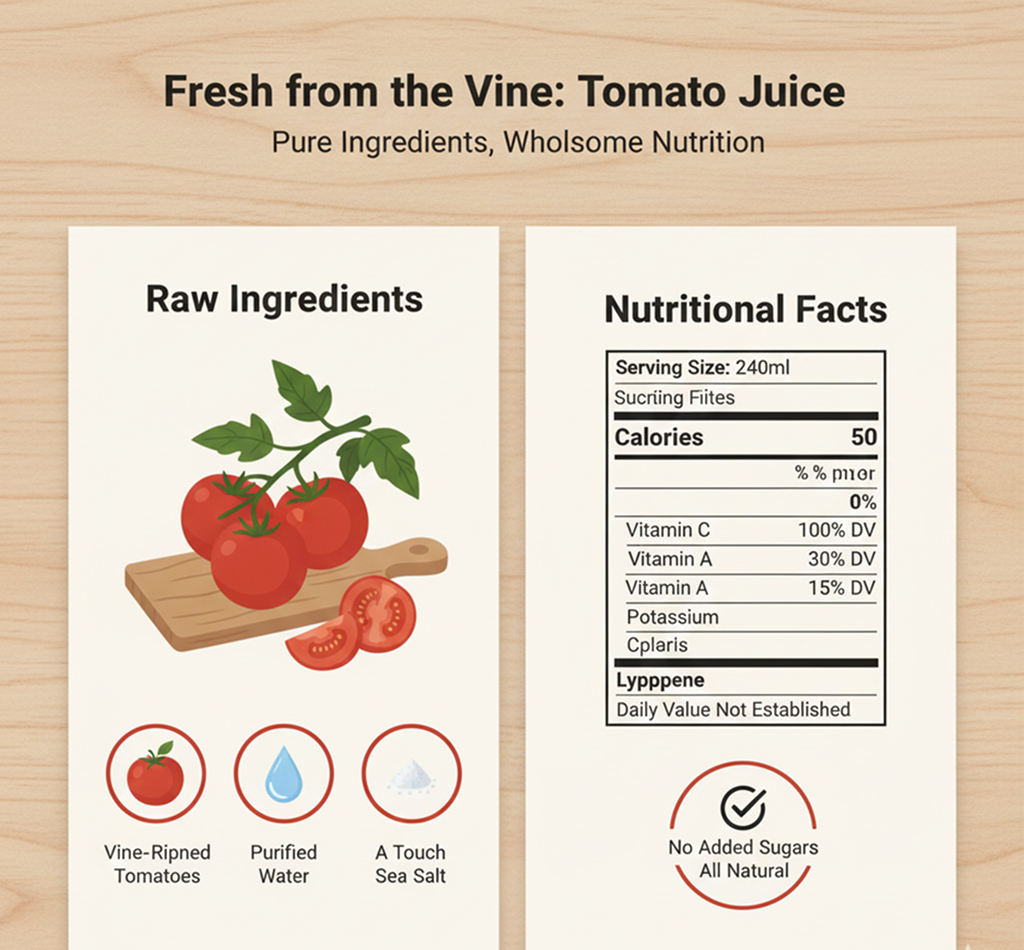
Food
Ingredients and nutrition facts matter most. Add recipes, cooking tips, and storage instructions.
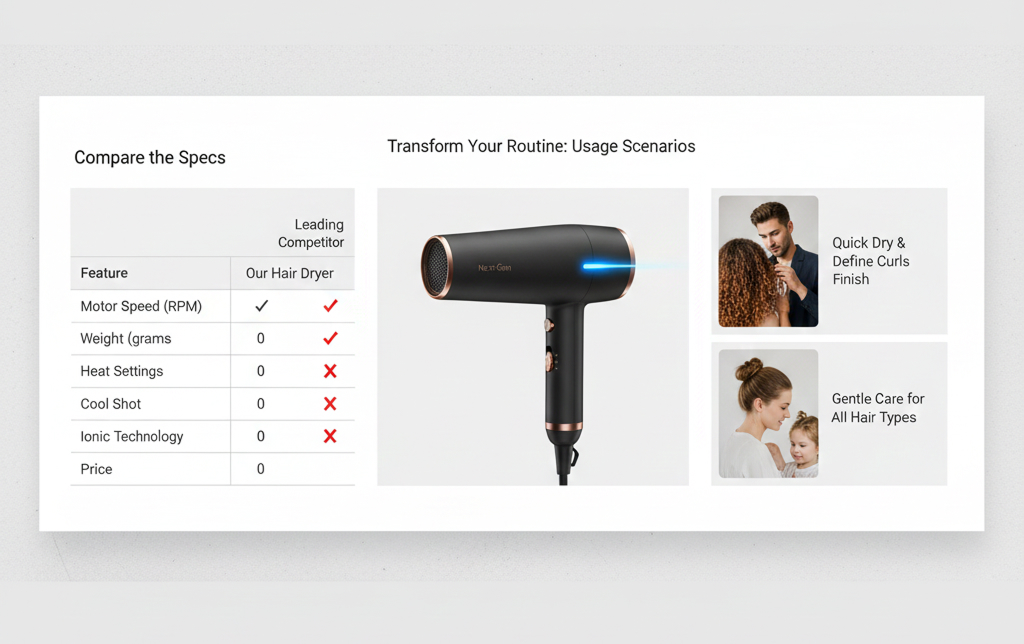
Electronics
Emphasize spec comparisons and use scenarios. Specific examples like "Perfect for when..." really help.
Building Product Page Images with Draph Art
Now that you understand product page design structure, it's time to actually create one. How do you make the product photos and copy for each section?
BG Generation for Section-by-Section Images
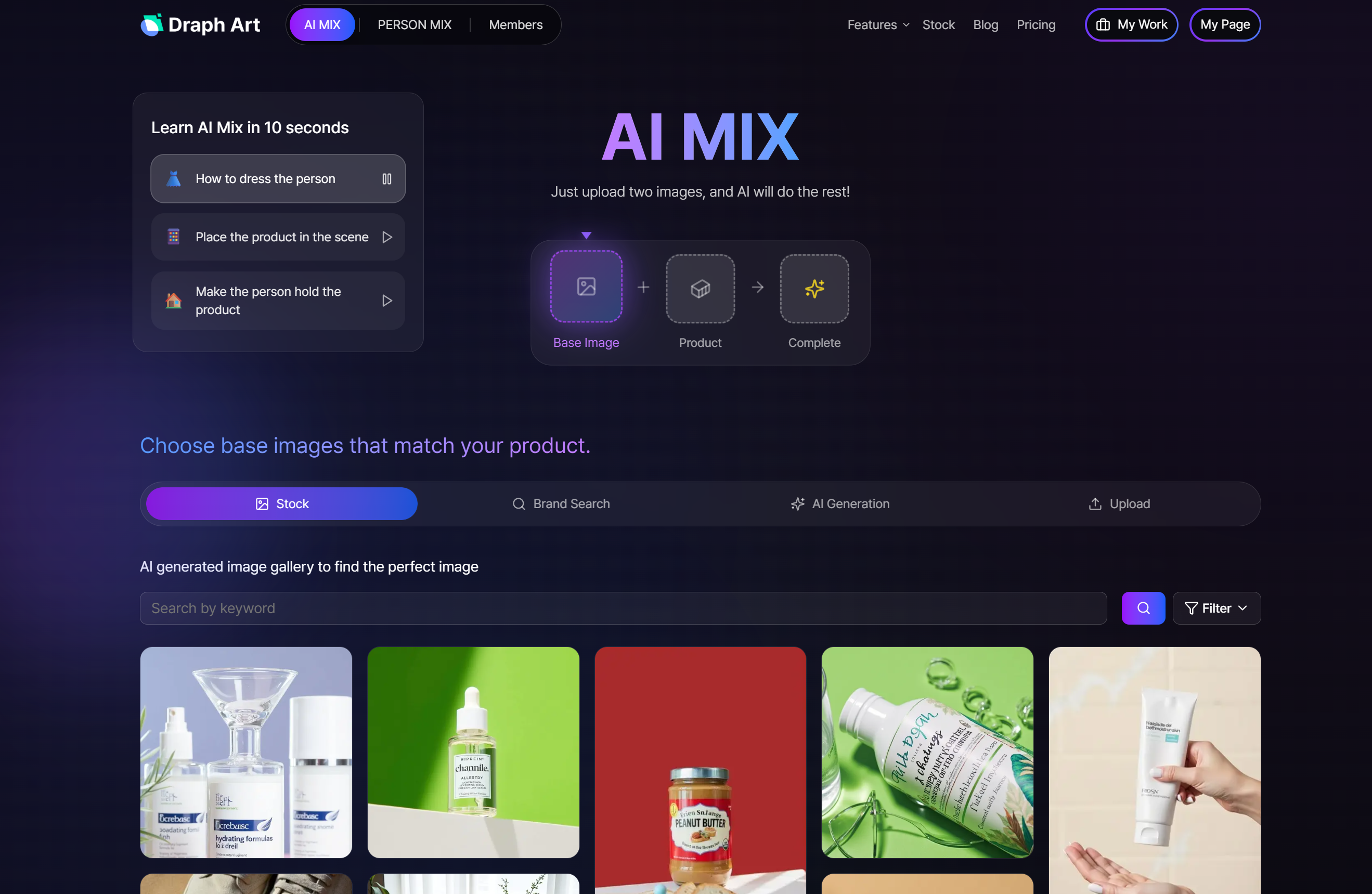
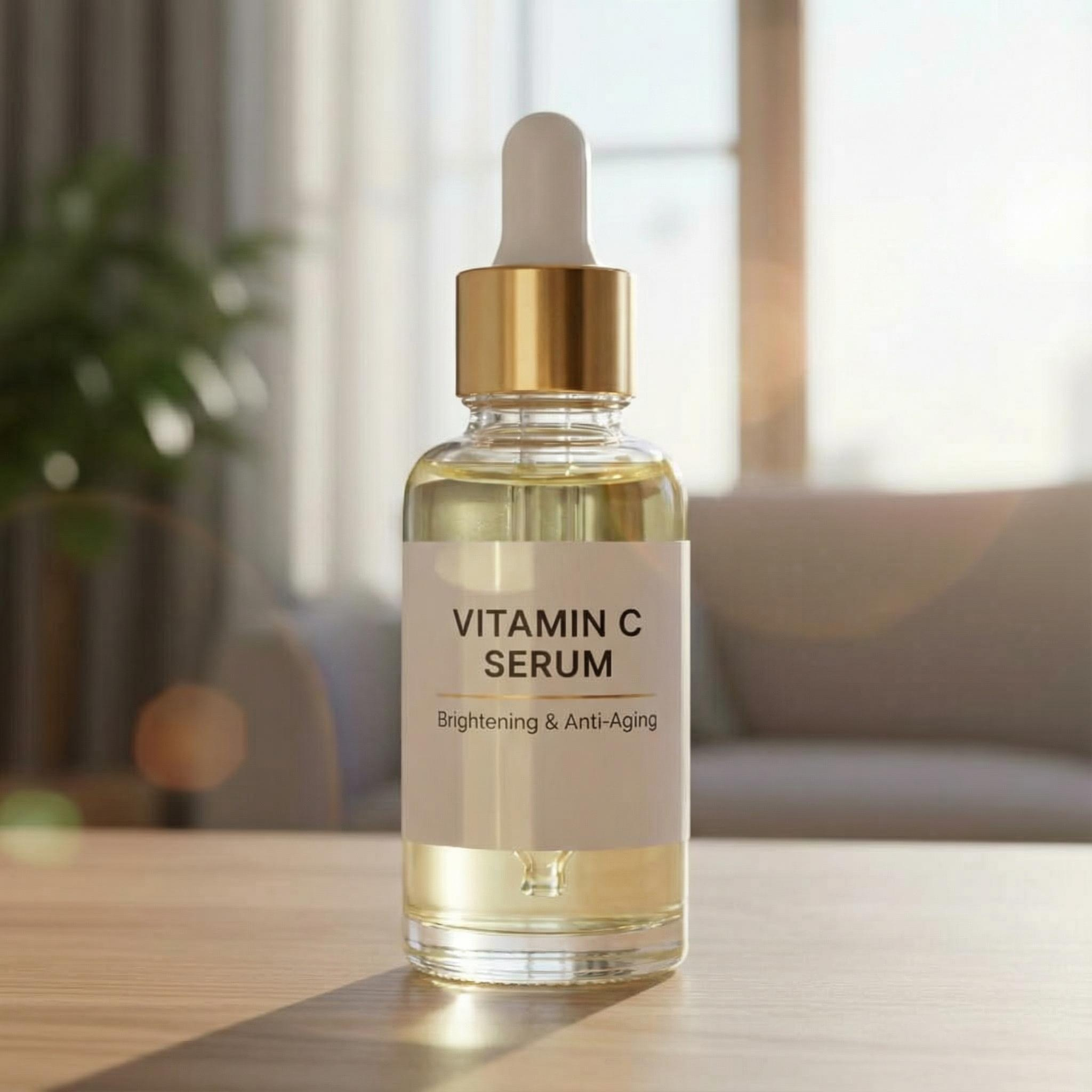
You need different vibes for each section—clean white background for the hero, concept background for USP, and so on. With Draph Art's BG Generation feature, you can create images with various backgrounds from one basic product photo.
For skincare, start with a clean white background, then switch to a natural lifestyle background in the middle sections to keep things fresh.
→ Create product images for detail pages with AI composition
AI Models for Fit Shots
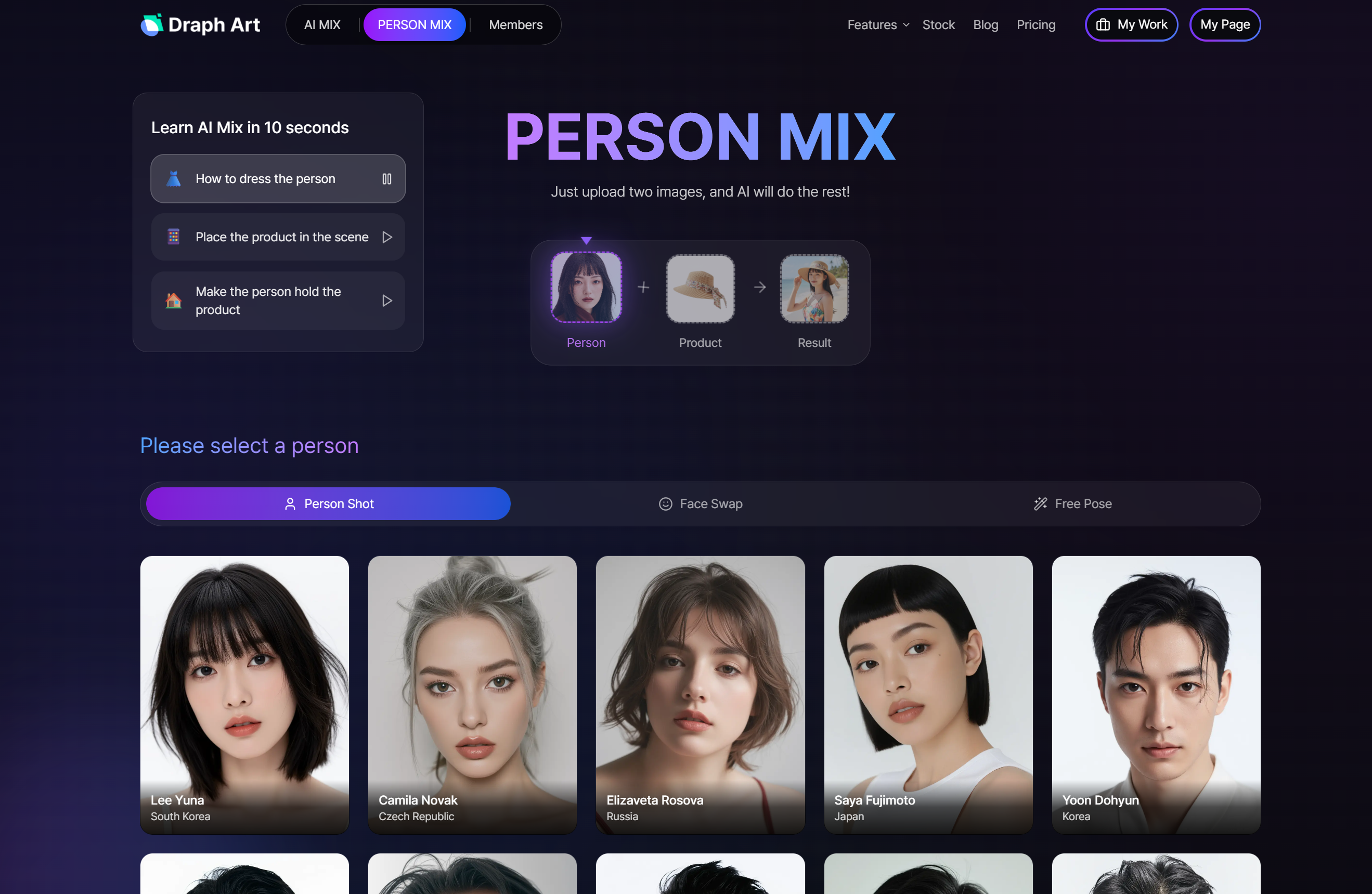
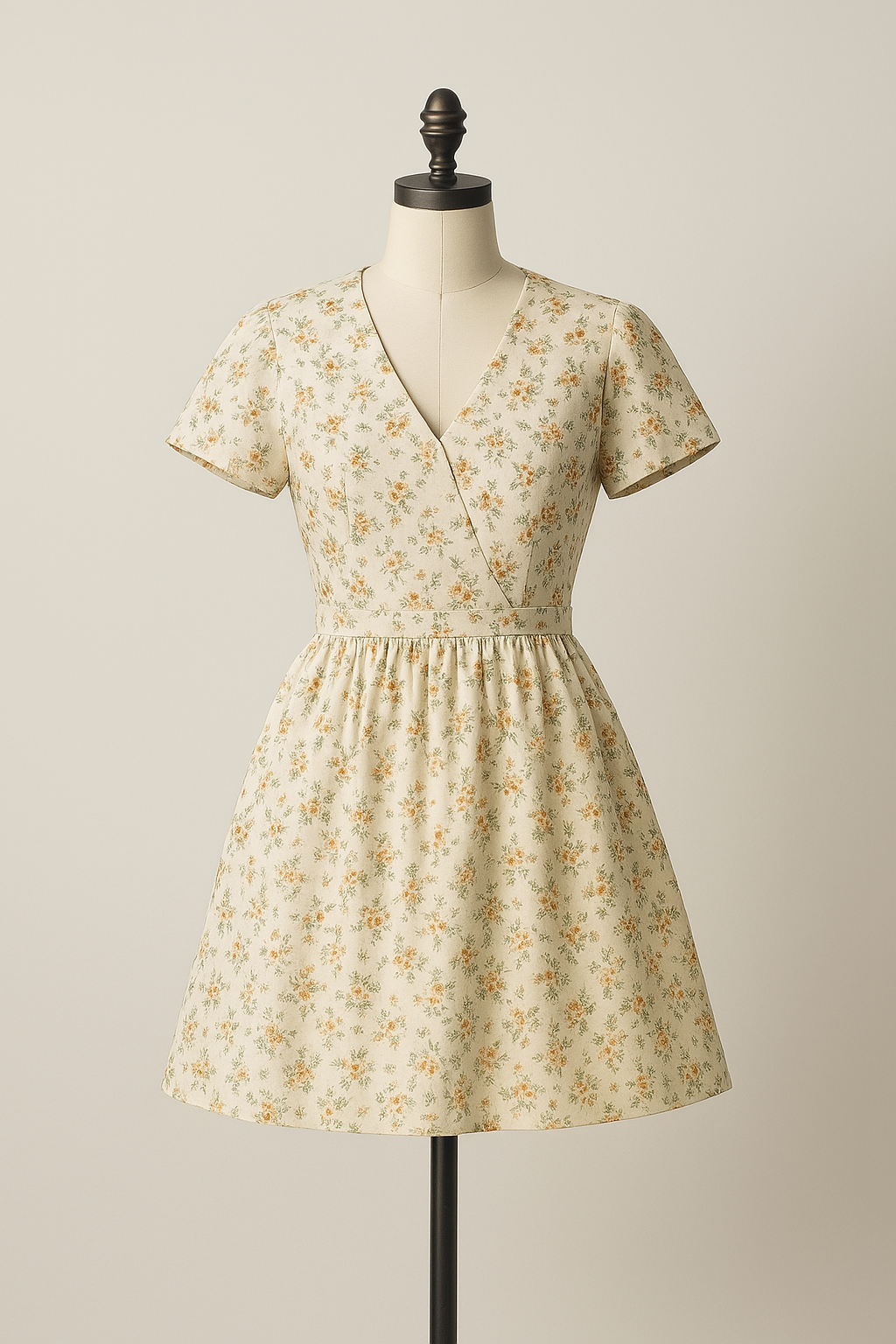
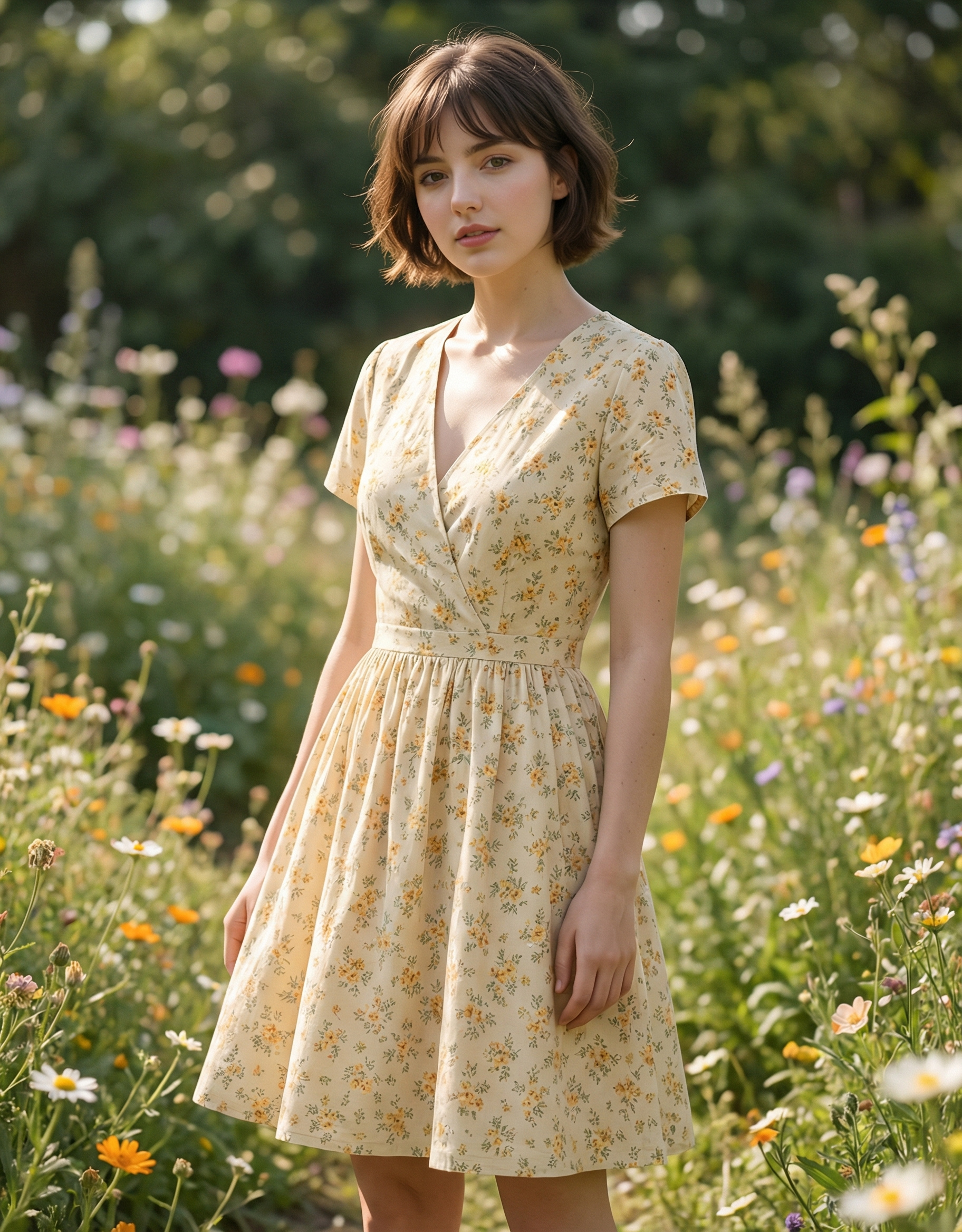
If you're selling clothing or accessories, fit shots are essential. But you can't do model shoots every time. Draph Art's AI model feature turns mannequin photos into images of real models wearing your products.
Choose AI models of different ages and ethnicities so your target customers can relate. This seriously cuts down on product page costs.
→ Create AI model images for detail pages with Person MIX
AI Copywriting for Section Copy
Copy is just as important as images. Not sure how to write descriptions for each section? Draph Art's AI copywriting feature auto-generates product page text from just your product info.
It creates natural sentences covering product features, usage instructions, and customer benefits—saving you tons of time.
→ Create detail page copy with AI copywriting
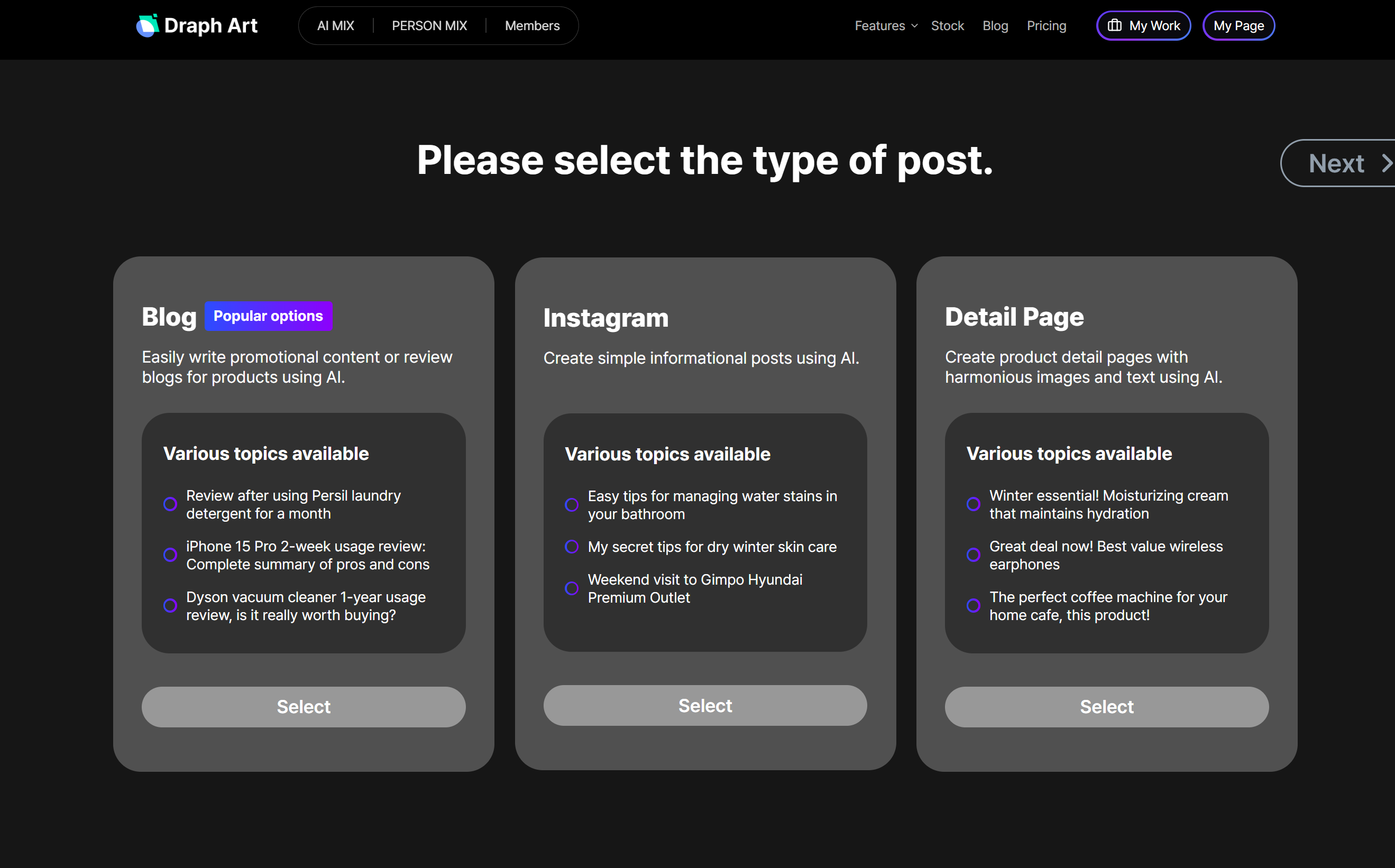
NEW! Coming Soon: Auto Product Page Creator
Until now, you had to use BG Generation, AI models, and AI copywriting separately. But it's about to get way easier!
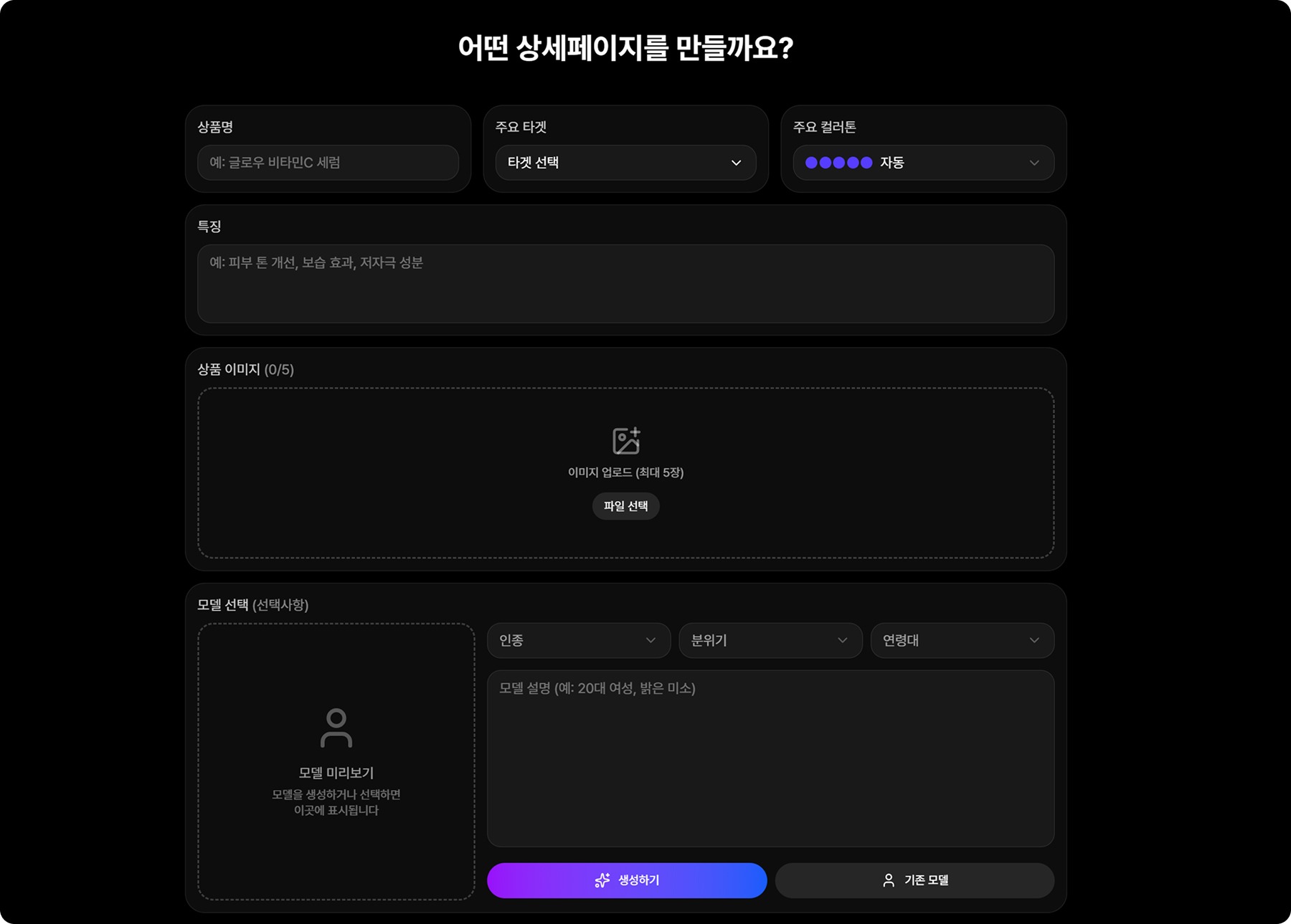
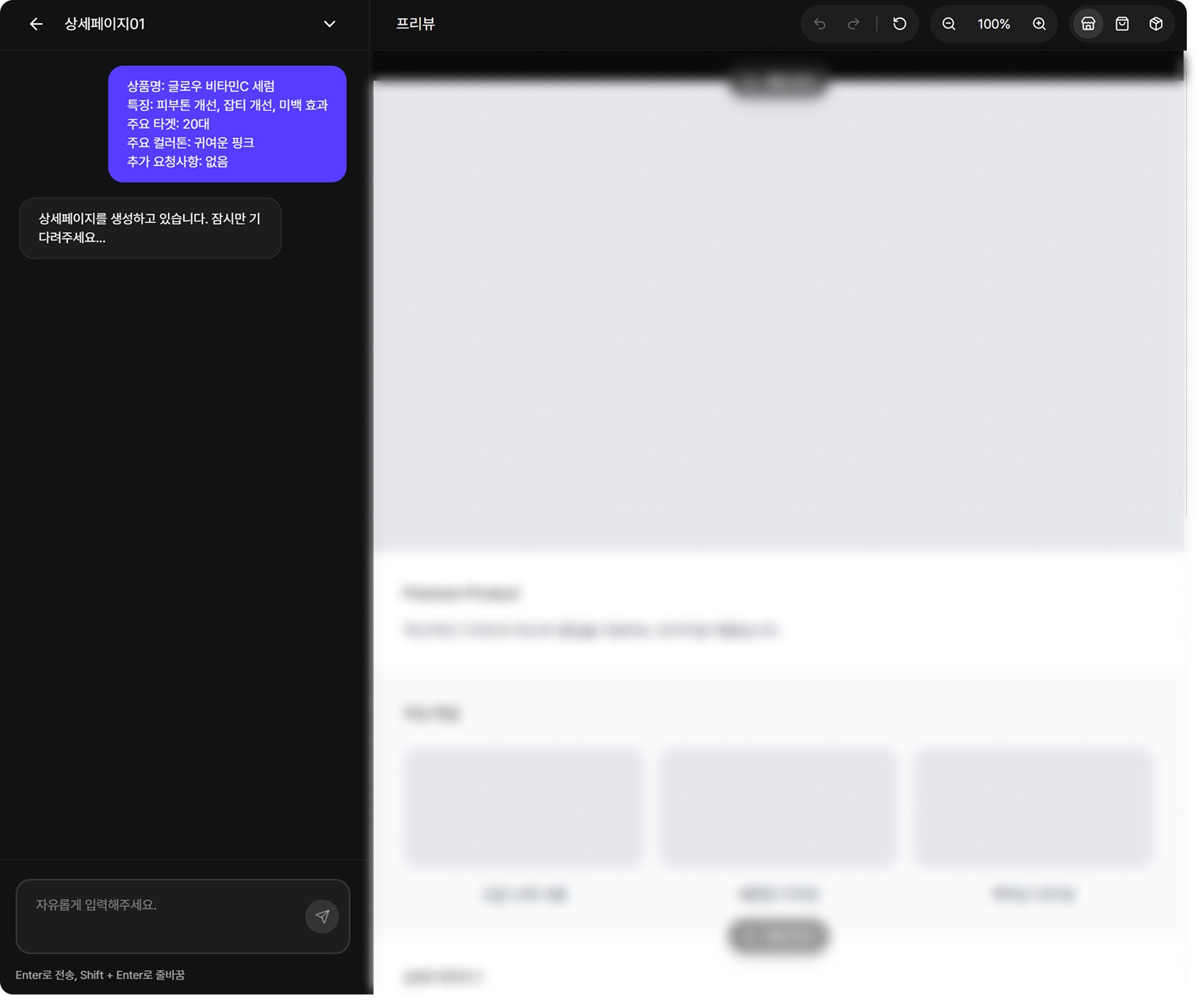
Draph Art's upcoming Auto Product Page Creator will generate everything at once—layout, copy, and images—just from your product info. No more agonizing over product page templates or creating images section by section.
Even better is the conversational editing feature. Just say "make the title bigger" or "move that image left," and your page updates in real-time. Create professional-level product pages in minutes without Photoshop or complicated design tools.
Coming soon—stay tuned!
A solid structure gets you halfway to a great product page. Remember the 5-step structure that naturally guides customers from hero section to CTA, and use Draph Art's AI features to create product pages quickly and easily. Sign up now for 5 free credits and a free first month trial—you can start with zero risk!

