

목차
Summary
- Why videos boost conversion rates by over 2x compared to static images—with data to back it up
- 3 key strategies for using videos to increase your online store revenue
- How to turn AI model images into 5-second moving videos with Draph Art✨

1. Why Videos Are Essential for Online Stores Right Now
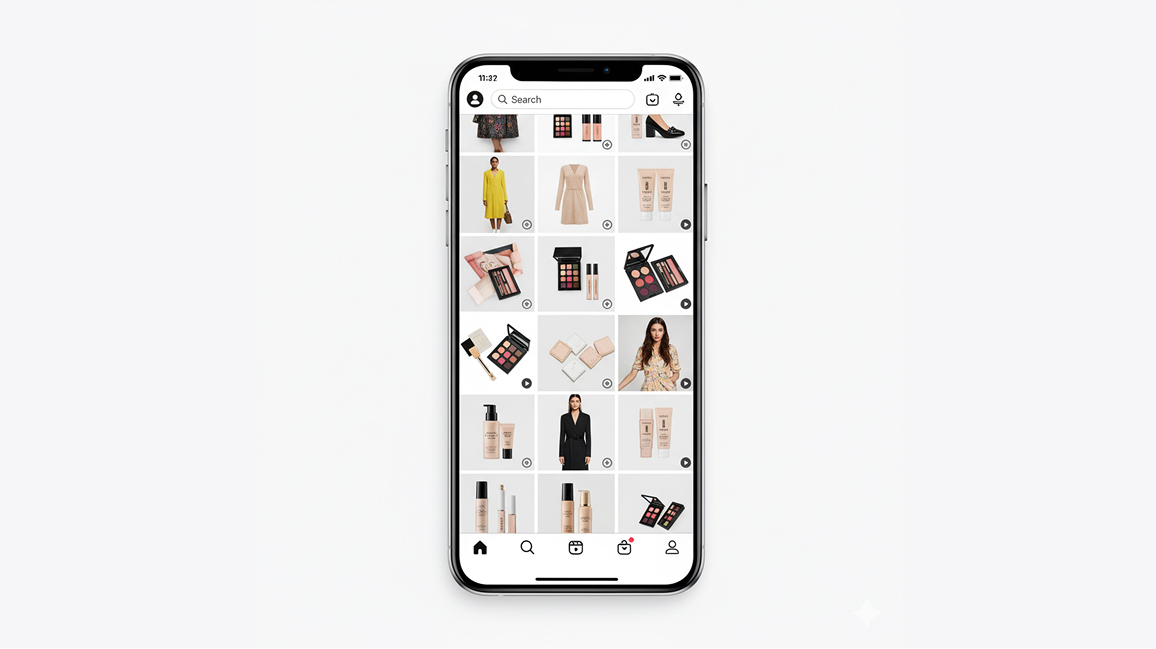
You know what everyone running online stores is talking about these days? AI video generators (check out: Top 7 AI Video Maker Sites - 2025 Edition). People are seeing their sales double just by adding one short video to their product pages that used to only have static images.
Recent e-commerce research shows that products with videos have an 85% higher purchase conversion rate on average compared to those without. On mobile especially, videos get watched 5 times longer than static images.

3 Reasons Why Customers Prefer Videos
First, videos show what the product actually looks like more accurately. For clothes, you can see the fabric texture, fit, and how it moves all at once. Second, they grab attention in 3-5 seconds. They have the power to make people stop scrolling. Third, they build trust. When you see something moving, you think "okay, this is a real product."

In the Mobile Shopping Era, Video Is the Answer
Right now in 2025, over 70% of online shopping happens on mobile. Short videos work way better than long text on mobile screens. Customers who are used to short-form content on Instagram and TikTok now expect videos in online stores too. Using an AI video maker helps you keep up with this trend fast.
2. 3 Video Strategies to Boost Your Store Sales
Strategy 1: Add 5-Second Product Videos to Your Detail Pages
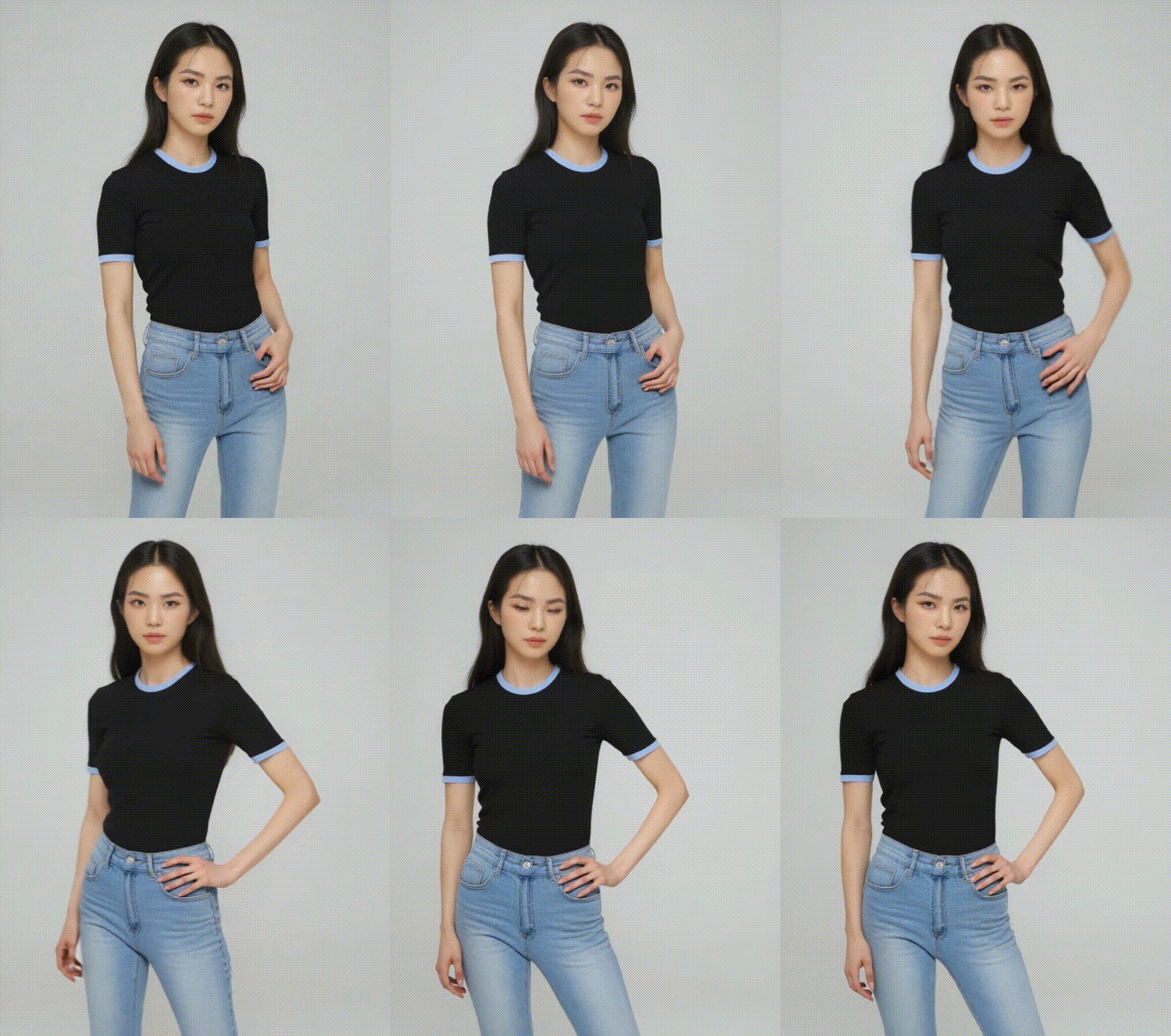
Put a short 5-second product video at the top of your detail page. You don't need long videos. Short, punchy videos actually work better. With Draph Art's AI Model feature, you can create wearing cut images of your products, then automatically turn them into 5-second moving videos. The model moves naturally while showing off your product.
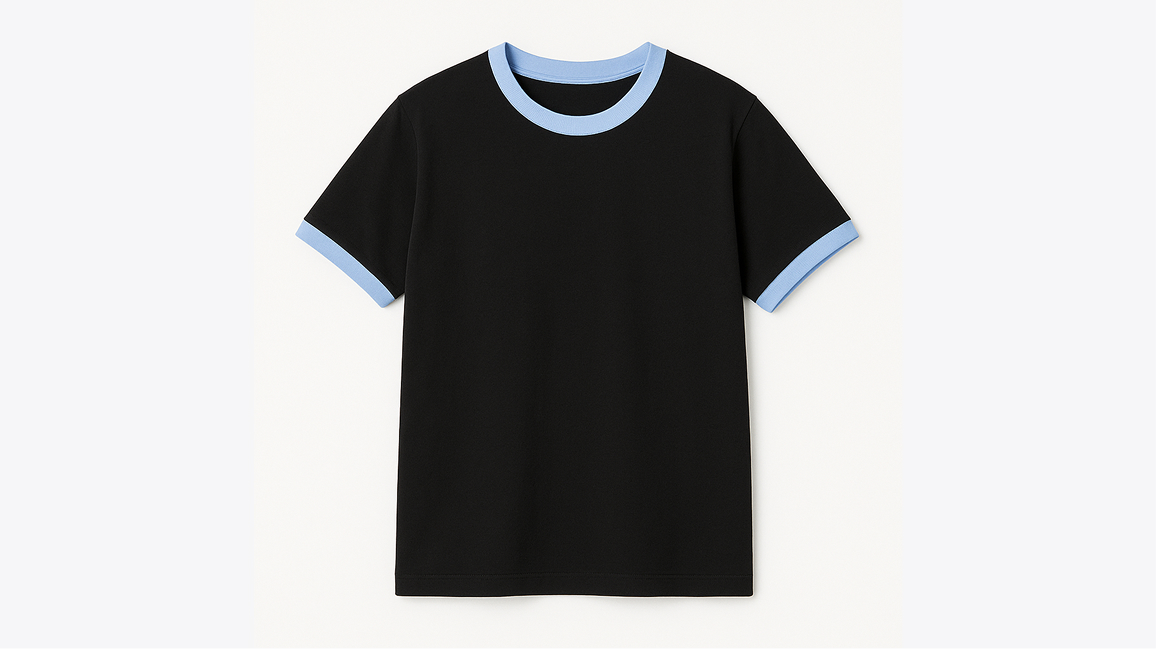
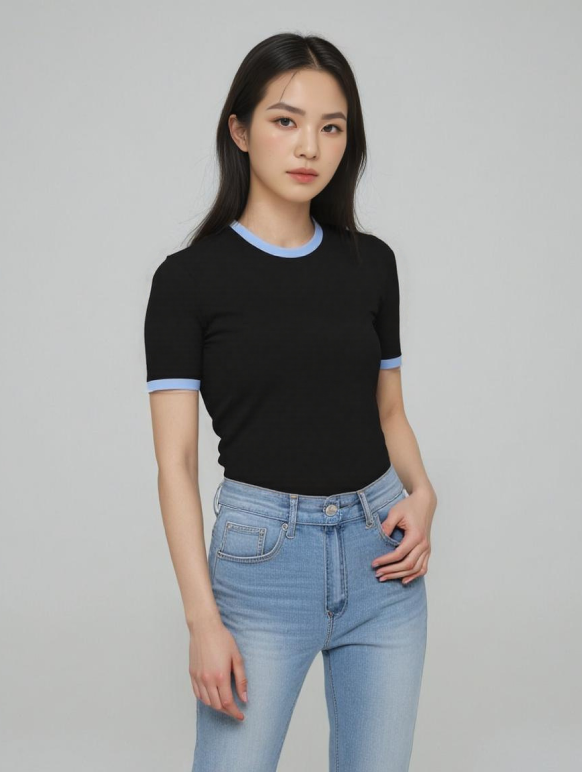
For fashion items, first create an image of a model wearing the clothes using Draph Art's AI Model feature. Then use Draph Art's video generation to turn that image into a moving video. The model turns slightly or strikes a pose with natural movements, making it look like an actual model shoot.
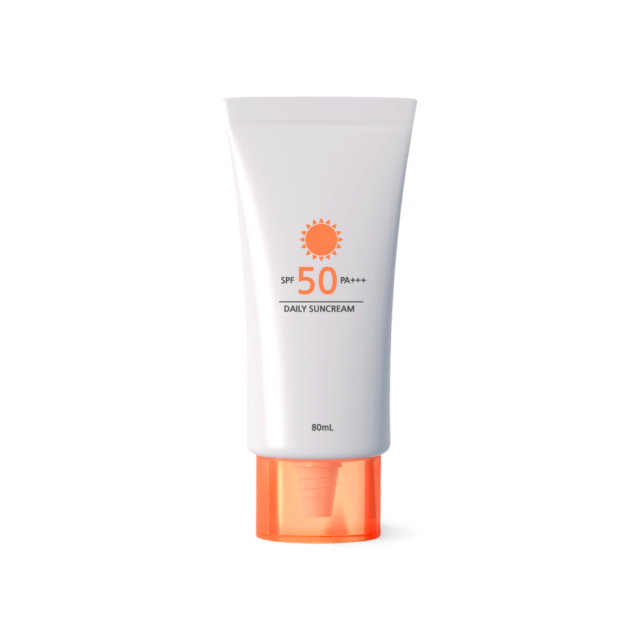
For cosmetics and beauty products, using cut images work especially well. Create an image in Draph Art of a model holding the product, then convert it to video. The model naturally lifts the product or changes angles.
▶ Try Draph Art's AI Model Feature
Strategy 2: Replace Thumbnails with Videos to Increase Click Rates
Using short video thumbnails instead of static images in your product lists can triple your click-through rate. You need movement to stand out among tons of products.
With product video AI, you can add subtle motion to existing product images. The product slowly rotates, the background moves slightly, or the lighting changes. These small changes can grab customer attention.
Use Draph Art's BG Generation feature to create product images with different backgrounds, then run them through an AI video creation tool to make multiple versions with different background movements. A/B test to see which video works best.
▶ Change Product Image Backgrounds with Draph Art AI Mix

Strategy 3: Use Short-Form Videos for Social Media Ads
Using short-form videos made with AI ad video tools on platforms like Instagram Reels, TikTok, and YouTube Shorts gives you way better ROI. Engagement rates are over 5 times higher than static image ads.
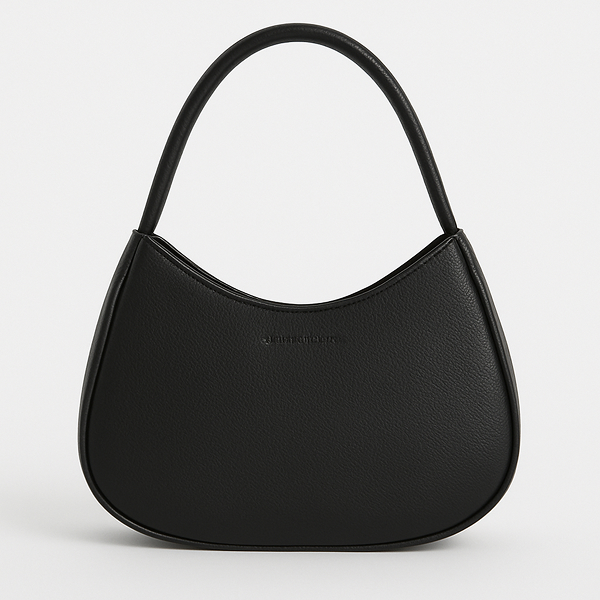
Using a free AI video generator helps you cut ad costs. Use Draph Art's AI Model feature to create product images and AI Composition images, then automatically convert these images into 5-second moving videos. You can make and test multiple versions in a day, which is super efficient. You'll get lifestyle videos that look like they came from a professional studio.

3. Draph Art AI Video Generator: Practical Production Guide
Every good video starts with a good image. With advances in AI image generation technology, you can now create high-quality product images without professional shoots. For fashion products especially, fit is everything. With Draph Art's AI Model feature for model image composition, you can create both wearing cut images and videos at the same time without actual model shoots or a separate AI video generator.
▶ Go to Draph Art's AI Model Feature
How to Use Draph Art's AI Model Feature
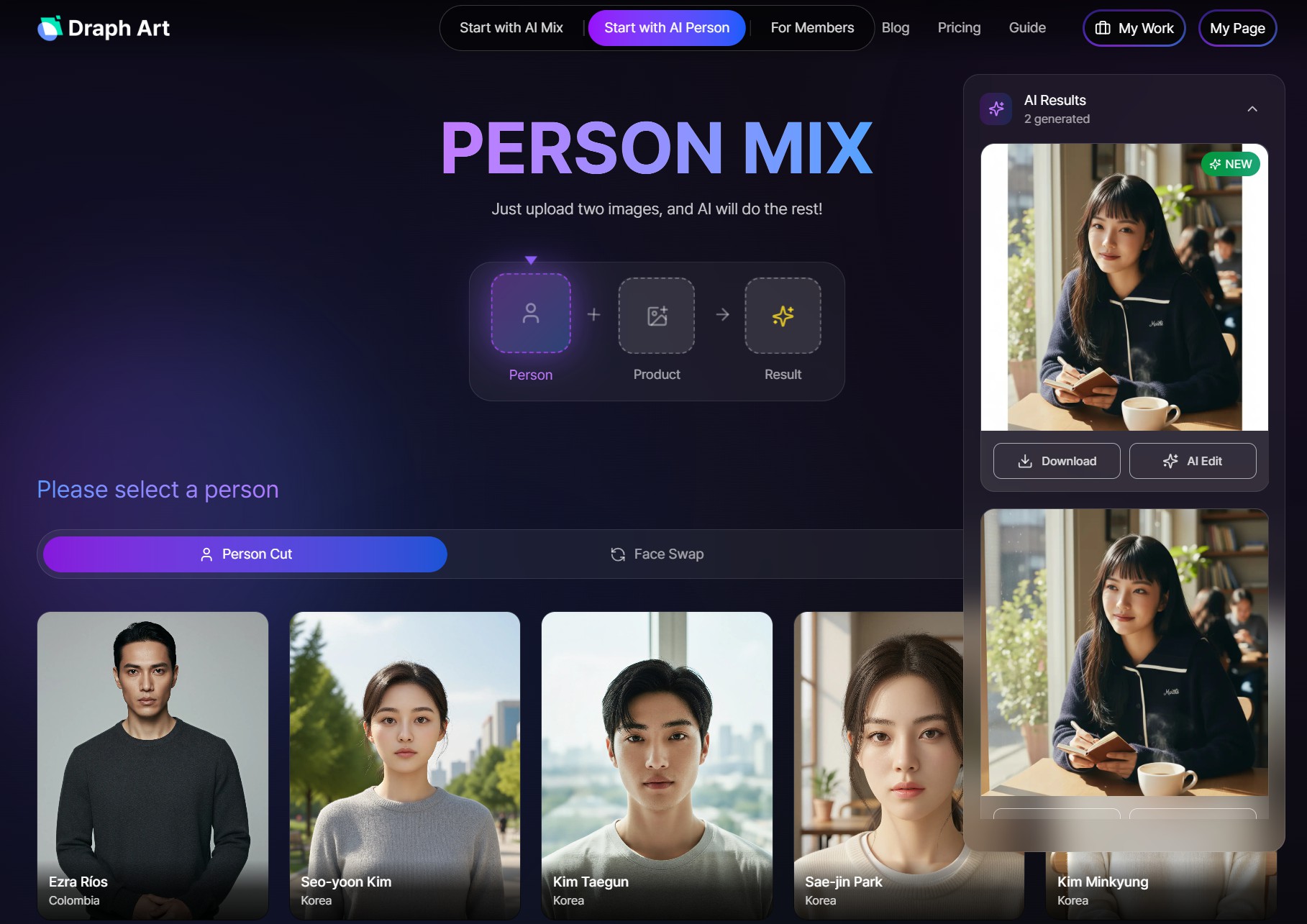
Step 1: Go to [Start with AI Person] - [Create Person Cut] in Draph Art

Step 2: Select the person you want

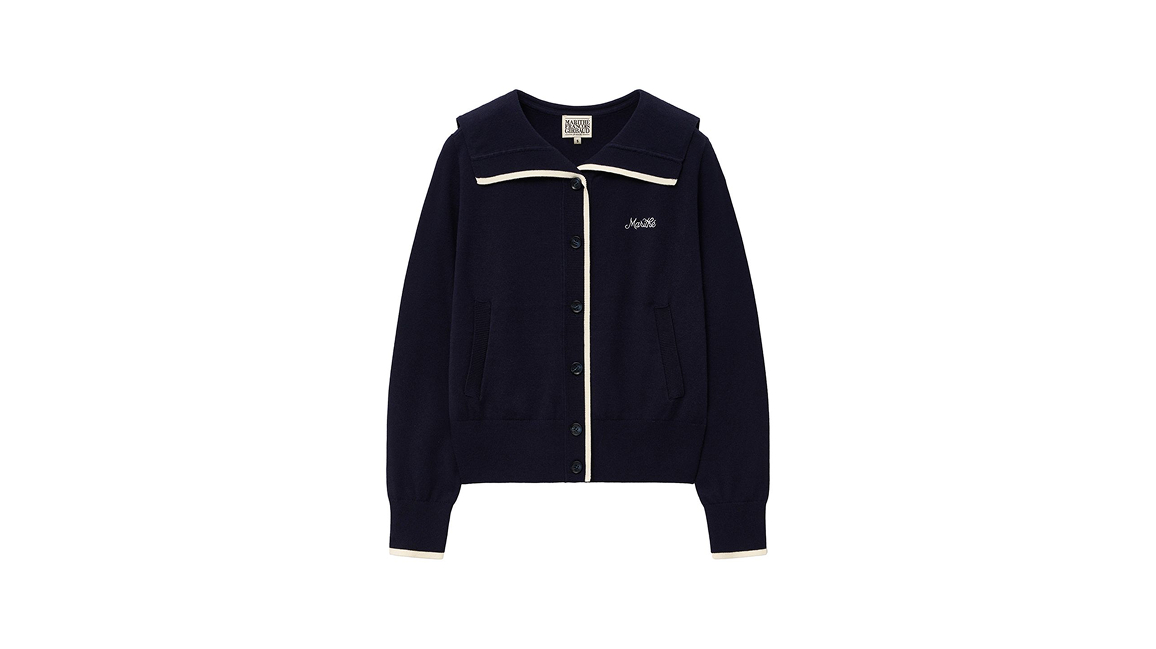
Step 3: Upload your clothing product image and click [Mix with AI]
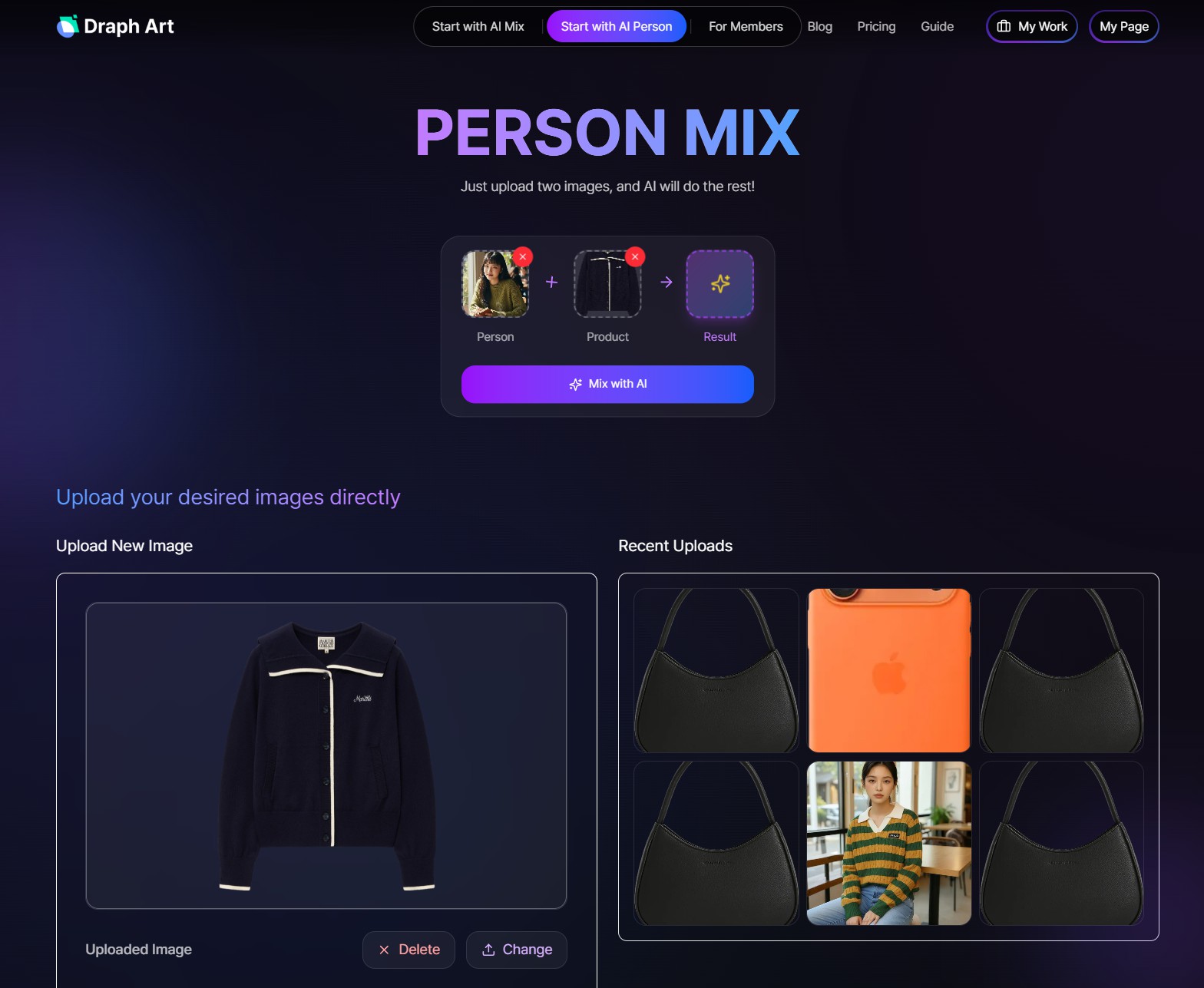
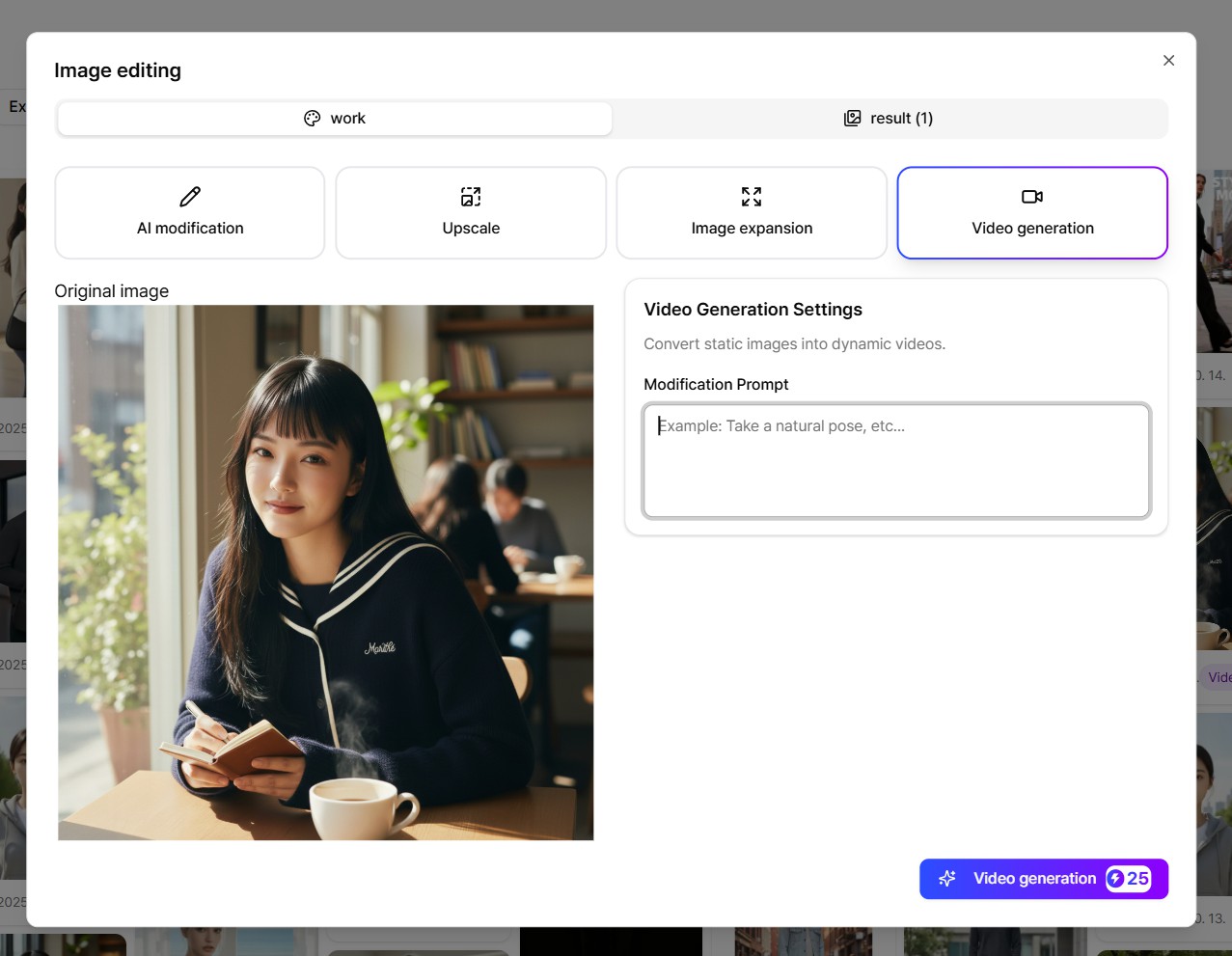
Step 4: Click the [AI Edit] button at the bottom of the image you want to turn into a video (from the 2 completed images)


Step 5: Click [Video Generation], enter your video prompt, then click [Generate Video]
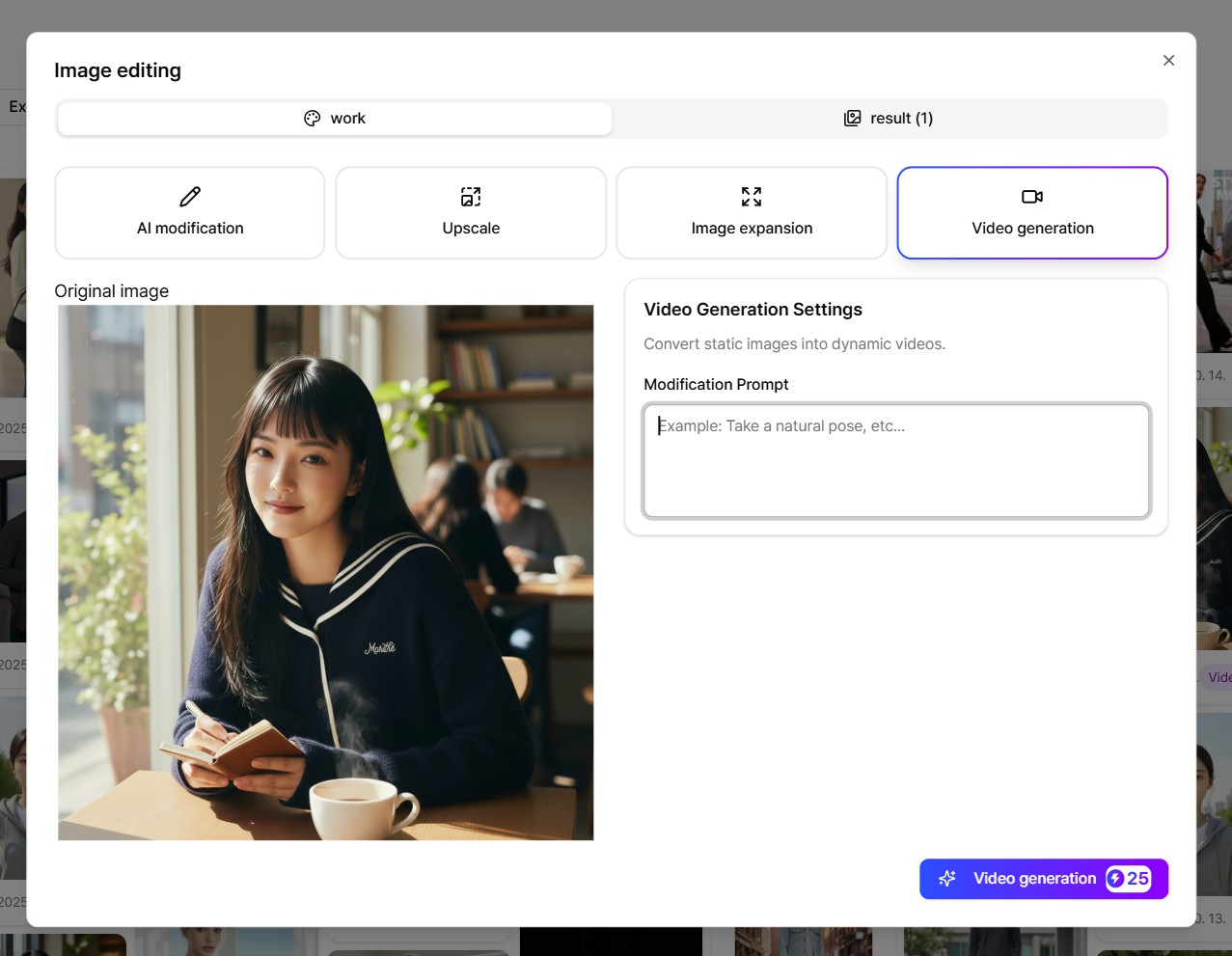
Step 6: Download the generated video


You can use videos created this way for detail pages, thumbnails, and social media ads. You save over 90% compared to professional studio shoots while maintaining the same quality.
As AI video generator technology improves, anyone can easily make product videos now. You don't need to hire a professional film crew or buy expensive equipment. Create high-quality images with Draph Art, add motion with a free AI video generator, and you've got professional-level videos.

Draph Art's AI Mix and AI Model features are perfect starting points for product video creation. You can make unlimited images with different backgrounds, models, and concepts, then convert them to videos on an AI video maker site to create powerful tools for boosting store sales.
Start making your first product image with Draph Art right now. Then turn that image into a 5-second video and put it on your detail page. You'll see the difference in your sales yourself!
Related Articles
- Top 7 AI Video Maker Sites - 2025 Edition
- AI Prompt Sites - 7 Beginner-Friendly Sites You Can Use Right Away (2025 Latest)
- Complete Guide to Writing AI Prompts - 10 Templates for Image AI and Video AI
- From Fitting Models to AI Models: A Solo Entrepreneur's Guide to Using Models

