
.png&w=1920&q=75)
목차
- 1. A household goods detail page needs an eye-catching staged shot to make a great first impression
- 2. Showing the actual usage process on a product detail page instantly conveys convenience
- 3. A household goods detail page gives a reason to buy when it shows the real-life problem the product solves
- 4. Comparing traditional household goods detail page creation with AI workflow
- 5.How to Quickly Create a Household Goods Product Page with AI
- 💡 Frequently Asked Questions (FAQ)

Everyday items like storage containers, cleaning supplies, and bathroom accessories may look simple, but because so many products look similar, basic product photos and feature descriptions alone make it hard to stand out on a product detail page. A great household goods detail page needs attractive staged product shots, real-life usage scenes, and clear practical features so shoppers can quickly see why it's easy to use and worth buying. At the same time, sellers need to cut down on repetitive tasks like photo shoots, image editing, GIF creation, copywriting, and page design to make product listing and launching much more efficient.
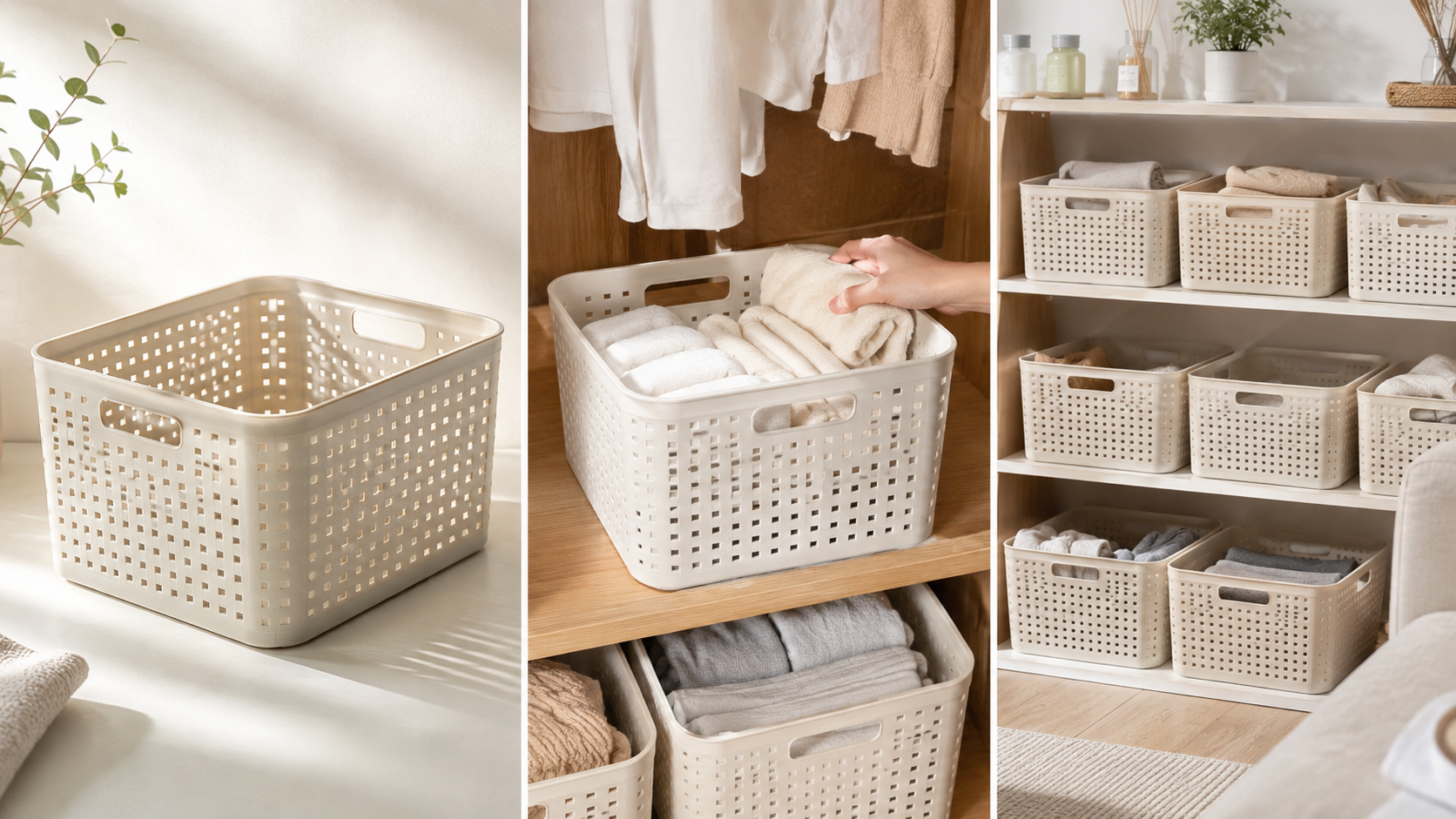
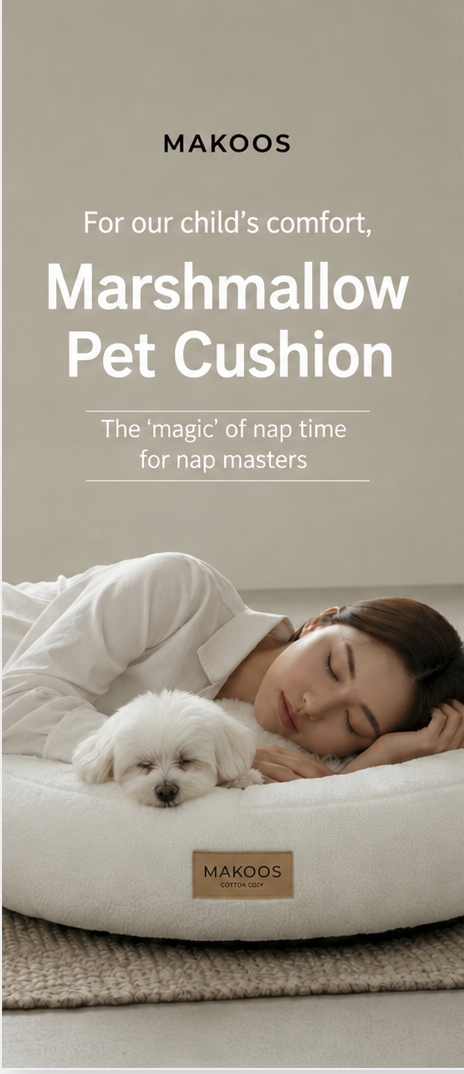
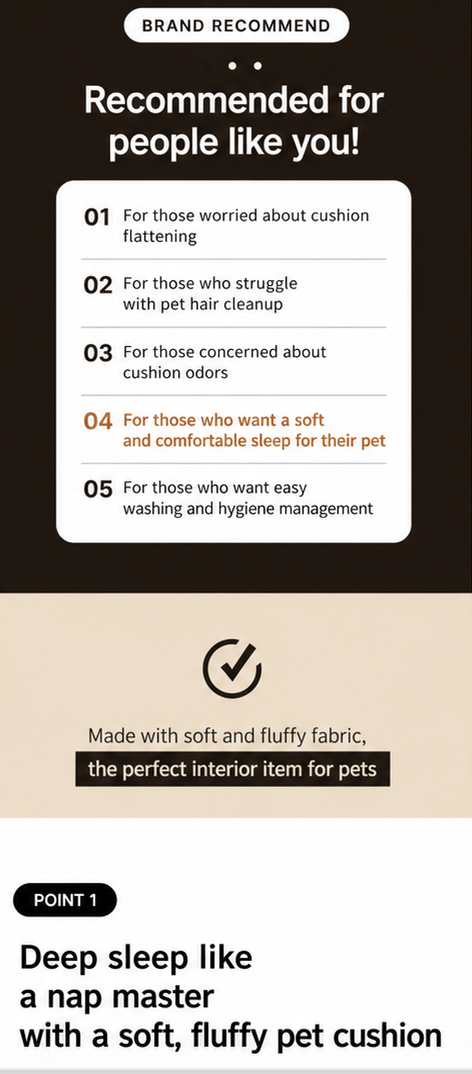
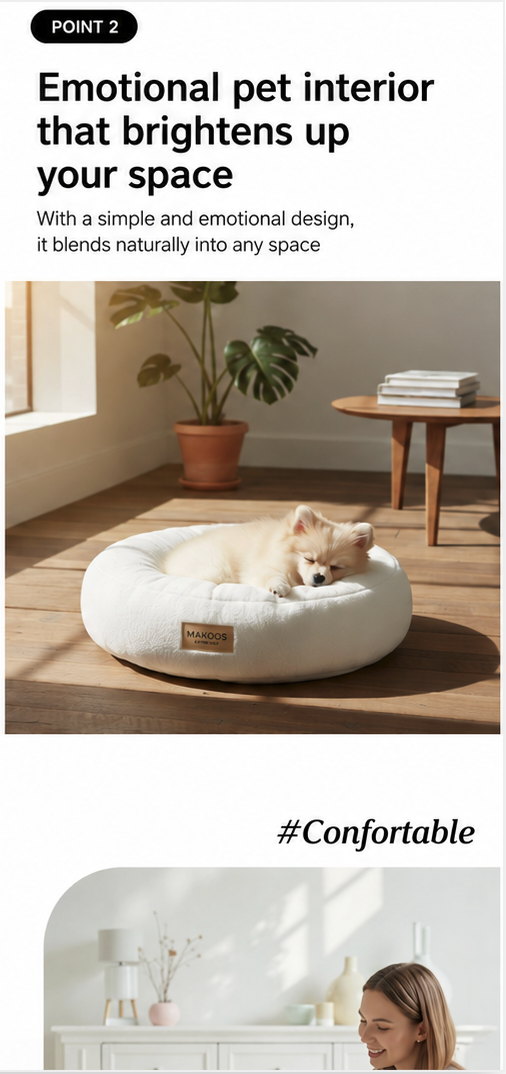
Draph Art is an AI tool that automatically generates e-commerce detail pages. With just a single product photo of a household item, it turns it into staged room shots, real living spaces, usage scenes, detail shots, feature-focused images, persuasive sales copy, and a complete detail page layout. By placing content automatically into templates built with the latest e-commerce design trends, you can quickly build a high-converting household goods detail page packed with practical features and product info—without needing extra photo shoots or design work.
💡 3-Line Summary for Busy People (TLDR)
|
1. A household goods detail page needs an eye-catching staged shot to make a great first impression
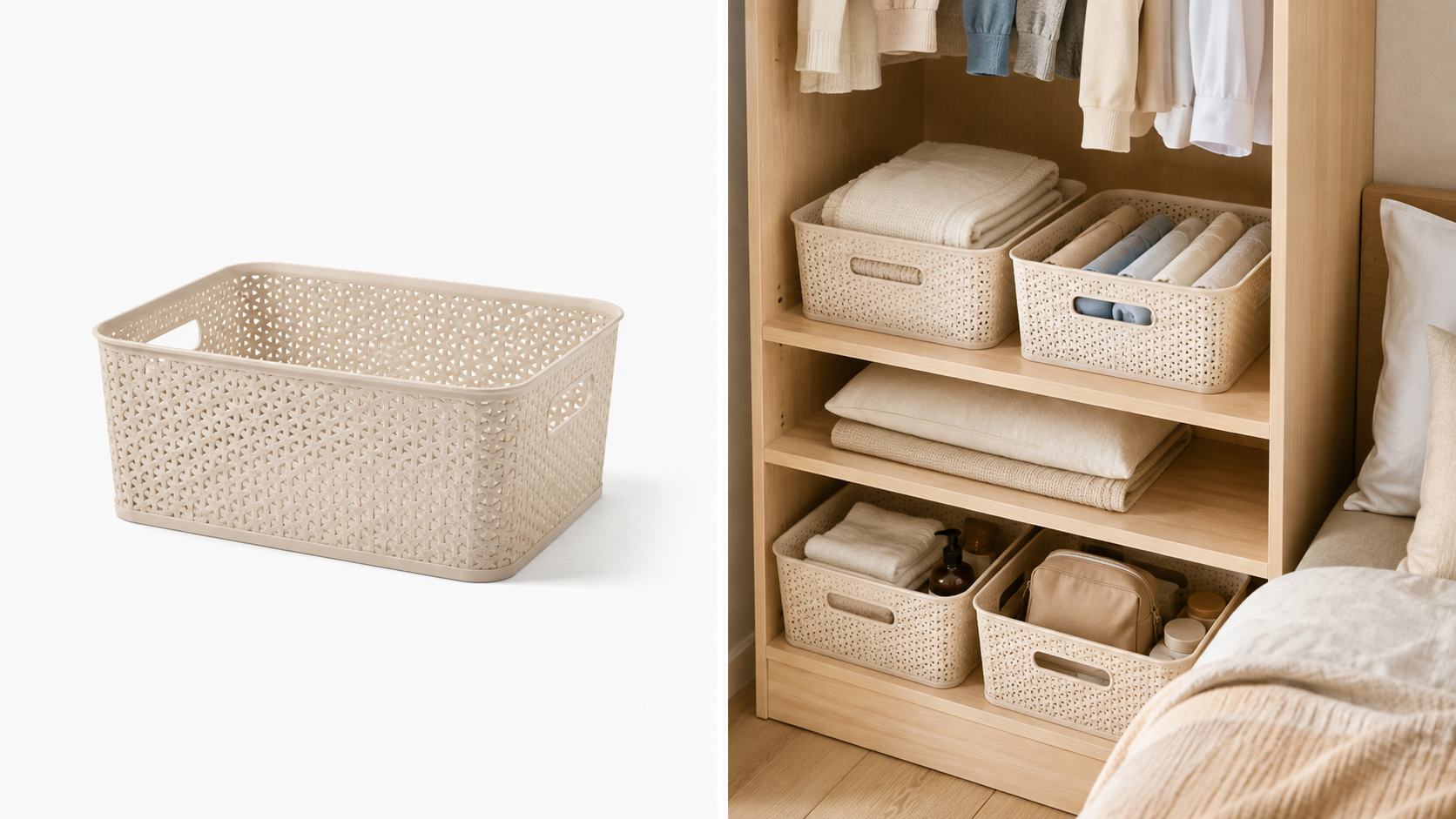
A major trait of household items and daily supplies is that there are tons of similar products, and their visual differences are minimal. When storage bins, cleaning tools, bathroom items, mugs, tumblers, and desk accessories pop up together in search results, seeing plain white-background shots makes shoppers compare price, size, or reviews rather than noticing what makes your product special.
That's why it's key to use staged photos tailored to the product's purpose on a household goods detail page to highlight your unique edge. Instead of just seeing what a product looks like, shoppers should naturally picture how it would fit into their own living space. For instance, storage bins can be shown in a neatly organized closet or desk, bathroom items next to a clean vanity, and mugs or tumblers in an office or daily routine setting.
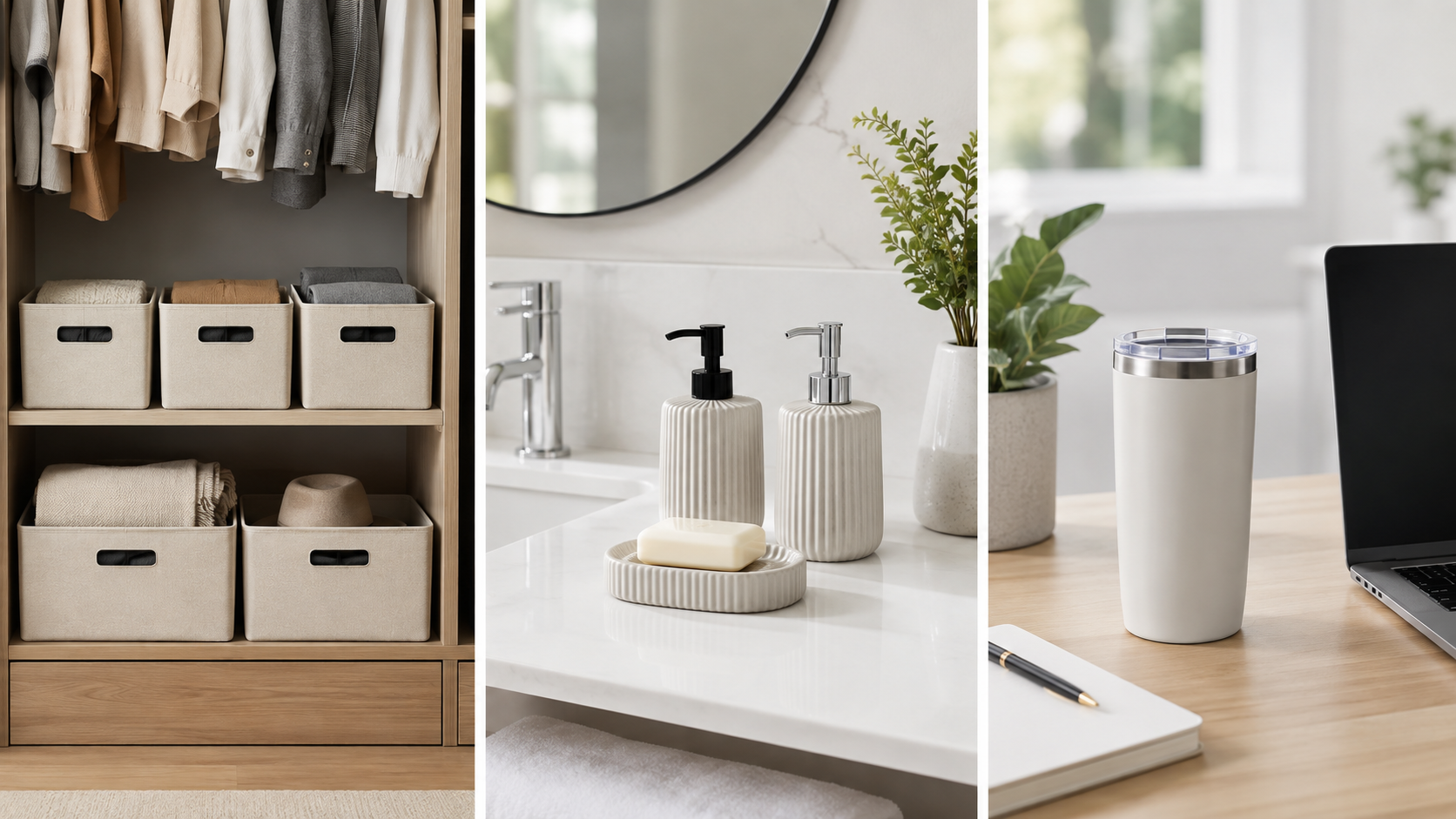
The goal isn't just to make fancy pictures, but to use the right setting and composition to create a clear visual distinction even for ordinary household items, making shoppers want to learn more at first glance.
2. Showing the actual usage process on a product detail page instantly conveys convenience
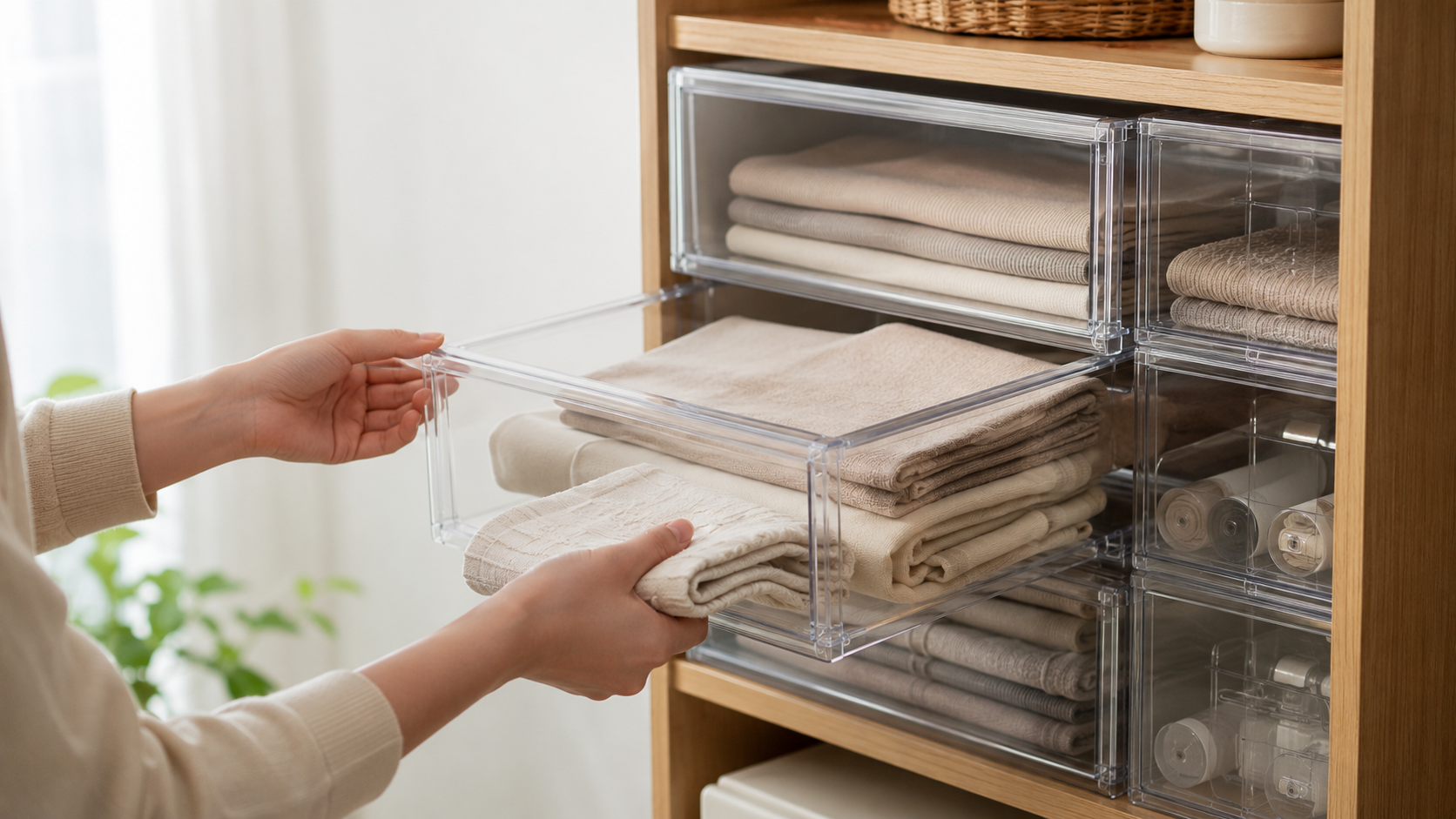
Once an image grabs a customer's attention, the biggest factor driving their buying decision is whether the product is genuinely easy to use.
For everyday items used regularly, actions like opening, closing, storing, assembling, folding, washing, and putting things away directly influence whether someone buys. If your product detail page simply says "easy to operate" or "convenient to use," shoppers are left having to guess how it actually works.
That's why showing real usage steps directly on a household goods detail page works so well. For example, storage products can show someone opening a drawer and taking items out, cleaning tools can demonstrate grip and sweeping motions, and collapsible daily items can use step-by-step images or GIFs to show unfolding, folding, and storing.
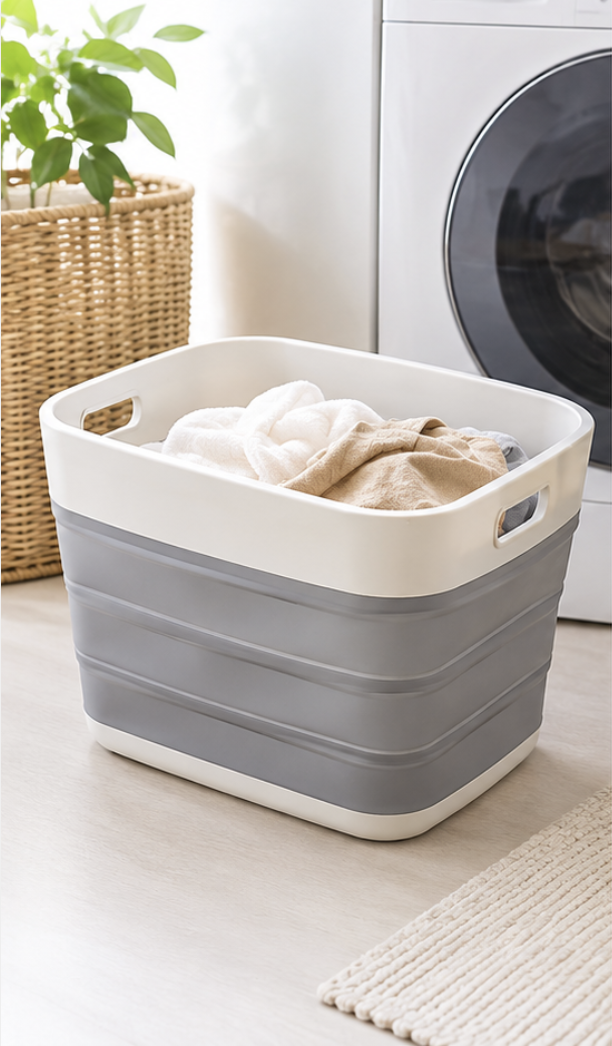
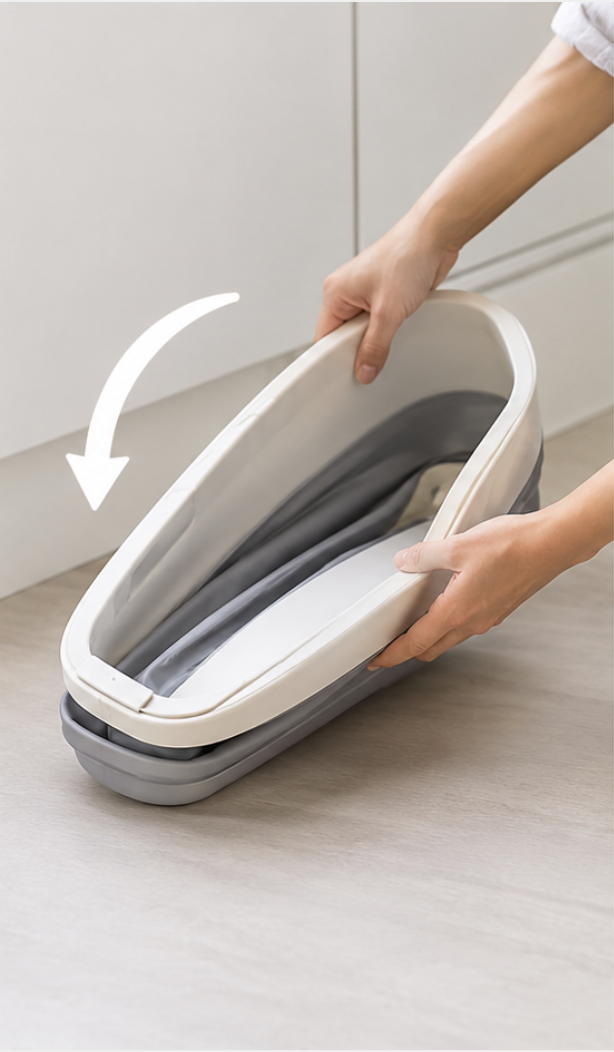
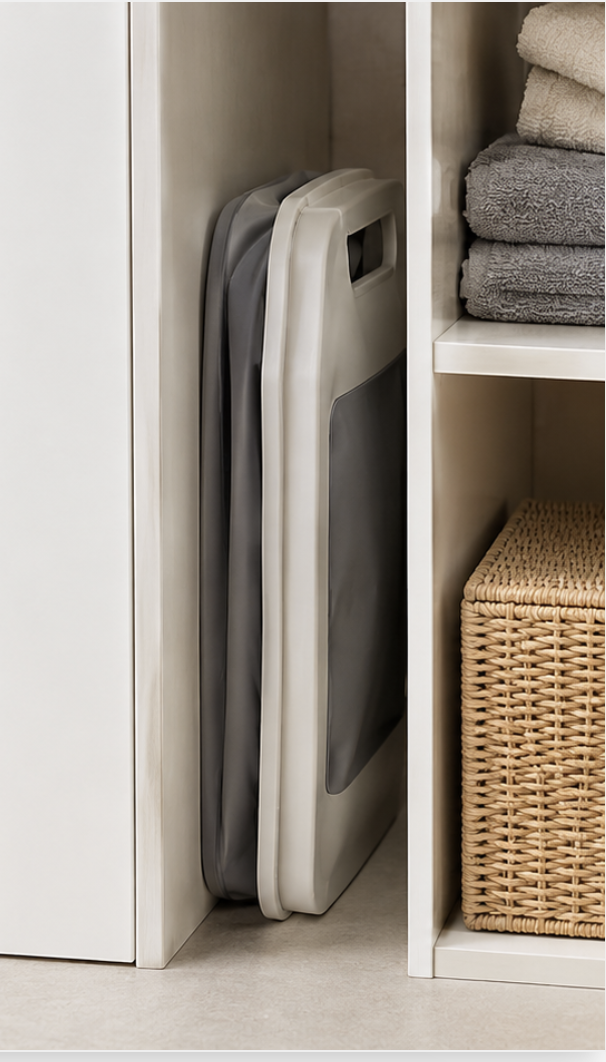
The key here is turning "convenience" from a vague feature claim into an instantly clear visual experience. This allows sellers to communicate the real user experience fast with fewer words.
3. A household goods detail page gives a reason to buy when it shows the real-life problem the product solves
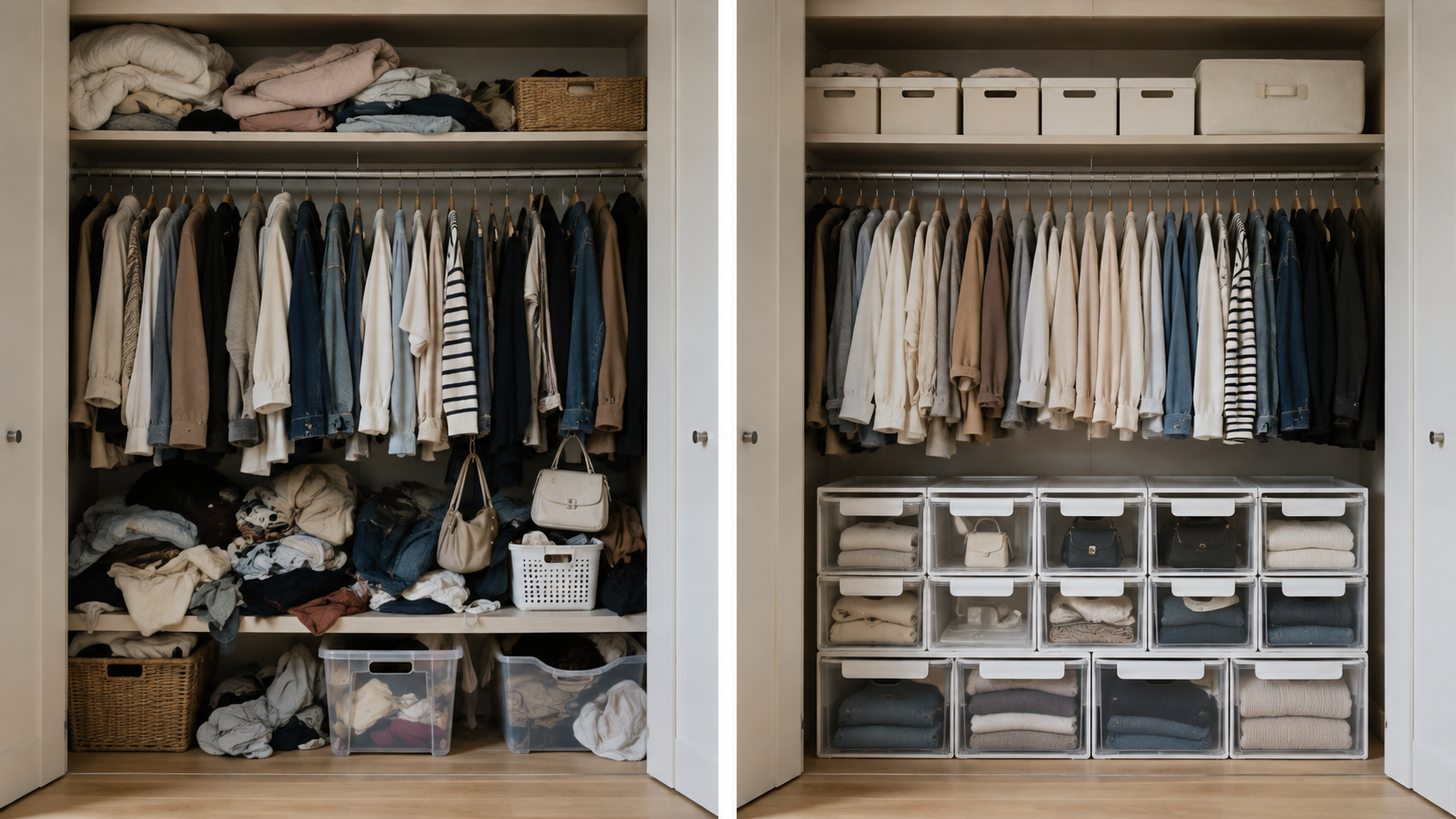
Good-looking photos grab interest, and easy operation lowers hesitation. But what truly drives the final purchase for household items is what real-life problem this product solves for the user.
So instead of just listing features like "large capacity," "waterproof," or "airtight seal" on your product detail page, show the actual result of those features in real life. For instance, storage items can showcase before-and-after organization shots to highlight saved space, airtight containers can show leak-proof performance, and bathroom tools can highlight drainage and waterproofing that keep mold and standing water away.
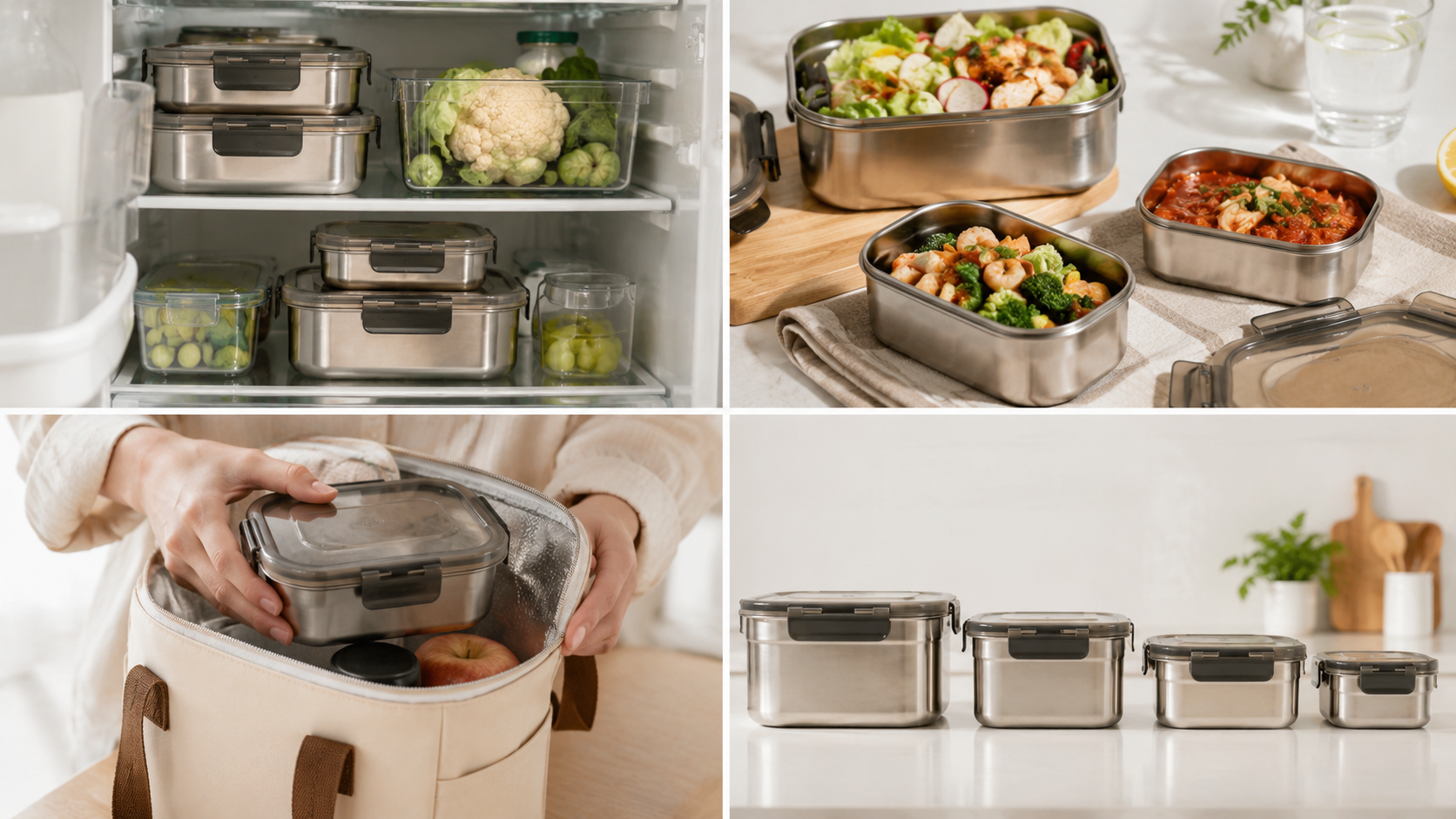
A great household goods detail page seamlessly connects features to practical results, helping shoppers quickly realize that the product isn't just pretty and easy to use, but actually makes daily life simpler. When this practical value is clearly communicated, a product moves from being just "nice to look at" to something shoppers genuinely want to buy.
4. Comparing traditional household goods detail page creation with AI workflow
To clearly present a product's features and real-life benefits, you need staged room photos, usage scenes, feature graphics, GIFs, sales copy, and page layouts ready to go. For sellers listing multiple items at once—like storage, cleaning, and bathroom supplies—more products mean endless repetitive photography, graphic design, copywriting, and formatting tasks.
| Comparison Criteria | Traditional Method | AI-Powered Method |
| Staged Product Image | Prepare separate spaces and props for each product photo shoot | Generate staged room images directly from a single product photo |
| Real-Life Usage Scene | Hire models and rent locations to shoot usage scenes | Generate tailored usage scene images based on product characteristics |
| Feature Display | Creating photos or videos for each feature separately | Visualizing usage effects with feature images and GIFs |
| Sales Copy | Writing copy yourself after organizing product info | Generating copy based on key features and selling points |
| Page Layout | Manually placing and designing images and info | Automatically organizing images, features, and product info into a detail page structure |
| Repetitive Work | Repeating photography, copy, and design work as products increase | Creating new content simply by changing product photos and basic info |
In the traditional way, you had to do tasks like photography, writing sales copy, and designing pages separately. But with AI, you can generate all necessary content at once and seamlessly connect it into a detail page layout.
5. How to Quickly Create a Household Goods Product Page with AI
With Draph Art, just inputting a product photo and basic info allows you to generate lifestyle scene images, actual usage images, feature images, sales copy, and detail page layouts all together, and you can create GIFs right away, so there's no need to switch back and forth between image, GIF, copy, and design tools.
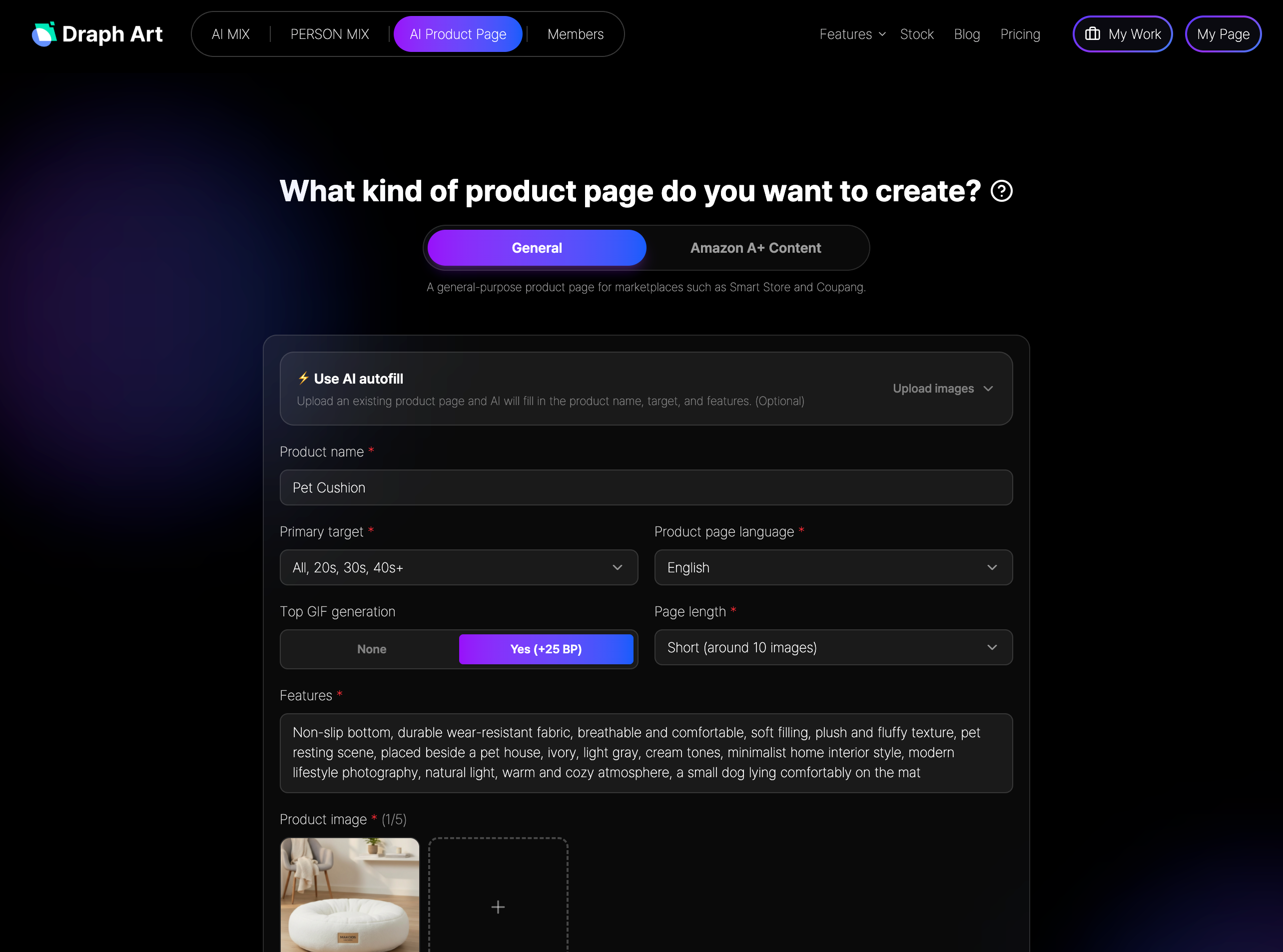
STEP 1. Enter Product Photo and Basic Info
Upload product photos of household items or home goods, and enter the product name, material, size, key features, and usage details. This basic info helps the AI understand the product's purpose and key highlights to emphasize on the product page.
STEP 2. Automatically Generate Images and GIFs
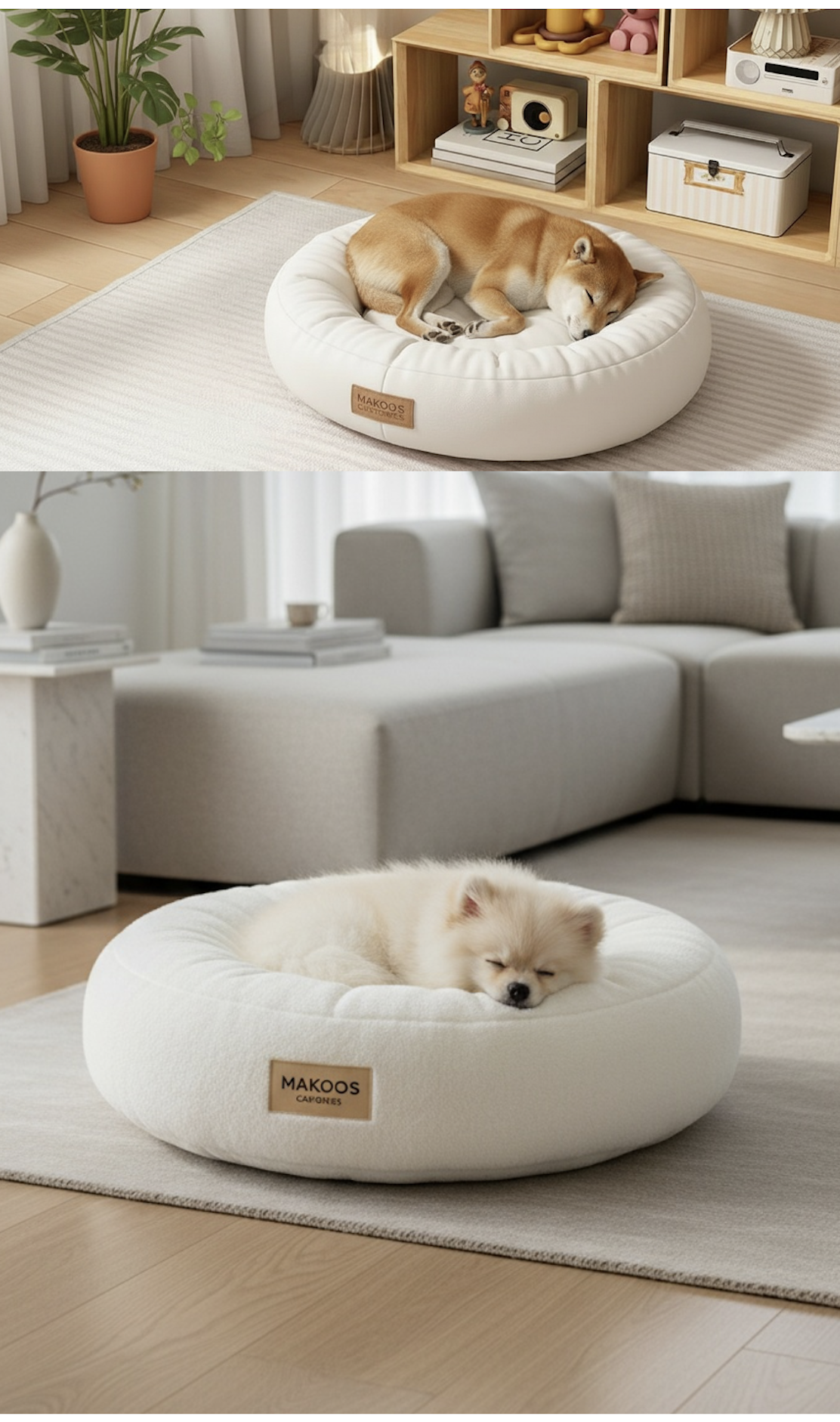
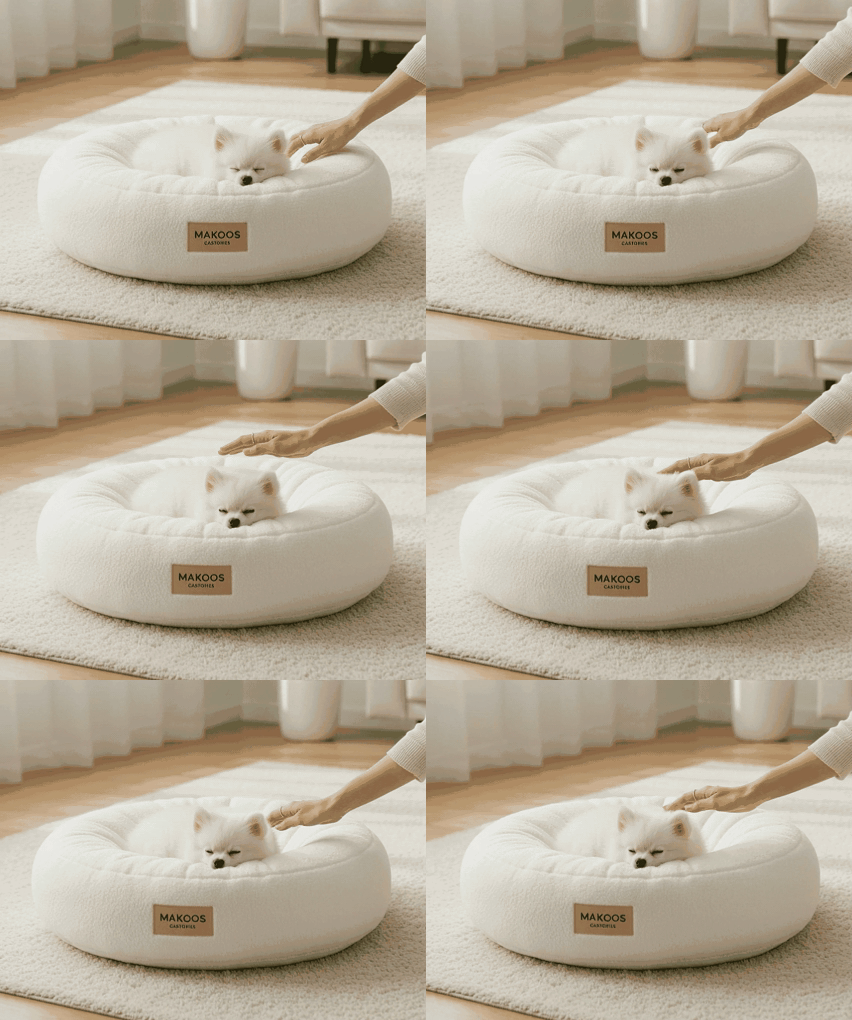
The AI generates staged lifestyle images, usage scene images, feature images, and GIFs tailored to the product's characteristics, visually showcasing the product's appearance, actual usage, and functional effects.
STEP 3. Auto-Complete Sales Copy and Detail Page
AI generates sales copy based on key selling points, and organizes the generated images, key features, product info, and sales content into a complete product detail page structure. Sellers can quickly complete the entire product page just by editing what they need.
💡 Frequently Asked Questions (FAQ)
Q1. Can I create a household goods product page with just a plain white background photo?
A1. Yes, you can. As long as you have a clear product photo and basic product info, you can expand it to create lifestyle scene images, actual usage shots, and feature-highlighting images. This means sellers don't need to prepare a full scene photoshoot from scratch for every item or accessory.
Q2. Are lifestyle product detail page templates applied differently for each product?
A2. Yes. They are applied differently depending on the product type. The AI for lifestyle product detail pages analyzes the key selling points of each product and adjusts the proportion of images and the order of content accordingly. This can also be effectively used as a tip for creating online product store detail pages, where customized layouts for each product are important.
Q3. How long does it take to create a lifestyle product store detail page?
A3. Once you enter the product photos and basic information, you can usually review the result within about 3–10 minutes. The actual completion time may vary depending on the number of images and the scope of revisions, but using automatic lifestyle product detail page generation can significantly shorten the overall production schedule.

.png&w=1920&q=75)
.png&w=1920&q=75)