
목차
- AI Detail Page Tools: Why You Need to Pick the Right One Now
- 💡 5 Criteria for Choosing an AI Detail Page Tool
- Draph Art vs. Zeditor vs. Hookable vs. Creazy at a Glance
- 💡 Check Out Features by Tool
- Recommended Tools by Seller Type
- Conclusion: Focus on the Sales 'Funnel' Rather Than Just 'One' Product Detail Page
- Frequently Asked Questions (FAQ)
When choosing an AI detail page tool, the right choice depends on whether you just need a single detail page (input-and-edit style) or need to prep thumbnails, videos, and Amazon sales (scope of output). We compared 4 tools—Draph Art, Zeditor, Hookable, and Creazy—based on 5 criteria that sellers actually care about.
Recently, automated AI detail page tools like Draph Art, Zeditor (Gabia AI Editor), Hookable, and Creazy—which generate everything from planning to design just by adding product info—have been popping up fast. Each tool has clear pros and cons, so it's key to pick the tool that fits your selling style rather than just going with whatever people say is good. In this post, we compare these four AI detail page tools using real seller criteria and break down which tool fits which type of seller.
Before we dive into the comparison, let's quickly introduce one tool you'll see a lot in this post: Draph Art is an AI shopping mall detail page generator that takes just a single photo and handles everything else, from planning and copywriting to photo styling and layout design.
💡 3-Line Summary for Busy People (TLDR)
- Current Status: With more automated detail page tools out there, we've moved past "Should I use AI?" to figuring out "Which AI detail page tool should I use?"
- The Problem: Any tool can make a single detail page, but it's rare to find one that also handles short-form ad videos or overseas marketplace content like Amazon all at once. This usually means you end up juggling other tools or outsourcing.
- The Fix: If you have a ton of products or plan to expand your sales channels, look for tools with a broad scope—like Draph Art—that let you start with a single photo and roll right into detail pages, thumbnails, AI Person shot, short-form ad videos, and even Amazon A+ content.
AI Detail Page Tools: Why You Need to Pick the Right One Now
According to the July 2026 Online Shopping Trends by Statistics Korea, online shopping transaction value in July hit about 25.095 trillion KRW, up 7.3% from the same month last year, with mobile making up 78.0%. This means most shoppers scroll vertically through detail pages on their smartphones to make a buy. If you're curious about how detail pages tie into search exposure, check out our Smart Store Top Ranking Checklist.
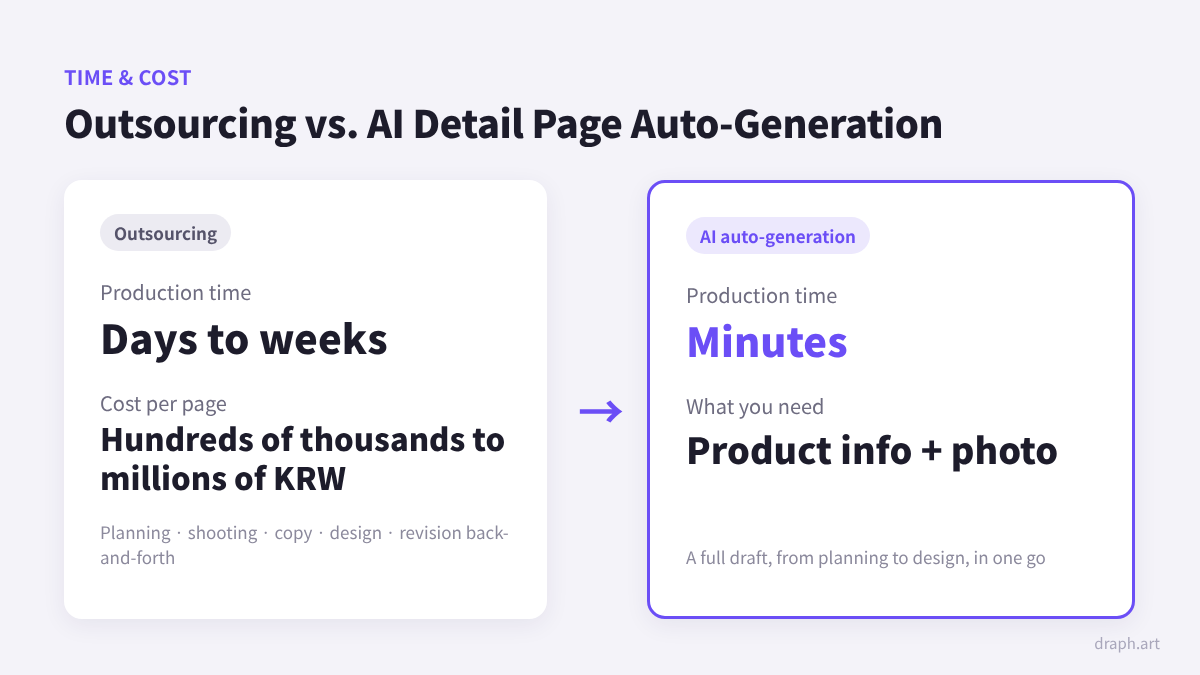
However, outsourcing just one detail page—from planning and shooting to copywriting and design—costs hundreds of thousands to millions of won and takes anywhere from days to weeks. For sellers with lots of new items or seasonal updates, this process becomes a total bottleneck. Automated detail page tools cut this time down to minutes, but since you'll likely stick with the tool you first choose, it's smart to set clear standards from the start.
If you want to understand the structure of a great detail page before picking a tool, check out the Ultimate Guide to Detail Page Design Structure.
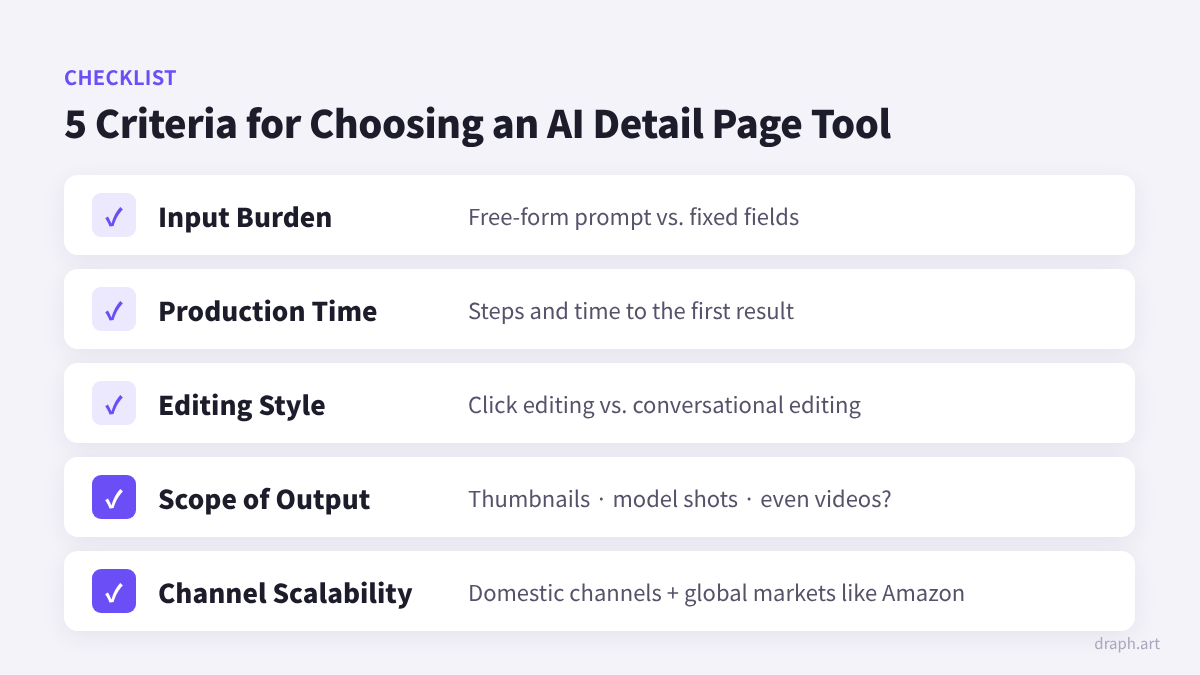
💡 5 Criteria for Choosing an AI Detail Page Tool
When it comes to actual operations, there are five main criteria that make a difference.
- Input Burden: Do you have to type out prompts in an empty text box, or just fill in set fields?
- Production Time: How many steps does it take and how long until the first result pops up?
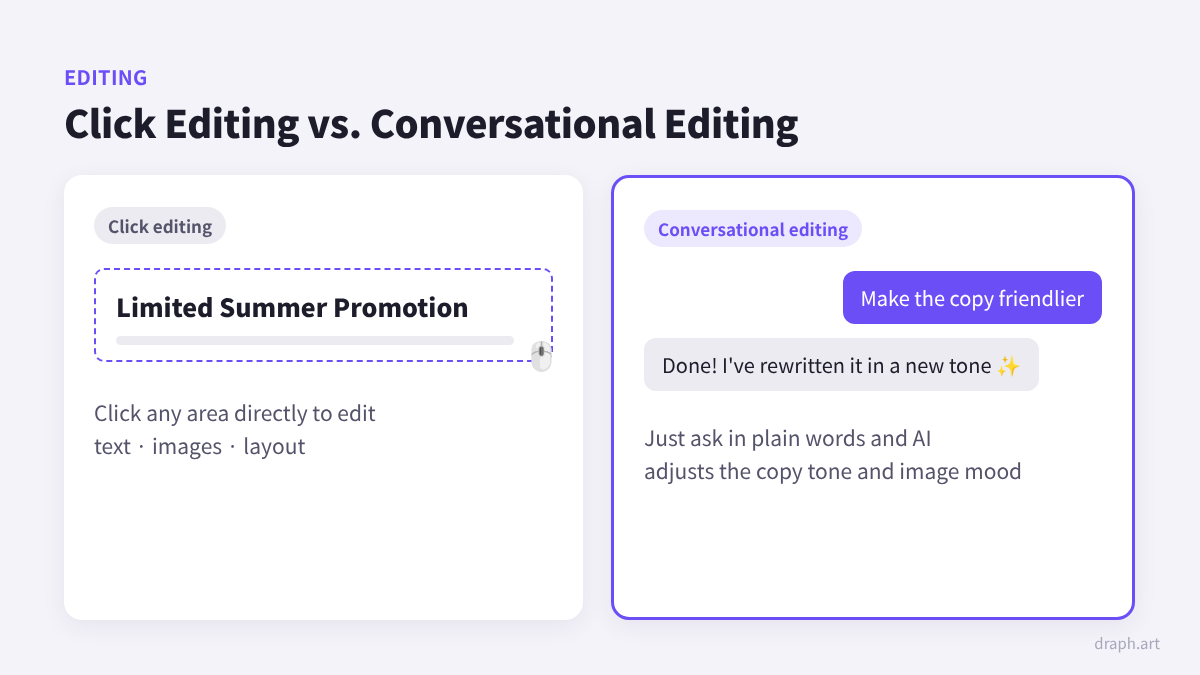
- Editing Style: Do you edit by clicking around yourself, or by chatting to request changes?
- Scope of Output: Do you just get a detail page, or does it flow right into thumbnails, model shots, and videos?
- Sales Channel Scalability: Does it support overseas markets like Amazon alongside domestic channels like Naver Smart Store and Coupang?
Points 1 to 3 are about "how easy it is to make," while points 4 and 5 are about "how much more you can use it after it's made." Points 1 to 3 might feel huge right now, but as your sales grow, the time and money spent on points 4 and 5 usually end up mattering way more.
Draph Art vs. Zeditor vs. Hookable vs. Creazy at a Glance
The table below is put together based on each service's official pages and public user reviews. Features and pricing change often, so double-check the official pages before making your final call.
| Category | Draph Art | Zeditor | Hookable | Creazy |
| Input Method | Fixed fields + Photo | Free prompt input | Lots of detailed settings | Add Reference |
| Generation Flow | Final Version at Once | Final Version at Once | Check Outline → Design |
Draft → Edit |
| Editing Method | Interactive Editing | Image-centric Editing | Interactive + Direct Editing |
Click + Chat |
| Strengths | Output Range · Global Markets | Text Quality | Step-by-step Review | Click Editing Flexibility |
| Beyond Detail Pages |
Thumbnails · AI Models Ad Videos · Amazon A+ · Multilingual BG Editing |
AI Image Generation Image Hosting |
Platform-specific Thumbnails Coupang & Toss Integration |
Product Shots · BG Removal GIF Generation |
* Based on official service pages and public reviews, features are subject to change.
To sum it up, all four tools deliver a solid baseline quality for a single detail page. The real differences come down to how you type and fix things, and what else you can do right after making the detail page.
💡 Check Out Features by Tool
Zeditor (Gabia AI Editor): A Prompt-based Tool Used From the Early Days
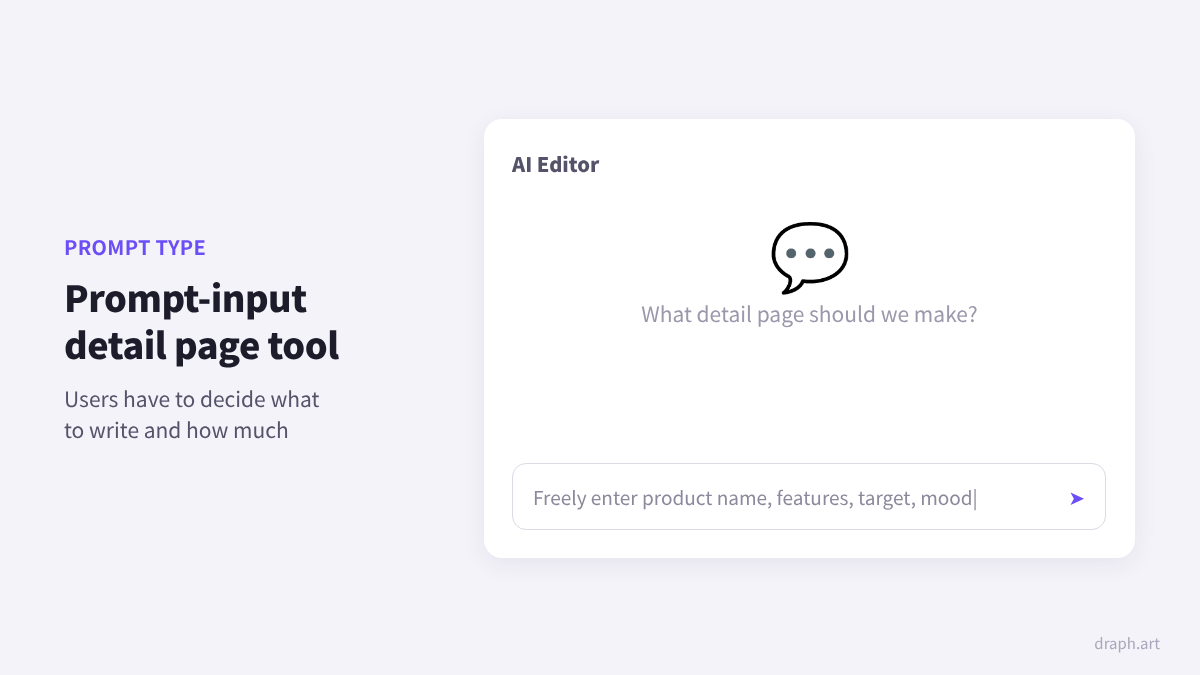
Zeditor is an AI editor run by Gabia, and it's one of the earlier services to jump into auto-generating detail pages in Korea. People often say the generated text is super clean, and you can freely type whatever you want in the prompt box.
With high flexibility comes the need to figure out what and how much to type for good results. Public reviews mention that the output feels a bit more like a slide deck than a vertical detail page, and it's kind of tough to change the layout. It's a great fit for sellers who are used to writing prompts and just need to whip up relatively simple pages.
Hookable: A Tool for Careful, Step-by-Step Reviews
Hookable uses a two-step process where you first get a text outline with section layouts and summaries, check and tweak it, and then generate the design. There are tons of things you can set up beforehand like option details, brand colors, and review text. After it's made, it supports both interactive chat edits and direct editing. Aside from detail pages, you can make styled shots, GIF clips, and thumbnails that fit Naver Smart Store, Coupang, and Toss specs, making it totally geared toward domestic online selling.
Being able to map out the direction in detail beforehand is awesome, but it also means one extra step before seeing the actual design. It works wonders for brands that put a lot of love into one or two products, but if you're a seller who needs to list a bunch of items super fast, you might want to keep the cumulative time for all those steps in mind.
Creazy: A Click-to-Edit Focused Tool
Creazy lets you generate planning, copywriting, and design drafts just by entering a product name, product image, and product info image. You can click on any area to edit it directly or chat with the AI to make changes. It’s mainly made for sellers on Naver Smart Store, Coupang, and own online shops. Along with product detail pages, it also offers image features like product shot generation, BG Removal, and GIF generation.
It uses design references to set the direction for the output, which is super convenient for sellers who already have a clear idea of the page they want to reference. If you love fine-tuning details yourself, you'll probably be pretty happy with it.
Draph Art: A Tool That Goes Beyond Product Detail Pages
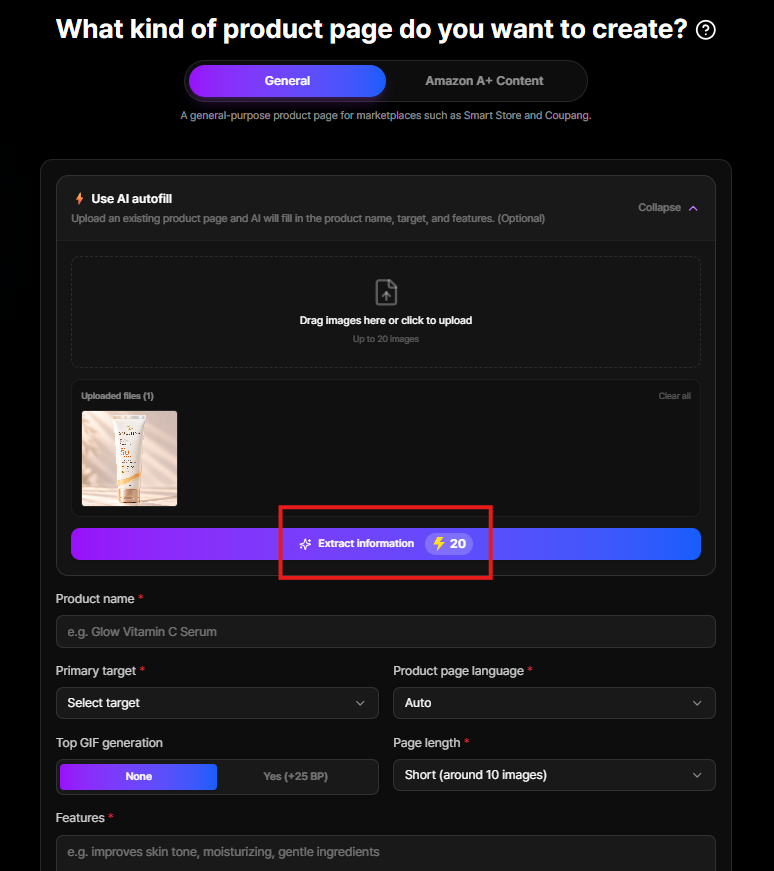
Getting started with Draph Art is a breeze. No need to write prompts—just fill in the product name, main target audience, and product features in the given boxes, and upload just 1 raw product photo. You can even use photos without background removal (BG Removal), or if you upload an existing product detail page image, the AI will automatically fill in the input fields for you.
During the generation process, it figures out the right background and mood for your product based on over 4.6 million pieces of commerce data, completing a full page structured to drive customer pain points → solutions → trust building → purchase in just 3 to 10 minutes. You can check out results by category like skincare, food, fashion, and furniture in advance at the industry-specific detail page examples. You can tweak the copy and vibe just by asking in plain words like "make it a bit friendlier" or "use a warmer tone," and you can download the final version or export it as HTML to upload directly to your online shop. The step-by-step workflow is neatly outlined in how to automate product detail pages with AI.
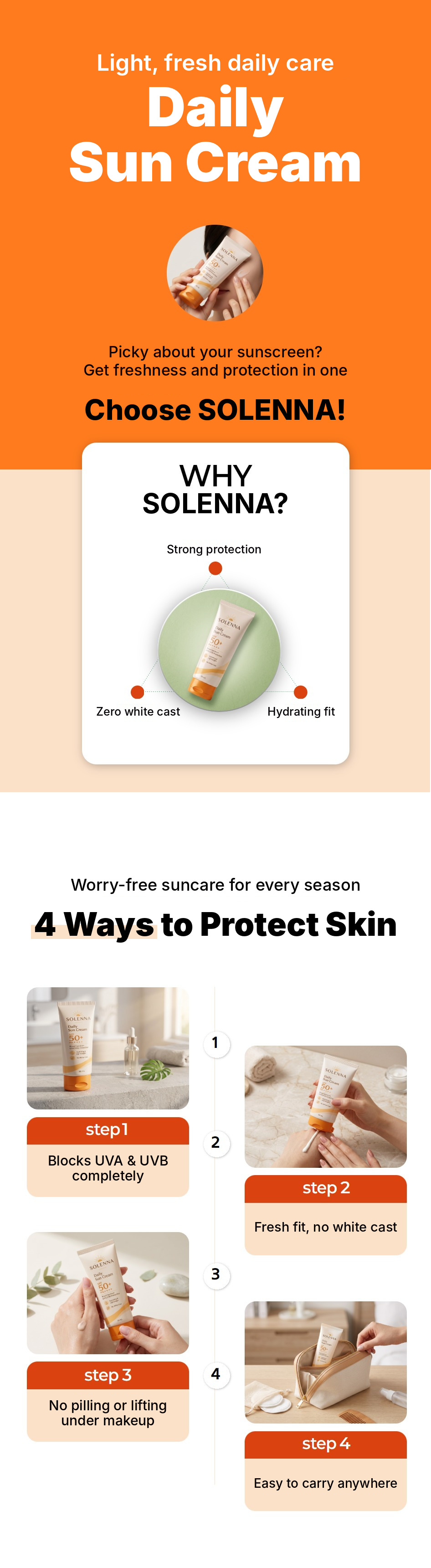
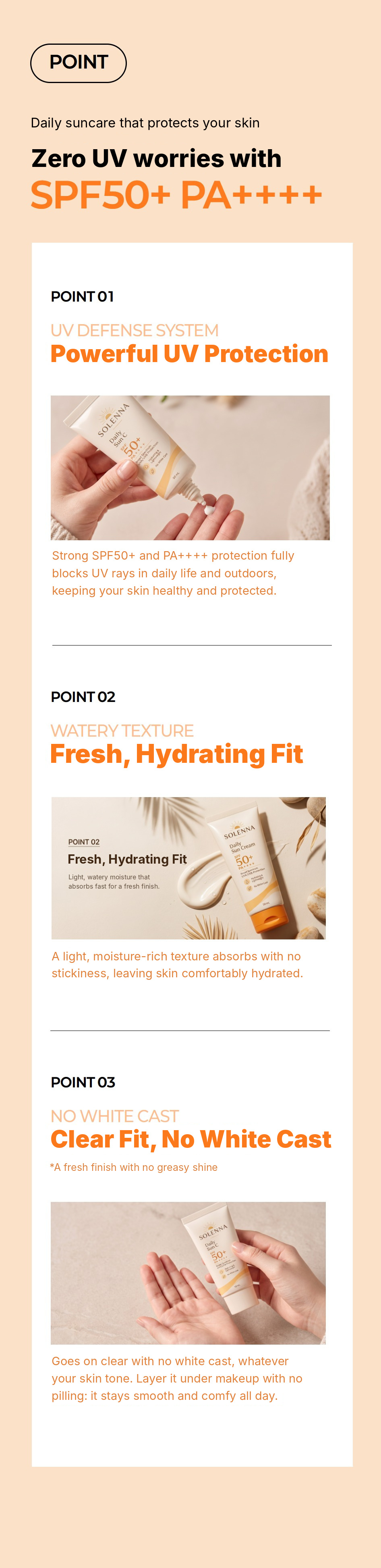

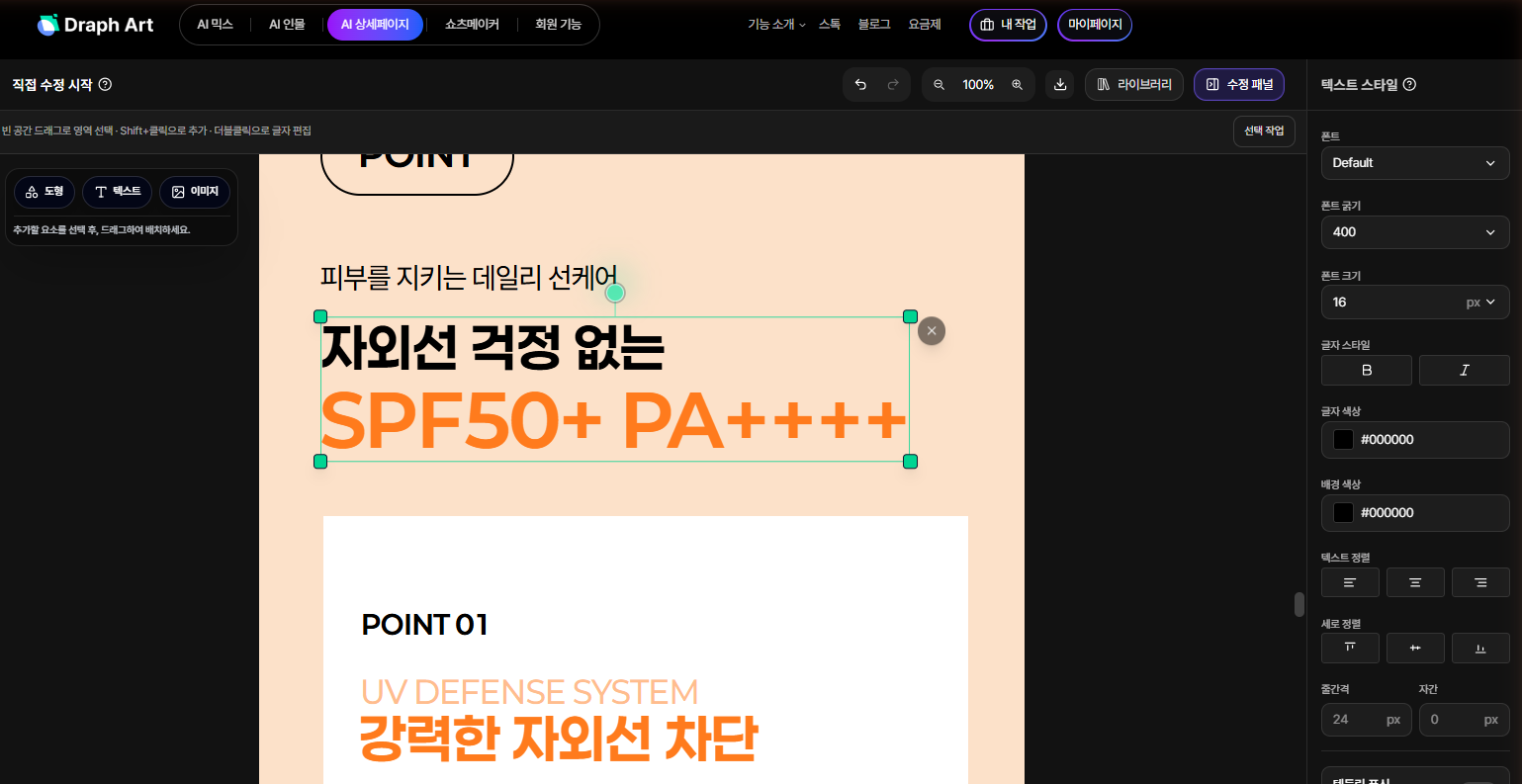
The biggest difference from other tools is what happens after you make the product detail page. While some tools support thumbnails or promotional shots, among the four tools compared in this article, Draph Art is the only one where you can continue making short-form banner ads and Amazon A+ Content all in one place.
- Amazon A+ Content: Separate from your domestic product detail pages, you can create Amazon-compliant A+ Content. Amazon explains in their A+ Content official guide that basic A+ Content can boost sales by up to 8%, and well-designed premium A+ Content by up to 20%. Since A+ Content is a feature mainly available to sellers registered in the Amazon Brand Registry, be sure to check it out if you're planning to sell overseas.
- Detail Page Language Settings: You can create pages for overseas sales within the exact same workflow.
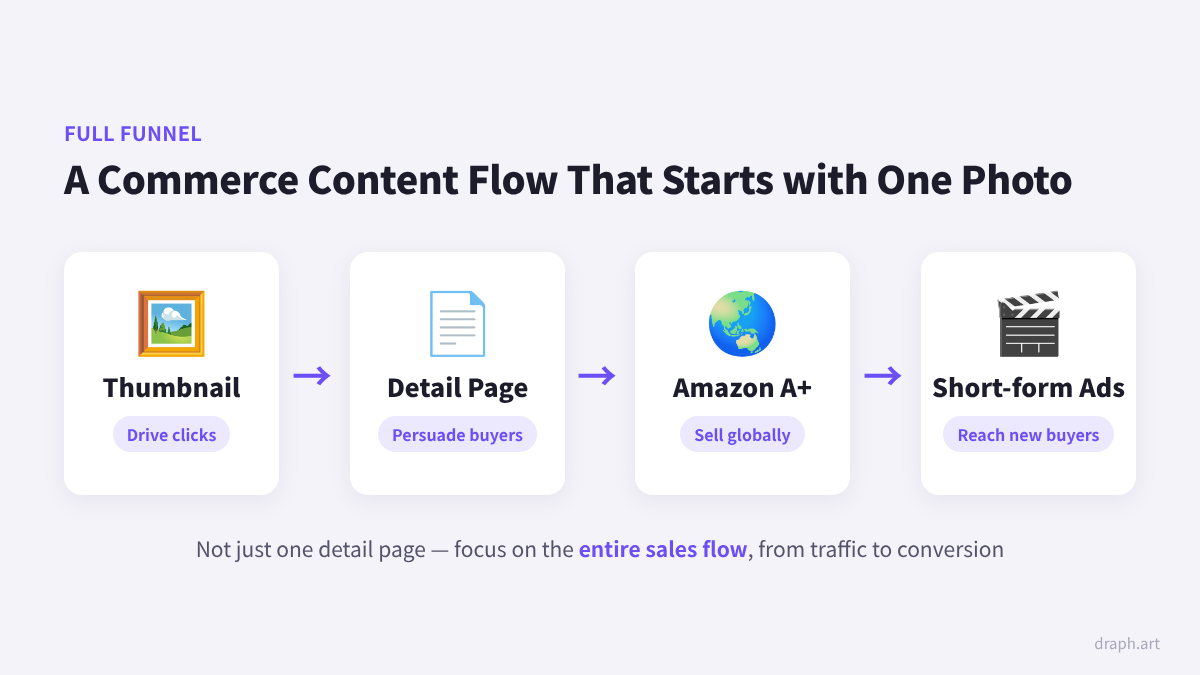
- Thumbnails, Person shots, Videos: You can keep going to create shop thumbnails, Person MIX, image-to-video conversion, and short-form banner ads using the 'Shorts Maker'.
- Multipack: Products with multiple options like volume, scent, or color can all be organized neatly onto a single page.


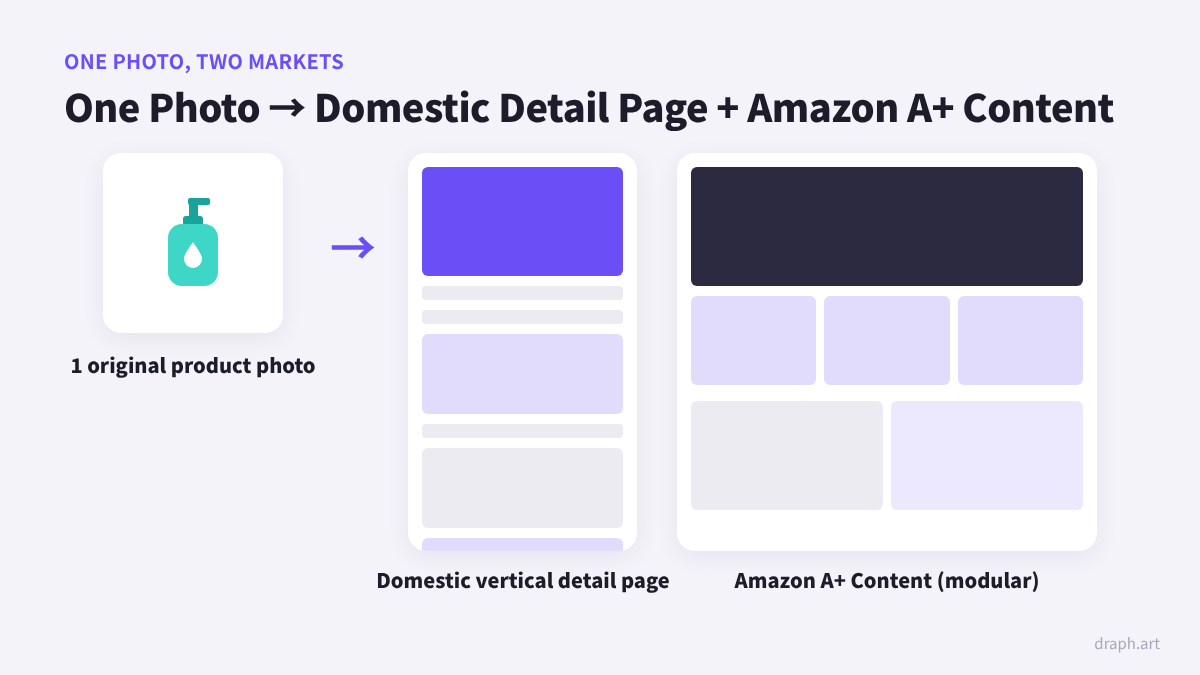
That's why Draph Art is a great fit for sellers who want to handle the entire funnel in one place—driving traffic with thumbnails, converting customers with product detail pages, and expanding sales to global markets—rather than just focusing on the editing freedom of a single product detail page.
Recommended Tools by Seller Type
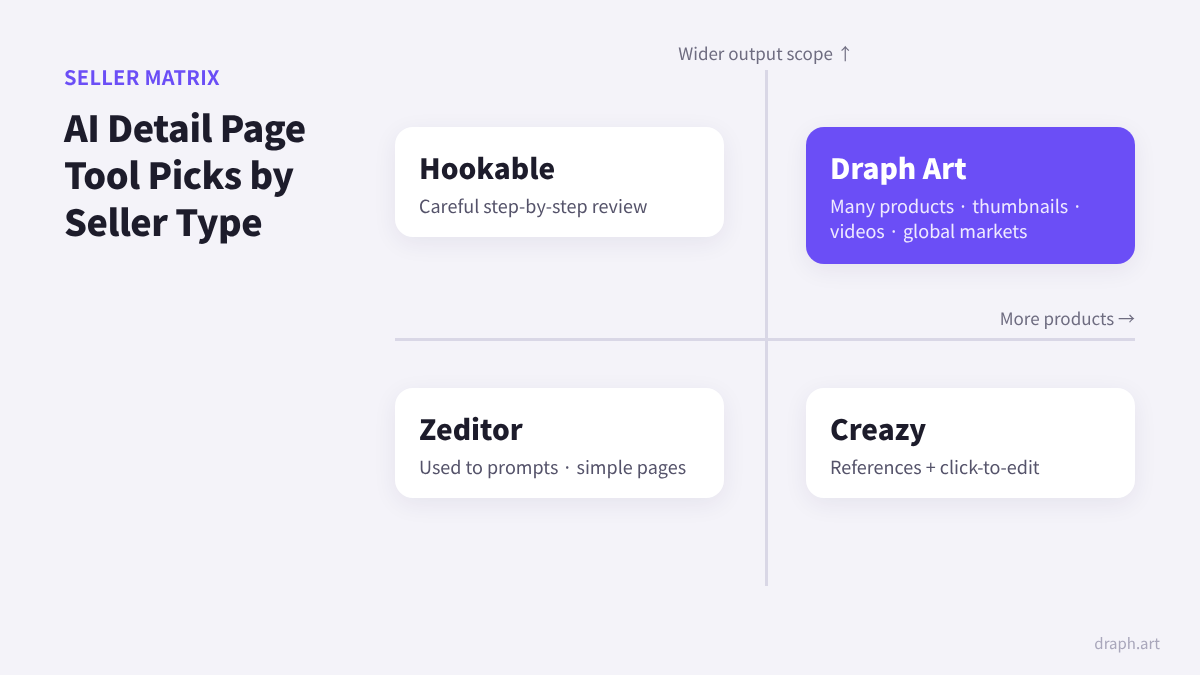
- If you're used to writing prompts and need a simple page: Zeditor
- If you want to carefully review your brand direction step-by-step: Hookable
- If you want to use references and click to fix details yourself: Creazy
- If you have lots of products and want to prep thumbnails, videos, and global markets all at once: Draph Art
Conclusion: Focus on the Sales 'Funnel' Rather Than Just 'One' Product Detail Page
All four AI product detail page tools are definitely worth using because they let you make product detail pages way faster than outsourcing. But a product detail page is just one step of the sale, and what sellers really need is more traffic and higher conversions.
If all you need right now is a single product detail page, just pick based on whichever input and editing style feels easiest to you. If you plan to grow your product catalog and sales channels down the road, it's better to look at the scope of the output as well. If you choose the latter, check out what you can make with just one product photo at the Draph Art Detail Page Maker, and compare features by plan over at Draph Art Pricing.
Frequently Asked Questions (FAQ)
Q1. Which AI product detail page tool should a beginner seller who is making their first product detail page try first?
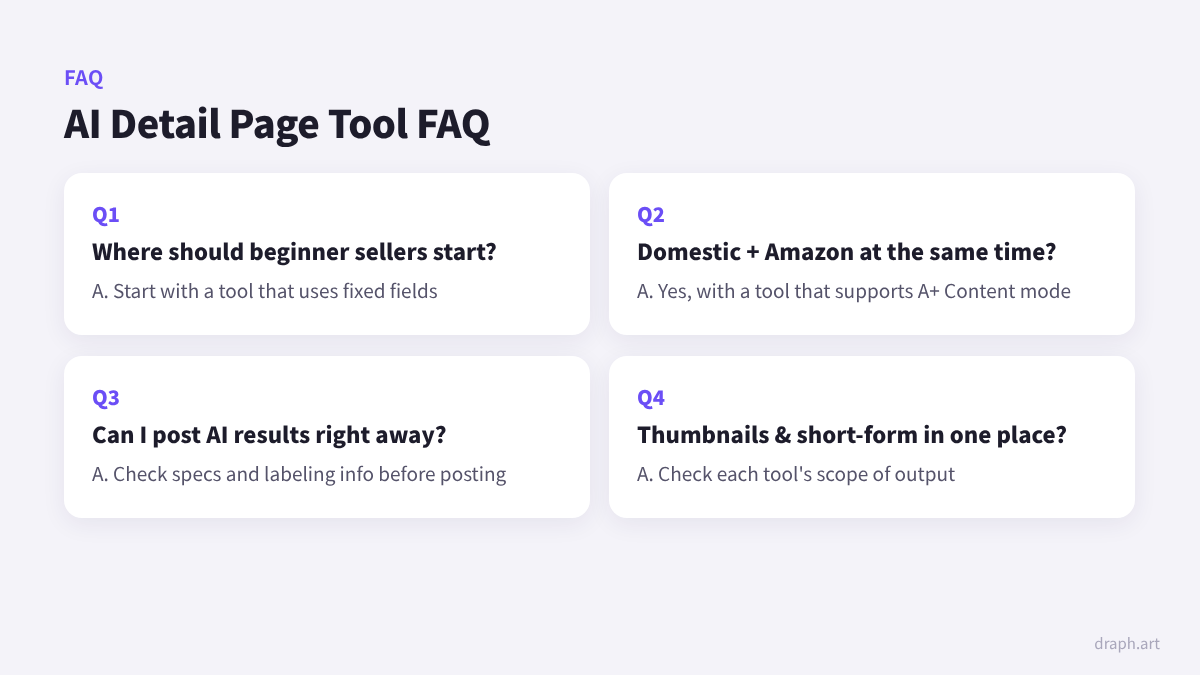
If writing prompts feels new to you, it's best to start with a tool where you just need to fill in the given fields. With Draph Art, you just enter the product name, target audience, features, and 1 raw product photo, and your finished page pops out in 3 to 10 minutes. If you upload an existing product detail page image, the AI even fills in the input fields for you.
Q2. Can I create product detail pages for domestic online shops and Amazon using just one AI tool?
Yes, you can if the tool supports Amazon A+ Content mode. Draph Art lets you create domestic product detail pages and Amazon A+ Content in the same workflow, and Amazon notes that well-crafted premium A+ Content can boost sales by up to 20%.
Q3. Can I upload an AI-generated product detail page straight to Naver Smart Store or Coupang without editing?
Yep, you can upload it right away, but it's always a good idea to double-check the product specs and labeled info before publishing. If you're using an AI product detail page tool that supports conversational editing, you can just ask in plain words like "make the copy friendlier" to instantly polish the draft that came out in 3 to 10 minutes. With Draph Art, you can export the finished version as a shopping mall-standard image or HTML and upload it directly to Smart Store or Coupang.
Q4. Are there any tools where I can make thumbnails or short-form banner ads in the same place instead of just product detail pages?
Yes! With Draph Art, you can create shop thumbnails, Person MIX, and short-form banner ads all in one place alongside your product detail page. After making a product detail page with just 1 raw product photo, you can keep right on going to make short-form banner ads using the 'Shorts Maker', getting all the content you need from traffic to conversion ready without needing separate design or video tools.
.png&w=1920&q=75)