

목차
- 1. The charm of jewelry starts with the first impression and vibe
- 2. Small details make the product look more polished
- 3. Tailor the jewelry display to your target audience
- 4. A high-quality jewelry product page conveys a consistent brand standard
- 5. Draph Art: The jewelry product page AI that turns one photo into professional brand content
- 💡 Frequently Asked Questions (FAQ)

When customers land on a jewelry product page, they first check if the product looks attractive and matches their style. If they're interested, they look for occasions to wear it, how to style it, and then check the size, material, and specifications. In fact, online jewelry shopping shows that product images and on-model shots have a huge impact on a customer's decision to buy. Therefore, creating a jewelry product page should be designed to grab attention with product and on-model shots, help customers imagine wearing the piece through lifestyle and styling content, and lead them to a purchase decision with clear product information.
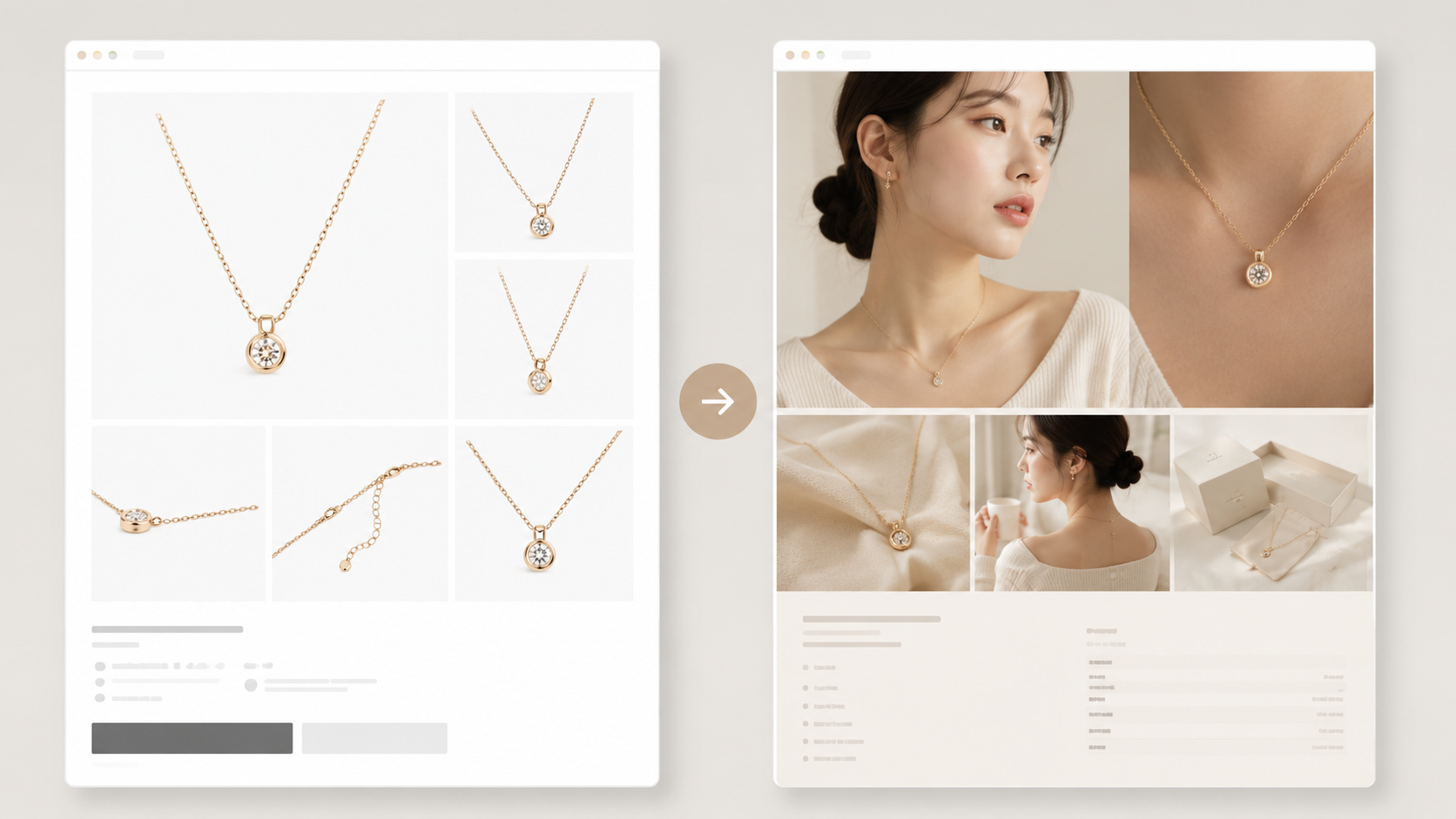
Draph Art is an AI that automatically generates product pages for online shops. You can turn a single jewelry photo into AI model shots, product detail shots, fashion styling scenes, and a complete jewelry product page with sales copy. By automatically placing content into jewelry page templates that reflect the latest e-commerce design trends, you can quickly create a professional jewelry product page complete with your brand's look and product details, without needing extra photoshoots or design work.
💡 3-line summary for those in a hurry (TLDR)
|
1. The charm of jewelry starts with the first impression and vibe
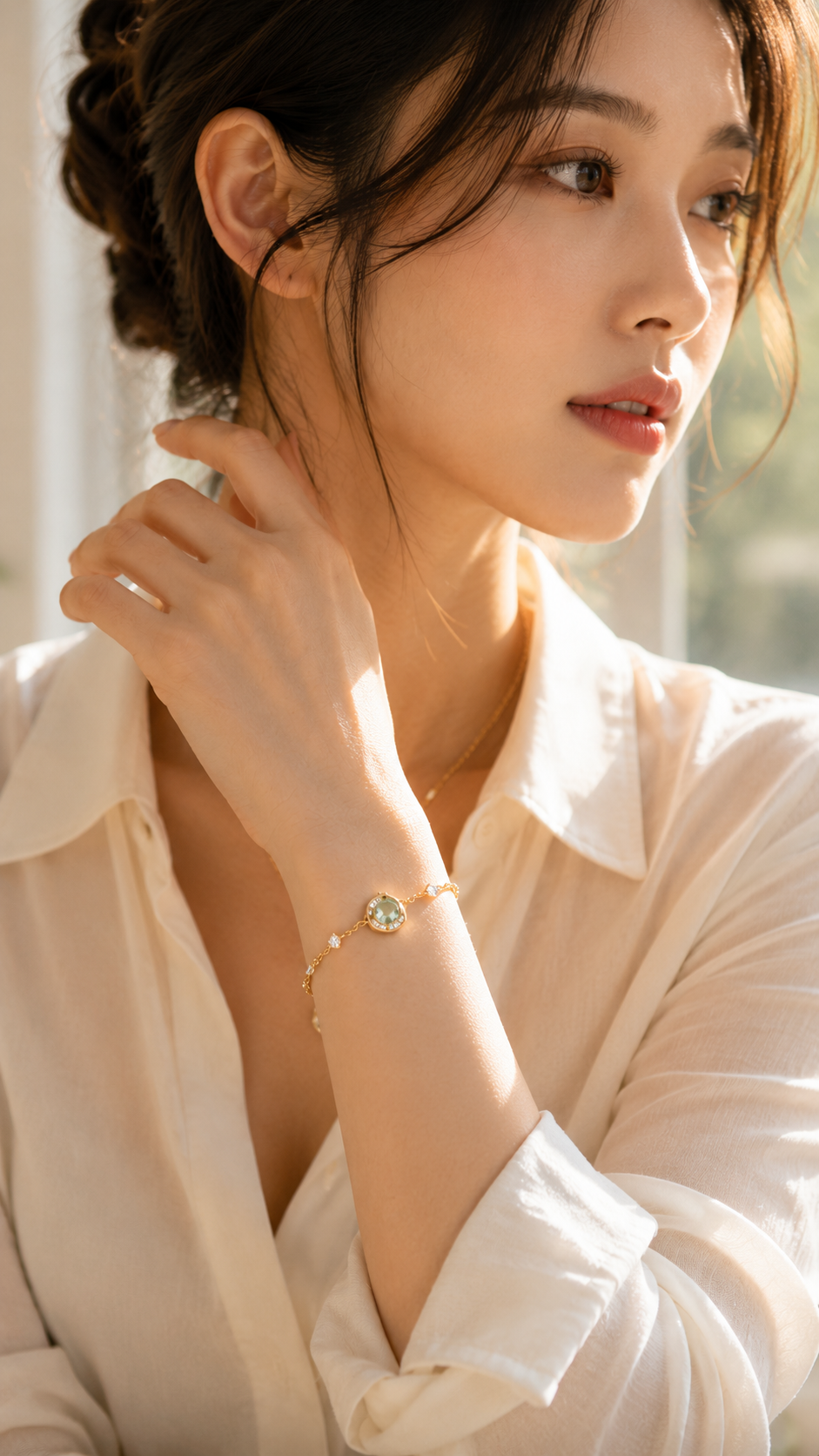

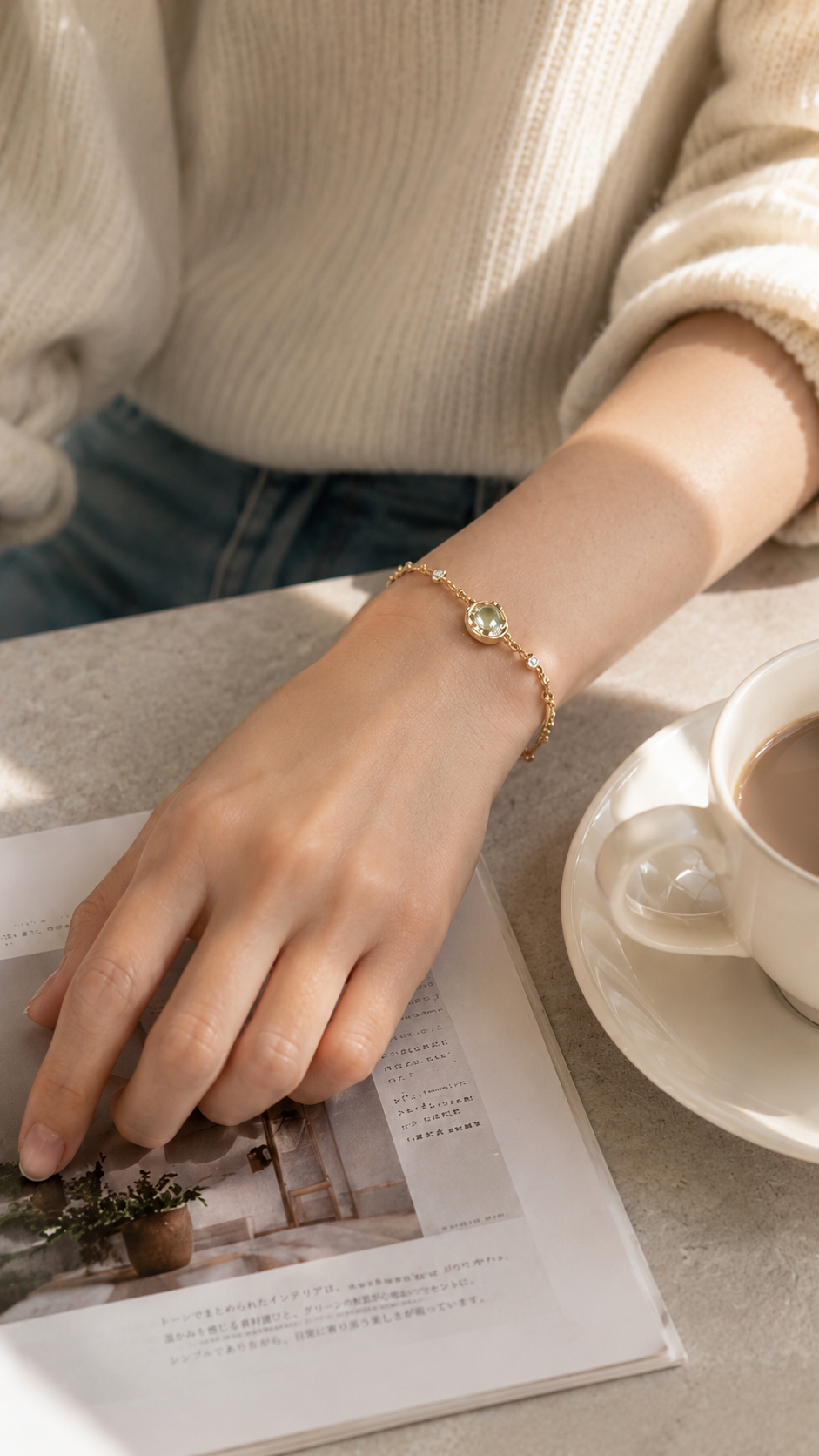
The same necklace or earring can feel completely different depending on the background, lighting, composition, and model style. It could look like simple everyday jewelry or a romantic accessory for a date night.
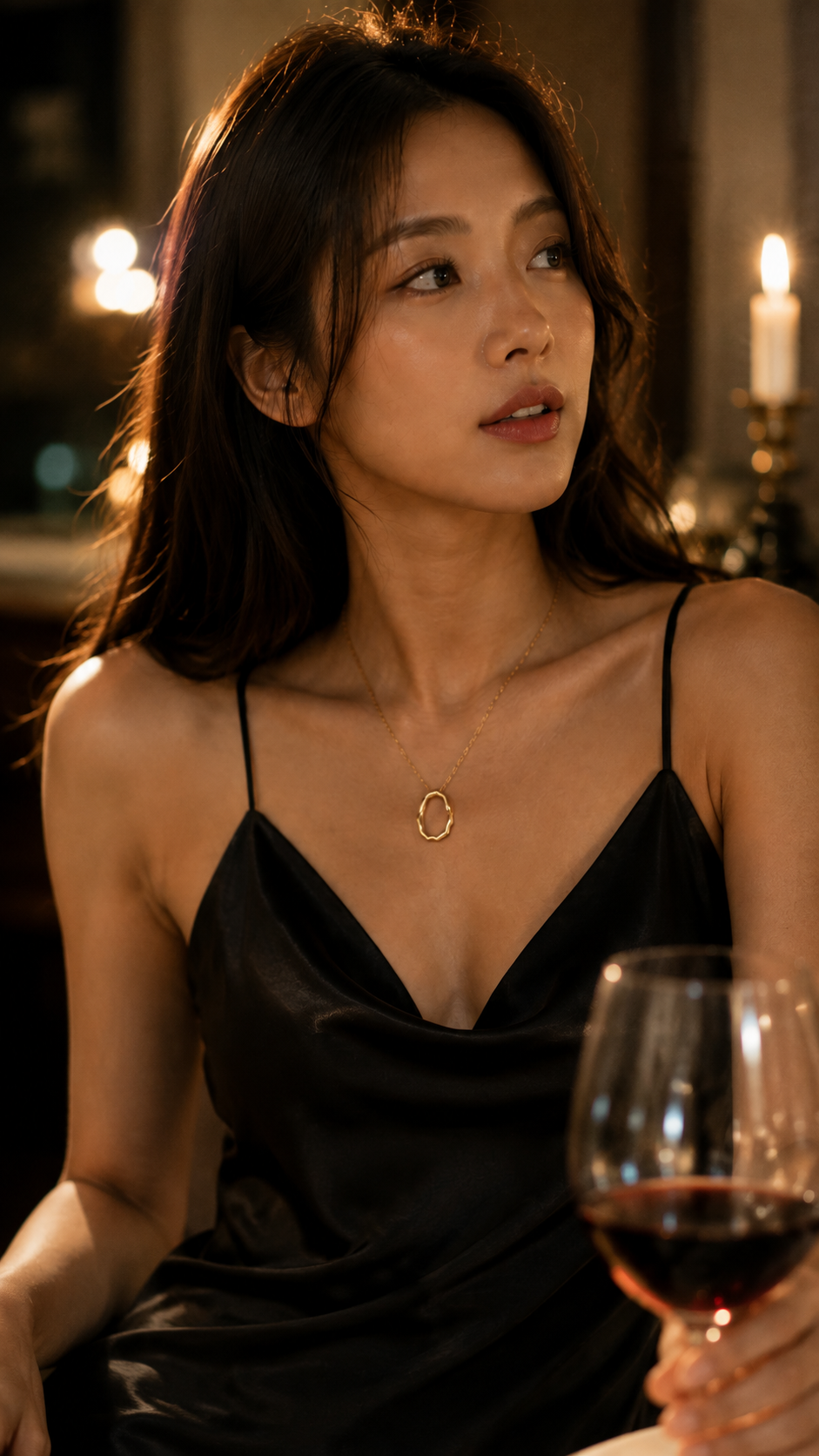
Using dark backgrounds and sharp light can highlight a glamorous vintage mood, while wide negative space and soft natural light can create a clean, minimalist feel. So, before you just list specs, creating a jewelry product page starts with defining the right mood and style.
For everyday wear, natural light and comfy styling with an unforced lifestyle scene work best. If it's for a gift or anniversary, using gift boxes, cards, and shots of someone receiving the gift helps customers imagine the special moment. When the product's mood, brand style, and target audience align, customers quickly understand who the jewelry is for and when to wear it.
2. Small details make the product look more polished
The real beauty of jewelry is in the small details—the shine of the metal, the chain connections, the stone cuts, and the thickness or finish of the pendant. If these details aren't shown clearly on the product page, even a unique design can look ordinary.
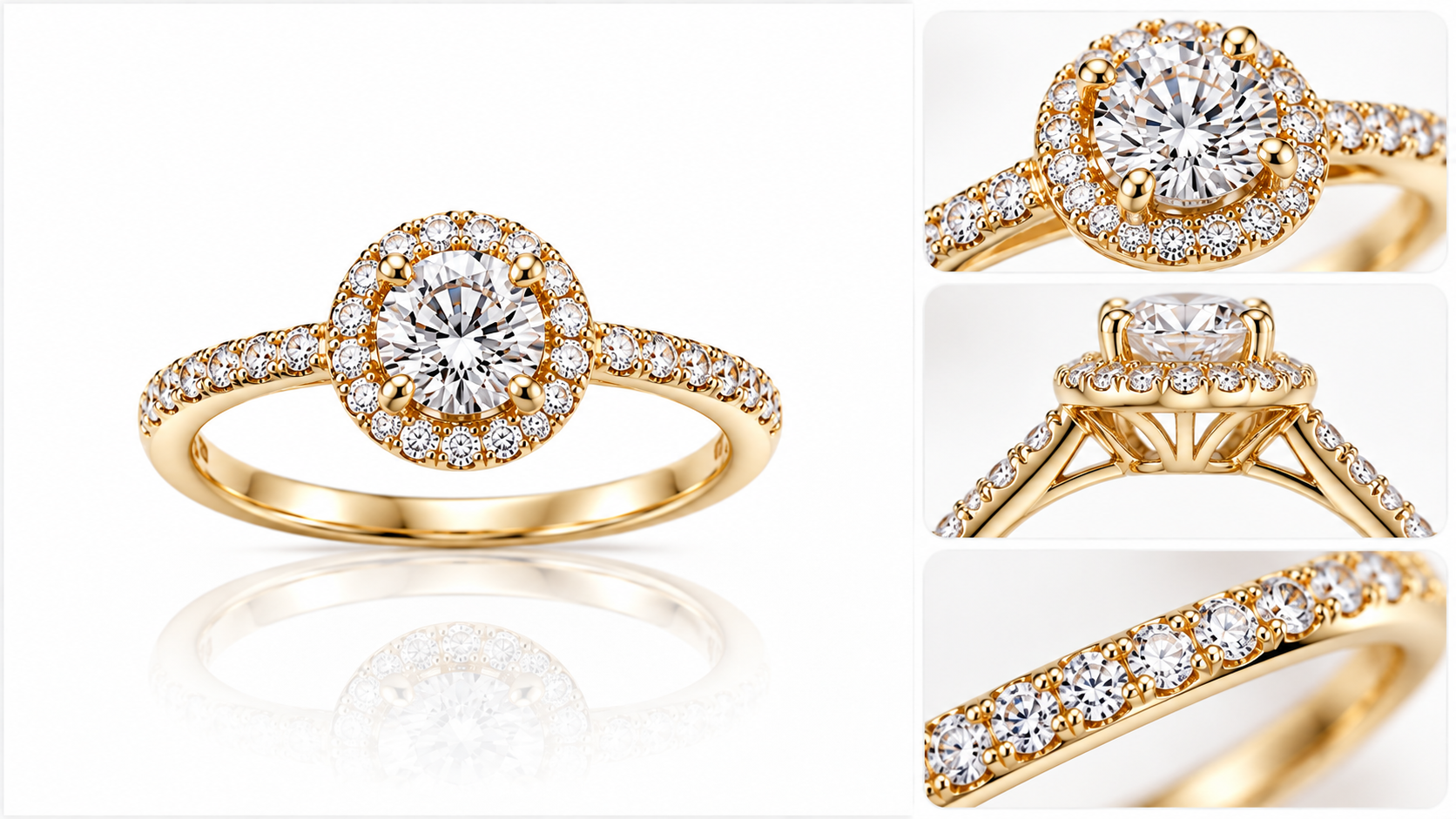
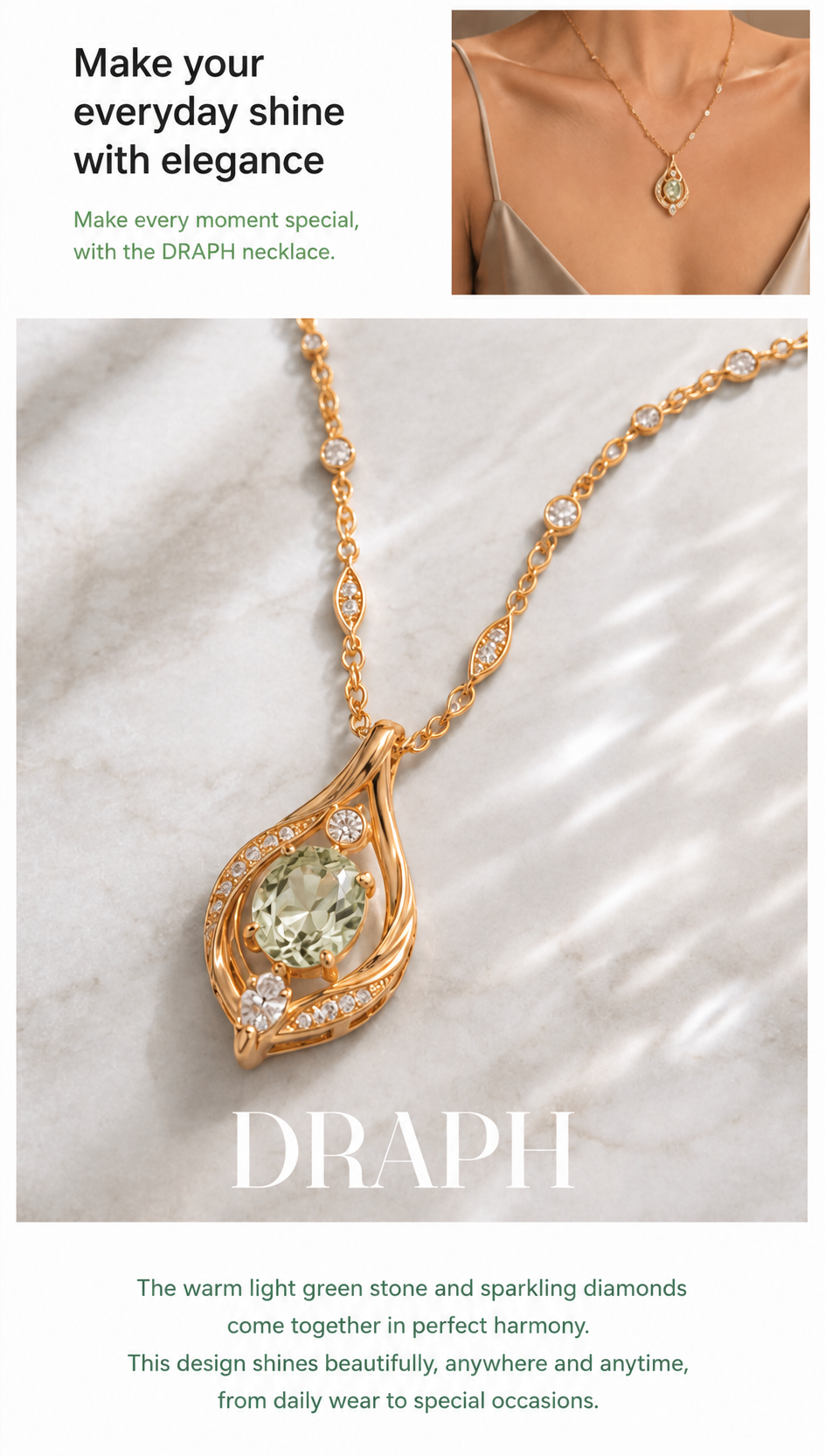
On a jewelry product page, it's crucial to use close-up shots to show the product's shine, texture, and 3D structure. Thin chains make the style look delicate, while 3D cuts create a beautiful sparkle from different angles. Smooth edges and clean finishes clearly show the high quality of the piece.
Since customers can't touch the product online, they rely on images and descriptions to decide if it meets their expectations. Showing even the smallest details clearly is an essential jewelry product page design element that helps them understand the design value.
3. Tailor the jewelry display to your target audience
Every piece of jewelry has a different style, usage, and target customer. Instead of repeating the same images and text, define who the customer is first and focus on what they care about most.
Jewelry for everyday wear
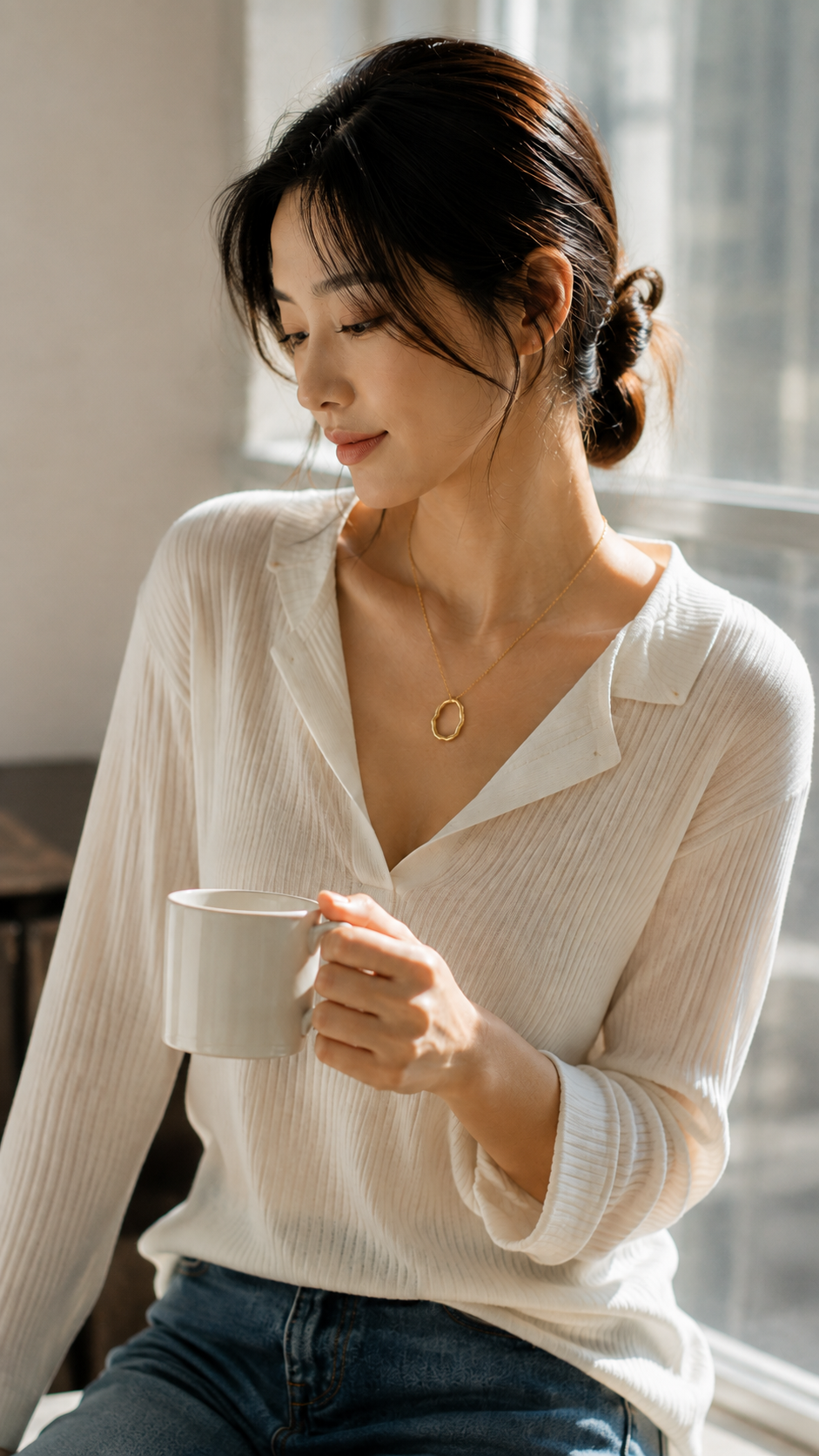
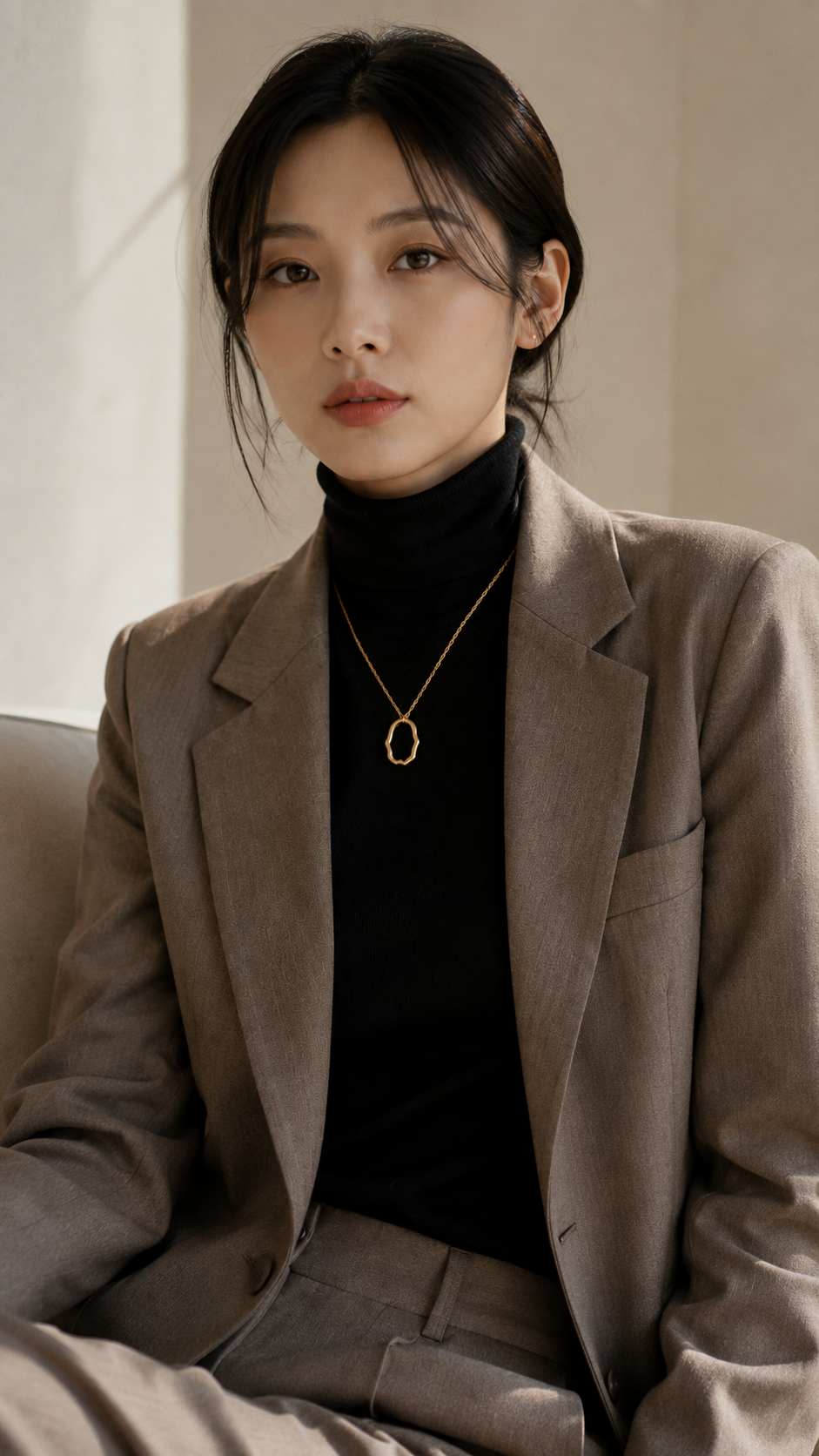
Customers looking for everyday jewelry care about how easy it is to style, how often they can wear it, and if it looks natural. On the product page, use soft natural light, relaxed model poses, and casual outfit styling to show how it fits into daily life like going to work or out for a coffee. Focus the copy on comfort, versatility, and how well it matches different looks.
Jewelry for gift-giving
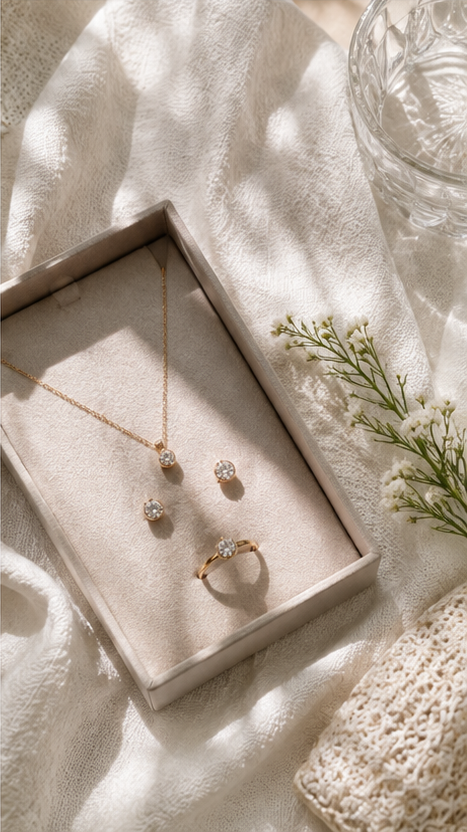
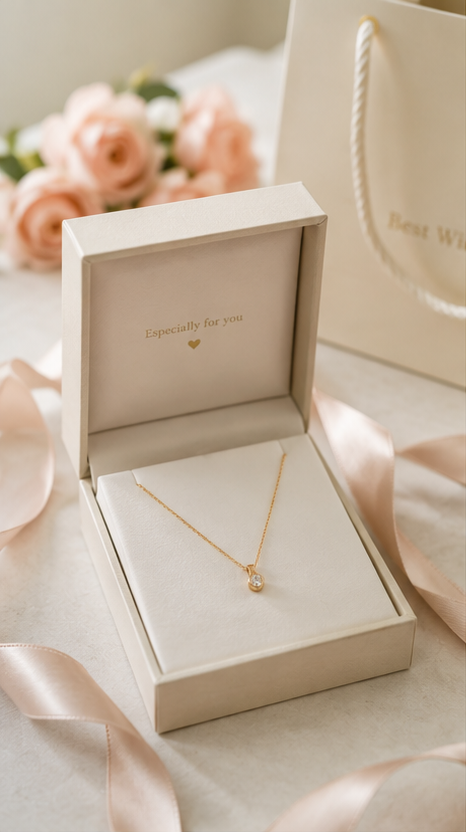
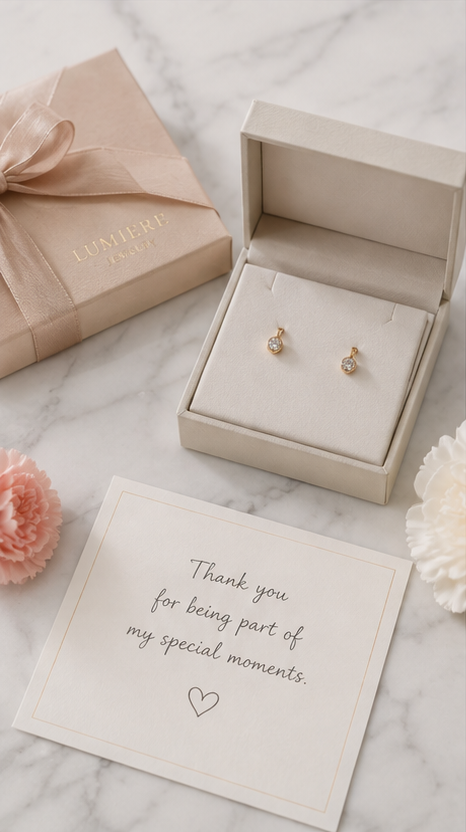
For birthdays, anniversaries, or special occasions, the packaging and presentation are just as important as the jewelry itself. Showing gift boxes, cards, and shots of the product being gifted helps customers visualize the moment. In your copy, talk about the sentiment, the significance of the occasion, and why it makes a great gift.
Jewelry for special occasions
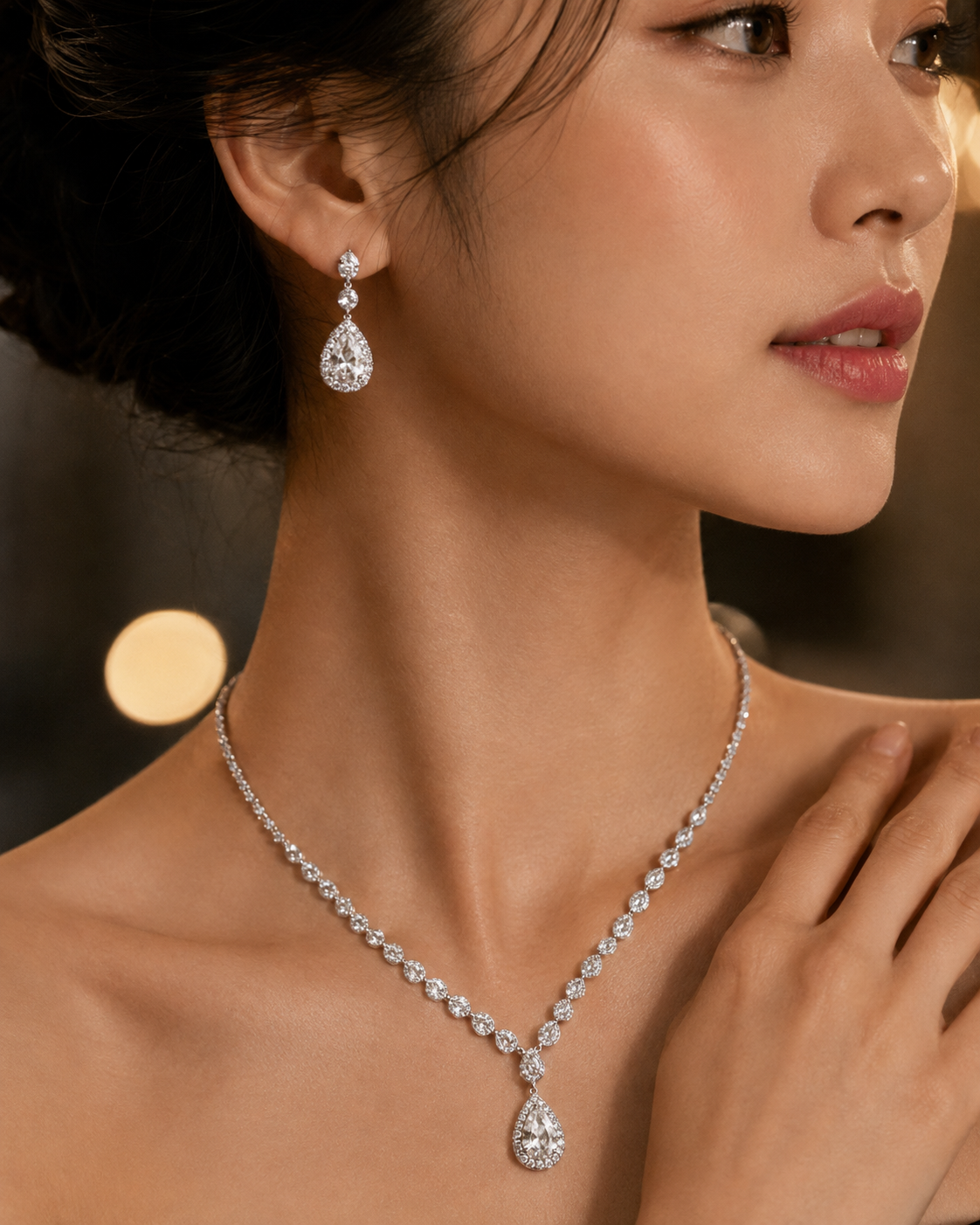
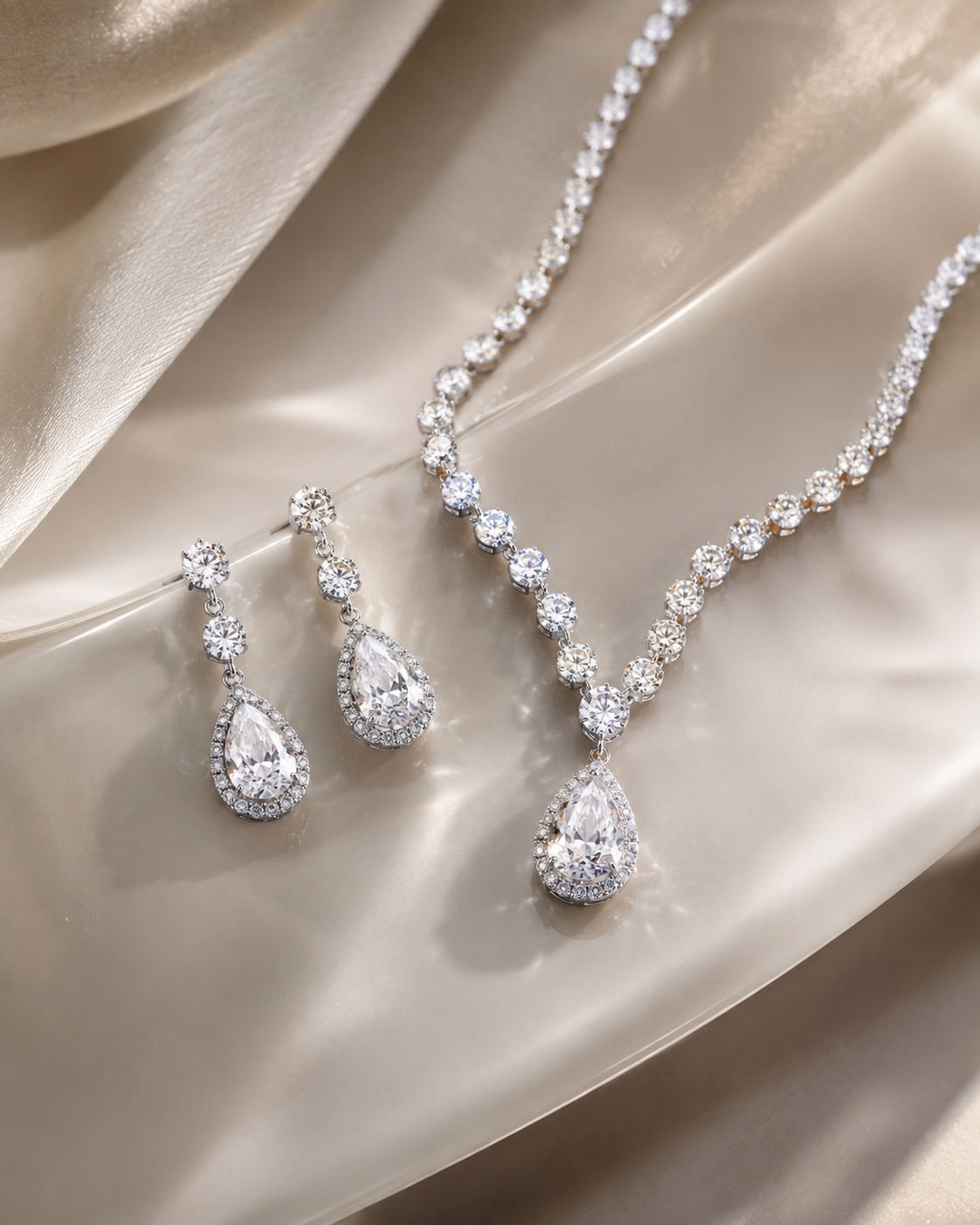
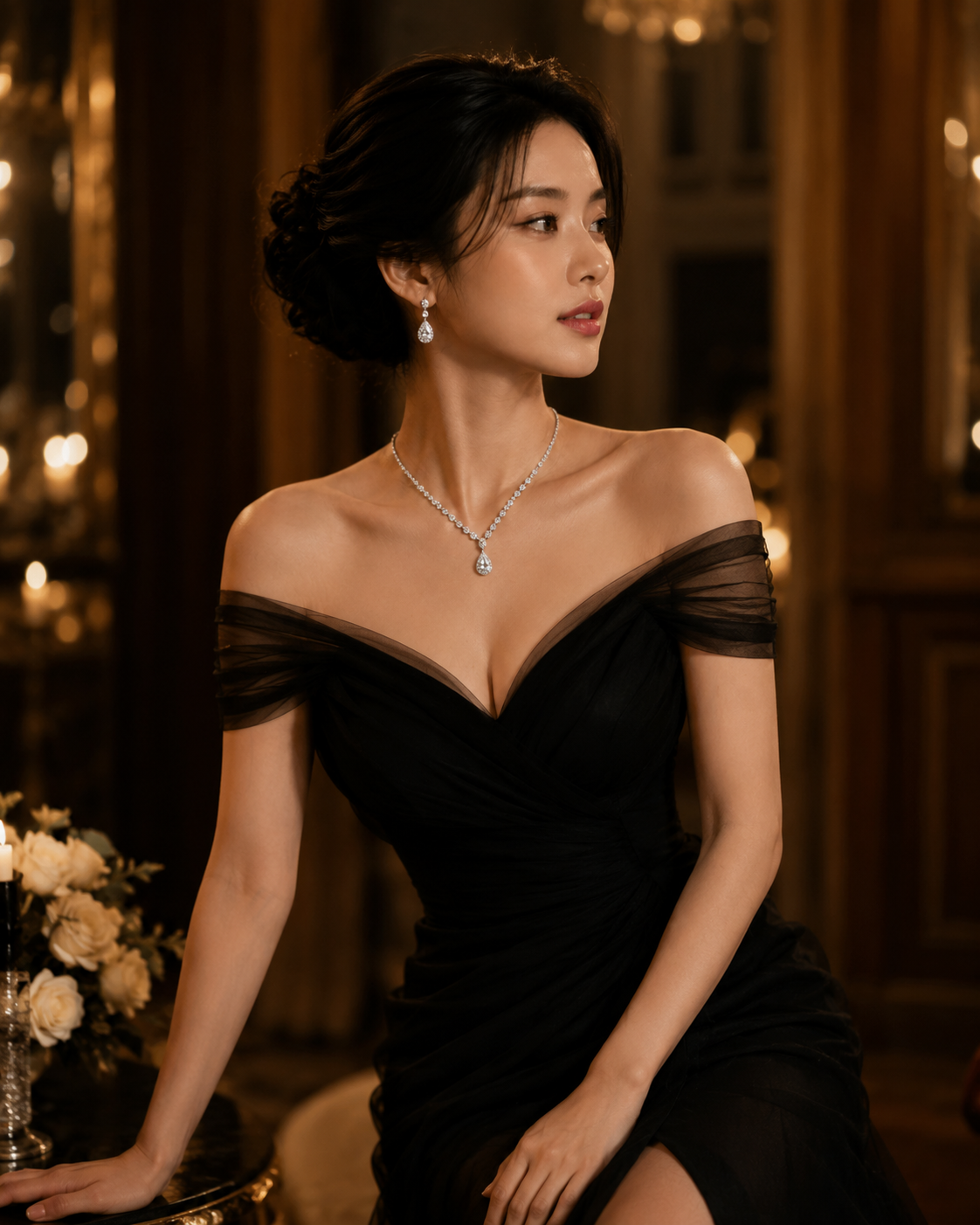
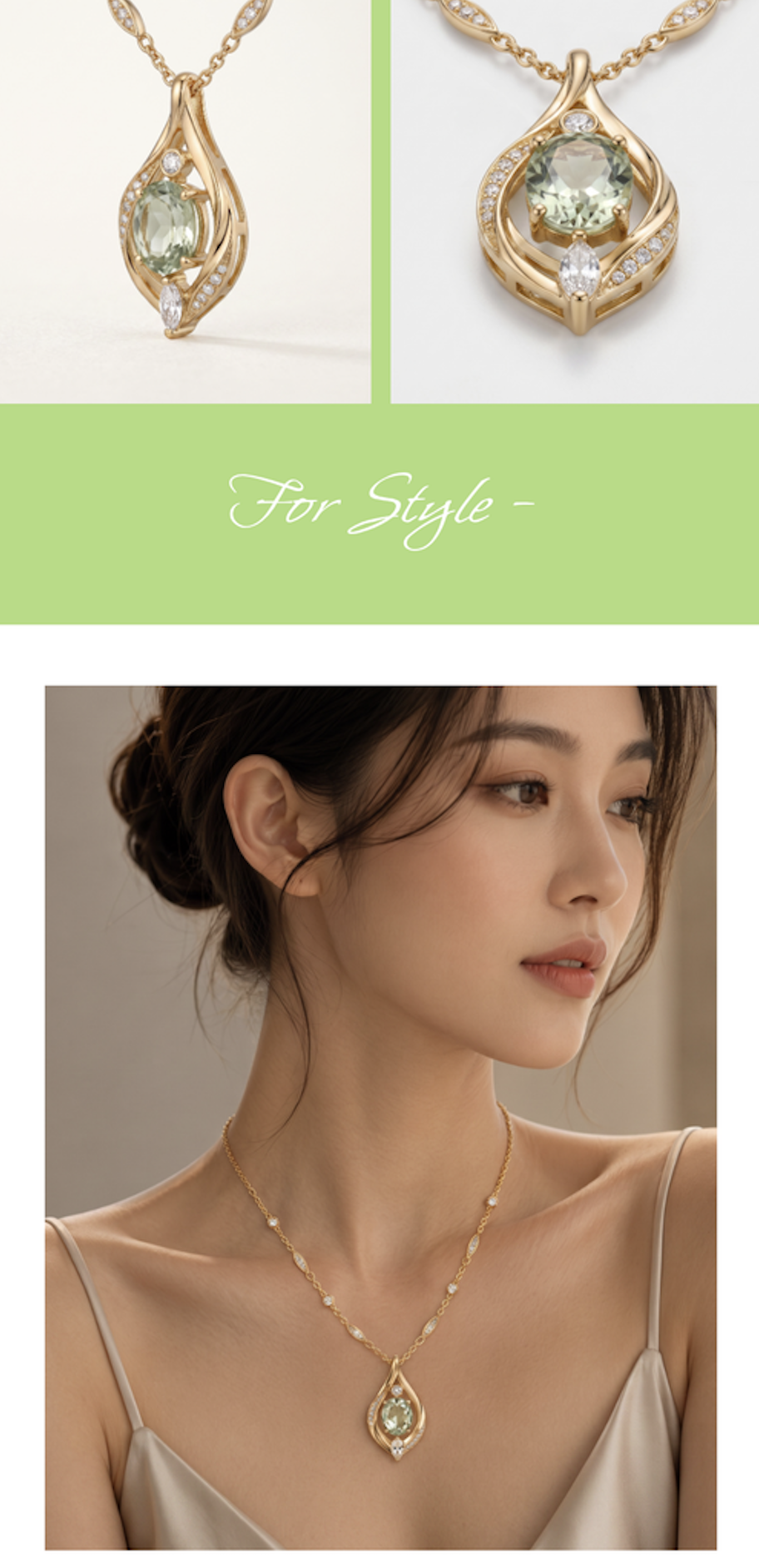
For weddings, dates, or parties, the key is how well the jewelry elevates the overall look. On the product page, show full-body shots mixed with close-ups to highlight the shine and dimension from various angles. This helps customers easily understand how the piece adds that perfect finishing touch to their outfit.
In the end, you shouldn't just apply one template to every product. You need to adjust the visual mood, lifestyle scenes, and copy based on the product's positioning and target audience. That's how customers quickly decide if your jewelry is the right fit for them.
4. A high-quality jewelry product page conveys a consistent brand standard
While browsing, customers also judge how professional and trustworthy a brand is through the product page. If the color tone, lighting, and mood of the main images, detail shots, and model photos all clash, the page will look messy. Especially with online jewelry shopping, minimizing the gap between images and reality and providing accurate information is key to building customer trust.
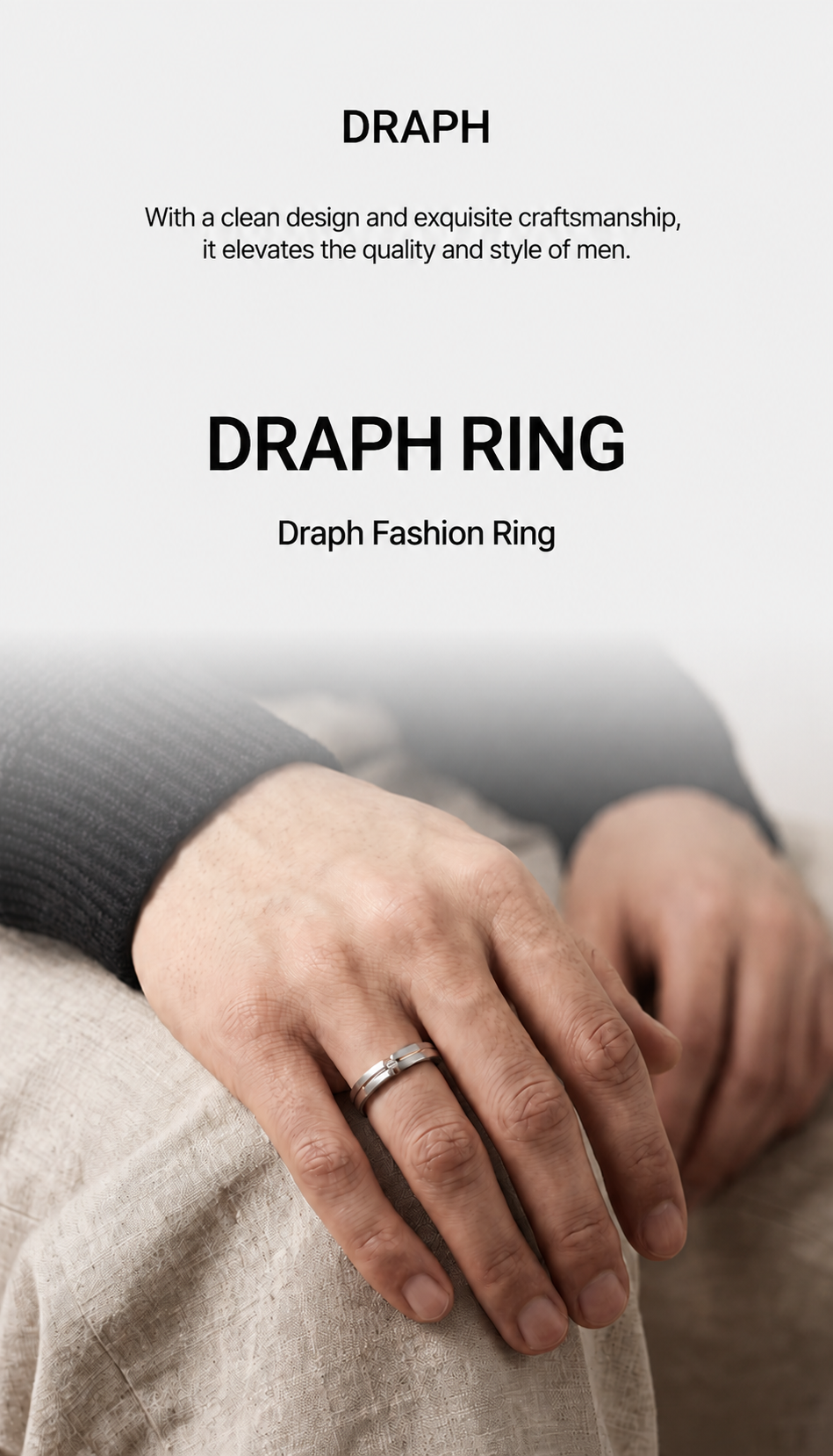
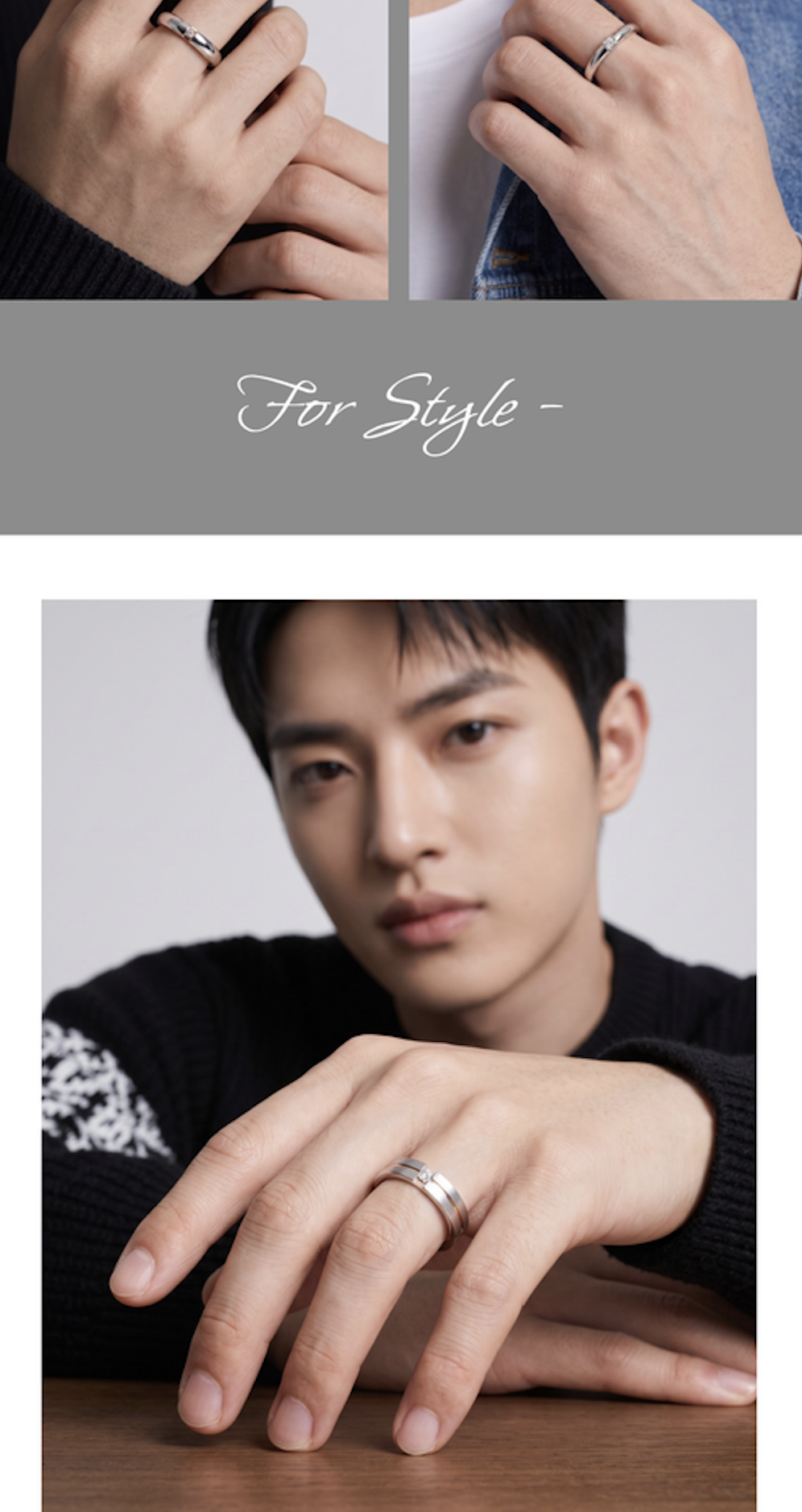
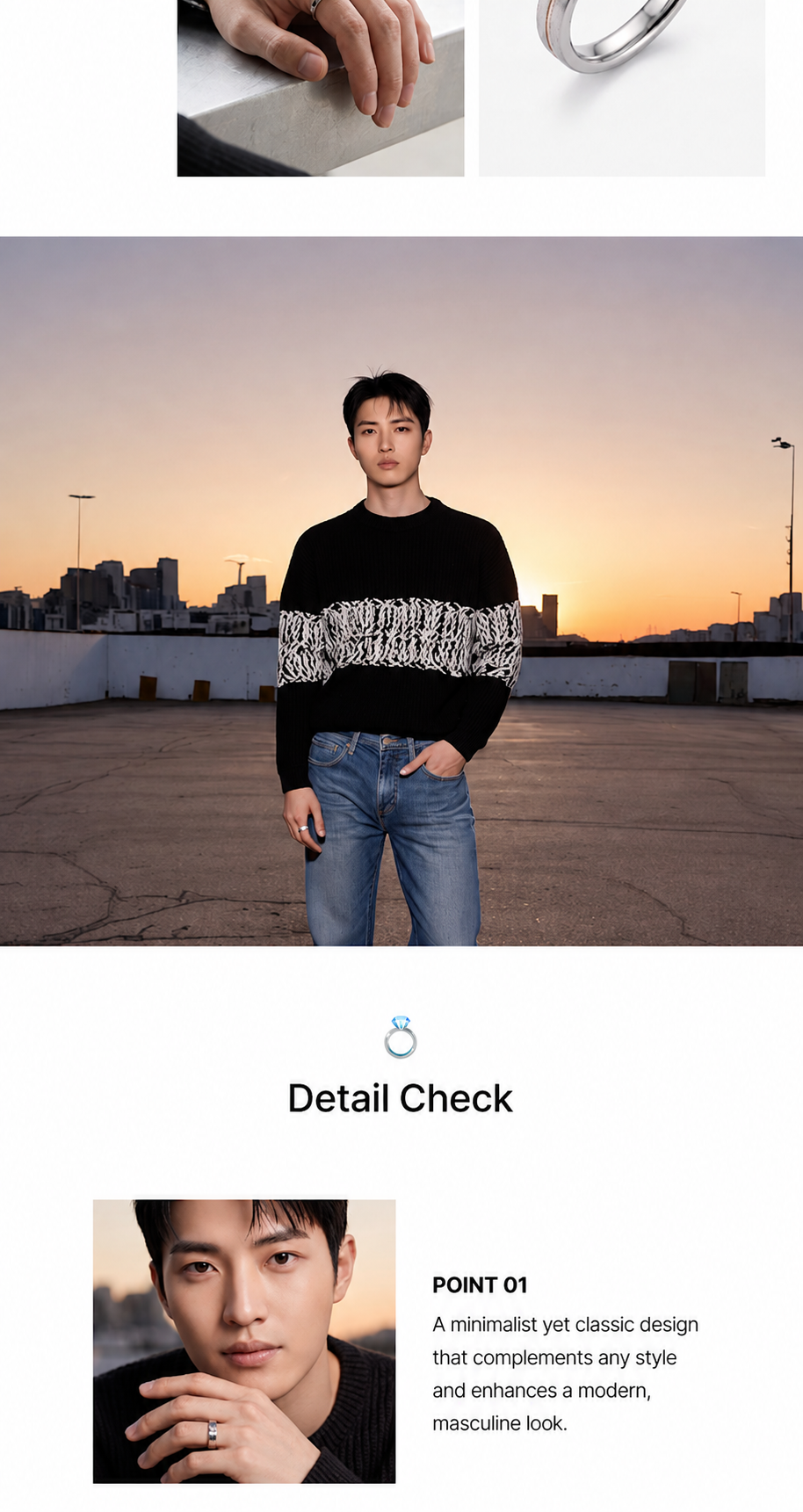
Therefore, when creating a jewelry product page, keep the colors, shine, background, and model style consistent. Ensure the same piece of jewelry doesn't look like a different color in every photo, and make sure the mood of the product shots and on-model shots flow together. Your copy should also use a unified voice. Avoid mixing tones or using exaggerated marketing language that doesn't match the brand's vibe.
Consistent imagery and text not only make the page look better but also help build a stable, aesthetic brand identity and earn customer trust.
5. Draph Art: The jewelry product page AI that turns one photo into professional brand content
Every time jewelry sellers launch a new product, they have to prep models, locations, props, and design assets. Pieces like necklaces, earrings, and rings require a lot of content—not just main visuals, but also on-model shots, detail shots, and lifestyle scenes. If you run out of assets, you're stuck repeating the same photos over and over.
Comparison between traditional jewelry product page creation and using Draph Art AI
| Comparison | Traditional Jewelry Detail Page Creation | Jewelry Detail Page Creation using Draph Art AI |
| Product Images | Manual photoshoots for main and detail images | Generate main visuals and detail shots from a single product photo |
| Model Photos | Need to hire models and arrange separate shoots | Automatic generation of fashion jewelry model shots |
| Sales Copy | Write product descriptions by hand | Automatically generate sales copy based on product info |
| Page Layout | Plan image order and flow manually | Automatically generate fashion jewelry detail pages with smart content placement |
| Brand Style | Adjust color and mood for each image manually | Consistent images and copy that match your brand vibes |
| Edits & Updates | Redo the whole page when changes are needed | Easily edit or regenerate only the images and text you need |
Automate Your Fashion Jewelry Detail Pages with Draph Art
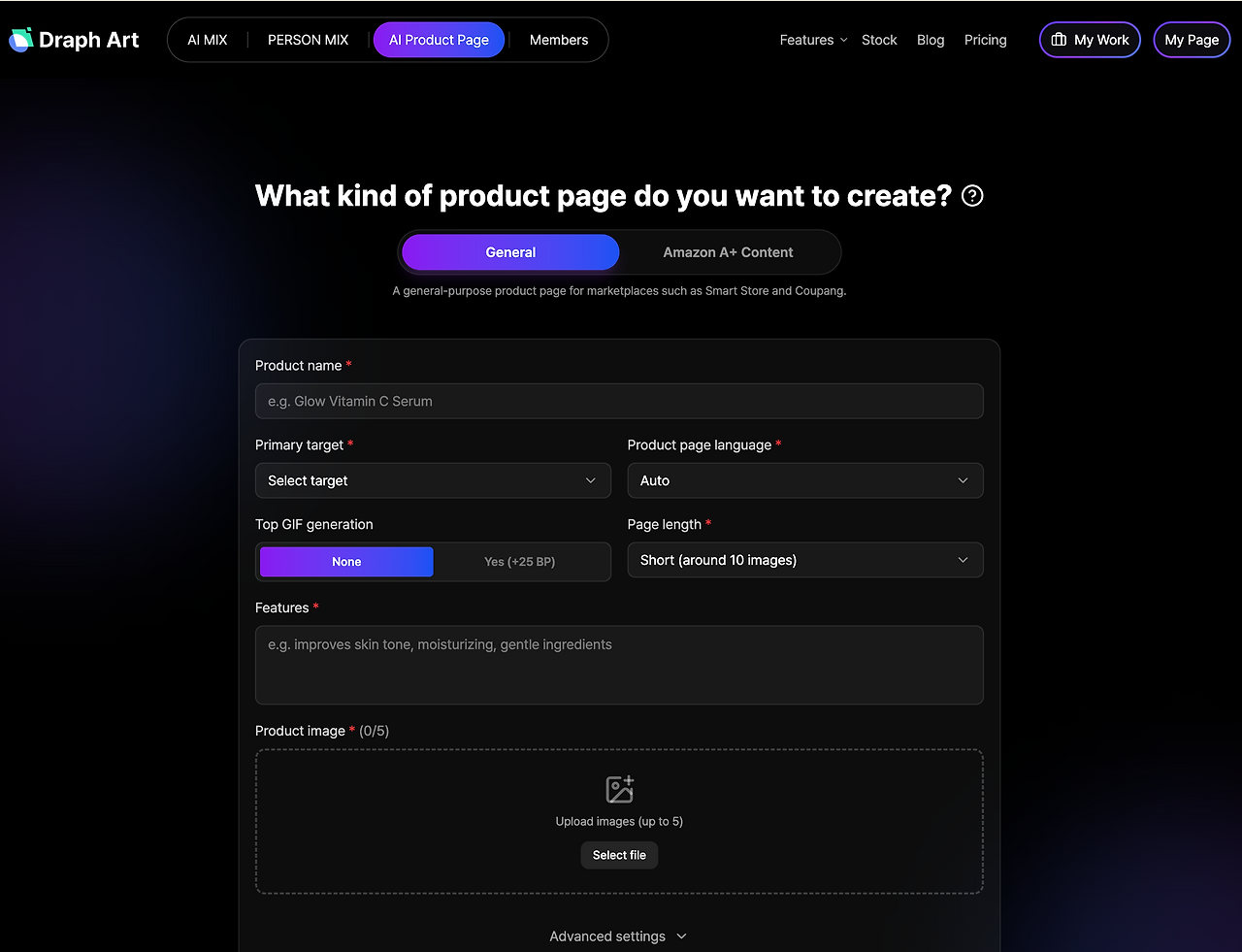
Draph Art creates a variety of detail page content using just one clear product photo and basic product information. Based on your product's color, material, design, and brand vibe, it produces main visuals, AI model shots, product detail images, and even gift packaging or lifestyle scenes—plus compelling sales copy. The generated images and copy are automatically arranged into a complete, high-converting detail page designed for a perfect customer journey. You can seamlessly guide shoppers from their first impression of the product and its mood to the fine design details, fit, and essential product specs.
Ultimately, the key to how to create a jewelry detail page with AI isn't just about making pretty pictures. It's about turning limited product assets into professional, consistent content that builds your brand identity and gives customers all the information they need.

💡 Frequently Asked Questions (FAQ)
Q1. Can I make jewelry model shots without having real photos?
A1. Yes, you can. Even without separate model photo shoots, you can use the automatic jewelry model shot generation feature to showcase how necklaces sit, the length of earrings, or the proportions of rings and bracelets on AI models. This helps customers easily visualize how the jewelry will look on them.
Q2. Can I edit parts of the generated jewelry detail page?
A2. Yes, it's possible. You don't have to start from scratch. You can choose to edit or regenerate only the images, text, or specific sections you aren't happy with. You can tweak product colors, background moods, model styles, and the tone of the copy to perfectly match your brand.
Q3. How long does it take to automatically generate a jewelry detail page?
A3. Once you enter the product photos and basic product information, you can usually check the draft in about 3 to 10 minutes. The actual production time may vary depending on the number of images generated and the scope of revisions, but by using automatic jewelry detail page generation, you can cut down on the time spent preparing shoots and designs separately.

.png&w=1920&q=75)
.png&w=1920&q=75)