
목차
- 1. How to Choose a Great AI for Making Makeup Model and Product Images?
- 2. Generating Model-Worn Images with AI: How to Use AI Makeup Models by Purpose
- 3 AI Tools You Can Use to Make AI Model Images for Your Online Store
- 4. From AI Model Image Generation toE-commerce Detail PageAll at Once
- Frequently Asked Questions (FAQ)

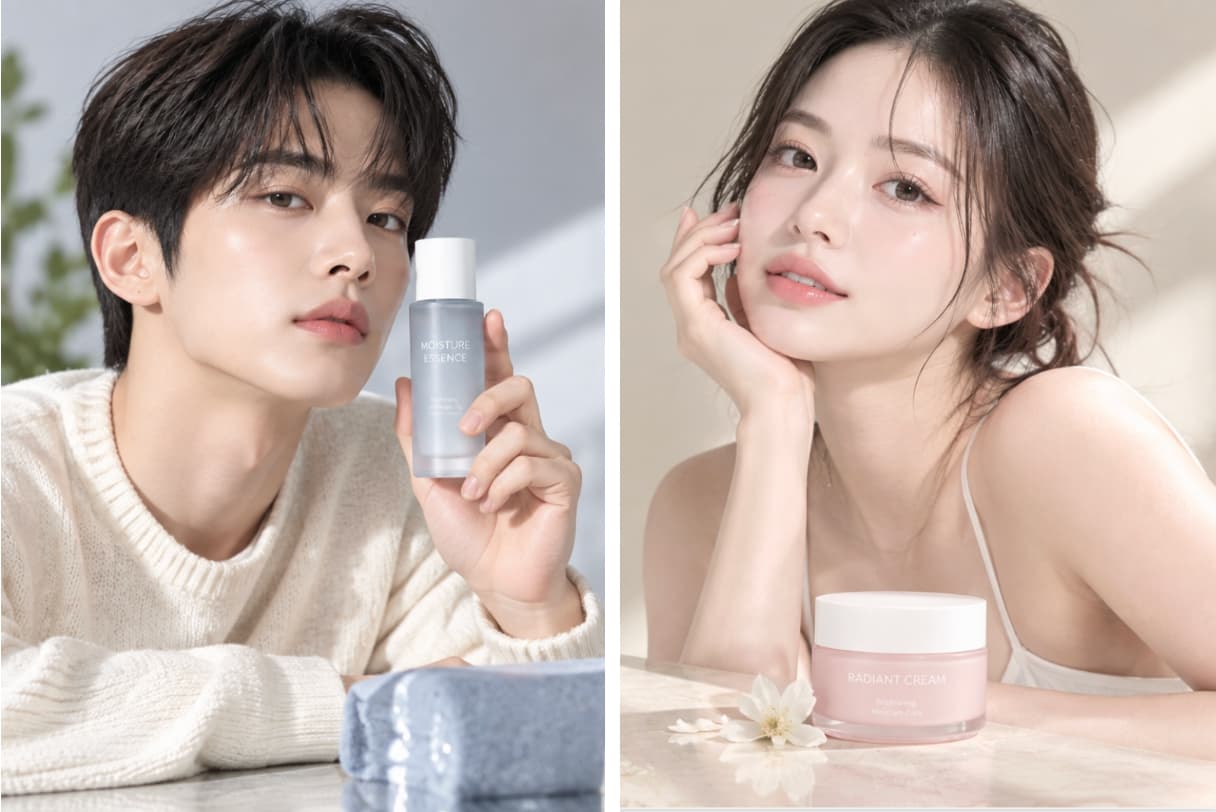
These days, online shopping malls are focusing more on showing off what makes a product special by using models and creative staging that fit the brand vibe, rather than just using plain product photos. This is especially true for cosmetics and makeup, where it's super important to show the product in action, the actual color payoff, and the overall mood. But hiring models, setting up shoots, editing images, and designing detail pages all by yourself takes a ton of time and costs a lot of money. To make things easier, people are now using AI to simplify this whole process, turning just a single product photo into all kinds of sales images like AI makeup models, virtual model shots, and product-in-use photos.
Draph Art's AI Person feature lets you create the exact makeup model images you want using just one existing makeup product photo. Plus, Draph Art is an AI that automatically builds shopping mall detail pages, expanding into a complete makeup detail page layout so you can latest ecommerce design trends are applied to automatically arrange your content using detail page templates.
💡 3-Minute Summary for Busy People (TLDR)
|
1. How to Choose a Great AI for Making Makeup Model and Product Images?
AI image generatorIf you're looking for an AI that creates great images, it's a good idea to check not only how natural the model looks, but also product representation, editing features, and commercial use rights. Since cosmetic model photos are often used for actual sales, you need to check if it can naturally create the model and makeup you want, while keeping the product's shape and colors intact, and whether you can use the generated images for business.
| What to Check When Generating | Checklist |
| Model's Vibe | Can you set the model's face, age group, hairstyle, and vibe to match your brand and product? |
| Makeup Expression | Are your desired makeup looks—like lips, eyeshadow, blush, and skin texture—rendered naturally? |
| Product and Model Harmony | Do the product and the model blend together naturally in scenes where the model is holding or using the product? |
| Product Details | Do the product's shape and colors, like lipstick shades, cushion compact packaging, and cosmetic containers, stay true to the original? If needed, you can use BG Removal to cleanly separate the product's shape and details. |
| How to Use the Images | Can you create various formats as needed, like front model shots, product-in-use shots, close-ups, and Banner Ads? |
2. Generating Model-Worn Images with AI: How to Use AI Makeup Models by Purpose
| Image Type | How to Generate? | Great Things to Show | Best Places to Use |
| Product-in-Use Model Image | Shots of a model actually using or holding lipstick, a cushion compact, blush, etc. | Product-in-use look, colors, overall mood | Detail page, shopping mall, SNS |
| Makeup Close-up | Close-up shots showing faces, lips, or eyes up close | Lip color, eye makeup, blush, skin expression | Product detail pages, product feature descriptions |
| Lifestyle Model Images | Everyday settings like before work, at a cafe, traveling, or going out, showing products in use | The setting where the product is used and the brand vibe | Social media, mid-content on product detail pages |
| Advertising Model Images | Placing the model and product together on one screen to highlight product features | Delivering the product and core message at a glance | Banner Ads, banners, social media ads |
1. AI Try-On Shot Generation: Model images using the product directly
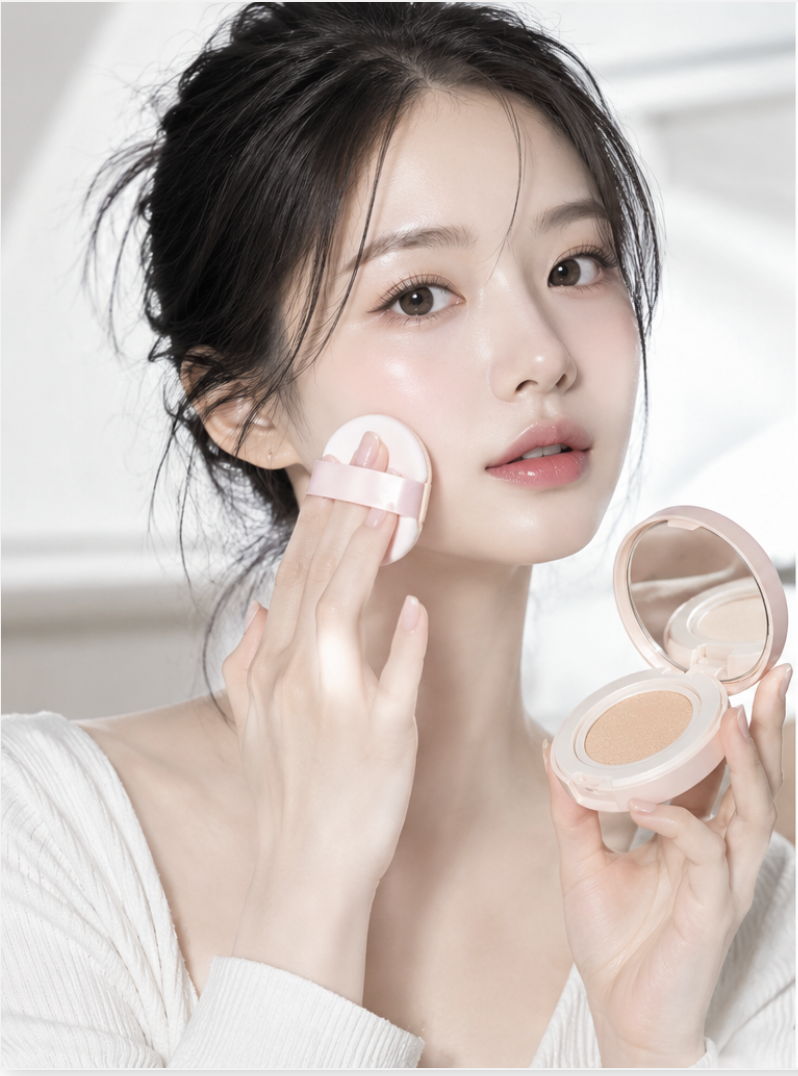
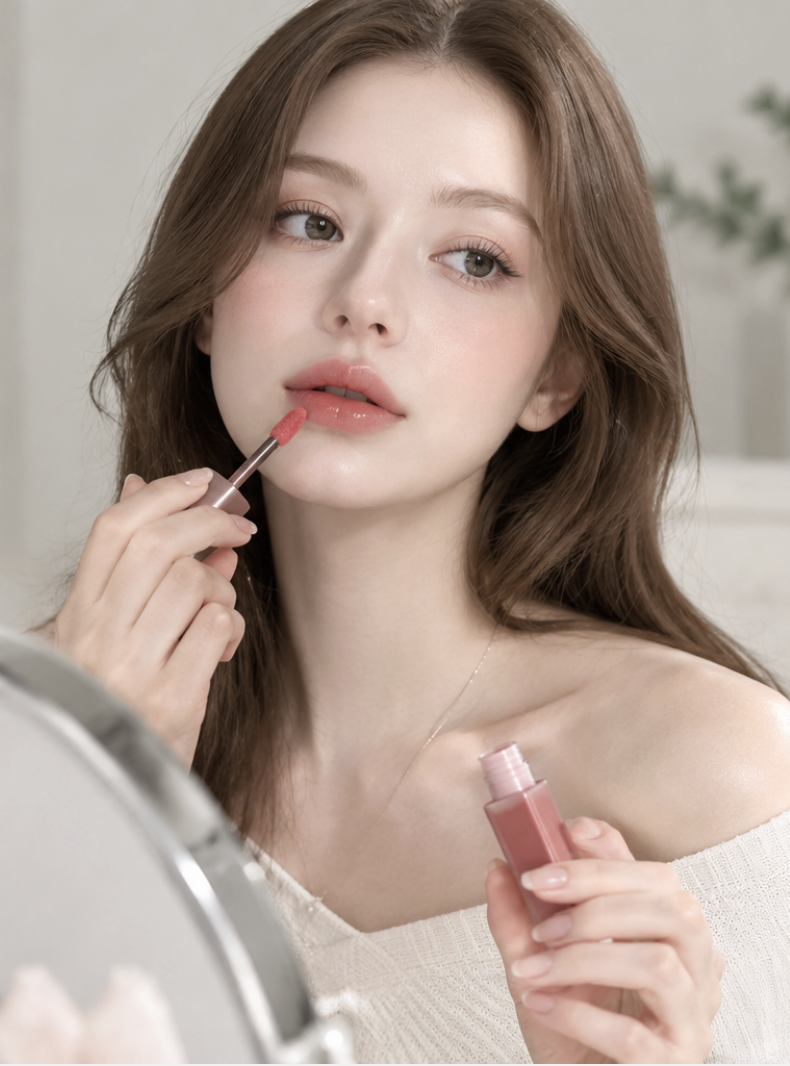
Product-in-use model images are great for showing cosmetics in action, perfect for items like lipsticks, cushion compacts, foundations, blushes, and skincare. Seeing a model hold, show, and use the product helps customers easily grasp its size, how to use it, and real-life applications, making it way more engaging than just showing the product packaging alone.
When generating images with AI, make sure to check if the fingers look natural, the product is facing the right way, and it naturally touches the hand or face. It is also a good idea to check if the product looks like it's floating or if the usage pose looks awkward.
2. Makeup Model Image Generation: Close-ups showing color payoff
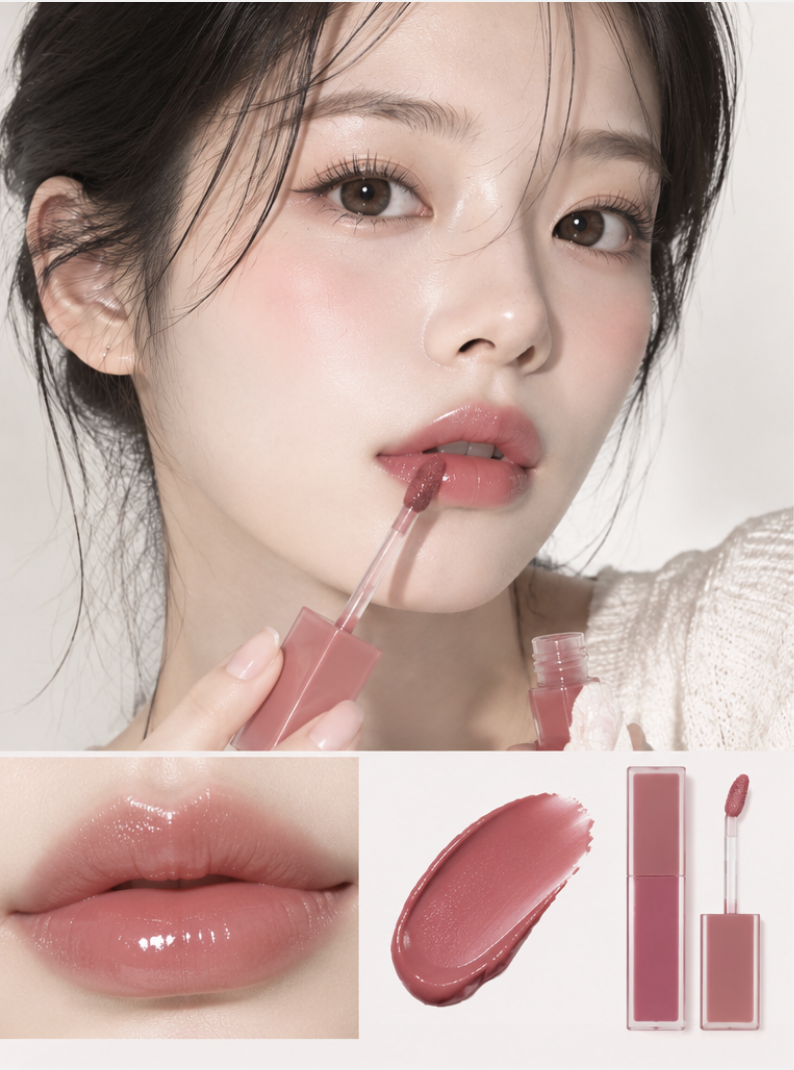
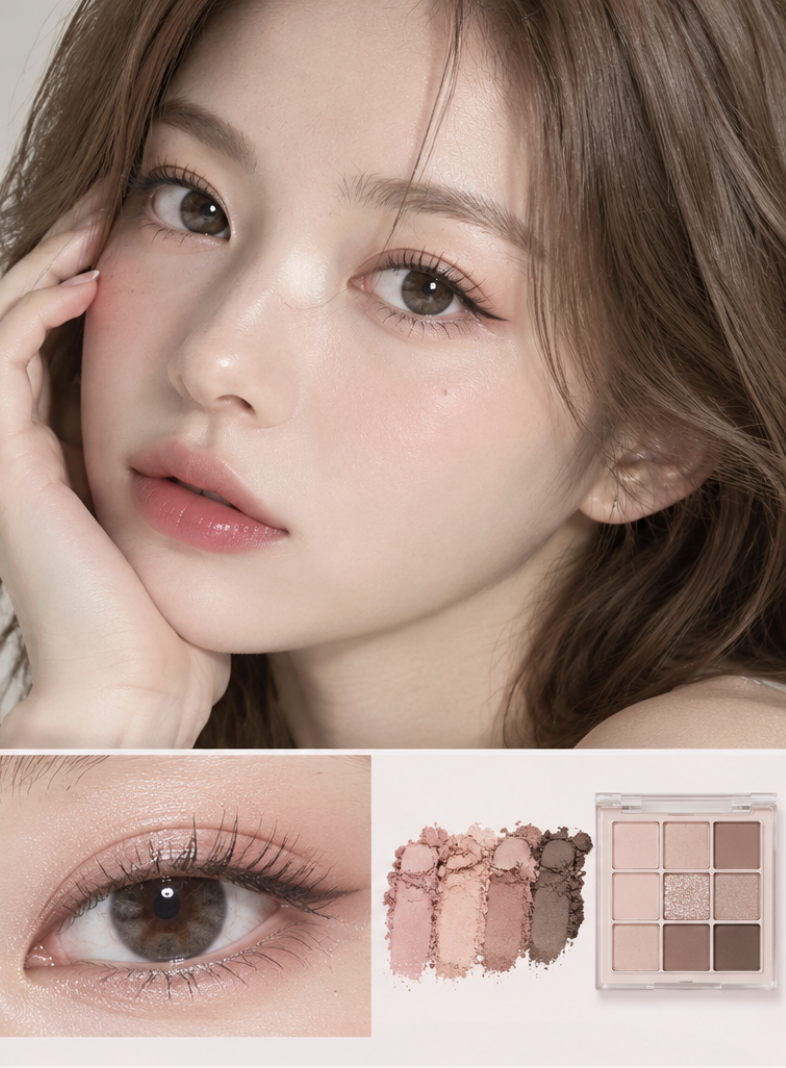
Makeup close-up images are used to show product colors, textures, color payoff, and application results. For example, lip close-ups can show lipstick color and gloss, while eye or face close-ups can highlight the dimension of eye makeup, blush payoff, and base makeup finish.
These images are awesome for product detail pages where you want to show off makeup effects. Just keep in mind that AI might over-touch skin and makeup, so double-check that the colors, coverage, and gloss match the real product before posting.
3. Virtual Model Image Generation: Everyday lifestyle images
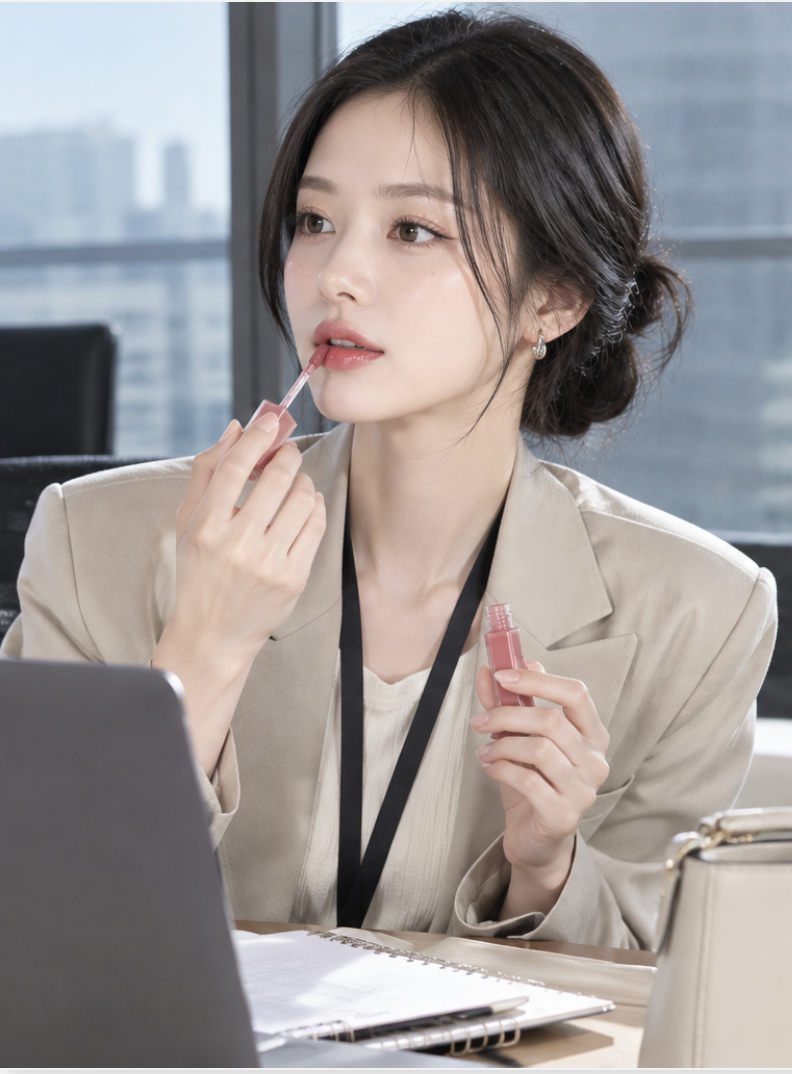
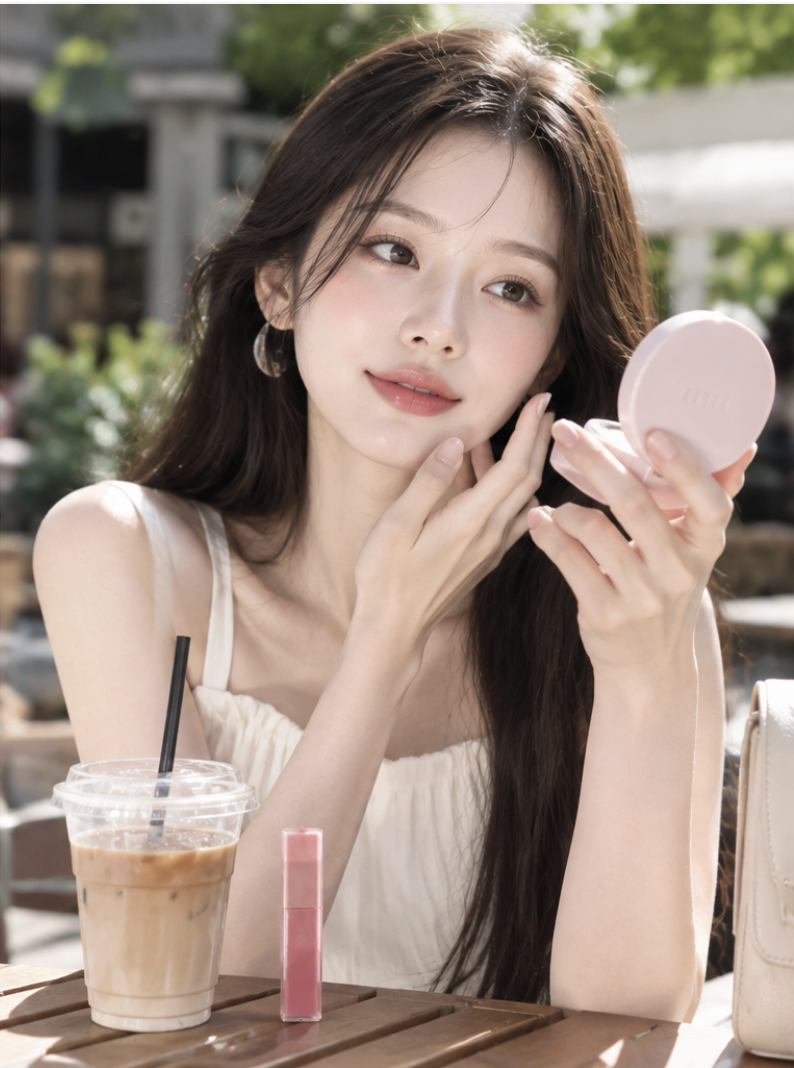
You can naturally place cosmetics in various everyday scenes, like going to work, traveling, visiting a cafe, or touching up makeup while out and about. This helps customers easily picture themselves using the product in real life.
These images work wonders for product detail pages, brand stories, and social media content. When making them, keep the model, outfit, background, and lighting consistent so the whole vibe matches your brand style.
4. Cosmetic Model Image Generation: Advertising model images
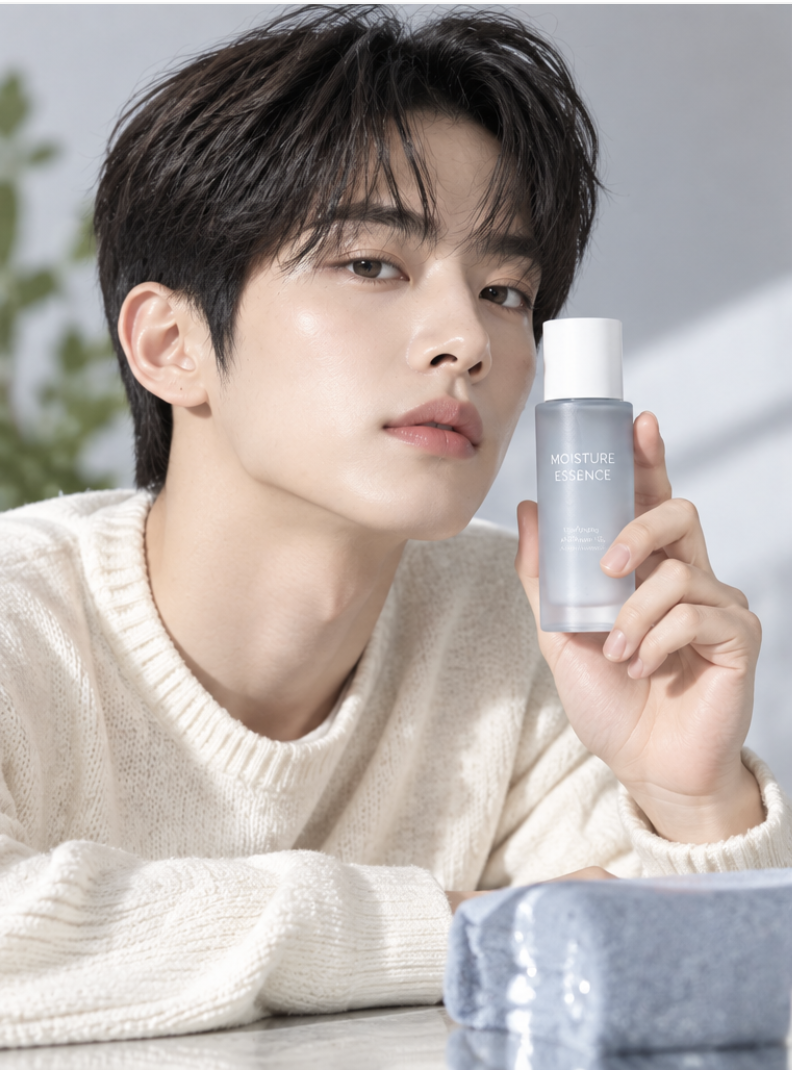
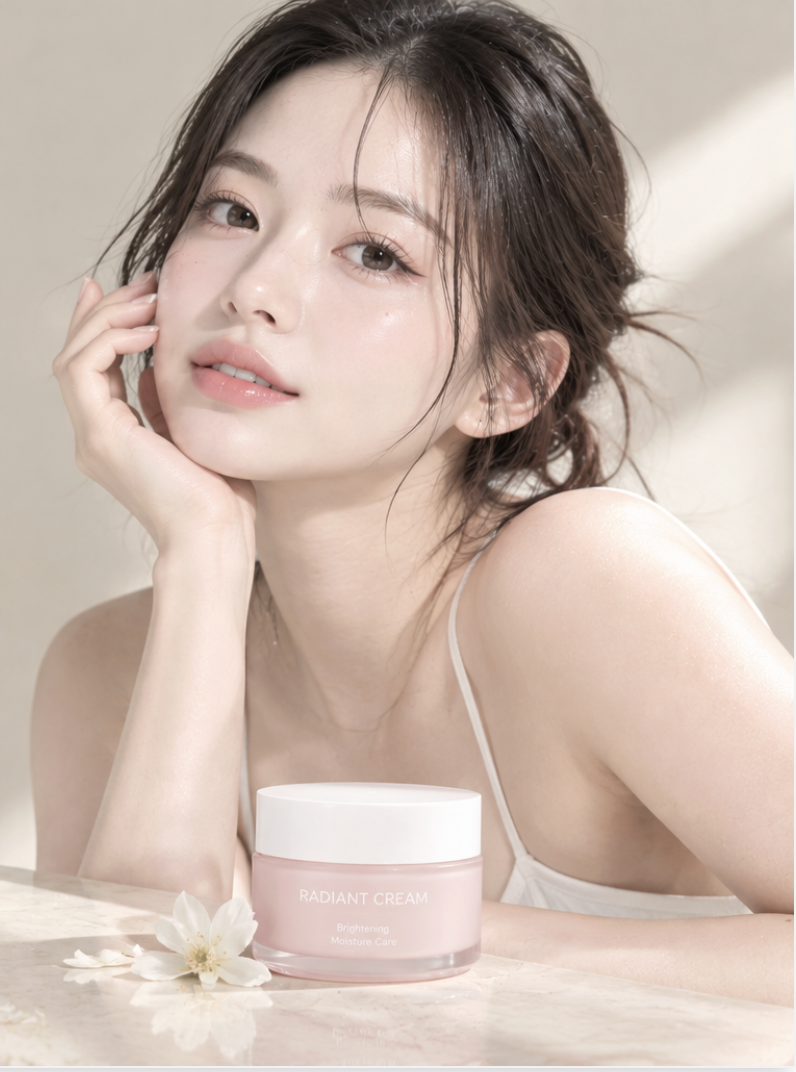
AI model images can also be used for ads and marketing content. For instance, you can create images of a model holding a product, showing makeup results, or featuring the person and product packaging together on one screen.
Ad images need to get the product and its key selling points across super fast. If you plan to add a headline, price, or promo info later, it's best to leave some empty space for text right when you generate the image. Cluttering the screen with too many elements can make later editing and layout work a pain.
3 AI Tools You Can Use to Make AI Model Images for Your Online Store
AI Model Image Generation Tool 1: Draph Art
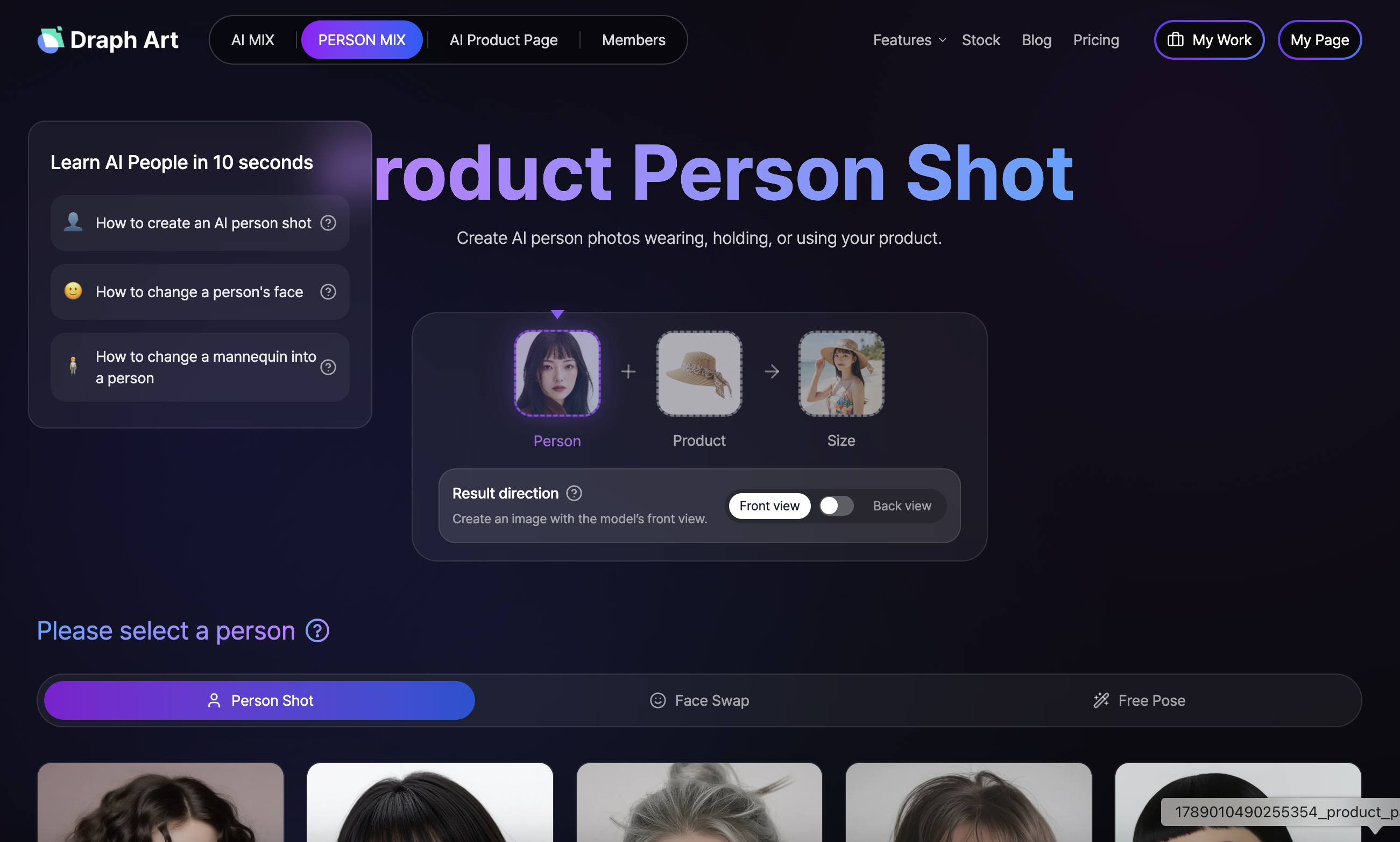
-> Learn more about Draph Art Person MIX feature
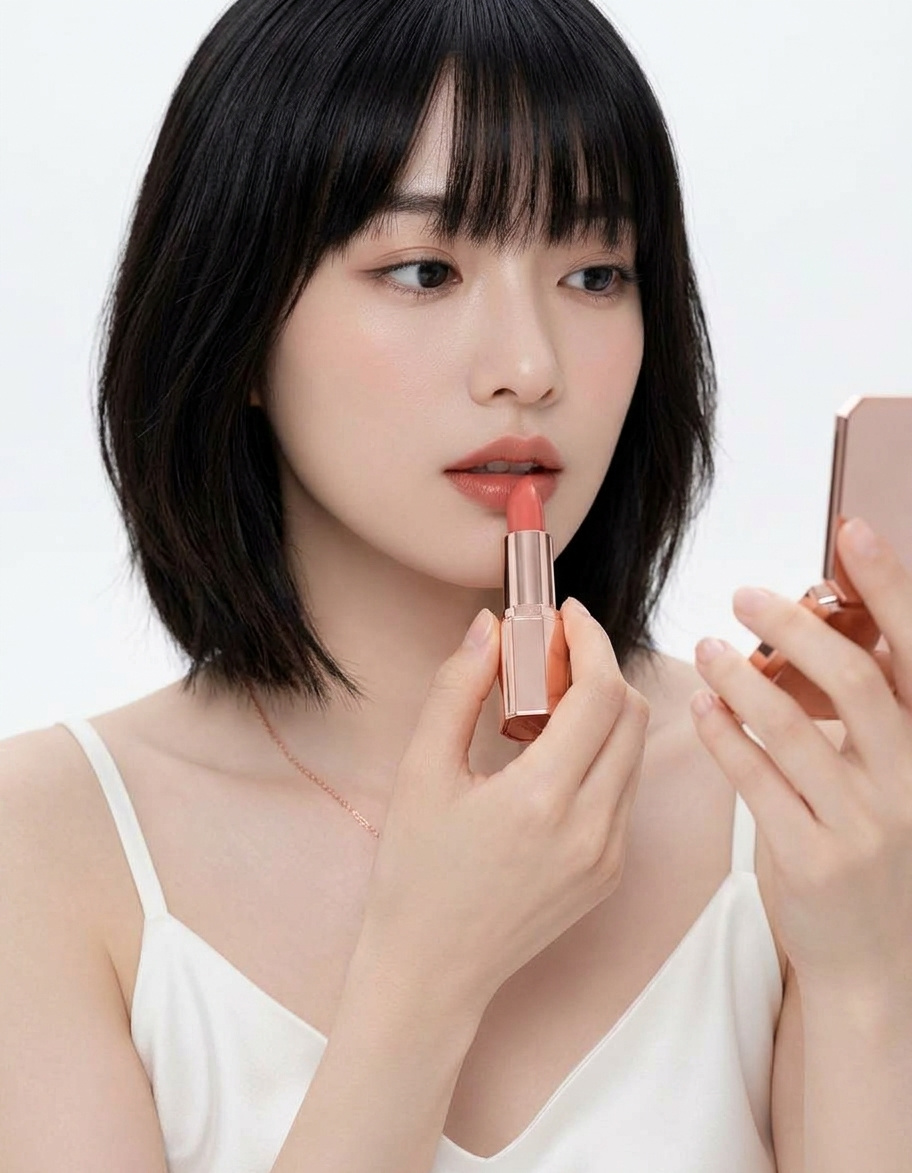
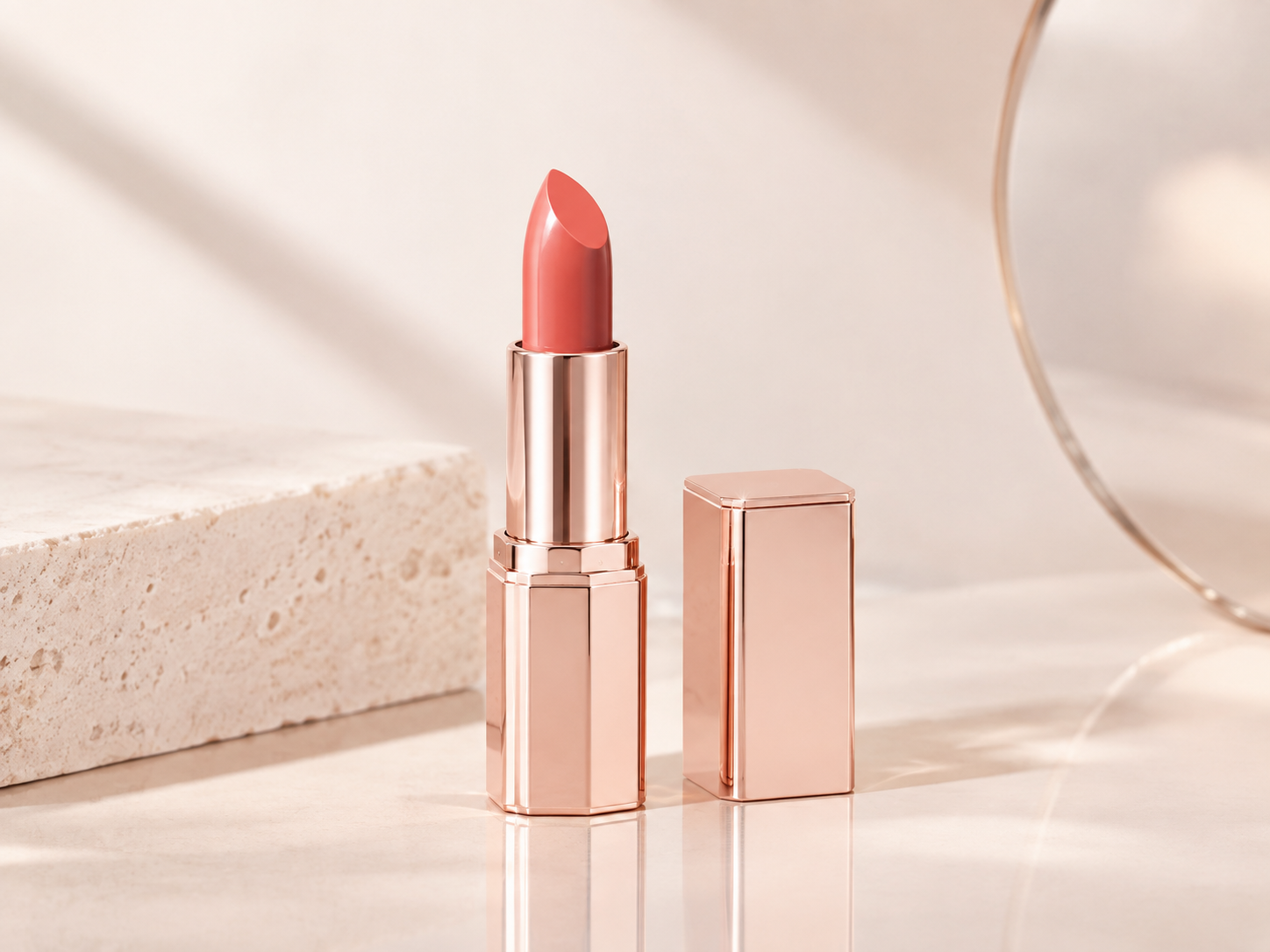
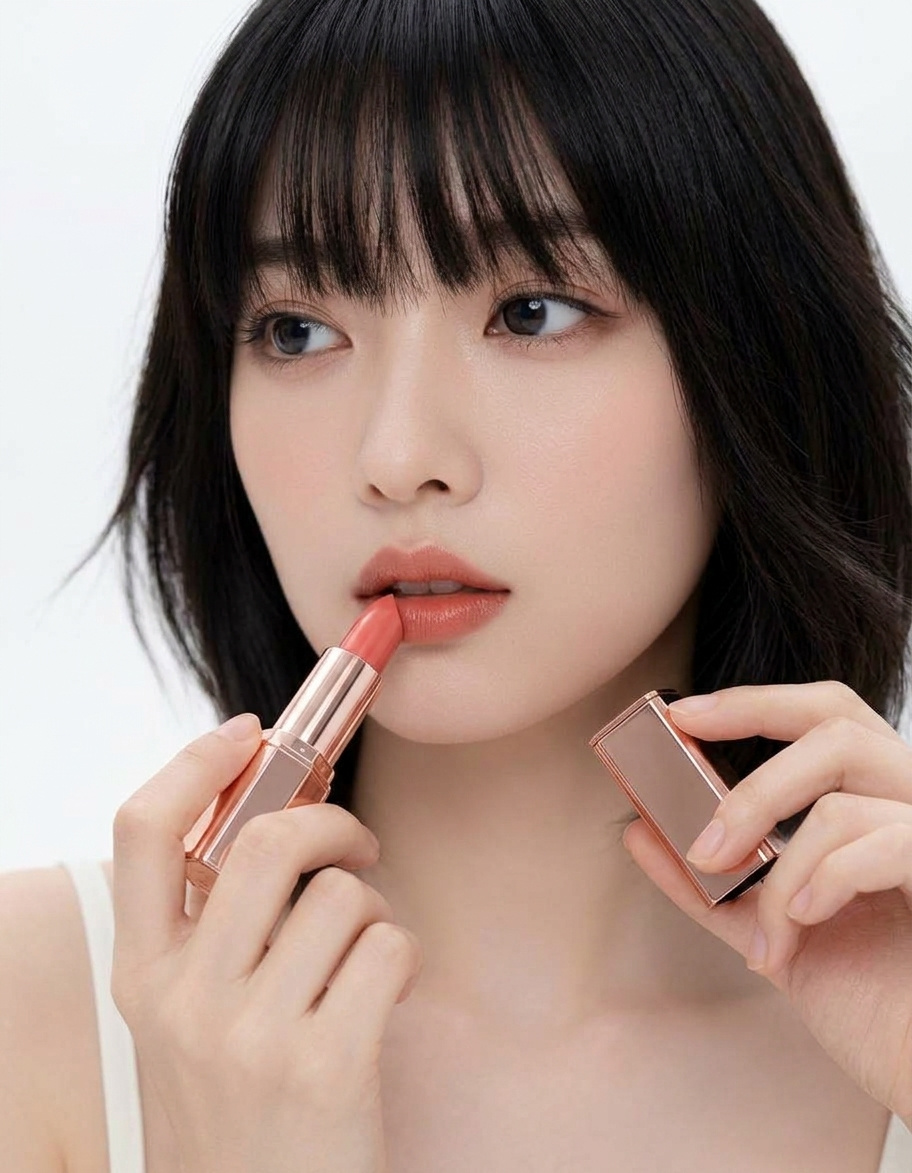
Draph Art is an e-commerce AI platform that lets you create model images where AI models hold or use products based on your product photos. You can pick different AI models to create product-in-use shots and advertising material, and even use the generated images to whip up product photos, copy, and detail pages all at once.
Website: https://draph.art/en/model
AI Model Image Generation Tool 2: Fliption
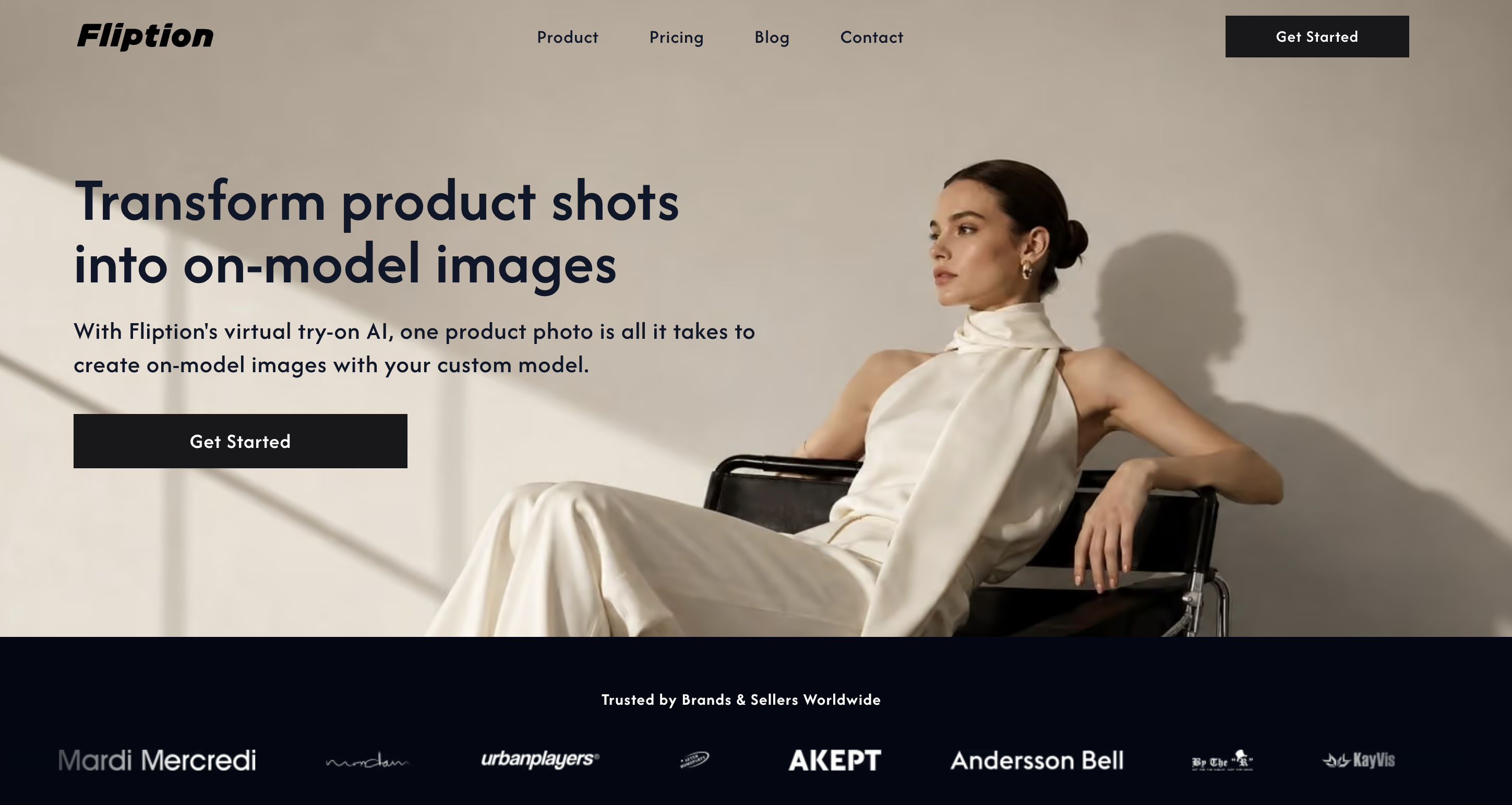
Fliption is an AI virtual fitting service built for fashion brands and online stores. Just upload a single clothing photo, and you can create images of your desired AI model wearing the item without needing a separate model photoshoot. It also lets you create custom models that fit your brand concept and keeps their look consistent across different content.
Link: https://fliption.co.kr/
AI Model Image Generator 3: supaMov
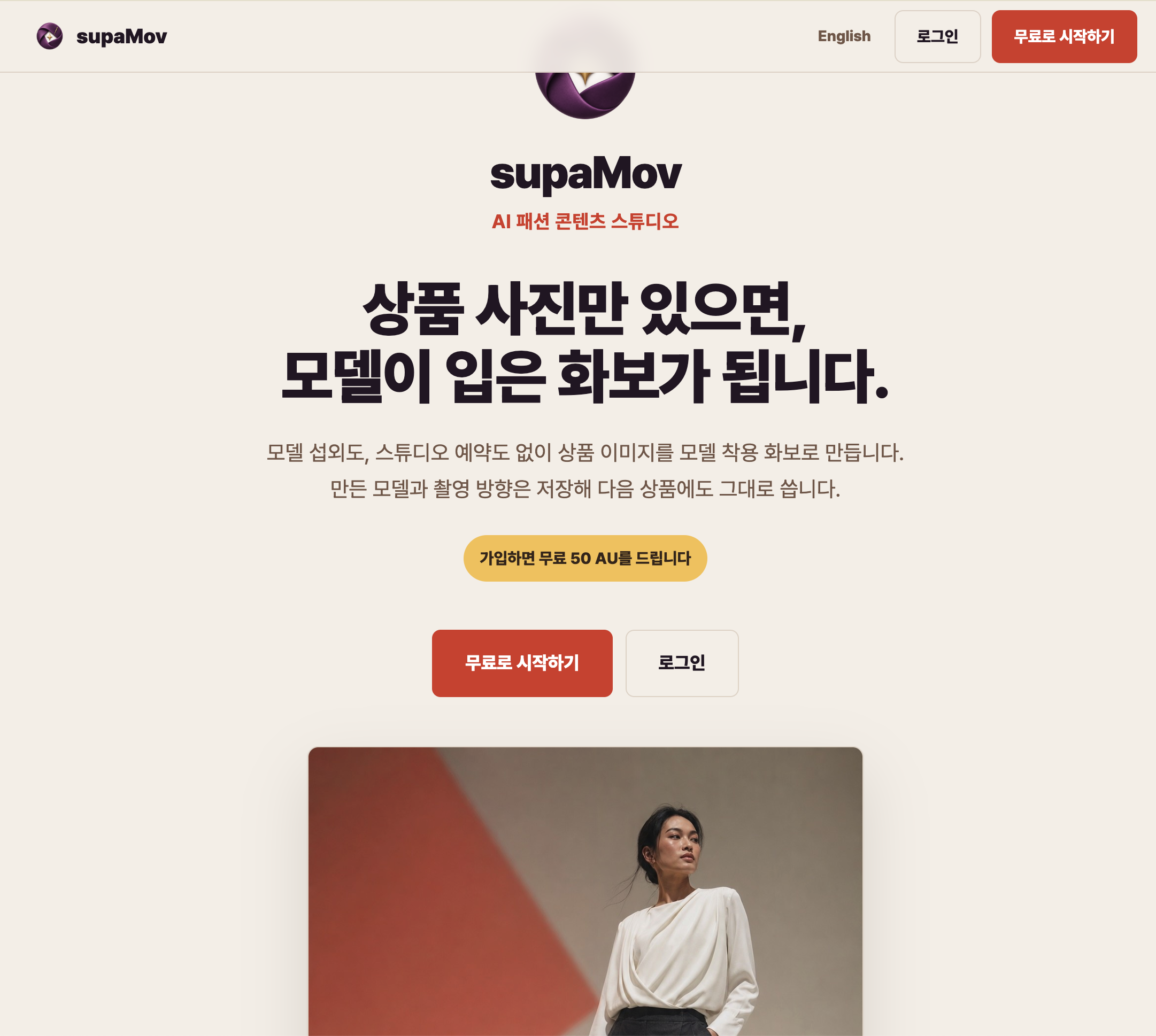
supaMov is an AI fashion content studio that creates AI model try-on images based on product photos. After uploading your product image, you can set your preferred model, pose, background, and shooting angle to create a variety of model lookbooks. A key feature is that you can save the same model and shooting direction to reuse them repeatedly across multiple products. It's especially great for making AI wear shots and model lookbooks for online store product images or detail pages.
Link: https://apps.godo.co.kr/apps/2134
AI Model Image Generator 4: Botika
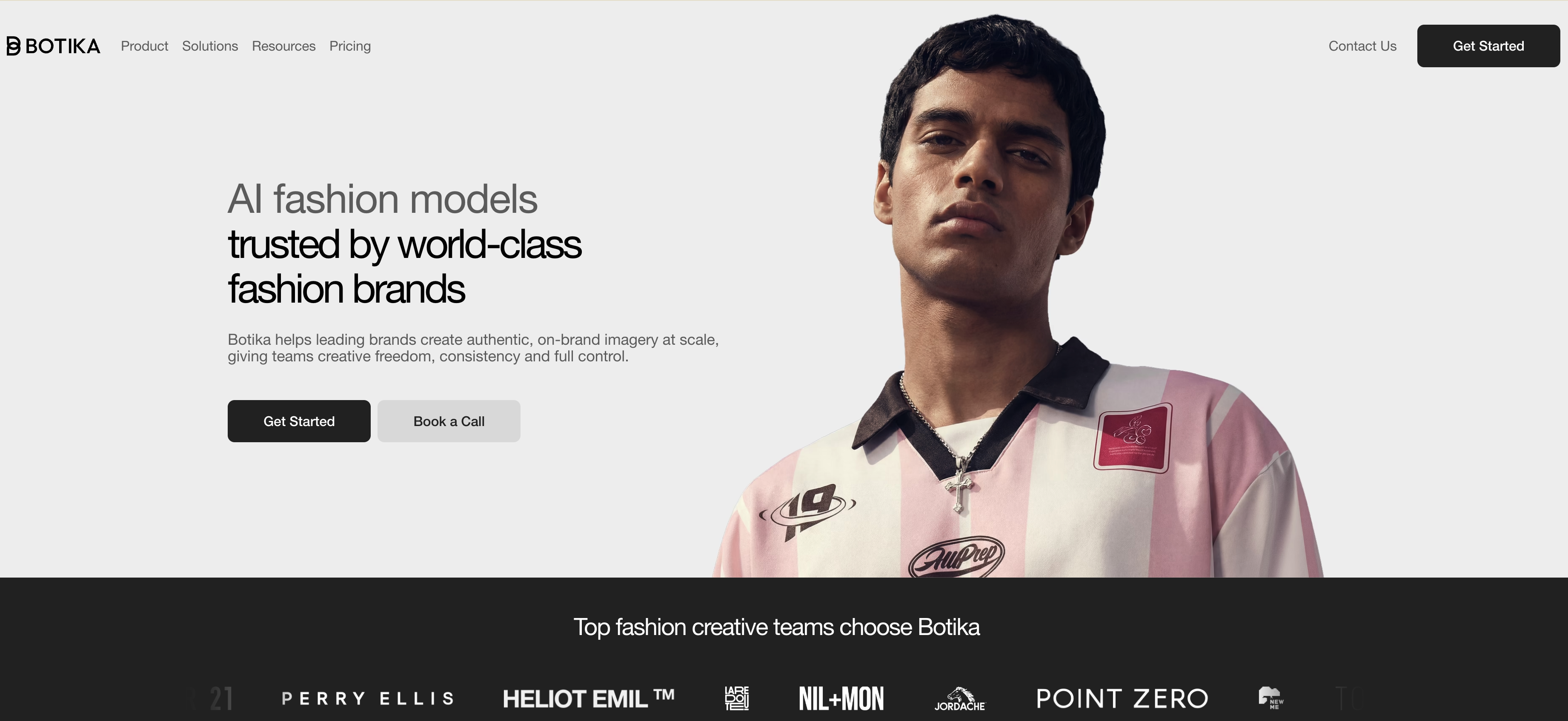
Botika is a generative AI platform that lets you create AI model images based on product photos. You can choose the AI model and background you want to make natural images that look like someone is actually wearing the product, and you can easily create model shots for product pages, social media, and ads.
Link: https://botika.com/
AI Model Image Generator 5: Gentone
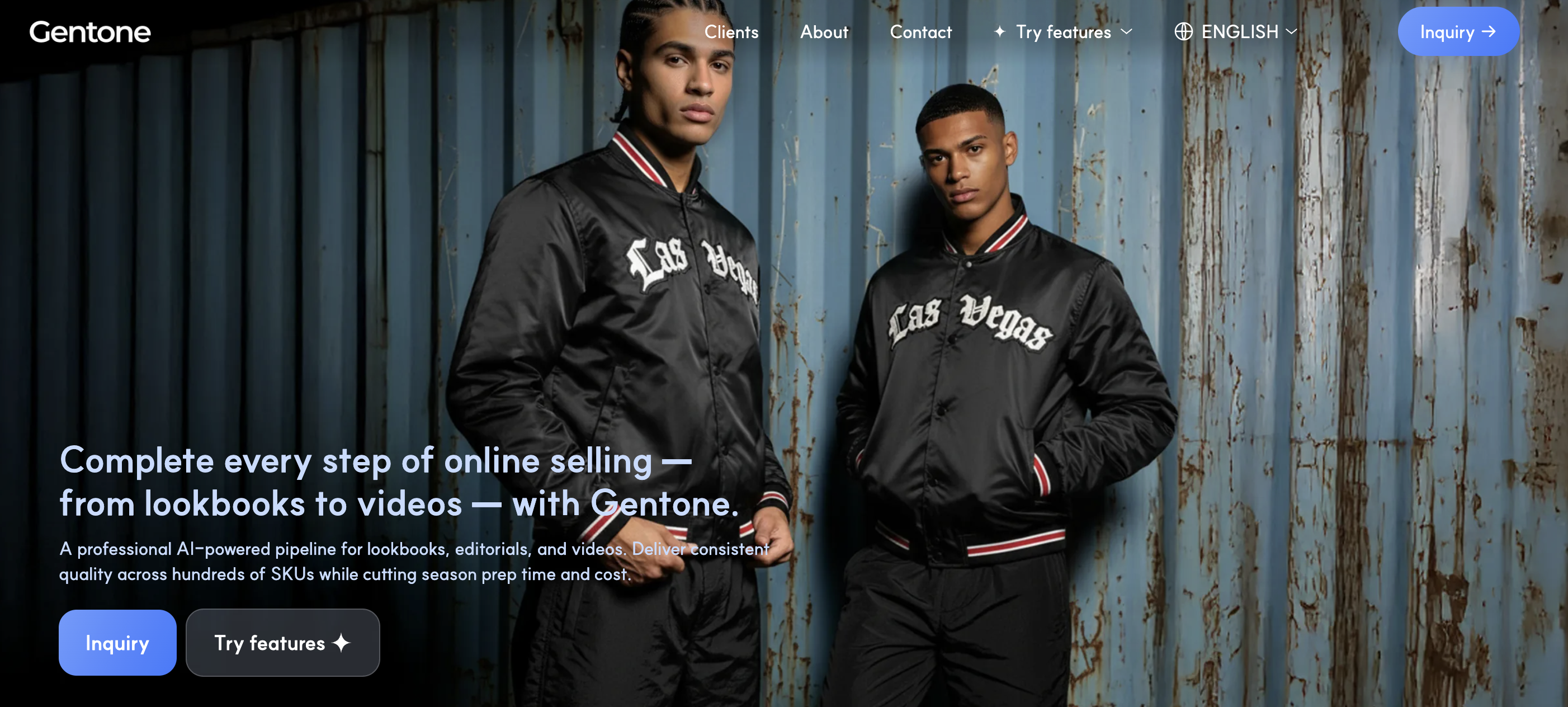
Gentone is a service that lets you create AI virtual models and lookbook images using product photos. You can customize everything from gender, skin tone, and age group to shooting angles and poses, allowing you to create images with various models and backgrounds without actual photoshoots.
Link: https://gentone.ai.kr/en
4. From AI Model Image Generation to E-commerce Detail Page All at Once
Once you've made your AI model images and want to actually sell your products with them, you also need to create sales content like detail pages. Instead of using different tools for model image generation and detail page creation, it's a great idea to use a tool that connects everything from image generation to sales content creation in one go.
As introduced earlier, Draph Art not only creates AI model images but also lets you automatically generate AI detail pages using the images you've created. Based on product info, it puts together product images, model images, and copy to seamlessly build a detail page.
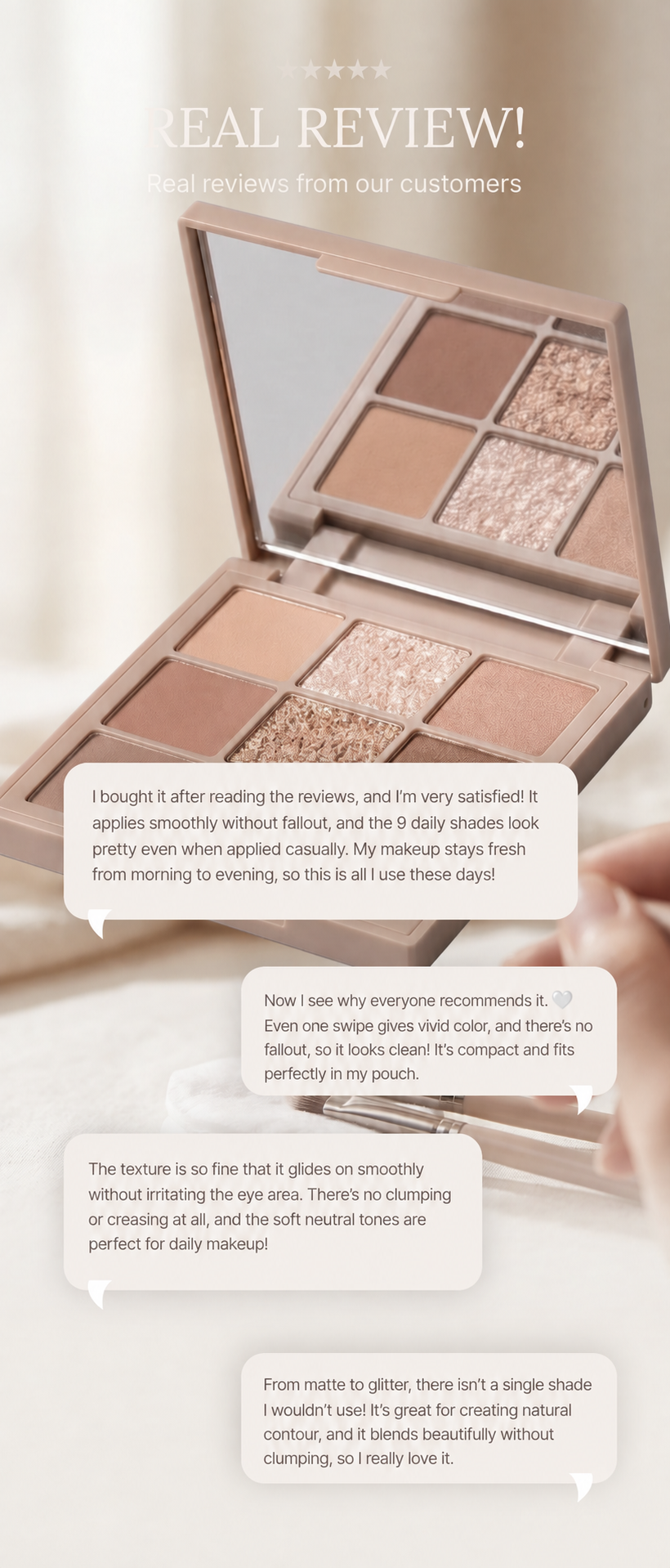
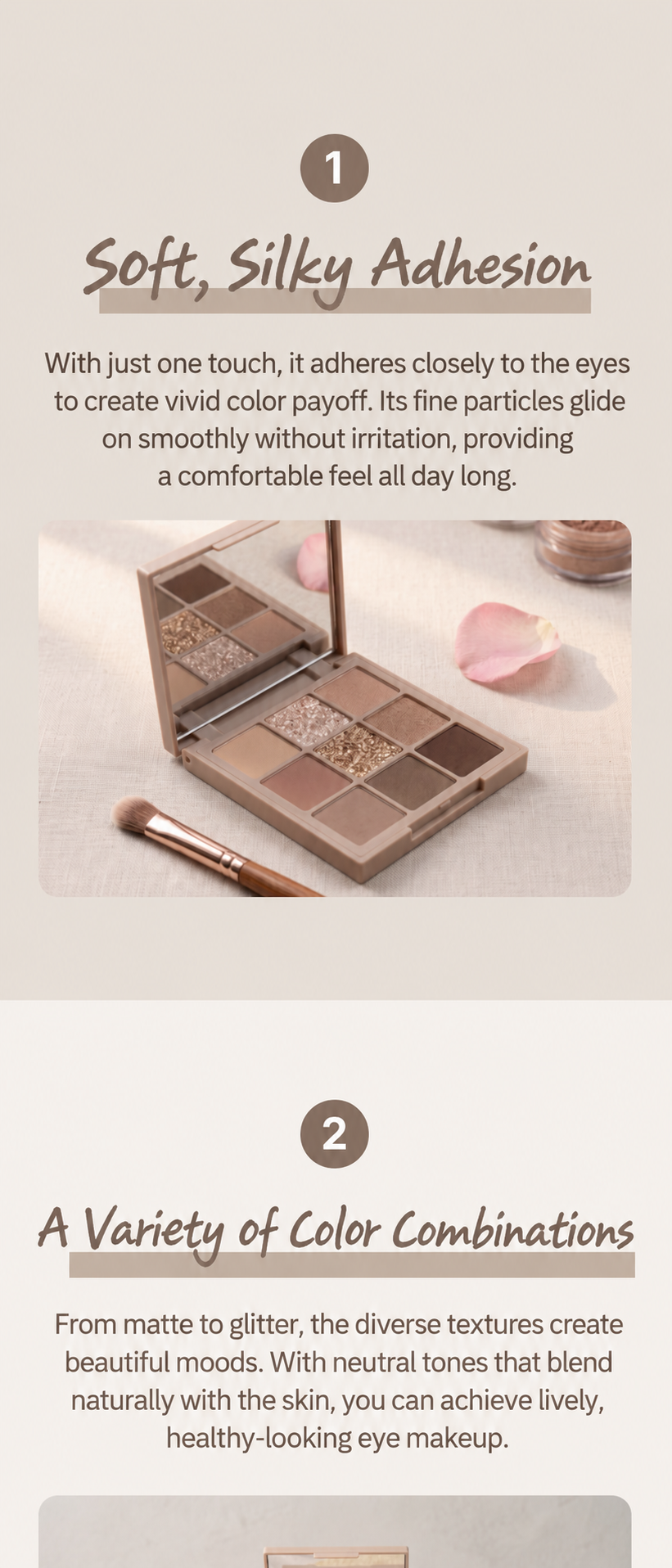
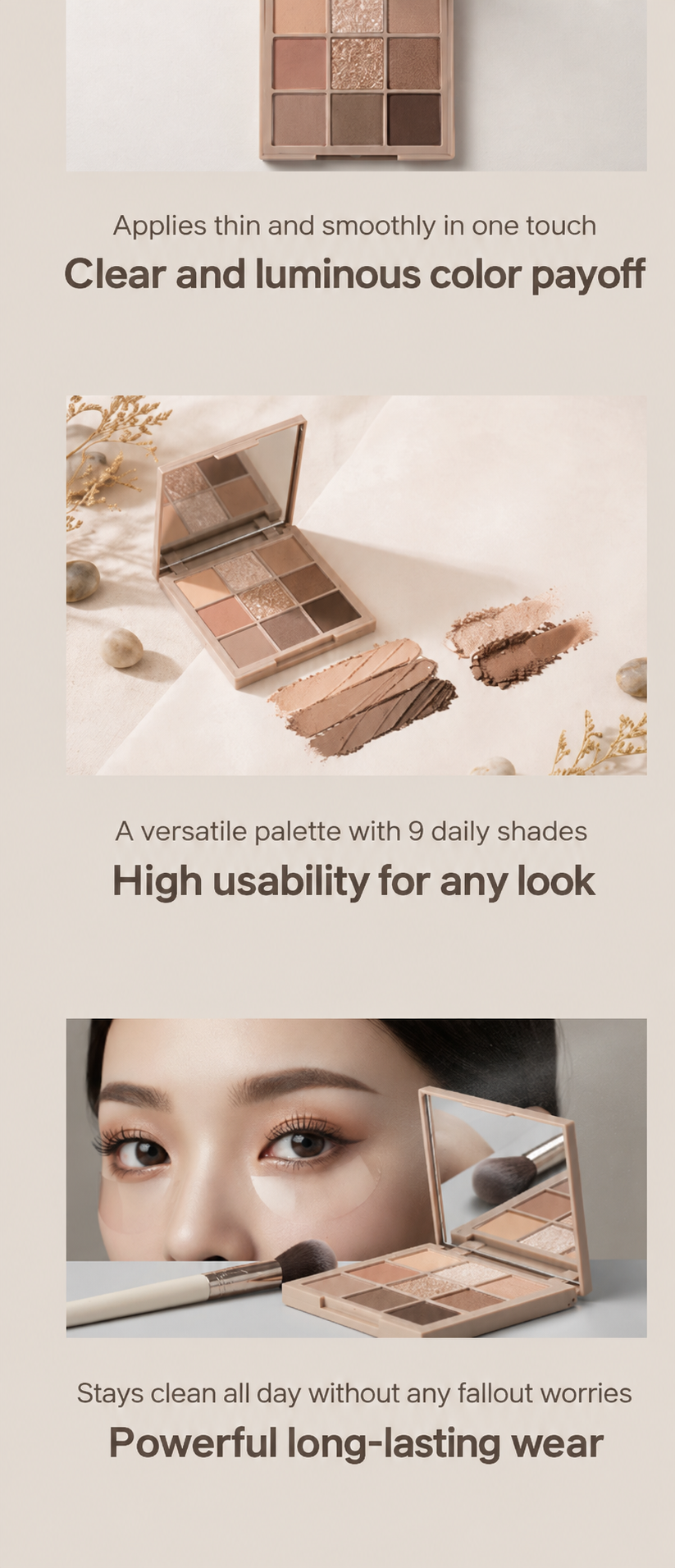
You don't just have to use the generated detail page as is—you can tweak individual parts as needed. You can edit the model, background, styling vibe, copy, and page modules separately.
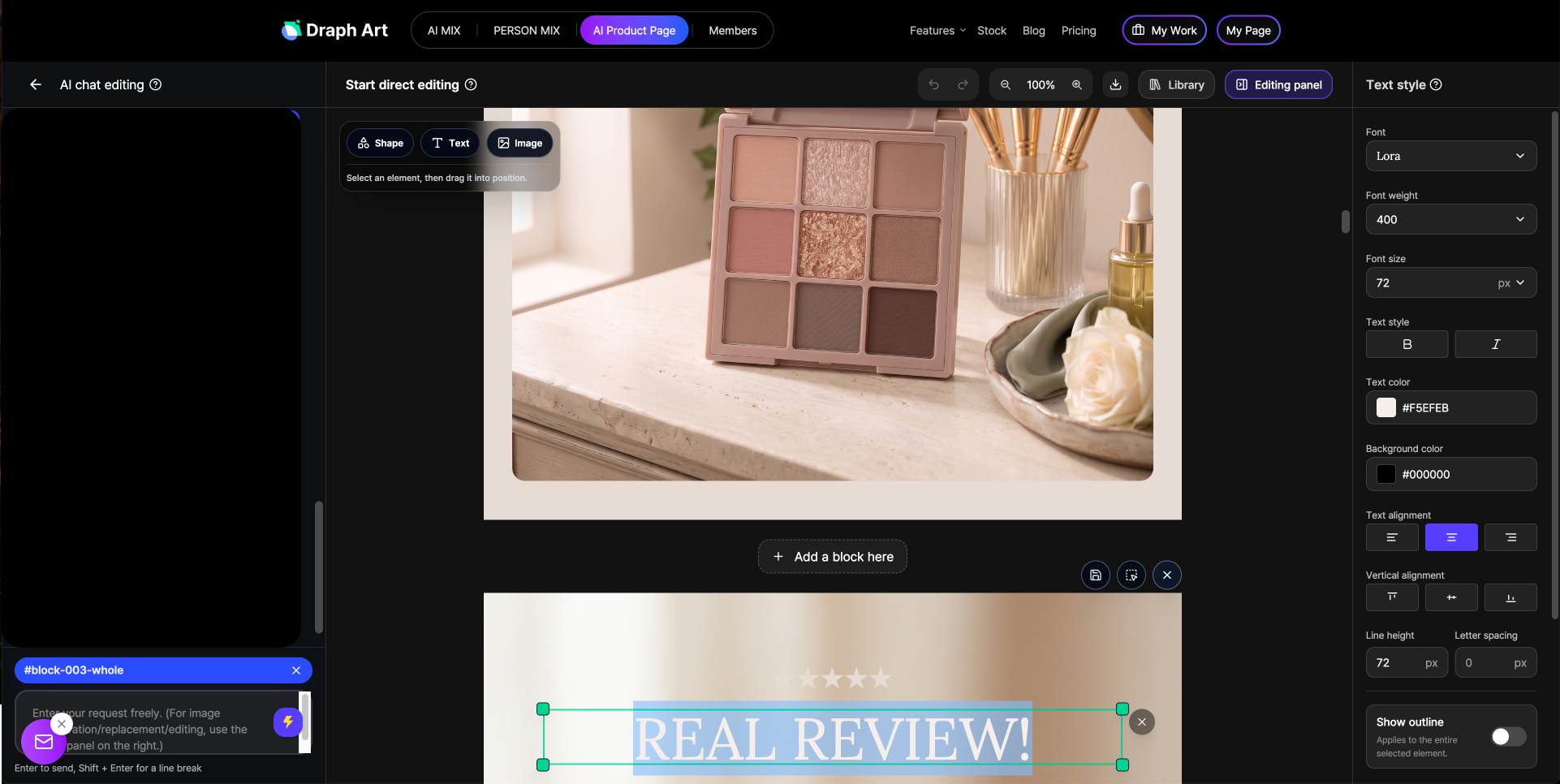
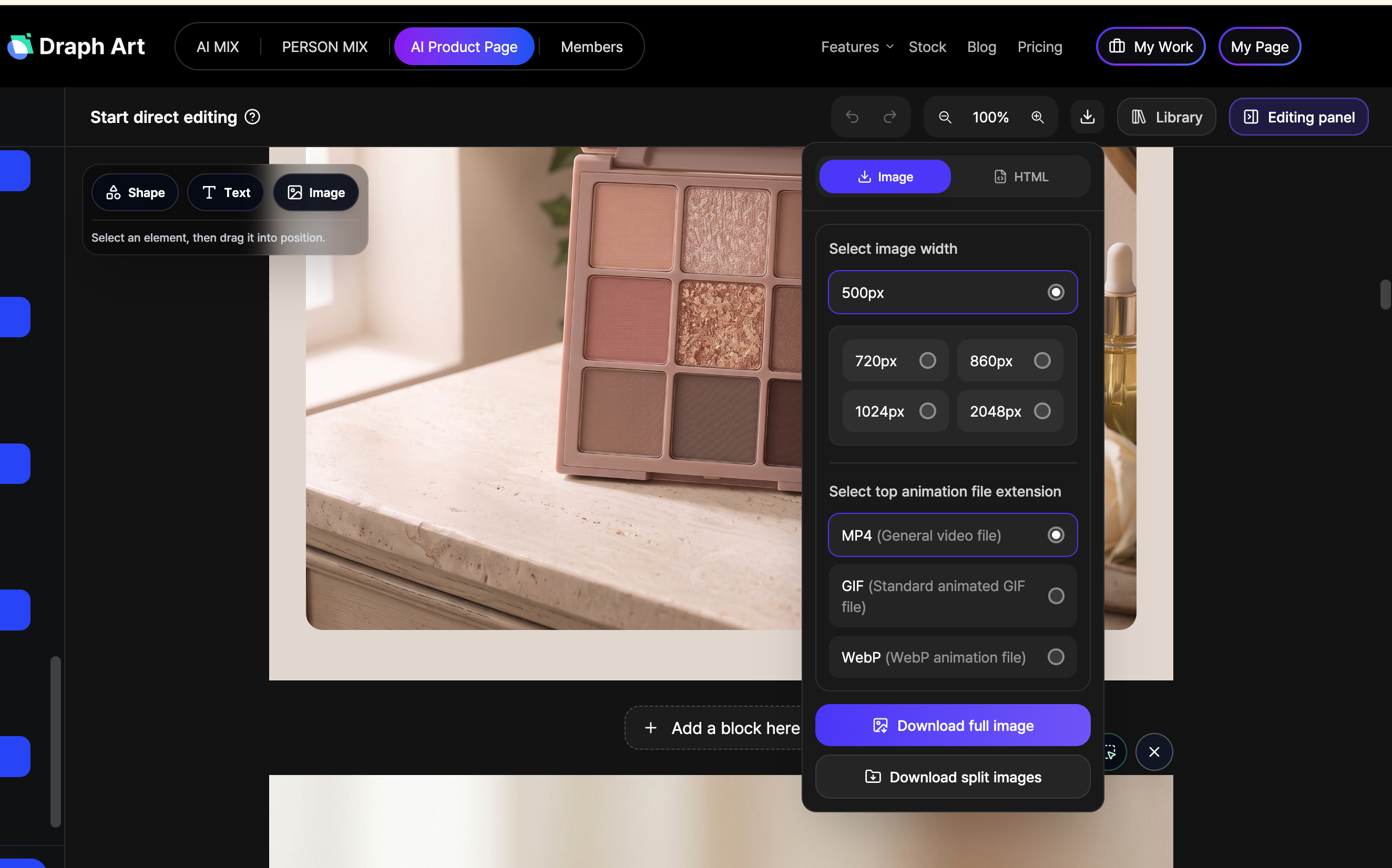
After making your final adjustments, you can export it as an image or HTML format to use right away on your online store's detail page. So, if you want to go beyond just needing AI model images and actually create images and detail pages ready for real sales, it's a good idea to check out tools that handle the steps after image generation too.
Frequently Asked Questions (FAQ)
Q1. Makeup detail page auto-generation: How long does it take?
A1: Once you drop in your product photos and basic product info, you can usually check the draft in about 3 to 10 minutes. The actual creation time might vary depending on how many images you're making and how much editing you do, but using detail page auto-generation definitely cuts down the time spent prepping photoshoots and designs separately.
Q2. Can I create various product images with just a single makeup product photo?
A2: Yep, absolutely! You can use your existing makeup product photo with AI MIX to blend it naturally with a background to create main images and product styling shots, and even expand the same product into various styles by tweaking the background and image size.
Q3. Can I use product photos that don't have a white background?
A3: Yes, you can. As long as the photo clearly shows the overall shape, color, and key design of the product, you can use regular snapshot images too. Draph Art's AI automatically recognizes the product in the image, removes the background, and lets you use high-quality images that keep the product's shape and details sharp.
.png&w=1920&q=75)