

목차
- 1.A food product detail page shouldn't just describe the product—it should offer an “online taste test.”
- 2. Why your food product page isn't leading to sales
- 3. How to structure a food detail page that boosts conversion
- 4. How to create a ‘high-converting food product detail page’ with just one photo
- Frequently Asked Questions (FAQ)

When shopping for food online, consumers can’t smell the aroma, check the texture, or taste the product like they would in a physical store. Whether it’s snacks, ingredients, coffee, tea, or beverages, they have to rely entirely on the images and text on the product page to decide if the food tastes good, if the portion size is right, and if what they’ll actually receive matches what they see on the screen.
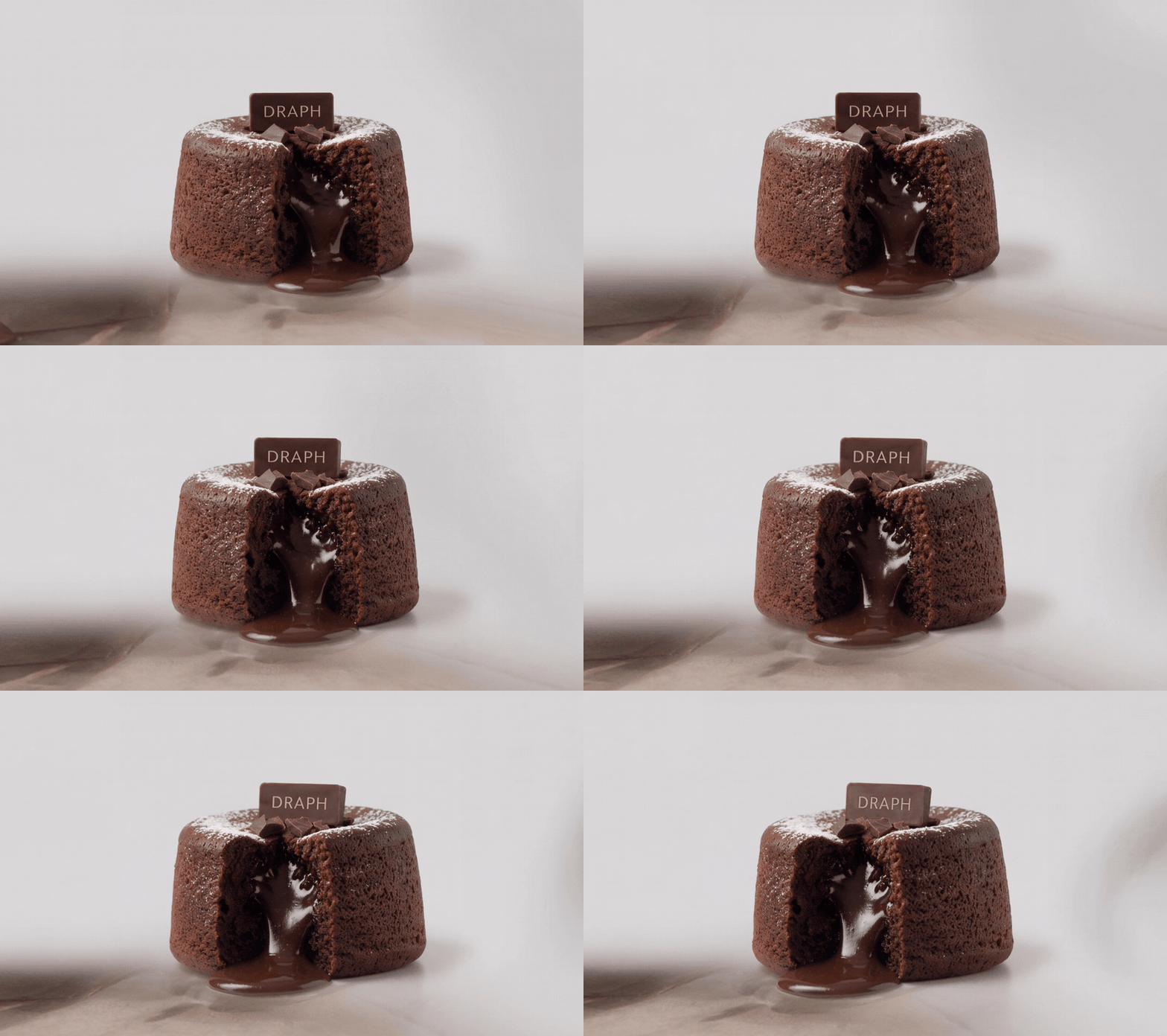
Therefore, a food product detail page must stimulate the consumer's appetite while delivering clear and trustworthy product information. The page design has a huge impact on that first impression and the final purchase decision. Draph Art is an AI service that automatically generates food product detail pages that vividly convey the taste, texture, and consumption experience using just a single product photo, all while reflecting the latest e-commerce design trends.
💡 TLDR: 3-Point Summary for Busy Readers
|
1. A food product detail page shouldn't just describe the product—it should offer an “online taste test.”
Showing just the packaging lets consumers know what the product is, but it's hard to really imagine how it tastes. For snacks, you need to show what’s inside—the texture of the crumbs or the crunch. For coffee and tea, use visuals of the drink’s color, rising steam, or the brewing process to suggest aroma and intensity. For beverages, capturing ice, bubbles, condensation on the glass, or the act of pouring makes the product feel refreshing and cool.
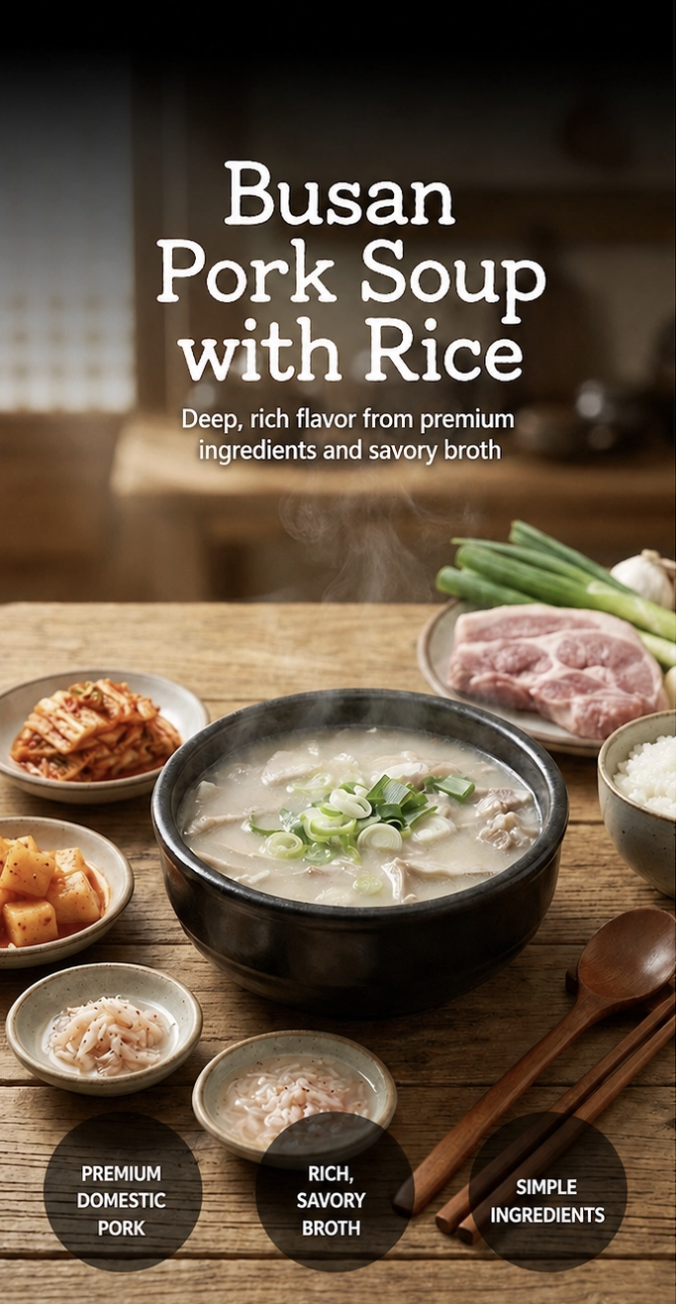
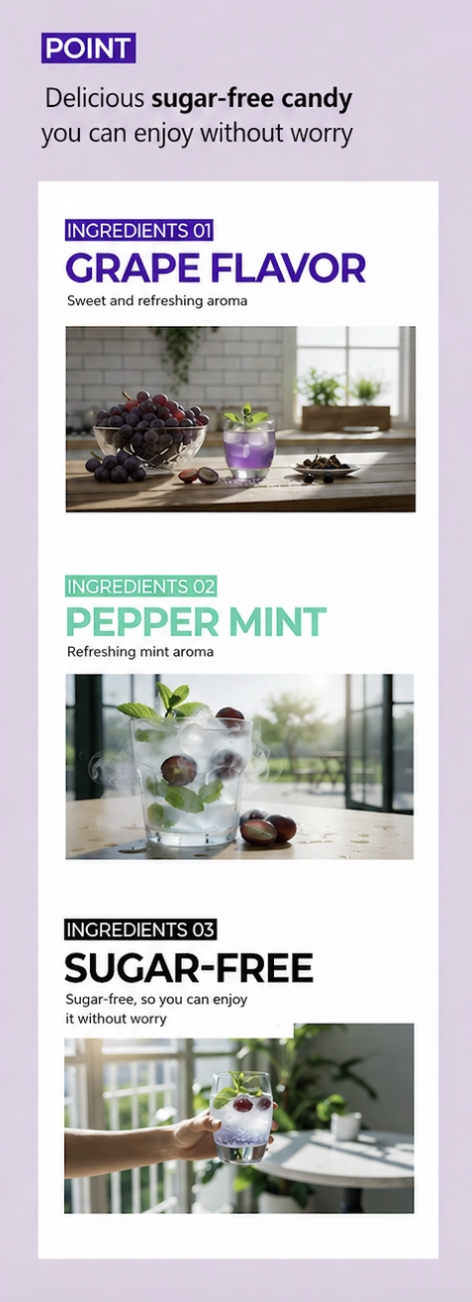
So, you don’t need to pack every single piece of information into the top of the page. Instead, you need to answer these three questions quickly:
- What are the flavors and textures?
- When is the best time to enjoy this?
- Why should the customer keep looking at this product?
Consumers can't actually taste the product through your page, but by using the right imagery, usage scenes, and specific copy, you can help them vividly imagine the taste and the experience of eating it.
2. Why your food product page isn't leading to sales
Just because a product looks tasty doesn't mean a consumer will buy it. Often, the reason for hesitation isn't that you failed to stimulate their appetite, but that the product page failed to answer their specific questions.
First, avoid vague flavor descriptions. Using words like “tasty,” “fresh,” or “refreshing” makes it hard for shoppers to know if it fits their palate. Instead, be specific—describe the balance of sweet and sour, the crunch, the mouthfeel, or the aftertaste so they can truly imagine it.
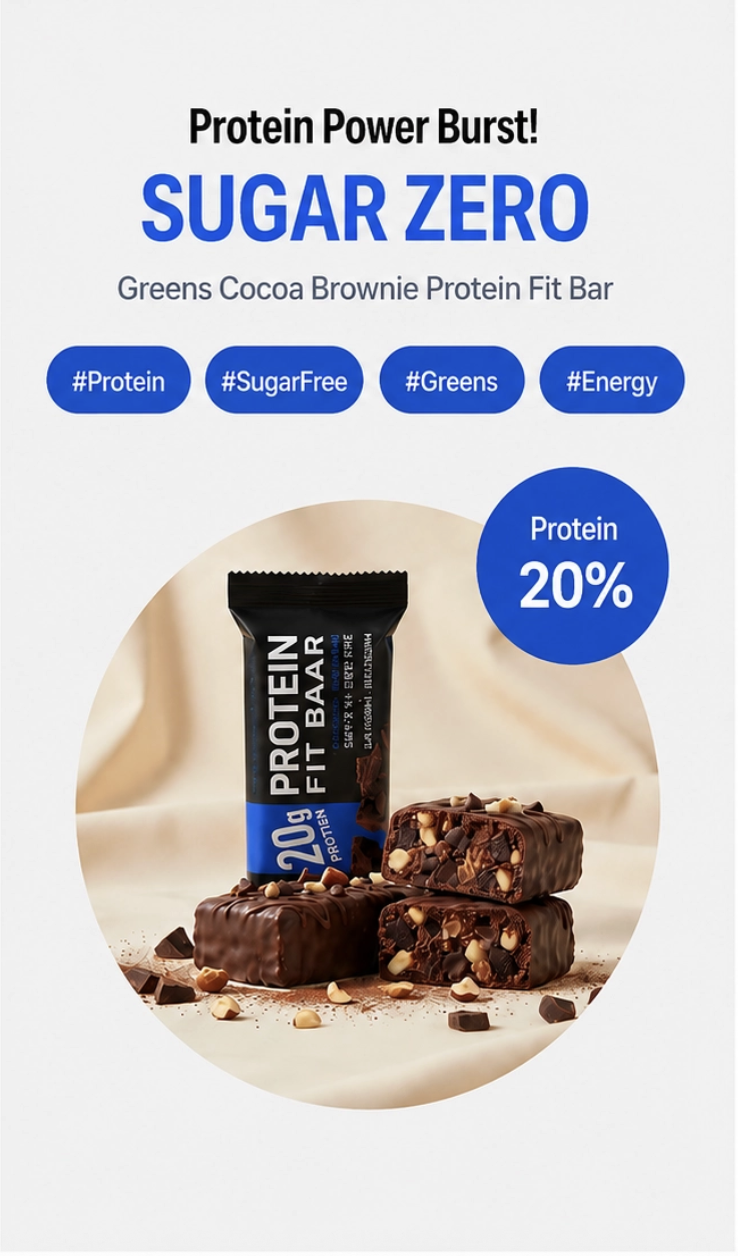
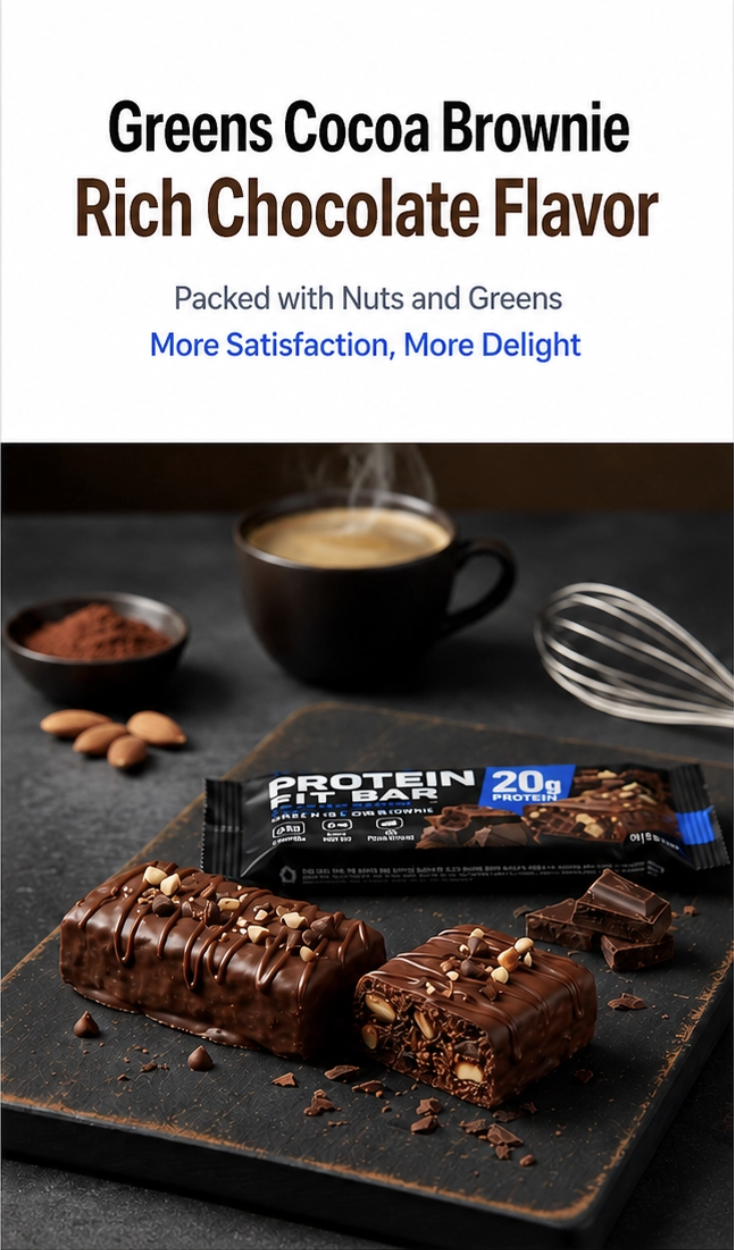
Sometimes, pages lack the information needed to judge the product. If a customer can't see the contents, the size of a single unit, or the actual portion size, they get anxious that what arrives might not match their expectations.
Also, food is about safety. Providing clear information on ingredients, nutrition, serving suggestions, storage, and shipping helps consumers decide whether they can trust the product.
Stimulating appetite is just step one. To turn interest into an order, you have to answer: “Is it tasty?”, “How much is it?”, “How do I eat it?”, and “Is this brand trustworthy?”
3. How to structure a food detail page that boosts conversion
A high-converting product page isn't about having the most images or the longest descriptions. It’s about providing the right information in the order that shoppers actually use to make decisions.
The top of the page should grab attention and explain the core benefits. The middle should show the actual contents, portion size, and how to eat it. The bottom should cover ingredients, storage, shipping, and disclaimers to ease any final worries before checkout.
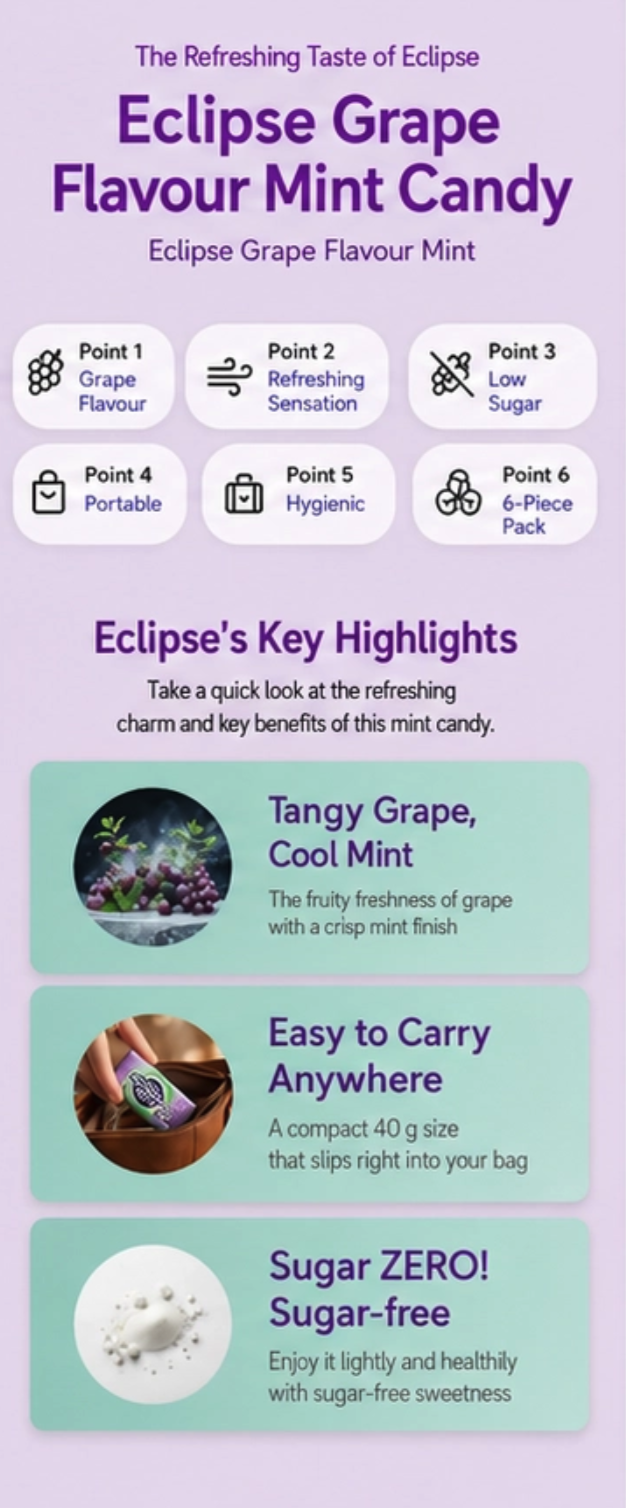
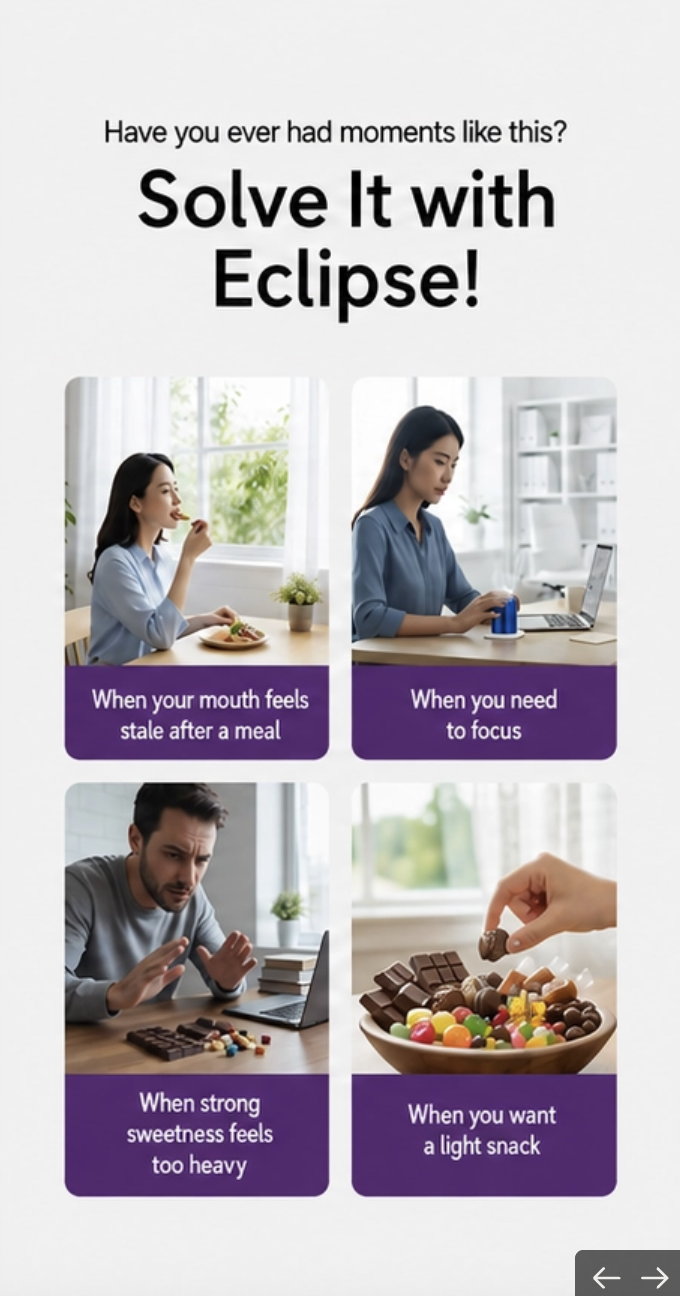
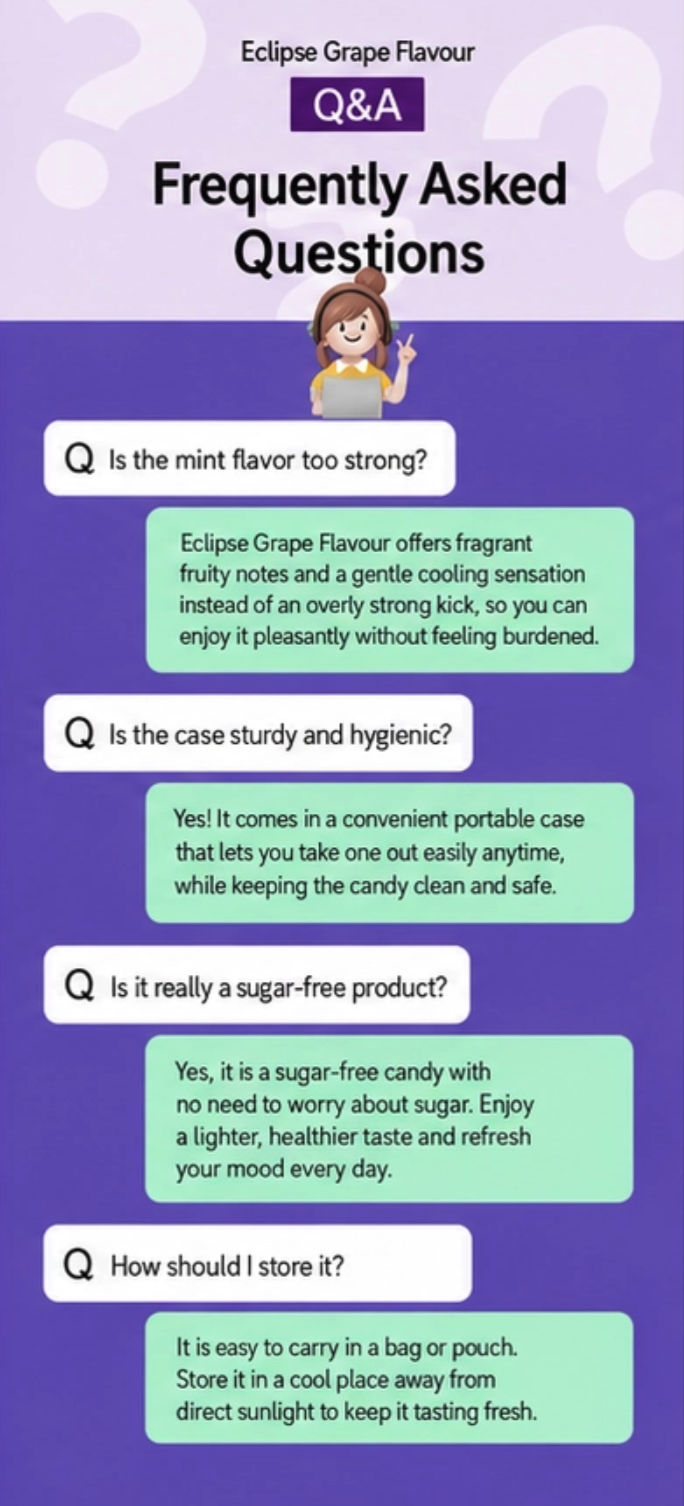
Visual design is just as important as the content order. There should be a clear hierarchy between images, headers, and text so key selling points are easy to spot at a glance. Don’t make shoppers hunt through walls of text to find what they need.
You should also highlight different reasons to buy based on the product type. For snacks, connect them to relaxing at the office, watching movies, or being on the go. For ingredients, show the “before and after” of cooking. For coffee and tea, highlight moments like a morning start, a mid-work break, or a quiet afternoon. For drinks, show them being enjoyed on a hot day, after a workout, or paired with a meal.
When shoppers can easily see the product fitting into their daily life and can find the info they need without effort, you'll see fewer people leaving the page and more people clicking ‘buy.’
4. How to create a ‘high-converting food product detail page’ with just one photo
1) Why does the traditional way of making food detail pages take so long?
Traditional production usually involves buying ingredients, props, and tableware, setting up a shoot, writing copy, and designing the page as separate, time-consuming tasks. For brands with many flavors, sizes, or packages, every new launch or update means restarting the whole process.
| Comparison | Traditional Detail Page Production | Using Draph Art |
| Getting Ready | You need to organize product data and prepare ingredients, tableware, backgrounds, and any props for the shoot. | Simply upload one product photo and enter basic information like the product name and target audience. |
| Product Shooting | You have to take separate shots of the packaging, contents, texture details, and consumption scenes. | AI generates the main visual, contents, texture details, and consumption scene images for you. |
| Copywriting | You need to write down the taste, texture, how to eat, and sales points separately. | It automatically generates easy-to-understand sales copy for consumers based on the product info you entered. |
| Page Layout | You have to plan the order of everything yourself, from the landing screen to product info and FAQs. | It automatically structures the product detail page to match the customer's buying journey. |
| GIF Creation | You need to use separate video or GIF editing software. | You can generate moving images like pouring drinks, bubbles, or flowing sauce right within the detail page creation process. |
| Production Time | It takes a long time since you have to handle shooting, copywriting, and design separately. | You can create a draft with images, copy, and layout in about 3 to 10 minutes. |
| Editing Method | Even for small changes, you might have to reshoot or re-edit the entire layout. | You can select and modify or regenerate only the specific images, text, or page modules you need. |
| Exporting | You have to manually resize and reformat files to fit different sales channels. | You can export the final result as images or HTML to easily use for further editing and posting. |
2) How to Create Food Detail Pages with AI
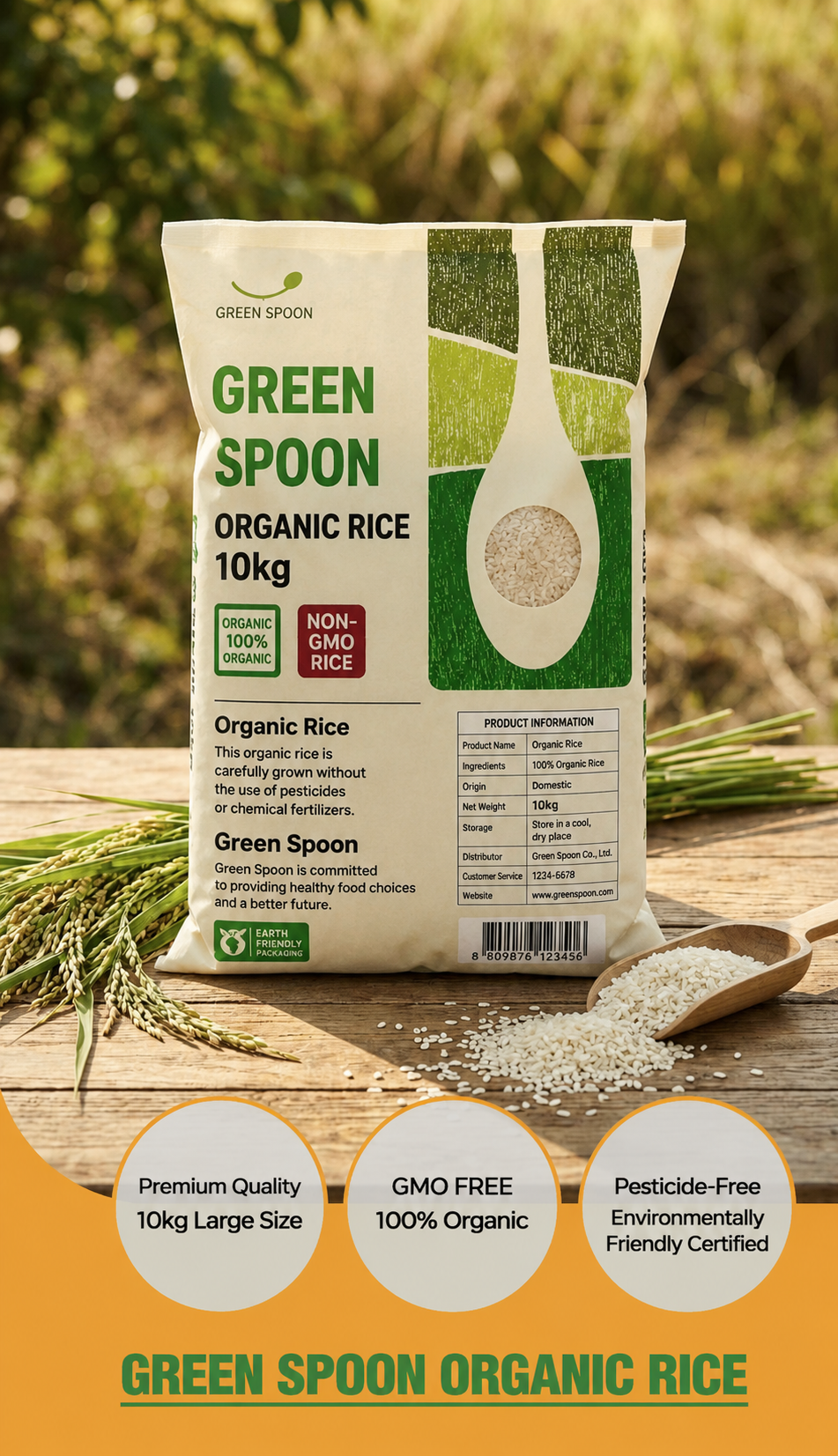
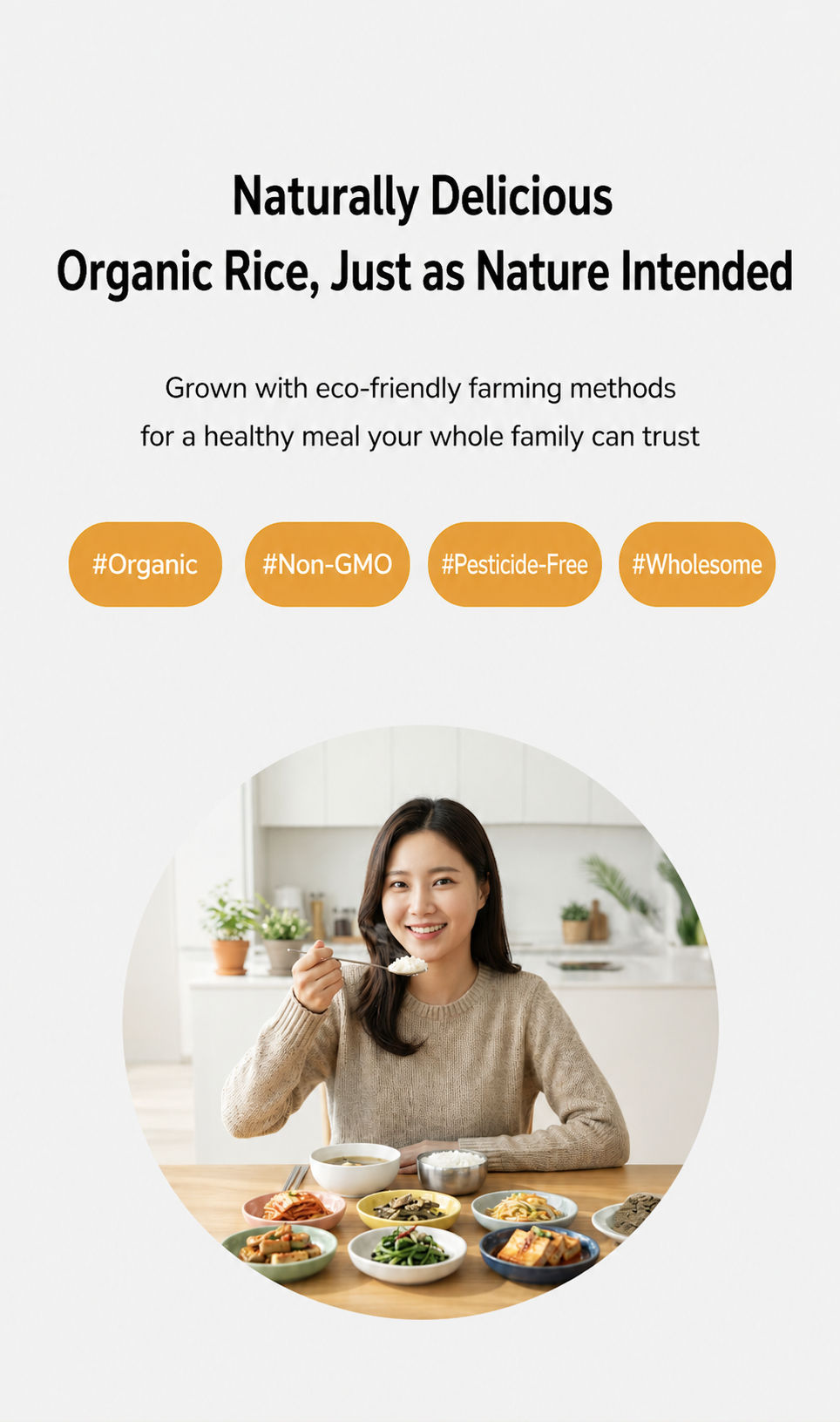
With Draph Art, all you need to do is upload one product photo and enter basic details like the product name and target audience. Then, the AI automatically creates various types of content perfect for food detail pages tailored to each product's key selling points.
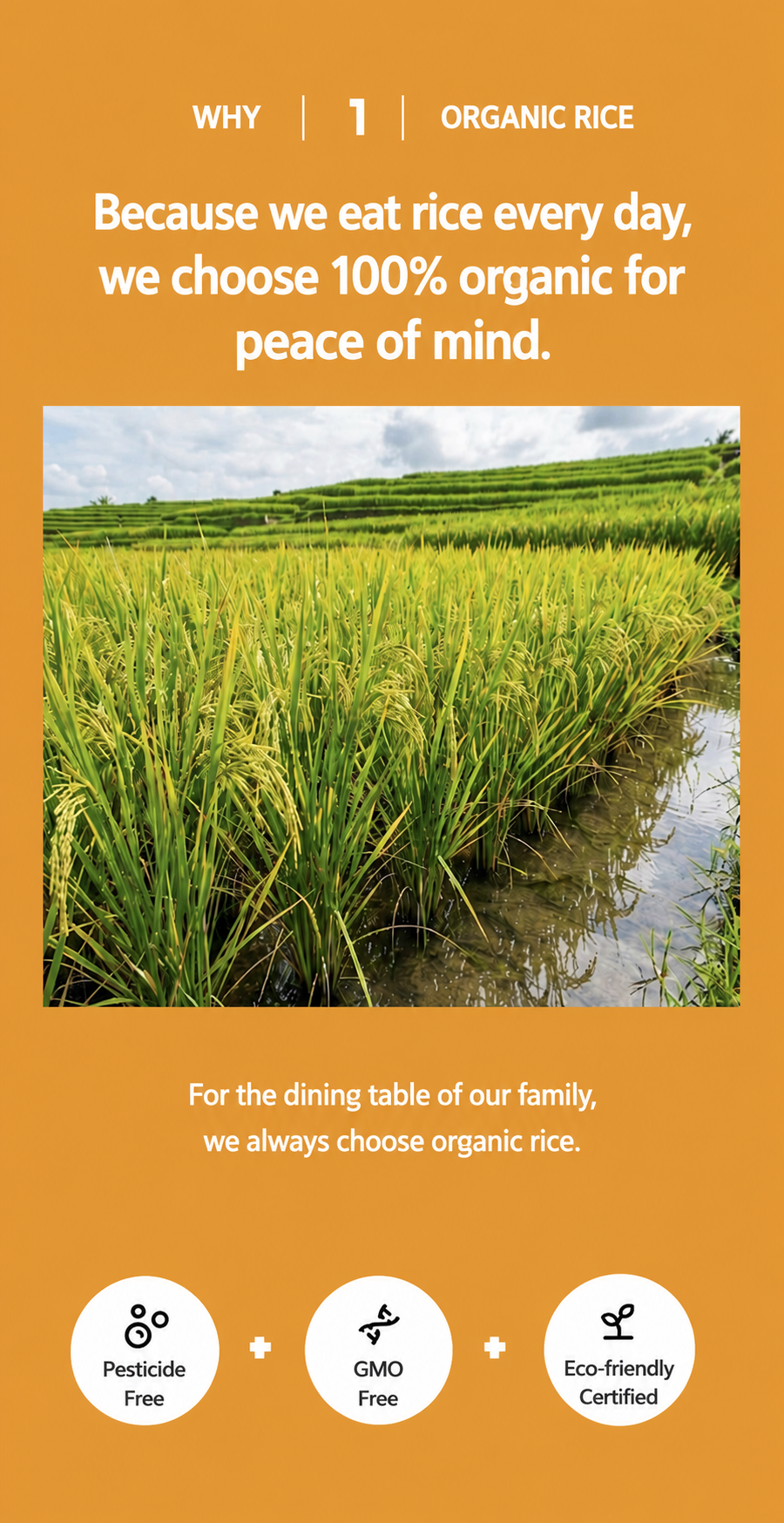
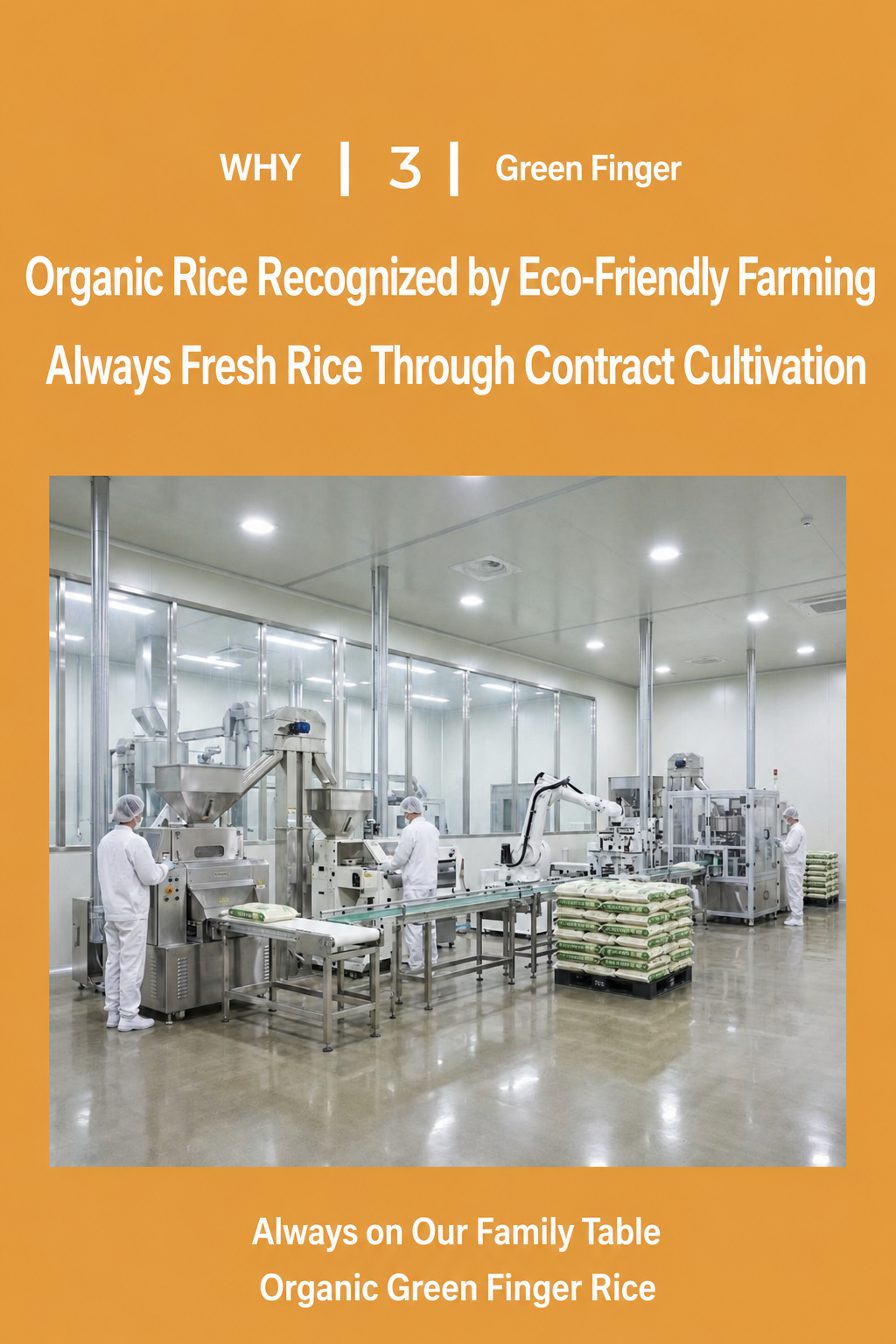
Based on the info you provide, you can bring to life everything from the main food visuals and texture close-ups to sales copy and a page structure designed for a smooth customer shopping experience. Since every food item has different features to highlight, the final content and how it's presented change depending on the product details and your specific goals.

During the detail page creation, you can also instantly generate GIF-style moving images for the main hero section, so you don't need any separate video editing or animation tools. By showing off effects like pouring drinks, rising bubbles, flowing sauce, slicing desserts, or brewing coffee, you can show the texture and appetite-appeal of the food more intuitively, grabbing the shopper's attention the moment they land on your page.
Once the generation is finished, you can edit just the images, text, or modules you don't like, and export the final result as images or HTML.
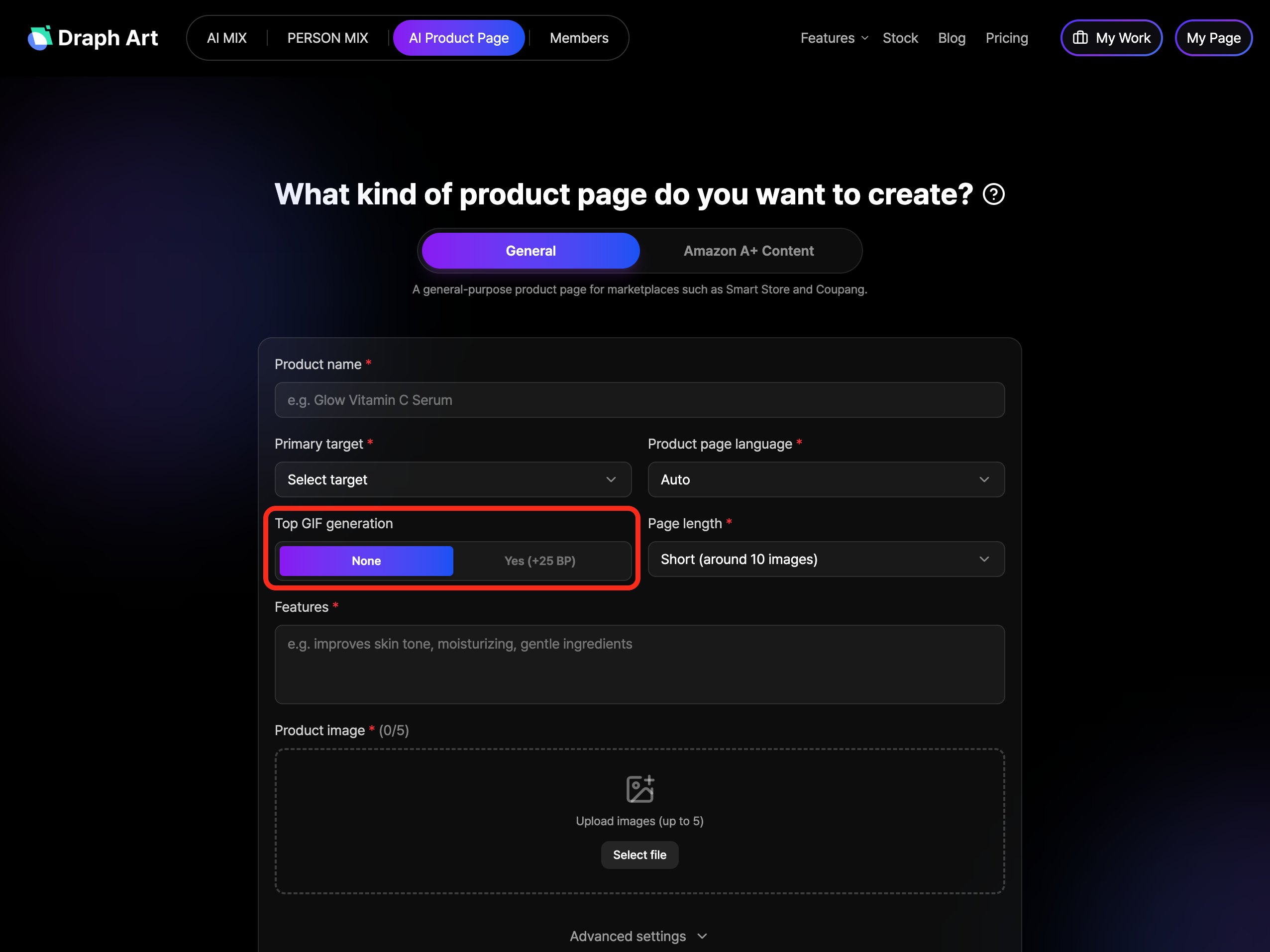
Give it a try right now!
👉 [Try Draph Art Detail Page Maker https://draph.art/en/detail-page-maker]
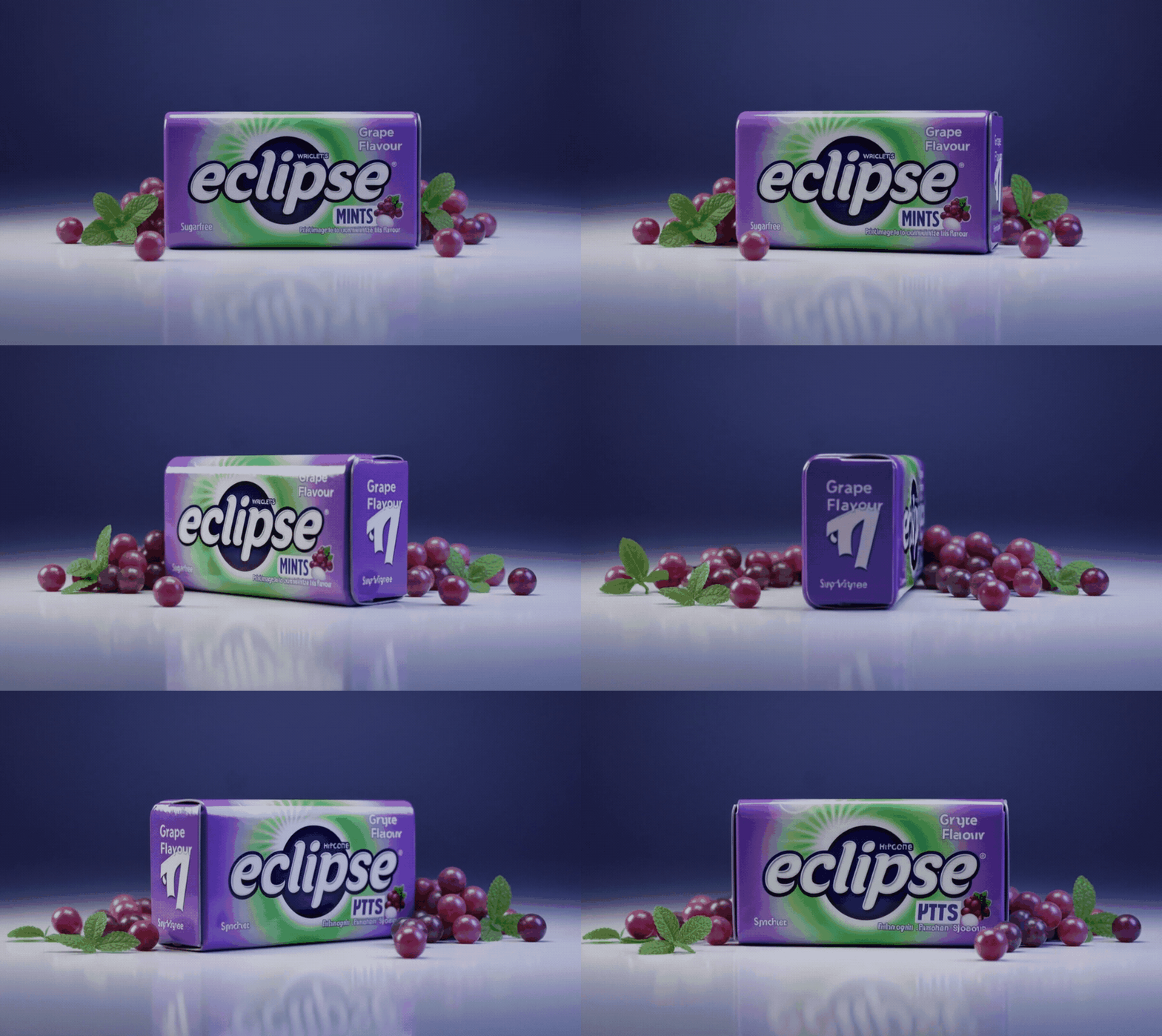
Frequently Asked Questions (FAQ)
Q1. Do I need to write complex prompts myself?
A1: Nope! You don't have to deal with complicated prompts. Based on the product info you provide, it automatically generates images, sales copy, and the entire product detail page layout for you.
Q2. Can I also create GIFs for the main product page?
A2: Yes, you can! You can create GIF images right within the detail page creation process without needing any separate video or GIF editing software. Depending on your product, you can show various movements like pouring drinks, rising bubbles, flowing sauce, or brewing coffee.
Q3. Can I edit or use the results right away?
A3: Yes, you can. After reviewing the generated images, text, and page layout, you can edit just the parts you need or regenerate them. Once you're happy with the results, you can export them as images or HTML to use directly on your product page.

.png&w=1920&q=75)
.png&w=1920&q=75)