
.png&w=1920&q=75)
목차
- Coupang Benchmarking Point 1: The 'Initial Hook' to stop scrolling in 3 seconds (F-pattern eye tracking)
- Coupang Benchmarking Point 2: Analyzing competitor '1-star reviews' to connect with your target audience
- Coupang Benchmarking Point 3: The intuitive 'USP 4-Grid' layout to replace walls of text
- Coupang Benchmarking Point 4: Strategic placement of 'trust signals' (CTA) to remove pre-purchase hesitation
- The silent enemy behind a perfect plan for solo sellers: The visual barrier of 'studio rentals and model hiring'
- "Outdoor lifestyle shots, living room model photos..." Why those fancy plans you write in your proposal end up being useless
- Why using basic templates in Canva or Miricanvas holds back your brand's unique style
- Losing sales because you missed the product launch window due to expensive photo shoots and long wait times
- Draph Art: Create high-quality product images in 3 minutes without needing prompts
- Draph Art FAQ

The first step to building a store that drives sales is to benchmark your competitors' top-selling product detail pages. Especially on platforms like Coupang where purchase decisions happen in a blink, a layout that grabs attention and a smart psychological design are the keys to boosting your conversion rate. If you want to create a successful product page for Coupang, don’t just blindly copy pretty designs. Instead, you need to benchmark their pages by applying a proven 5-step persuasion structure to your own product.
However, even if you have a perfect plan, you’ll lose sales to your competitors if you get stuck waiting because of high costs for shooting and editing. Draph Art is an AI-powered product page generator for online stores that takes care of everything—from planning and copywriting to creating custom images and laying out the final design—all starting from just one simple raw photo.

💡 TL;DR: 3-Point Summary for Busy Sellers
- Even if you do your best to benchmark competitors and draft a great plan, actually shooting and editing high-quality photos takes a ton of time and money.
Relying on generic templates from tools like Canva or MiriCanvas can hurt your brand's unique edge, and the costs of renting studios or hiring models are a huge burden for solo sellers.
With the high-performance AI engine Draph Art, you can skip the complex prompting. Just upload one photo, and in 3 minutes, it will automatically generate high-quality product images and a full-page layout, helping you maximize your traffic and conversions.
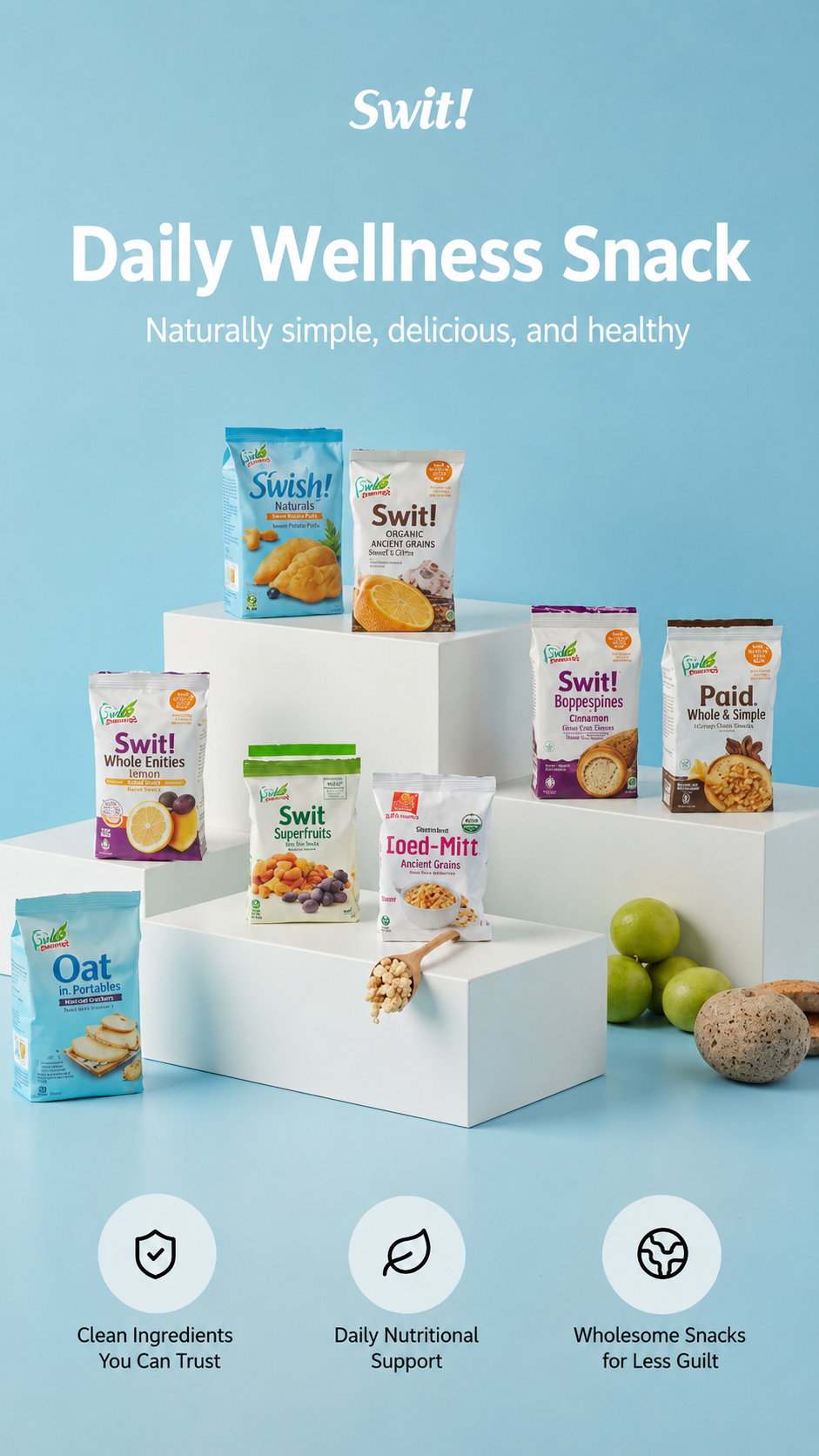
Coupang Benchmarking Point 1: The 'Initial Hook' to stop scrolling in 3 seconds (F-pattern eye tracking)
The key to mobile optimization: Using a 'Problem-Solving' image structure that triggers a reaction in the customer's mind
Over 90% of Coupang shoppers search and buy on mobile devices. Since mobile screens are narrower than PC screens and people scroll through them super fast, you'll see your bounce rate skyrocket if you don't grab their attention right away. Successful power sellers on Coupang use a 'Problem-Solving' image approach in the first 3 seconds of their pages. Instead of just showing off the product, they hit the customer’s pain points with visuals and short questions, like: "Still waking up with a puffy face?" or "Does your wrist hurt because your old tool is too heavy?"
Using the 'F-pattern' layout to keep eyes focused and reduce bounce rates by over 80%
When people look at a screen, their eyes naturally follow an 'F-pattern'—moving from the top left to the right, then down. Top 1% sellers take full advantage of this. They place a high-impact visual on the top left to hook the viewer, and a punchy, easy-to-understand headline on the right. This F-pattern layout, which builds empathy before the user even scrolls, is a proven method to slash your page bounce rate by more than 80%.
Coupang Benchmarking Point 2: Analyzing competitor '1-star reviews' to connect with your target audience
Smart sellers find opportunities in the enemy's weaknesses: Collecting and categorizing negative competitor reviews
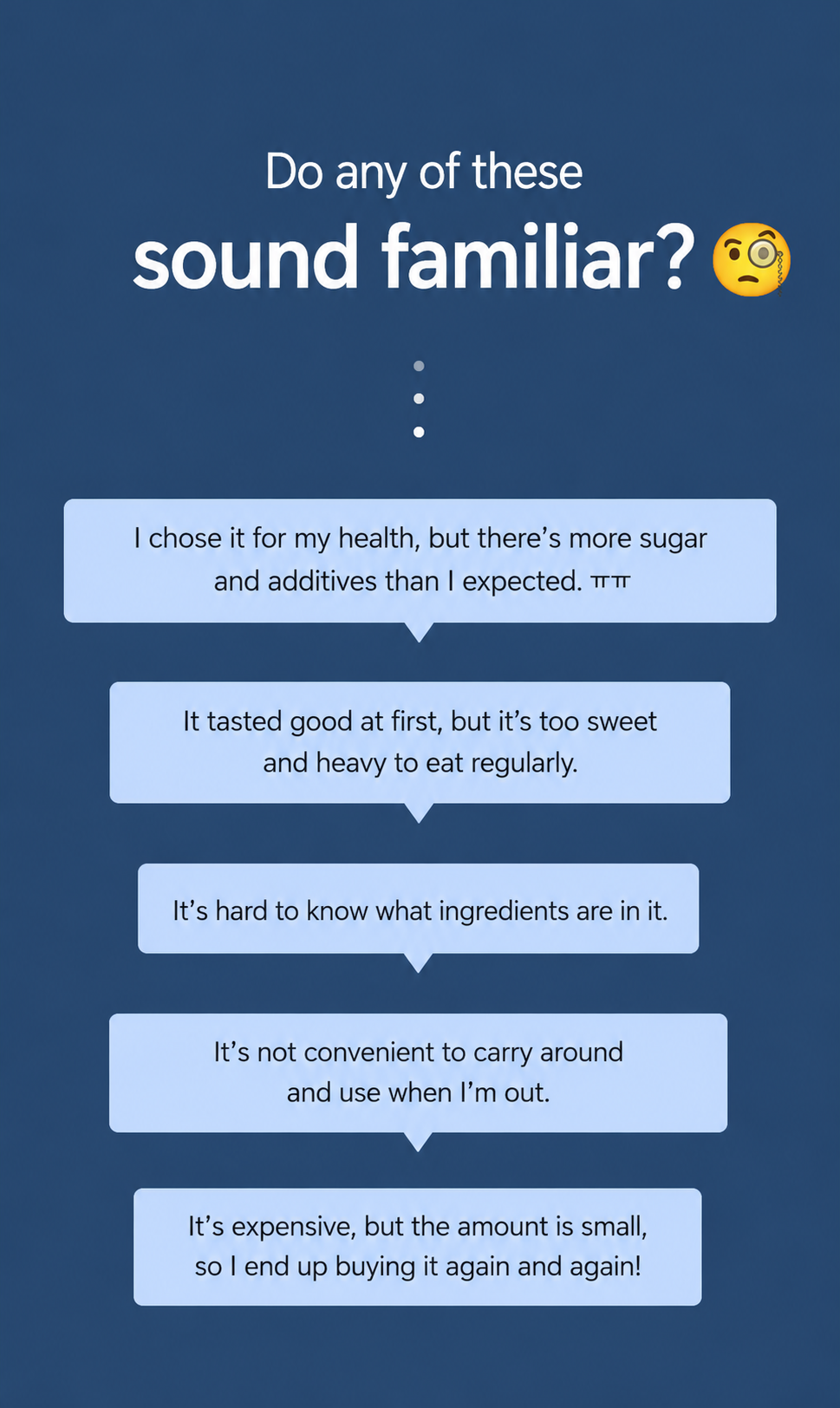
The secret to effective benchmarking isn't just copying a pretty design, it's about identifying the 'customer complaints' they haven't solved and making that your secret weapon. Open the reviews tab for top competitors in your category and filter for 1-star and 2-star reviews. You’ll find raw complaints like "The performance is good, but it's too noisy," "The packaging was bad and it arrived dented," or "The strap breaks too easily." Collect at least 50 of these negative reviews and group them by categories like noise, convenience, or build quality.
Building a story that builds trust by turning complaints into your unique selling points (USP)
Once you've collected and sorted those negative reviews, it's time to boldly announce on your page, "We have completely fixed these problems."
For example, if you're selling a fan, you could say, "Still losing sleep because of that annoying rattling noise? Our product features a patented silent motor that's quieter than a library." By flipping your competitor's biggest weakness into your own USP, you directly address what the customer has been struggling with, which instantly builds major trust.
Coupang Benchmarking Point 3: The intuitive 'USP 4-Grid' layout to replace walls of text
Nobody reads long paragraphs: Visual-focused information delivery to boost mobile readability
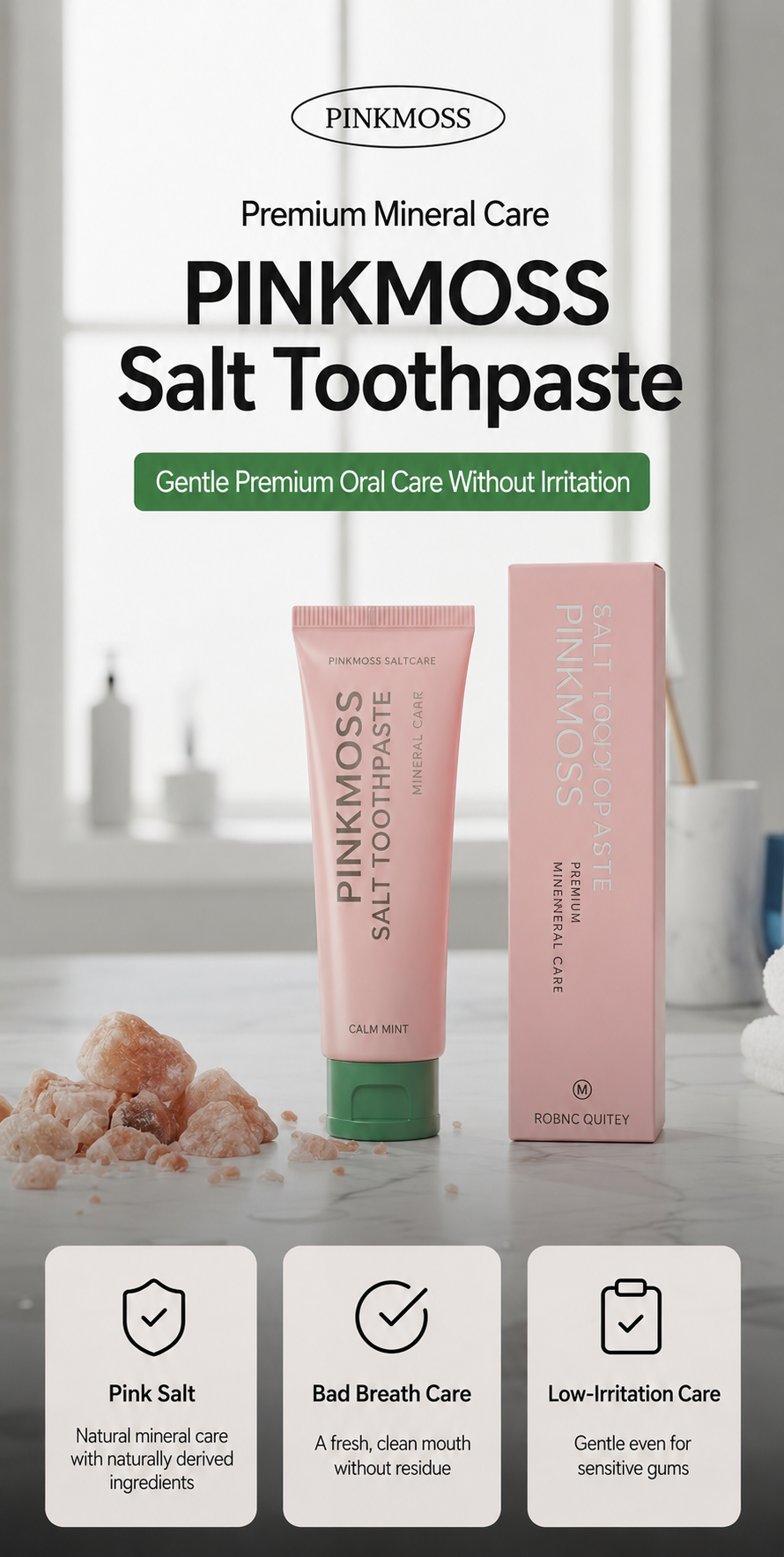
One huge mistake beginner sellers make is cluttering their page with dense paragraphs of product specs or features. On mobile, big blocks of text are a nightmare to read and a surefire way to make customers keep scrolling past your content. Modern consumers don't 'read' product pages—they 'scan' them. You need to strip away the heavy text and replace it with high-quality visuals and intuitive icons so the info hits them instantly.
Using a square grid layout and white space to make your core selling points easy to understand at a glance
When listing multiple selling points, a 4-grid square or rectangular layout is way more effective than a long vertical list. This grid structure fits perfectly on a single mobile screen, looks clean, and makes it super easy to compare features. Each grid area should blend these elements perfectly:
- Ultra-close-up product shots: Showing off textures or finishings so they can see the quality for themselves.
- In-action shots: Lively visuals that capture the product in use.
- Core keyword badges: Short, punchy badges summarizing selling points, optimized for e-commerce trends.
- Proper negative space: Using enough white space so your content doesn't feel cramped and has room to breathe.
Coupang Benchmarking Point 4: Strategic placement of 'trust signals' (CTA) to remove pre-purchase hesitation
A powerful nudge for that 'Should I buy this?' moment: Screenshots of reviews and authentic feedback layouts
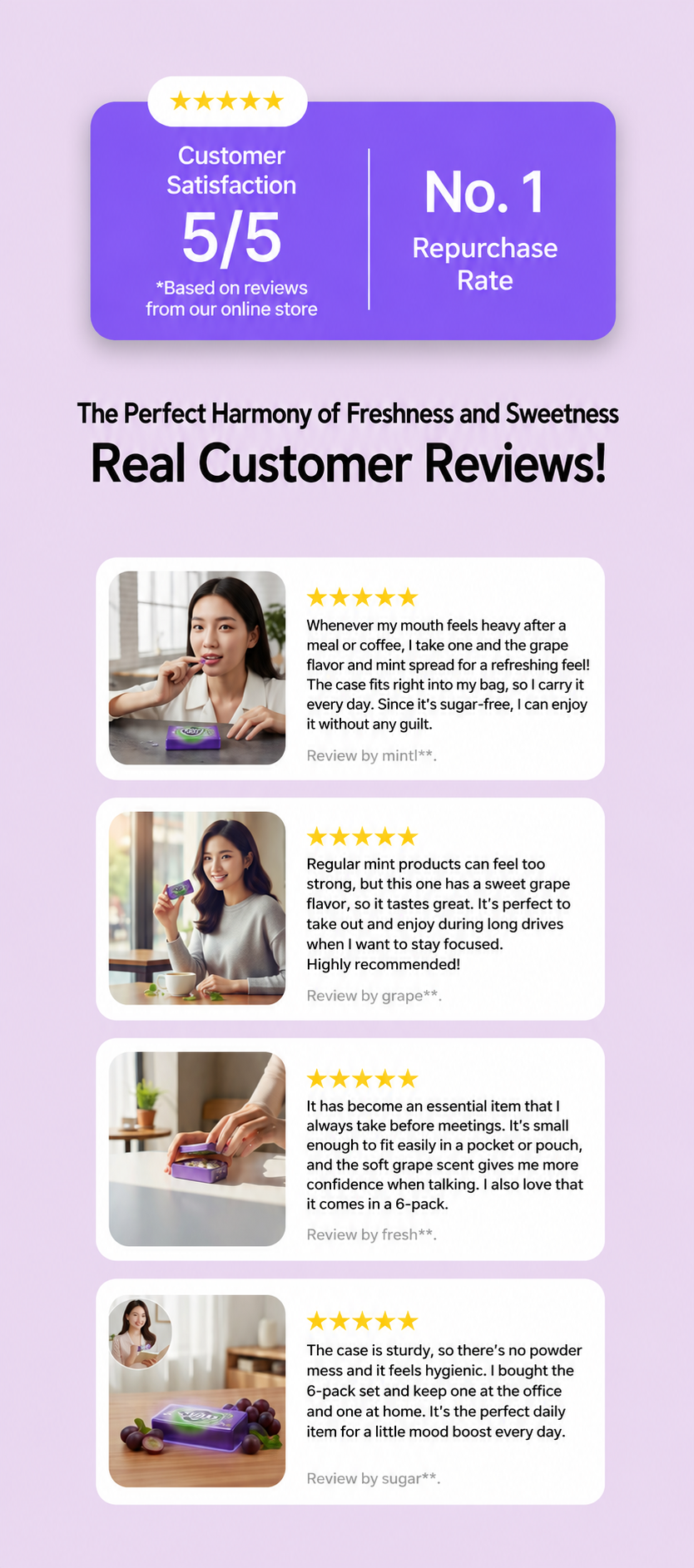
Once a customer has scrolled through and understood all the benefits, they’re left with one final doubt: "Is it really as good as this ad says? Am I going to waste my money?" This is where social proof bridges the gap. Placing screenshots of actual high-rating customer reviews near the bottom of your page, right before the checkout button, is the best way to boost your conversion rate. Turning the number of total reviews and positive feedback into a card-news style layout will magically lower their psychological resistance.
How to break down the last bit of doubt with return policies and quality guarantees
The feature Coupang customers love most is the 'Rocket Wow' return policy. In the very last section, clearly display phrases like "100% money-back guarantee" along with official certificates, test reports, or quality assurance documents. By silently signaling, "We’re so confident in our product quality," you build a protective barrier that gives customers the peace of mind they need to click that 'Buy' button without hesitation.

The silent enemy behind a perfect plan for solo sellers: The visual barrier of 'studio rentals and model hiring'
"Outdoor lifestyle shots, living room model photos..." Why those fancy plans you write in your proposal end up being useless
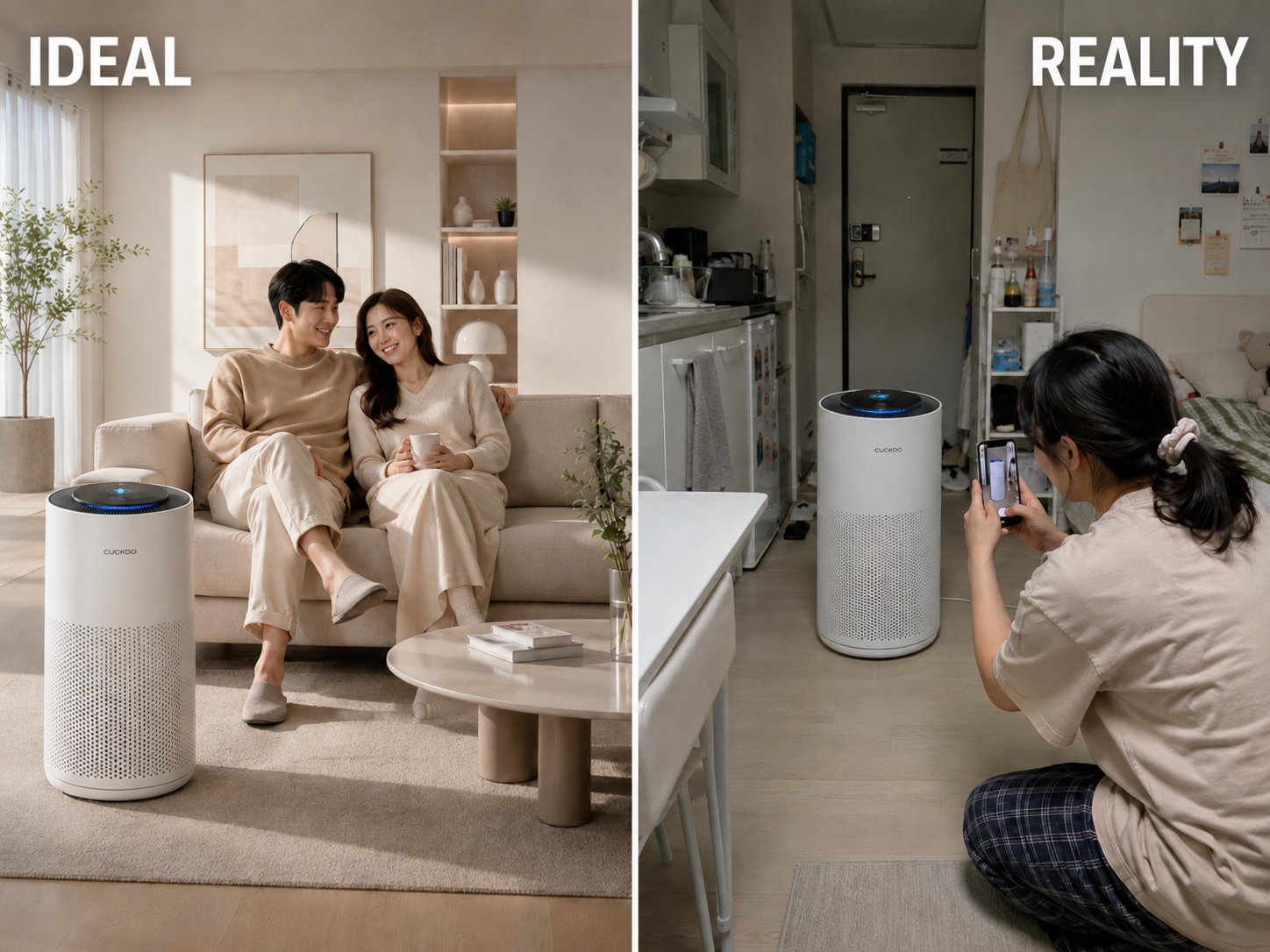
Even if you’ve come up with the perfect plan by benchmarking successful product page designs, many solo sellers and small business owners run into huge real-world walls when they start production. You might have written fancy guidelines like "a shot of a friendly couple using the product in a modern living room" or "outdoor lifestyle shots in natural sunlight," but in reality, most people are stuck with low-quality, poorly lit photos taken on a smartphone in the corner of a room.
Why using basic templates in Canva or Miricanvas holds back your brand's unique style
Sellers who aren't experts in design tools usually turn to free template-based sites like Canva or Miricanvas. Sure, they're fast, but since you have to force your product into the same boring templates that thousands of your competitors are already using, there’s a clear limit to how much you can make your brand identity stand out.
Losing sales because you missed the product launch window due to expensive photo shoots and long wait times
If you try to get the quality you want by renting a professional studio and hiring models and photographers, you'll spend thousands of dollars. From scheduling the shoot to waiting for the retouched photos to build your product page, it takes days or even weeks. In the end, you waste the perfect opportunity to enter the market early and grab sales, leading to lost revenue.
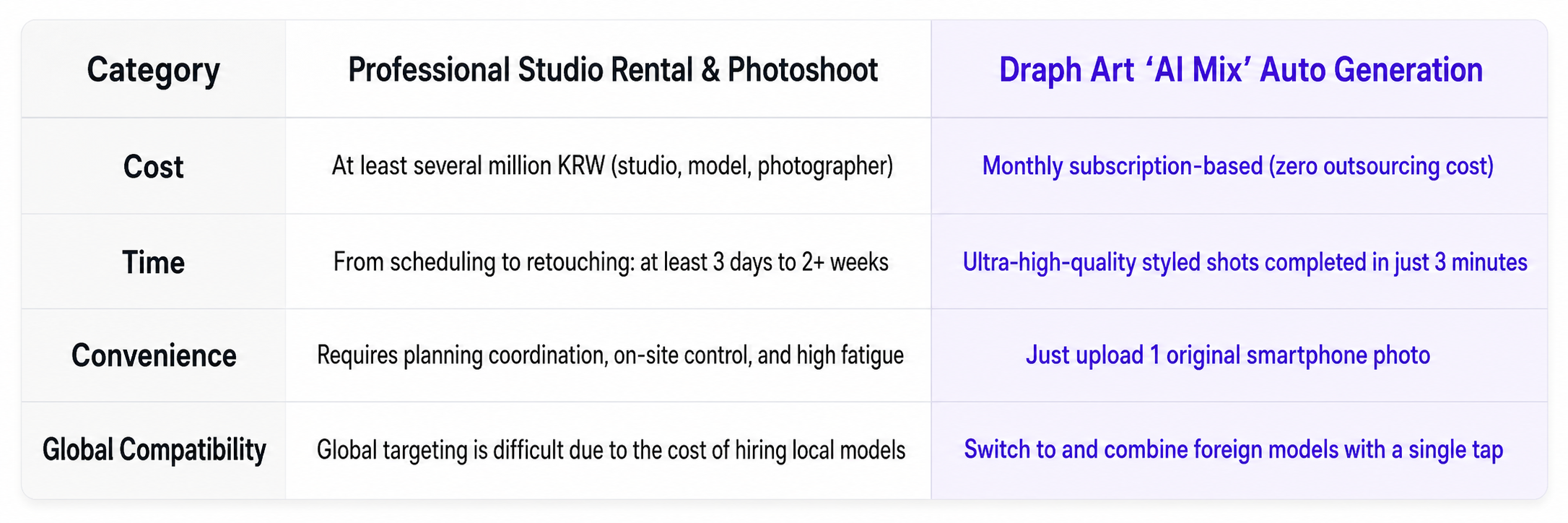
| Category | Professional Studio Rental & Shooting | Draph Art Automated Product Photography |
|---|---|---|
| Cost | At least several thousand dollars (studio, models, photographer fees) | Monthly subscription (zero outsourcing costs) |
| Time Required | At least 3 days to 2 weeks for scheduling and retouching | High-quality product photos in just 3 minutes |
| Ease of Work | High stress from managing plans and controlling the shoot | Just upload one raw smartphone photo and you're done |
| Global Compatibility | Impossible to target global markets due to high costs of hiring local models | Switch to foreign models and mix & match with one touch |
Draph Art: Create high-quality product images in 3 minutes without needing prompts
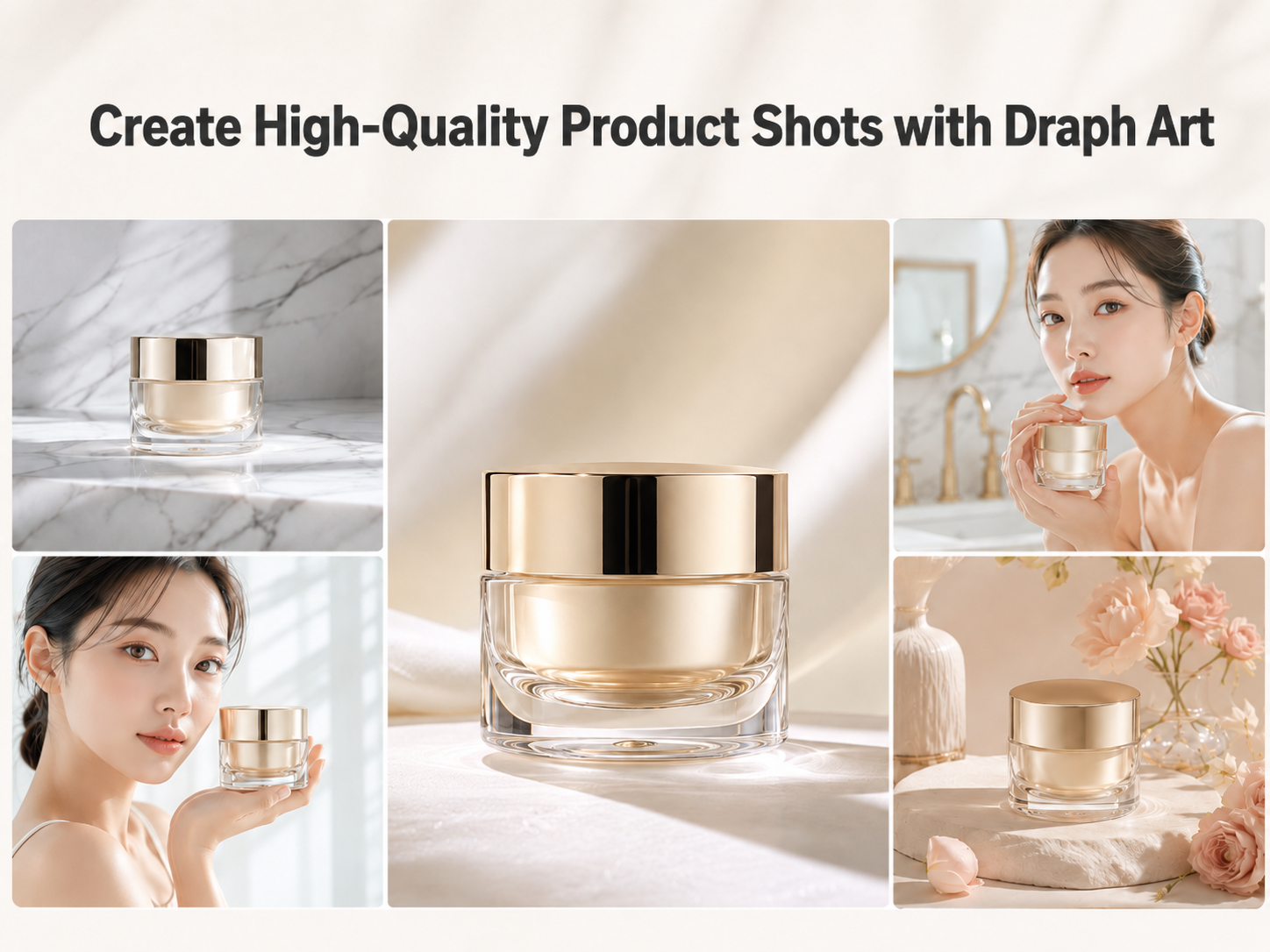
Just one raw photo from your smartphone is enough—breaking down barriers for sellers without design or coding skills

A solution has arrived to help you overcome these visual production bottlenecks and budget issues. It’s Draph Art, an AI that automatically generates product pages for e-commerce. Draph Art doesn't need Figma or complex 'Vibe Coding' or high-level design skills. You don't even need to write complicated English text prompts. Just upload a single raw photo you took with your smartphone on your desk, and you're all set.
→ Create product photos with Draph Art AI MIX
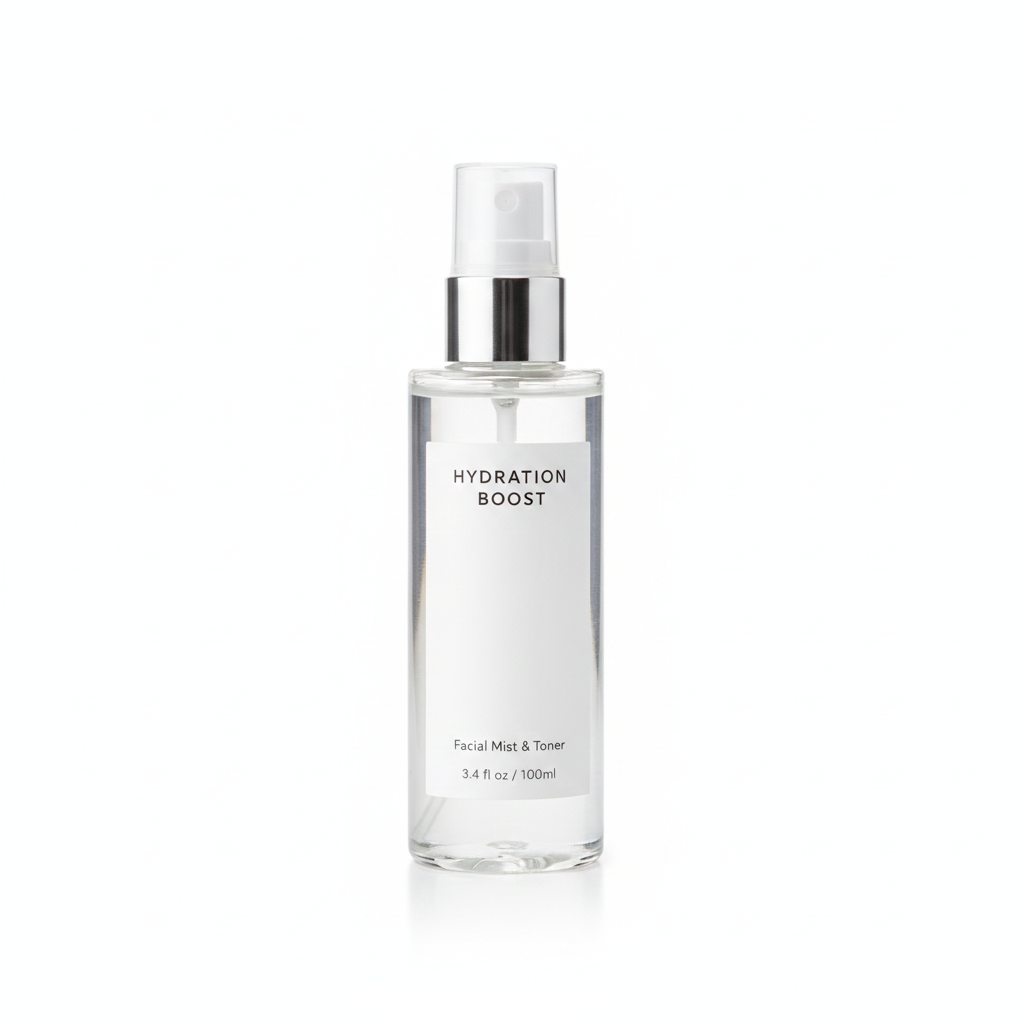
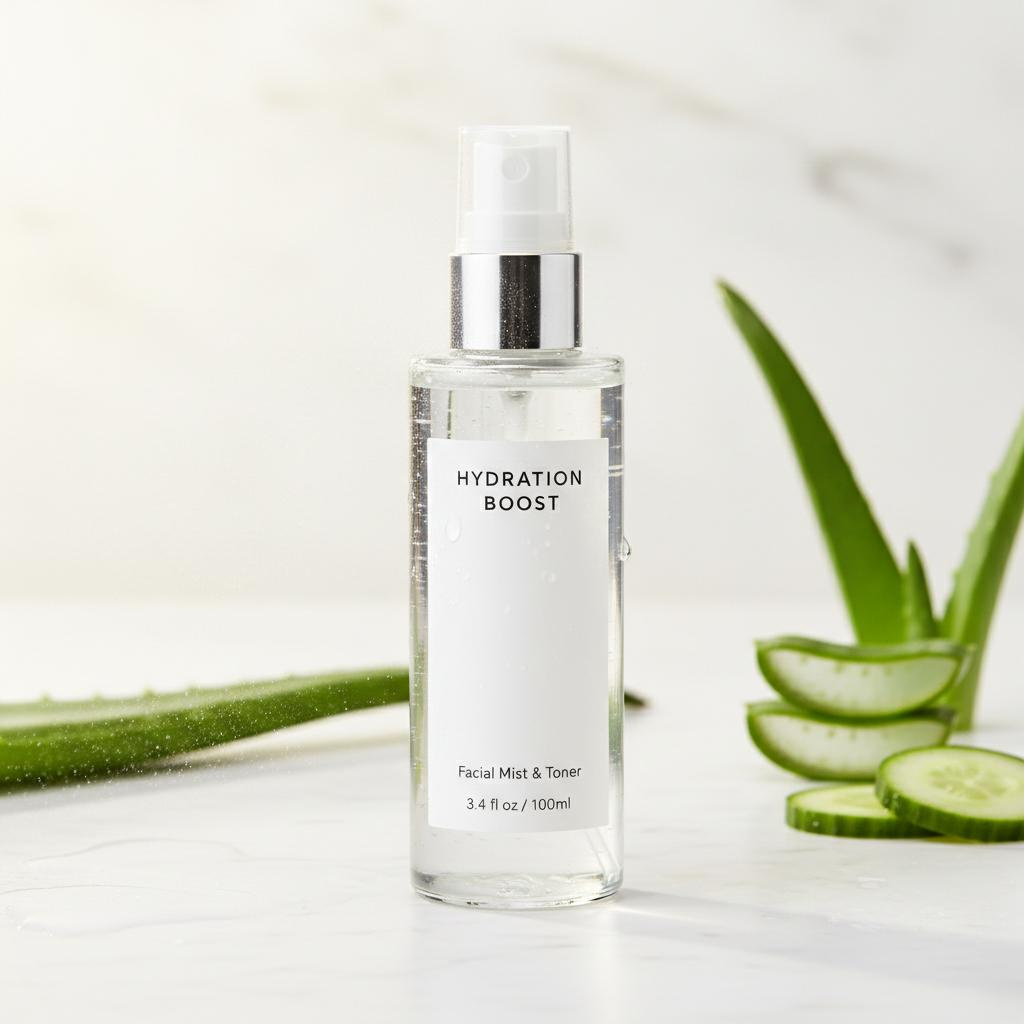
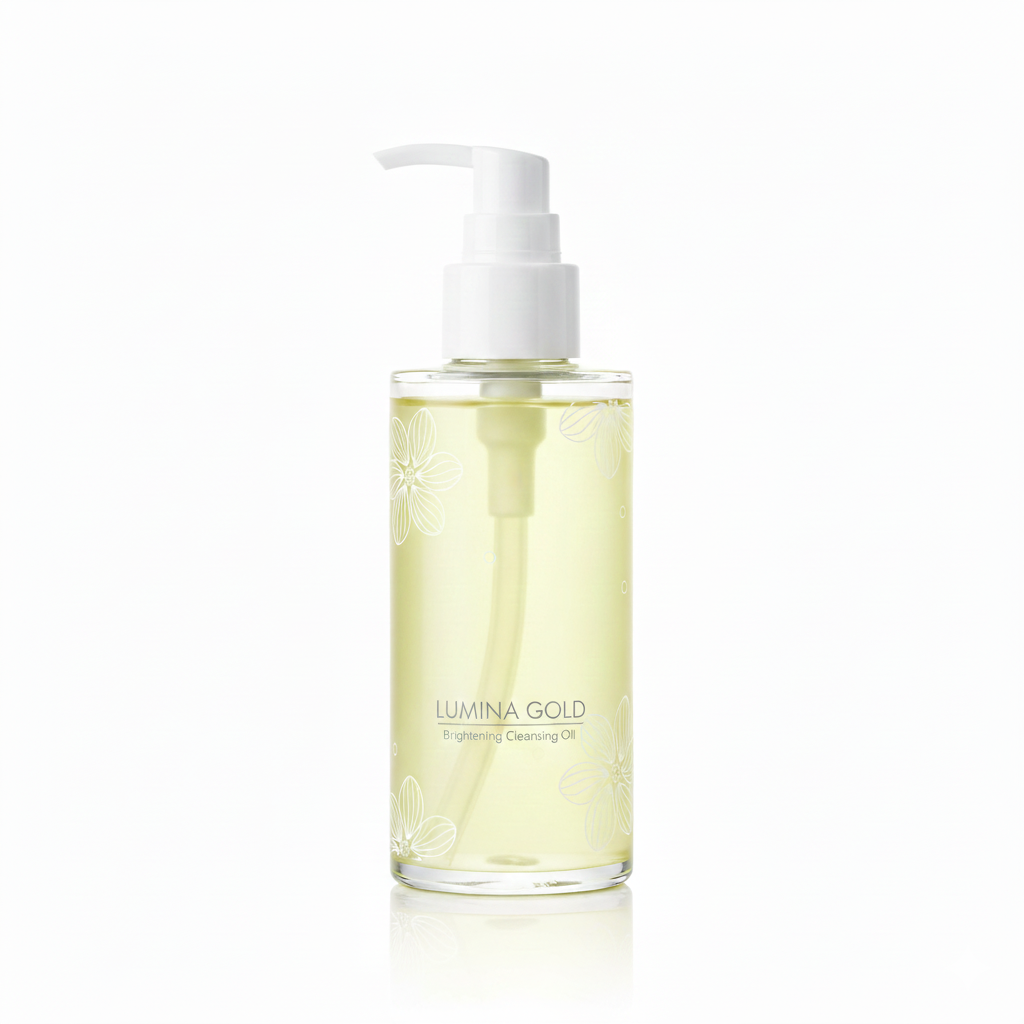

The Innovation of Draph Art AI: Advanced rendering technology that lets you freely combine backgrounds, gender, age, and poses
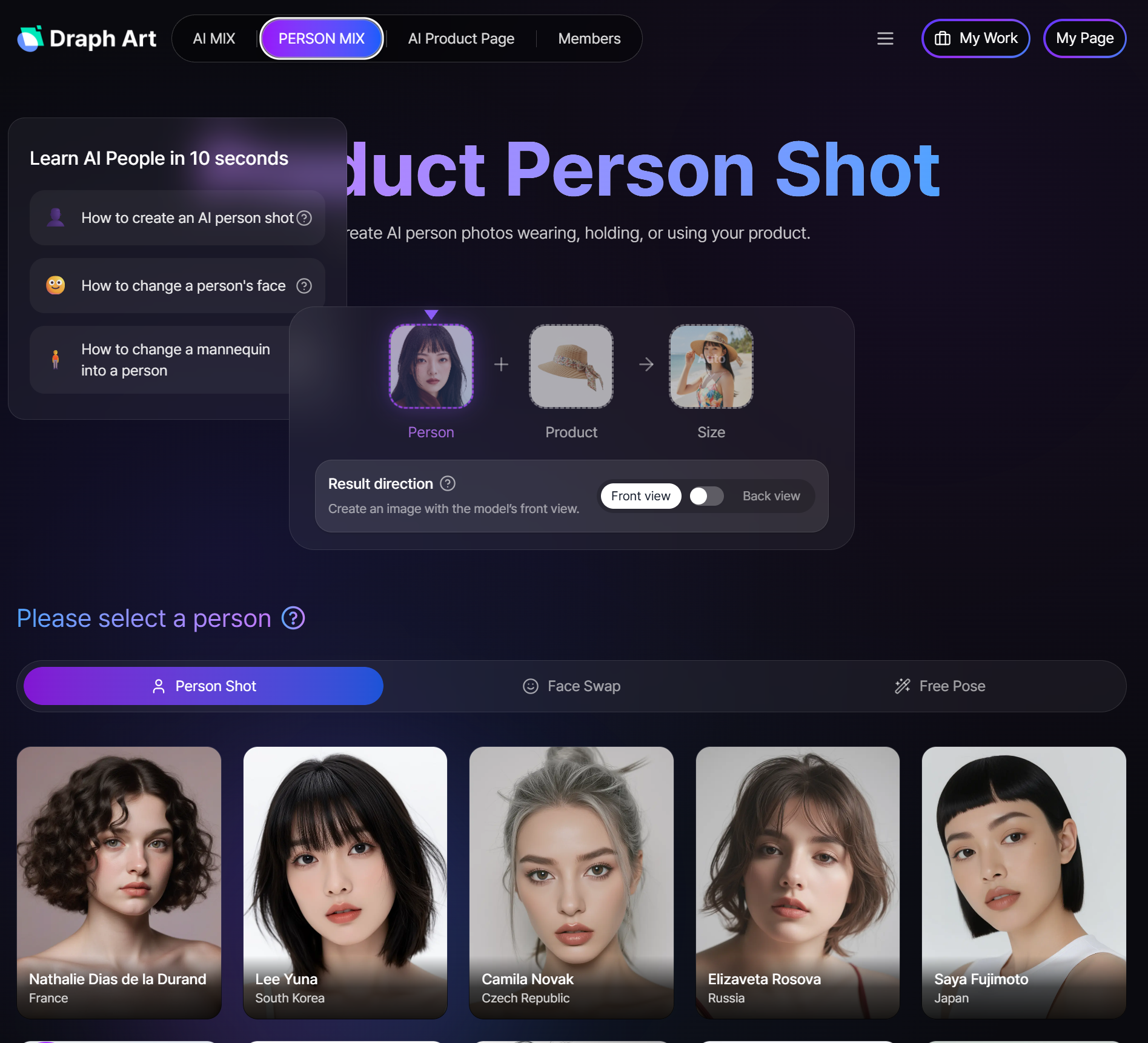
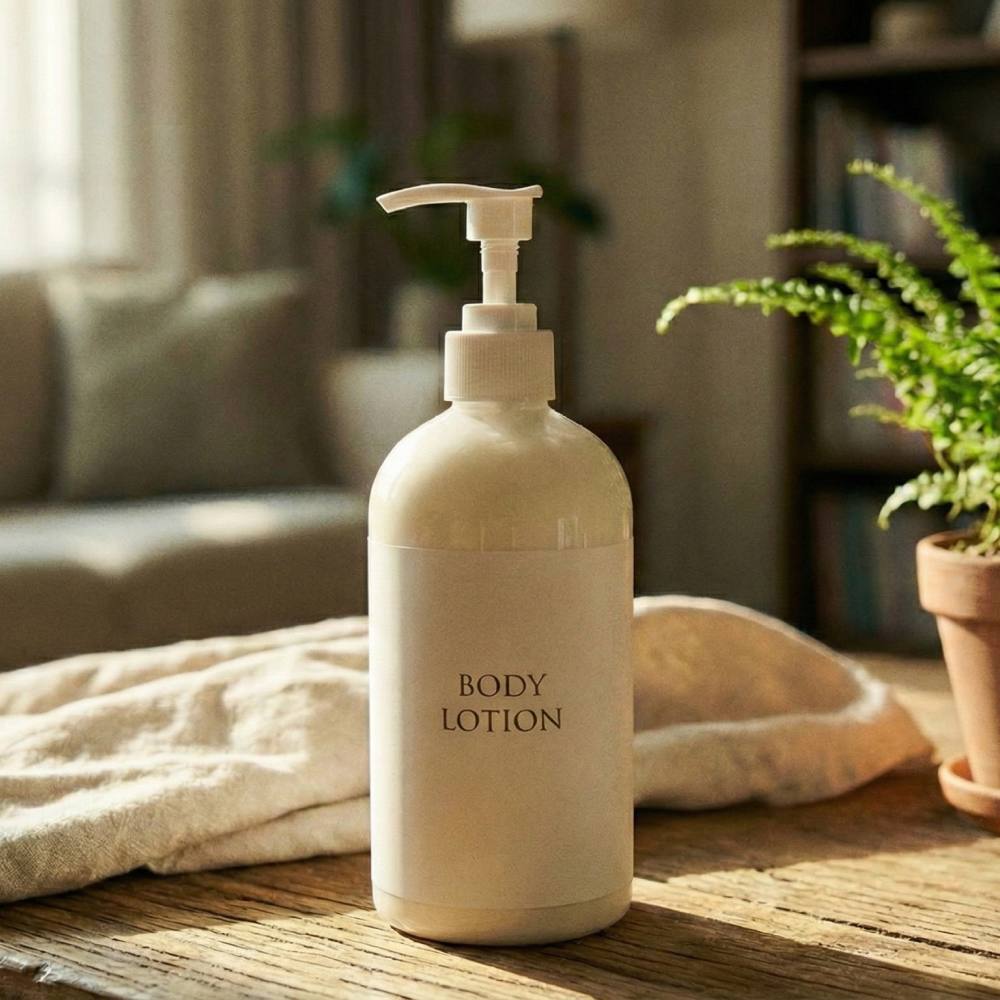
While keeping your product's unique shape and packaging intact, you can match it with the perfect background (modern living room, outdoor park, stylish kitchen, etc.) and even choose the gender, age, outfit, and pose of the model with just a few clicks. The high-precision rendering technology of Draph Art, praised by countless e-commerce experts, even supports virtual fitting and natural Face Swap features, giving you results that look like they were shot in a luxury studio with professional lighting.
→ Create model photos with Draph Art 'Person MIX'

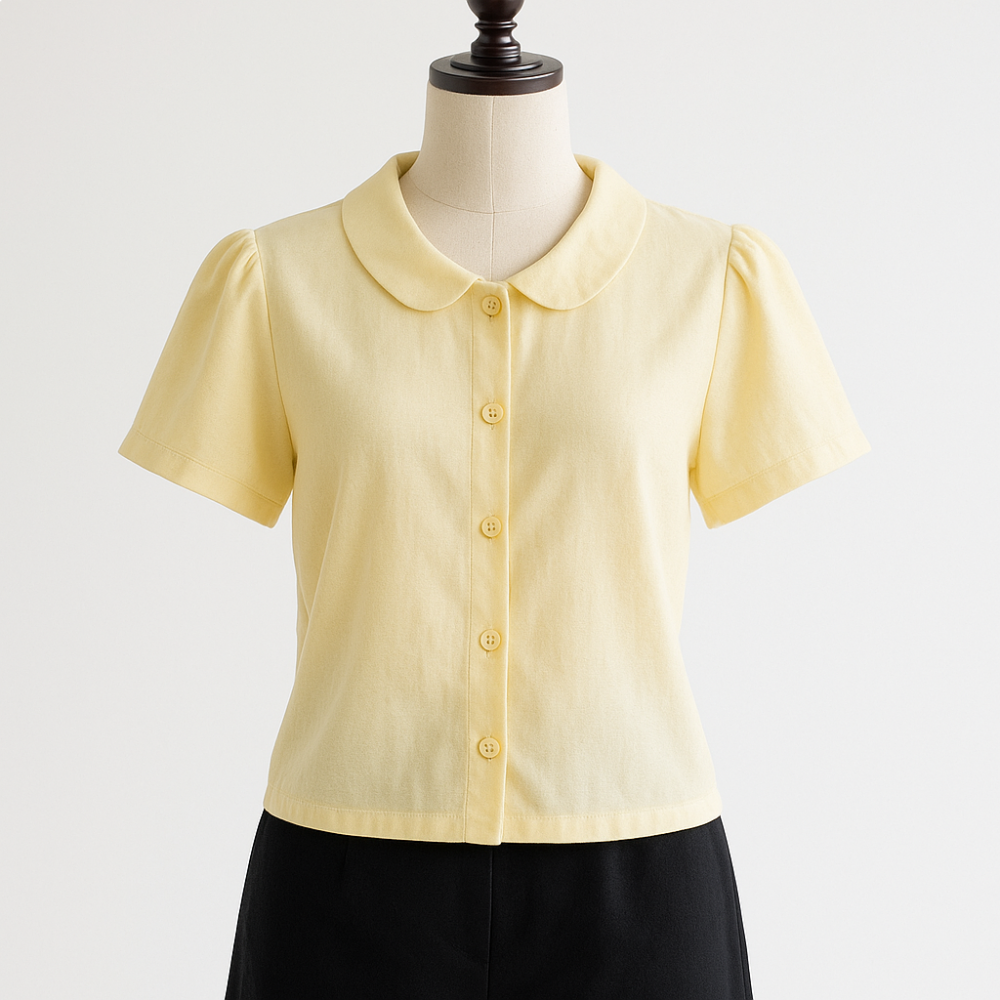


Draph Art FAQ
Q1. What is the difference between Draph Art and existing template tools like Canva or Miricanvas?
- A. Traditional template tools used to be a hassle because sellers had to pick layouts themselves and manually fit text and images into specific formats. On the other hand, Draph Art is an engine that lets you just upload a single raw product photo—even one taken casually on your smartphone—and the AI automatically generates a complete package of brand-customized layouts, copywriting, and high-quality product imagery based on over 4.6 million e-commerce data points.
Q4. Can I also create product detail pages for global markets like Amazon?
- A. Yes, we fully support it. In addition to standard product detail pages for domestic online stores, Draph Art provides a specialized 'A+ Content' generation feature for Amazon. We strictly adhere to Amazon's rigorous modular requirements and guidelines, and you can easily create product imagery featuring localized models that resonate with international buyers with just a single tap.
Q5. Can I create short-form video ads for platforms like YouTube Shorts and Instagram Reels?
- A. Yes, you can use the 'Shorts Maker' feature, which is newly available for our top-tier (Omni Plan) users. With just a single product photo, the AI handles everything in under 3 minutes: planning a high-converting ad script, professional voiceover dubbing, auto-generating subtitles, adding BGM, and professional video editing to deliver a finished vertical video (MP4). You can run unlimited A/B tests for trendy video ads quickly without the need for studio rentals or expensive video production outsourcing.
