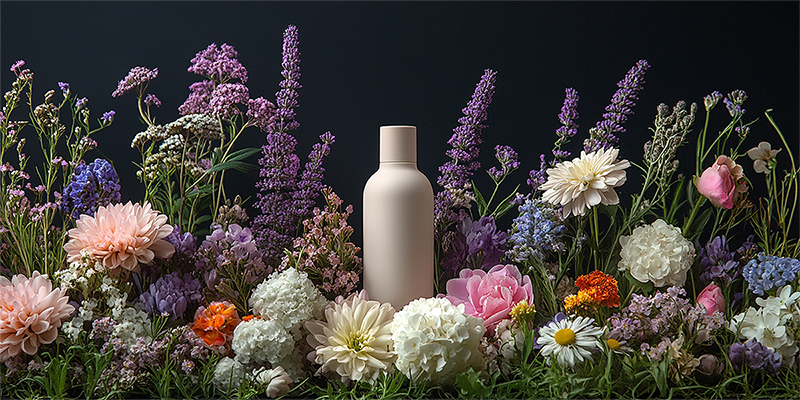
Explore references inspired by social media trends in Draph Art. Add your product photos and details to the style you like, and turn them into AI videos without searching for references or planning from scratch.
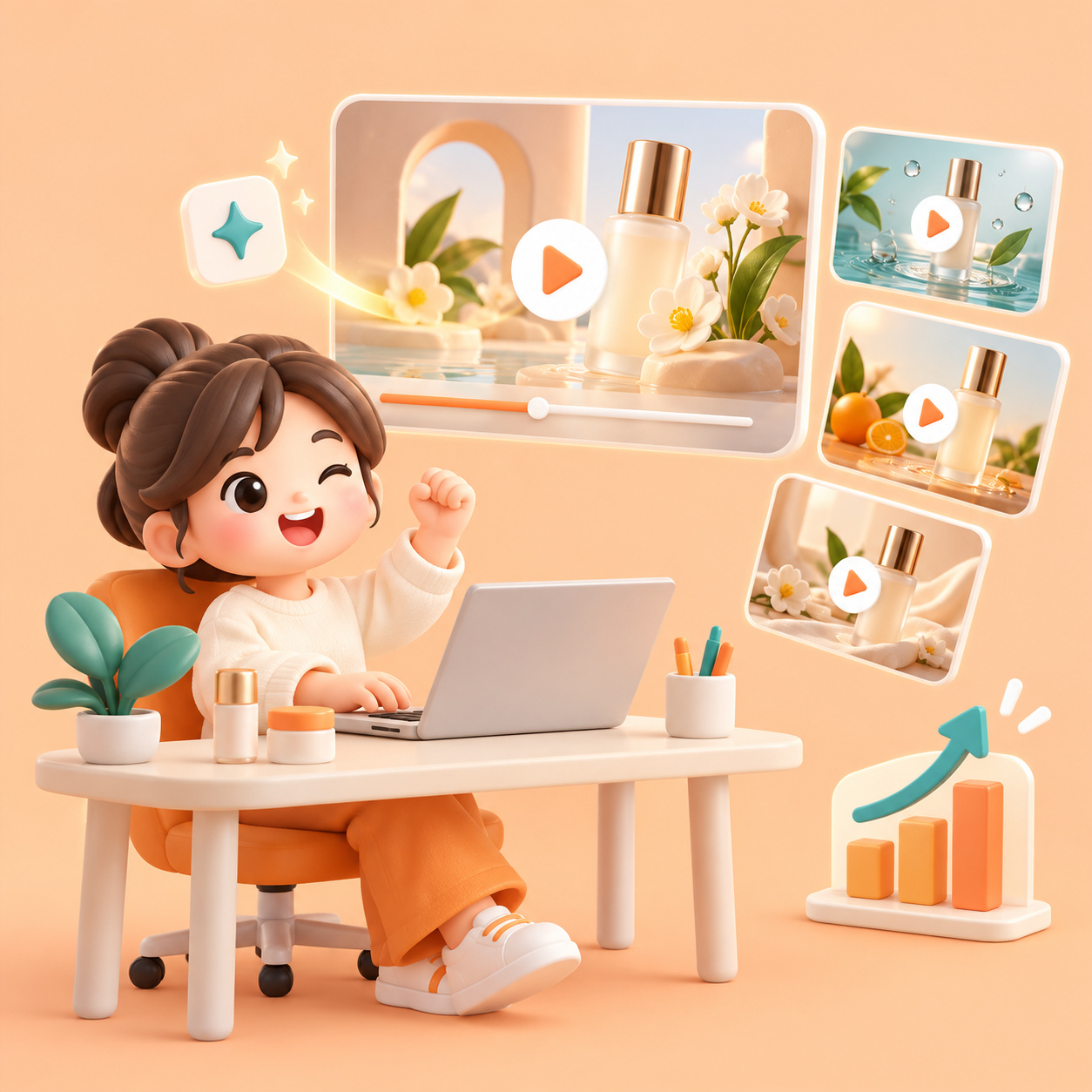
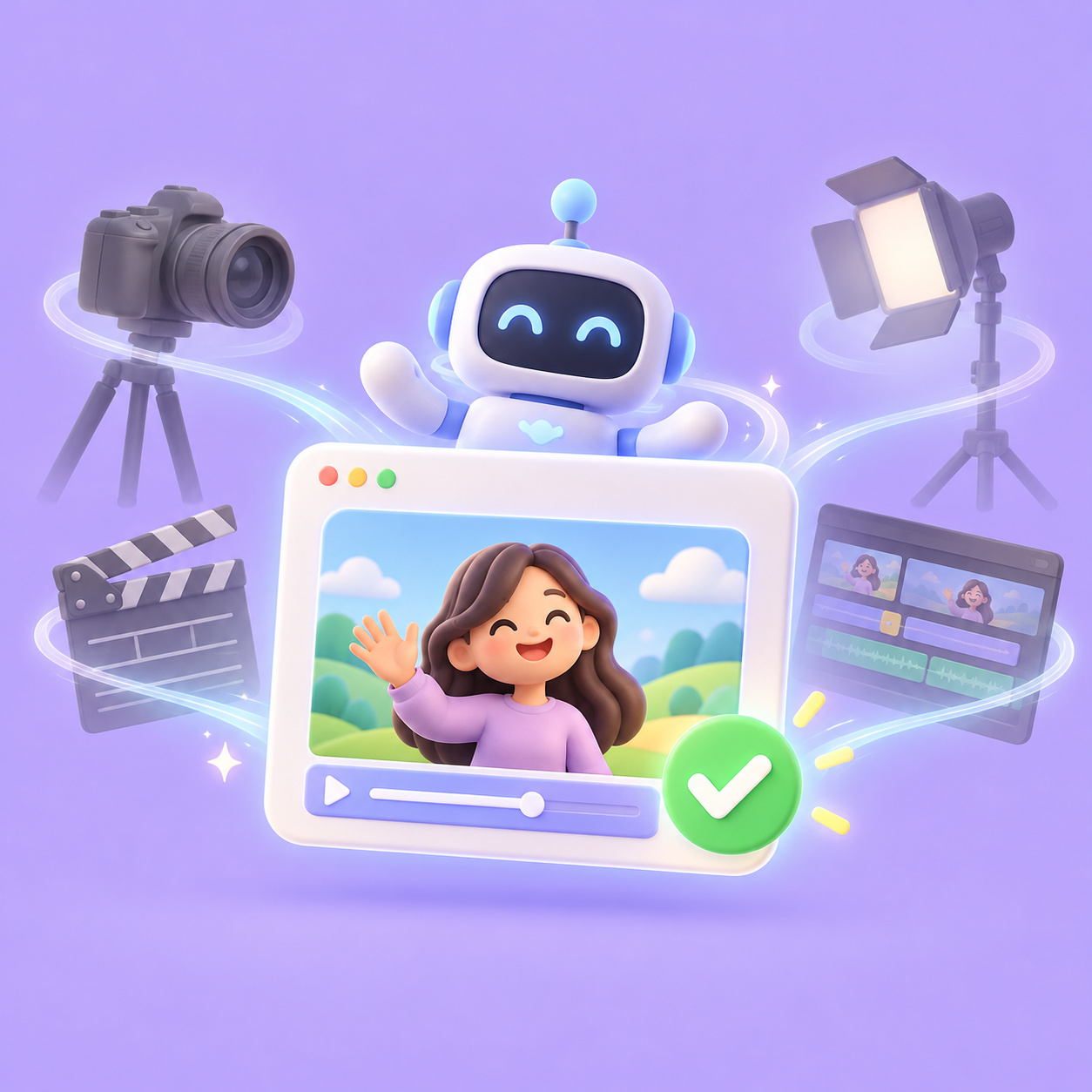
Start creating AI videos without filming equipment or complex editing tools. Use references and product details to reduce the work involved in producing video ads.

Try creating Shorts and Reels with different styles inspired by channel trends. Broaden your new-product campaign creatives and support better marketing results.

Choose a reference instead of planning from scratch, then create an AI video with just a few inputs. Quickly prepare video content for your products and campaigns.
Compare the preparation and workflows of filming and editing yourself, outsourcing production, and creating videos with Draph Art AI.
| Criteria | In-House Filming & Editing | Outsourced Video Production | BESTDraph Art AI Video |
|---|---|---|---|
| Production process | Handle preparation, filming, and editing yourself | Select an agency, agree on the concept, then produce and review | Choose a reference and add product details to generate an AI video. Direct prompt input is also available |
| Cost structure | Video editor salary: approx. KRW 3 million/month
Equipment and filming costs extra | Short-form video: approx. KRW 50,000–300,000/video
Extra charges depend on filming, planning, and revisions | Approx. KRW 18,000/video |
| Production time | Planning, filming, and editing: approx. 1–2 days/video
Planning estimate for a simple short-form video | Approx. 1–2 days/video
Example turnaround from outsourced offerings | Video generation: approx. 5–10 minutes |
| What you need | Filming equipment, editing experience, and products or scenes to film | Production goals, product materials, a plan, and the desired style | Product photos and key details, or a description of your scene and idea |
| Revisions | Edit source footage yourself and reshoot scenes as needed | Exchange feedback with the agency within the contracted revision scope | For story videos, review the storyboard and scenes, revise and generate, then merge |
Start with a ready-made reference, then add your product and message. Choose the workflow that suits your goals, from AI video prompts to scene-by-scene review.
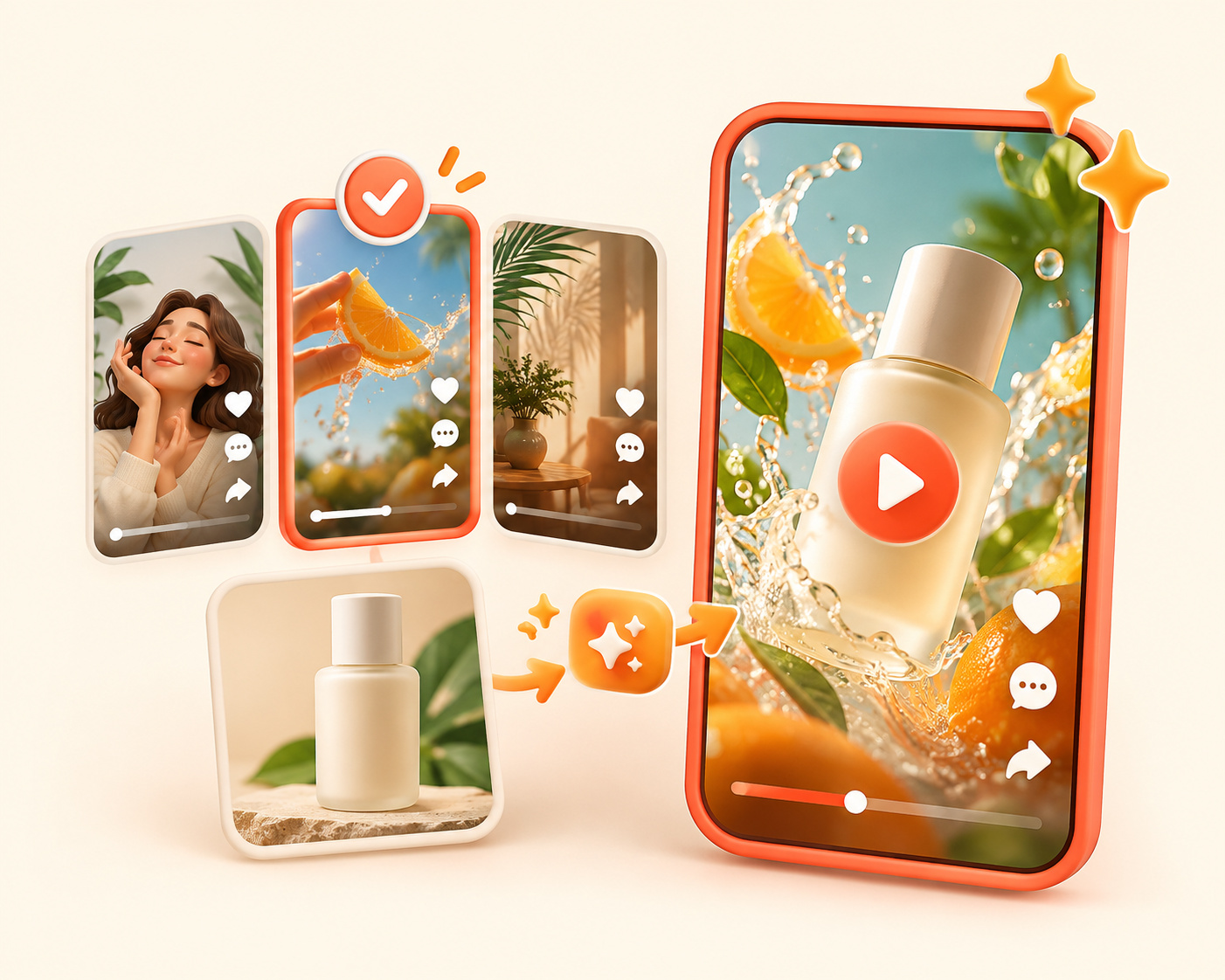
Choose the mood and style you want from Draph Art’s references based on social media trends. Add product photos and key details to generate an AI video inspired by that style, reducing reference research and ad planning.
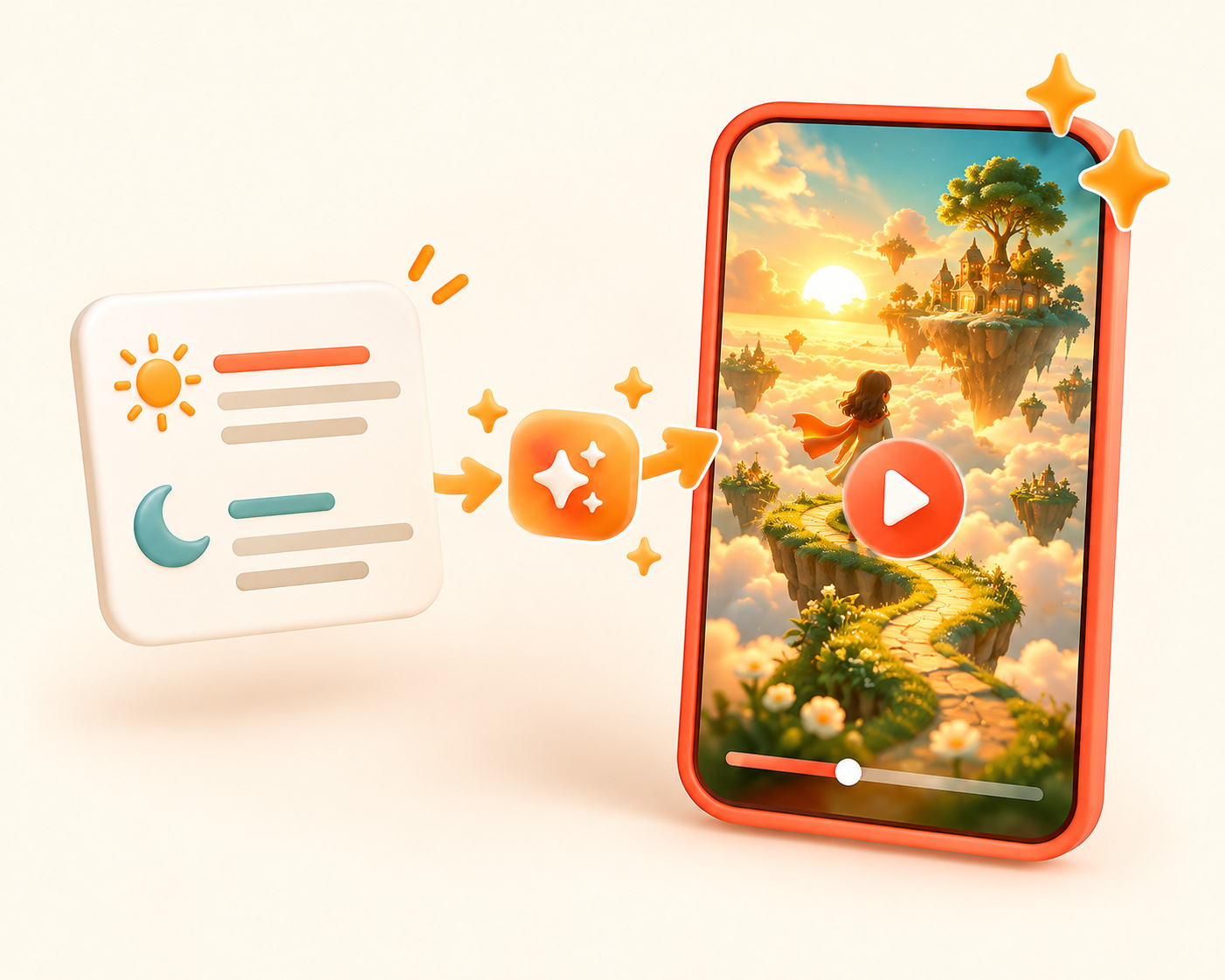
Describe the subject and mood of your video in words to bring ideas to life, even without a physical product. Use AI video prompts to create distinctive storytelling content.
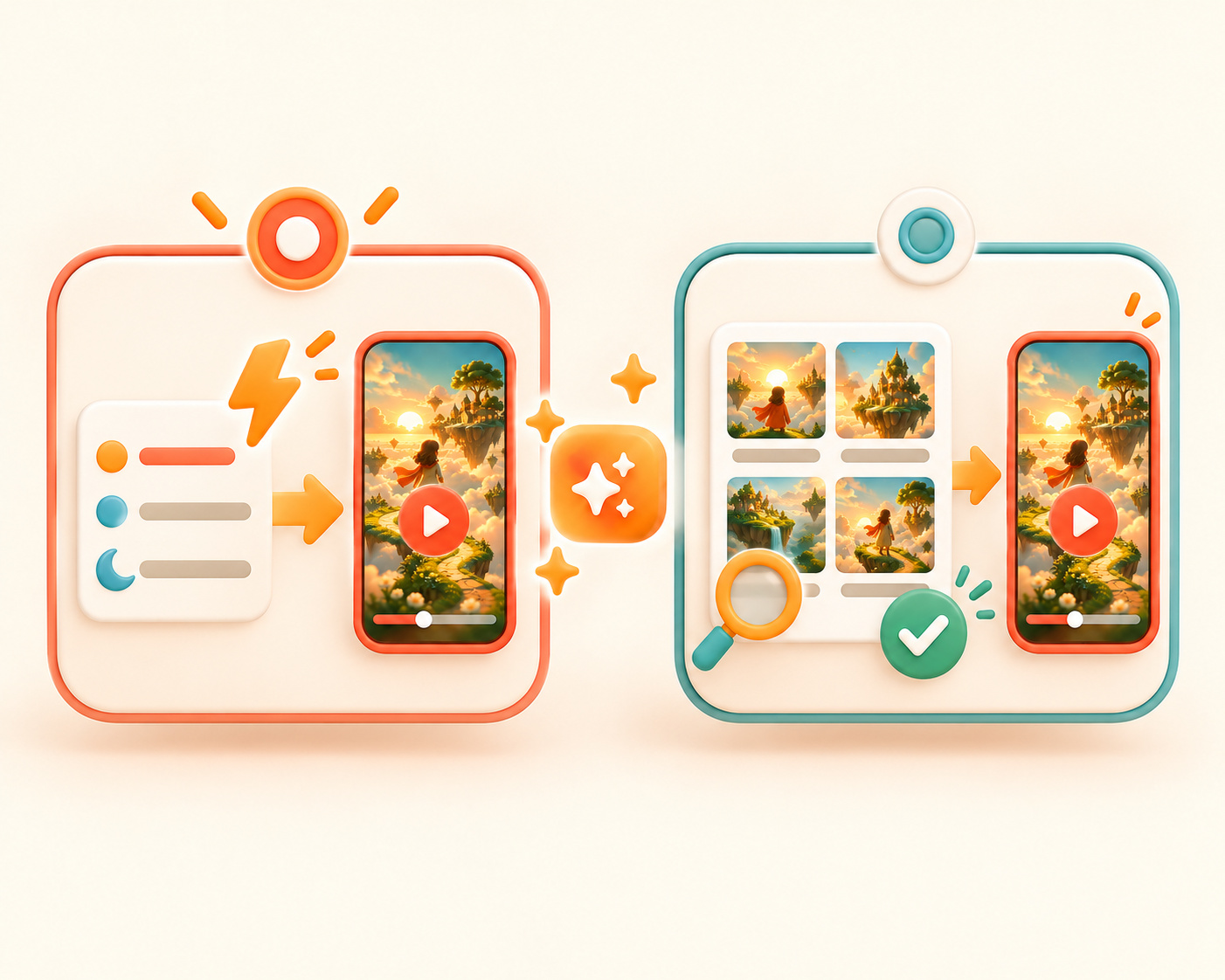
Generate a result quickly by entering essential details, or choose a story video to review the storyboard. Pick the workflow that best suits your Shorts production goals.
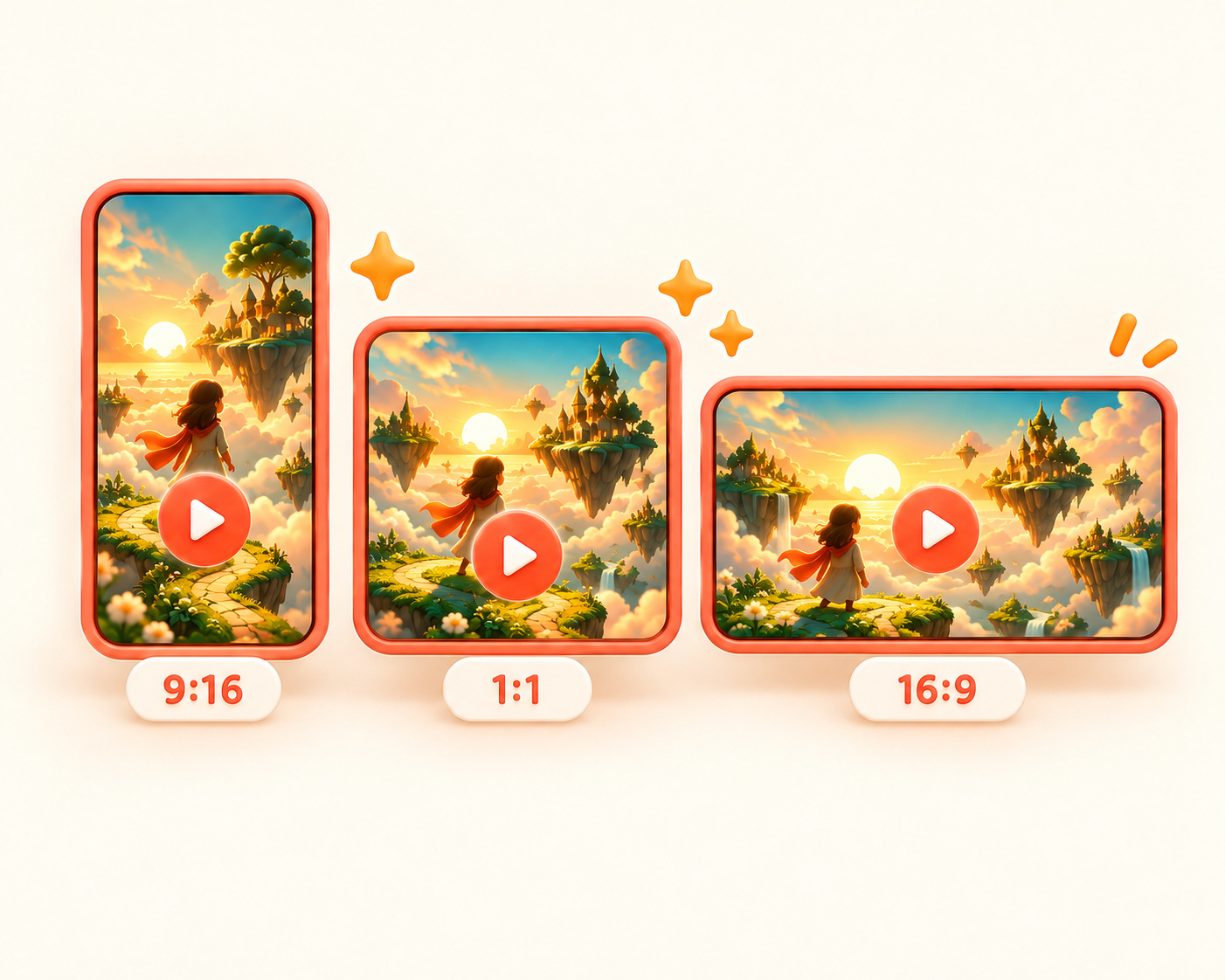
Prepare videos for different platforms, from vertical 9:16 to square 1:1 and horizontal 16:9. Create Instagram Reels and marketing assets for a variety of channels.
Choose a reference and add your product details. Review the generated result and prepare a video to share on social media.
Step 01
Choose a style from the prepared social video references. You can also enter an AI video prompt directly.
Step 02
Choose instant generation or story video, then add product photos and details or your story and video settings.
Step 03
Review the instant-generation result, or edit and review story video scenes, merge them, and download.
Explore stunning product and model visuals created by our AI across beauty, fashion, living, and food categories!
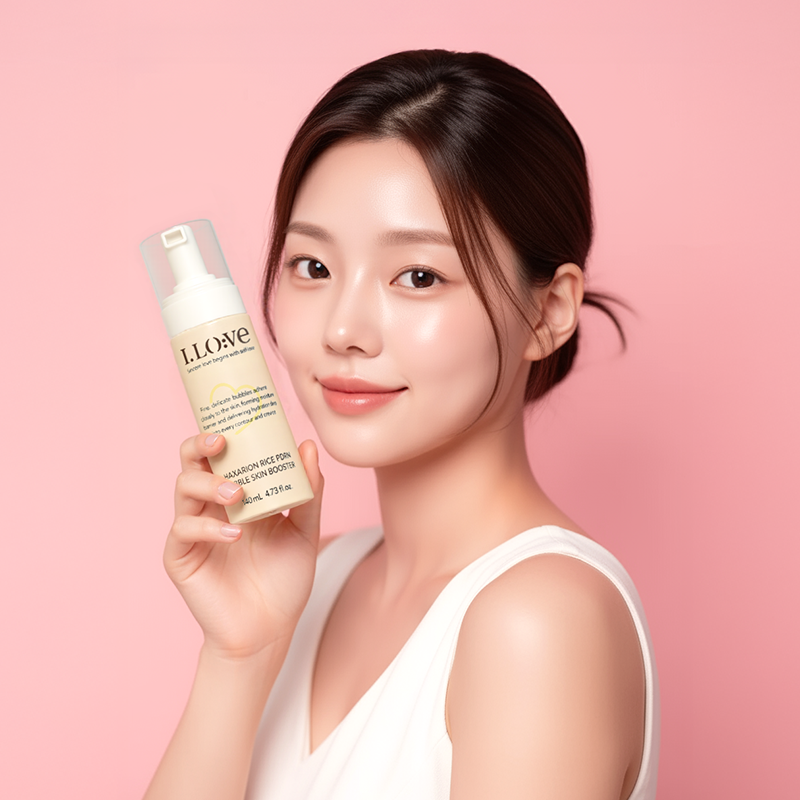
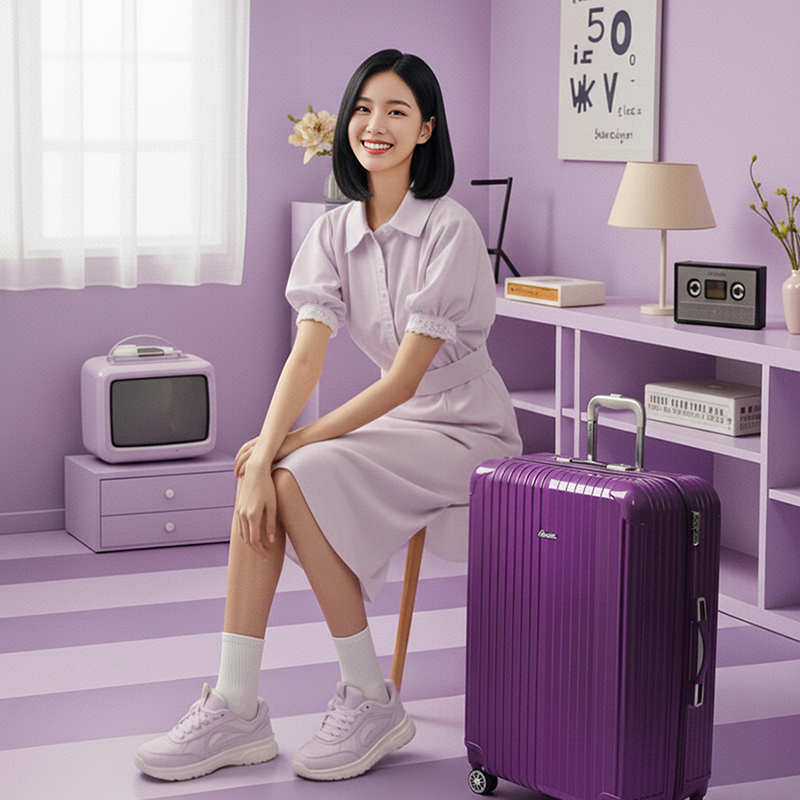
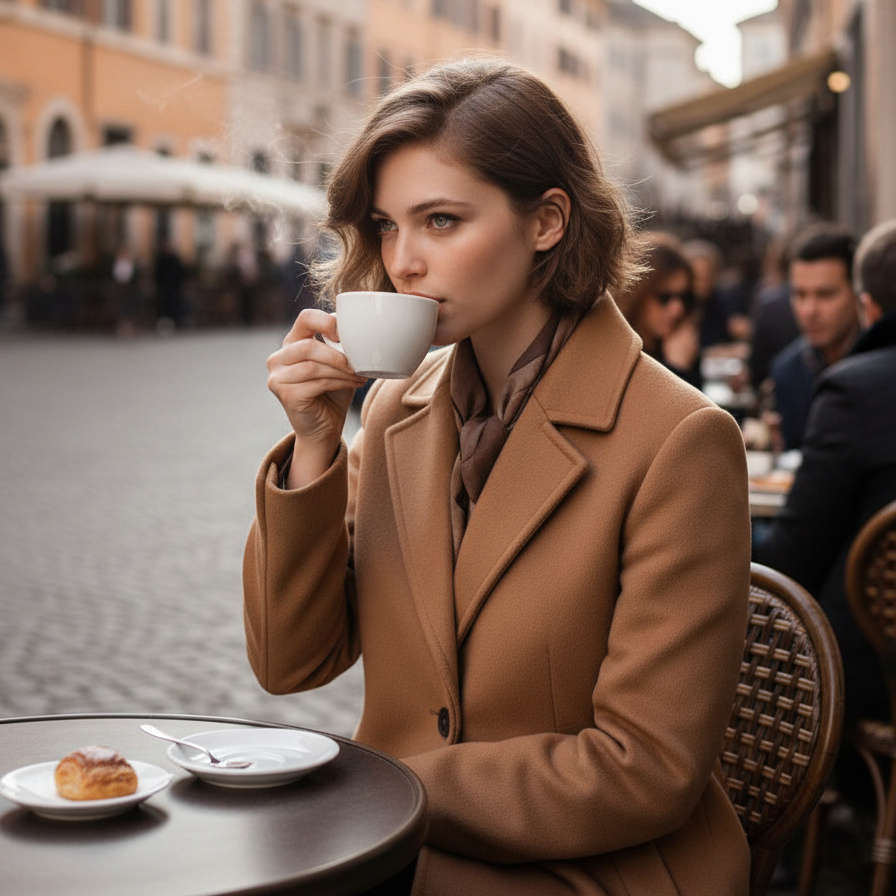
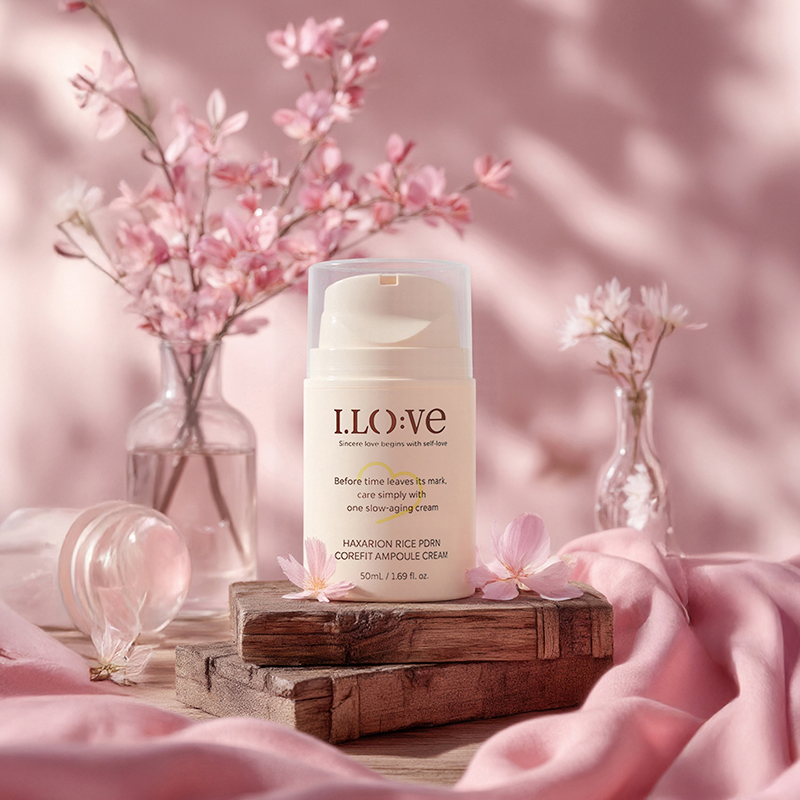
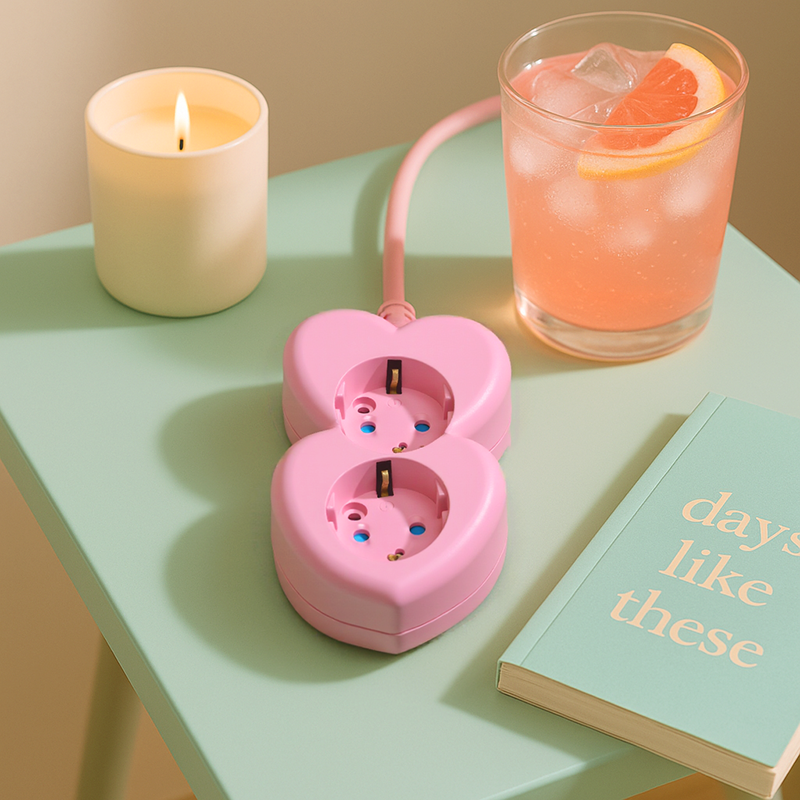
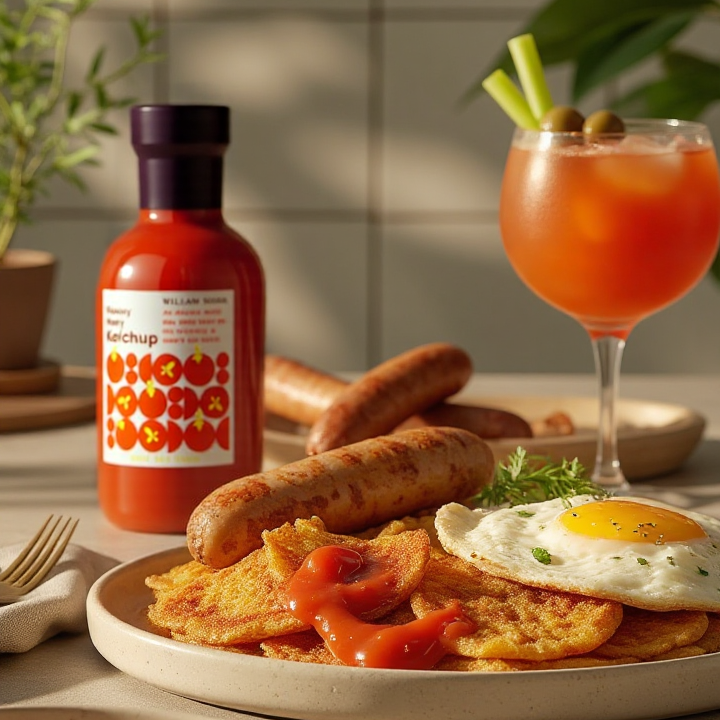
From product photography and product pages to video ads—everything in one place!
Hear from sellers and marketers who overcame video production challenges and achieved distinctive marketing results.
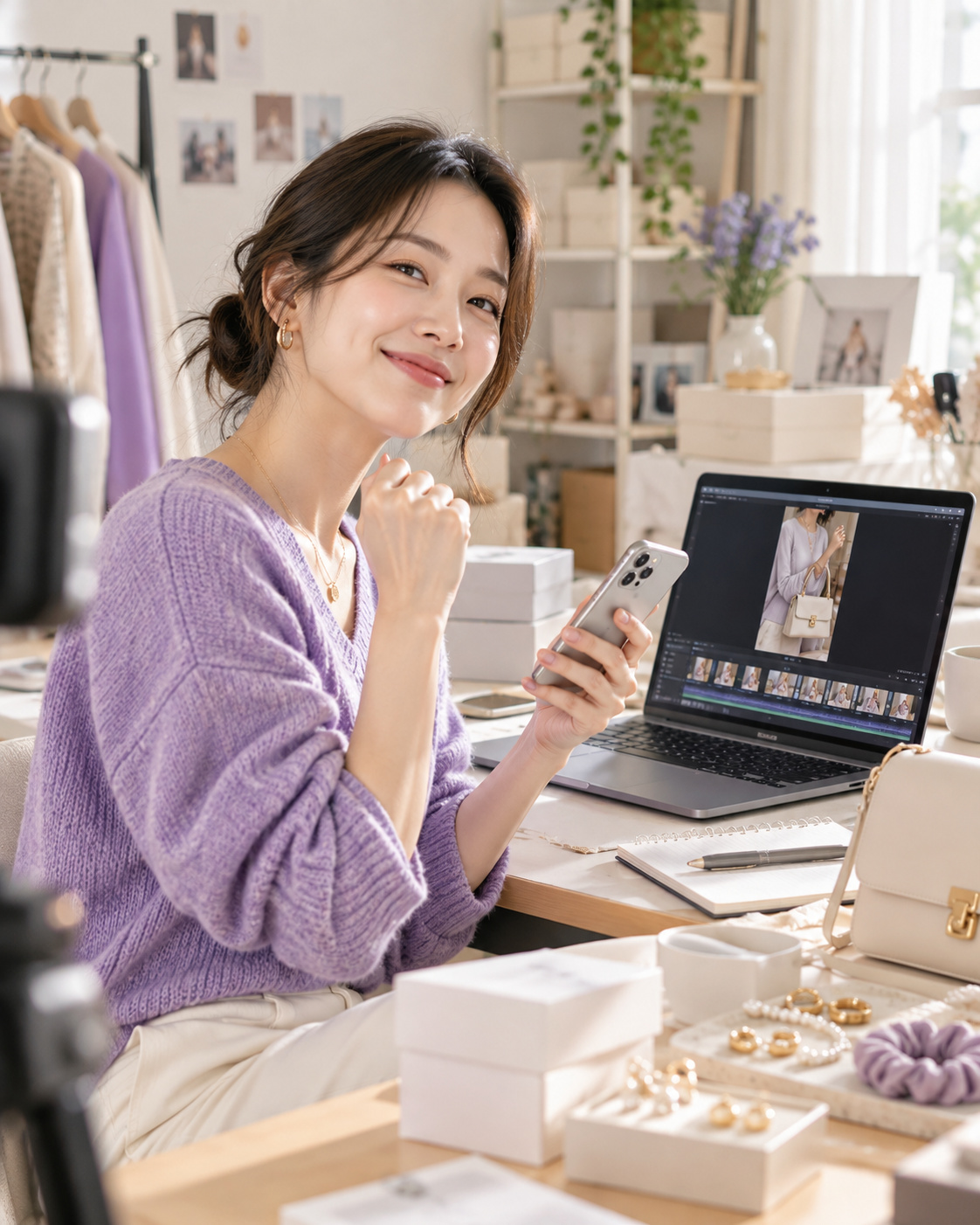
Fashion Accessories Brand L · Solo Online Seller
With just product photos and basic details, I created trendy Reels right away. I could make high-quality video ads without knowing professional editing tools, greatly improving marketing efficiency.
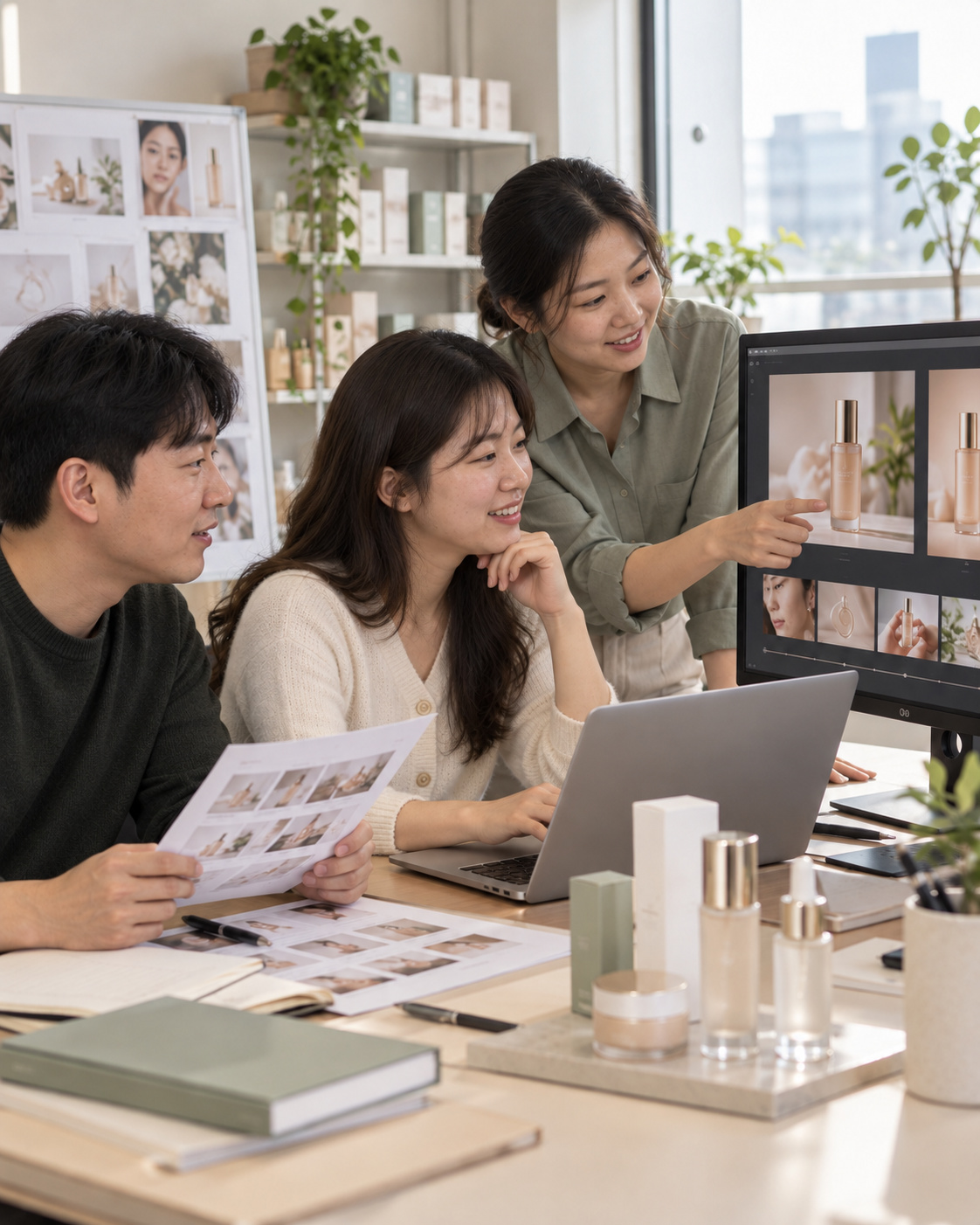
Beauty Cosmetics M · Marketer on a Small Marketing Team
I was amazed that describing an idea could create an AI video with the mood I wanted. Adjusting vertical and horizontal ratios for each channel made it easy to prepare a variety of campaign assets.
Proprietary eCommerce AI trained on over 4.6 million commerce assets.
80K+ Active Sellers
4.6M+ Generated Images
4 Core AI Patents
Certified Government Recognition
Explore easy and powerful AI photo tools designed for eCommerce.
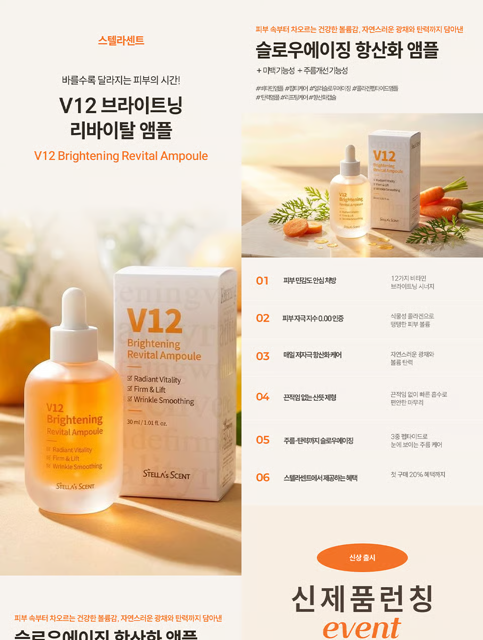
Enter basic product info and AI automatically generates design, sales copy, and model visuals.
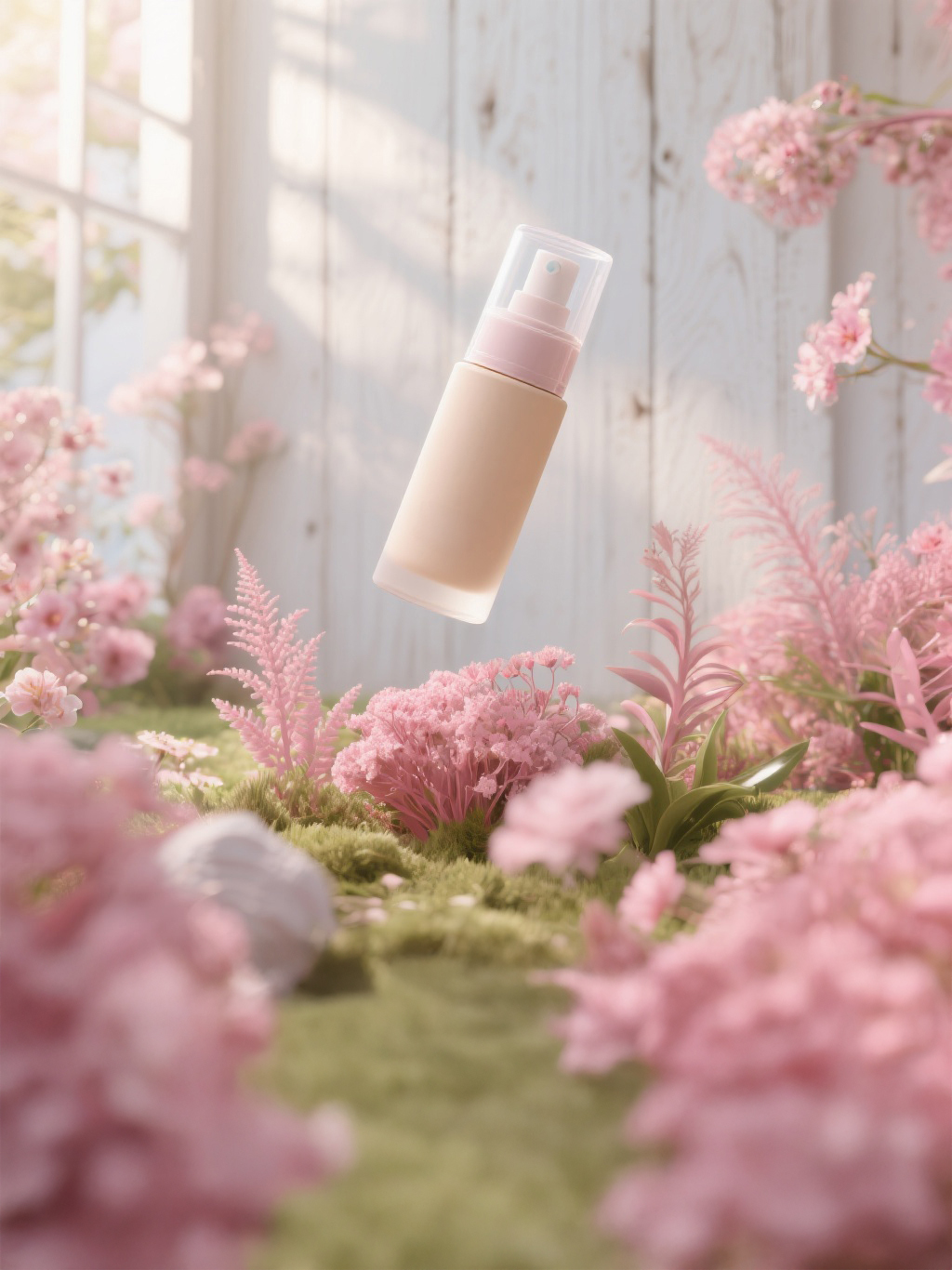
Create studio-quality product photos and promotional videos simultaneously.
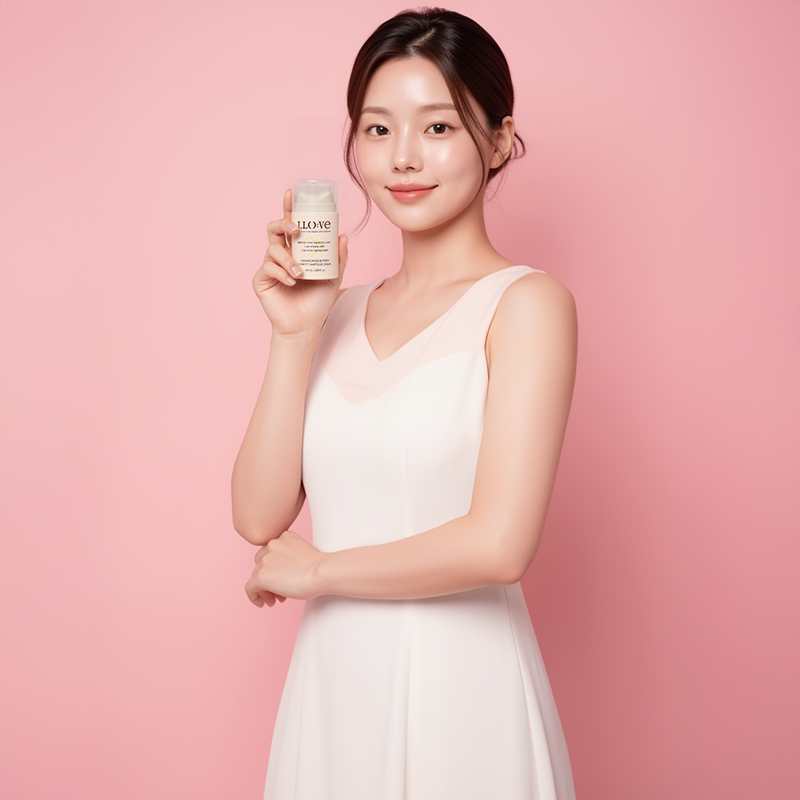
Generate try-on cuts, usage scenes, model photos, and videos all at once using AI models.
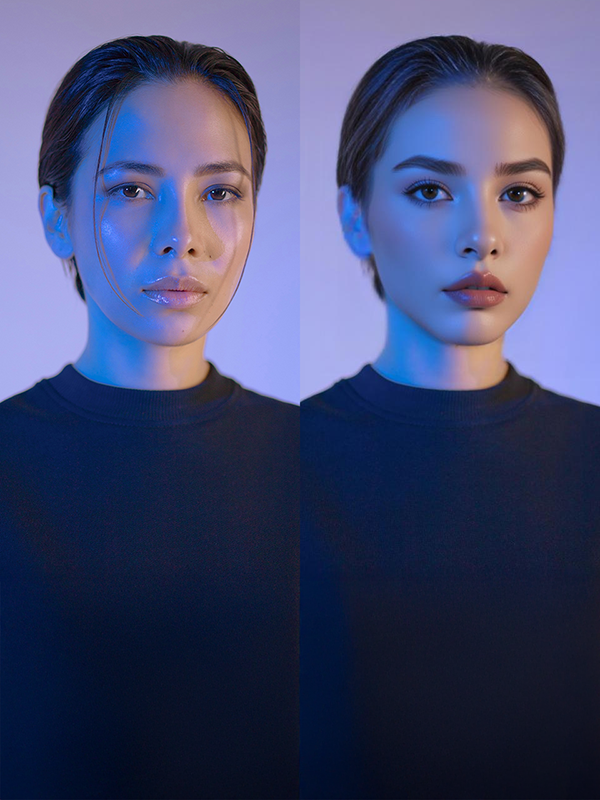
Swap faces on existing model photos to rapidly produce diverse marketing images and videos.
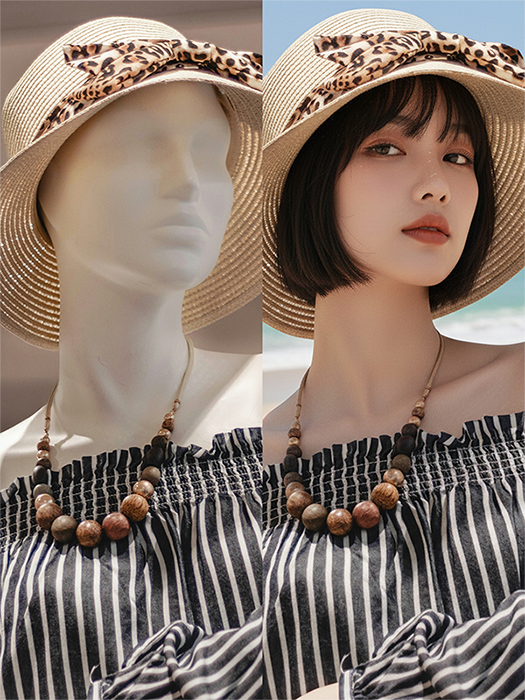
Convert mannequin pictures into real model try-on photos and videos to boost conversion rates.
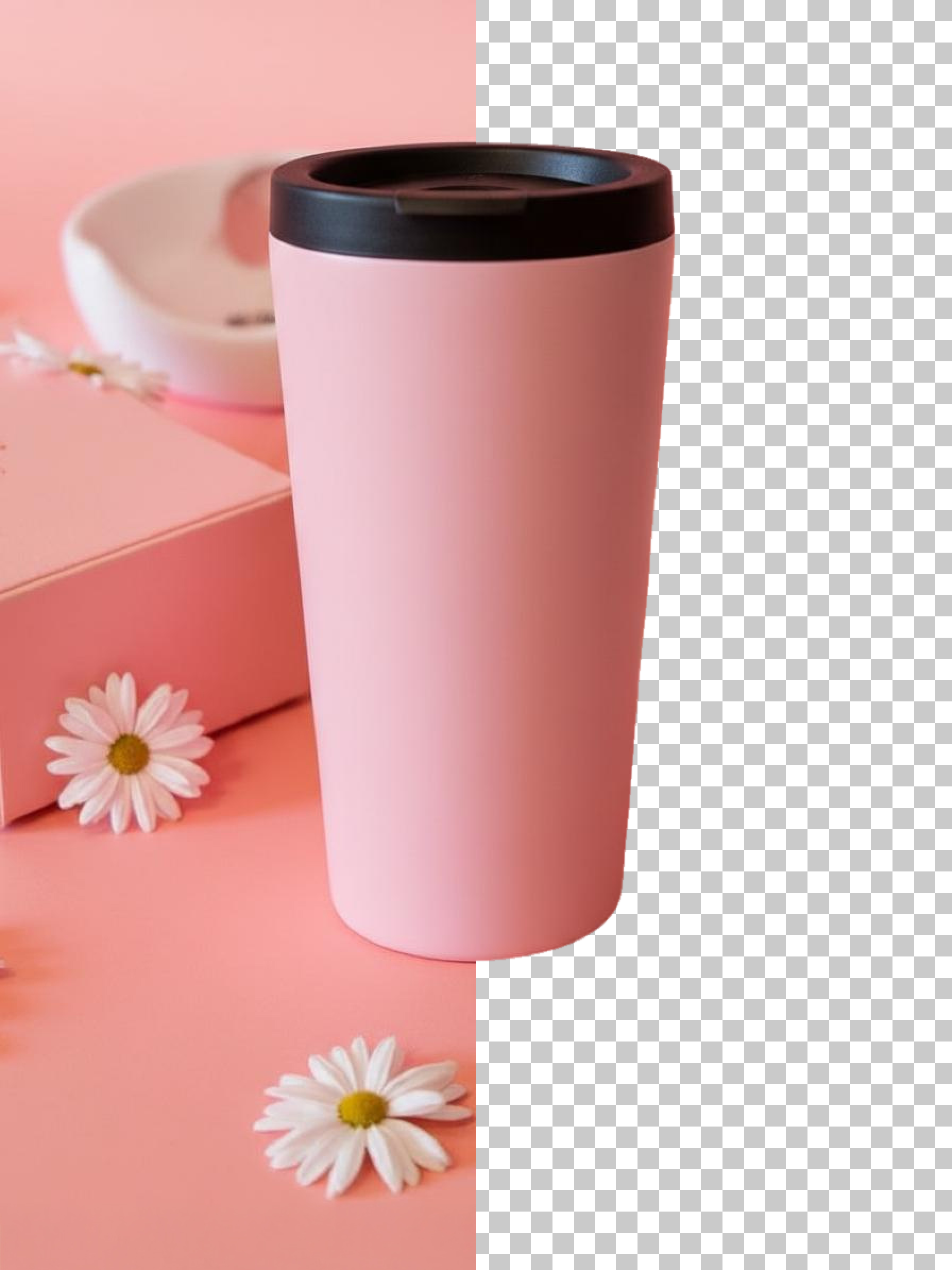
Ultra-fast background removal saving time and budget when uploading large volumes of new items.
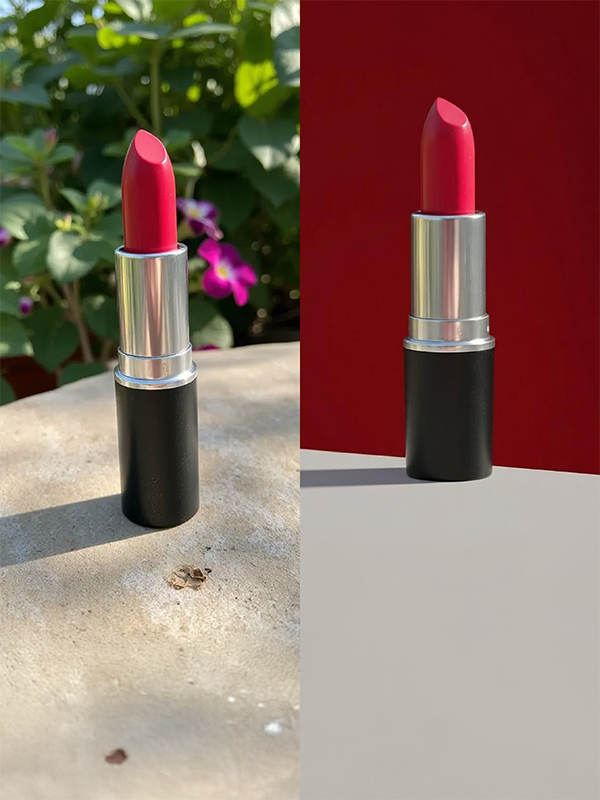
Enter your desired background prompt, and AI changes the setting as if shot on location.
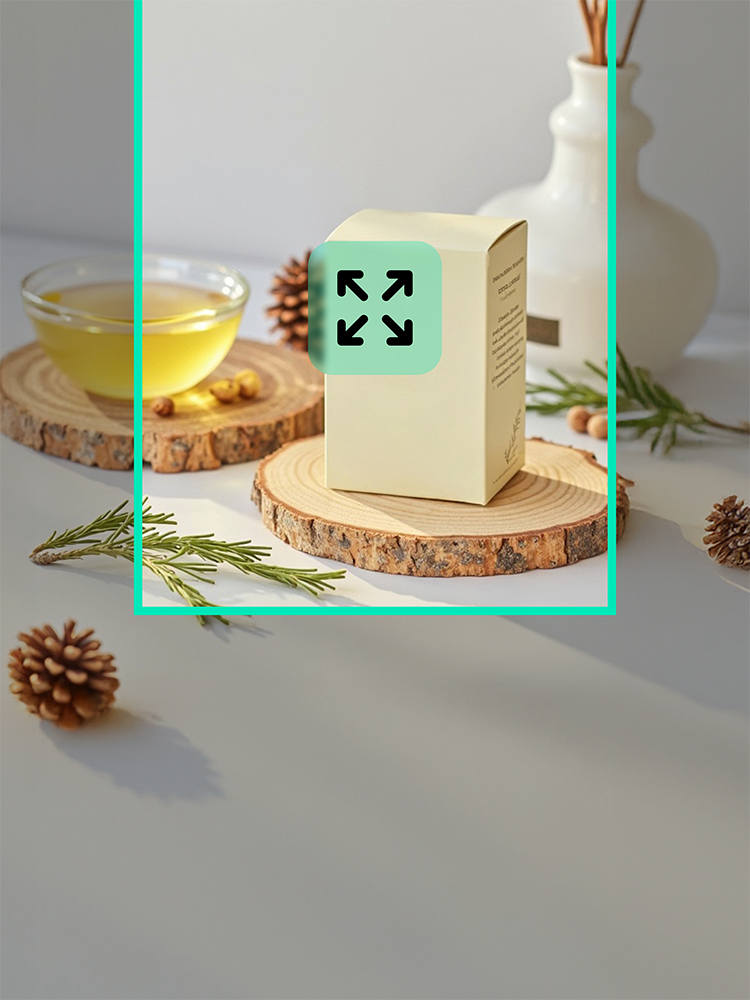
Seamlessly extend cropped backgrounds for use in banner ads, thumbnails, and detail pages.
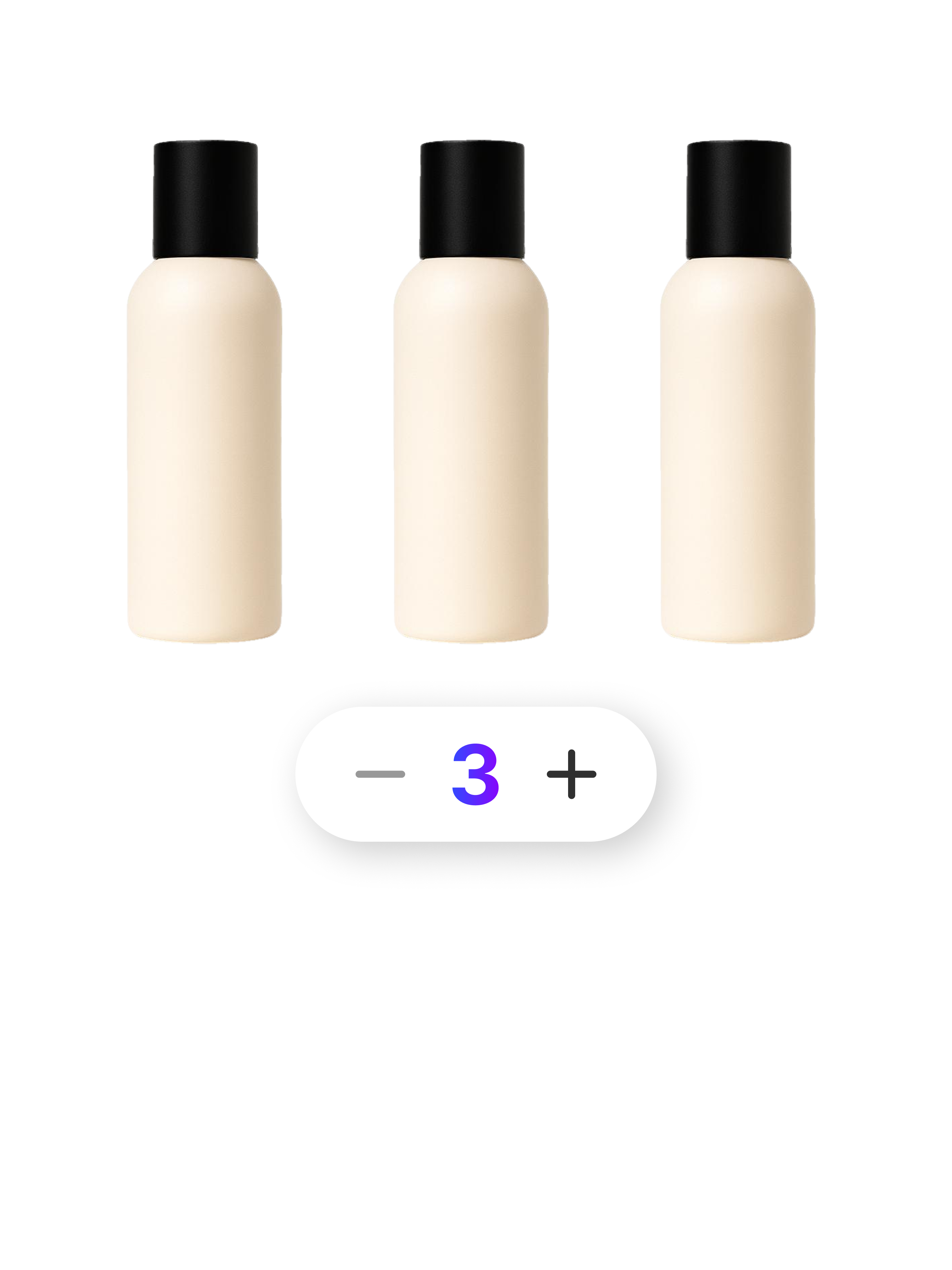
Combine 2 to 80 products into a single multipack image in seconds without complex manual layout.
Check out optimized tips and detailed guides tailored to your industry, platform, and business scale.
Find answers to common questions about Draph Art AI video.
What is AI video creation?
AI video creation uses artificial intelligence to turn text prompts or images into video. It lets you quickly produce video ads, Shorts, Reels, and other content without filming or complex editing software.
Can I create video ads with AI?
Yes. Enter product images, your advertising goal, and the desired mood to create AI video ads. Arrange scenes and styles for product introductions, branding, promotions, or social media advertising.
How do I create AI Shorts?
Choose the Shorts video type, upload product or reference images, and describe what you want in a prompt. Set a vertical aspect ratio and video length to create an AI video suited to YouTube Shorts.
Can I make Instagram Reels with AI?
Yes. Choose a vertical aspect ratio and a short duration suited to Reels. Use AI Reels for product introductions, usage scenes, atmospheric brand videos, and more.
How do I write a good AI video prompt?
Describe the subject, action, background, mood, camera movement, and lighting in detail. For example: “A premium ad slowly revealing a perfume bottle in a dark studio, smooth camera movement, warm lighting.”
Can I create a video ad from only a product image?
Yes. Upload a product image and AI can generate a product-focused video using it as a reference. Add backgrounds, lighting, and camera movement while reflecting the product’s shape and key features, reducing the need for a separate shoot.
Can I create an AI video without images?
Yes. Describe the scene you want in an AI video prompt. Be specific about the subjects, movement, space, mood, and composition to help achieve the desired result.
How long does AI video creation take?
It varies with the video length and AI model, but you can create a draft faster than traditional filming and editing. It is particularly useful for quickly comparing and revising different concepts for video ads or Shorts.
Which AI video model should I choose?
The right model depends on whether you need realistic people, product shape consistency, natural movement, or fast generation. Review each model’s strengths and recommended uses, then choose one that fits your content goals.
Where can I use AI-generated videos?
Use AI videos in online ads, product introductions on your store, YouTube Shorts, Instagram Reels, TikTok, and social content. Before use, check the selected AI model and service policies on commercial use, copyright, and likeness rights.
Start for Free Now