

목차
[要約] 忙しいマーケターのための30秒まとめ
- 問題診断: 訪問者は多いのに売れないなら、商品ページ(LP)の「説得ロジック」が足りていません。
- 必勝の企画公式: 「問題認識(共感)→ 解決策の提示(商品紹介)→ 信頼の立証(レビュー/認証)」の順序で構成しましょう。
- デザイン・レイアウト: 顧客の視線が止まるようにメリハリをつけ、必ず「モバイルファースト(スマホ優先)」で考えるべきです。
- 効率的な制作: 面倒な「切り抜き(ヌキ)」や微妙なパワポ作成は卒業!AIツールを活用して、「売れる構造」をサクッと完成させましょう。

こんにちは!AI技術でEC運営の非効率を解決する「ドラップアート」です。
私たちは、AIを活用した画像生成やページ制作技術を通じて、多くのセラー(販売者)様のお悩みを解決しています。その中で、最もよく耳にする嘆きがこれです。
「広告費をかけて集客したのに、なぜ誰も買わずに離脱してしまうんでしょう?」
一生懸命ページを作って公開したのに反応がないと、本当にガックリしますよね。 問題は何でしょうか?価格?商品? いいえ、違います。ほとんどの場合、詳細ページ(LP)がお客様を説得できていないことが原因です。
今日は単なる制作テクニックを超えて、「購買転換率(CVR)」を確実にアップさせるマーケティング視点の制作戦略をお伝えします。
1. 顧客の財布を開く「説得のロジック」を作る
綺麗なデザインよりも重要なのは「論理的な流れ」です。お客様がページに入ってきてスクロールする間に、自然と「欲しい!」と思わせる企画が必要です。売れているページは、大抵以下の3ステップ構造になっています。
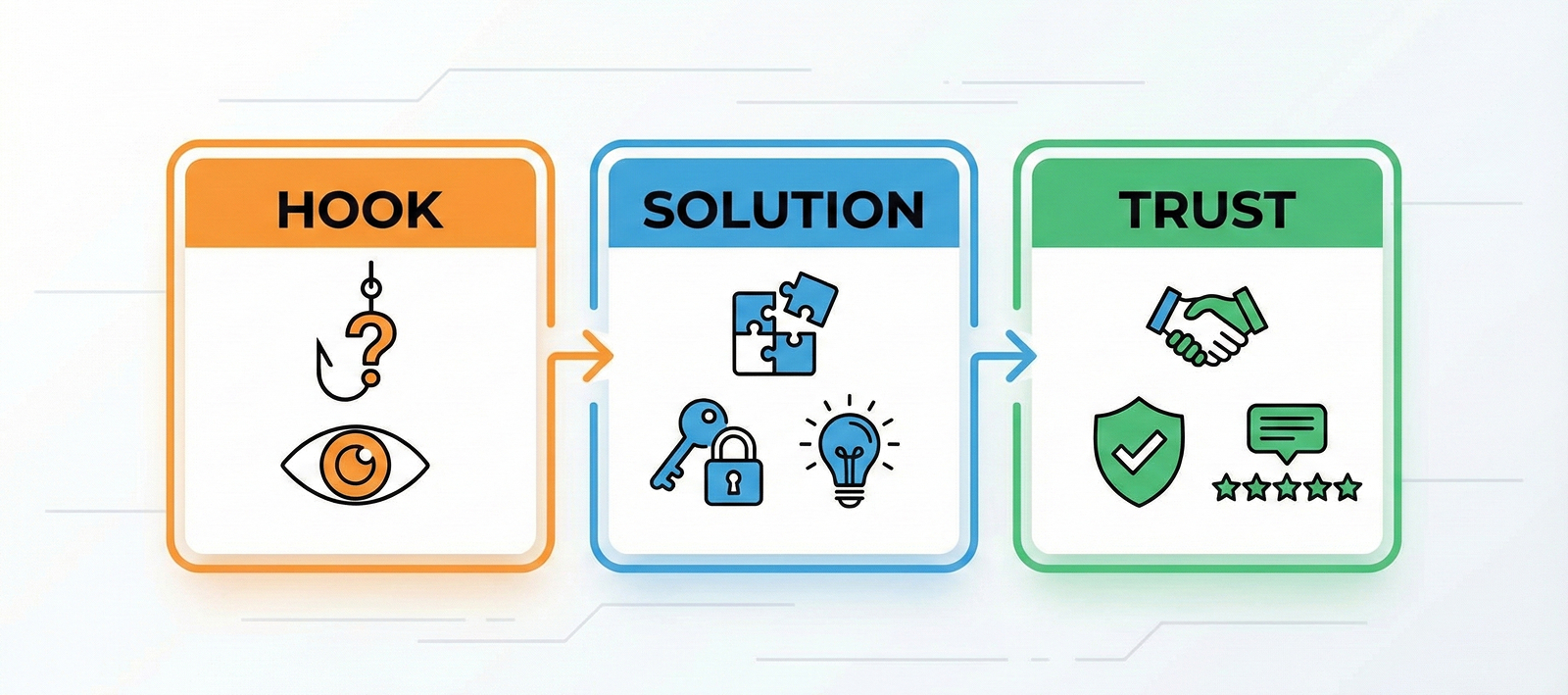
STEP 1: 問題認識と共感 (Hook) - 「あれ?これ私のことだ」
ページの一番上は、離脱率が最も高い危険エリアです。いきなり商品を売り込まないでください。お客様が今抱えている具体的な状況や不便さを描写して、「感情的な共感」を引き出すのがポイントです。
👉 実践チップ: 質問形式で始めてみましょう。お客様自身に「そうそう、私もそうなの!」と答えさせるのです。
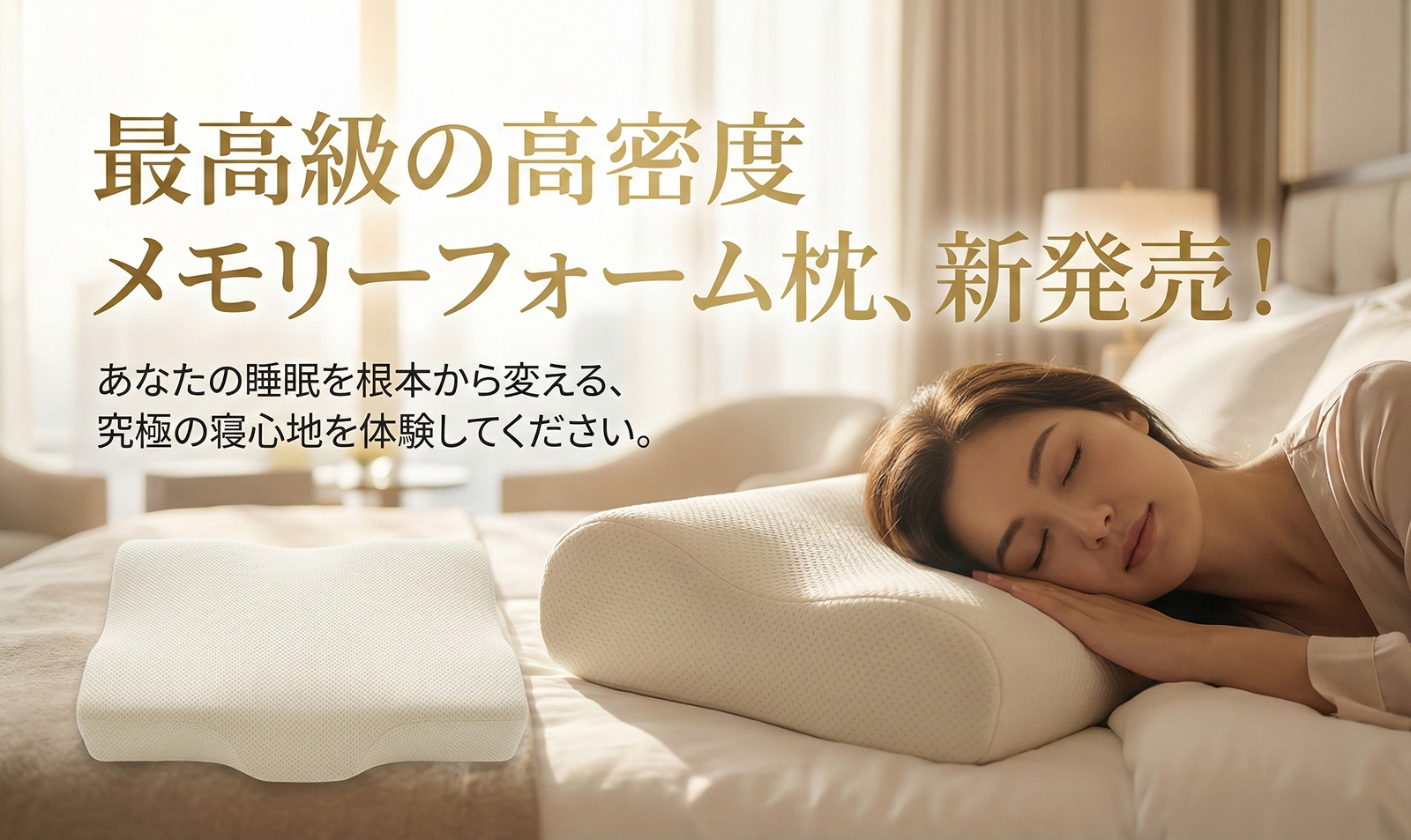
- 悪い例: 「最高級の高密度メモリーフォーム枕、新発売!」(だから何?)
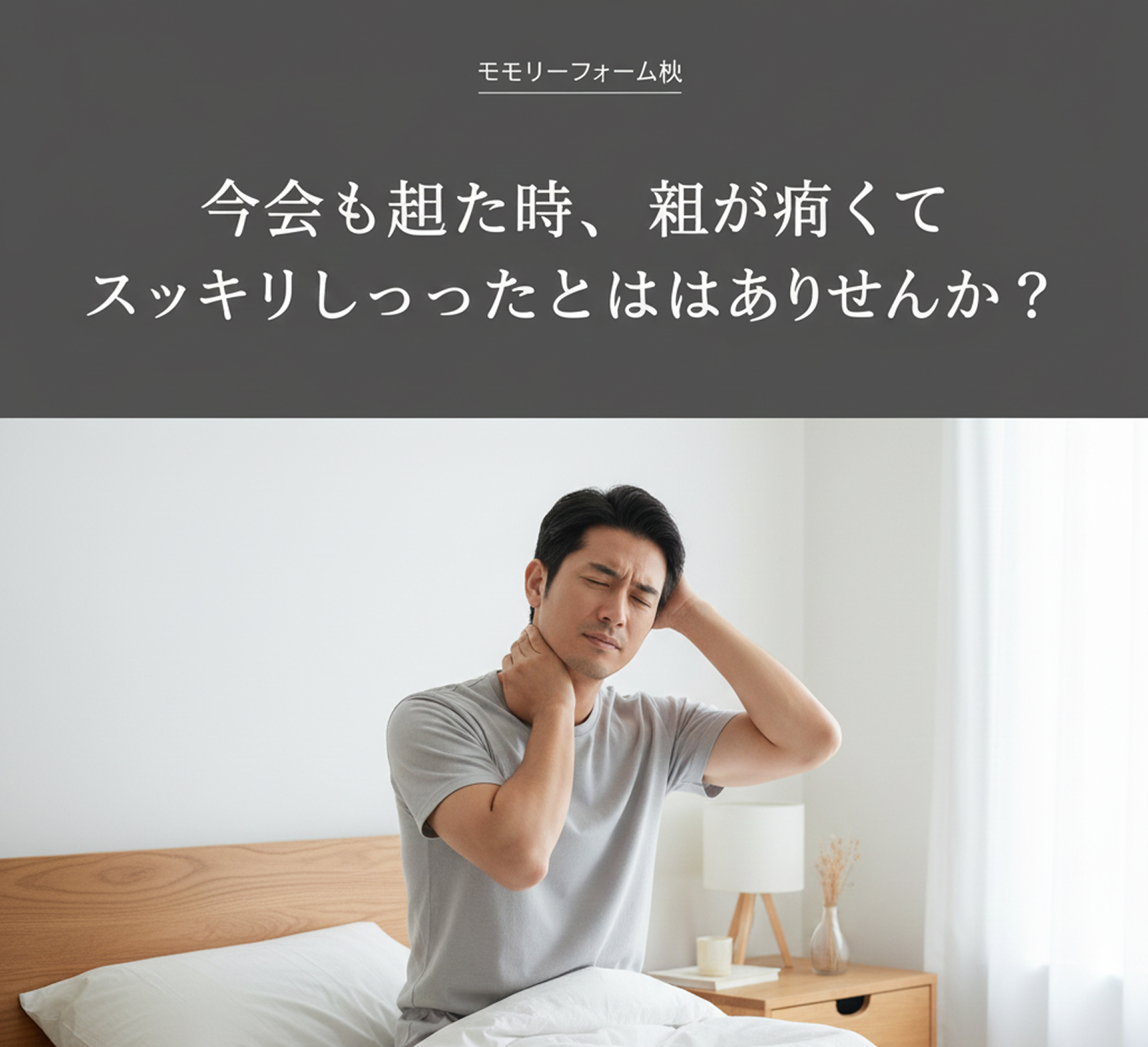
- 良い例: 「今朝も起きた時、首が痛くてスッキリしなかったことはありませんか?」(私のことだ!)
STEP 2: 解決策の提示 (Solution) - 「スペックではなく、ベネフィットを売る」
先ほど共感した問題の唯一の解決策が、まさに「自社の商品」であることを示します。ここで初心者がやりがちなミスは、専門的な「スペック」ばかり並べてしまうこと。お客様はスペック自体には興味がありません。そのスペックが自分にどんな「トク(利益)」をもたらすかが重要なのです。
👉 実践チップ: 「So What?(だから何?)」テクニックを使ってみてください。スペックの後ろに「だからお客様にとって何が良いのか」を付け加えるのです。
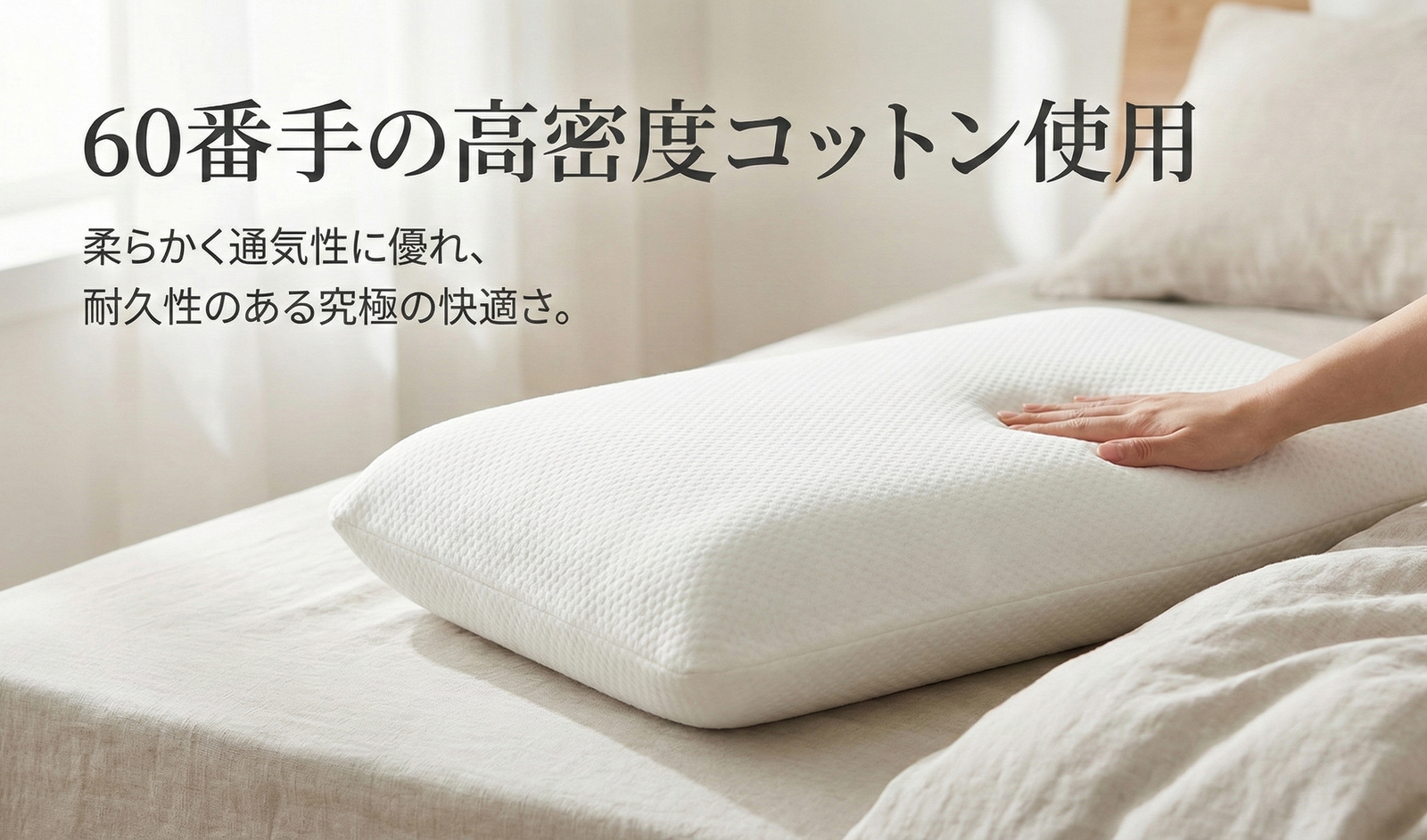
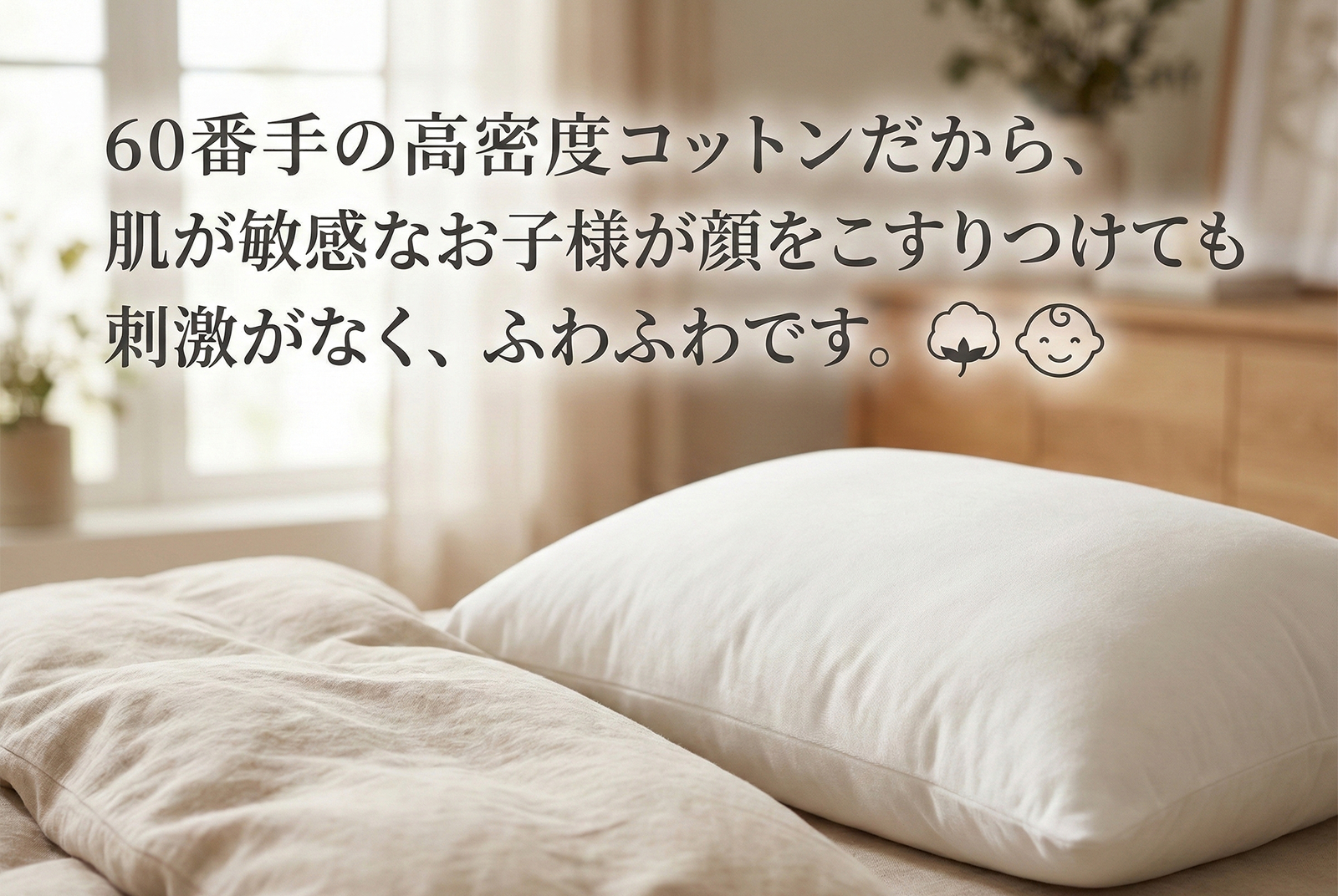
- スペック: 「60番手の高密度コットン使用」
- ベネフィット: 「60番手の高密度コットンだから、肌が敏感なお子様が顔をこすりつけても刺激がなく、ふわふわです。」
STEP 3: 信頼の立証 (Trust) - 「私が良いと言っているわけではありません」
ネットショッピングには常に疑いがつきまといます。「本当に効果あるの?」「写真詐欺じゃない?」というお客様の最後の迷いを消さなければなりません。この時、売り手の言葉には力がありません。第三者の声を借りて信頼を証明しましょう。
👉 実践チップ: 具体的な数字と証拠を見せてください。漠然とした「良いですよ」より、具体的な「結果」が強力です。
- レビュー: 単純な星の数より、「1週間使ったら首の痛みが消えました」のような具体的な写真付きレビューを上段に配置しましょう。
- 認証: 「特許技術」という言葉の代わりに特許証の原本画像を、「安全だ」という言葉の代わりに有害物質不検出のテスト成績書を見せましょう。
2. スクロールを止めさせるレイアウトとデザイン戦略
論理的な企画ができたら、次はお客様が読みやすいように配置するデザイン段階です。どんなに良い内容も、読まれなければ意味がありませんからね。
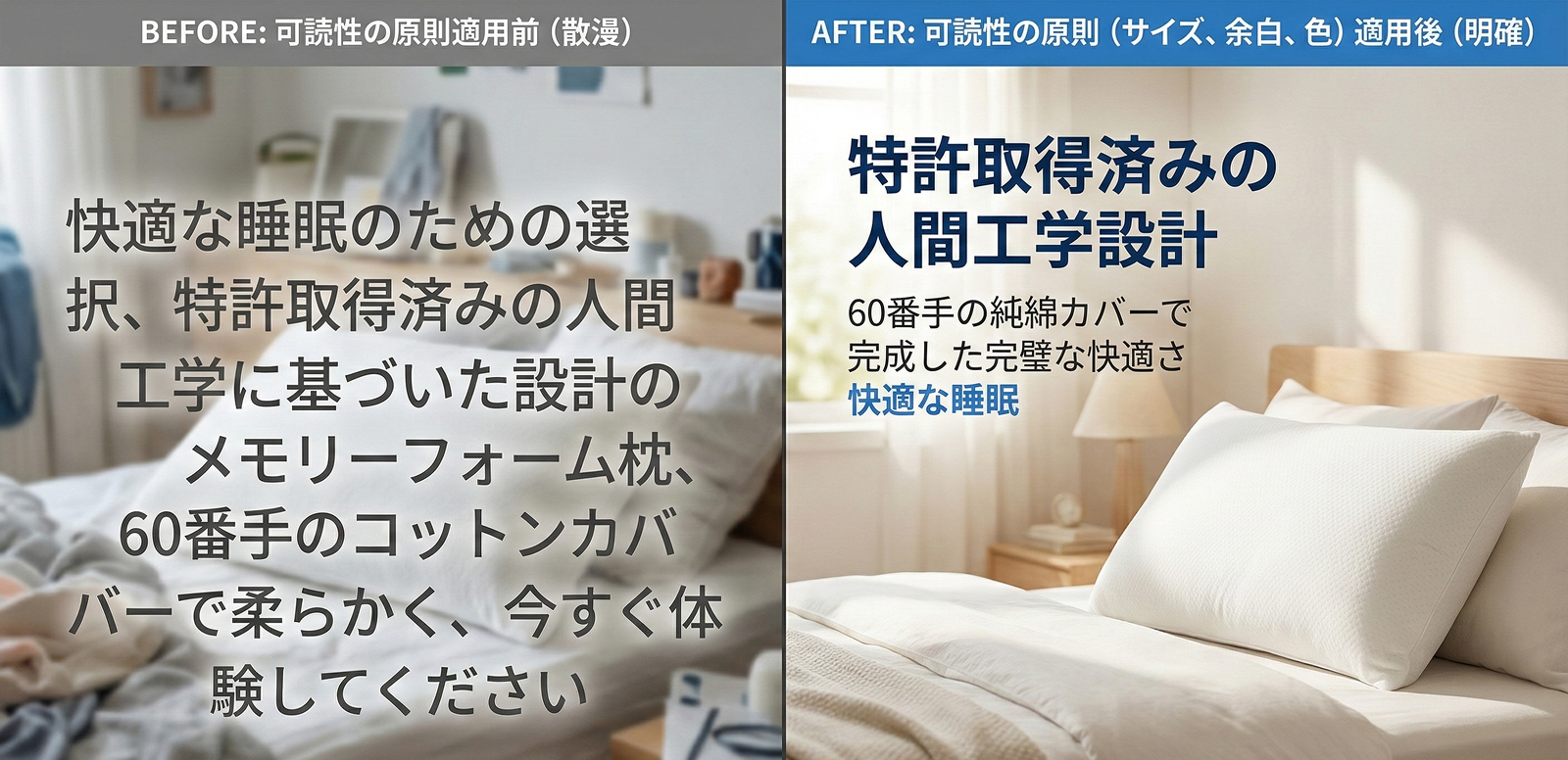
視線の流れを操る「可読性の3原則」
お客様は詳細ページを熟読しません。スマホでササッとスキャンしながらスクロールするだけです。重要な内容が目に飛び込んでくるように工夫しましょう。
- サイズの対比 (Contrast): 核心となるメッセージは特大サイズで、補足説明は小さく。フォントサイズの差だけでメリハリが生まれます。
- 余白の美 (White Space): 文字と写真をギチギチに詰め込まないでください。段落の間や画像の周りに十分な余白(ホワイトスペース)を作ることで、視線が心地よく留まります。余白はただの空きスペースではなく、「視線の休憩所」です。
- 色の強調 (Highlight): 重要なキーワードや数字にブランドカラーでポイントを入れましょう。ただし、色を使いすぎると散漫になるので、ポイントカラーは1〜2色に絞るのがおすすめです。
本当の「モバイルファースト」サイズ戦略
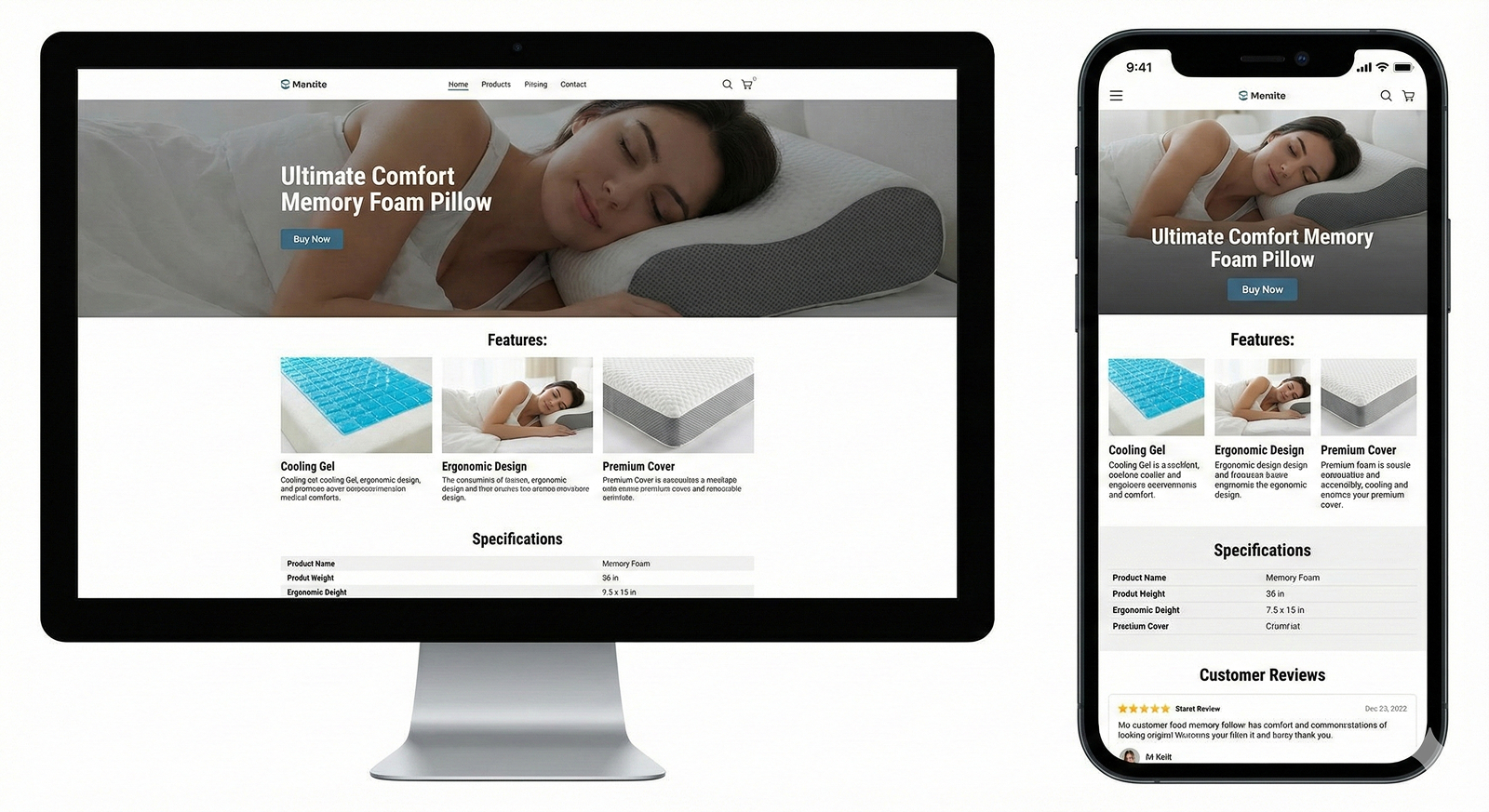
今や買い物の90%はスマホで行われます。PC画面基準でデザインしてスマホに無理やり合わせるやり方は捨てましょう。最初からスマホ画面を基準に考えてください。
- 黄金サイズ: 横幅はプラットフォーム標準の 860px を推奨します。このサイズが多くのモバイル端末で最も安定して見えます。
- フォントサイズ: スマホでの本文フォントは最低でも 28px〜32px 以上でないと、読みづらくてスルーされます。PCで作業している時に「ちょっとデカすぎない?」と思うくらいが、スマホではちょうど良いのです。
- 読み込み速度: 画像が縦に長すぎると読み込みが遅くなり、お客様が離脱します。縦の長さが3000pxを超えないように適切にカット(分割)してアップロードするのが良いでしょう。JPG形式で圧縮して容量を軽くするのも必須です。
3. 理論はわかったけど、実行するのは大変?
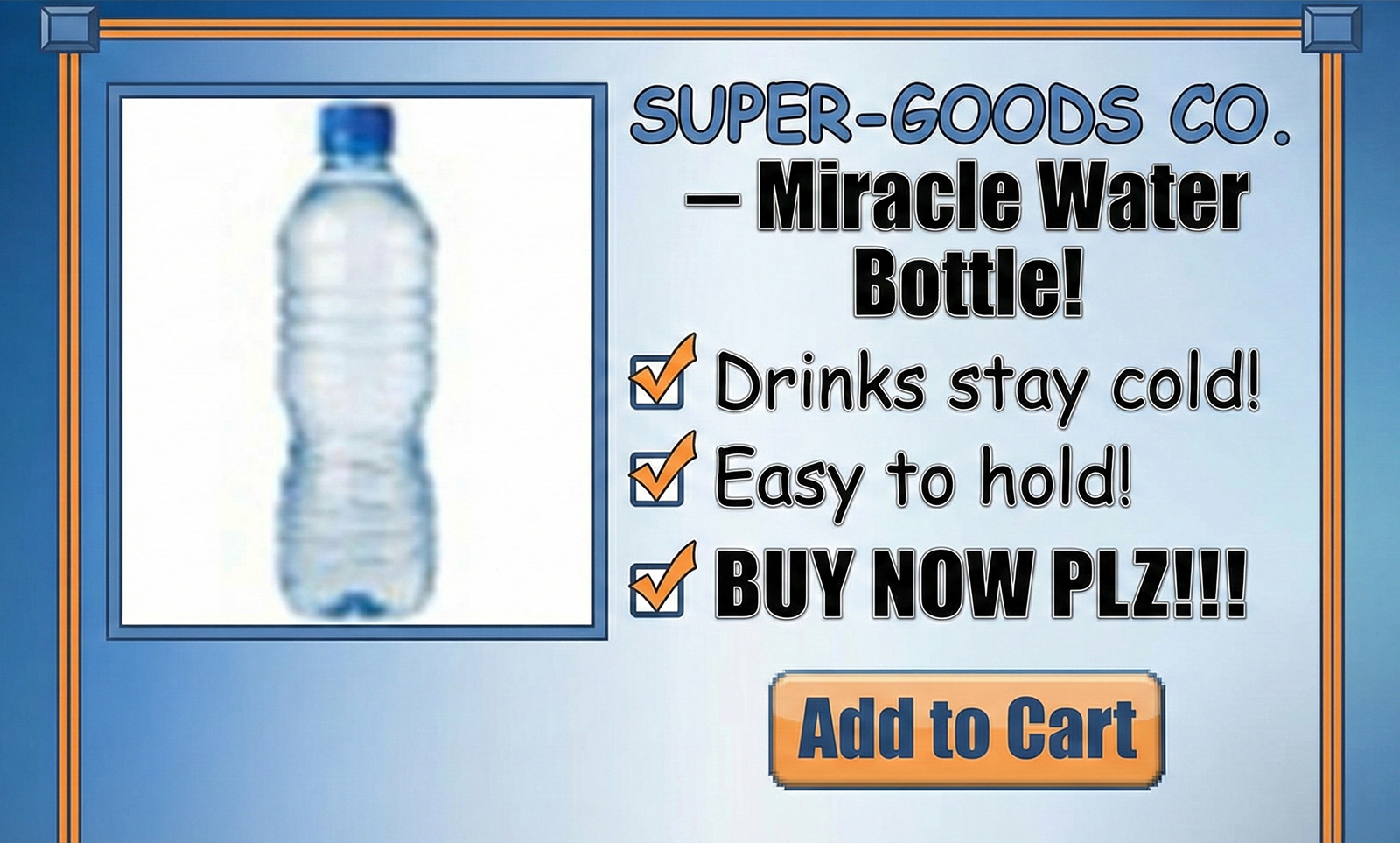
「企画もレイアウトもわかったけど、私はデザイナーじゃないし…」 その通りです。マーケターや一人社長がこれら全てを完璧にこなすのは至難の業です。焦ってネットに落ちている無料テンプレートで作ったり、商品写真の「背景を削除」する作業(ヌキ作業)に何時間も費やしたりしていては、肝心のマーケティングに使う時間がなくなってしまいます。
だからこそ、最近の賢いセラーたちは「AIツール」を積極的に活用しています。単純作業や技術的なデザイン領域はAIに任せて、人間は「どう売るか」という企画と戦略に集中するのです。
4. 売れるLPの素材を瞬時に完成させる「ドラップアート」
ドラップアートは、先ほど説明した「売れるページのロジック」に必要な高品質な画像素材をAI技術で簡単に生成できるツールです。
クリックを呼ぶ「ハイクオリティ画像生成」
理論は完璧に理解したけれど、いざ白い画面を前にすると手が止まってしまいませんか? 企画して、撮影して、デザインして…体がいくつあっても足りない皆様のために、ドラップアートが本気で作りました。
特にドラップアートの 「AIミックス (AI Mix)」 や 「AI人物」 機能を使えば、プロのモデルやスタジオ撮影なしでも、一瞬で目を引く演出画像が作れます。
- AI人物: 商品写真さえあれば、AIが自然なモデル着用イメージを生成(人物ショットを作成)。
- 背景生成: 商品を引き立てるリッチな背景を一瞬で作成。
- 背景を削除: 面倒なヌキ作業もワンクリックで完了。
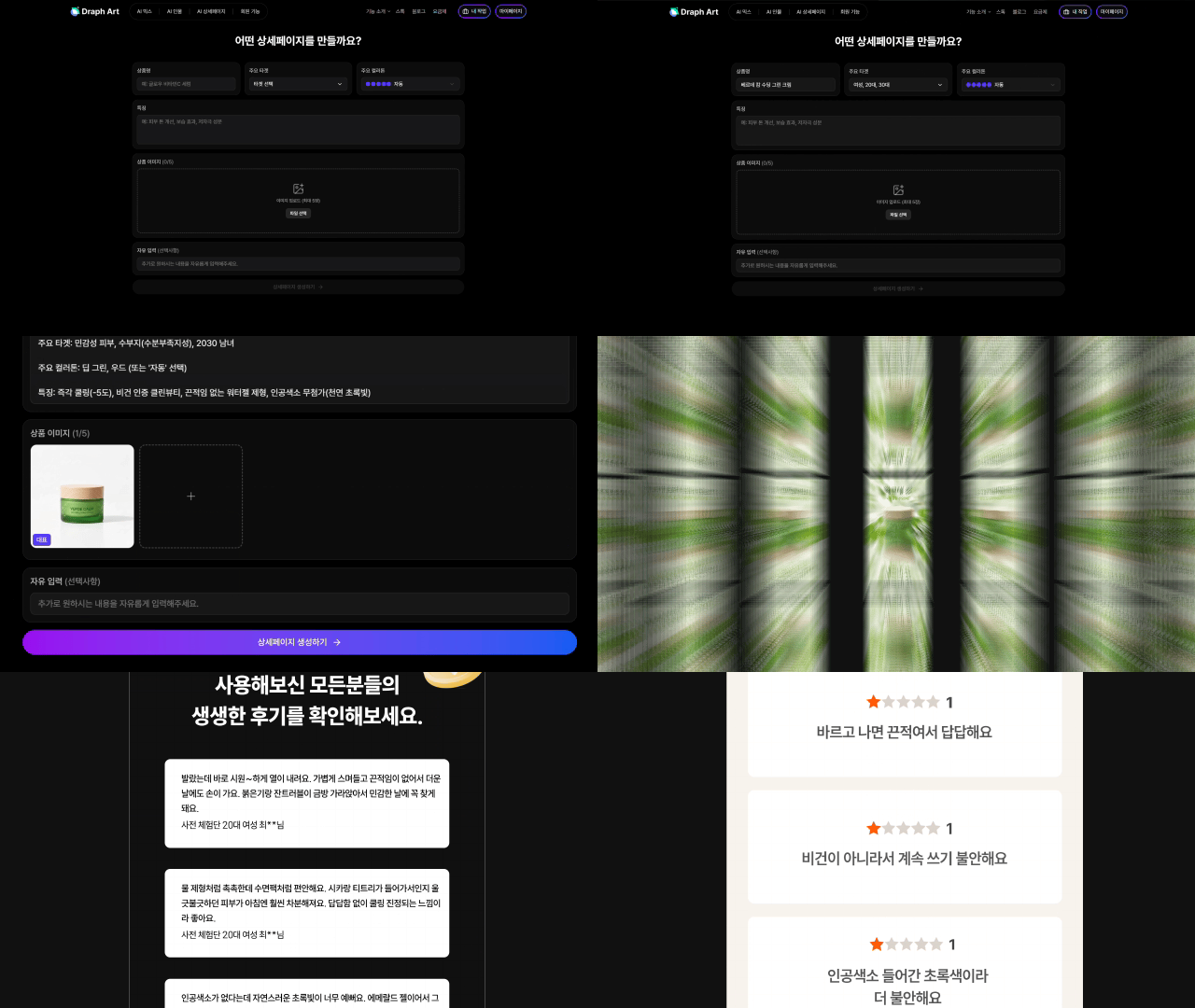
韓国で話題の「AI詳細ページ自動生成」技術とは?
実はドラップアート(韓国版)では、商品情報を入れるだけで、売れるレイアウト設計からコピーライティング、画像配置までをAIが「全自動」で行う機能も提供しており、多くのセラー様に愛用されています。 (※現在、テキストを含むページ全体の自動生成機能は韓国語版で先行提供中です。日本ではまず、ドラップアートの強力な画像生成機能を活用して、LPのクオリティを劇的に上げてみてください!)
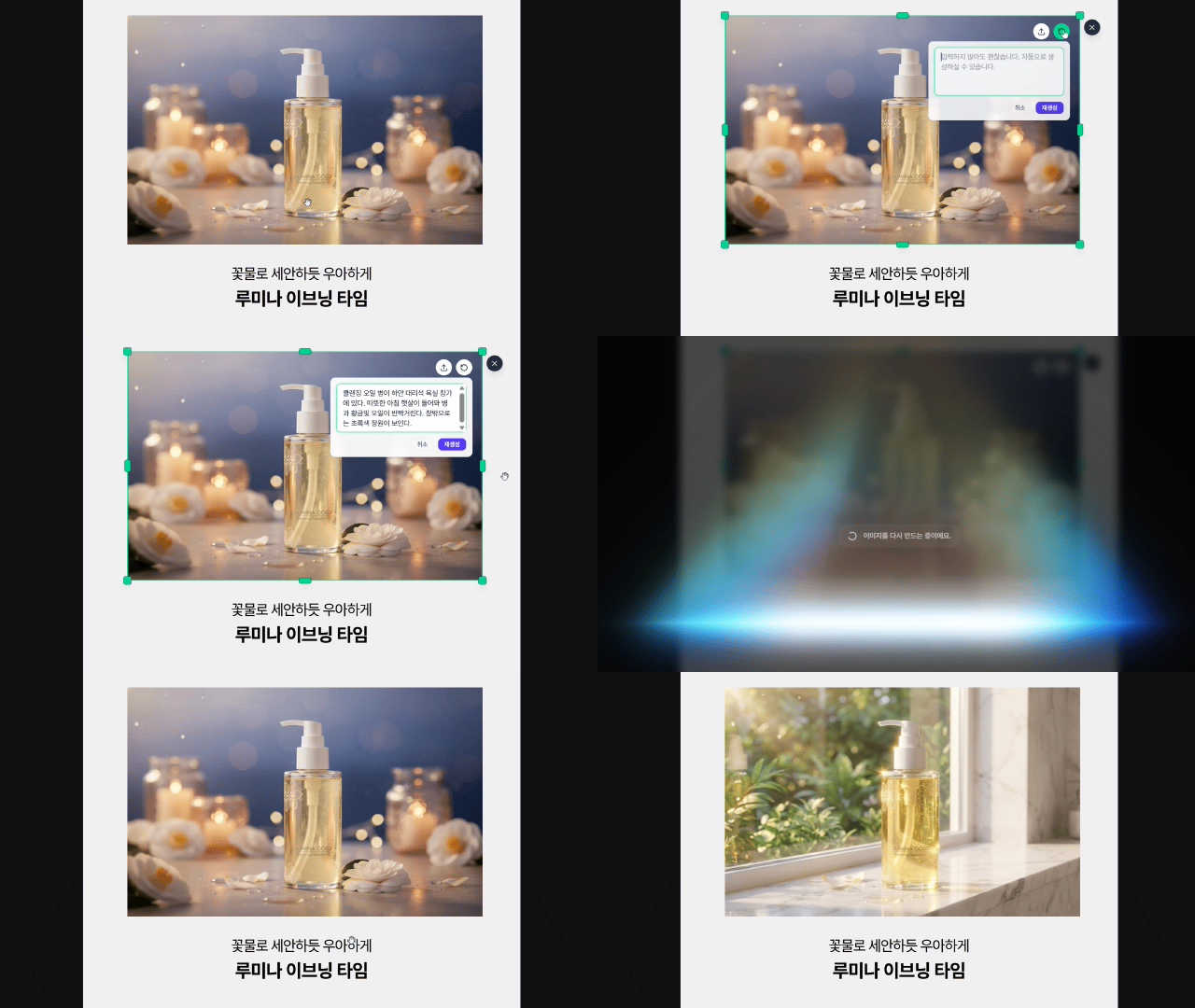
「背景を変えて」チャット感覚で修正できる編集機能
自動生成された画像が99%気に入ったけど、あと1%だけ直したい…そんな時もPhotoshopは不要です。AIにチャットするように話しかけてください。
「背景をもっと高級なホテルの寝室に変えて」
あなたのリクエストをリアルタイムで理解し、即座にデザインに反映します。ここまで修正が簡単なAIツールはドラップアートだけです。
ドラップアートのAI技術で作られた詳細ページのサンプルを、以下のリンクからチェックしてみてください!
マーケティングだけに集中してください。制作はドラップアートがサポートします
CVRの高い詳細ページ制作の核心は、派手な装飾ではなく、しっかりとした企画と戦略的なレイアウト、そして「刺さる画像」です。 もうデザインツールと格闘して貴重な時間を無駄にしないでください。 企画とマーケティング戦略にもっとエネルギーを注ぎましょう。それを最も効果的に視覚化する面倒な作業は、Ailien(エイリアン)のようなドラップアートのAIにお任せください。
売上が上がる詳細ページ制作、ドラップアートと一緒なら、もう難しい宿題ではありません。
.jpg&w=1920&q=75)
.jpg&w=1920&q=75)