
.jpg&w=1920&q=75)
목차
Summary
- What matters most: It's not about pretty design—it's about solving your customer's problems.
- Size settings: Use 860px width as a standard and make sure it looks good on mobile.
- AI tools: Even if you've never used Photoshop, AI detail page tools can give you pro-level results.
- Draph Art features: Just upload your product photo, and we'll handle planning, copywriting, and design—all in one go.

Hi there! We're Draph Art, the AI-powered service for product photos and videos.
When you're starting an online store, what's the biggest hurdle? Sure, sourcing good products is tough, but once you've got them, figuring out how to present them can feel overwhelming. You need photos, descriptions, and a well-designed page that actually sells.
Most people either spend a fortune outsourcing or pull all-nighters wrestling with Photoshop. But you don't have to do that anymore. Today, we're sharing a super practical and easy way for beginner store owners to create detail pages like a pro.

1. Planning a Detail Page That Sells—Keep It Simple
A lot of people worry about design first, but honestly, that's backwards. Planning comes first. And no, we're not talking about corporate-level presentations. Planning just means figuring out why customers should buy your product.
Key Points for Planning Your Detail Page
- Who's buying? Are they office workers in their 30s? Stay-at-home parents? Nail down your target.
- What's their problem? Point out the specific frustration they're dealing with.
- How do you solve it? Show them how your product makes that problem go away.
For example, let's say you're selling moisturizer. Instead of saying "This cream has great ingredients," try "Dry, cracked skin from winter heaters? One application keeps you moisturized all day long." That speaks to your customer's real life—and that's what good planning looks like. When your copy connects, your design works harder too.

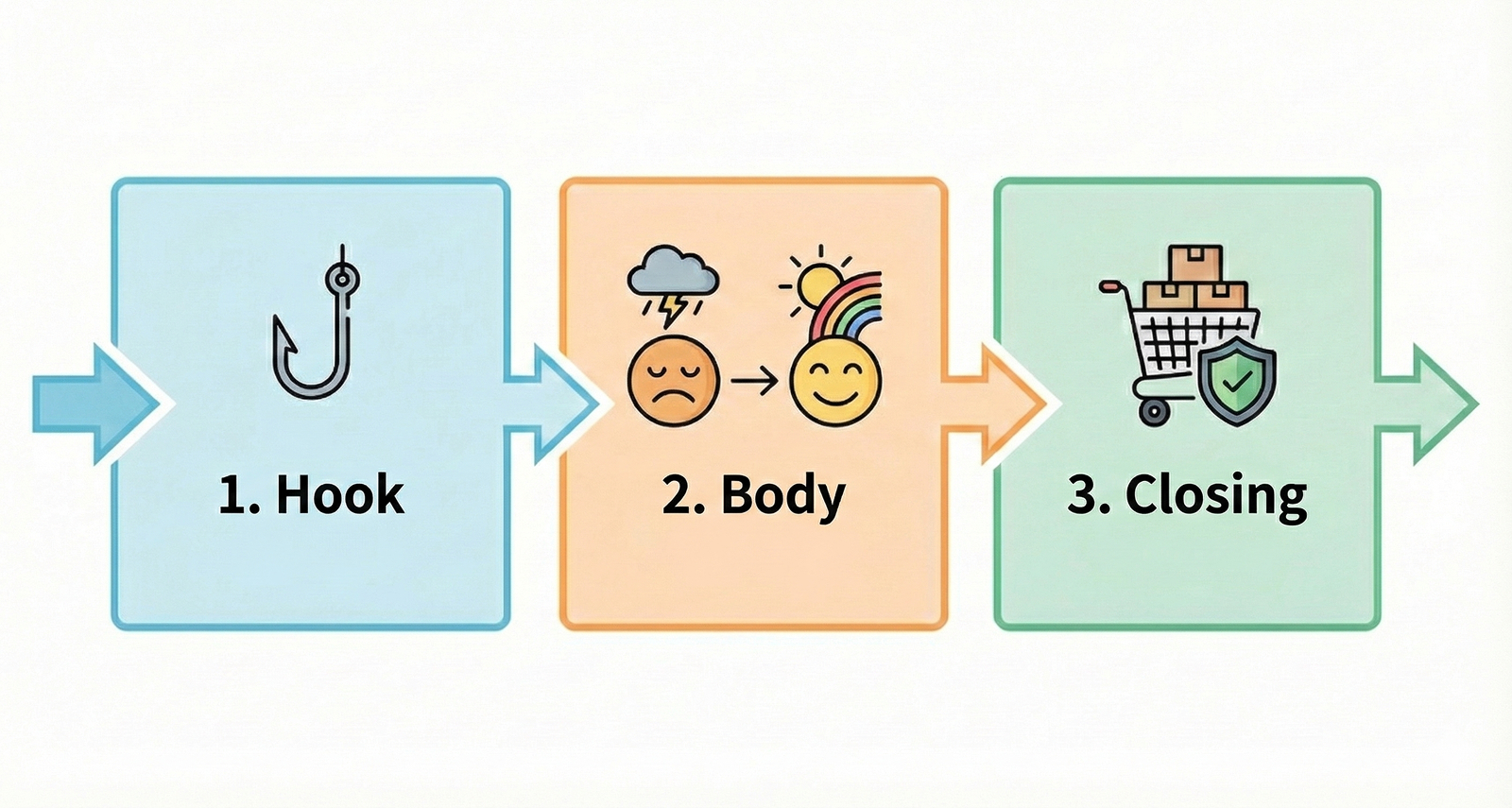
3-Step Formula for a High-Converting Detail Page
Don't just wing it. Use this simple three-part structure to keep customers from bouncing. When you lay things out this way, you'll cut your production time in half.
1. Hook (Top Section): Grab Them in 3 Seconds
This is the first thing they see. Make them think, "Wait, this is exactly what I need."
Example: A punchy one-liner or a dramatic before/after photo
2. Body (Main Content): Show You Get It, Then Solve It
Call out their frustration (the problem), then show how your product fixes it (the solution).
Tip: Skip the jargon. Use everyday language like "stays soft all day" instead of technical terms.
3. Closing (Bottom Section): Build Trust and Push Them to Buy
Add real reviews, certifications, and shipping info to eliminate doubts and get them to checkout.
2. Detail Page Sizes & File Formats—The Full Breakdown
Once you've got your plan, you need to set up the right framework. Getting the size and file format right is just as important—and it's where beginners mess up the most.
Recommended Specs (Width-Based) Platform Type Width (px) Height File Size Limit
| Standard E-commerce | 860px | Split recommended | Max 20MB per image |
| Marketplace A | 780px ~ 860px | Split under 3000px | Max 5MB per image |
| Marketplace B | 780px | Split under 2500px | Max 10MB total |
Pro Tips for Saving Files
- Color mode: Use RGB, not CMYK (which is for print). RGB keeps your colors vibrant online.
- File format: Use JPG for photo-heavy images—it's lighter and loads faster. Use PNG when you need transparency or crisp logos.
- Animated images (GIF): Want to show how a product works or its texture? Animations beat still photos every time. Draph Art can even turn your photos into videos—definitely worth trying.
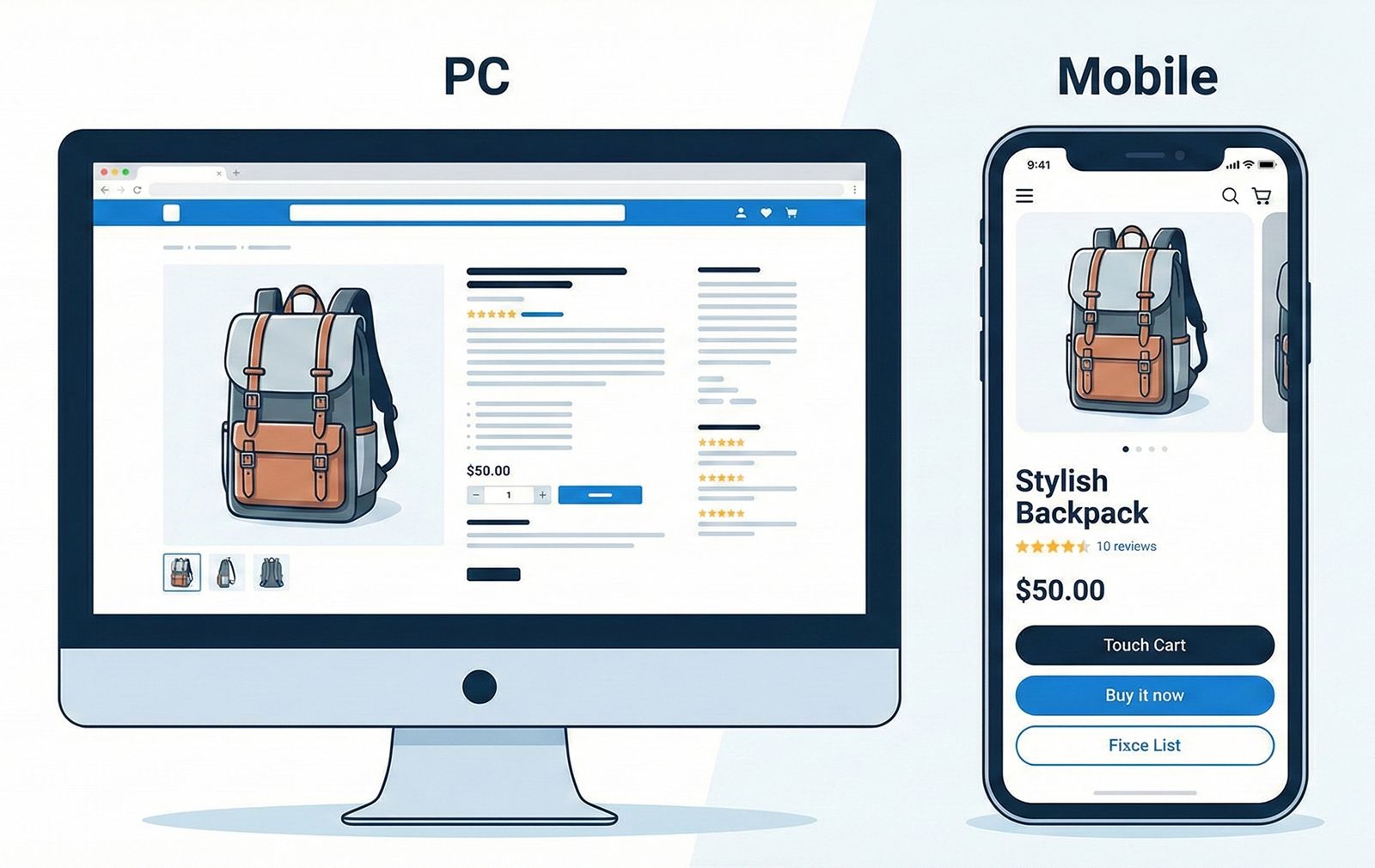
3. Pro-Level Detail Page Design Without Photoshop
Don't know how to use any design software? No worries. AI detail page tools are now doing the designer's job. They've gone way beyond simple templates—they can actually create new product photos for you. With Draph Art's AI MIX feature, here's what you can do:
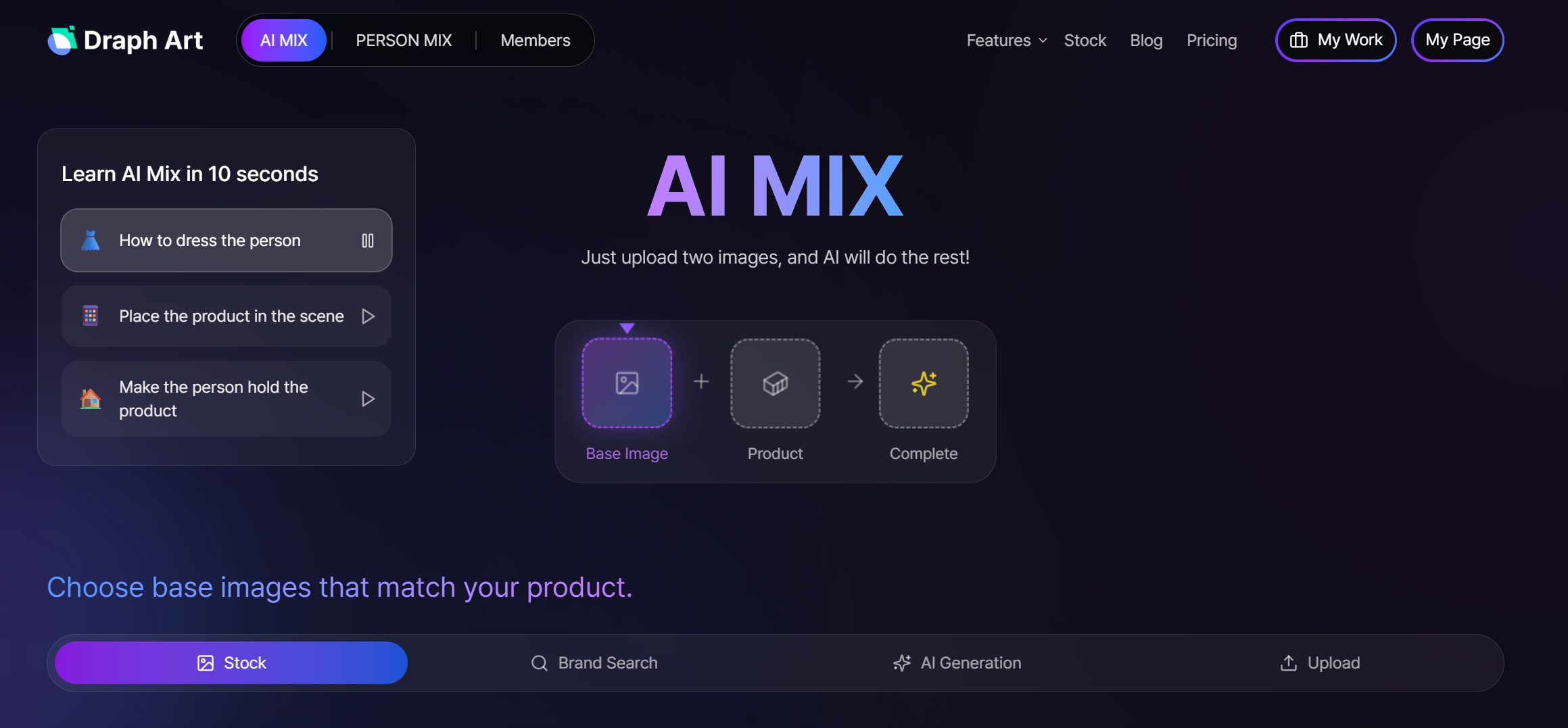
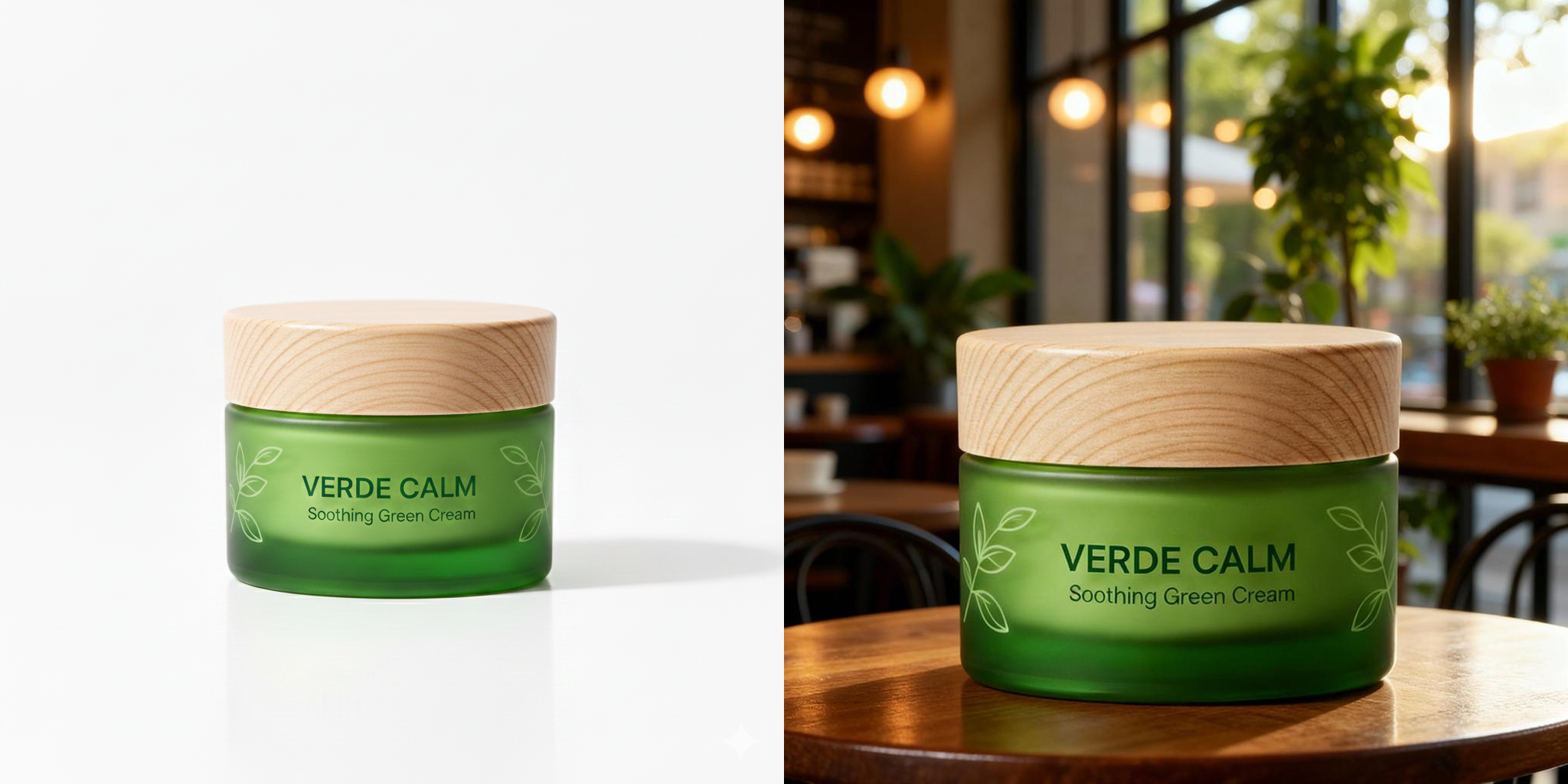
- Auto background generation: Turn a plain white-background product shot into one with "sunlit café table" or "modern bathroom" vibes in seconds.
- Light and shadow adjustment: The AI automatically adds realistic lighting and shadows so it doesn't look fake.
No need to rent a studio or buy props. A few clicks get you high-quality design assets for your detail page.

4. Challenge Accepted: $0 Detail Page Creation with Draph Art
Draph Art is an all-in-one solution that tackles the two biggest pain points for online sellers: cost and time. In fact, using Draph Art can cut professional photography costs by over 90%.
Save on Model Fees
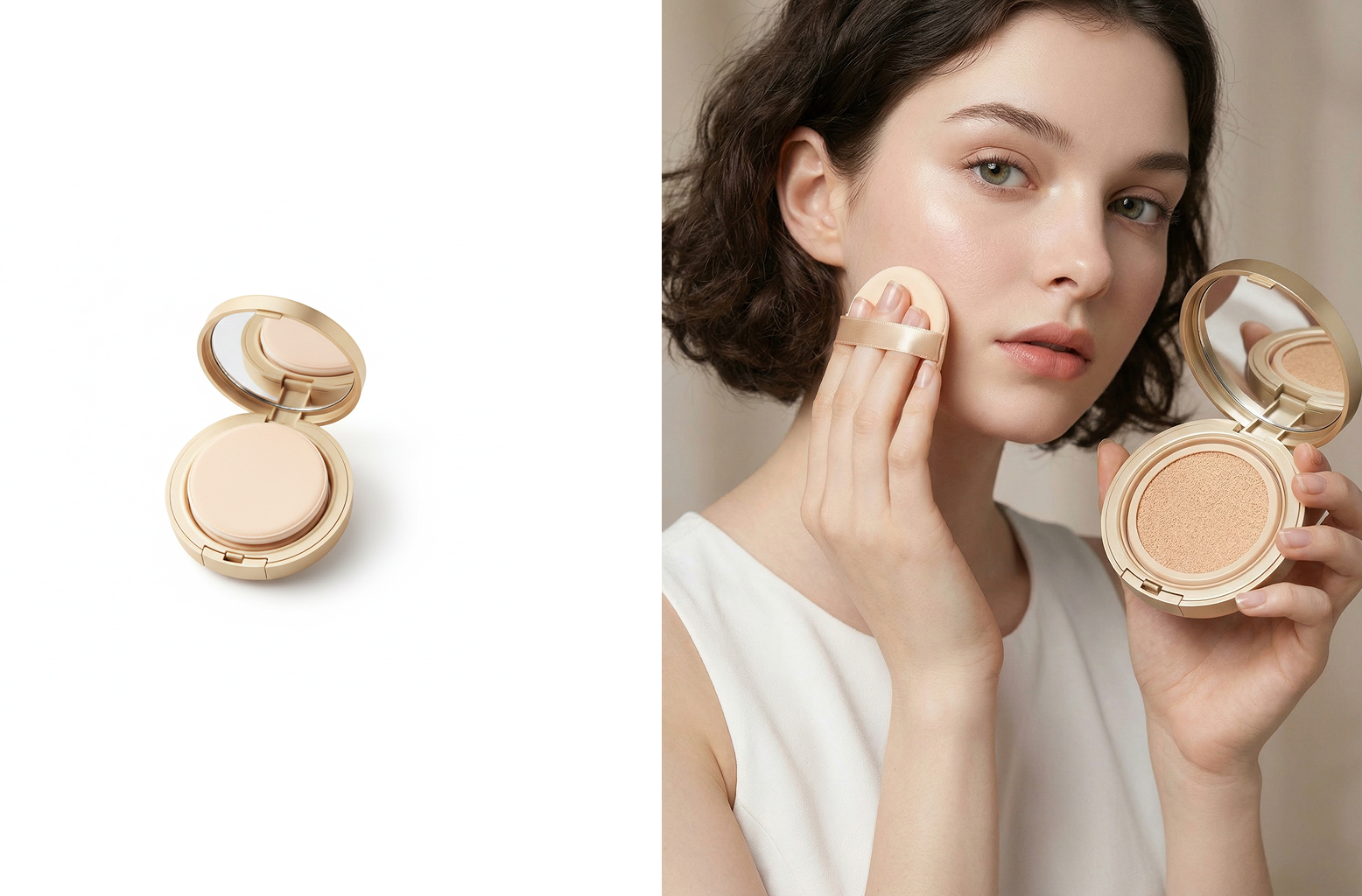
Upload a cosmetics photo, and our Person MIX feature creates images of AI models using your product. You can customize faces, ethnicities, and poses to match your brand—no model fees required.

Create Videos Too
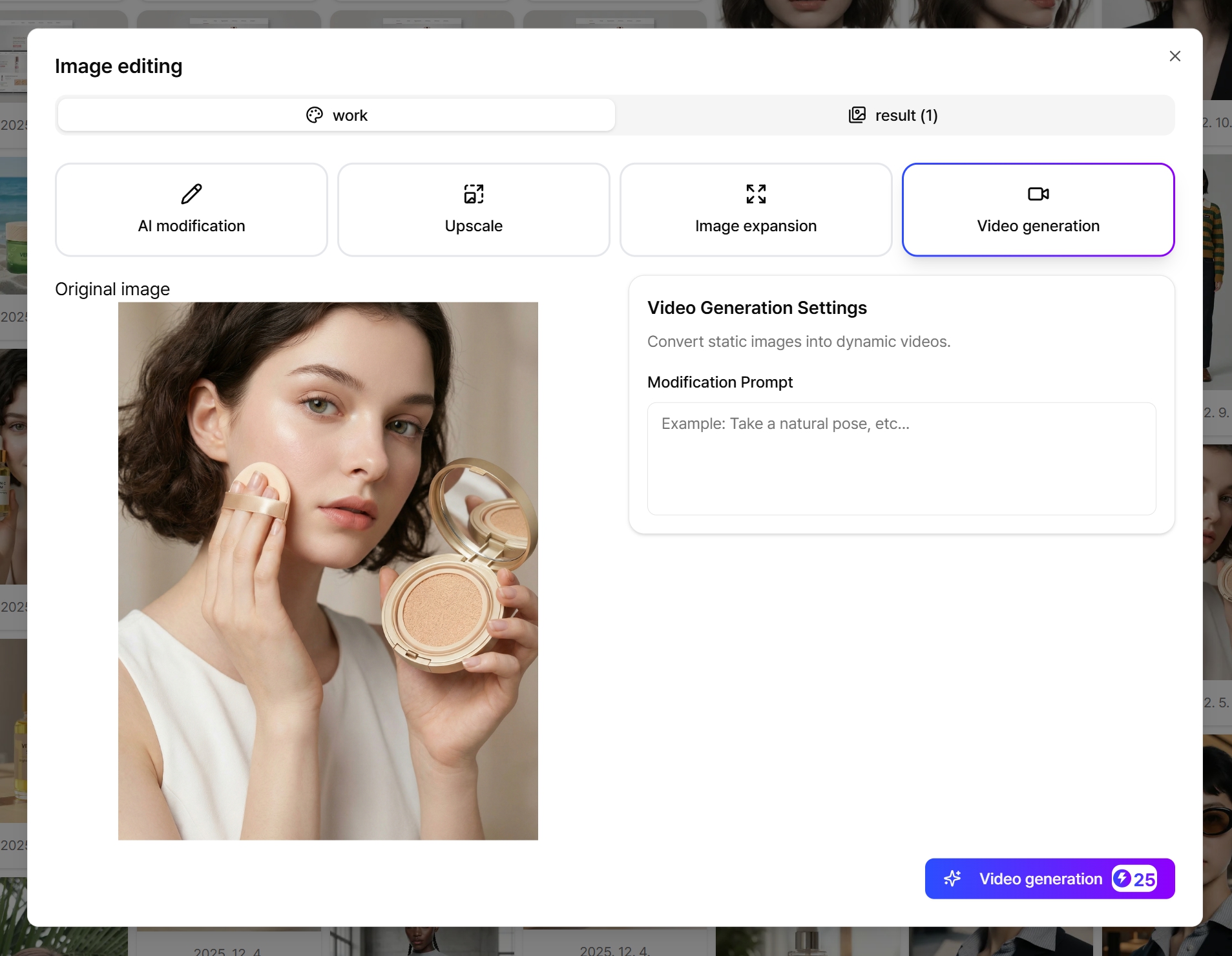
Videos in your detail page boost engagement time. With Draph Art, you can turn a single image into a video—no filming required.

Fully Automated Detail Page Creation (Coming December 2025)
Soon, just enter your product info, and AI will handle everything—layout, copy, the works. You'll even be able to request changes conversationally, and they'll update in real time. Exciting stuff!
Creating detail pages isn't just for experts anymore. Use the 3-step planning formula to organize your content, match the right size and file format for your platform, and let Draph Art's AI detail page tools handle the visuals.

