목차
- 1. The Secret to Photos That Sell: Lighting and Shadows
- 2. Magic That Turns Your Home into a Professional White Studio
- 3. Create Unlimited Concept Photos Without a Rental Studio
- 4. 80% of Detail Page Design is "Photogenic Quality"
- 5. High-Quality Visual Strategy: 'Generation', Not Just 'Compositing'
- 6. Comparison: From Planning to Result
- 7. Frequently Asked Questions (FAQ)
- 8. Conclusion: Visuals Are Your Competitive Edge
Summary
- The decisive impact of studio photography on sales and the secret of 'lighting'
- Concrete ways to turn photos taken at home into natural light studio quality
- How to level up your product detail page design with just one high-quality photo
- A visual strategy to boost sales with zero cost for studio rentals

Hello, this is your online business partner, Draph Art.
What is the most powerful weapon to open a customer's wallet in an online store? It is the 'Product Photo'. Since customers can't touch the product, they make purchasing decisions based solely on the visual quality they see. That's why many sellers spend a lot of money renting studios and hiring professionals.
However, booking a rental studio and shooting every time a new product comes out is a huge burden in terms of both cost and time. But you're worried that if you just shoot it roughly at home, the quality will drop, and your hard-planned product detail page will go to waste, right?
Today, I'll share a visual strategy to turn ordinary photos taken in your living room or on your office desk into 'sales-boosting high-quality photos' that look like they were taken in a professional photography studio.

1. The Secret to Photos That Sell: Lighting and Shadows
Why do our photos feel different from those taken by professionals in a product photography studio? The camera is good, and the product is the same. The answer lies in 'Light' and 'Shadow'.
Well-decorated concept studios or natural light studios are designed so that the light hits the product in the most beautiful way. On the other hand, homes or offices often have fluorescent lights, making colors look dull and creating messy shadows.
The reason you can't get that professional feel even if you try hard in a self-studio is that you can't control this lighting environment. But now, you don't need to buy lighting equipment or rent a studio. AI solves this problem for you.
→ Creating Studio-Quality Photos with Draph Art AI MIX


2. Magic That Turns Your Home into a Professional White Studio
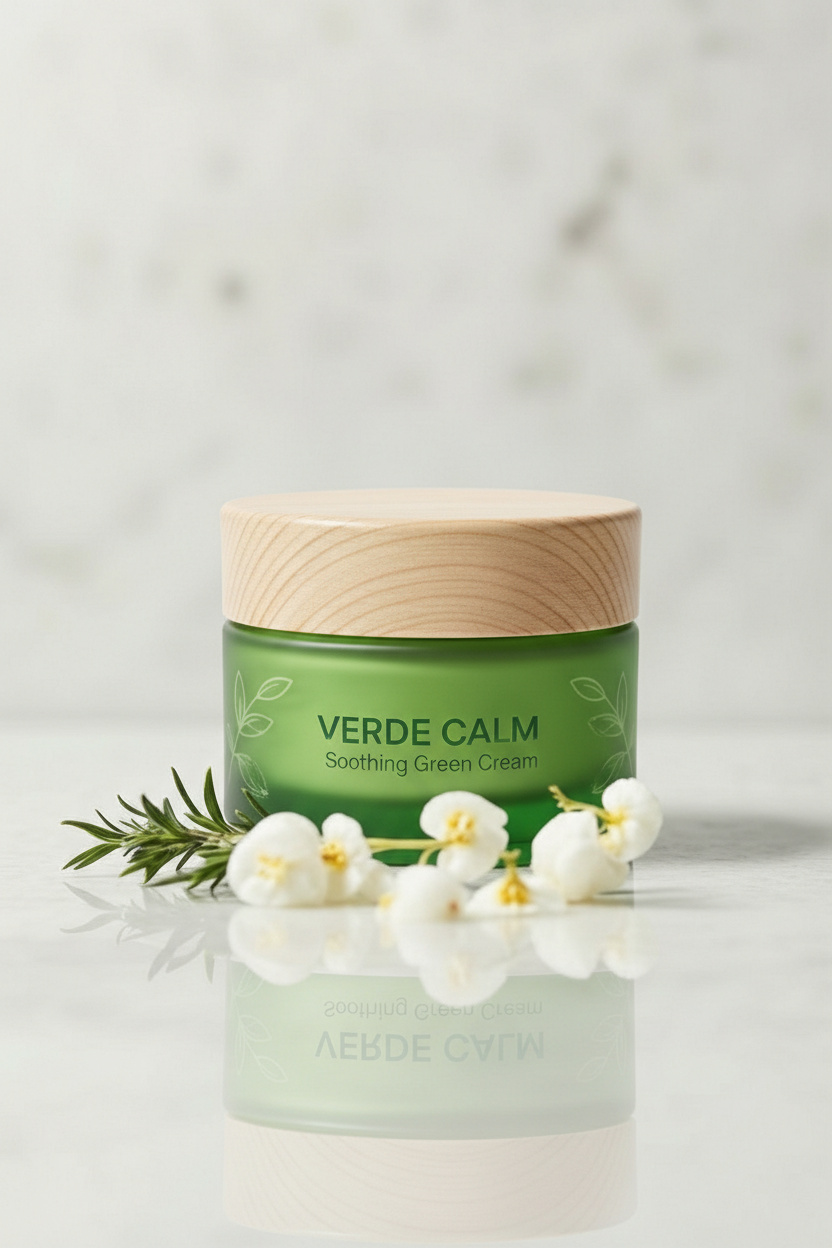
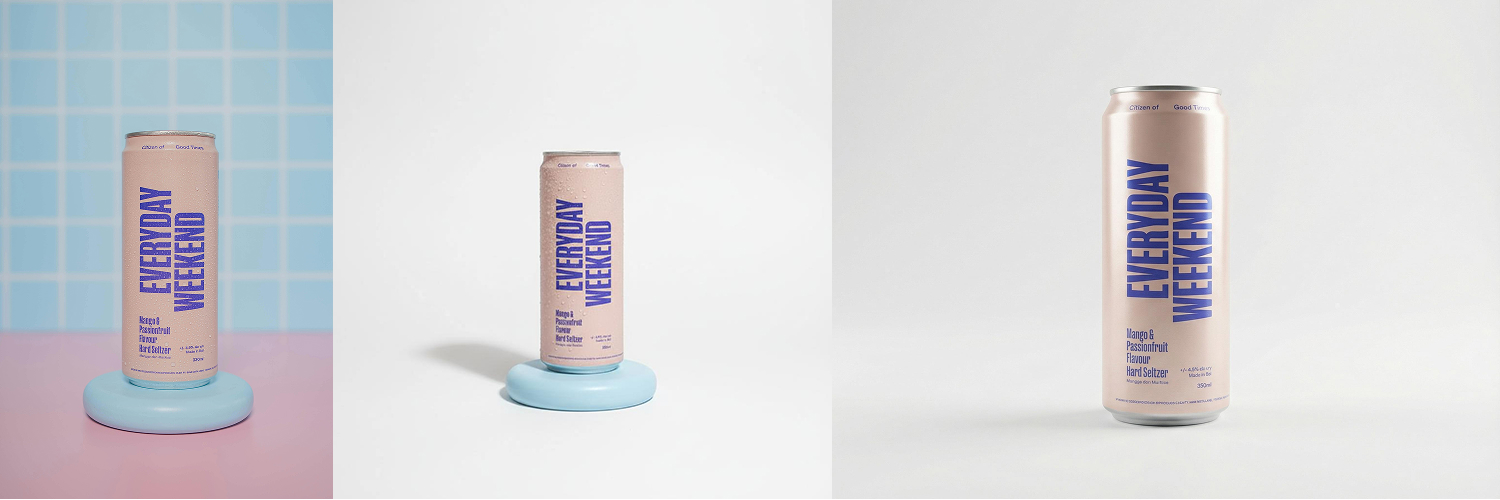
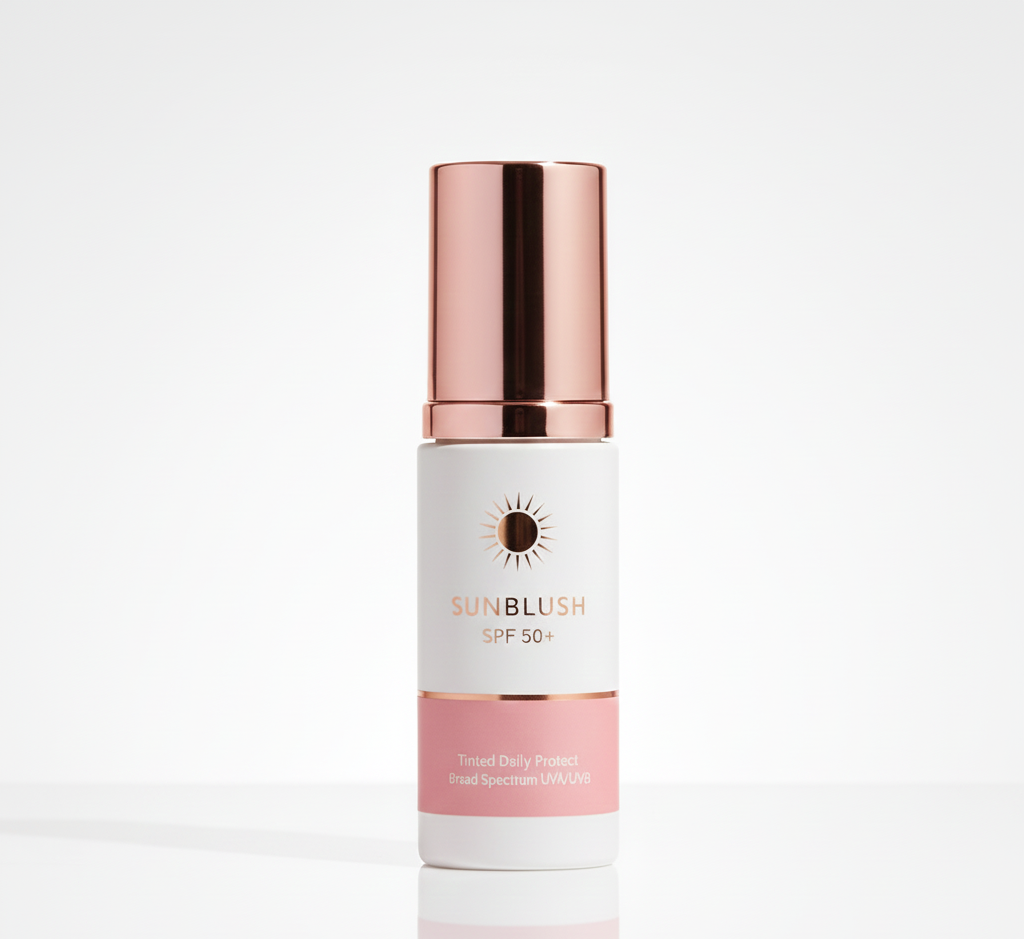
The cleanest photos that make the product stand out are those taken on a white or solid color background without distractions. Usually, to take these photos, you need to rent a 'cyclorama studio' (horizonal studio) where there is no boundary between the wall and the floor. These 'cutout shots' are the most basic source materials when creating a product detail page.
However, with Draph Art, you don't need to worry about your home wallpaper pattern or the floor color at all. Just put the product on your desk and snap a picture with your smartphone.
Then, upload it to Draph Art. You don't need to look for a separate background removal site; it automatically performs BG Removal and creates a perfectly clean studio background.
- Key Point: Since AI shines virtual lighting, it naturally redraws the shadows on the product. Thanks to this, it fits well into any product detail page template without looking awkward.
→ Creating Cyclorama Studio Images with Draph Art AI

3. Create Unlimited Concept Photos Without a Rental Studio
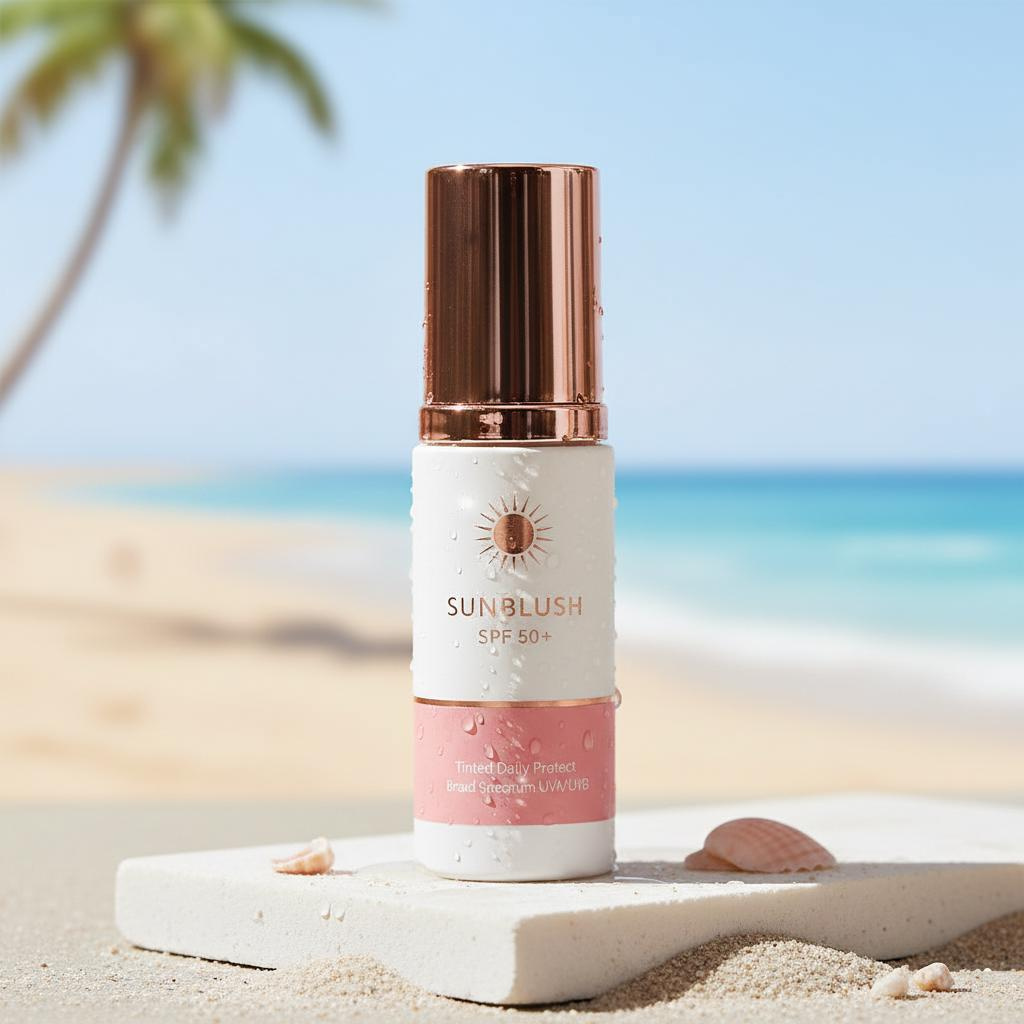
Photos with a background that matches the product's mood have a much higher click-through rate (CTR) than photos with just the product alone. That's why everyone pays good money to find concept studios with nice interiors.
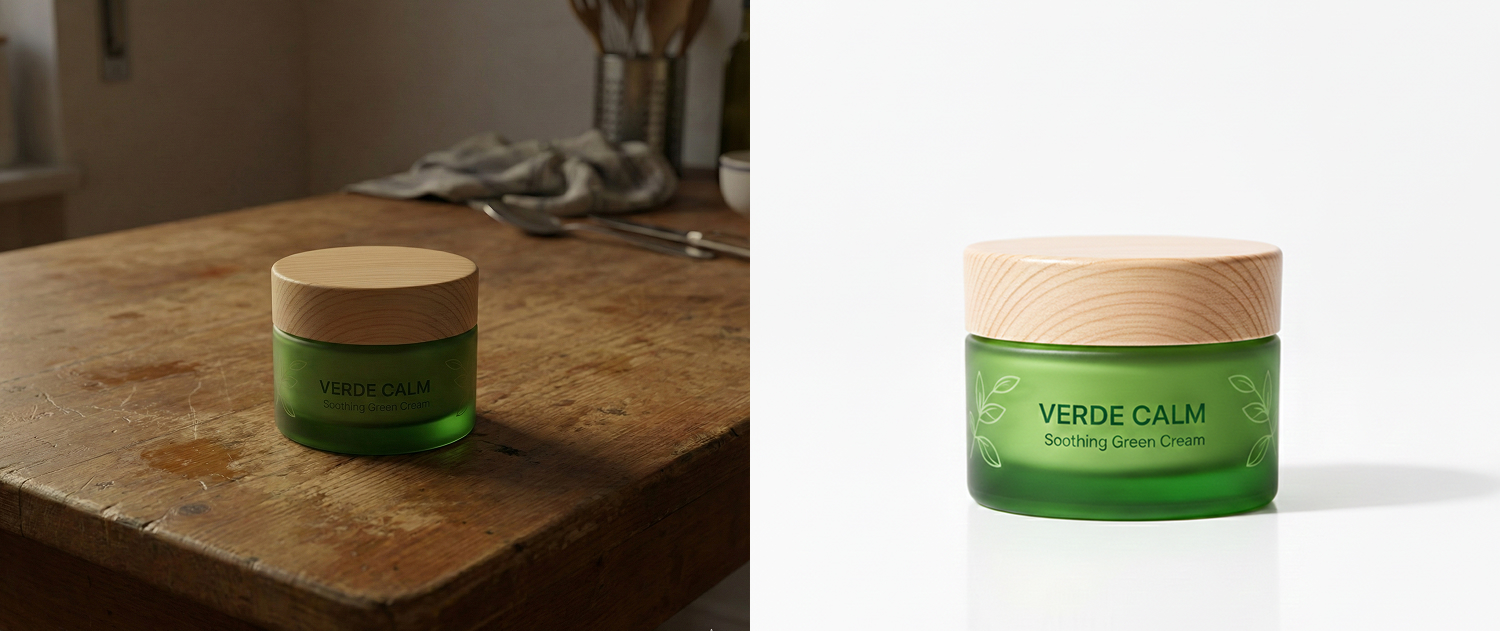
But physical studios have limits on changing backgrounds. You have to move furniture and reset props. Using Draph Art's BG Generation feature, you can apply hundreds of backgrounds with just one click.
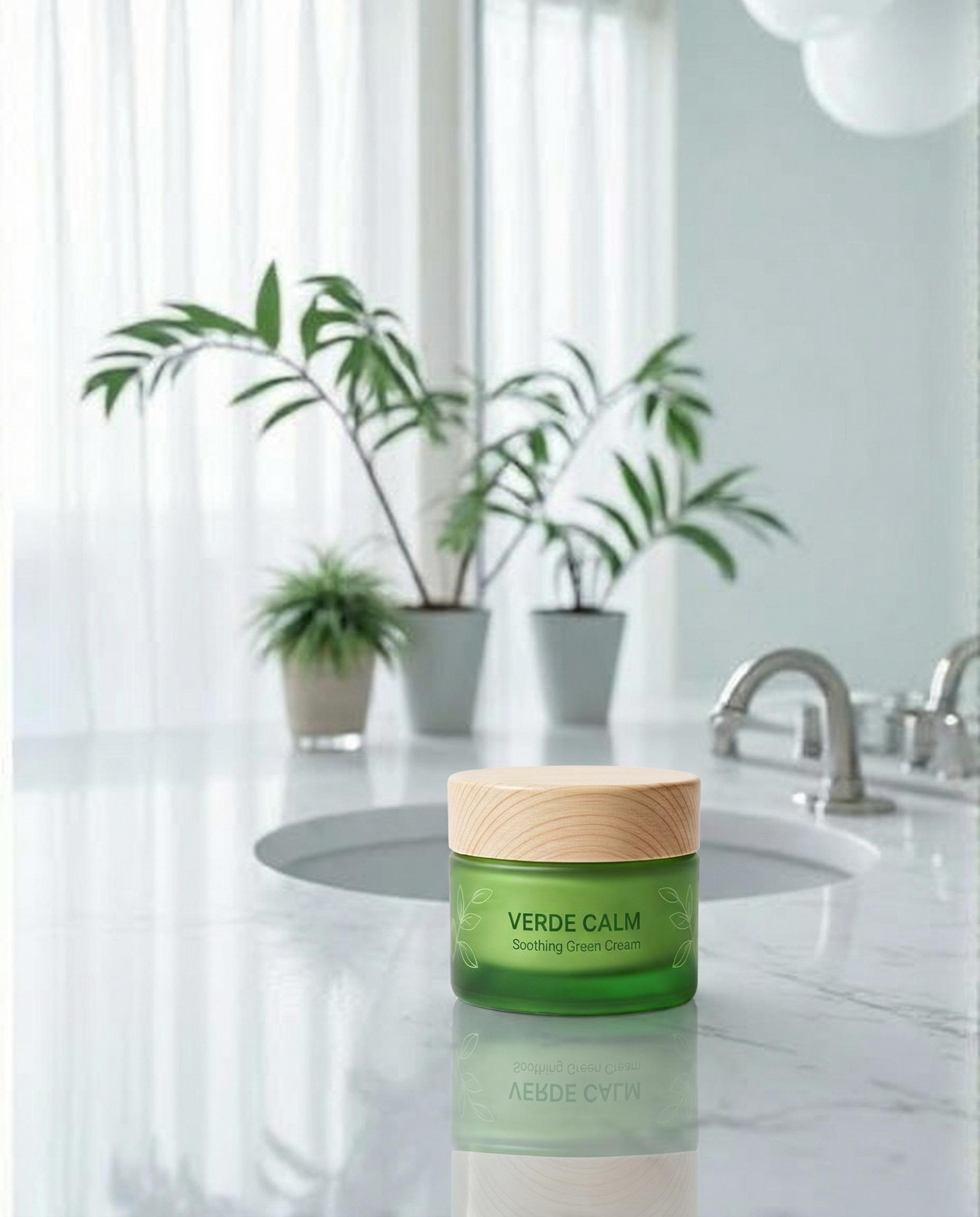
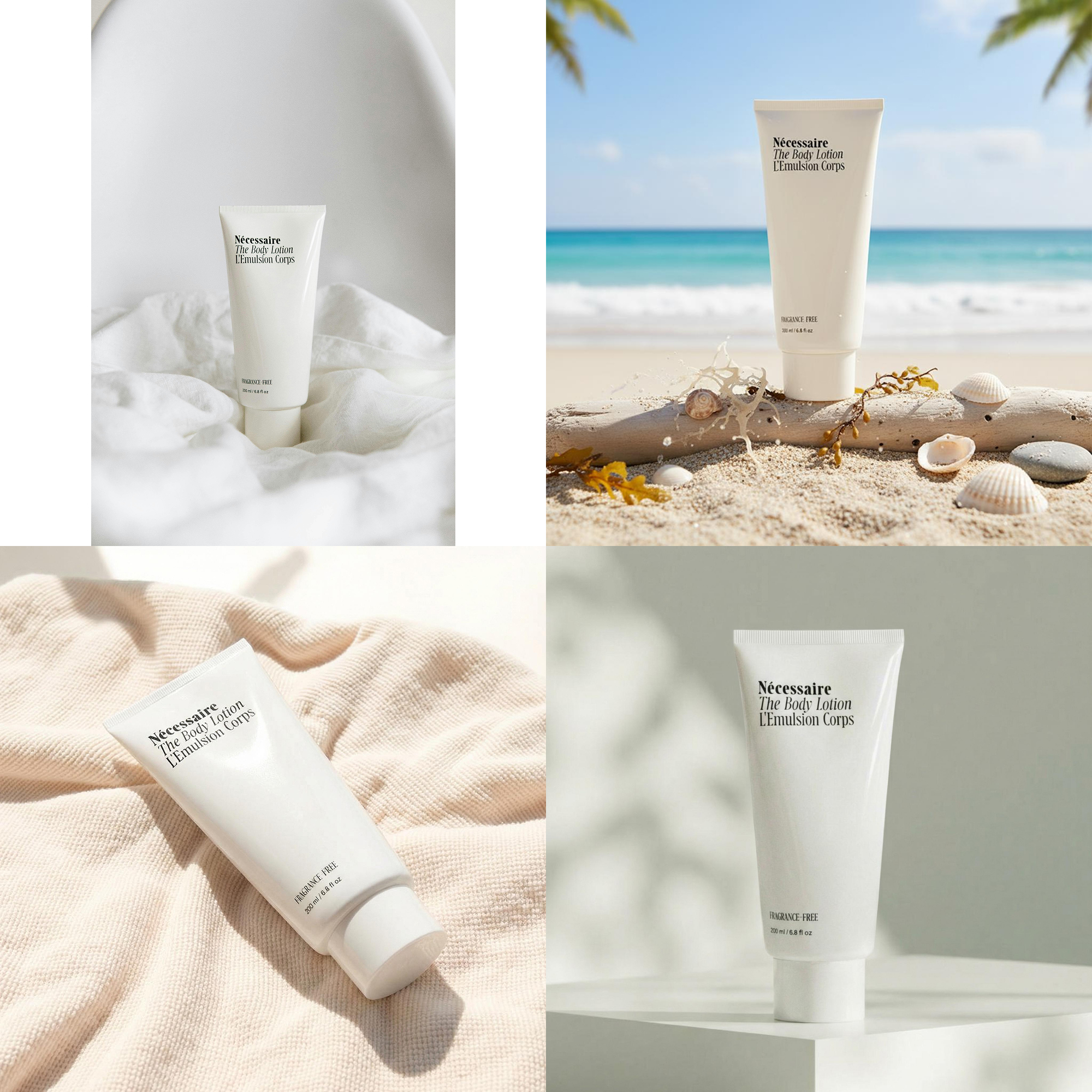
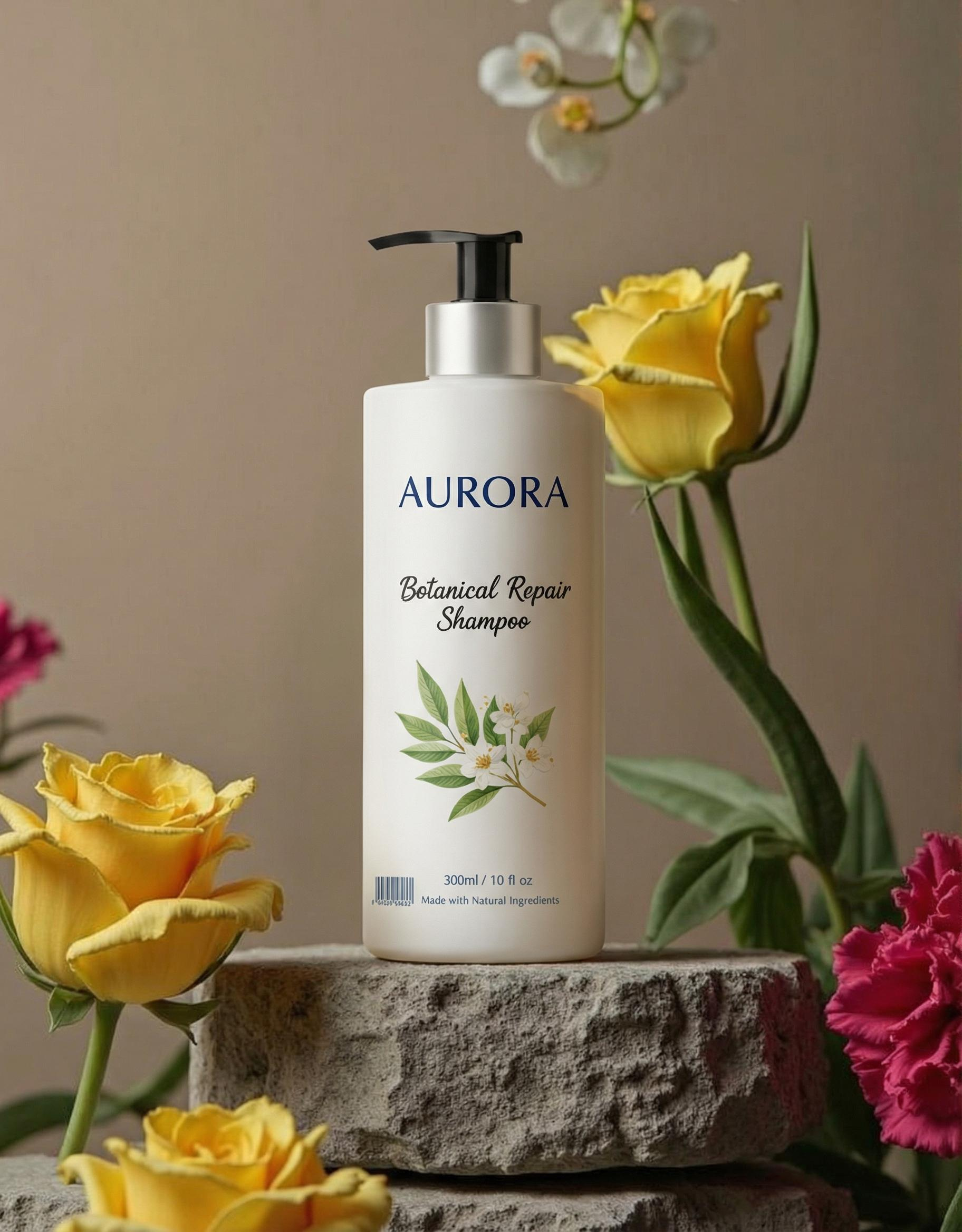
- Luxury Mood: A hotel lounge feel with a marble table
- Natural Mood: A natural light studio window feel with warm sunshine
- Chic Mood: A hip feel with modern concrete walls
All of this is possible with zero studio rental costs. AI image generation technology has advanced so much that it now creates backgrounds sophisticated enough that it's hard to distinguish them from real shoots.
→ Creating Unlimited Concept Photos with Draph Art AI

4. 80% of Detail Page Design is "Photogenic Quality"
Even if you have great product detail page planning and flashy design skills, if the quality of the included photos is low, customers won't trust the product. Conversely, if the photos are good, the quality of the product detail page production goes up significantly just by placing the photos prominently without much design.
When you look at detail page design reference sites, cool lifestyle cuts stand out, right? By utilizing the high-quality lifestyle cuts made by Draph Art, you can create a detail page that rivals those references.
Draph Art Photo Usage Tips:
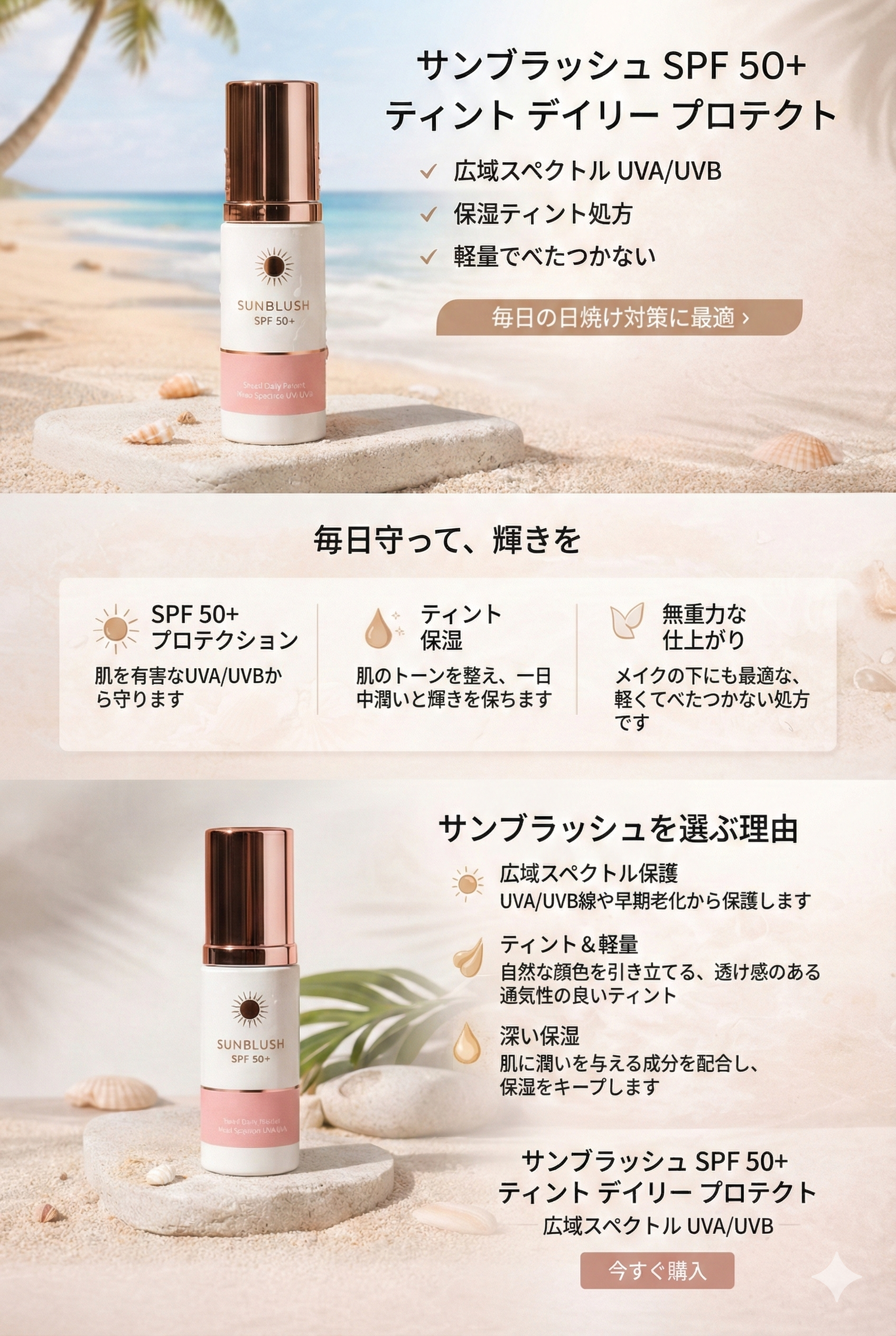
- Intro: Place a high-resolution concept shot large to grab attention. It is generated in high resolution to fit the detail page size.
- Feature Description: Use clean studio shots to show product details.
- Usage Examples: Insert natural real-life usage cuts in between so you don't even need a detail page mockup.
Now, when using a detail page builder or design tools, try inserting "overwhelming photos" made with Draph Art. The level of the result will be different.

5. High-Quality Visual Strategy: 'Generation', Not Just 'Compositing'
Many people worry, "Won't it look fake if it's composited?" Traditional Photoshop or simple photo synthesis AI tools just 'pasted' the product onto a background, so it looked floating and awkward.
But Draph Art's technology is different. It doesn't just put the product on the background; it 'generates' the surrounding environment as if the product was originally in that space.
- Lighting Direction Match: If the window in the background is on the right, it makes the product's shadow fall to the left.
- Reflection Implementation: If the product is glossy, it makes the surrounding background colors reflect softly on it.
- Perspective Adjustment: It adjusts the depth of the background according to the camera angle.
Thanks to these details, customers won't notice at all whether this photo was taken at home or in a professional product photography studio.


6. Comparison: From Planning to Result
If you compare the process of renting a studio yourself versus utilizing Draph Art, you can see how big the difference is in terms of efficiency, not to mention maintaining quality.
| Category | General Studio | Shooting Using Draph Art AI |
| Planning | Draft on free PPT template & prep props | Just think of desired concept keywords |
| Location | Book rental studio & travel (Cost incurred) | My desk (Cost: $0) |
| Lighting | Weather & lighting equipment setup needed | AI automatically generates optimal lighting |
| Background | Limited to on-site interior | Unlimited virtual concept studio backgrounds |
| Detail Page | Start design after photo editing (Takes long) | Start detail page design immediately with high-quality photos |
7. Frequently Asked Questions (FAQ)
Q: Can I really get studio-quality resolution even if I shoot with a smartphone?
A: Yes, it's possible. Draph Art improves the quality of the uploaded photo and generates the background in high definition, raising the overall quality of the image. Modern smartphone cameras have good performance, so you can get originals that are as good as a photo studio.
Q: Will the product be distorted or deformed?
A: Because we use product-specific AI, not just simple image synthesis AI, we preserve the product's unique shape, logo, and text exactly as they are while naturally applying only background and lighting effects.
Q: Can I also edit photos taken in a self-studio?
A: Absolutely. If you don't like the self-studio background or want to give it a slightly more luxurious feel, you can upgrade the quality by just swapping the background with Draph Art. Photos made this way are perfect for use as the main image of a product detail page template.


8. Conclusion: Visuals Are Your Competitive Edge
Customers decide whether to buy in just 1 second. To grab the customer's attention in that fleeting moment, the quality of the photo must be overwhelmingly good.
Now, don't compromise on quality because of expensive studio costs. With Draph Art, you can create photos at home that look like a New York penthouse, a sentimental cafe in Jeju, or a professional cyclorama studio. Elevate the class of your detail page design with these photos. Start your visual strategy to increase your brand value right now at Draph Art.
Summary Answer: How to make home photos look like studio quality?
"Snap your product with a smartphone and use Draph Art AI to apply high-definition backgrounds and natural lighting effects. You can complete expert-level photos that will boost the quality of your detail page without renting a studio."


.jpg&w=1920&q=75)