
목차
- 1. Why Is AI Video Creation Getting So Much Attention?
- 2. Top 7 AI Video Generator Sites
- AI Video Generator Site 1: Veo 3 - Google's Latest Tech
- AI Video Generator Site 2: Kling AI - China's Sora, Image-to-Video Expert
- AI Video Generator Site 3: Runway - Professional-Grade Video Editing
- AI Video Generator Site 4: Pika - Easy for Beginners
- AI Video Generator Site 5: Synthesia - AI Avatar Specialist
- AI Video Generator Site 6: Luma AI - Specialized in 3D Video
- AI Video Generator Site 7: HeyGen - Multilingual Avatar Support
- 3. Guide to Choosing AI Video Tools by Purpose
- 4. Before Making Videos! Prepare High-Quality Images First
Summary
- AI video creation technology is advancing rapidly, making it easy for anyone to create videos.
- From Google's Veo 3 to Kling AI, we're introducing 7 AI video generator sites with unique strengths.
- Just type in text and get an 8-second video in no time!
- Upload an image and watch it transform into a moving video.
- Choosing the right AI video maker for your needs can save you time and money.
- Preparing high-quality images before creating videos will help you get even better results.

1. Why Is AI Video Creation Getting So Much Attention?
You've seen those eye-catching short-form videos on YouTube, Instagram, and TikTok, right? Surprisingly, many of these are made with AI. Video production used to require expensive equipment, professional editing skills, and tons of time. But now, thanks to AI video generation technology, anyone can easily create high-quality videos.
AI video creation tools have made huge progress in 2025. Just type in text and you get a video. Upload an image and it turns into a moving video. Some services even generate audio automatically! If you're a marketer, content creator, or online seller, you need to know about these AI video generator tools. Let me introduce them!

2. Top 7 AI Video Generator Sites
AI Video Generator Site 1: Veo 3 - Google's Latest Tech
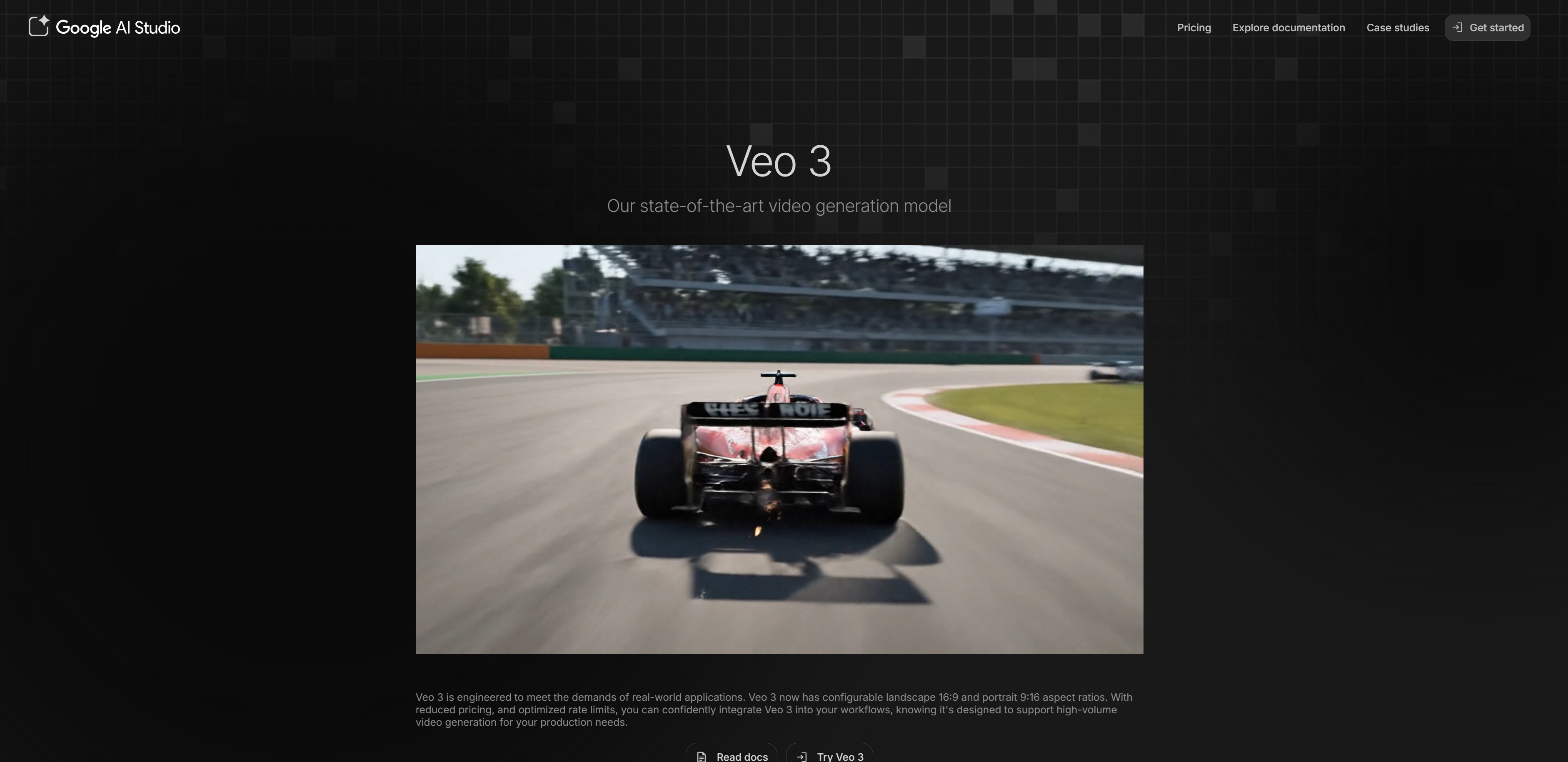
Google's Veo 3 is rapidly rising in the AI video creation space. With the Veo 3 version, you can now create 8-second high-resolution (1080p) videos. Best of all, it automatically generates dialogue, sound effects, and background music—that's a huge plus!
- Website: https://aistudio.google.com/models/veo-3
- Pricing: Partially paid (Pro $19.99/month, Ultra $249.99/month)
Key Features:
- Auto-generates 8-second videos from text only
- Native audio generation (including dialogue and sound effects)
- Supports image-to-video conversion
- Can create cinematic camera work
Recommended for: Perfect if you need professional-quality marketing videos, ads, or brand promo videos. Especially when you need audio included, nothing beats Veo 3.
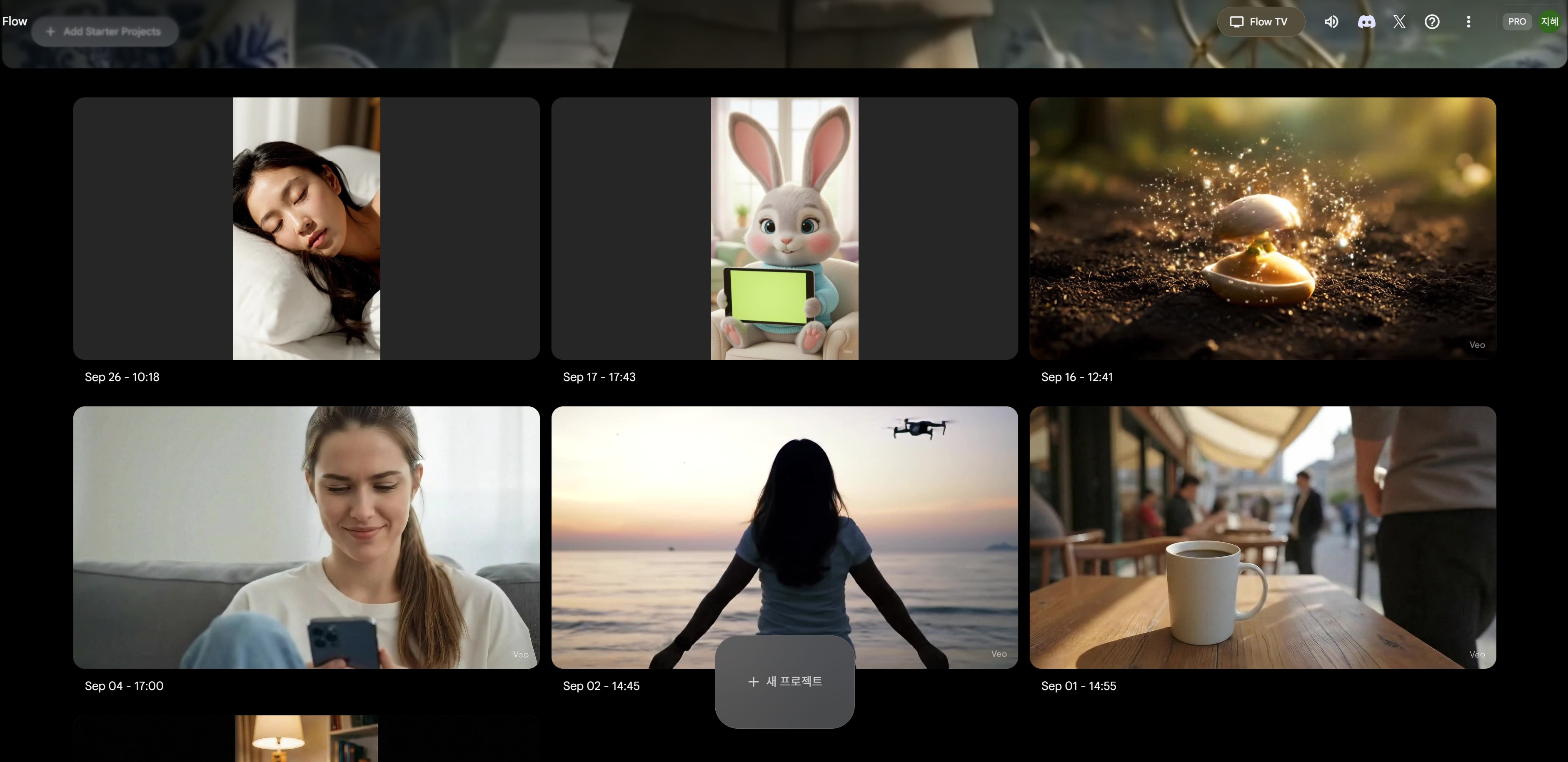
AI Video Generator Site 2: Kling AI - China's Sora, Image-to-Video Expert
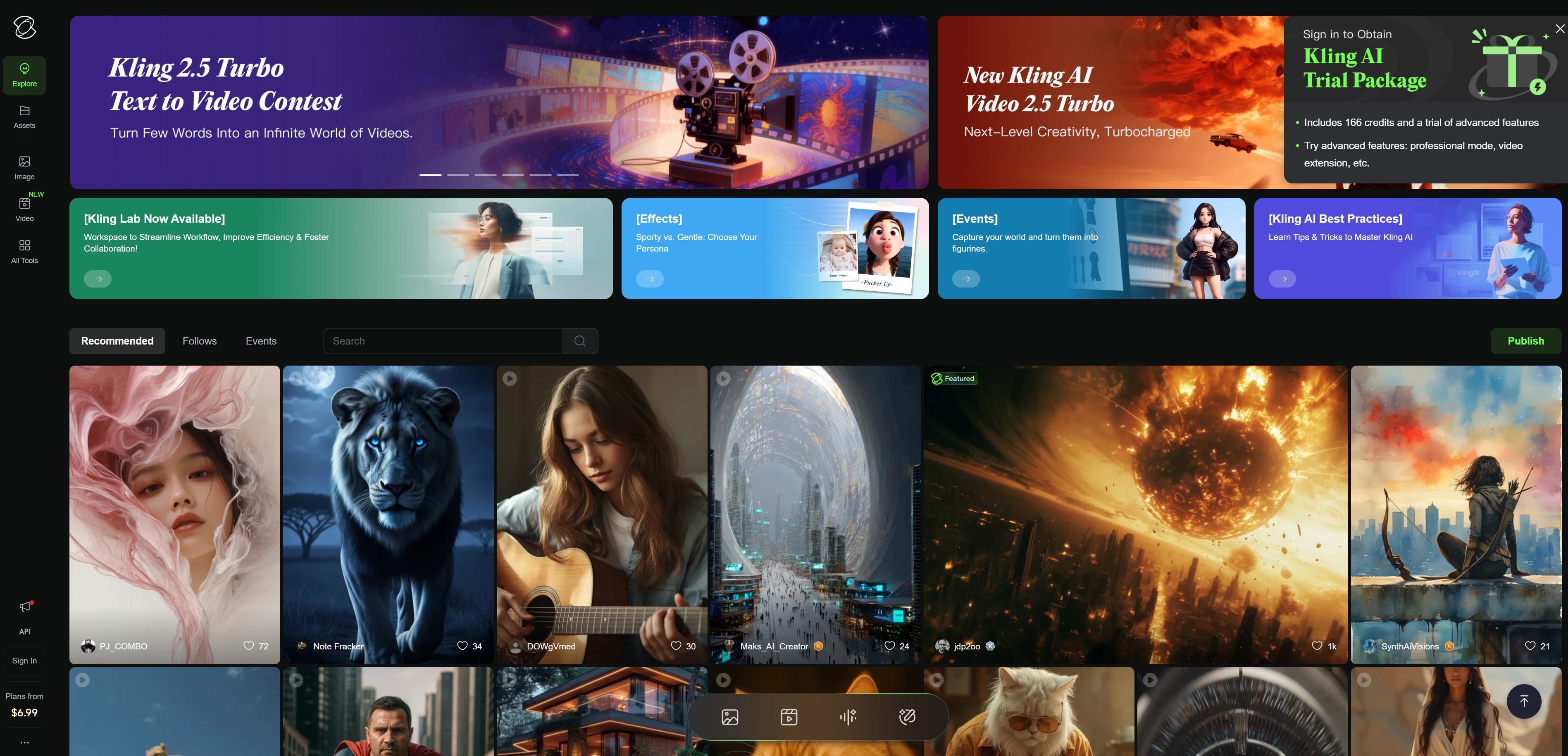
Created by China's Kuaishou, Kling AI deserves to be called "China's Sora" for its excellent performance. The image-to-video feature is especially powerful. Recently, they even launched an 'Elements' feature that combines multiple photos to create videos.
- Website: https://app.klingai.com
- Pricing: Partially paid (free 66 credits daily, $10~$92/month)
Key Features:
- Specialized AI video creation for image-to-video conversion
- Motion brush to control specific movements
- Generates up to 10-second videos (paid version)
- Maintains character consistency throughout videos
Recommended for: Really useful for online shop owners who want to turn product photos into moving videos, and creators making SNS content. The image composition feature is excellent, so you can naturally combine multiple elements into videos.

AI Video Generator Site 3: Runway - Professional-Grade Video Editing
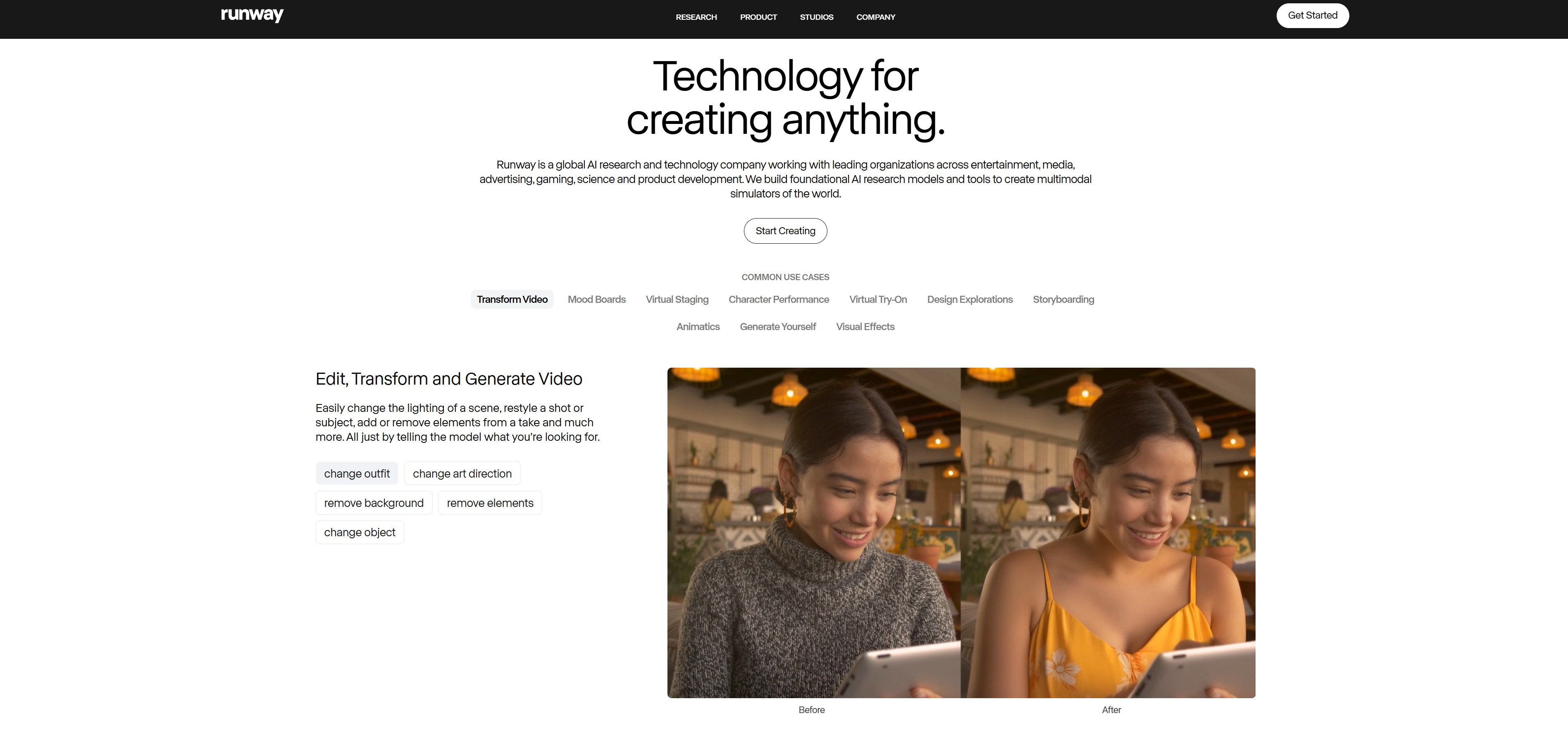
Runway is considered the most professional AI video maker tool. It goes beyond just generating videos and offers various editing features. The Gen-2 model especially can create movie-quality videos.
- Website: https://runwayml.com
- Pricing: Partially paid (free 125 credits, $12~$76/month)
Key Features:
- Supports both text-to-video and image-to-video
- Various features like video editing, background removal, slow motion
- Supports up to 4K resolution
- Frame-by-frame detailed control
Recommended for: Recommended for those who need professional video work like films and ads, or creators wanting detailed editing work.

AI Video Generator Site 4: Pika - Easy for Beginners

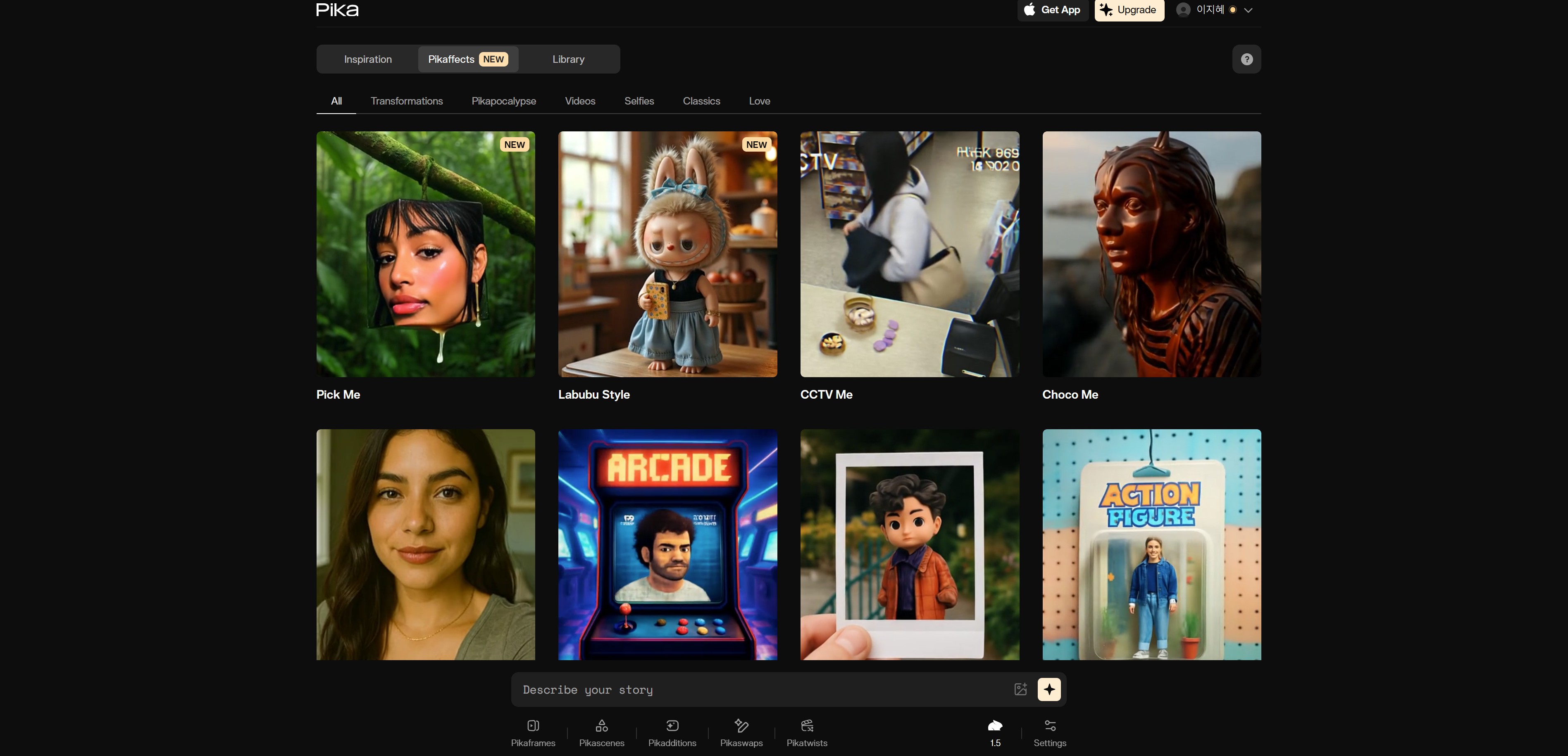
Pika is the easiest AI video generator site to use. Just enter simple text without complicated settings and your video is ready. The generation speed is fast too, so you can quickly try different versions.
- Website: https://pika.art
- Pricing: Partially paid (free 30 credits daily, $8~$58/month)
Key Features:
- Intuitive user interface
- Fast generation speed (average 1-2 minutes)
- Supports various aspect ratios (16:9, 9:16, 1:1)
- Free version is quite usable
Recommended for: Perfect for those just starting with AI video creation, or those who want to quickly create multiple video versions.
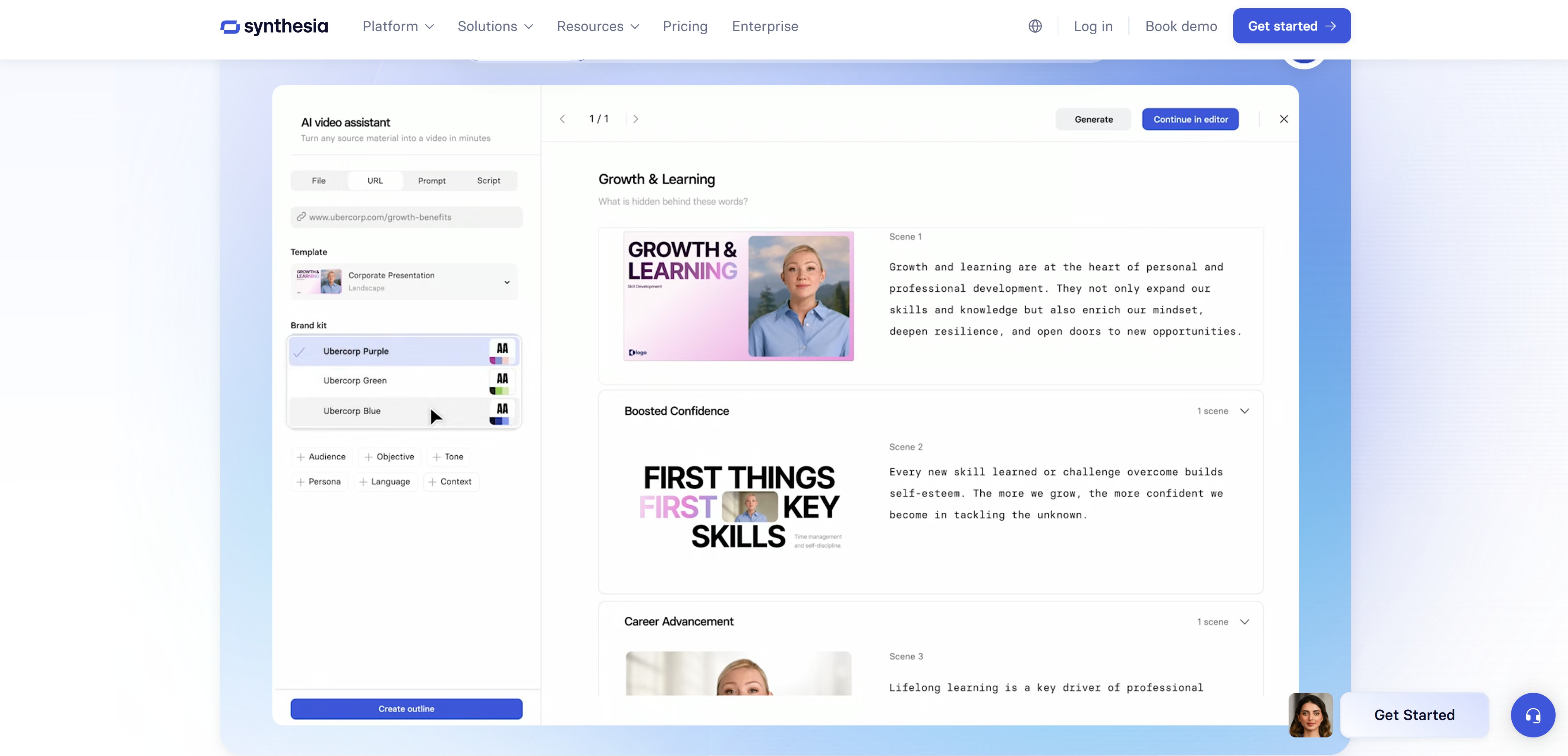
AI Video Generator Site 5: Synthesia - AI Avatar Specialist

Synthesia is a service specialized in video creation using AI avatars. You can create AI avatars that speak and move like real people, so it's widely used for educational videos, presentations, and company intro videos.
- Website: https://www.synthesia.io
- Pricing: Paid ($29~$89/month)
Key Features:
- Over 150 AI avatars available
- Supports 120+ languages
- Creates videos with speaking avatars from text only
- Custom avatar creation for businesses
Recommended for: Useful for corporate staff or educators who need to create educational content, company announcements, or product explanation videos.
AI Video Generator Site 6: Luma AI - Specialized in 3D Video
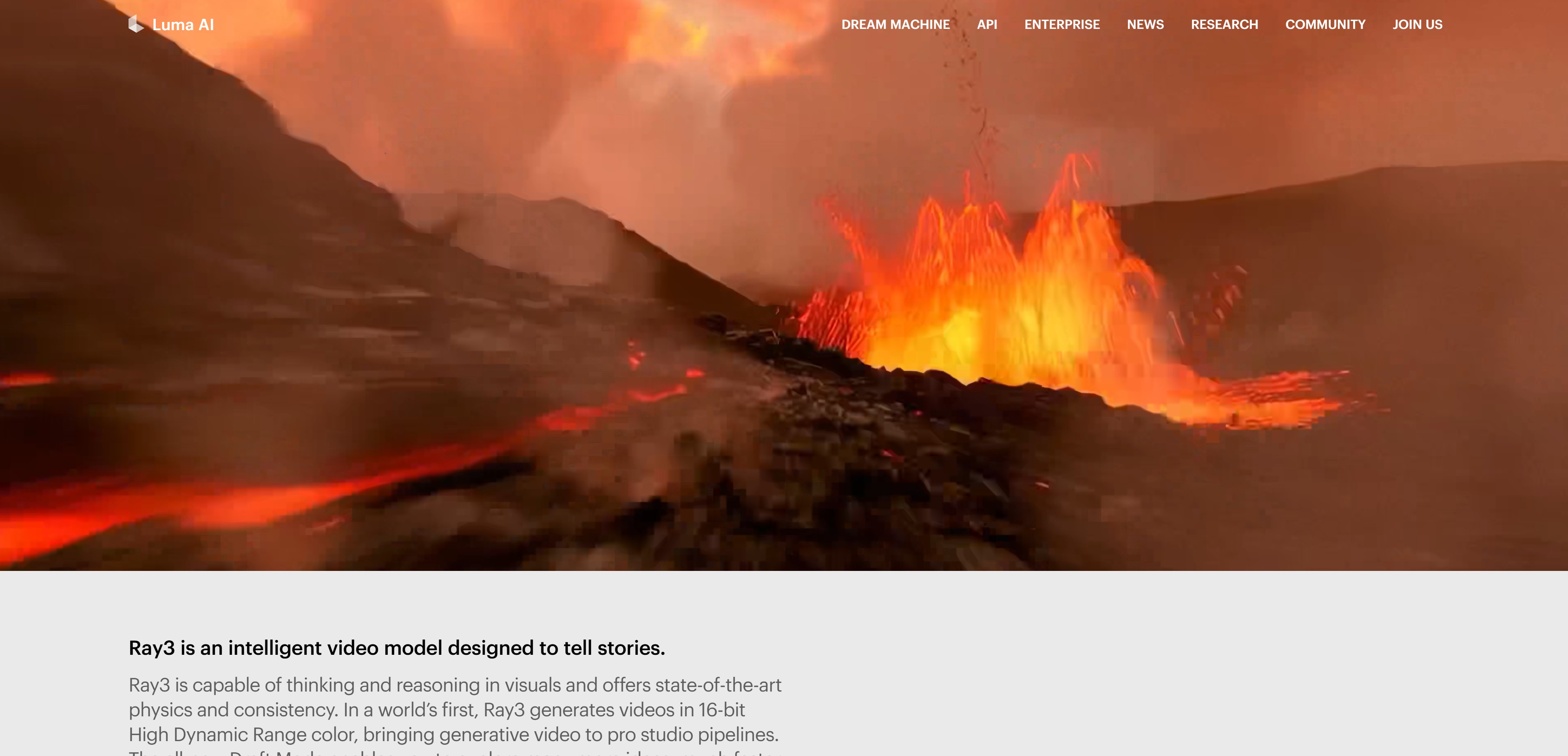
Luma AI is an AI video generation service with strengths in 3D video creation. The camera movement is especially natural, and you can create videos with excellent spatial depth.
- Website: https://lumalabs.ai
- Pricing: Partially paid (free 30 credits, $29.99~$99.99/month)
Key Features:
- Creates videos with vivid 3D spatial depth
- Dynamic camera work
- Applies realistic physics
- Optimal for architecture and product design visualization
Recommended for: Recommended for those who need architectural visualization, product 3D rendering, or spatial design videos.
AI Video Generator Site 7: HeyGen - Multilingual Avatar Support
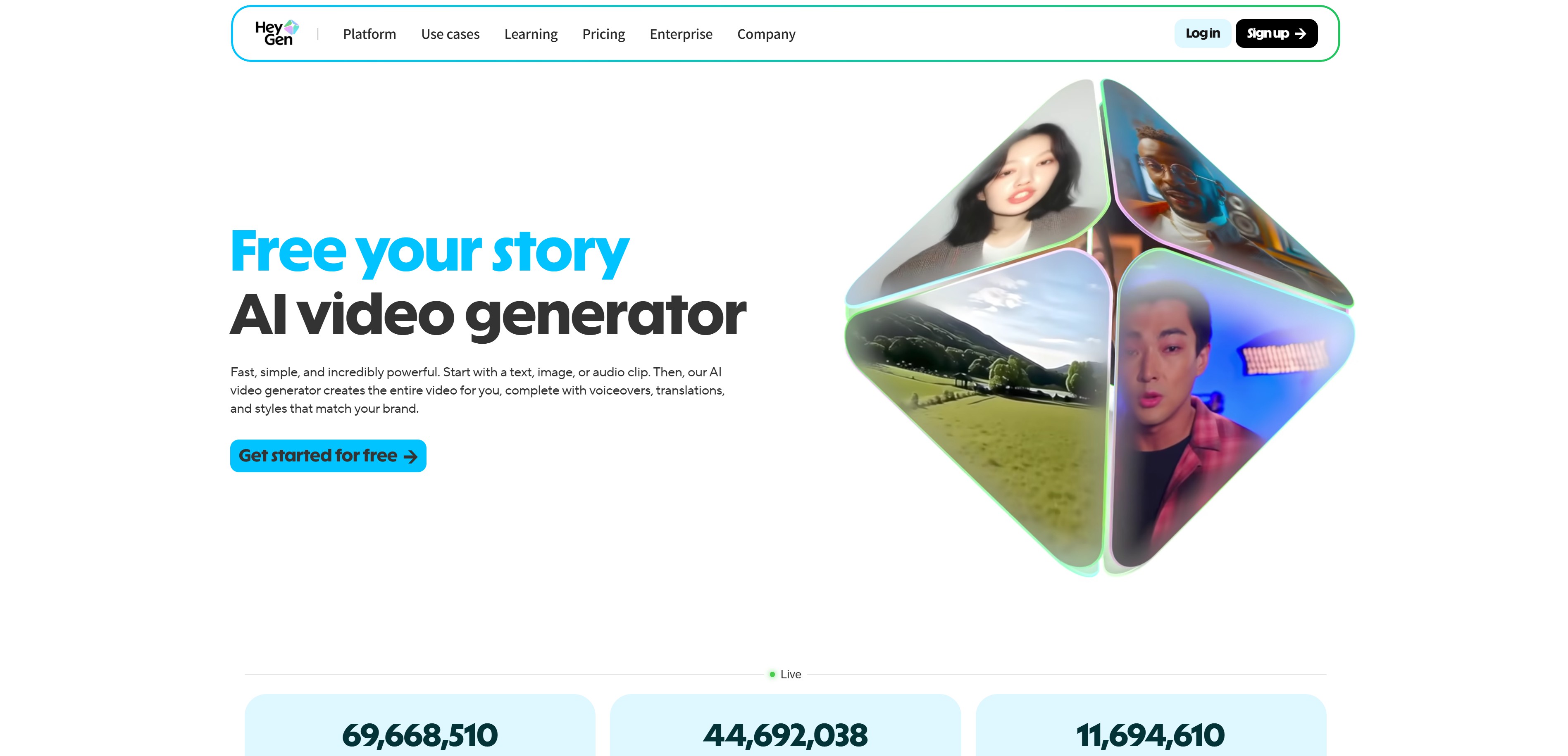
HeyGen is an AI video maker service similar to Synthesia but offers more realistic AI avatars. The lip-sync is especially natural, and multilingual support is excellent.
- Website: https://www.heygen.com
- Pricing: Partially paid (free 1 minute, $29~$89/month)
Key Features:
- Ultra-realistic AI avatars
- Supports 40+ languages
- Video translation feature (one video in multiple languages)
- Custom avatar creation available
Recommended for: Useful for companies doing global marketing or those needing multilingual educational content.
3. Guide to Choosing AI Video Tools by Purpose
Need Marketing Videos?
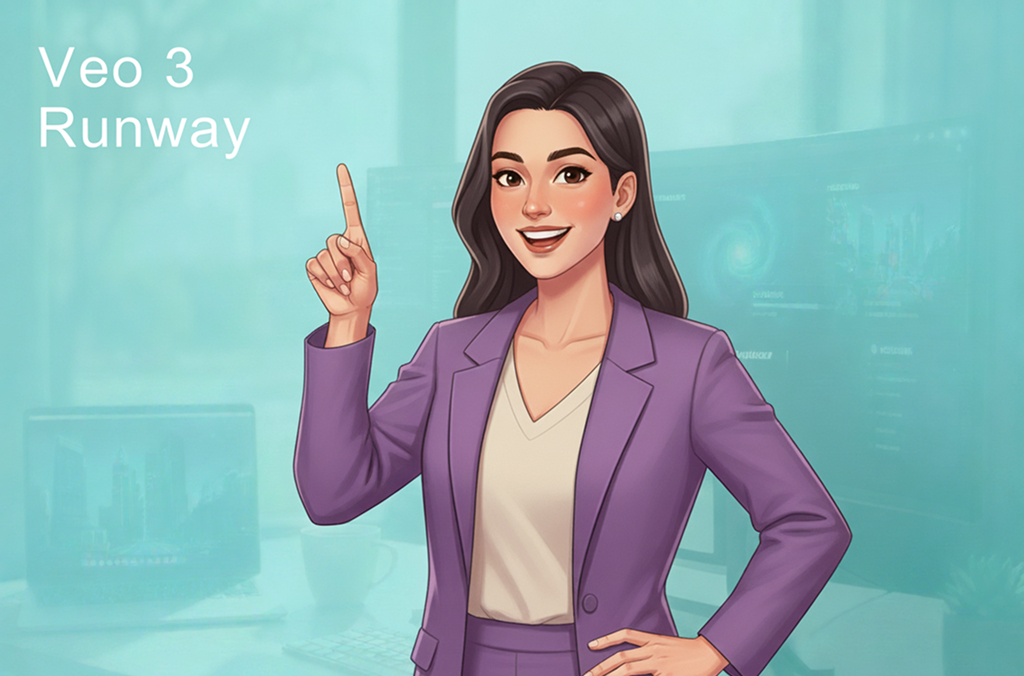
If you need high-quality ad videos or brand promo videos, try Veo 3 or Runway. Veo 3, which generates audio too, can quickly create polished marketing videos.
Want to Make Product Videos?
If you already have product photos, turn them into moving videos with Kling AI. If you need 3D product rendering, Luma AI is perfect.
Need Educational/Explanatory Videos?
If you need educational videos that look naturally explained by a person, use AI avatars. If you need multilingual versions, HeyGen is more convenient.
Want to Create SNS Short-Form Content?
For SNS content where you need to quickly create and test multiple versions, Pika or Kling AI are great. They especially support 9:16 vertical videos, so you can upload directly to Instagram Reels and TikTok.
4. Before Making Videos! Prepare High-Quality Images First
Most AI video generator sites support uploading images to turn them into videos. The important thing here is the quality of the original image. Especially when making product videos, clean and professional product photos are essential. No matter how good your AI video generation tool is, if you start with photos that have messy backgrounds or poor lighting, the results will be disappointing.
How to Prepare High-Quality Images
- Clean up the background - Images for videos need clean backgrounds. Use background removal sites or AI to automatically remove backgrounds.
- Get images from various angles - For products, prepare photos from various angles like front, side, and detail shots. Combining multiple images creates more dynamic videos.
- Fix lighting and color - Dark images look dull even as videos. It's important to prepare bright and clear images.
Creating Product Photos Without a Professional Studio: Draph Art
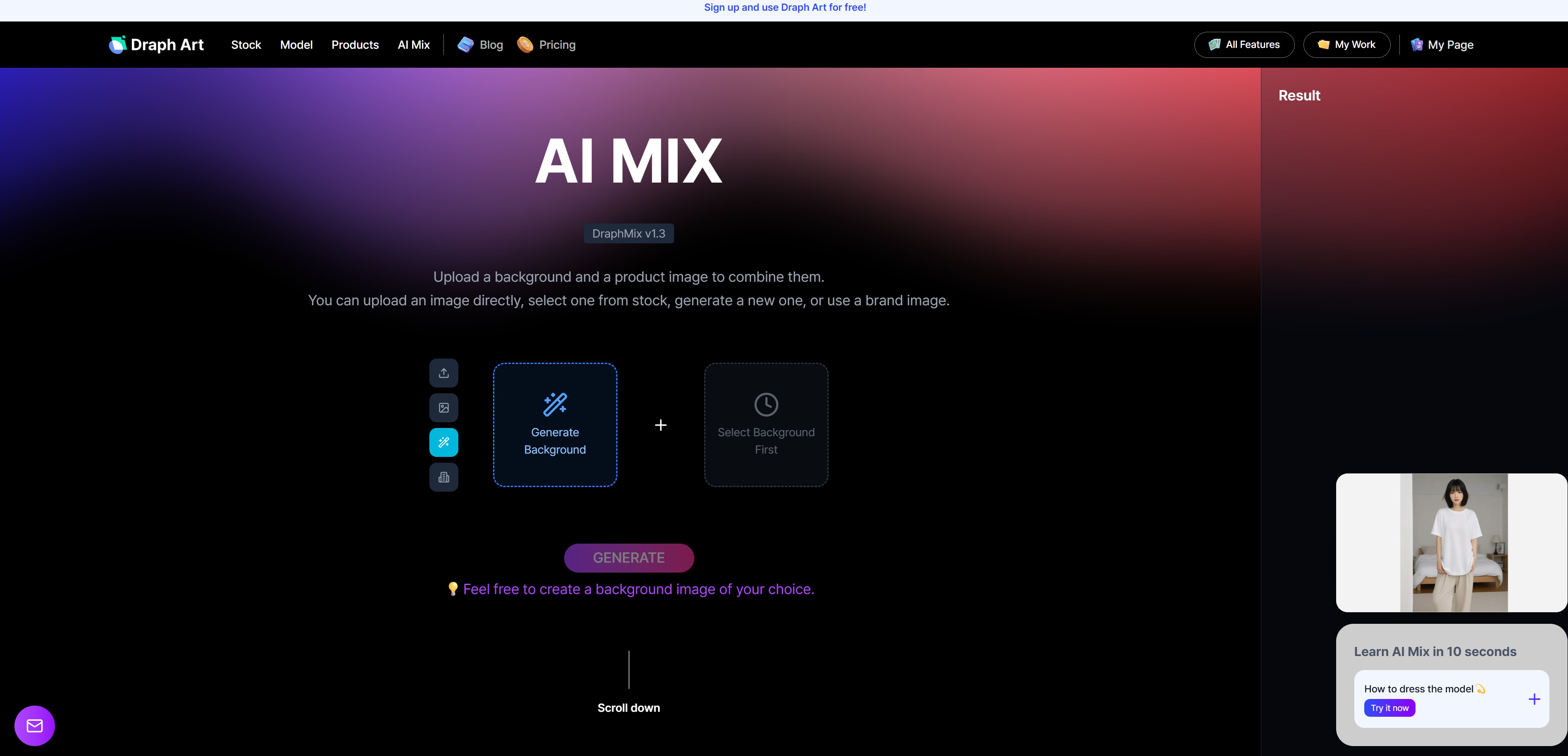
"But I don't have a professional studio or photography equipment!" Don't worry! These days, AI image generation technology has advanced so much that you can create professional-level images with just basic product photos. Using an AI product photo generation service like Draph Art, you can:
- Transform plain white background photos into stylish backgrounds
- Make mannequin photos look like real models wearing them
- Naturally composite AI models with products
- Create multiple images with various concepts at once
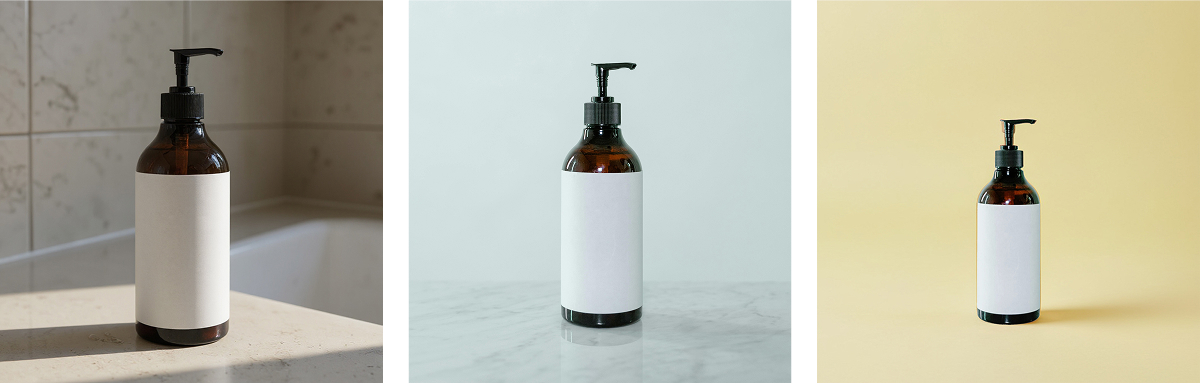
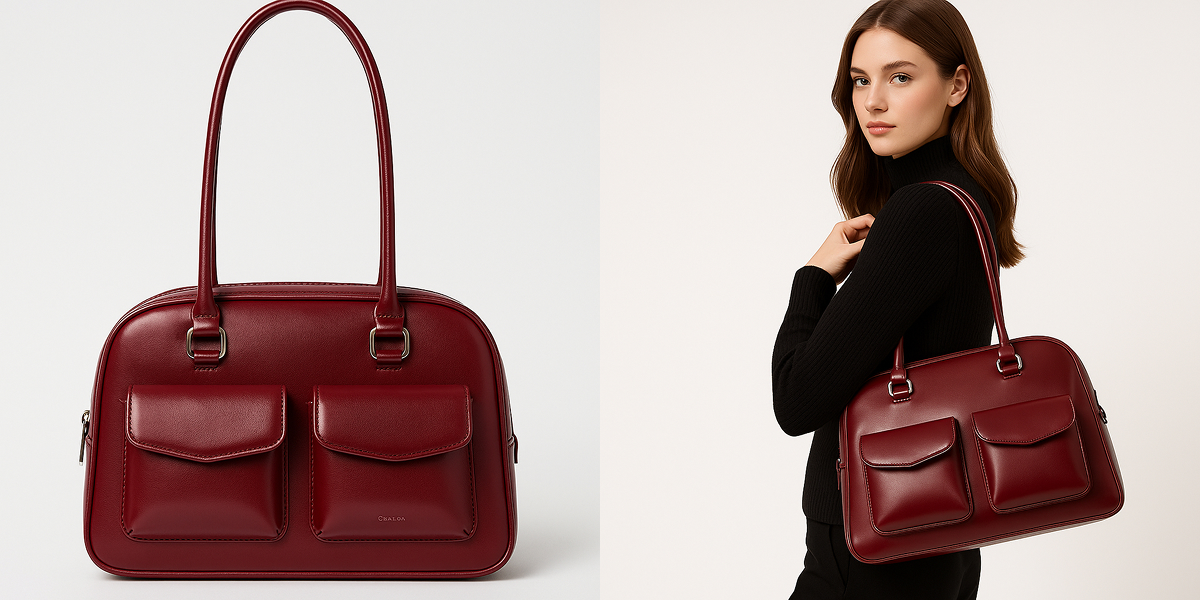
How to Use Draph Art
Step 1: Create high-quality product images with Draph Art
Change your basic product photo backgrounds or composite them with AI models to create images with various concepts. You can freely create seasonal backgrounds, lifestyle concepts, or any vibe you want.
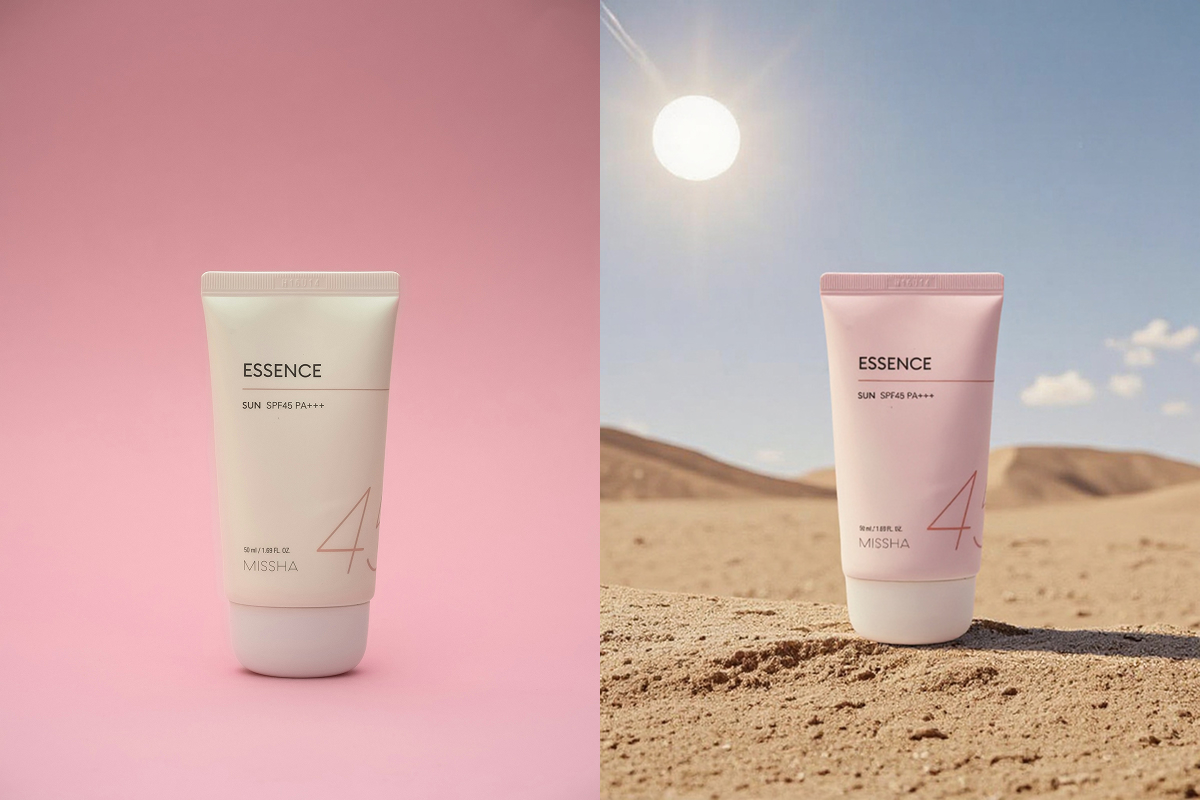
Step 2: Upload the created images to AI video generator sites
Upload the high-quality images you made with Draph Art to AI video generation tools like Runway, Pika, or Kling AI.
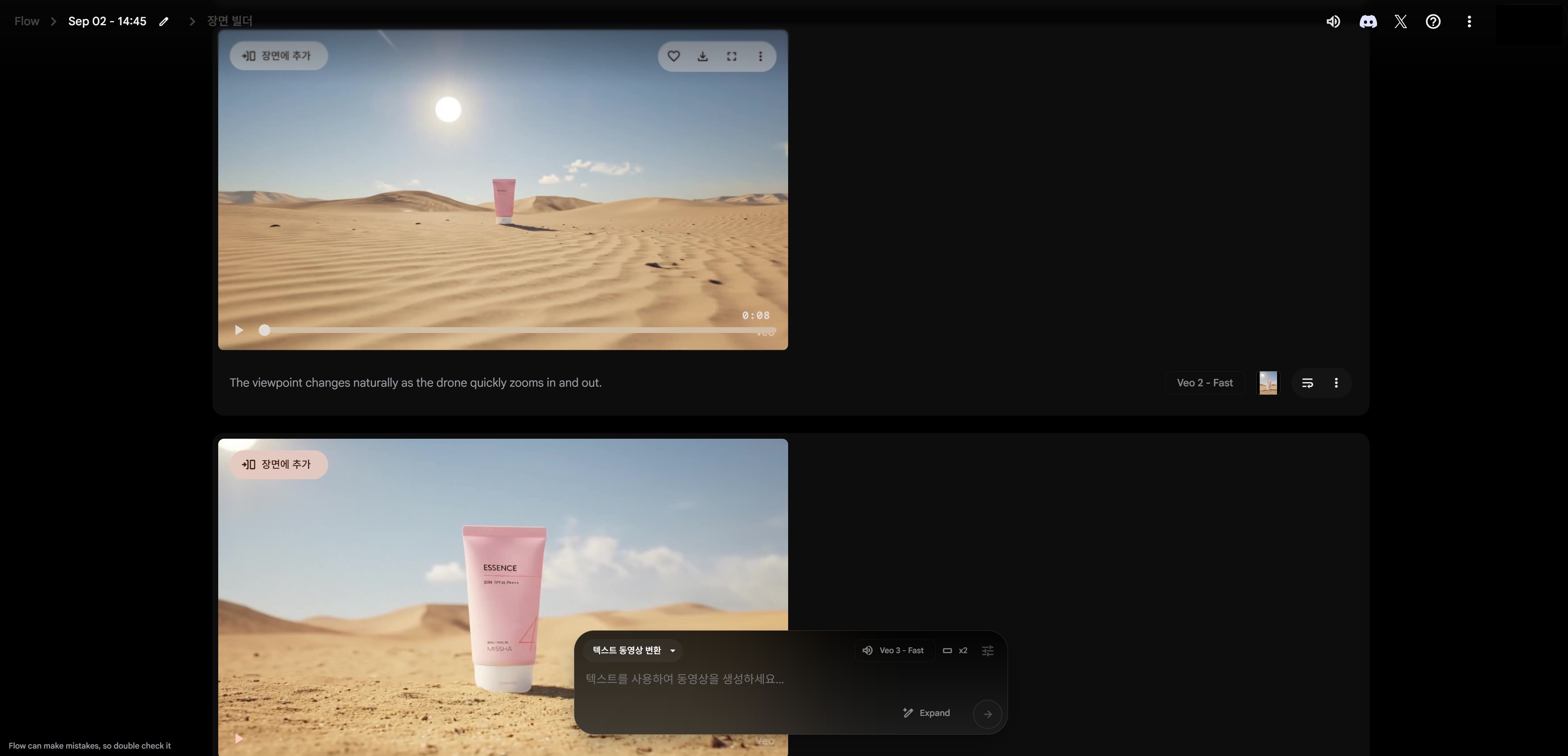
Step 3: Complete promotional videos with movement!
The images move naturally, creating lively product videos. You can also add desired movements with text prompts.
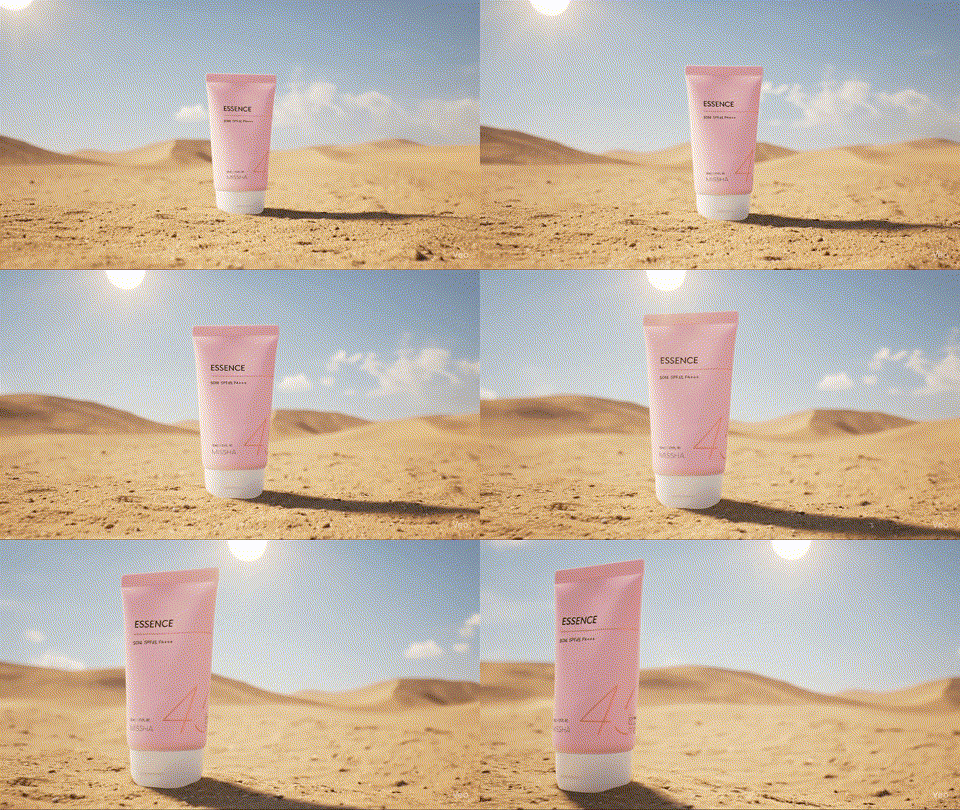
This way, you can create high-quality product videos without professional studio shoots. Especially if you run an online shop, I recommend a routine where you first create product images with Draph Art, then make promotional videos with AI video creation.
You can save over 90% compared to professional shoots while creating unlimited high-quality marketing content!
▶ Try creating images for videos with Draph Art first
AI video creation technology is advancing rapidly, making it easy for anyone to create professional-level videos now. Choose the tool that fits your purpose from the 7 AI video generator sites I introduced today. Start by testing multiple services with free versions, then pick the one with results you like best. And don't forget! Good videos need good images. No matter how advanced AI video makers get, the quality of your input source determines your results. Use the tips I shared today to create amazing video content!