
목차
- Why You Need Free Stock Photos
- Top 10 Free Image Sites
- 1) Unsplash - The Gold Standard for Free Stock Photos
- 2) Pexels - Premium Photos Across All Categories
- 3) Pixabay - Free Photos, Illustrations, and Vectors
- 4) Freepik - A Treasure Trove of Design Resources
- 5) Canva - Free Images with Built-In Editing
- 6) Flaticon - Your Go-To Site for Free Icons
- 7) StockSnap.io - Fast Search, Clean Interface
- 8) Burst (by Shopify) - Free Images Tailored for Online Store Owners
- 9) Reshot - Unique and Creative Images
- 10) Gratisography - Free Images with Personality
- Tips for Using Free Image Sites
- Beyond Free Images: Create Your Own withDraph Art
Summary
- Royalty-free images are essential for running blogs, social media, and online stores
- You can get high-quality photos from 10 free image sites like Unsplash, Pexels, and Pixabay
- Each site has unique features, so picking the right one for your needs makes a big difference
- If free images aren't enough, AI image generators let you create custom images from scratch

Why You Need Free Stock Photos
When you're running a blog, posting on social media, or managing an online store, eye-catching images are a must. But if you just grab any photo from the internet, you could run into copyright issues. That's why it's super helpful to know about free image sites where you can use photos without worrying about legal problems.
These days, free image sites offer really good quality and variety, so you can download professional-looking high-resolution photos for free. They come in handy when you're decorating product photo backgrounds, creating ad images, or making blog thumbnails.
Top 10 Free Image Sites
1) Unsplash - The Gold Standard for Free Stock Photos
Website: https://unsplash.com/
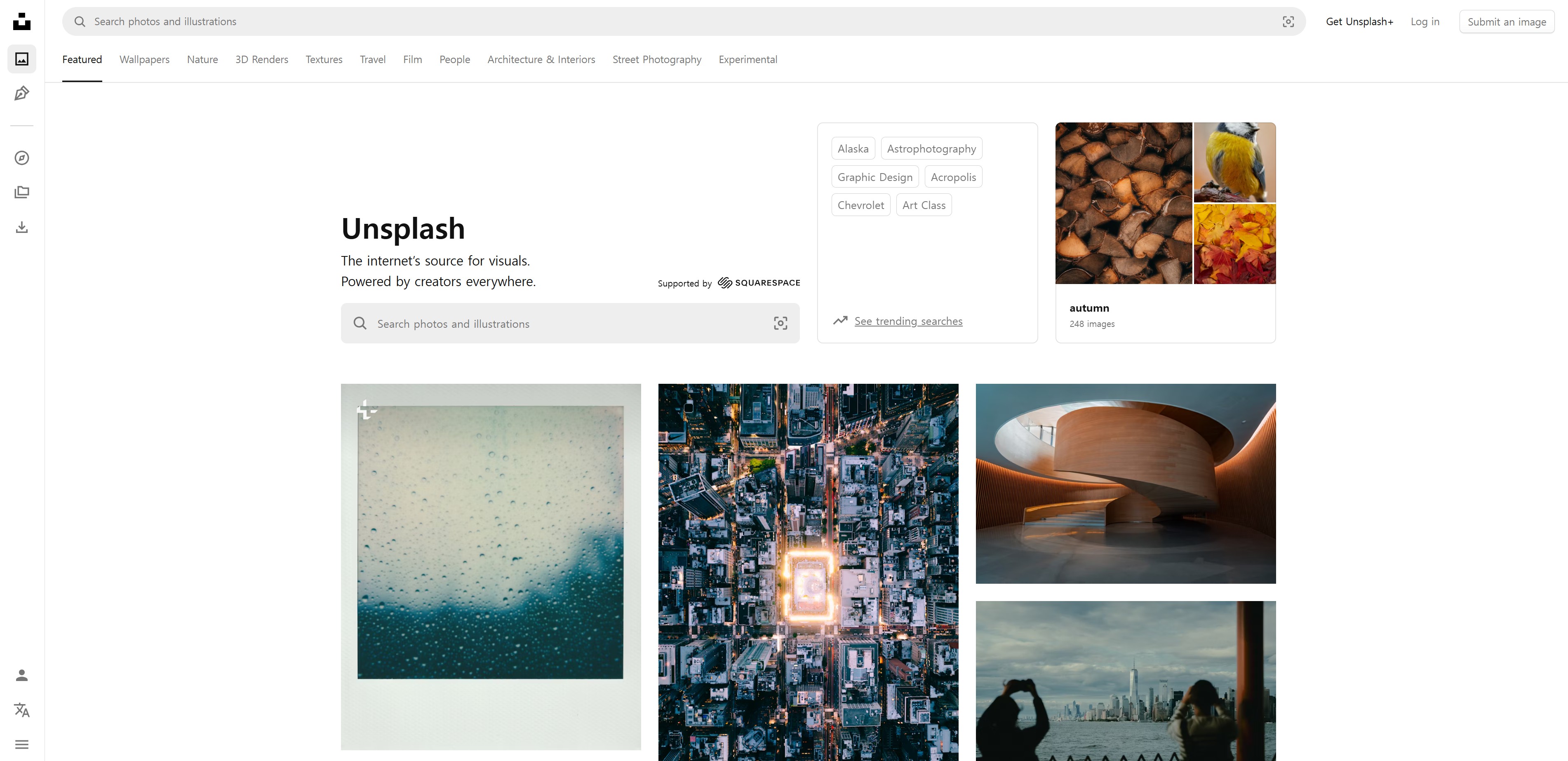
Unsplash is the most famous and popular free image site out there. You can download high-quality photos uploaded by photographers from all over the world, and use them freely for commercial purposes too. It has diverse categories like landscapes, people, food, and business, plus the search function is really convenient.
2) Pexels - Premium Photos Across All Categories
Website: https://www.pexels.com/
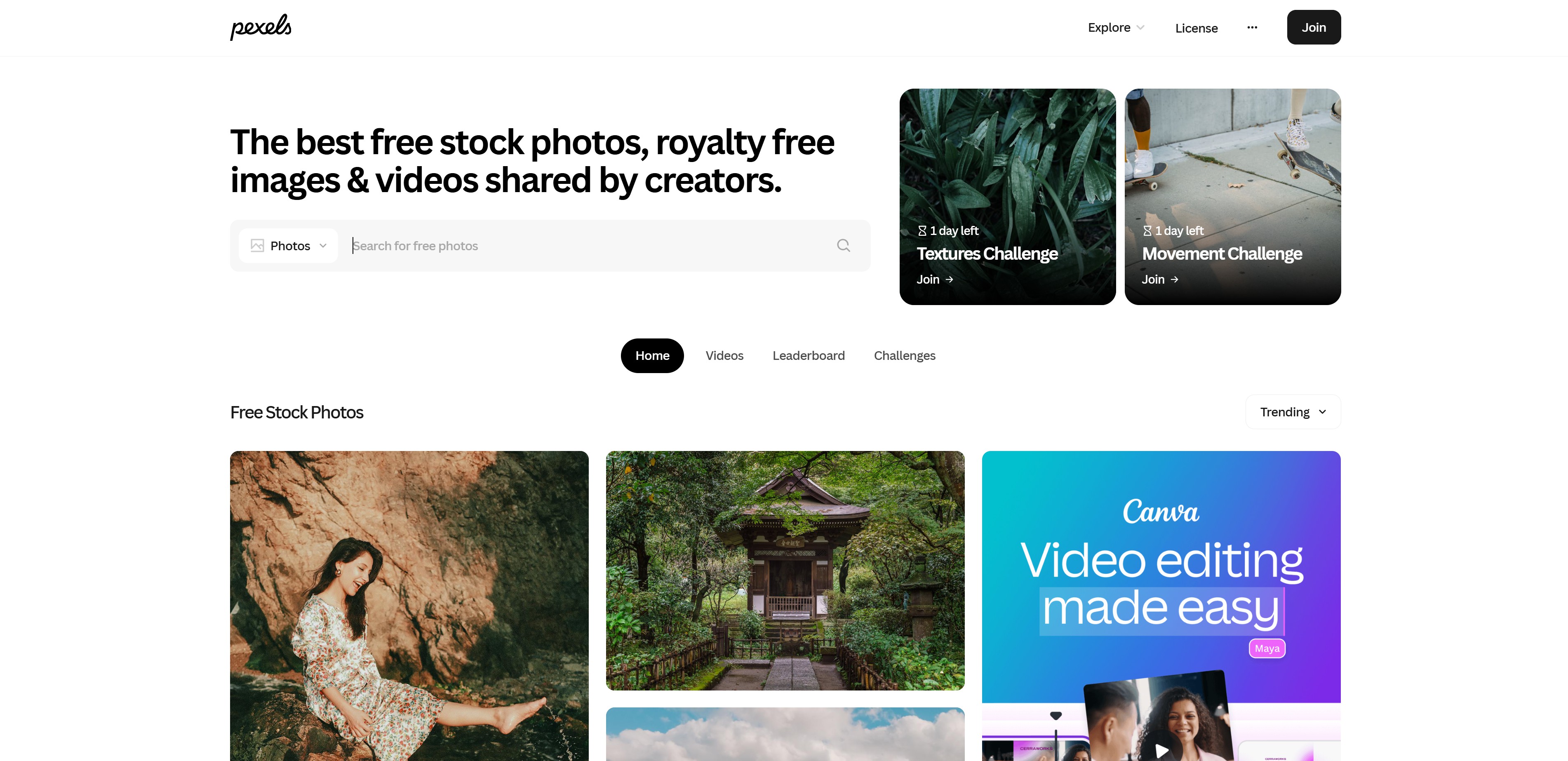
Pexels is right up there with Unsplash as one of the top free image sites. Besides photos, it also offers free video footage, which is useful when you're making video content. Just type in a search term and tons of related images pop up, making it easy to find what you need.
3) Pixabay - Free Photos, Illustrations, and Vectors
Website: https://pixabay.com/
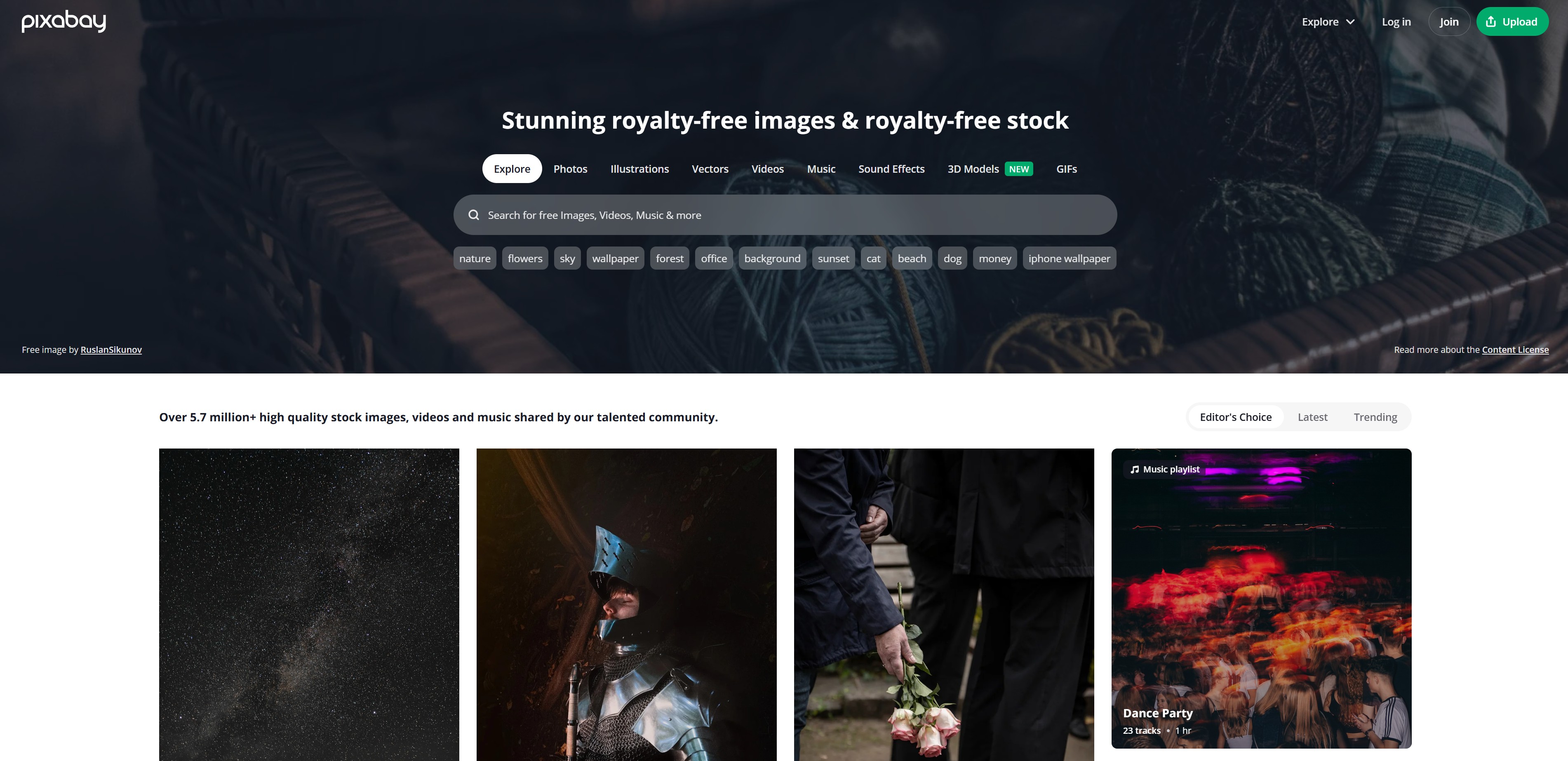
Pixabay doesn't just have photos—it offers illustrations, vector images, and videos too. With over 2.8 million images, you can find pretty much any topic you're looking for, and it supports Korean language search, which is convenient.
4) Freepik - A Treasure Trove of Design Resources
Website: https://www.freepik.com/photos
Freepik has tons of design resources like vector images, PSD files, and icons. Free members have daily download limits, but it's still worth using. It's especially helpful when you're making PowerPoint templates, infographics, or presentation materials.
Related link: 8 Best Free PPT Template Sites (2025 Updated)

5) Canva - Free Images with Built-In Editing
Website: https://www.canva.com/photos/
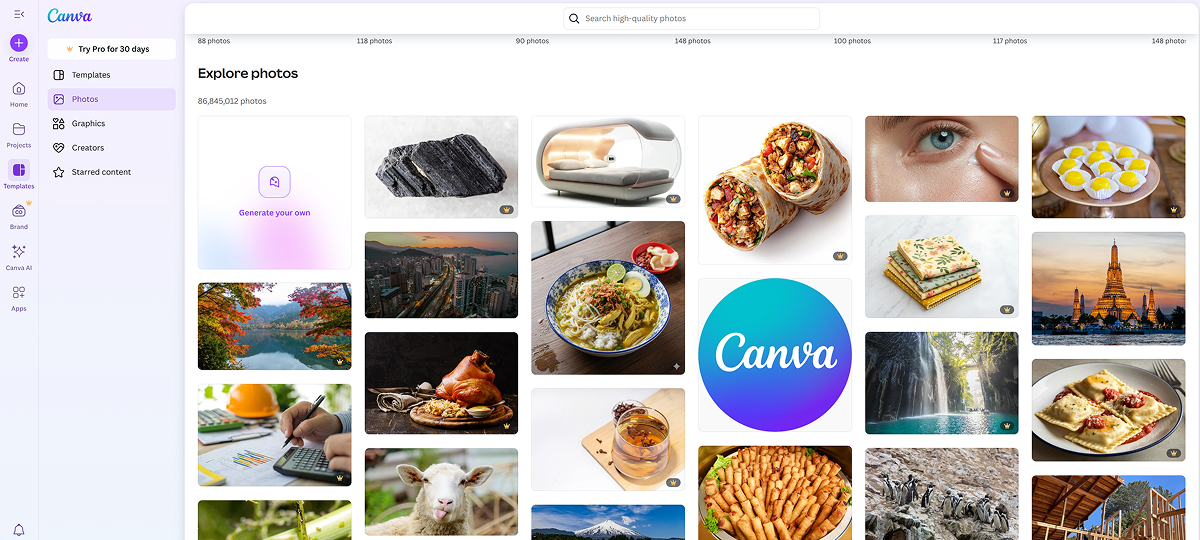
Canva is an all-in-one platform that not only provides free images but lets you edit them right away. It has so many templates that even beginners can easily create stunning designs. It's particularly great for social media content and thumbnail creation.
6) Flaticon - Your Go-To Site for Free Icons
Website: https://www.flaticon.com/
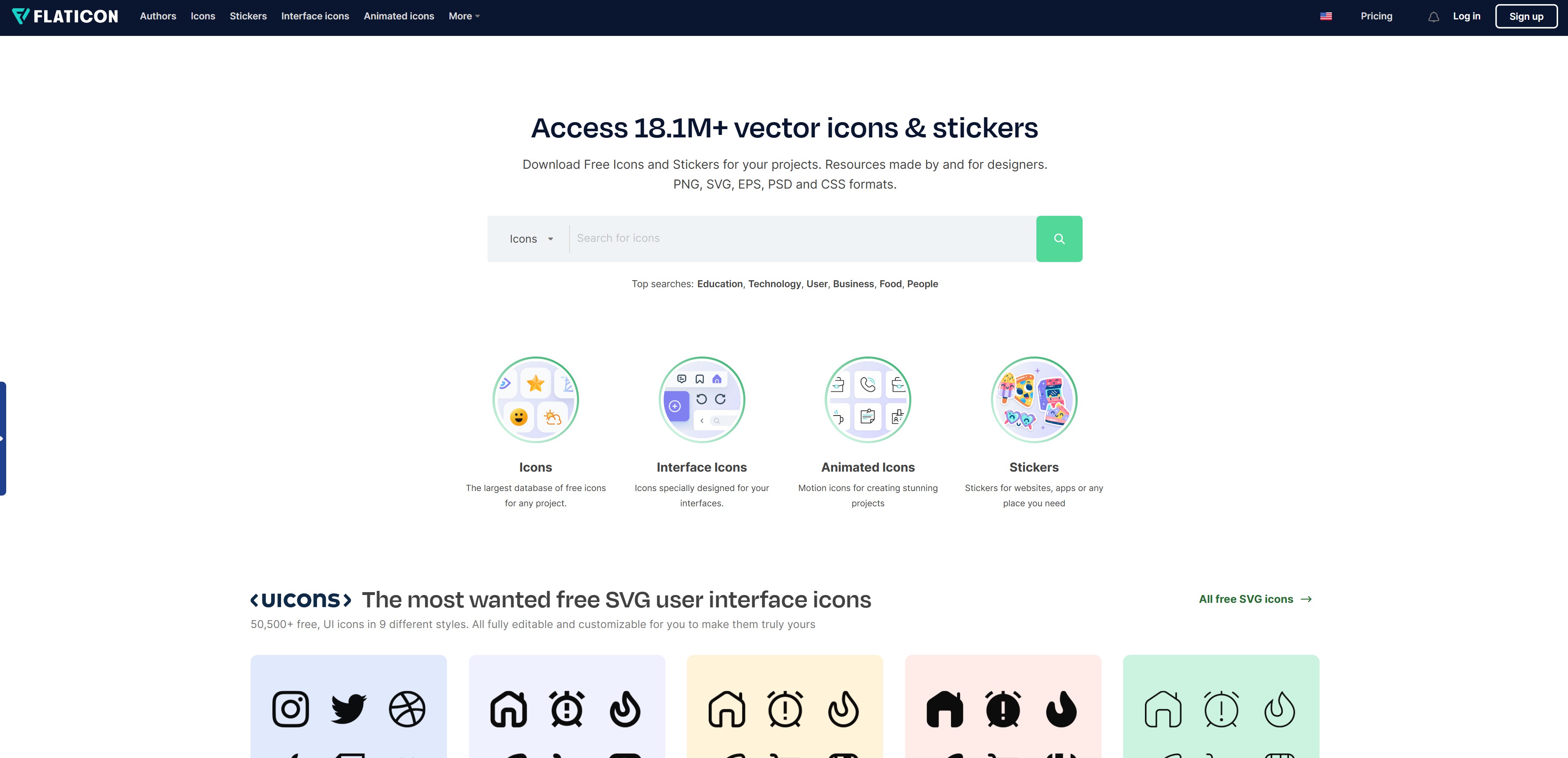
Flaticon specializes in icons. You can download millions of icons for free in various formats like PNG and SVG. It's perfect for finding icons you need for presentations or website design.
7) StockSnap.io - Fast Search, Clean Interface
Website: https://stocksnap.io/
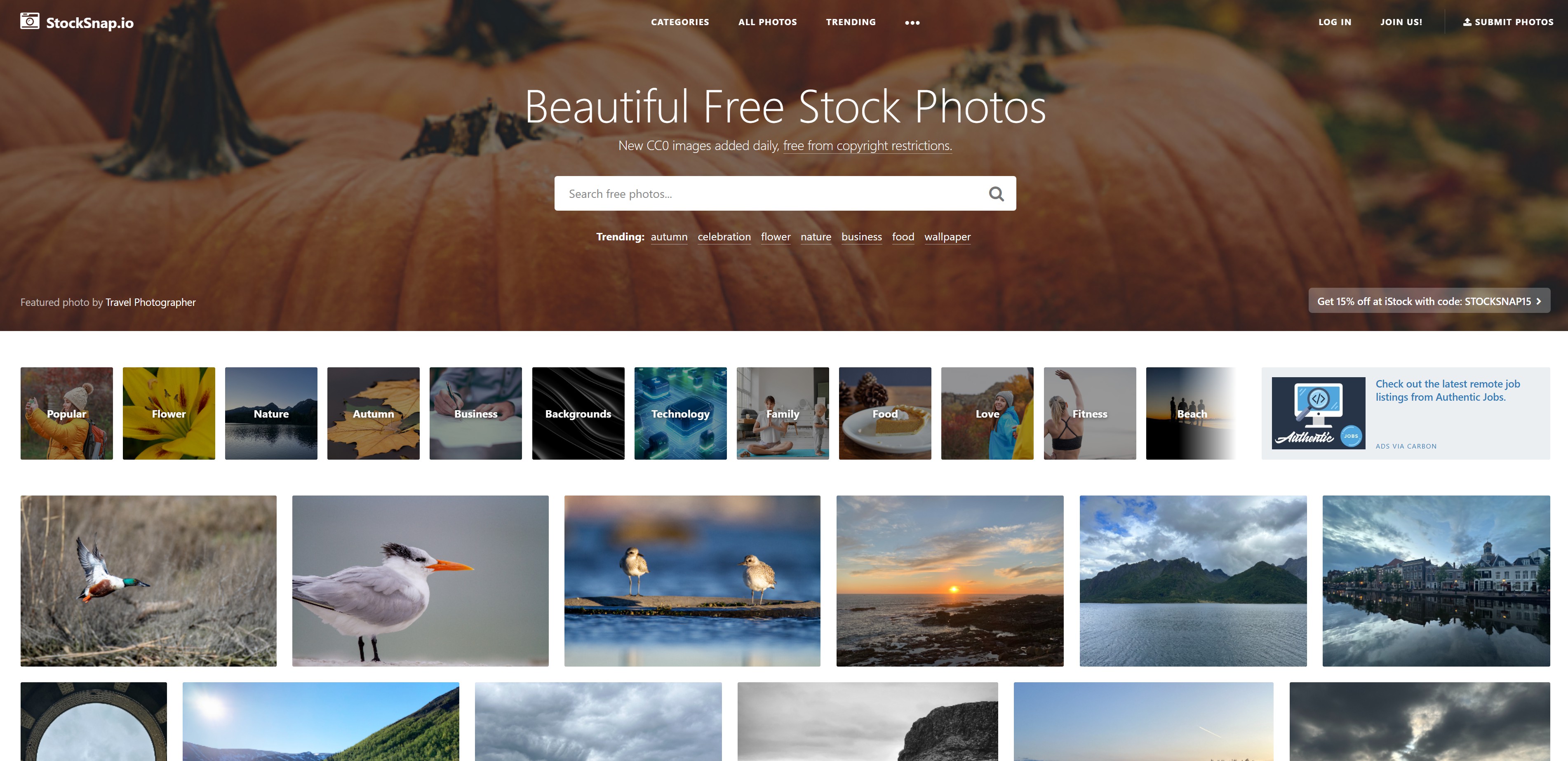
StockSnap has a clean interface and is easy to use. Hundreds of high-quality photos are added every week, and you can freely download images without any download limits or sign-up requirements. It has lots of trendy, stylish photos that work well for content targeting younger audiences.
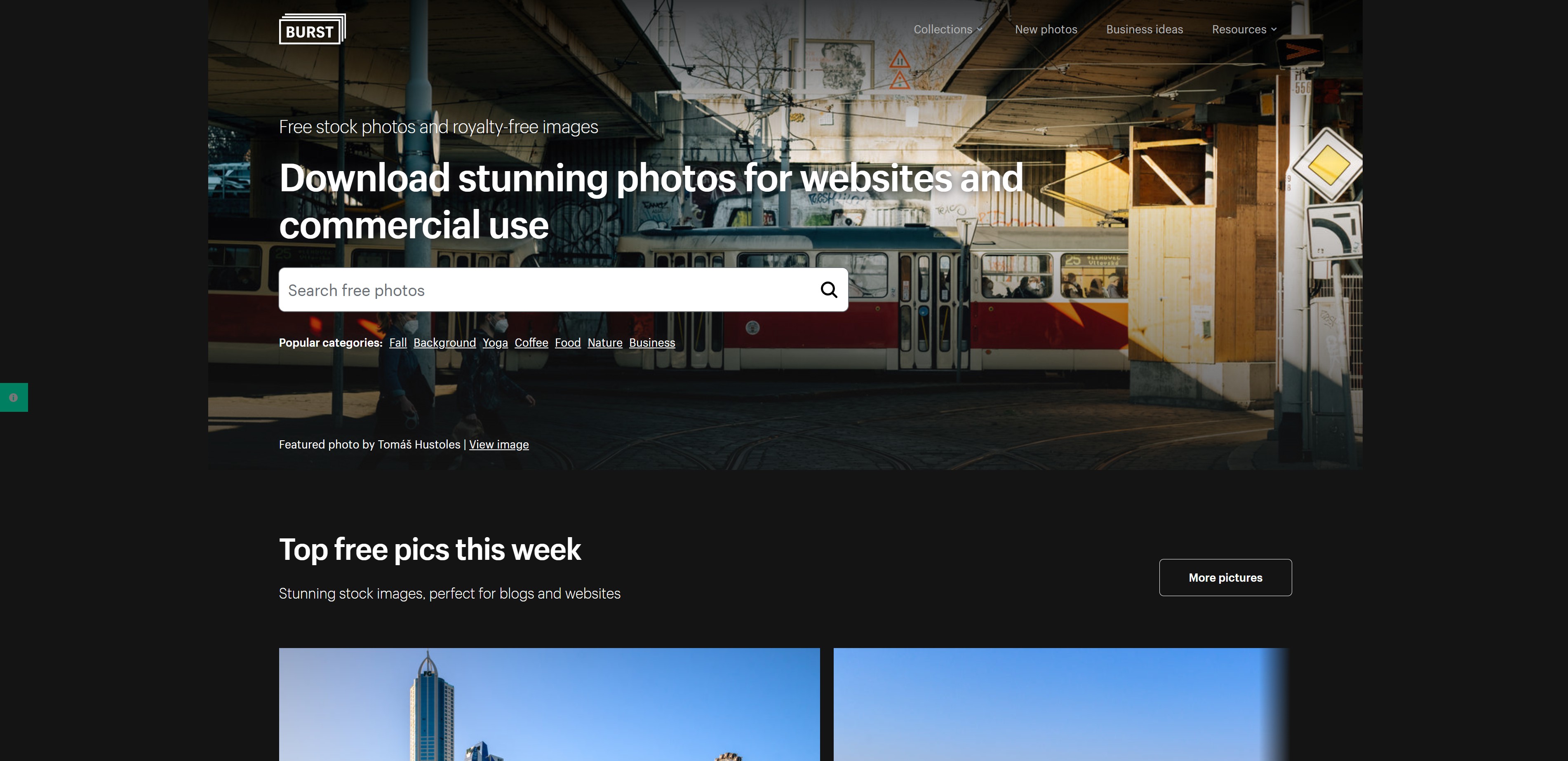
8) Burst (by Shopify) - Free Images Tailored for Online Store Owners
Website: https://www.shopify.com/stock-photos
Burst is a free image site created by Shopify. It has lots of product photos specifically for e-commerce and online store owners. It's useful when you're creating product detail pages or ad images.
9) Reshot - Unique and Creative Images
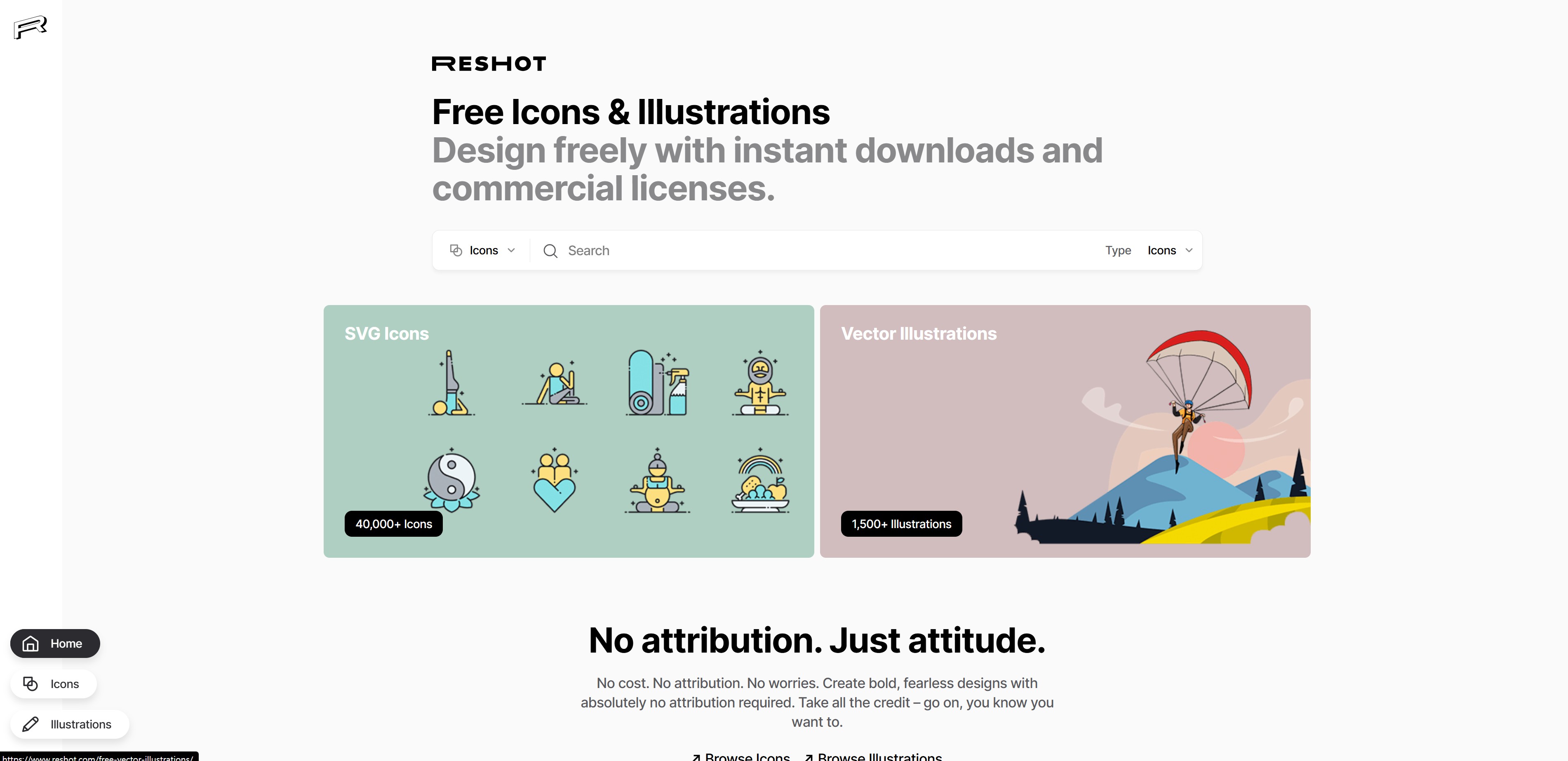
Website: https://www.reshot.com/
Reshot has unique and creative images you won't commonly find on other sites. I recommend it when you want to create differentiated content. It also offers illustrations and icons.
10) Gratisography - Free Images with Personality
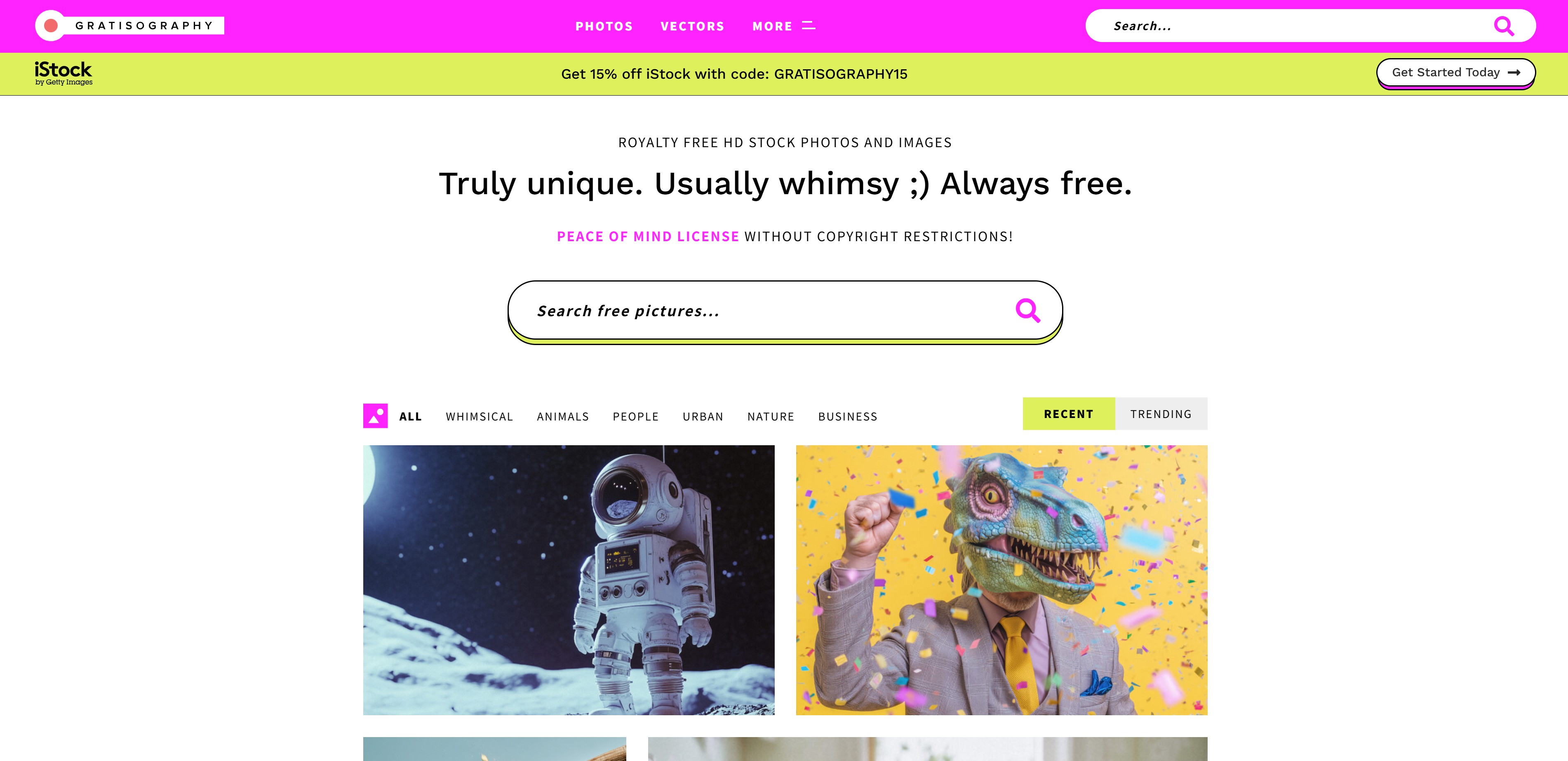
Website: https://gratisography.com/
Gratisography has lots of unique and fun photos. If you want to make content that stands out from the crowd, check this site out. While it has fewer photos than other sites, the quality and originality are guaranteed.
Tips for Using Free Image Sites
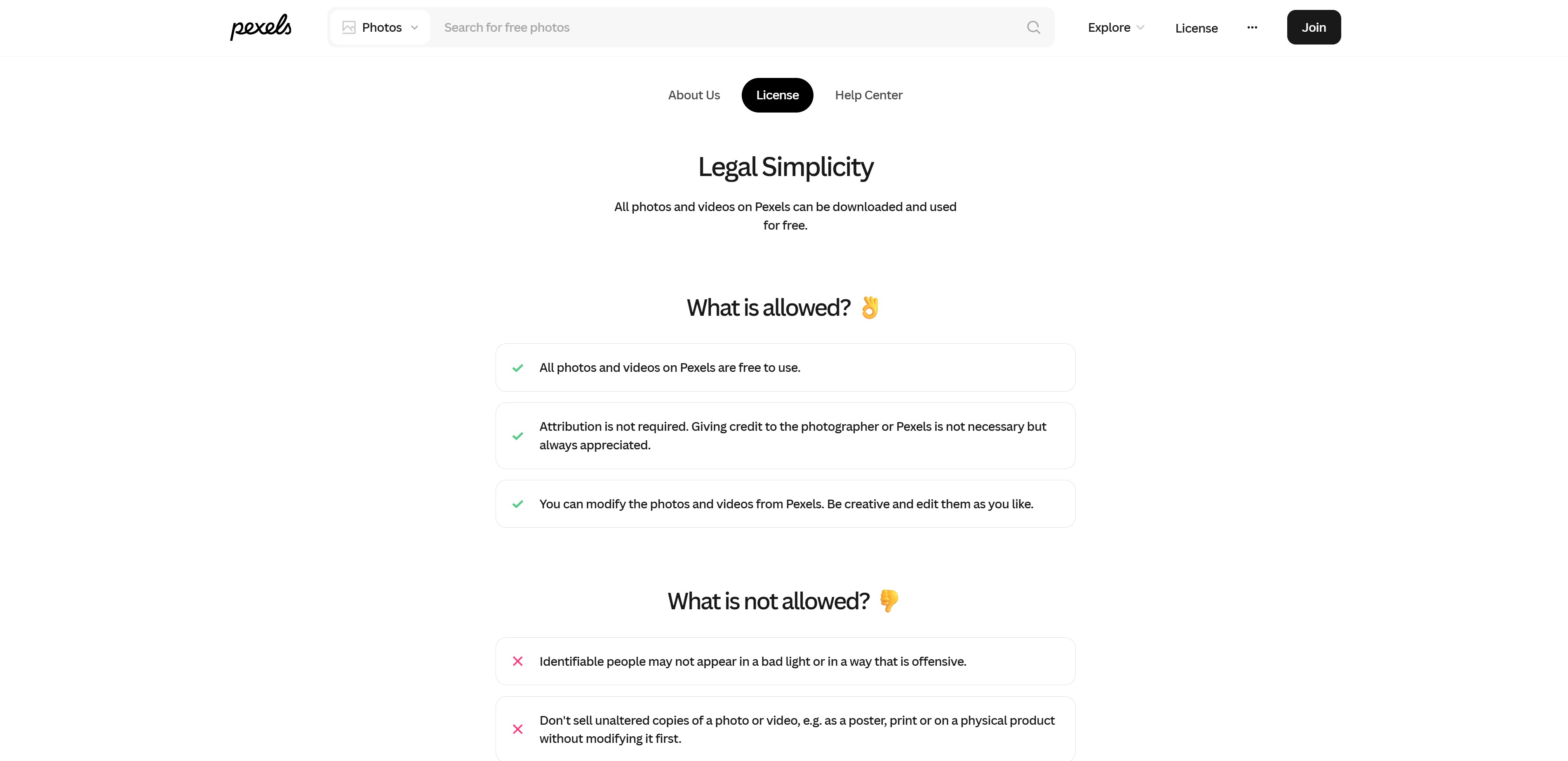
There are a few things to keep in mind when using free image sites. While most sites allow commercial use, licensing policies can vary slightly from site to site. Before downloading images, make sure to check whether attribution is required and if commercial use is allowed.
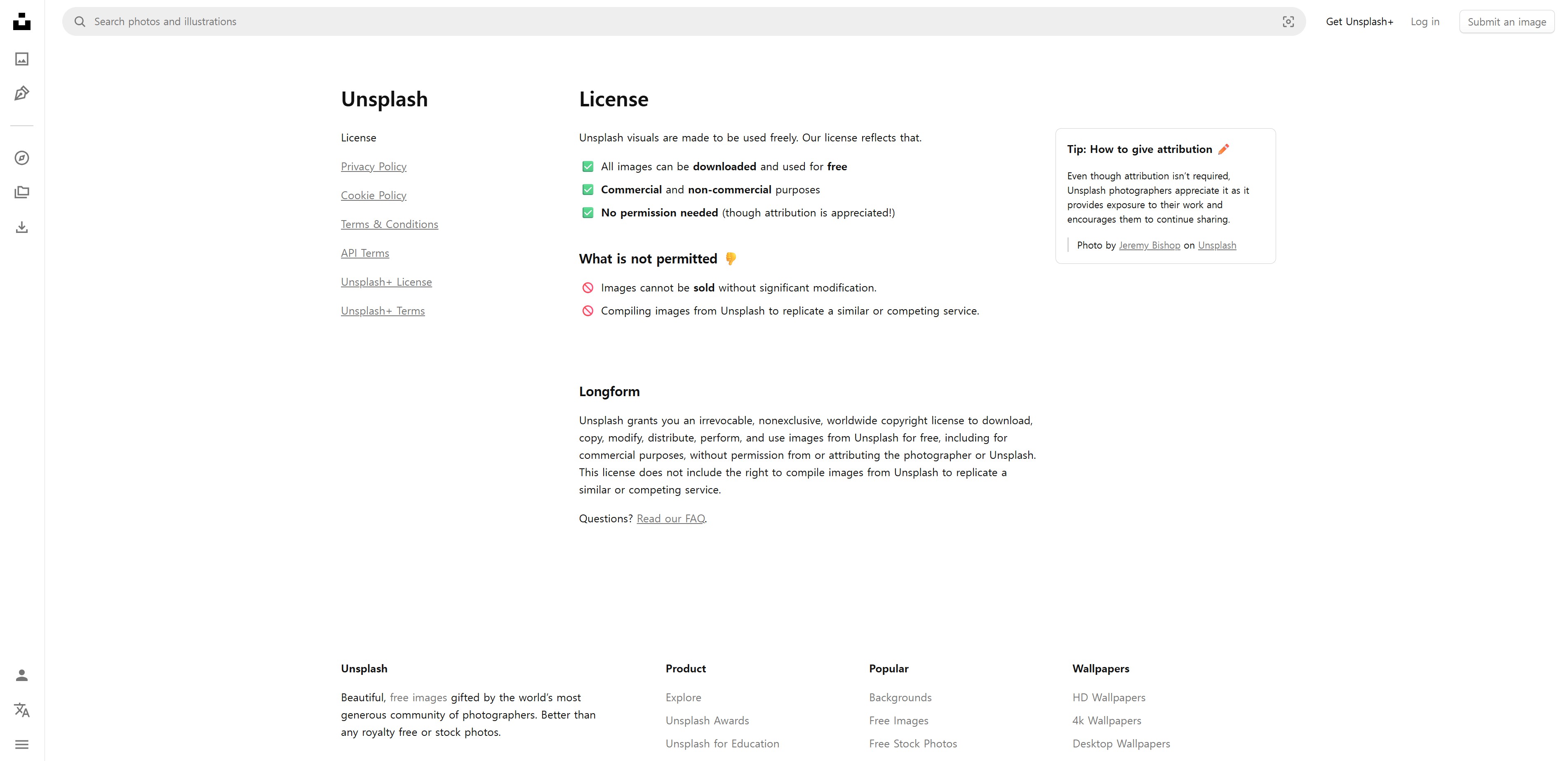
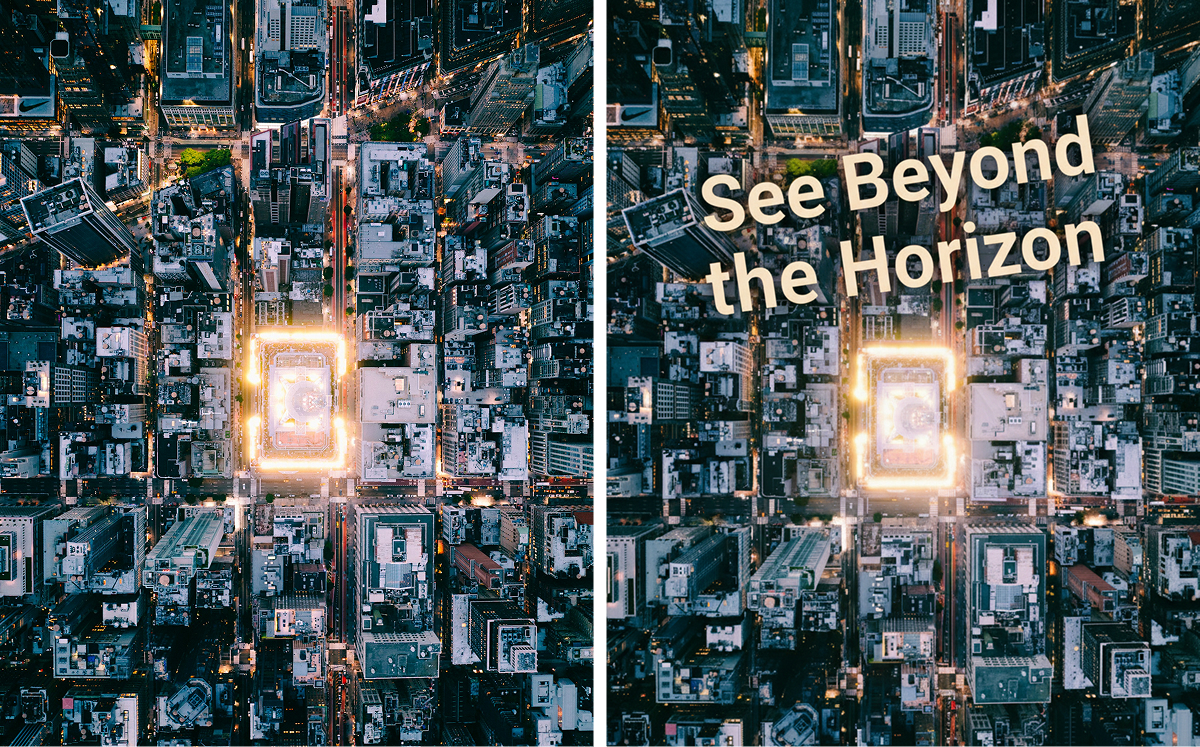
Also, instead of using images as-is, it's better to do some editing first. Adjusting colors or adding text to give it your own style makes for more effective content. When using product photos, removing the background makes them look cleaner and more professional.
Related link: Best 4 Background Removal Sites
Beyond Free Images: Create Your Own with Draph Art

Free image sites are great, but sometimes it's hard to find exactly the image you want. Even after browsing through hundreds of photos, you might not find the perfect match, or the image might feel overused because others have used it too. In those cases, creating your own with an AI image generator (Related link: Top 7 AI Image Generation Sites) is a good option. With Draph Art's AI Mix feature, you can choose a background you like from the free image stock and naturally composite your product into it.
▶ Check out Draph Art's free image stock
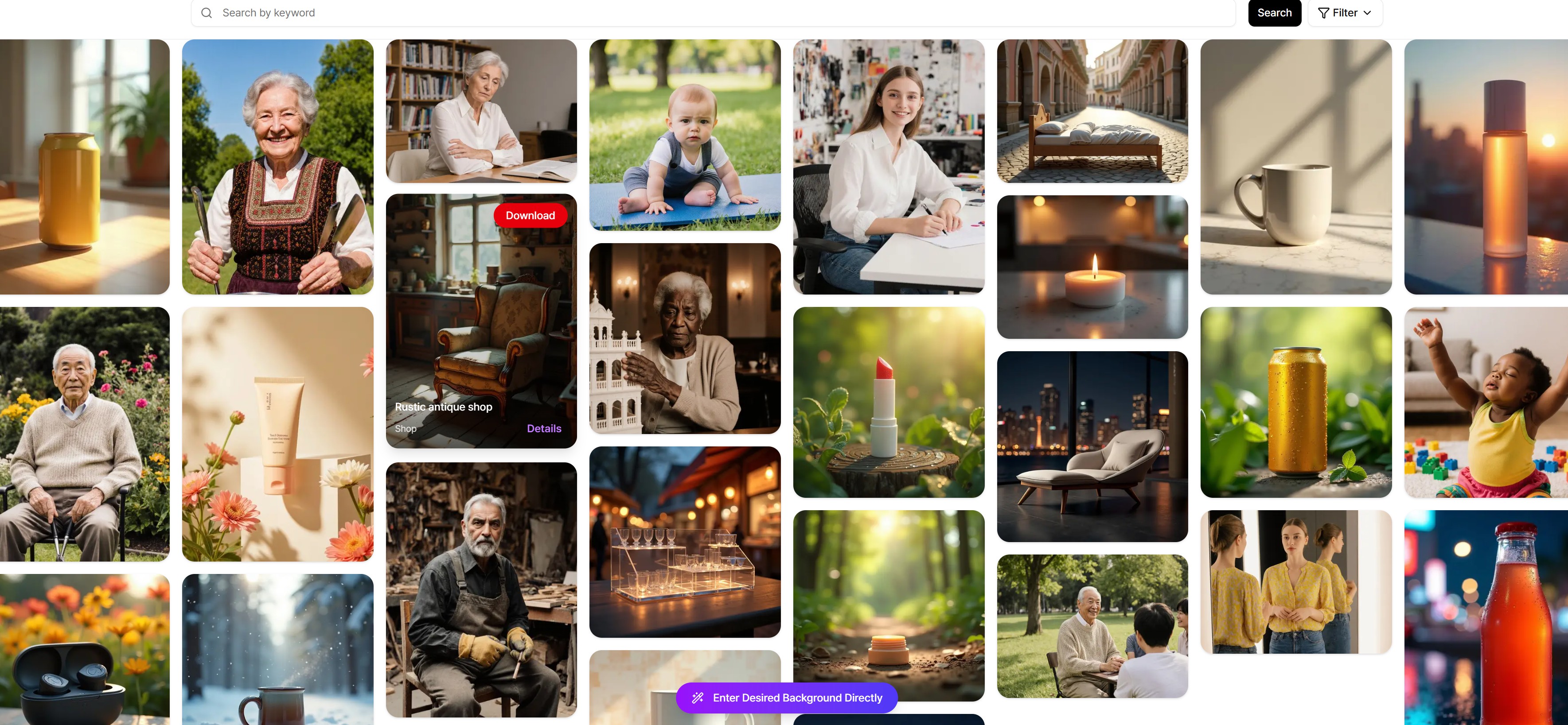
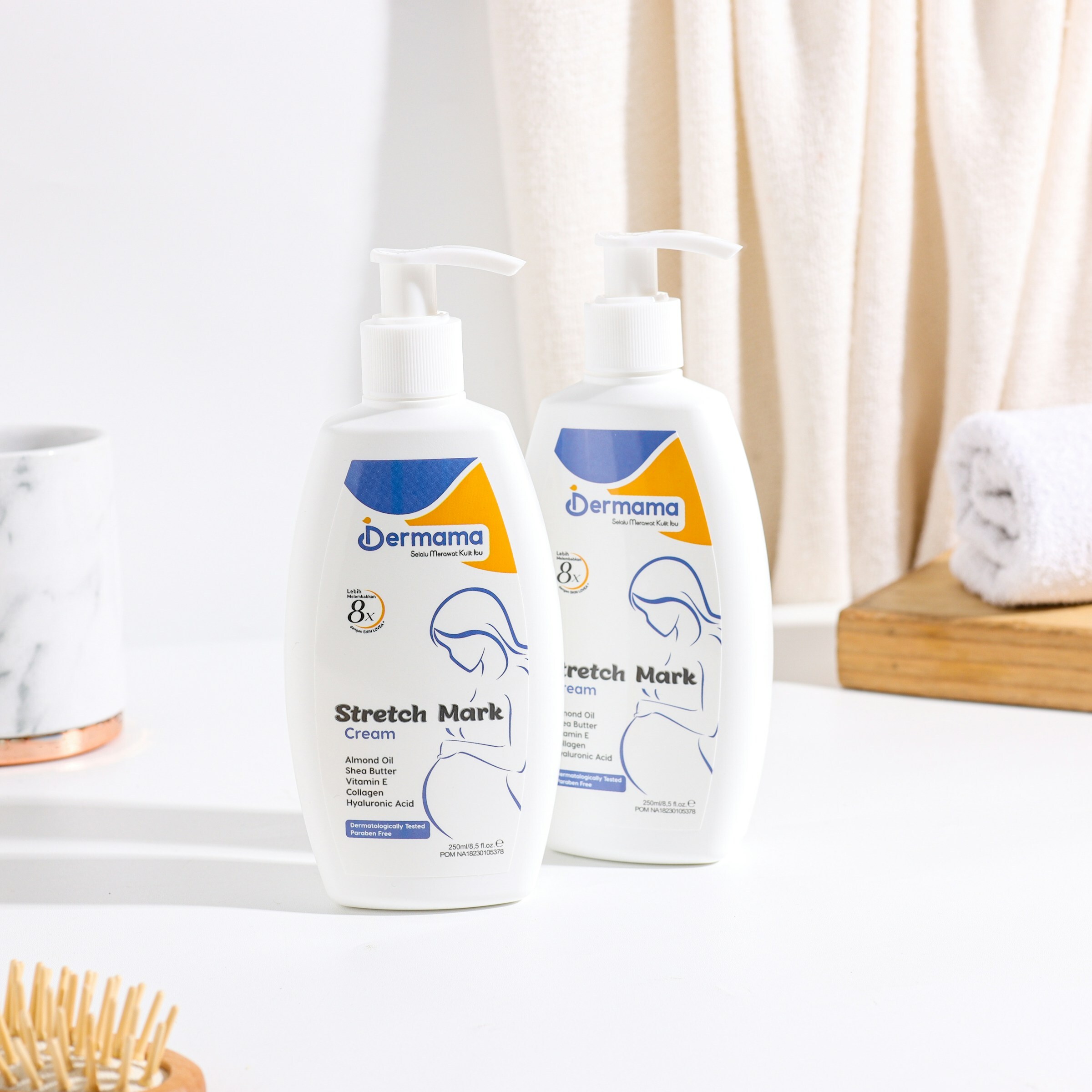
It's simple to use. First, pick a background image from the gallery or upload your own, upload the product image you want to composite, adjust the placement, and you're done. The AI automatically adjusts lighting, shadows, and colors naturally, so you get results that look like they were shot in a professional studio.
You can also describe the scene you want in text to create completely new images. It saves time and there are no copyright worries. Especially when changing product photo backgrounds or creating ad images, you can get much more precise results than with free image sites.
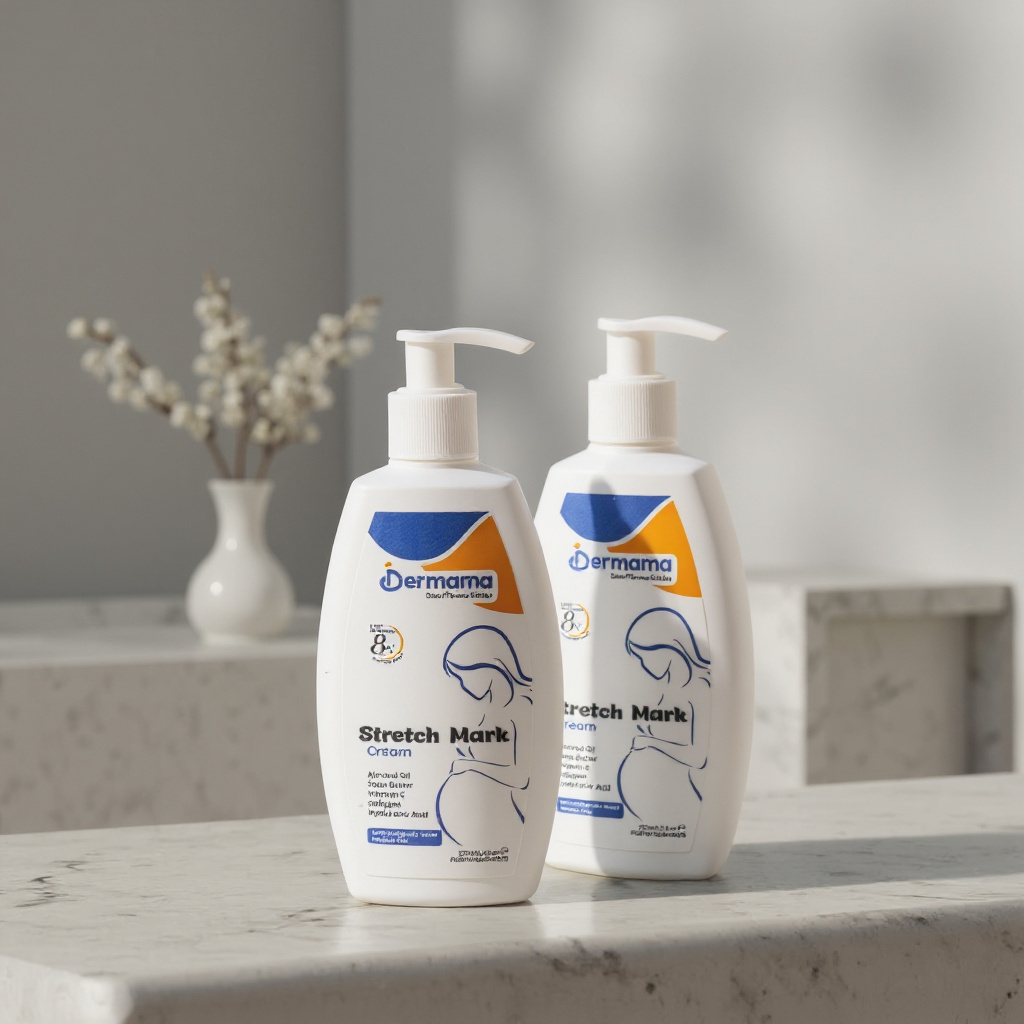


By using these 10 free image sites and incorporating Draph Art's AI image generation when needed, your content creation will become so much easier!