

목차
- 1. Flaticon - The World's Largest Free Icon Library
- 2. Tabler Icons - The Standard for Minimalist Line Icons
- 3. Lordicon - High-Quality Animated Icons That Bring Designs to Life
- 4. Feather Icons - A Simple and Lightweight Open-Source Icon Pack
- When You're Tired of Manual Detail Page Work, Do It in 3 Minutes with Draph Art
- 'AI Automatic Product Detail Page Generation' for Designers Staying Up All Night Mixing Icon Sources
- Planning, Copywriting, and Design Done with a Single Rough Product Photo—No Prompts or Figma Integration Needed
- Just Copy and Paste to Start Selling Instantly! Image Files and HTML Code Provided Simultaneously
- 💡 Draph Art Frequently Asked Questions (FAQ)

Are you spending way too much time hunting for the perfect icons every time you launch a new product, design a product detail page, or work on a proposal?
To answer the question, "Which free icon websites with commercial use allowed have the best quality?" I’m going to give you a clear, practical answer you can use right away. Having a go-to list of copyright-free, commercially usable icons is a super smart strategy to keep your project’s overall tone and manner consistent while making your design look incredibly polished.
The TOP 4 free icon websites we are introducing today are the absolute best lists to dramatically cut down design and marketing work hours. Stop wandering around random search engines and quickly download the free icons you need from these proven sites. We’ve put together everything from trendy, stylish sources to the recently super-popular free 3D icons.
However, a job even more exhausting than finding high-quality icon sources is the manual work of making the entire design look unified. If you want to completely put an end to the inefficiency of staying up all night mixing and matching sources to fit a layout, let AI handle it. Draph Art is an "AI automatic product detail page generator" that takes care of everything—from planning and copywriting to photo staging and layout design—just by uploading a single, rough product photo.

💡 3-Line Summary for Busy People (TLDR)
- [Current Situation] In the past, people had to wander around Figma or various design websites to find individual icons and free images, and then manually do the background removal to create a product detail page.
- [Problem] Massive amounts of time and resources are wasted in the process of adjusting and placing matching sources every single time, which delays product launches and leads to lost sales opportunities.
- [Solution] Now, without even needing to type a prompt, just upload one original photo! Create high-quality product detail pages quickly and easily with Draph Art, which finishes the job in just 3 to 10 minutes based on over 4.6 million e-commerce data points!
1. Flaticon - The World's Largest Free Icon Library

Flaticon Site: https://www.flaticon.com/
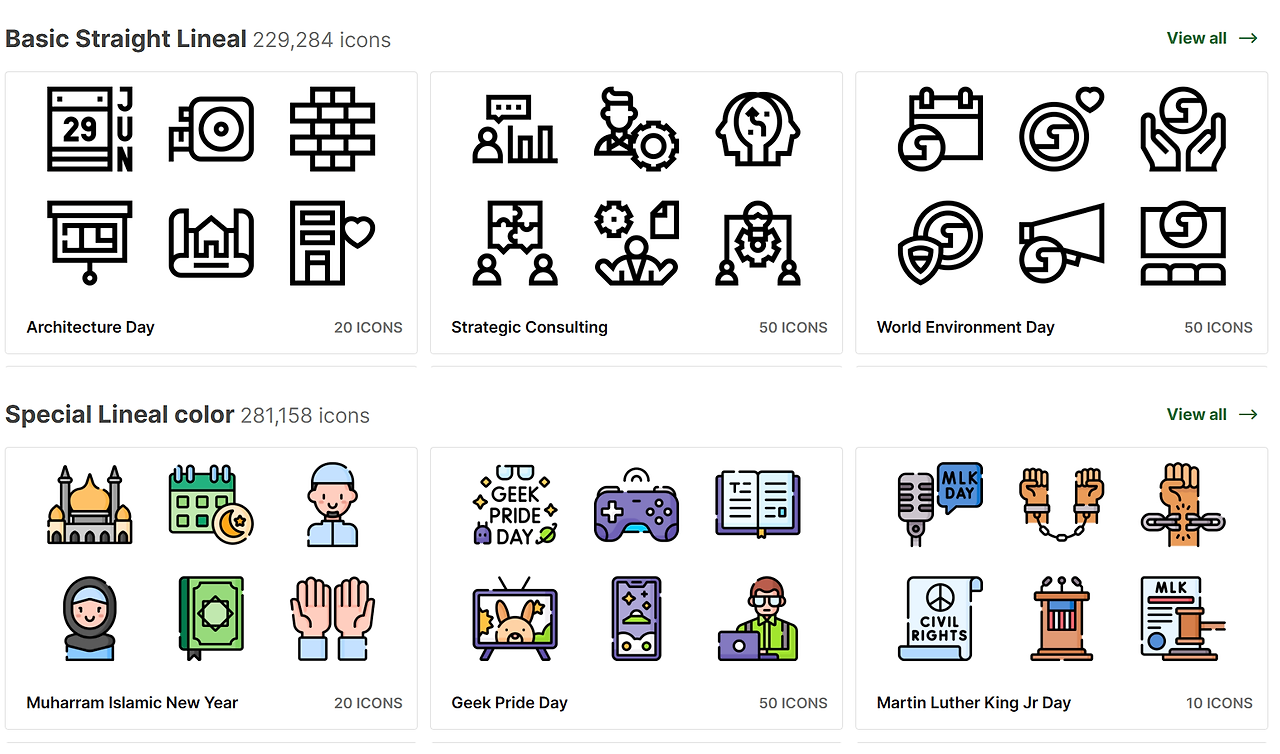
This is the most widely used free icon website by designers all over the world today. With millions of assets registered, you can find pretty much any type of visual source you want here.
Keep Your Design Tone and Manner Consistent with Pack Downloads
One of Flaticon's biggest strengths is that it supports a "Pack" search function. When you make a product detail page or a proposal, mixing different styles of icons can instantly ruin the overall quality of the design.
- Line-based minimalist styles
- Solid-based intuitive styles
- Colorful illustration styles
On Flaticon, you can view an entire package created by a single creator at once, making it super easy to match the design tone and manner of your entire project. For example, if you’re designing a music-related product detail page, you can find a package of music note icons with a consistent style and place them throughout the layout, saving you a ton of work time.
License Scope and Attribution Rules for Commercial Use
While Flaticon basically lets you download free icons, free members must attribute the author (Attribution) when using them for commercial projects. If you want to use completely copyright-free icons without giving credit, you need to subscribe to a paid plan. So, it’s safe to double-check the license conditions for official commercial projects ahead of launch. It’s a wonderful alternative for business presentations or when you need to quickly pull together free PPT icons for internal use.
2. Tabler Icons - The Standard for Minimalist Line Icons
Tabler Icons Site: https://tablericons.com/
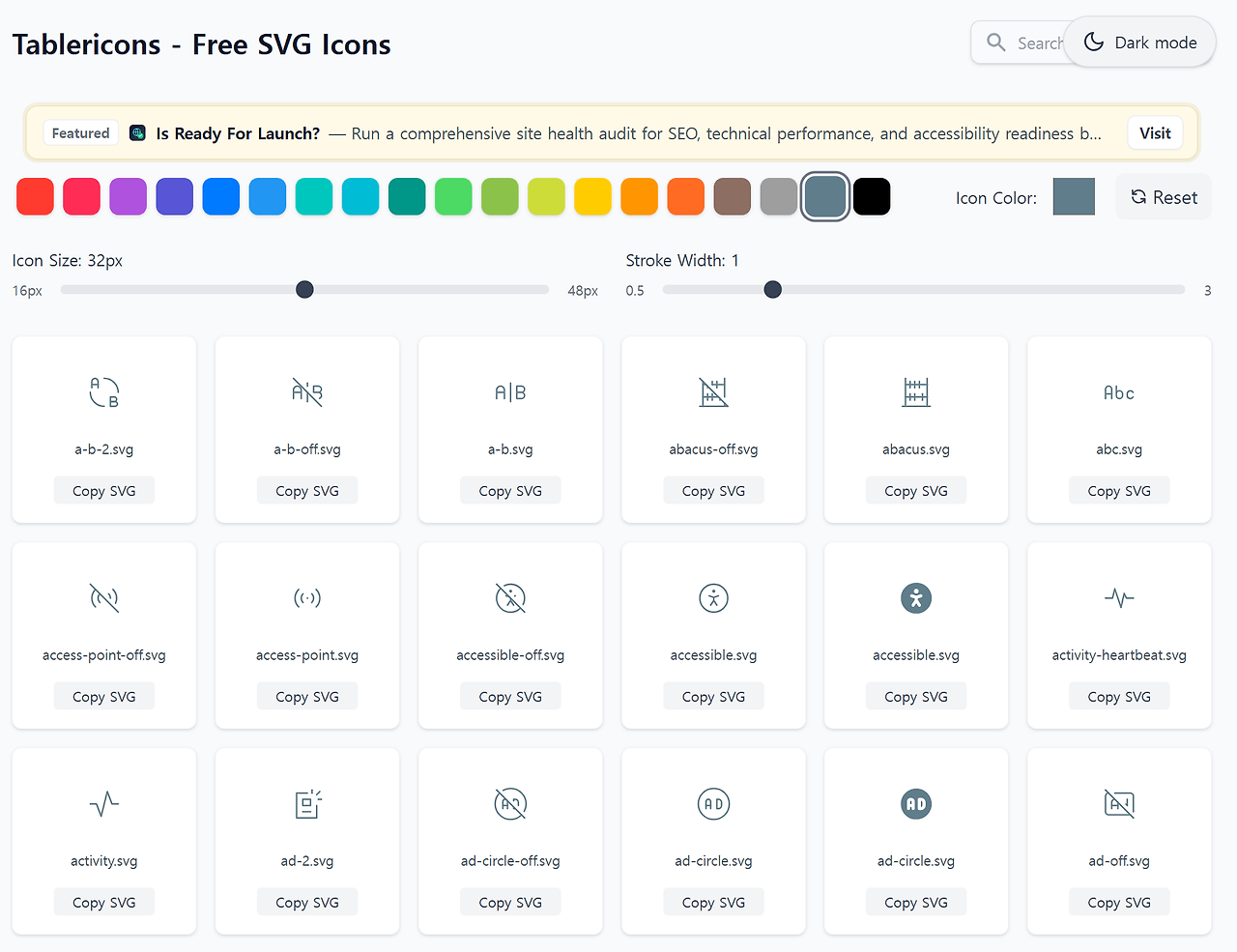
If you had to pick the site that offers the most minimalist and modern line icons among commonly used free icon websites, it would definitely be Tabler Icons. It offers thousands of precisely designed modern vector graphics for free.
How to Instantly Customize Stroke, Size, and Color on the Web
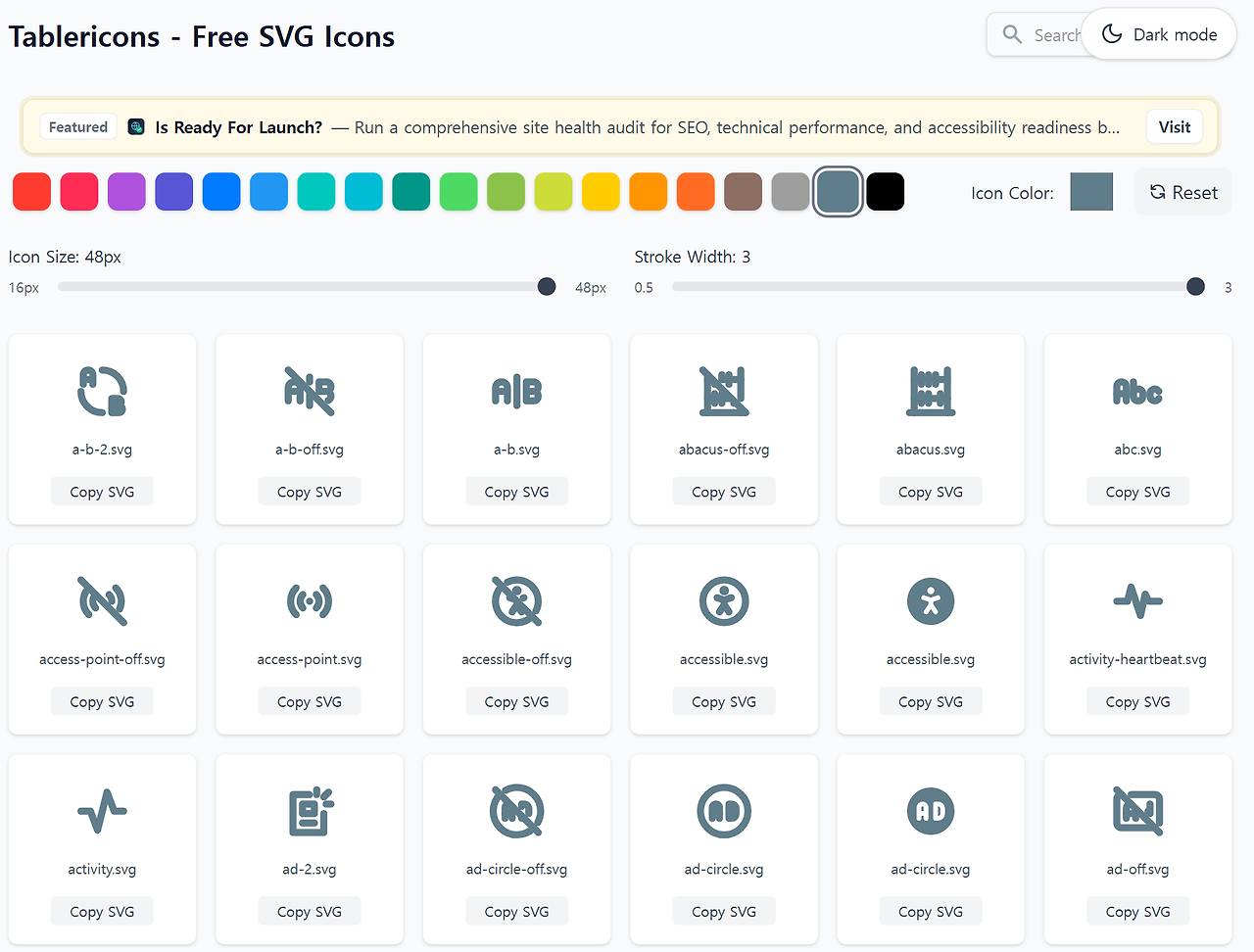
The most powerful feature of Tabler Icons is that you can instantly adjust the stroke width, size, and main color of the icons at the top of the website screen just by dragging your mouse.
You don’t need to open a separate design editing tool to adjust line thickness. You can set the perfect specifications that match your brand identity right on the site and download it, maximizing work efficiency. This comes in incredibly handy when you need thin, trendy free PPT icons for presentations.
SVG Code Copy and React Support for Developer Collaboration
This site truly shines not just for designers, but also when collaborating with developers. Just click on the icon you want, and the SVG code is instantly copied to your clipboard, so you can copy and paste it right away during the publishing stage. It also provides codes in the form of components dedicated to modern frontend frameworks like React and Vue, making it one of the most preferred asset platforms in UI/UX web design and development projects.
3. Lordicon - High-Quality Animated Icons That Bring Designs to Life
Lordicon Site: https://lordicon.com/
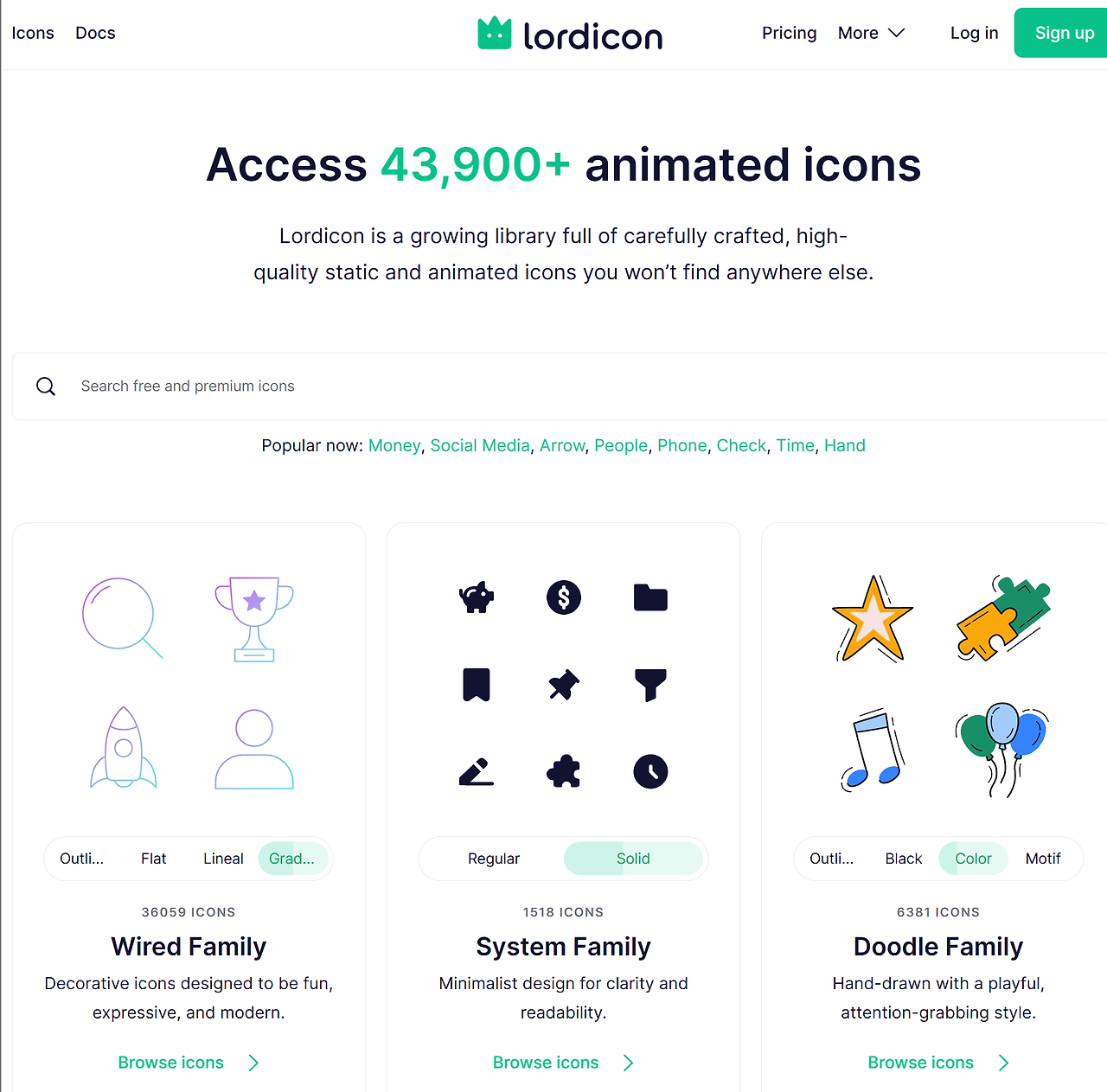
Have you ever felt that static, ordinary icons look a bit flat? Lordicon is one of the most unique free icon websites out there, offering moving animated icons that add life to your web screens.
Maximize Website Interaction with Lottie (JSON) Format Downloads
Recently, a growing number of online malls and websites are adopting "Lottie" animation technology to maximize user interaction. Lordicon fully supports downloading free animated icons in Lottie (JSON) format, which is lightweight and runs smoothly without stuttering. You can easily capture customers' attention by implementing a music note icon that naturally shakes when a user hovers over it, or a shopping bag shape that jiggles.
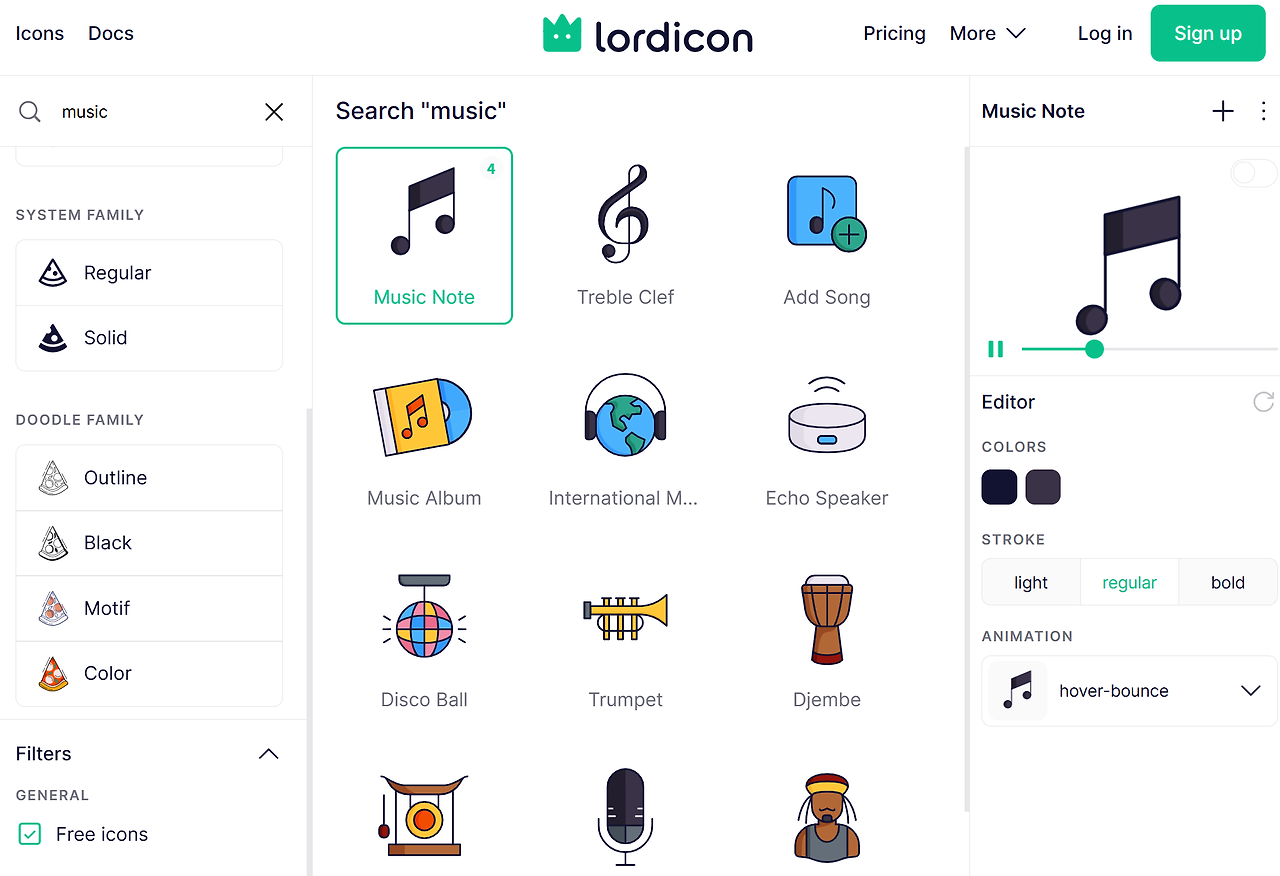
Free Plan Scope and Practical Tips for Moving Icons
Lordicon distributes hundreds of high-quality moving icons under a free license. However, when placing them on commercial websites or using them to create social media banner ads, you must follow the platform's credit attribution rules. Placing too many animation sources on a single screen can slow down loading speeds or distract users. Therefore, we recommend using them wisely as accent points in key areas, such as buy buttons or core store selling points.
4. Feather Icons - A Simple and Lightweight Open-Source Icon Pack
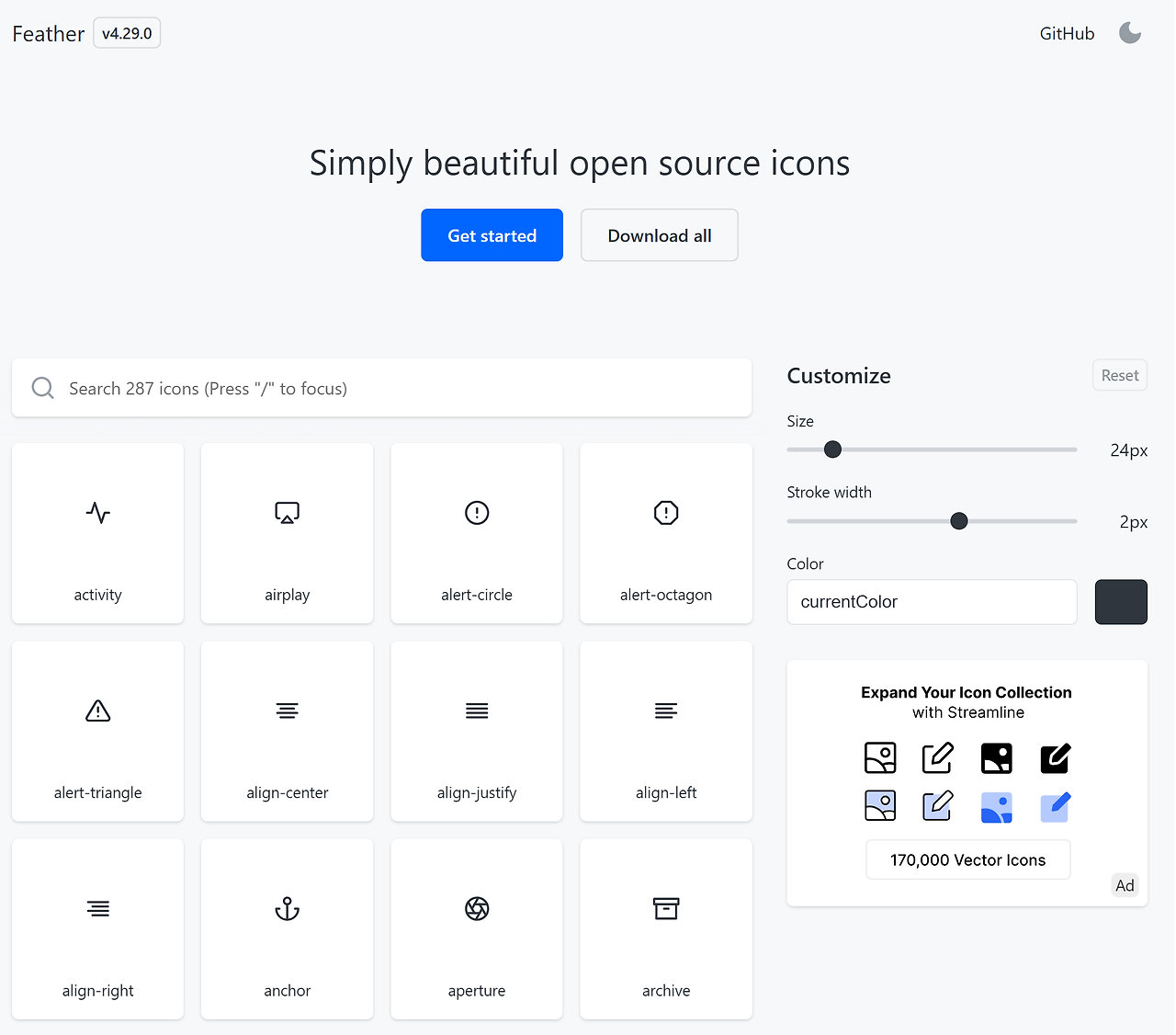
Feather Icons Site: https://feathericons.com/
Feather Icons is a super clean free icon website that values simplicity above all else, and it’s a platform that enjoys full support from the global open-source community.
Clean Design Based on a Consistent 8px Grid System
All assets in Feather Icons are precisely designed with perfect symmetry on a consistent 8px grid system. Thanks to this, even if you randomly combine and place different icons, they won't look uneven, maintaining extreme visual stability. When you want to match assets directly with gothic fonts or clean-looking PPT templates, these sophisticated free icons elevate your brand without any visual clutter.
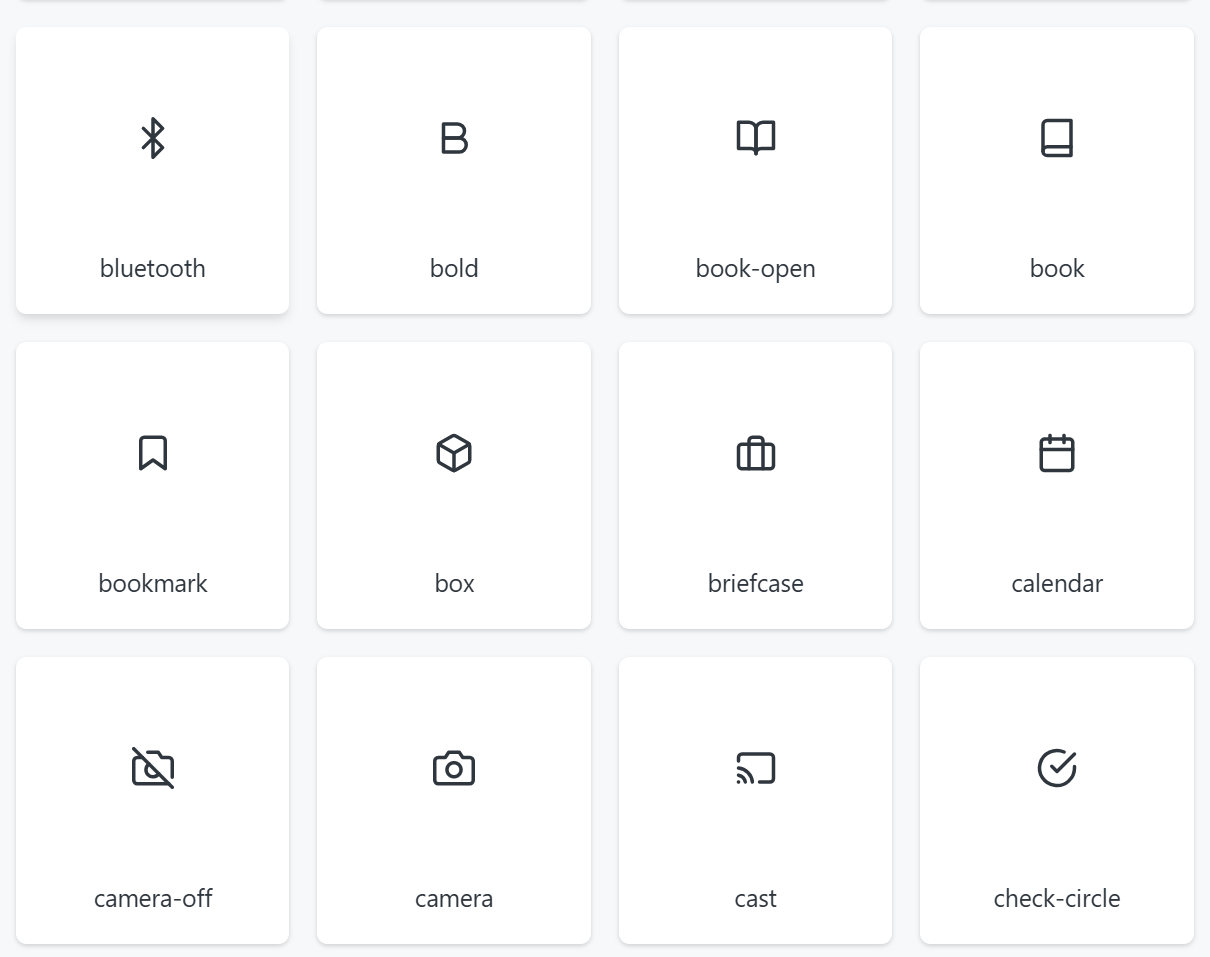
Super-Fast Asset Import with the Figma Plugin
To save designers the hassle of opening a browser and downloading files every single time, it fully supports an official dedicated Figma plugin. You can add assets to your project canvas in just one second simply by searching for 'Feather Icons' inside your design tool and dragging and dropping them, taking your production productivity to the next level.
💡 Free Icon Platforms Core Features 5-Second Comparison Summary Table

| Platform Name | Key Features | Recommended Use | License Convenience | 3D & Animation Support |
| Flaticon | Holds the world's largest DB; tone-and-manner matching pack downloads | Product detail pages, general designs | Attribution required for free use | Focused on 2D flat icons |
| Tabler Icons | Real-time line thickness and color changes | Developer collaboration, web UI/UX design | MIT License (Free commercial use) | 2D minimal line icons |
| Lordicon | Provides lively Lottie files | Web interactions and visual effects | Credit attribution required for free assets | Specialized in animation effects |
| Feather Icons | Perfect consistency with an 8px grid | Minimal designs, PPT template applications | Open source (Free commercial use) | 2D ultra-lightweight line icons |
When You're Tired of Manual Detail Page Work, Do It in 3 Minutes with Draph Art
But honestly, no matter how many great sources are out there, finding them one by one, aligning them, and polishing the layout with editing tools is still a tedious, exhausting manual labor that takes way too much time.
Are you wasting your precious time taking product photos carefully and then jumping back and forth between messy background removal sites to clean them up? Simply scraping and pasting awkward free images from somewhere won't grab consumers' attention in today’s fierce e-commerce market anymore. Ultimately, it makes it very hard to get a chance for top search exposure in platforms like Naver Smart Store.
If you want to break this painful, vicious cycle for good, meet Draph Art—the cutting-edge AI product detail page design solution that turns a single, rough photo into a professional-grade product detail page.
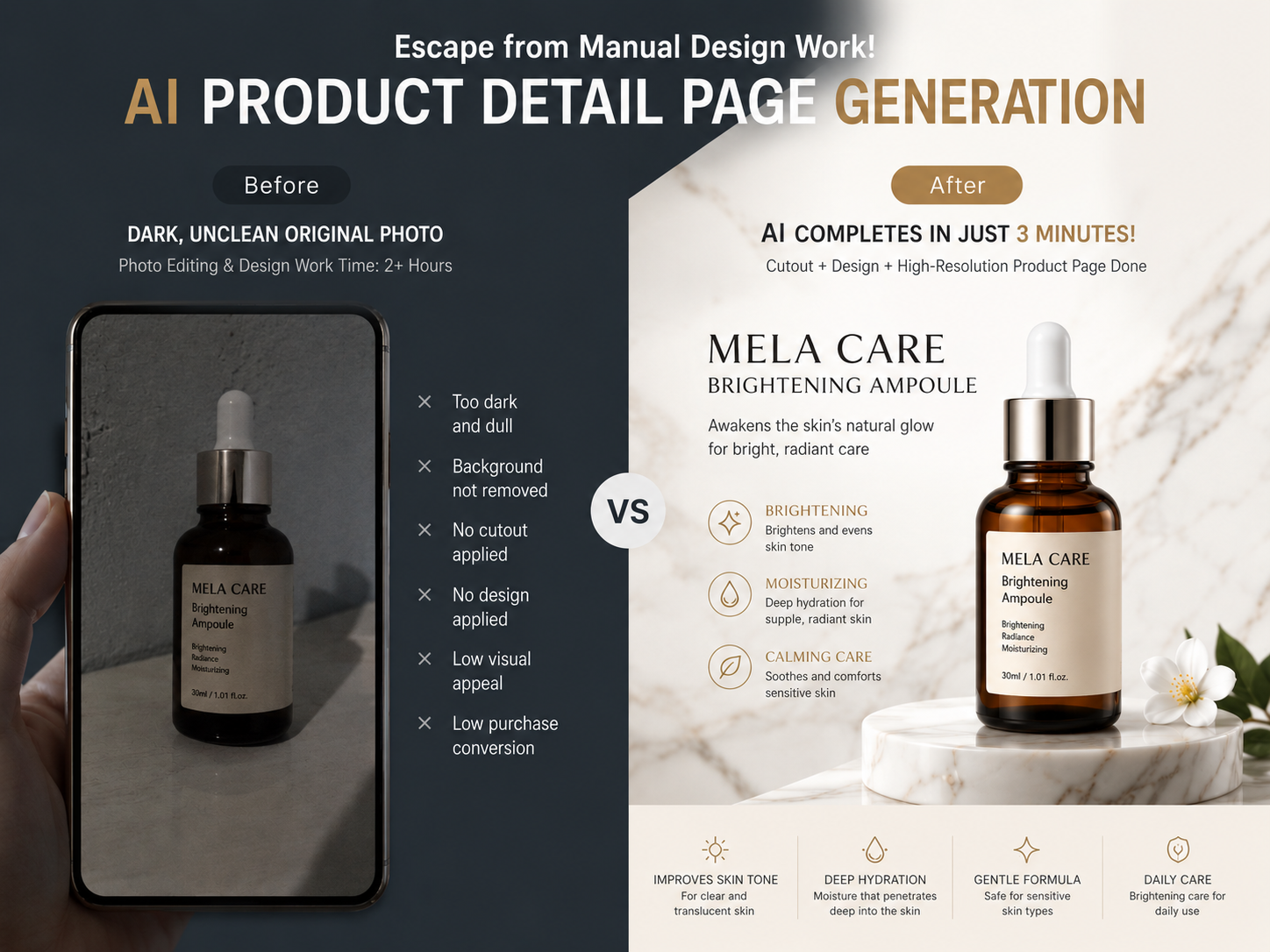
'AI Automatic Product Detail Page Generation' for Designers Staying Up All Night Mixing Icon Sources
Draph Art is completely different from existing design tools that simply edit images or fit things into templates. It is Korea’s only innovative online store product detail page auto-generation AI that helps designers completely break away from the analog way of working—staring at a monitor for days just to arrange matching free icons and font sources.
Planning, Copywriting, and Design Done with a Single Rough Product Photo—No Prompts or Figma Integration Needed
Existing, somewhat user-unfriendly generative AI services had a high barrier to entry. Users had to rack their brains to write complex, code-like prompt commands, or integrate professional design software like Figma just to get a decent result.

But Draph Art is different. Skip all the complicated steps. All you need to do is upload a single, original product photo taken roughly with a smartphone. The advanced AI engine, trained on over 4.6 million e-commerce data points, automatically analyzes the product's features. It then auto-generates target-tailored selling points and copywriting that look like they were written by a professional marketer, stunning high-resolution staging images, and sophisticated web layout designs—all at a miraculous computing speed that takes just 3 to 10 minutes on average.

Just Copy and Paste to Start Selling Instantly! Image Files and HTML Code Provided Simultaneously
Draph Art doesn’t stop at generating planned and designed images. To let you jump right into selling without any extra processing, it delivers the results as image files along with HTML publishing codes that you can copy and paste directly into your online store.
Through this, you can protect against unnecessary sales opportunity losses caused by production delays to near zero, and guarantee an overwhelming competitive edge that lets you officially launch sales days faster than others.

In addition to product detail pages, you can instantly create a full-funnel marketing asset kit in one place—including stunning product thumbnail cuts to boost click-through rates, Instagram video ads, and eye-catching top GIFs. In fact, businesses that fully deployed Draph Art are proving incredible growth, seeing dramatic improvements in customer conversion rates, with high-quality content download rates breaking through a whopping 81%.
Click the link below right now to experience the miracle of breaking free from tedious design grunt work!
👉 [Try AI Product Detail Page Generator: https://draph.art/detail-page-maker]
💡 Draph Art Frequently Asked Questions (FAQ)
Q1. What about the copyright and commercial availability of product detail pages or graphic images generated by AI?
A1. All assets generated with Draph Art are fully available for commercial use, so you don't have to worry about copyright. This is because the unique AI algorithm, trained on over 4.6 million e-commerce data points, legally generates one-of-a-kind commercial images and copywriting every single time.
Q2. Can a beginner who has absolutely no skills in programs like Photoshop or Figma, or no knowledge of prompt coding, still use it?
A2. Yes, it is so easy that anyone can master it in just 3 minutes, even without any knowledge of design tools or planning. With absolutely no need for prompt command inputs or annoying software integrations, simply upload a raw, original photo of your product, and the AI will handle everything from planning to sophisticated layout design.
Q3. Do I need to do separate complex processing or coding when uploading the finished product detail page to my online store?
A3. No, you can upload it to your online store immediately without any separate publishing or source code modifications. Draph Art provides both the design image files and the HTML code to paste right onto the web with a single click. You can literally 'copy and paste' it into Naver Smart Store or Cafe24 stores, starting real-time sales instantly in just a few minutes.


