다른 누끼 사이트처럼 몇 장 만들고 유료 결제? 아니죠! 드랩아트는 진짜 무료예요. 1초 만에 이미지 배경 제거하세요.

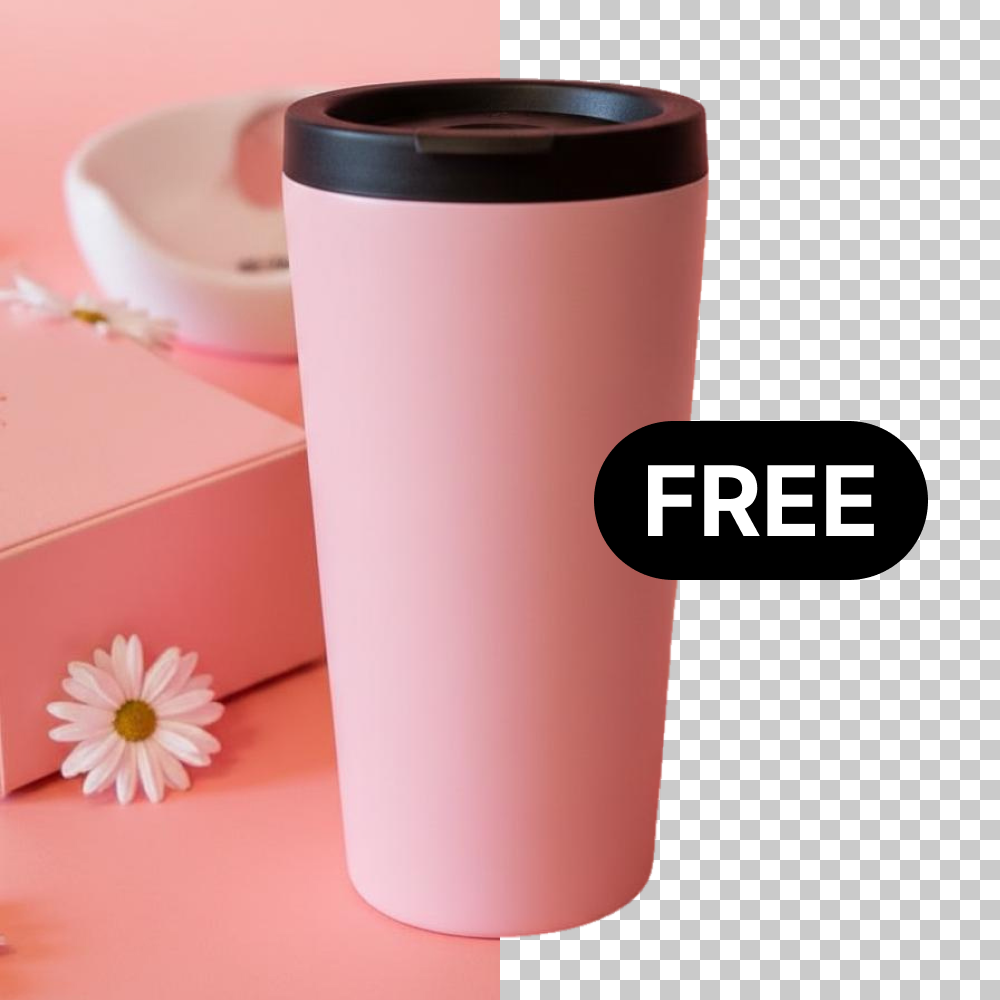
몇 장밖에 안했는데 유료 결제? 드랩아트 회원은 누끼따기 평생 무료.
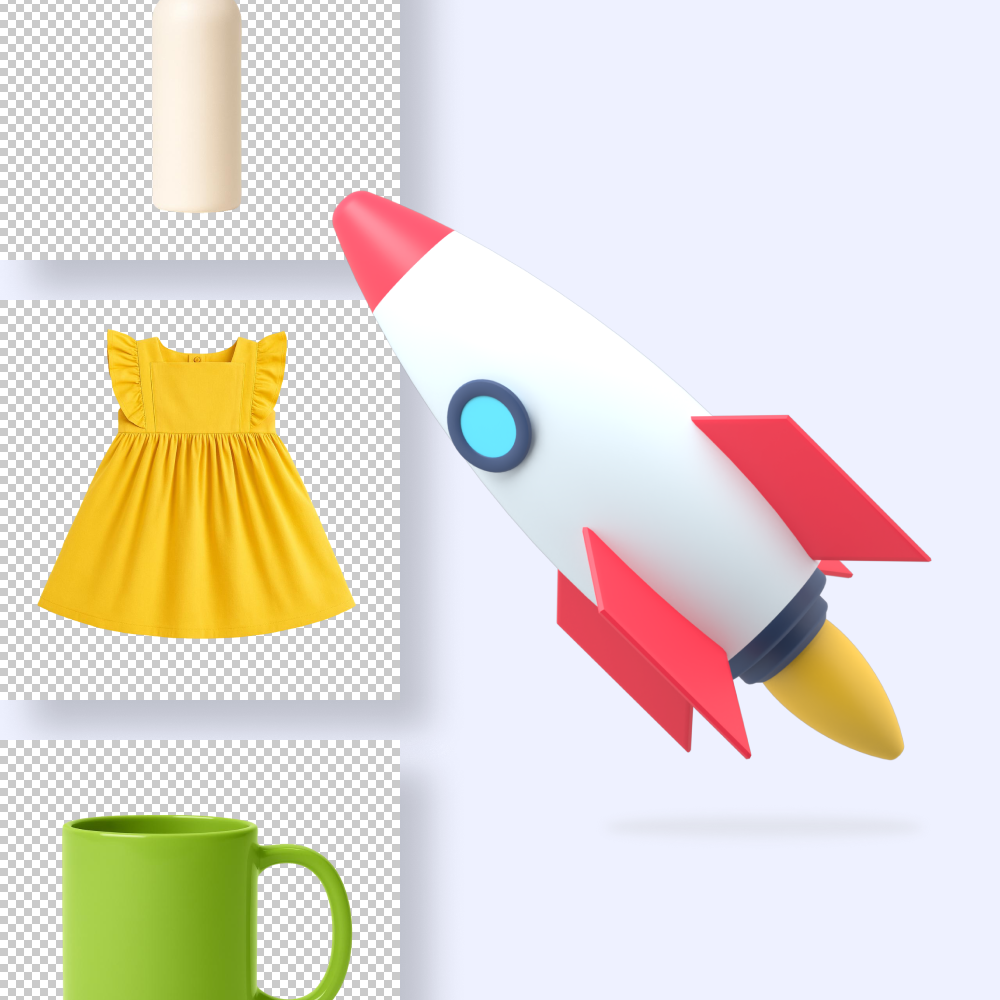
AI가 1초 만에 자동으로 사진 배경 삭제, 빠른 속도로 시간을 아껴드려요.
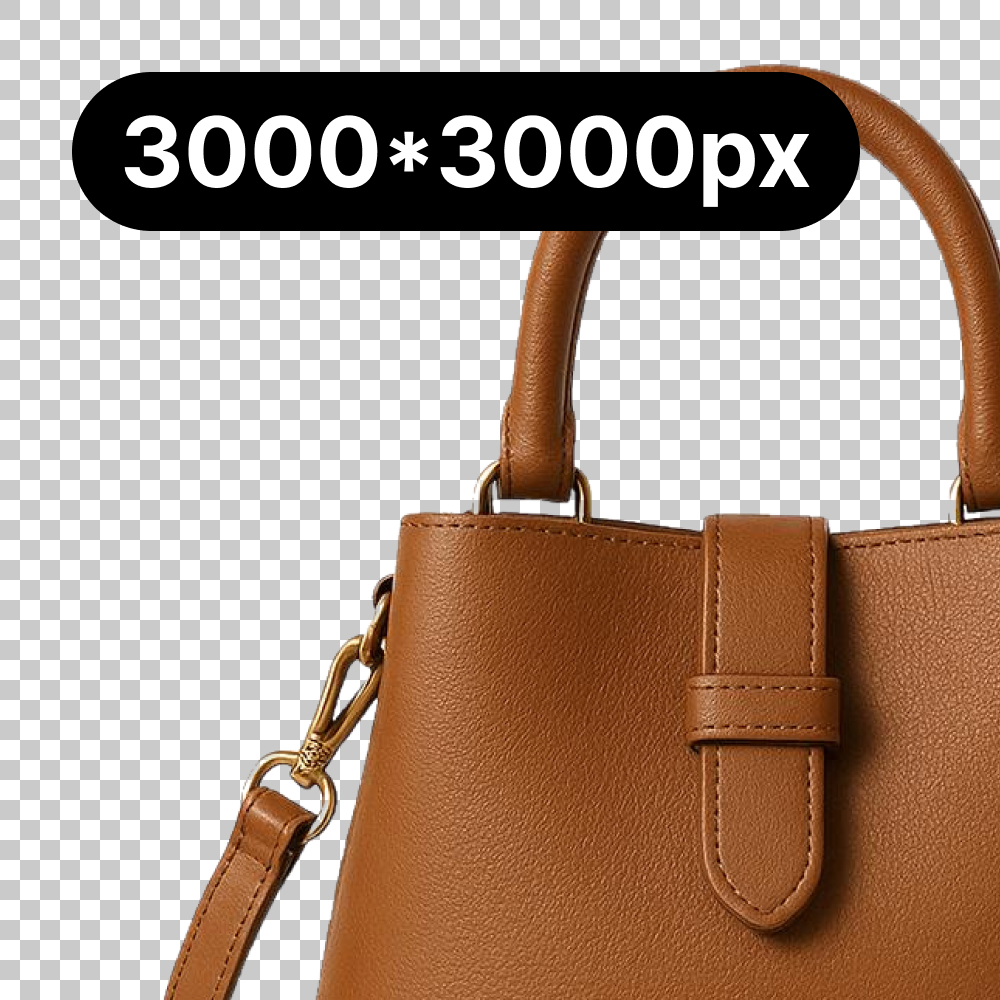
원본 해상도는 그대로, 배경만 깔끔하게 투명 배경으로 제거돼요.
유료 결제 유도 또는 오래 걸리는 누끼, 드랩아트에서는 1초면 충분합니다.
| 구분 | 수동 작업 (디자인 외주) | 타사 유료 AI | BEST드랩아트 |
|---|---|---|---|
| 특징 요약 | 인건비 지속 발생 | 유료 결제로 유도 | 무제한 평생 무료 |
| 제작 소요 시간 | 장당 5~10분 | 장당 수초 | 1초 완료 |
| 비용 (장당) | 수천 원 (외주 / 인건비) | 100~500 원 | 0원 (완전 무료) |
| 작업 방식 | 펜툴로 일일이 외곽선 따기 | 한 장씩 개별 업로드 처리 | 최대 20장 일괄 처리 |
| 디테일 | 머리카락, 투명 처리 어려움 | 저해상도 다운로드 제한 | 고화질 누끼 무료 |
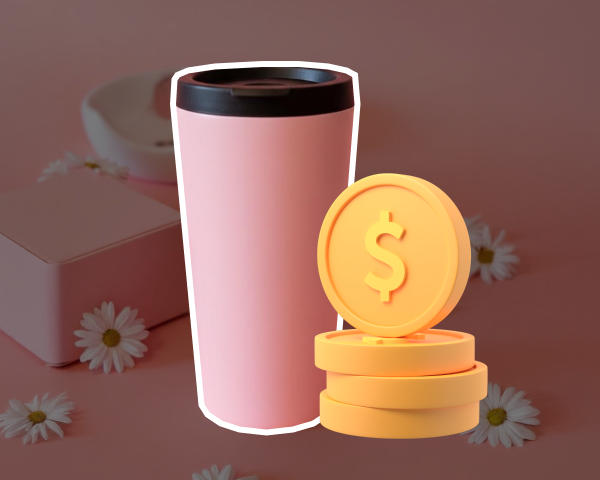
AI가 배경 영역을 자동으로 인식해서 배경만 깔끔하게 제거해줘요. 복잡한 프로그램 설치나 디자인 스킬 없이도 클릭 한 번으로 고화질 투명 배경 PNG 이미지를 만들 수 있어요.
최신 AI 엔진으로 100개 이상의 이미지 배경 제거도 문제 없어요. 번거로운 누끼따기는 드랩아트에게 맡기고 이미지 배경 삭제할 시간에 더 중요한 일을 하세요.
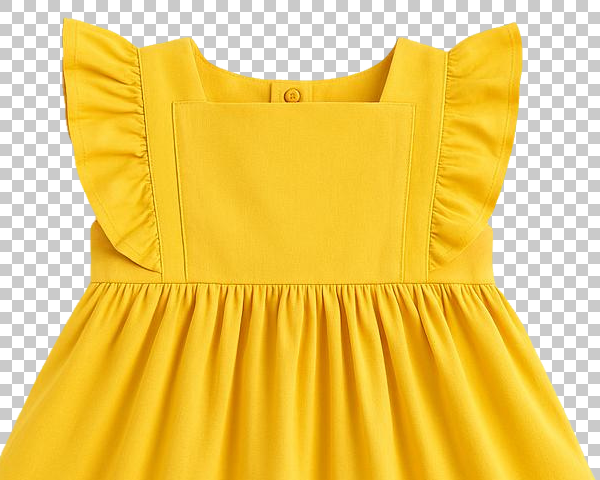
AI가 배경만 정교하게 제거하고 제품은 손대지 않아요. 가로 세로 최대 3000px까지 고화질 누끼따기로, 주얼리, 화장품처럼 디테일이 중요한 제품도 완벽하게 유지해줘요.
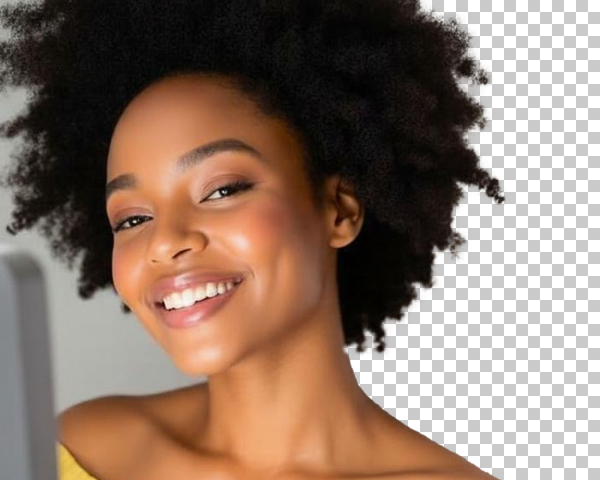
쇼핑몰 데이터로 학습되어 머리카락, 투명한 병 소재, 레이스 원단까지 정교하게 인식해요. 의류, 화장품, 주얼리 등 온라인 쇼핑몰 이미지에 최적화되어 완벽하게 누끼를 따요.
이미지를 올리기만 하면 끝! AI가 알아서 배경만 지워줘요.
Step Step 1
배경 제거할 이미지를 업로드하세요. 여러 장을 한 번에 올려서 일괄 배경 삭제할 수도 있어요.
Step Step 2
AI가 자동으로 배경만 깔끔하게 제거해요. 복잡한 설정 없이 1초 만에 처리 완료돼요.
Step Step 3
배경 제거 이미지를 다운로드하세요. 바로 쇼핑몰 상품 등록, SNS 업로드 가능해요.
쇼핑몰에 필요한 다양한 상품 이미지와 모델 이미지를 만들어보세요!


상품 사진 촬영부터 상세페이지 제작까지, 모든 기능을 한 곳에서!
Client results
매 시즌마다 새로운 모델 섭외하고 로케 잡아서 찍는 과정이 너무 복잡했는데, 지금은 드랩AI로 간단하게 제작하고 있습니다. 원하는 컨셉을 편하게 잡아볼 수 있어서 정말 좋아요.
1이미지당 평균 제작시간
이전 1개월 대비

Client results
저는 생활용품을 주로 판매하는데, 집에서 찍은 듯한 리얼한 샷을 얻으려면 스튜디오나 에어비앤비를 잡아야 했어요. 이젠 그냥 드랩에서 바로 이미지 제작합니다.
1이미지당 평균 제작시간
이전 1개월 대비
460만 건 이상의 커머스 데이터를 학습한 자체 기술로 구매 전환율을 높입니다.
누적 가입 셀러 7만 명+
누적 생성 수 460만 건+
이커머스 AI 핵심 특허 4건 보유
정부 및 주요 기관 선정·인증
쉽고 간편한 드랩아트의 AI 제품 사진 편집 기능을 사용해보세요.
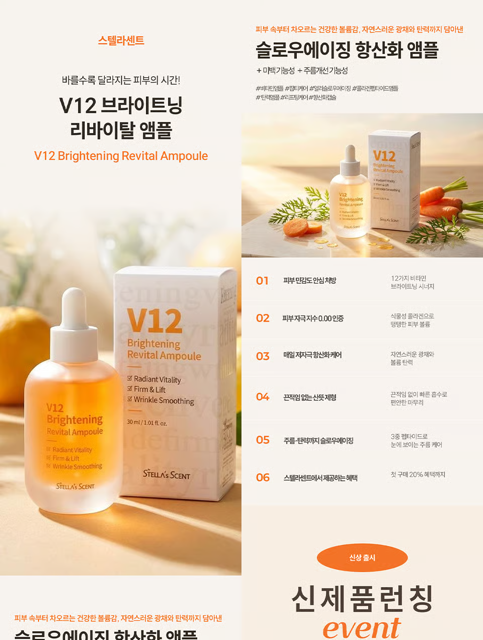
제품 정보만 넣으면 AI가 디자인, 카피, 모델까지 상세페이지를 자동 생성합니다.

스튜디오 촬영 퀄리티의 상품 사진과 영상을 동시에 만들어요

AI 모델을 활용해 착용 컷, 사용 컷 등의 모델 사진과 영상을 한번에 만들어요

기존에 촬영한 모델의 얼굴만 바꿔서 다양한 모델 이미지와 영상을 빠르게 만들어요

마네킹 사진을 실제 모델 착용 컷과 영상으로 바꿔서 구매 전환율을 높여요

배경 제거 처리 속도가 빠르고, 무료라서 신상품 대량 등록할 때 시간과 비용을 크게 절약해요
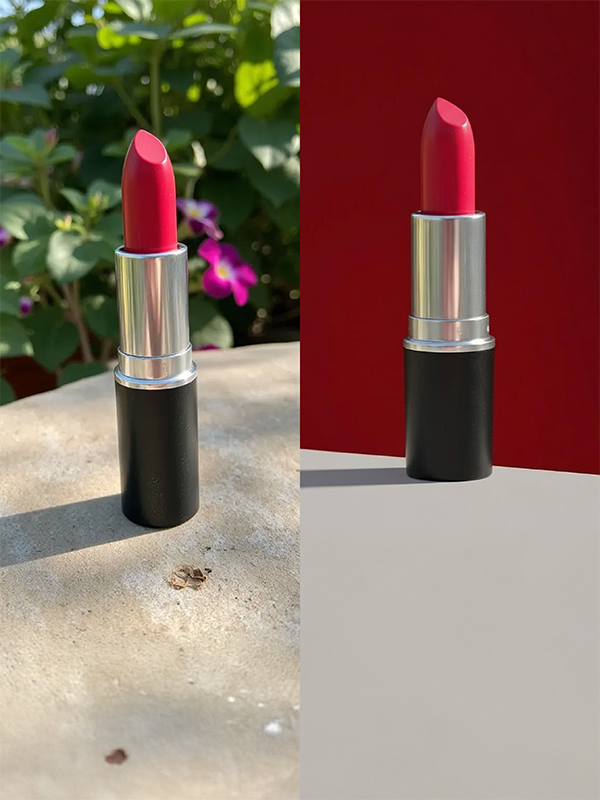
원하는 배경을 입력하면, 상품이 마치 그 곳에 실제 촬영 없이 이미지의 배경을 변경해요.

잘린 배경 때문에 쓸 수 없던 사진도 자연스럽게 늘려서 광고, 썸네일, 상세페이지 등에 활용해요.

2~80개 제품을 한 장에 담아 묶음 상품 이미지를 번거로운 작업 없이 몇 초 만에 완성해요.

블로그, 인스타, 상세페이지 글과 이미지를 5분 만에 자동으로 만들어요.
배경 제거에 대해 궁금한 점이 있으신가요?
사진 배경 제거할 때 가장 적절한 배경 제거 서비스는 무엇인가요?
이커머스 쇼핑몰 상품 사진이라면 드랩아트가 가장 적합해요. 드랩아트는 의류, 화장품, 주얼리 등 온라인 쇼핑몰 상품에 특화된 AI를 사용해요. 투명한 용기, 레이스 원단, 가느다란 체인처럼 디테일이 중요한 제품도 정교하게 처리하고, 배경 제거를 무료로 사용할 수 있어 스마트스토어나 쿠팡 셀러분들이 많이 이용해요
이미지 배경을 어떻게 제거하나요?
드랩아트에서 이미지 배경 제거는 3단계로 간단해요. 먼저 상품 사진을 드래그하거나 업로드하세요. 그다음 AI가 자동으로 제품만 인식해서 배경을 1초 만에 제거해요. 마지막으로 고화질 투명 배경 PNG로 다운로드하면 끝이에요. 전문 이미지 편집 프로그램 없이도 이미지 누끼따기를 할 수 있어요.
사진 배경 제거 방법은 무엇인가요?
과거에는 전문 이미지 편집을 사용해 수동 작업했지만, 요즘은 AI 자동 배경 제거가 일반화됐어요. 드랩아트는 이미지를 업로드하면 AI가 제품과 배경을 자동으로 구분해서 배경만 제거해줘요. 특히 이커머스 상품에 특화된 AI라서 복잡한 무늬, 투명한 재질, 가느다란 체인까지 정교하게 인식하고, 1초 만에 처리돼서 대량 등록할 때 시간을 크게 절약할 수 있어요.
배경 제거 기능을 휴대폰에서도 사용할 수 있나요?
네, 드랩아트는 별도 앱 설치 없이 모바일 웹에서 사용 가능해요. 스마트폰으로 상품 촬영 후 바로 배경 제거해서 투명 배경 PNG로 다운로드할 수 있어요. 인스타그램 쇼핑몰 운영자는 제품 촬영부터 배경 제거, SNS 업로드까지 휴대폰으로 한 번에 처리할 수 있고, 모바일에서도 1초 처리 속도와 원본 화질이 그대로 유지돼요.
배경 제거는 무료인가요?
네, 드랩아트 배경 제거 기능은 드랩아트 회원이라면 누구나 횟수 제한 없이 무료로 사용할 수 있어요.
머리카락 누끼도 깔끔하게 딸 수 있나요?
네, 드랩아트 AI는 복잡한 머리카락 가닥가닥까지 정교하게 인식해요. 이커머스 상품 전문 AI라서 머리카락뿐만 아니라 투명한 병, 레이스 원단, 망사 소재, 가느다란 체인까지 깔끔하게 처리돼요. 의류의 털 소재나 니트 보풀 같은 복잡한 텍스처도 정확하게 인식해서 수동 보정 없이 바로 사용할 수 있어요.
화질 저하 없이 배경 제거 할 수 있나요?
네, 드랩아트는 원본 해상도를 그대로 유지해요. 다른 무료 사이트는 1024px로 제한하지만, 드랩아트는 3000px 고해상도 이미지도 3000px 그대로 다운로드돼요. AI가 배경만 제거하고 제품은 손대지 않아서 주얼리 광택, 화장품 케이스 반짝임, 의류 원단 질감이 선명하게 보존돼요.
이미지 배경 제거 후 다른 배경으로 바꿀 수 있나요?
투명 배경 PNG 파일은 이커머스 전반에서 자유롭게 사용 가능해요. 네이버 스마트스토어, 쿠팡, 11번가 상품 등록이나 인스타그램, 페이스북 광고 배너, 블로그 썸네일, 유튜브 영상 썸네일에 활용할 수 있어요. 특히 쿠팡 로켓그로스는 투명 배경이 필수 조건이라 배경 제거가 꼭 필요해요.
이미지 배경 지우기 후 어디에 사용할 수 있나요?
네, 드랩아트는 배경 제거 후 배경 생성 기능으로 새로운 배경을 만들 수 있어요. '햇살이 비치는 카페 테이블' 같은 텍스트를 입력하면 AI가 자동으로 배경을 생성해요. 또한 AI 믹스 기능으로 무료 스톡 이미지 중에서 원하는 배경을 선택해서 제품과 자연스럽게 합성할 수 있고, 조명과 그림자까지 자동 조정돼요.
지금 무료로 시작하기