목차
- 1. How to Get Your Money’s Worth If You’ve Already Booked a Studio
- 2. How to Make Studio Costs $0: AI MIX
- 3. No Need for Models Either? (A Must-Read for Clothing & Accessory Sellers)
- 4. Traditional Photoshoot vs. Draph Art AI MIX
- 5. Draph Art Frequently Asked Questions (FAQ)
- 6. Conclusion: Smart Sellers "Mix" Instead of "Shoot"
Summary
- 3 Tips for Maximizing Efficiency and Saving on Studio Costs
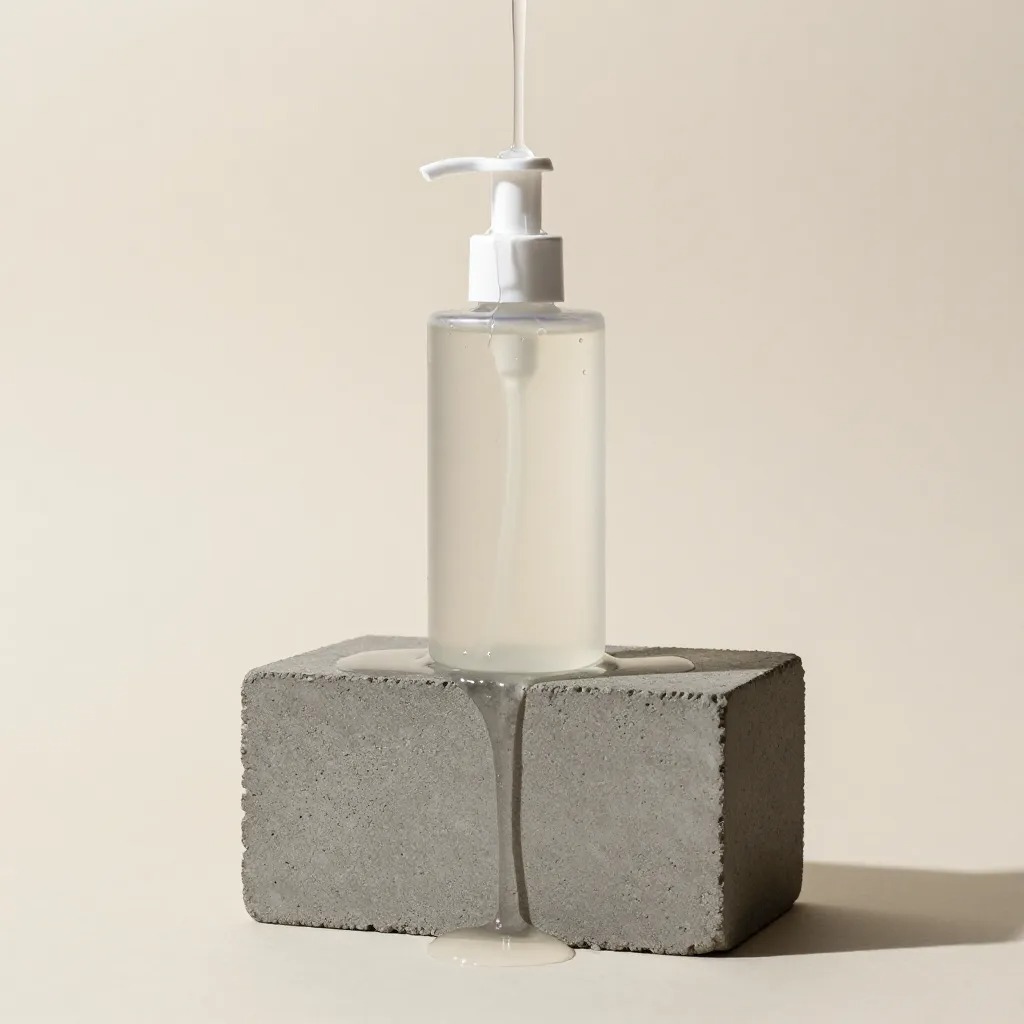
- How to Take Professional Product Shots at Home Without a Studio
- AI MIX: Solve Everything from BG Generation to Model Shots at Once
- The Secret to Creating Lookbooks Without Hiring Models
- A Detailed Guide to Saving 90% Compared to Professional Photoshoots

Hello! We are Draph Art, your partner in online entrepreneurship.
When running an online store, one of the biggest burdens is the cost of photoshoots. Renting a beautiful concept studio and hiring professional models can easily cost hundreds of dollars a day. On the other hand, taking photos at home makes you worry about the quality. Today, I’ll share how to get the most out of a studio if you’ve already booked one, and a revolutionary way to get even better quality without ever visiting a studio.


1. How to Get Your Money’s Worth If You’ve Already Booked a Studio
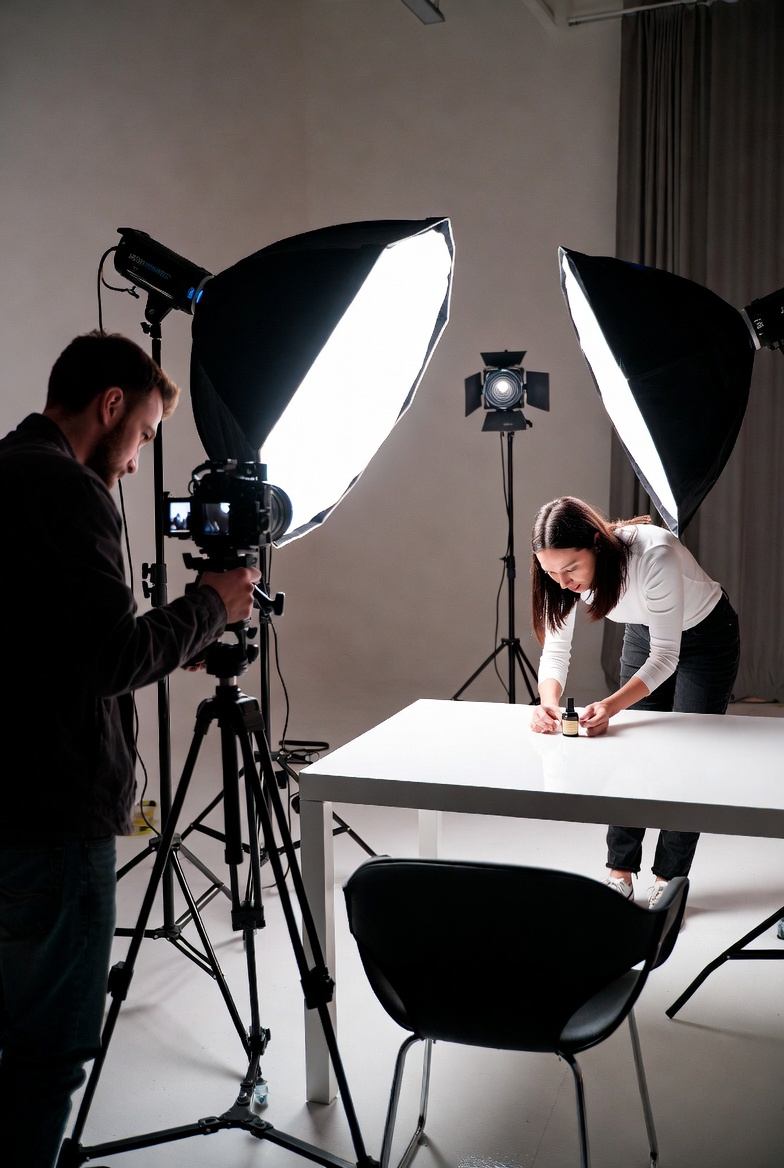
If you’ve already reserved a studio rental, time is literally money. To maximize your efficiency per hour, remember these three tips:
First, plan your shoot storyboard perfectly in advance.
- The moment you arrive at a photo studio and wonder, "What pose should I do?", you're wasting expensive rental time. Use free PPT templates to organize the number of cuts, angles, and product sequences beforehand. A smooth workflow allows you to shoot more items within an hour.
Second, utilize everything on-site.
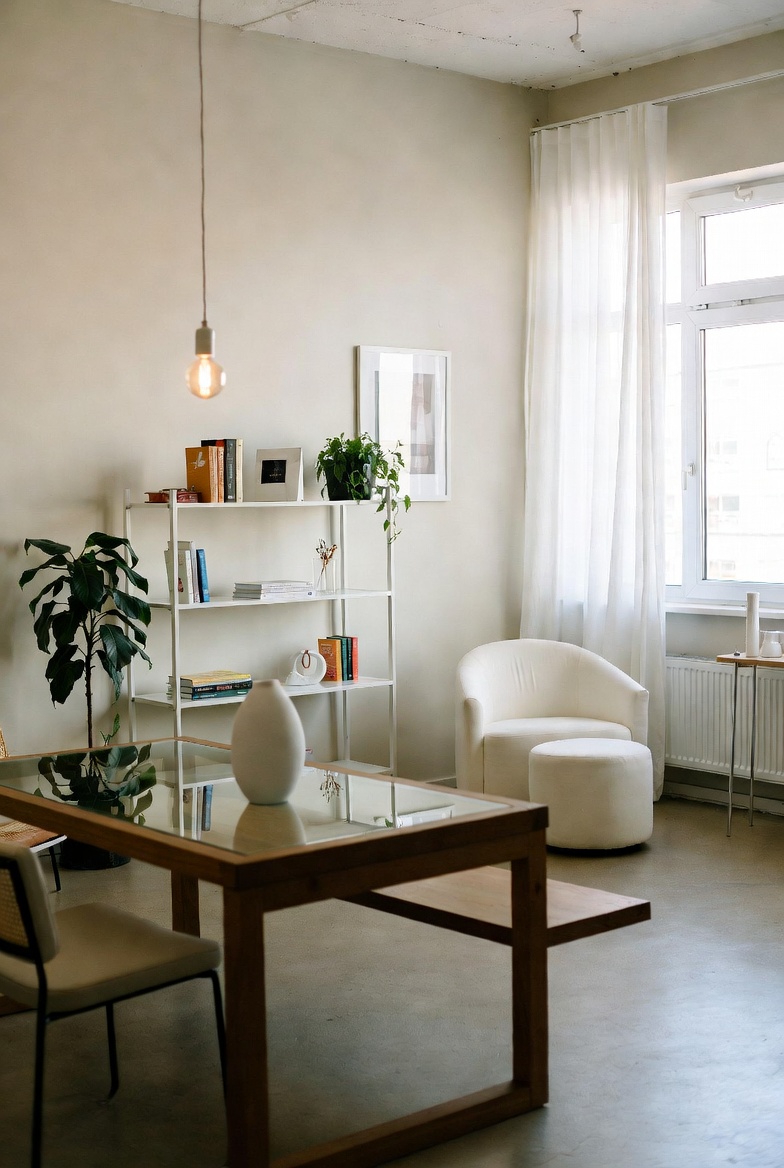
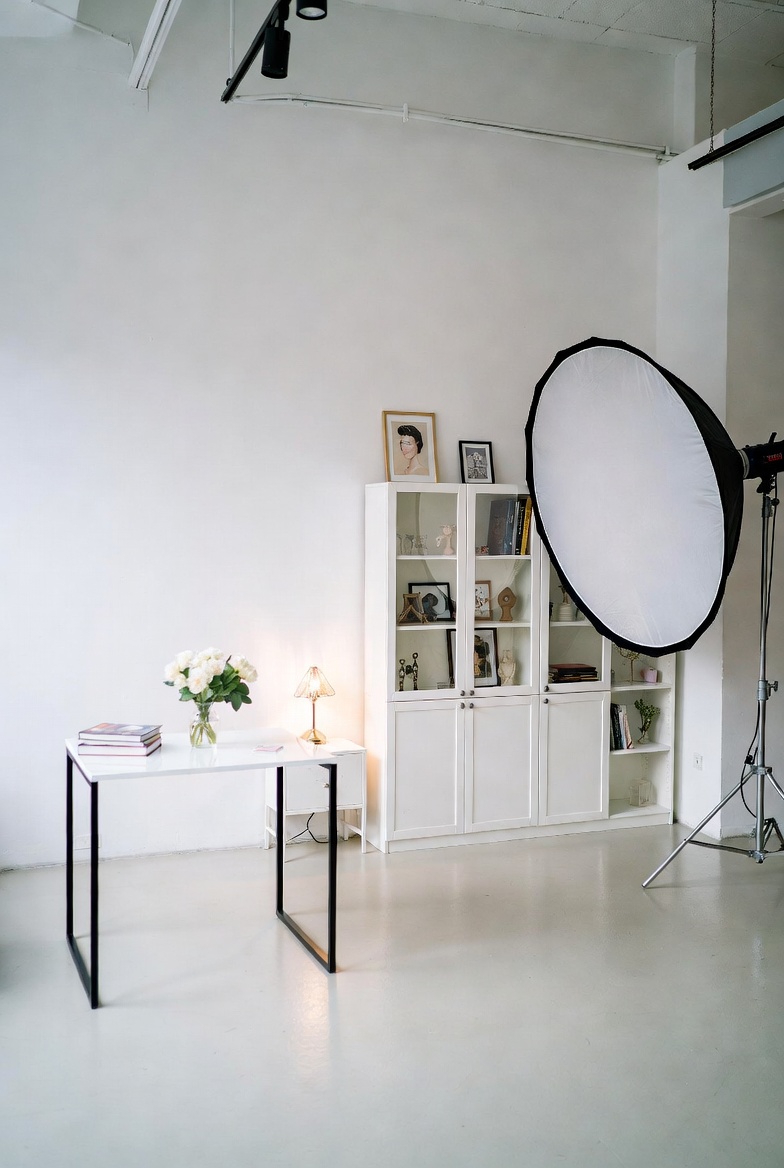
- If it’s a natural light studio, check the sun’s path and window locations. Also, check if there's a cyclorama wall (horizone) area with lighting in case it's cloudy. Props like chairs, magazines, and plants in a self-studio can be great "supporting characters" for your Product.
Third, gather as many assets as possible.
- Since you might use a BG Removal site for later design work, take photos from various angles—clean product shots, wide-angle shots, etc. It’s best to have plenty of originals while you’re in a good product photography studio environment.

2. How to Make Studio Costs $0: AI MIX
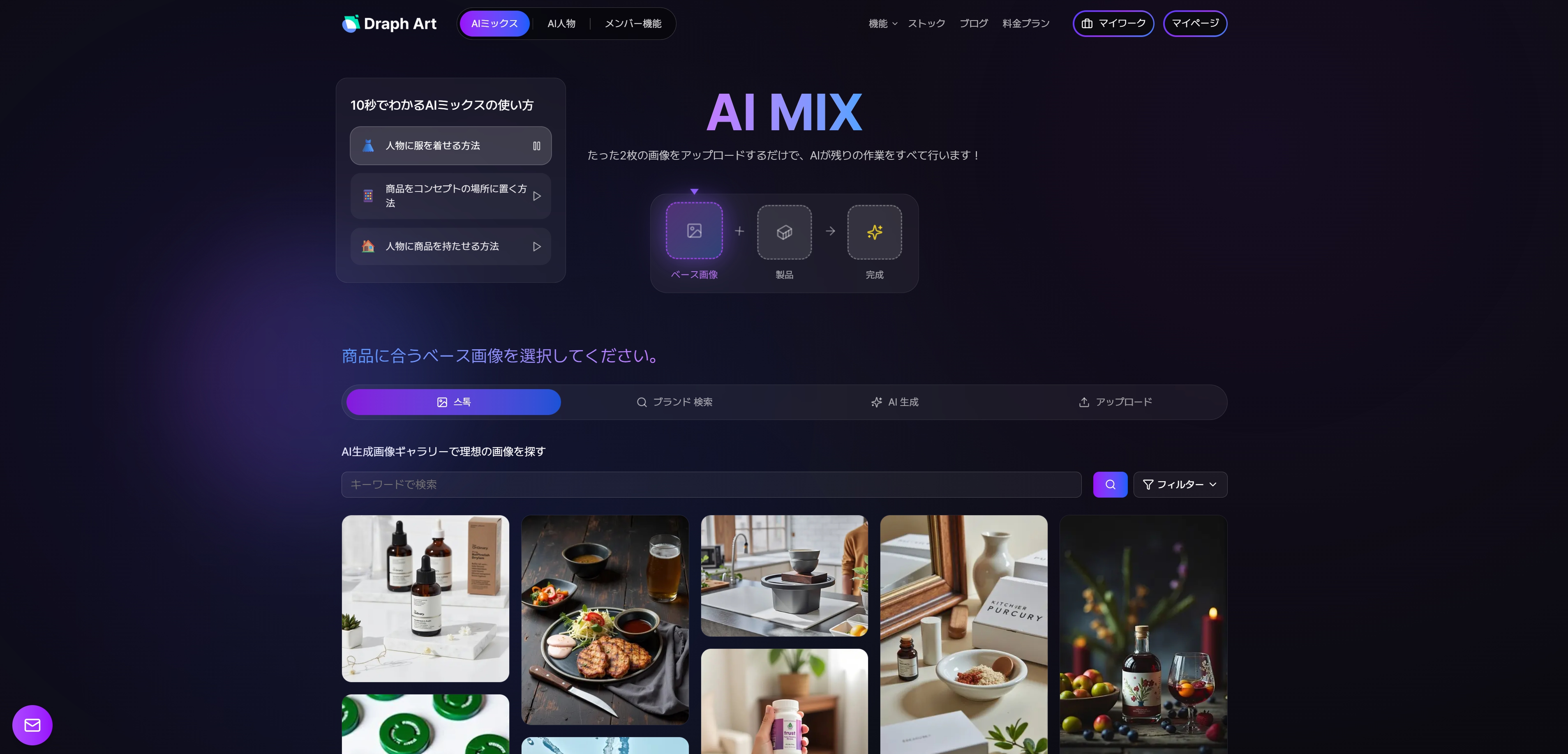
Actually, the smartest way to save money is not to shoot at all. "Wait, what does that mean?" It’s possible with AI MIX, the core feature of Draph Art.
What is AI MIX?

It’s a feature that naturally blends your product photos or mannequin shots with high-quality backgrounds or model images provided by Draph Art.
You no longer need to book expensive studios. As AI image generator technology has advanced, a single photo taken on your floor can be transformed into an emotional shot that looks like it was taken in a natural light studio.


Draph Art AI MIX offers the following:
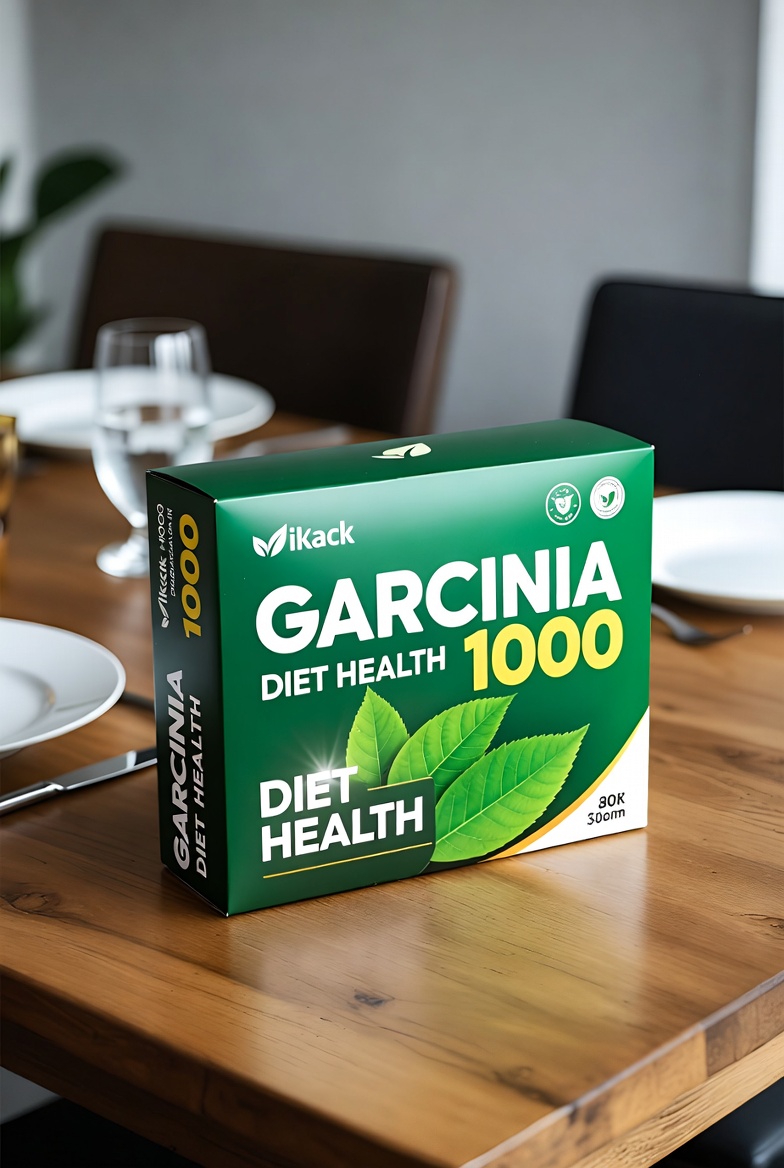
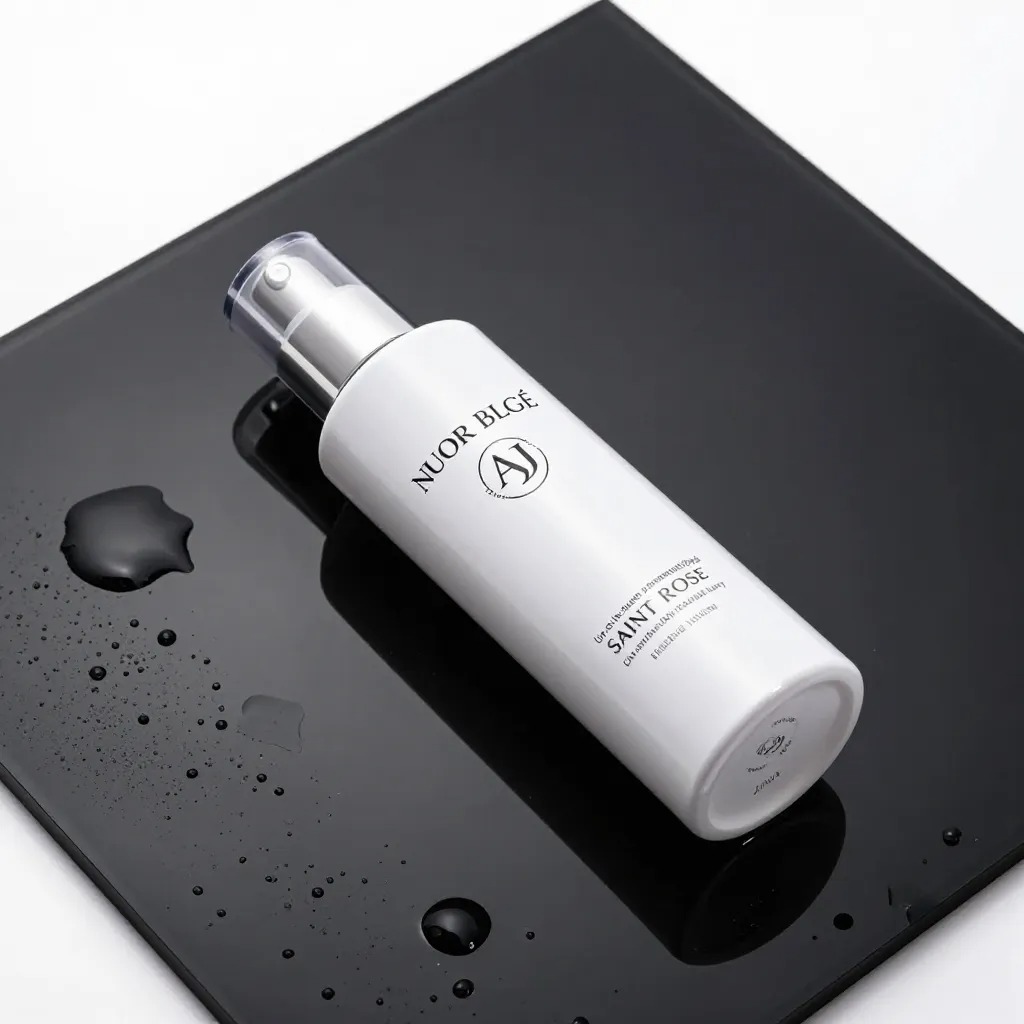
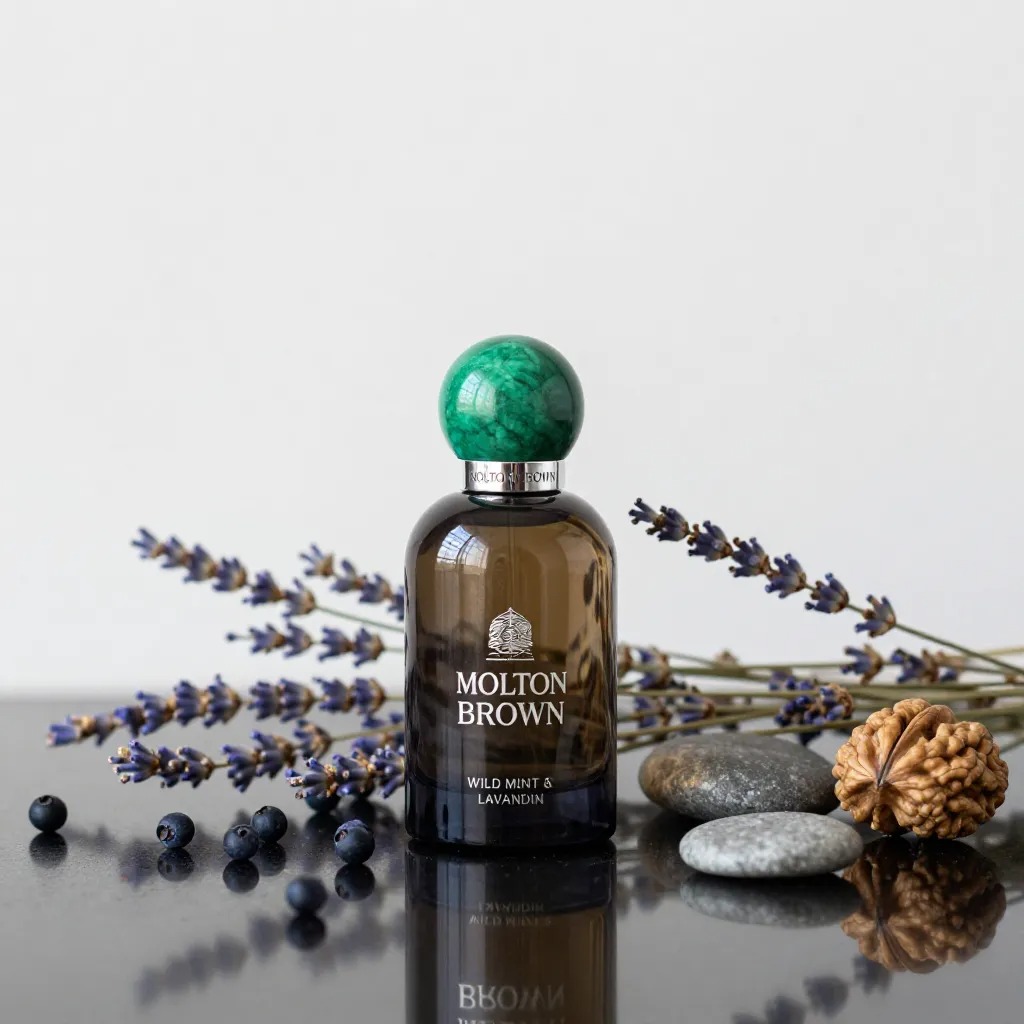
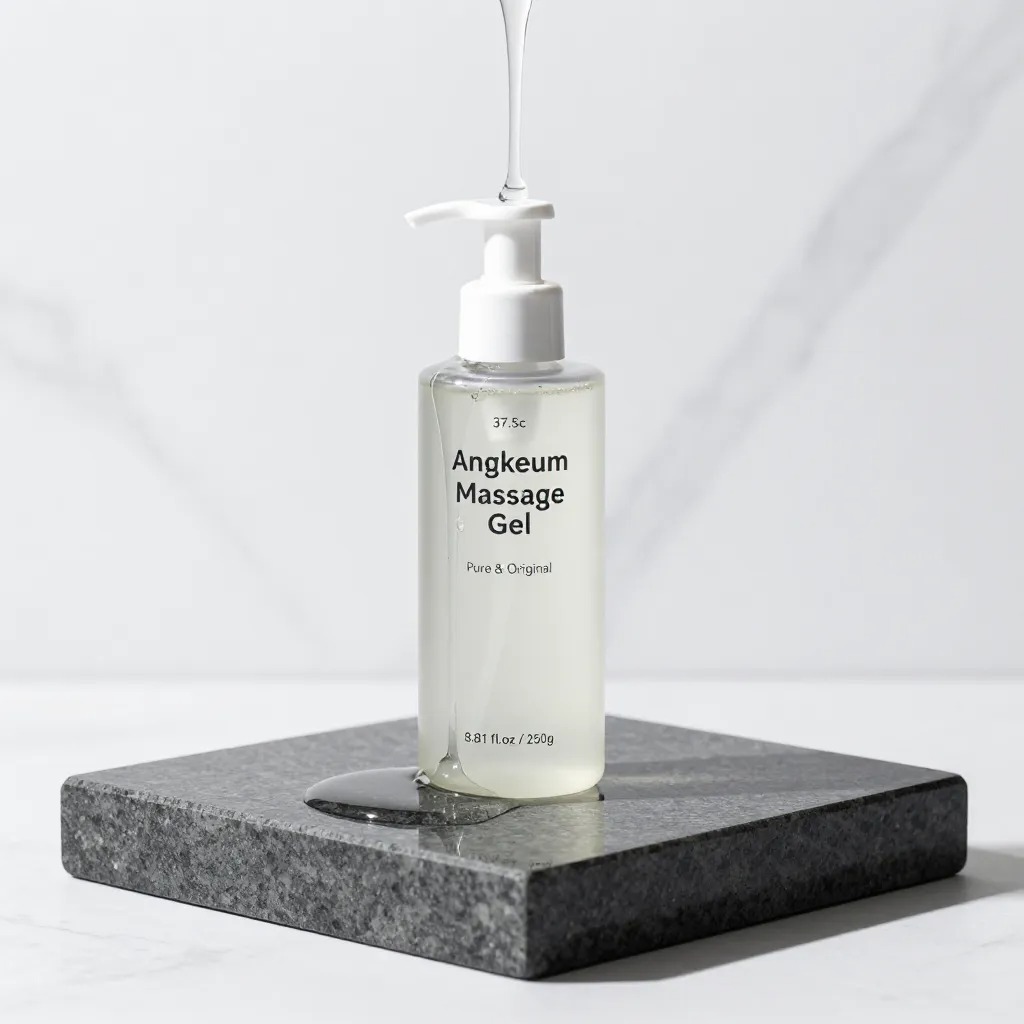
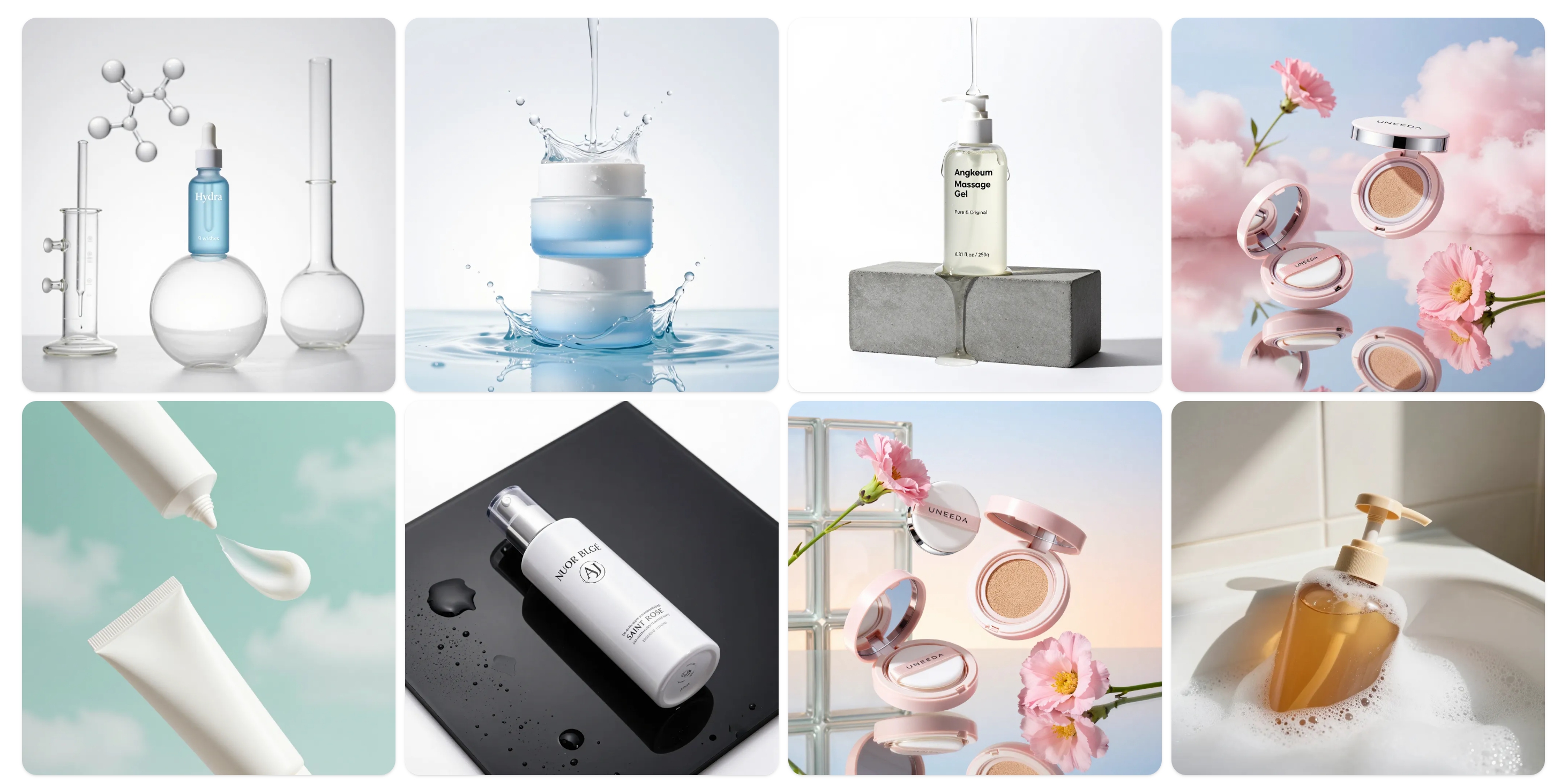
- BG Generation: Naturally place your product into stock images of living rooms, bedrooms, cafes, or the outdoors.
- Auto Lighting & Shadows: It doesn’t just "copy and paste." It automatically adjusts shadows and tones to match the light direction of the background.
- 90% Cost Savings: Save on studio rentals, props, and transportation.


3. No Need for Models Either? (A Must-Read for Clothing & Accessory Sellers)
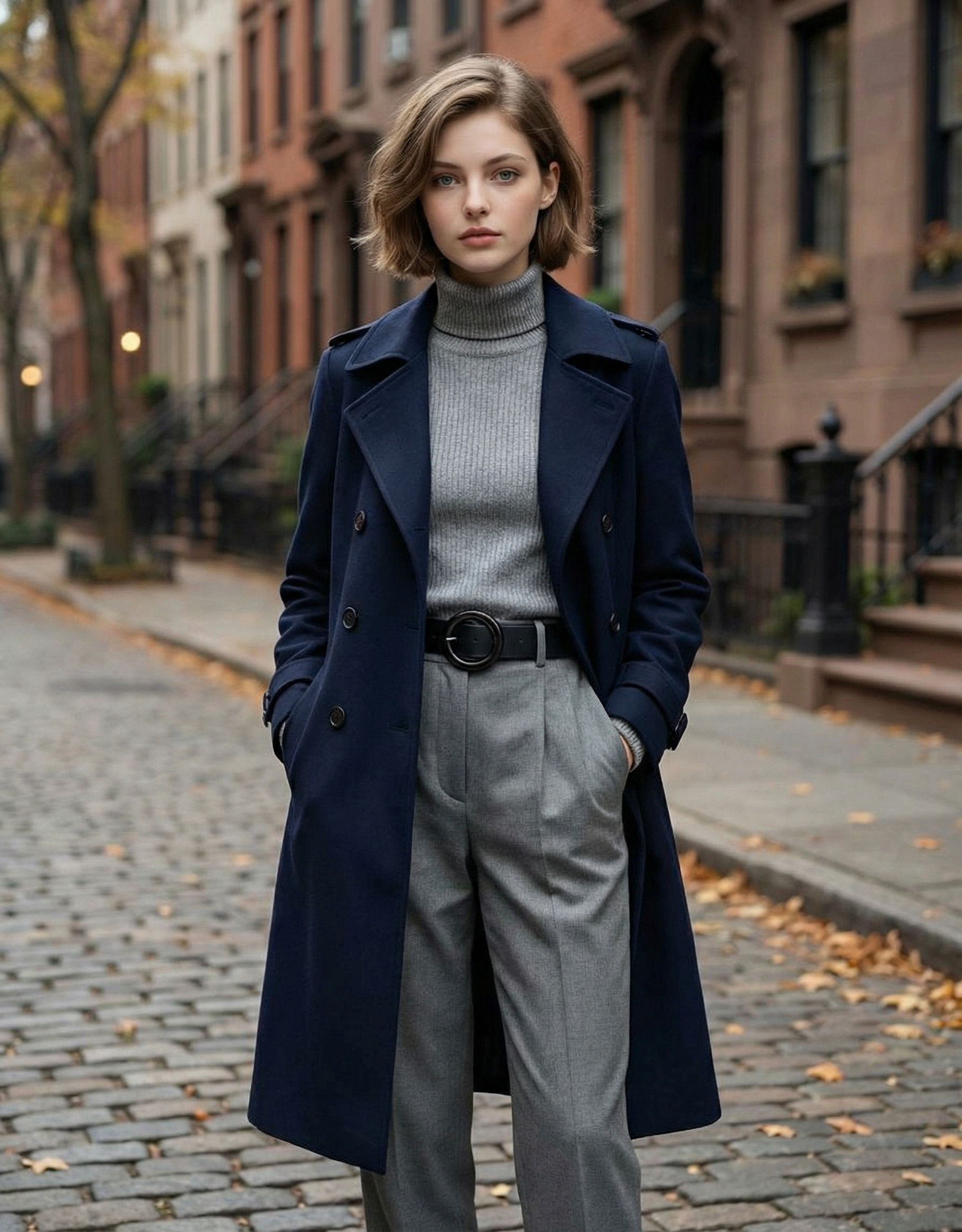
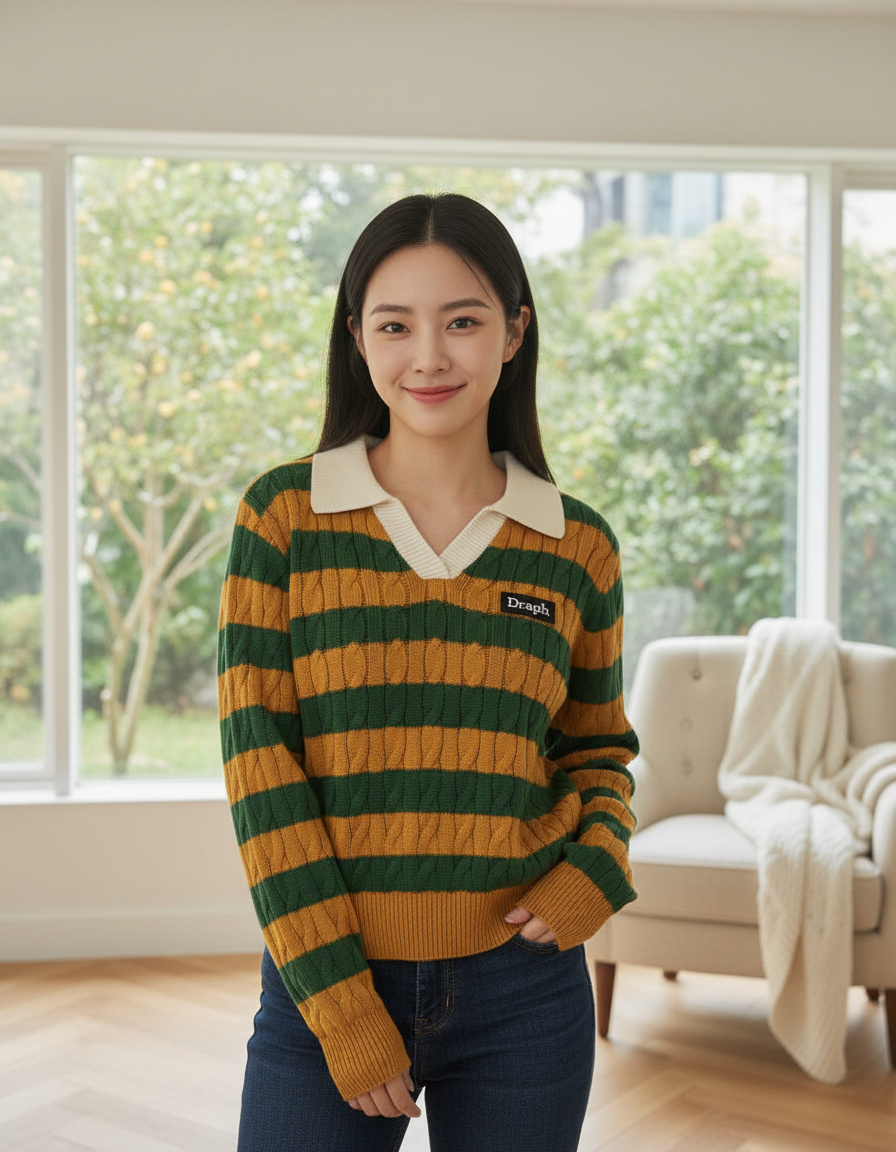
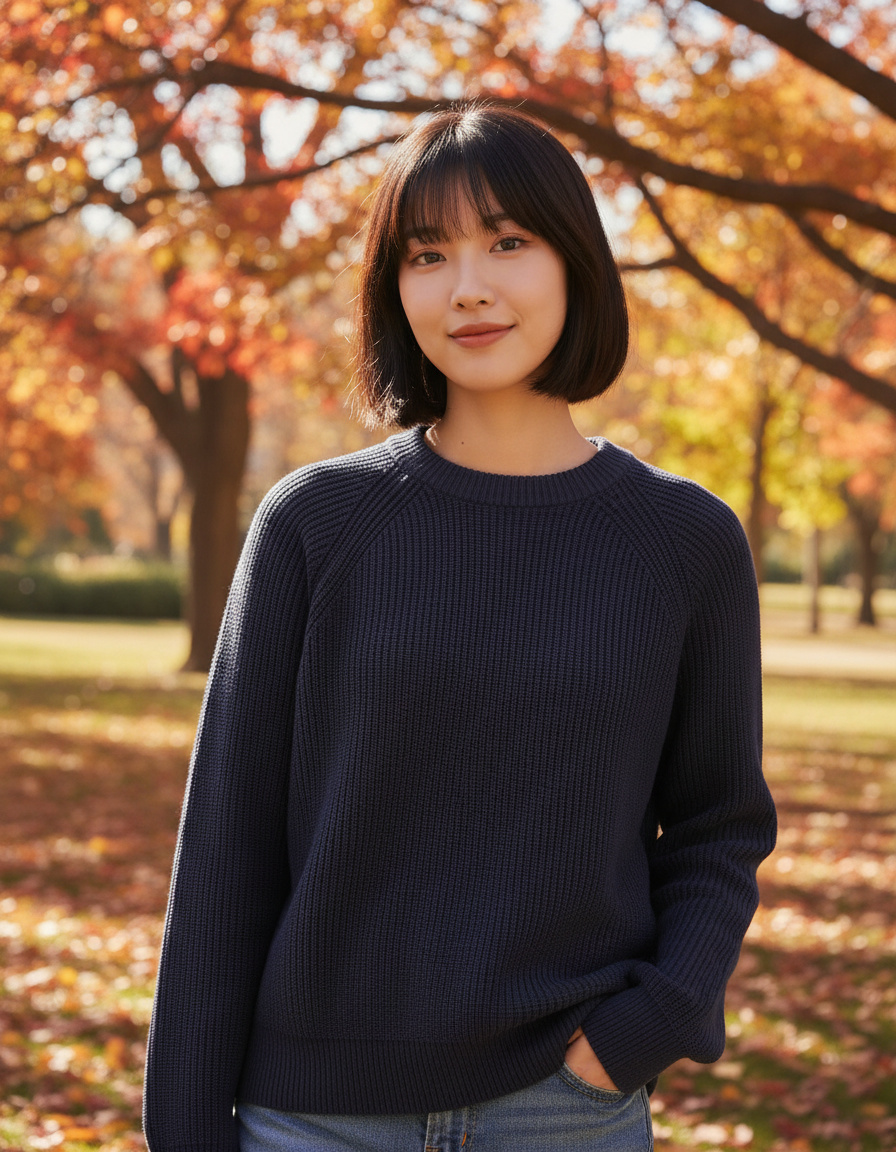
The true power of AI MIX is that it generates not just backgrounds, but "people" too. For sellers of clothing, bags, or jewelry, scheduling and paying models was always a huge task.

Model synthesis features in AI MIX:
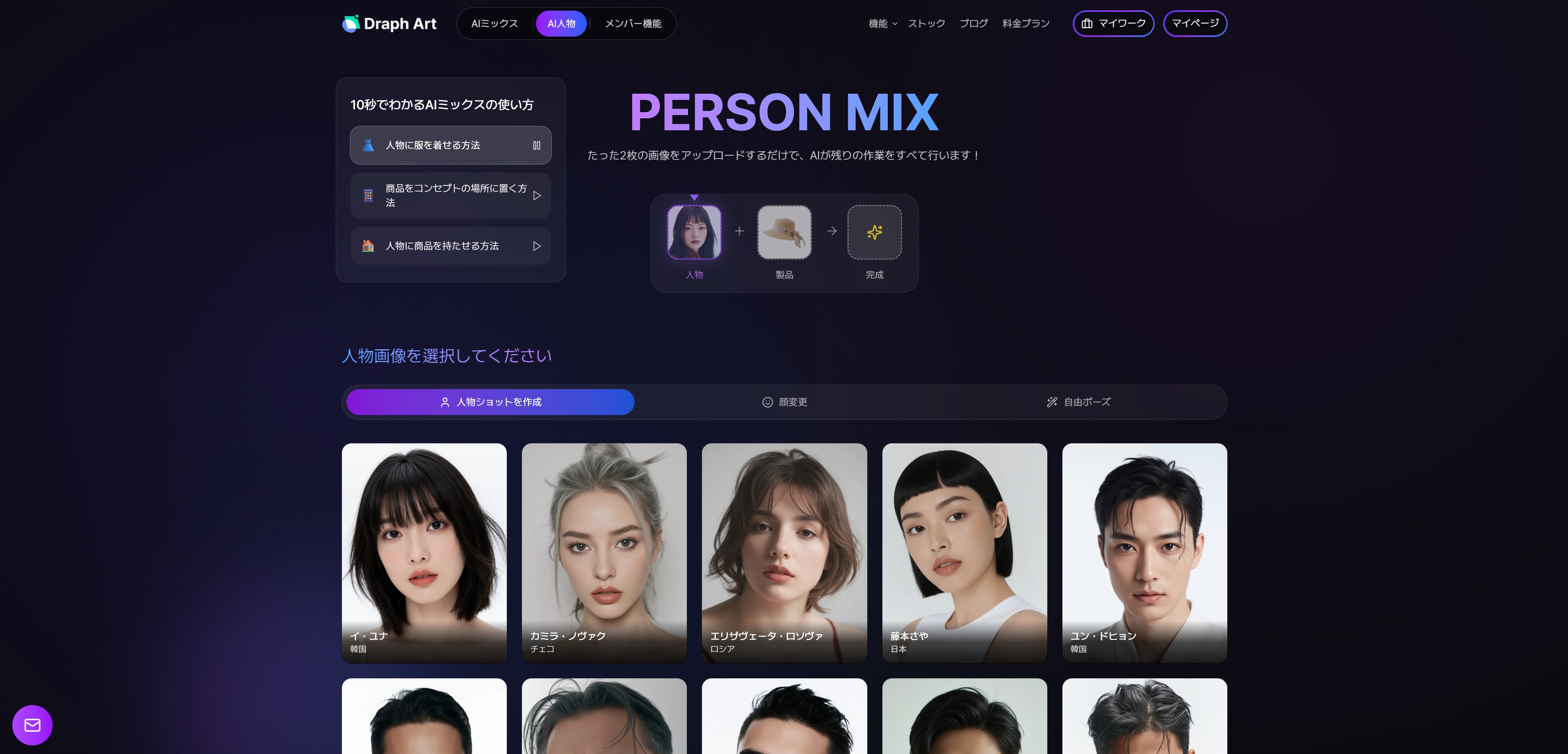
- Person MIX: Choose a model that fits your brand from Draph Art’s extensive stock library.
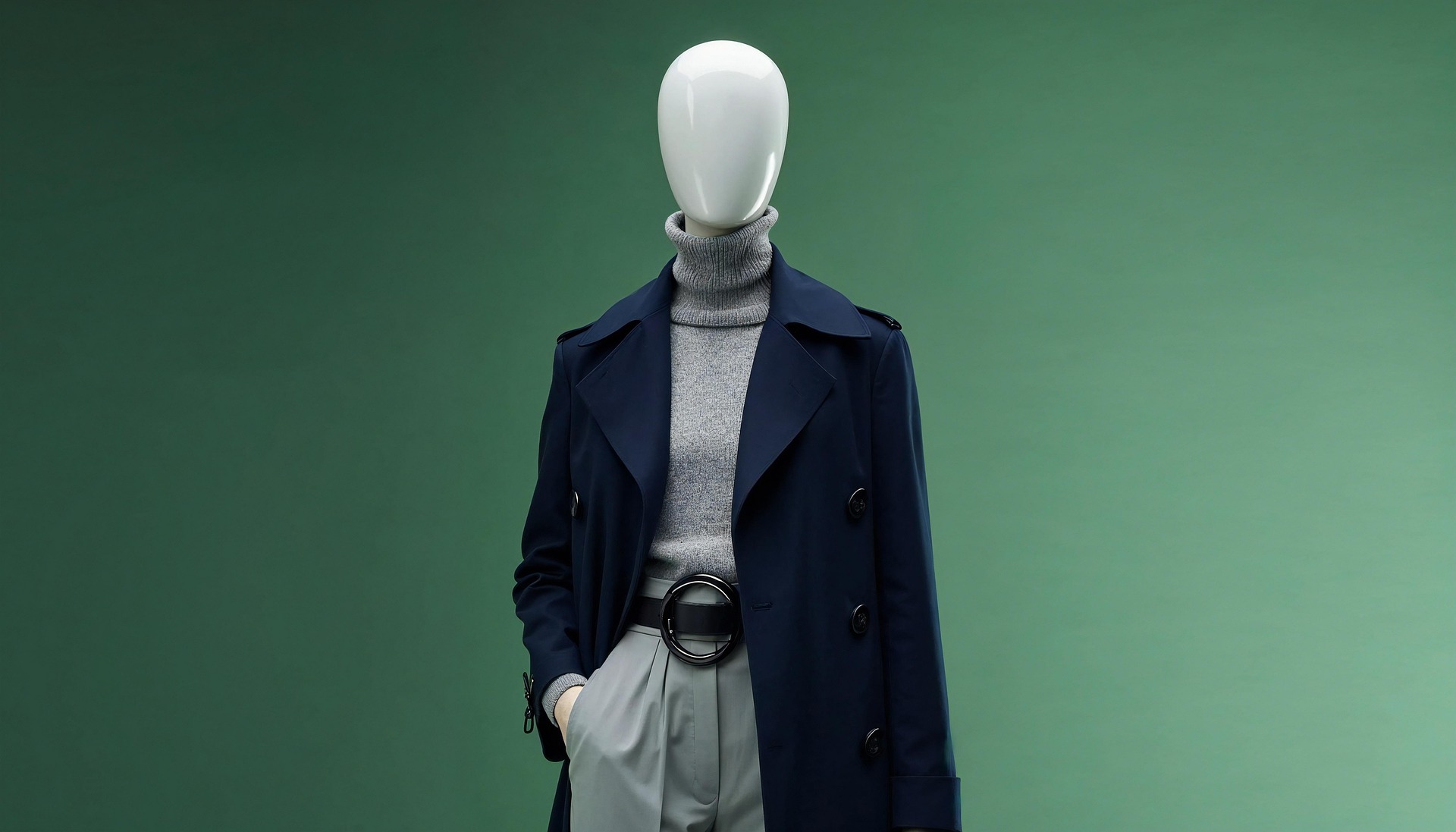
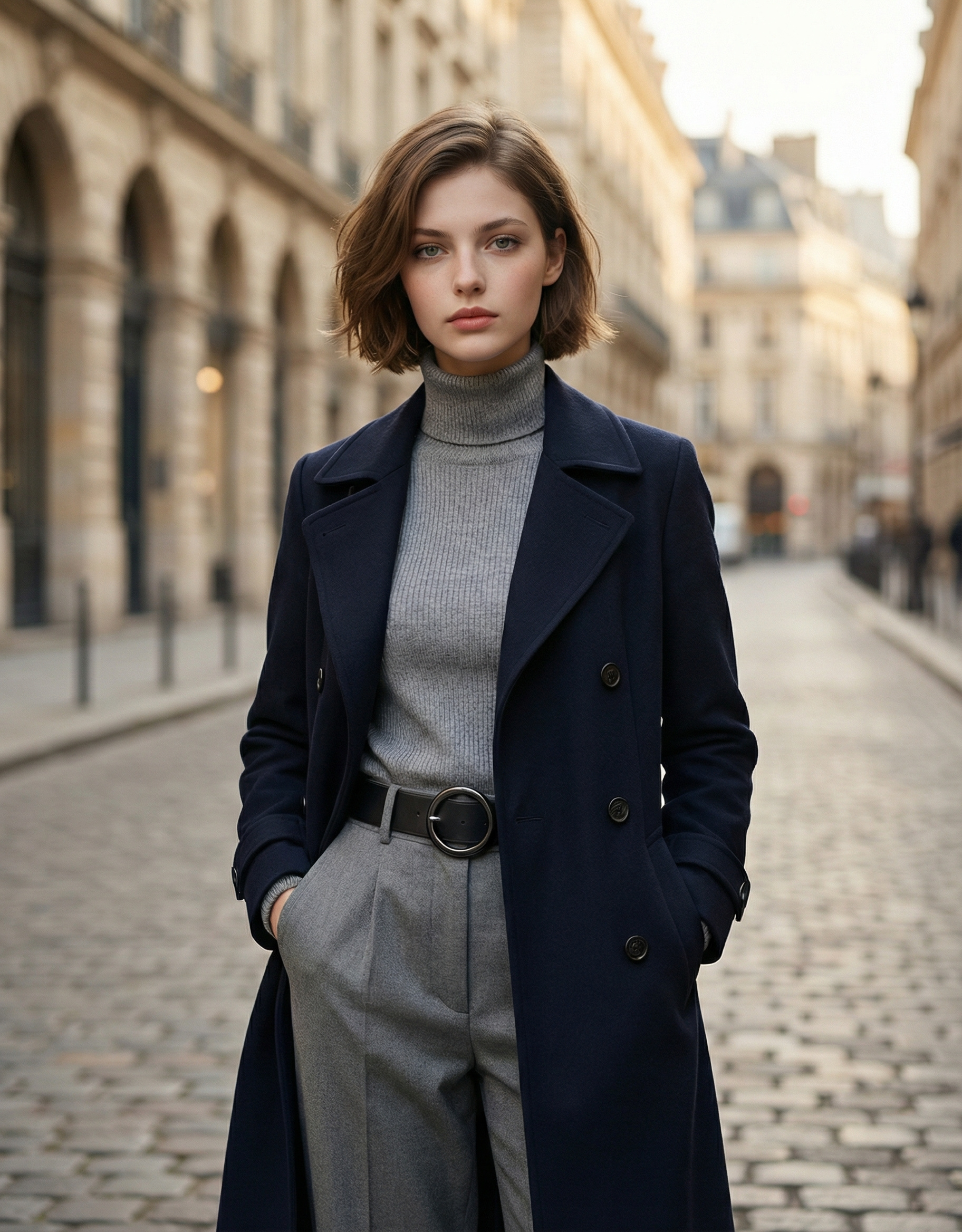
- Face Swap & Free Pose: Upload a photo of clothes on a mannequin, and the AI will realistically change it so the chosen model is wearing them.
- Natural Poses: If you are compositing a bag or cosmetics, the AI can make the model naturally hold or use the product.
You no longer need to stand in a studio with an expensive model. AI image synthesis technology realistically renders everything from poses to the wrinkles in the fabric.


4. Traditional Photoshoot vs. Draph Art AI MIX
Still think doing it yourself is better? Here’s a quick comparison.
| Category | Traditional Studio Shoot | Draph Art AI MIX |
| Space Cost | Studio rental fees | $0 (Unlimited virtual backgrounds) |
| Model Cost | Hiring fee + Hair/Makeup | $0 (Various ethnicities/body types) |
| Time Spent | Travel + Setup + Shoot + Edit (Min. 3 days) | Ready in 30–60 seconds after upload |
| Weather | Highly dependent on sunlight | Always sunny, regardless of weather |
| Skill Needed | Camera & lighting skills required | Just one photo is enough |
Especially with photo synthesis AI, you don’t need to know professional design tools. You can get expert-level results with just a few clicks in your web browser.


5. Draph Art Frequently Asked Questions (FAQ)
Q: Does it look fake?
A: Draph Art’s AI MIX isn't just simple layering. It analyzes the size, angle, and lighting of the product to generate shadows and reflections, making it look as natural as a shot from a professional studio.
Q: What kind of product photos should I upload?
A: Photos with clean backgrounds or BG Removal images work best. If you don't have one, you can use Draph Art’s built-in BG Removal tool.
Q: Can I make the model hold my product?
A: Yes! Using the Person shot features, the AI can create natural poses like a model holding a cosmetic bottle to their face or holding a drink.

6. Conclusion: Smart Sellers "Mix" Instead of "Shoot"
Ultimately, the goal of renting a studio is to get "great photos that make your product stand out." To achieve that, you no longer need to spend time and money going to a concept studio.
One photo taken on your office desk is enough. Draph Art’s AI MIX will transport your product to the streets of New York, a sun-drenched studio, or into the hands of a professional model. Experience the magic at Draph Art today.

.jpg&w=1920&q=75)