목차
- 1. What is Veo 3? Google's Latest AI Video Generation Model
- 2. Veo 3 Pricing at a Glance
- 3. What is Flow? The Video Creation Tool That Makes Veo 3 Even More Powerful
- 4. Veo 3 Tutorial - Simple Summary
- 5. Veo 3 Prompt Writing Tips
- 6. Veo 3 Image to Video - What Kind of Images Should You Use?
- 7. Creating the Perfect Starting Image: Using Draph Art AI Mix
Summary
- Veo 3 is Google's latest AI video generation model announced in May 2025, with the standout feature of automatically generating audio
- AI Pro plan costs ₩29,000/month, AI Ultra plan costs ₩360,000/month with first month free trial available
- You can use Veo 3 in the Gemini app and Flow tool to create videos from text or images For effective prompt writing, detailed scene descriptions and camera movement instructions are essential
- When converting high-quality images to video, using product images created with Draph Art AI Mix works great

AI video creation technology is advancing so fast that now anyone can easily make professional-level videos. Especially Veo 3, announced by Google in May 2025, is getting the most attention among AI video generators. (A version 3.1 was even released in October!) Today, let's dive into everything about Veo 3 and explore how to use AI video creation tools.
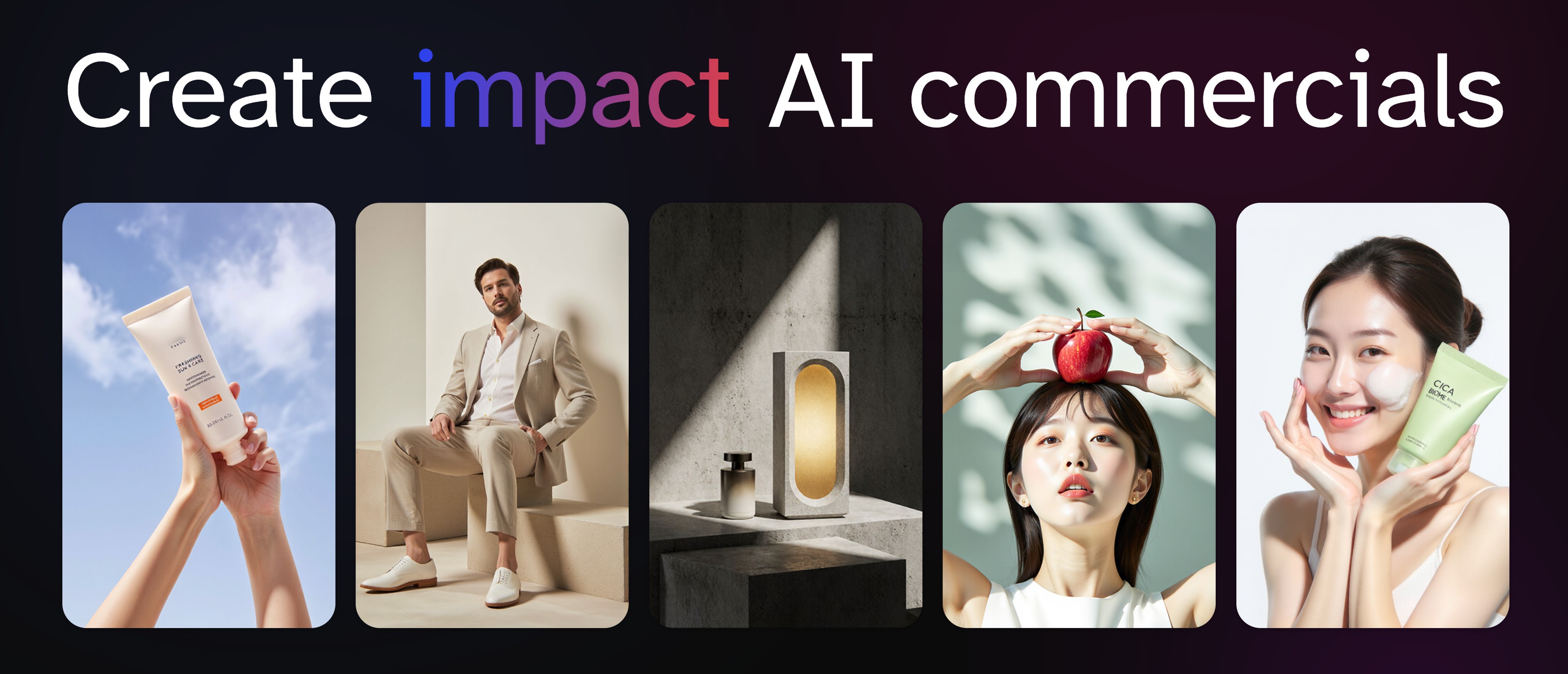
While video content is becoming super important, there are still plenty of times when you need static images. If you run an online store, check out Draph Art. Draph Art is an AI-based product image generation service that can cut costs by over 90% compared to professional studio shoots while still producing high-quality product photos. It provides copyright-free background images like free image sites, and with the AI Mix feature, you can create images of models wearing or using your products in just 30 seconds. These high-quality images become the perfect starting point when you turn them into videos with Veo 3 later.
→ Create images with Draph Art
1. What is Veo 3? Google's Latest AI Video Generation Model
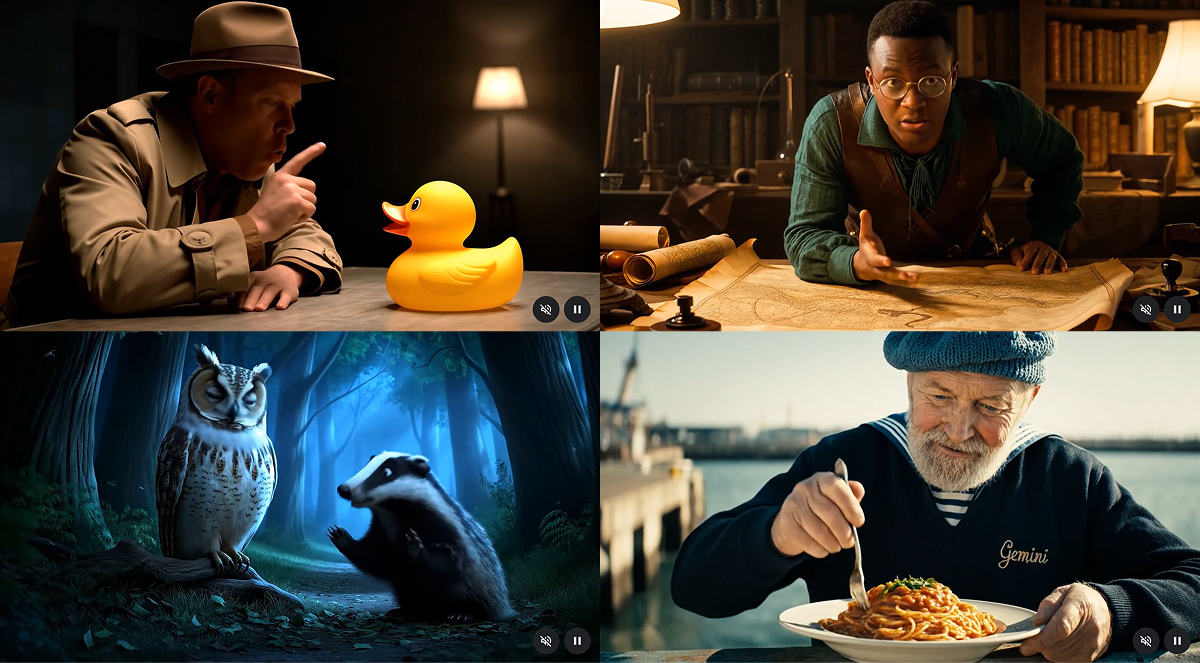
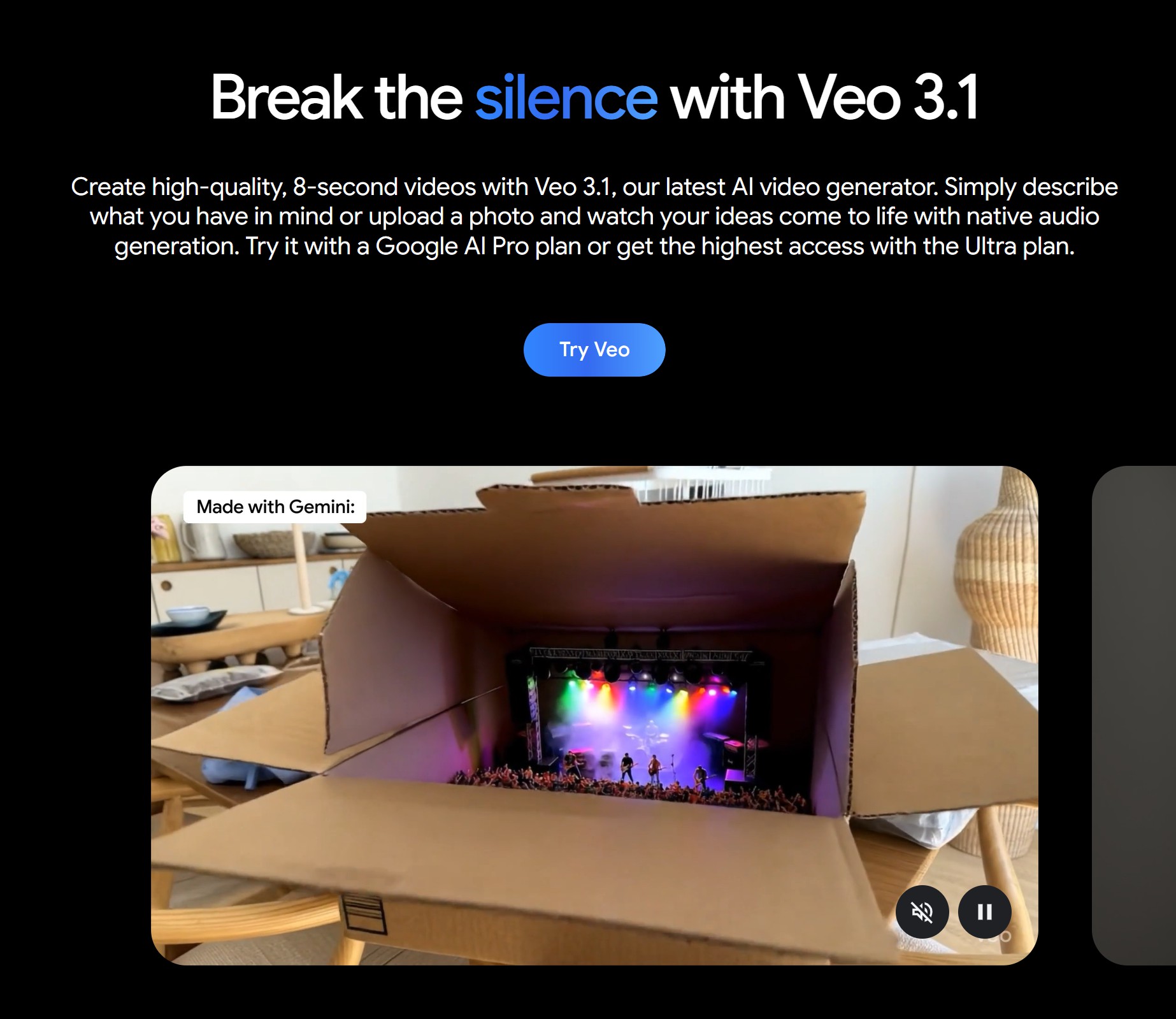
Veo 3 is the latest AI video creation tool developed by Google DeepMind. What makes it different from other AI video creation sites is that it generates audio together with the video. It creates background music, sound effects, and even character dialogue that syncs naturally with the video.
Key Features
- Native Audio Generation: Dialogue, sound effects, and background music sync perfectly with the video
- 4K High Resolution Support: Can generate videos up to 4K resolution Accurate
- Lip Sync: Character lip movements match dialogue naturally
- Real Physics: Movement and lighting look realistic, just like in real life What is Veo 3? Google's Latest AI Video Generation Model
2. Veo 3 Pricing at a Glance
Veo3 is available in Gemini and Flow, and you can create videos by subscribing to a Google AI plan with your Google account. Pricing varies by plan.
AI Pro Plan
- $19.99/month
- 1,000 shared AI credits per month, approximately 100 video generations
- First month free trial available
AI Ultra Plan
- $249,99/month
- 25,000 shared AI credits per month, approximately 2,500 video generations
- 50% off for first 3 months (₩180,000/month)
If you're just starting out, I recommend trying the Pro plan with the first month free trial. With 1,000 credits provided, you can test it out without any pressure. Check out the Google AI pricing page for more details.

3. What is Flow? The Video Creation Tool That Makes Veo 3 Even More Powerful
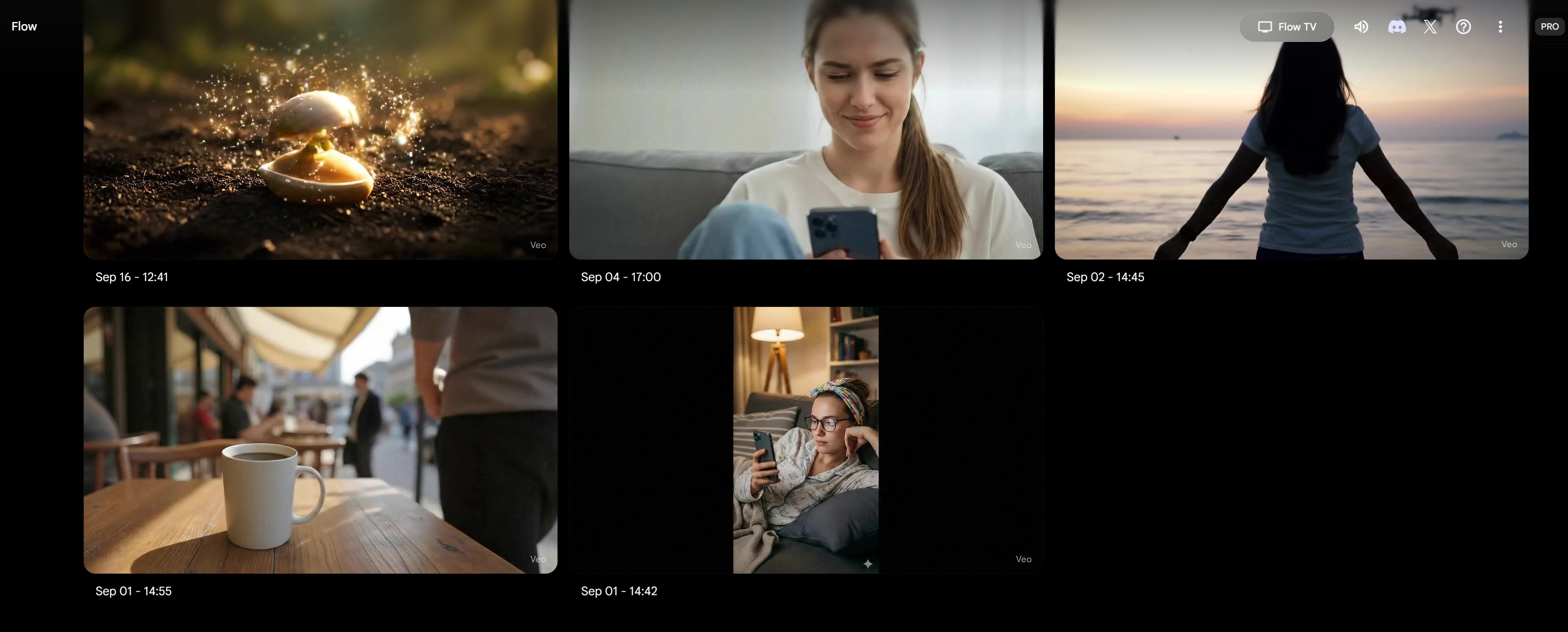
You're familiar with Gemini, but Flow is new to you, right? Flow is Google's AI video creation platform that integrates Veo 3, Imagen 4, and Gemini all in one. It's not just about making videos - you can connect and edit multiple scenes to create finished videos.
Flow Key Features
- Scene Builder: Connect and edit multiple scenes
- Camera Control: Fine-tune camera movements like zoom, rotation, and pan
- Flow TV: Check out videos and prompts created by other users
- Asset Management: Organize your created videos and images systematically
Flow is a tool that professionals prefer among AI video creators. In fact, film director Dave Clark created the short film 'Freelancer' using Flow.
4. Veo 3 Tutorial - Simple Summary
Using Veo3 is easier than you think. There are two ways.
1) Creating Videos with Veo 3 in Gemini
1. Log in to Gemini Creating Videos with Veo 3 in Gemini
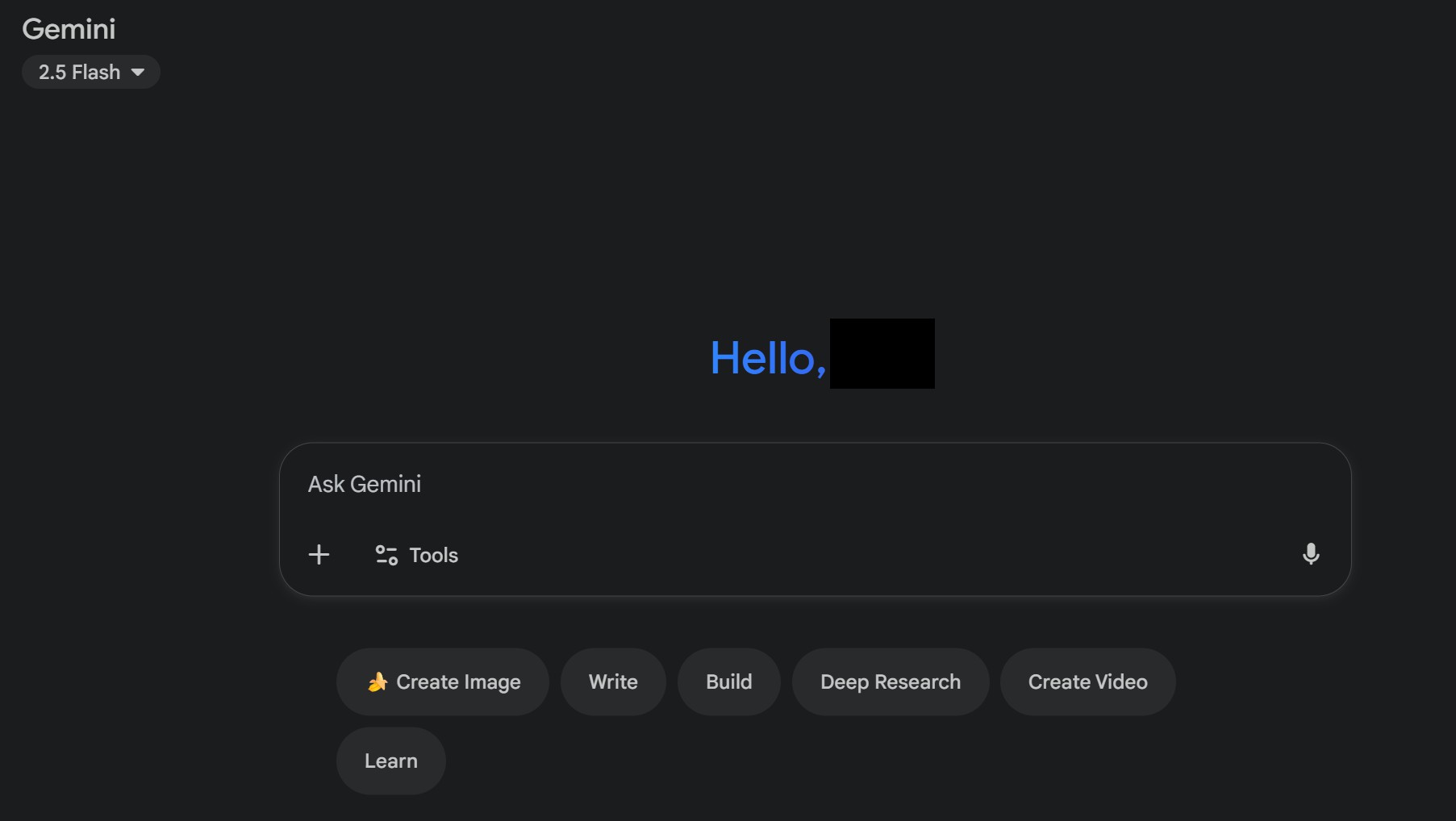
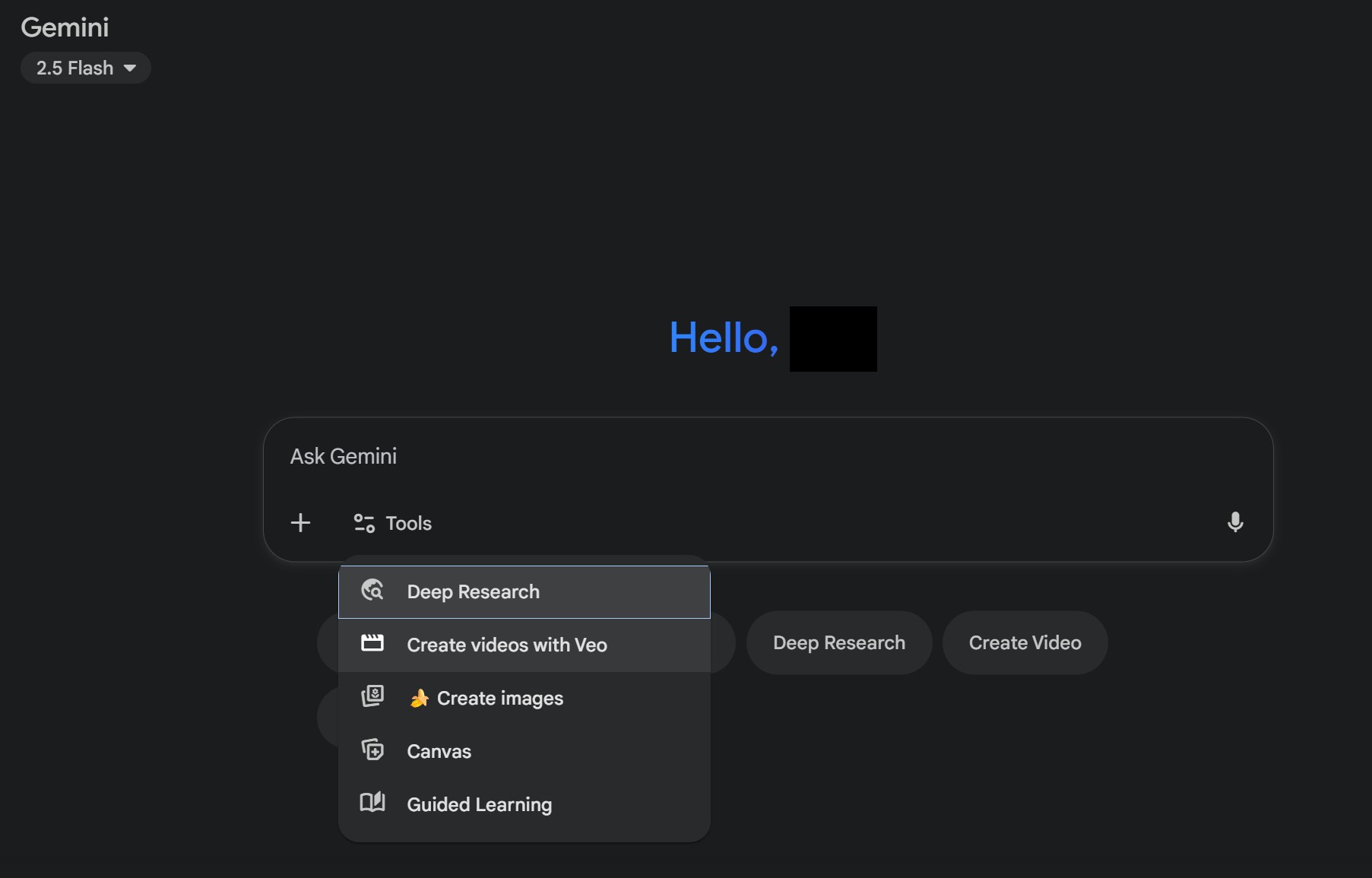
2. Click 'Tools' at the bottom of the chat window and select 'Generate video with Veo' Creating Videos with Veo 3 in Gemini
3. Describe the video you want to create in text in the chat window Creating Videos with Veo 3 in Gemini
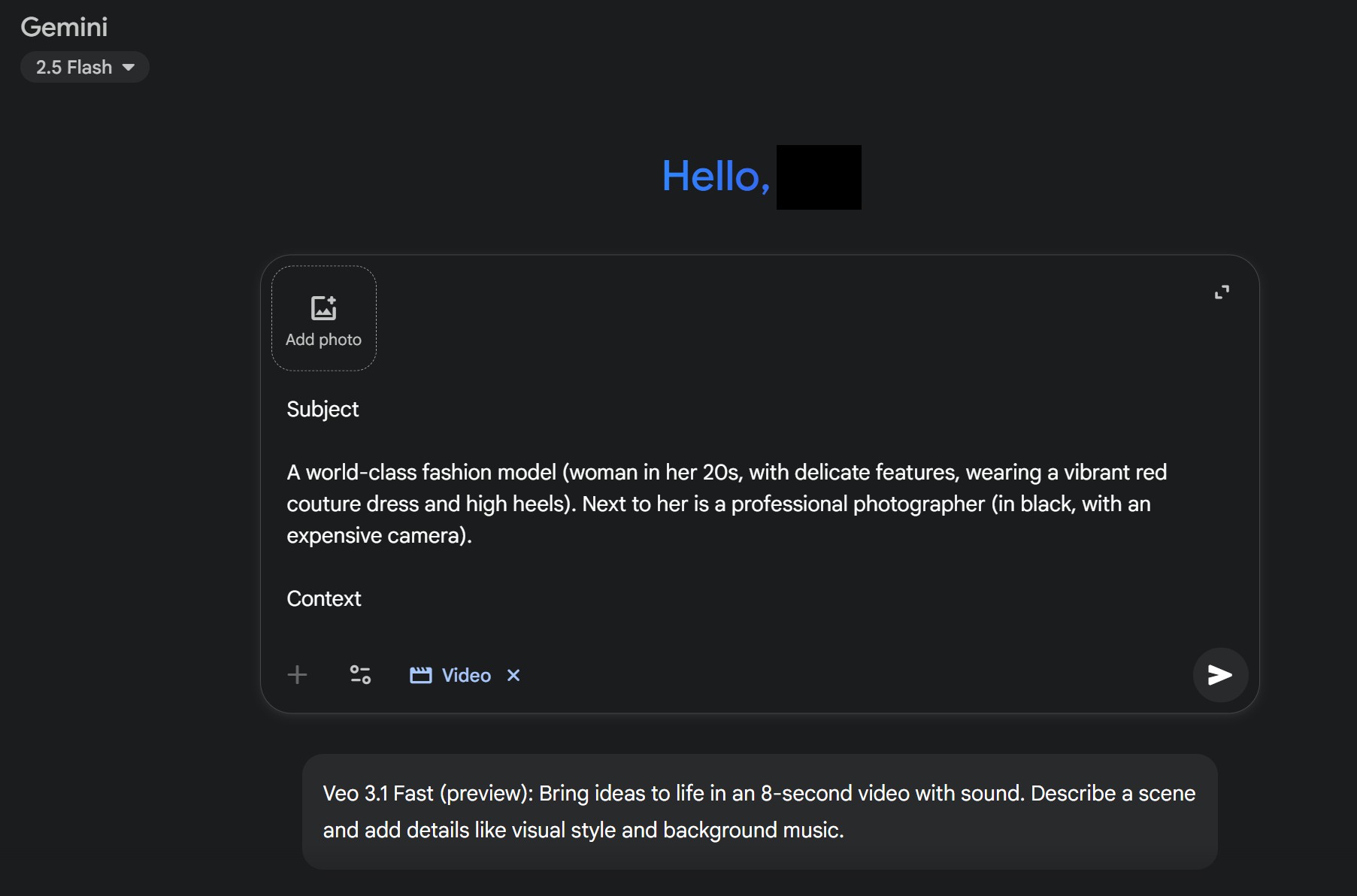
4. Your video will be generated in about 1-2 minutes
It's actually generated as an MP4 file, but I converted it to GIF for the blog post. Creating Videos with Veo 3 in Gemini
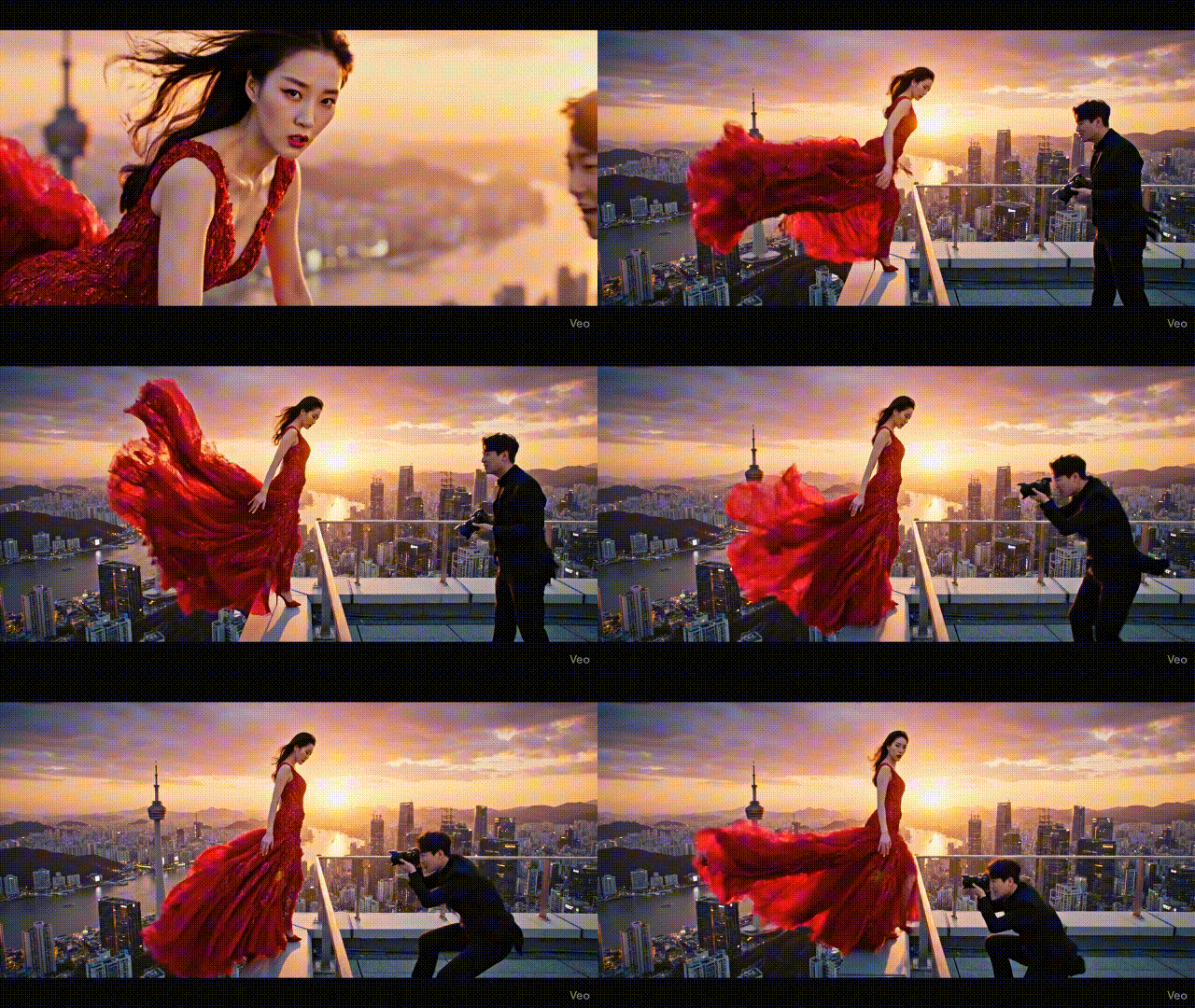
2) Creating Videos with Veo 3 in Flow
1. Go to the Flow website, log in, and click [New Project] Creating Videos with Veo 3 in Flow
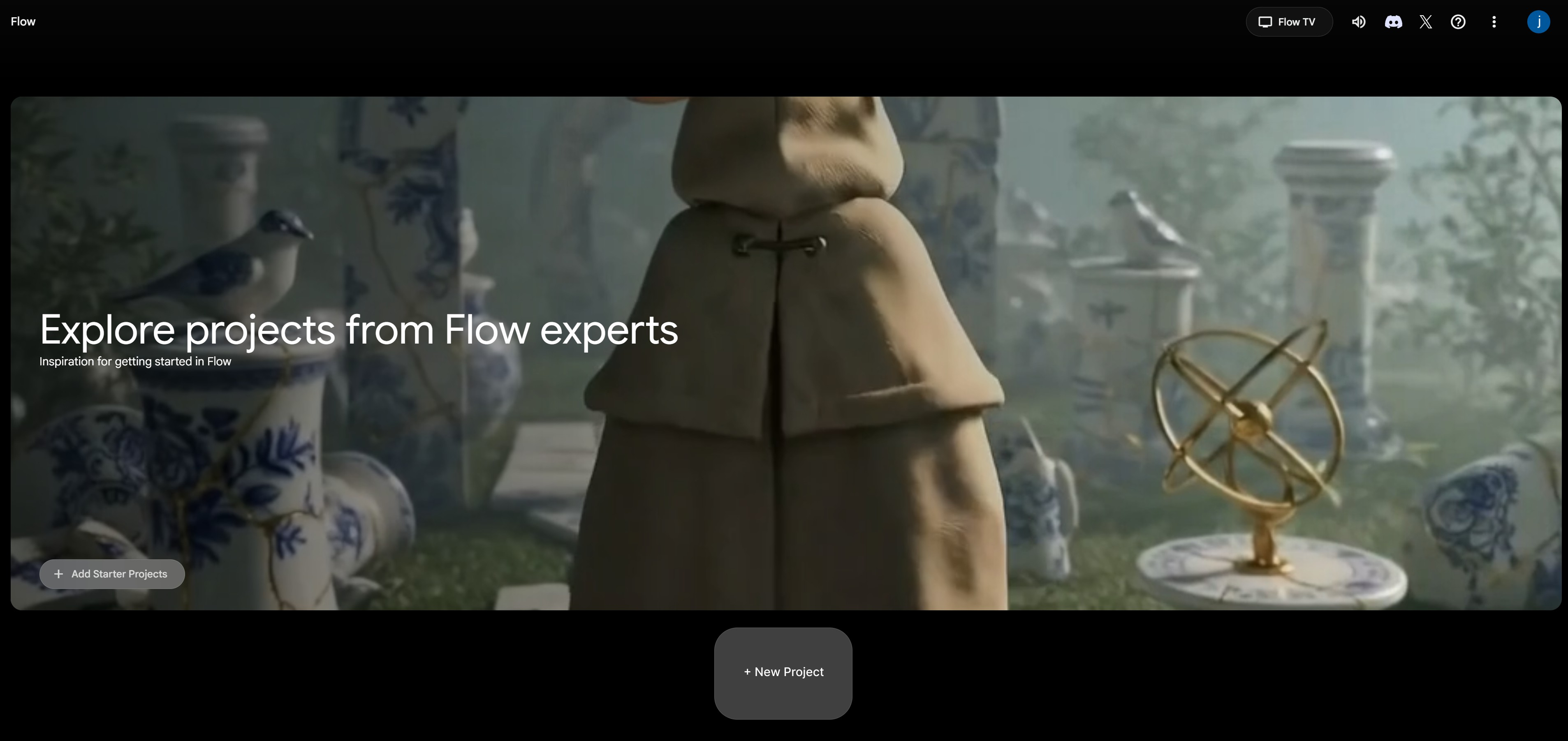
2. Upload text or an image Creating Videos with Veo 3 in Flow
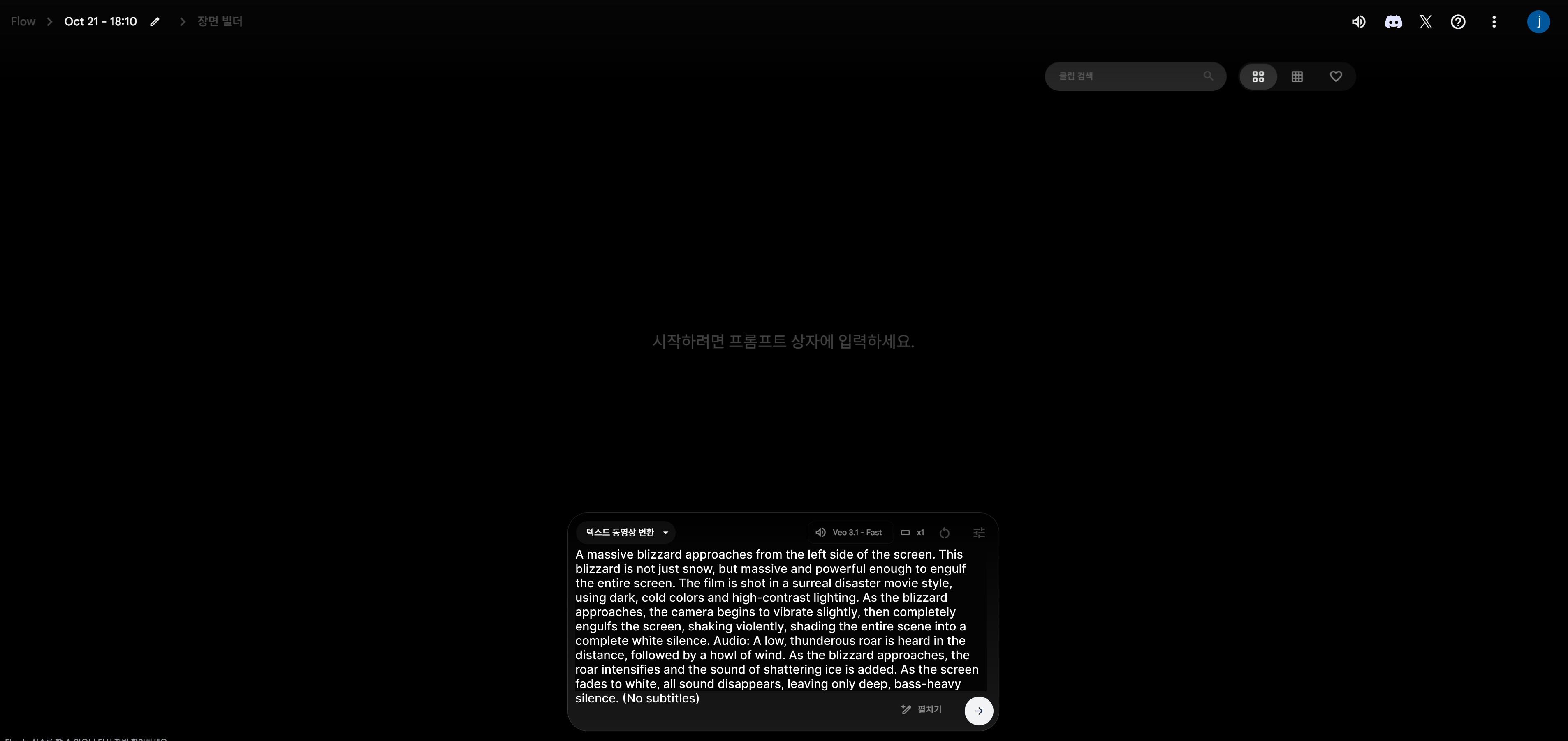
3. Hit the generate button and you're done! Creating Videos with Veo 3 in Flow

5. Veo 3 Prompt Writing Tips
Writing good Veo3 prompts is key to creating great videos. Check out AI prompt sites or follow this guide.
Effective Prompt Writing Examples
Prompt Writing Guide
- Be specific: Include details about location, time of day, lighting, and atmosphere
- Specify camera movements: Indicate zoom in, zoom out, rotation, pan, etc.
- Request audio together: Describe the music or sound effects you want
- Set video length: Specify a specific time like 5 seconds, 10 seconds, etc.
Video Prompt Examples
- "A tumbler on a bright cafe table, warm afternoon sunlight streaming in, camera slowly rotating around the product. Soft jazz music and coffee brewing sounds"
- "A woman unrolling a yoga mat in a modern living room, morning sunlight coming through the window, bird sounds and calm meditation music playing"
- "Friends walking and laughing on the street, dynamic camera movement and upbeat background music"
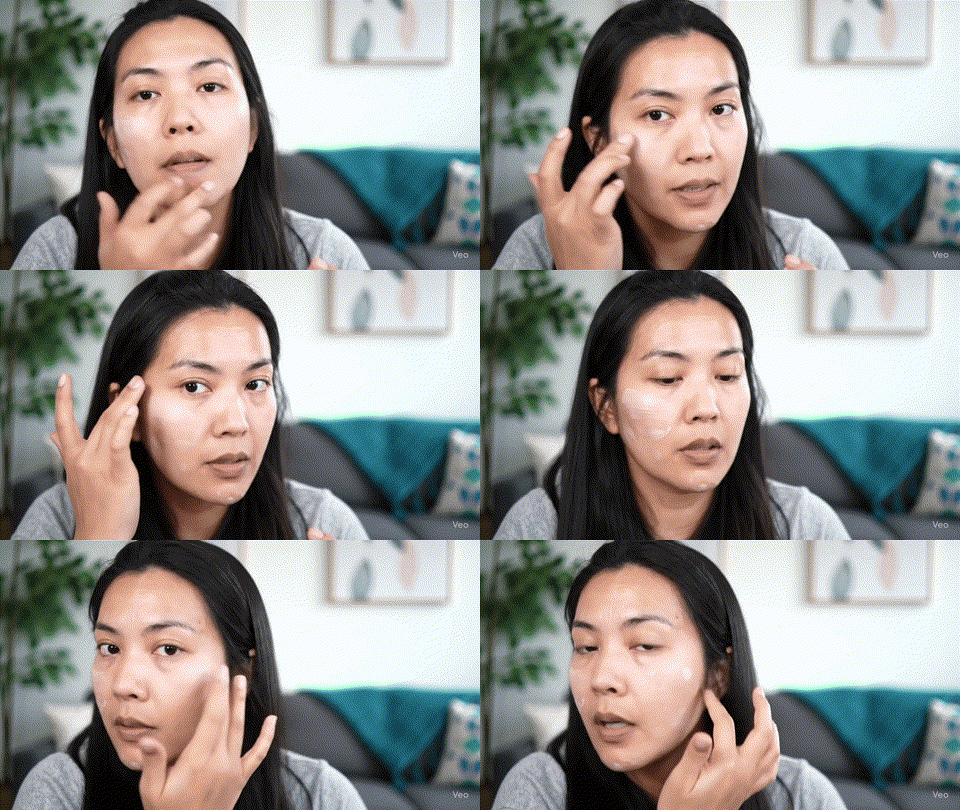
6. Veo 3 Image to Video - What Kind of Images Should You Use?
Veo 3 has a feature that converts not just text but also images into videos. The quality of your starting image is really important here.
Why High-Quality Images Matter
- The clearer the image, the higher the video quality
- Images with good composition create natural camera movement
- Images with good lighting keep the atmosphere alive in the video
Using professional images optimized for your brand is way more effective than images downloaded from general free image sites.

7. Creating the Perfect Starting Image: Using Draph Art AI Mix
Let's say you're making a product advertising video with Veo 3. How should you prepare the product image that'll be the source for your video? This is where Draph Art's AI Mix feature shines.
What is Draph Art AI Mix?
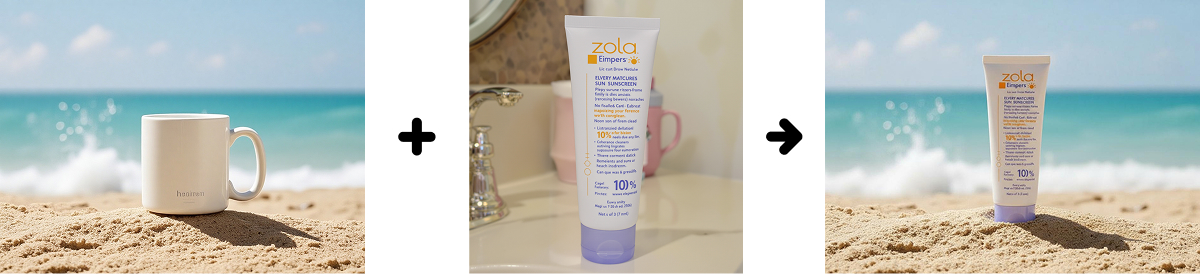
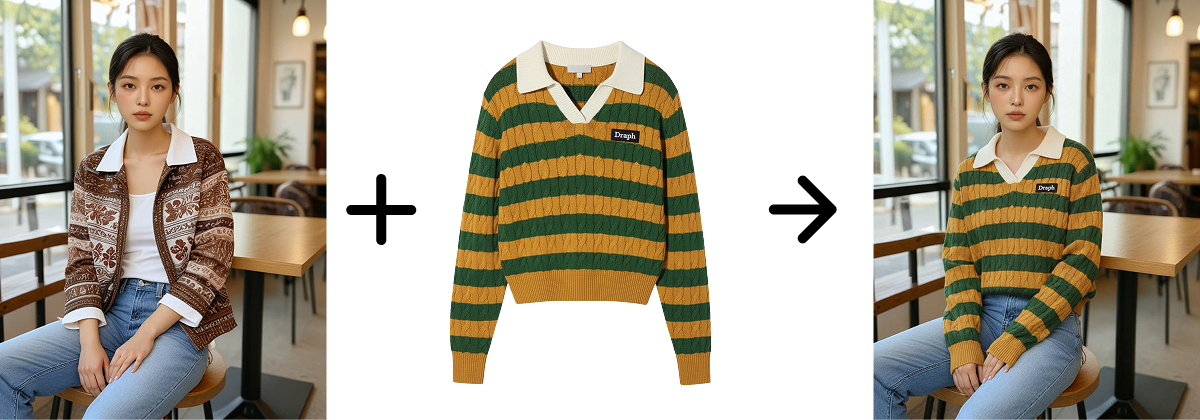
Draph Art, an AI image generation site, is a service specialized in product photos. Select a base image from the free image stock, upload your product, and the AI automatically composites it for you. Especially when composited with model images, you get natural images of models wearing or using your products.
Real Workflow: Draph Art → Veo 3 Video Creation
Let me show you how to turn product images made with Draph Art into product advertising videos using Veo 3.
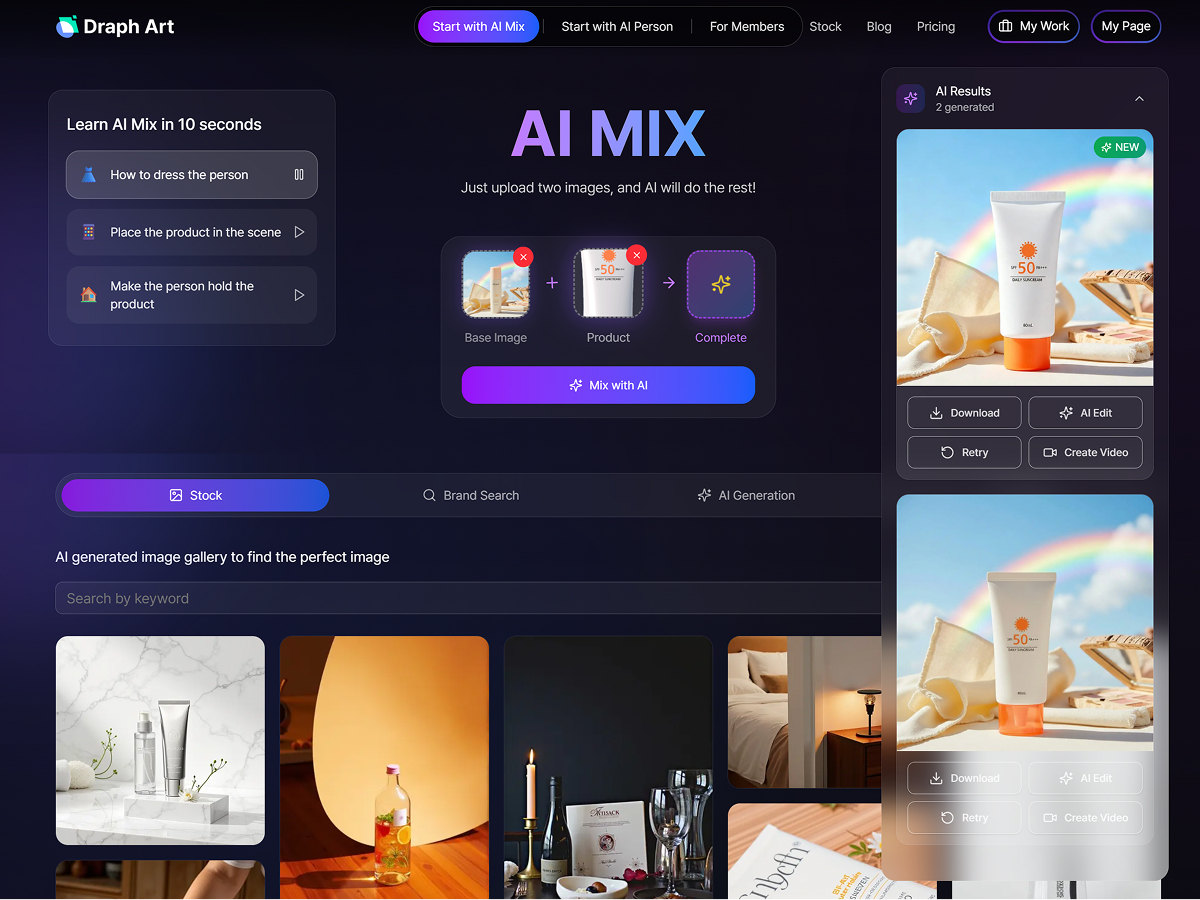
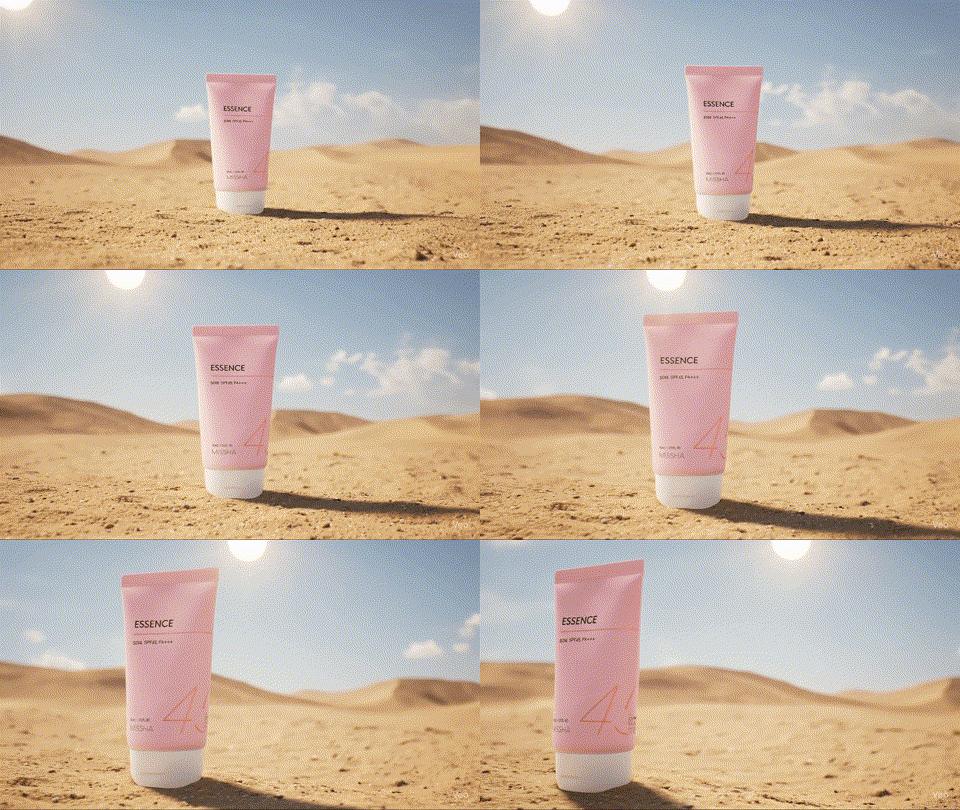
1. Generate product images with Draph Art AI Mix
Select a base image, upload your product image, and create attractive product images. Generating product images with Draph Art AI Mix

2. Create videos from images using Veo 3
Upload the image in Gemini or Flow, enter your prompt, and generate the video

This way, you can link an AI image generation site with an AI video creation site to create perfect marketing content. You can produce brand-quality videos without a professional studio.

AI video creation isn't just for professionals anymore. With tools like Veo 3 and Flow emerging, anyone can easily make high-quality videos. Especially if you run an online business, try the strategy of creating product images with Draph Art and turning them into videos with Veo 3. Using both static images and dynamic videos makes for way more effective marketing. If you start learning this step by step now, you'll have a huge competitive edge in video content creation!